
Little Relay: تتبع الطفل
متابعة الرضيع وتتبع الطفل: رضاعة ونوم وحفاضات، بدون حساب وبدون اتصال

Little Relay دفتر لـ تتبع الطفل، من الولادة حتى الوجبات الأولى. كل شيء يبقى على هاتفك: بدون حساب، بدون اتصال، بدون إعلانات.
ما يقدمه Little Relay
الرضاعة الطبيعية والزجاجة
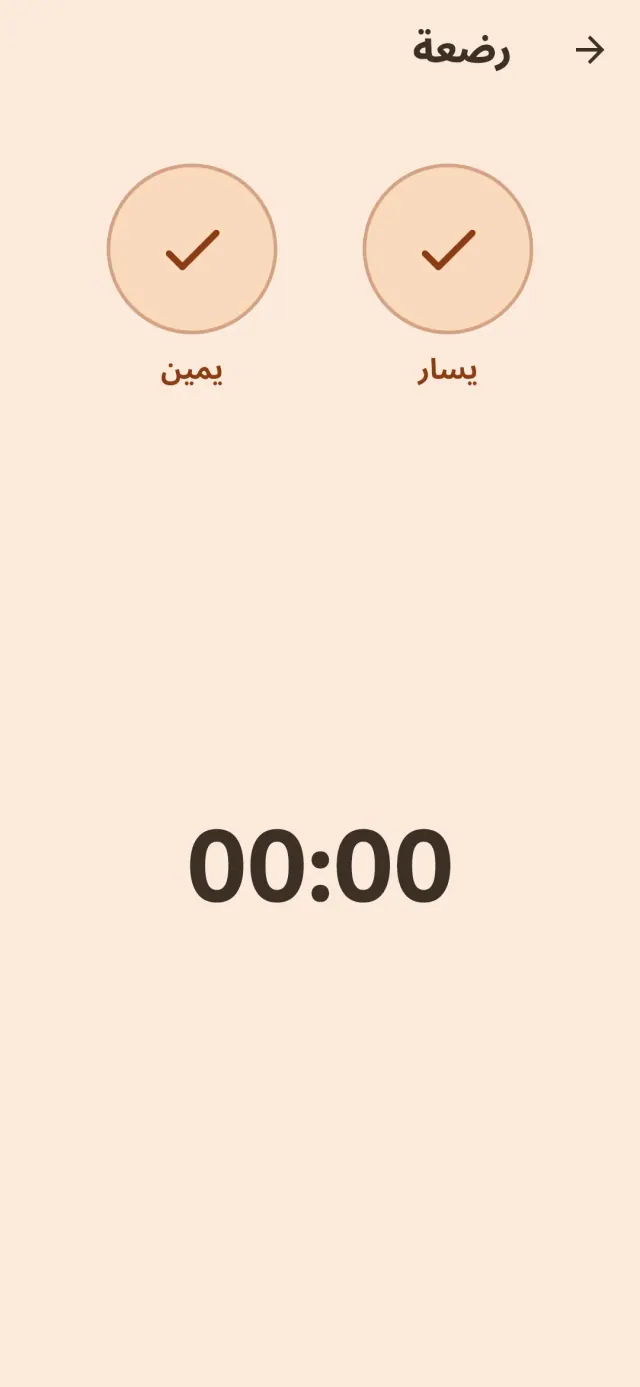
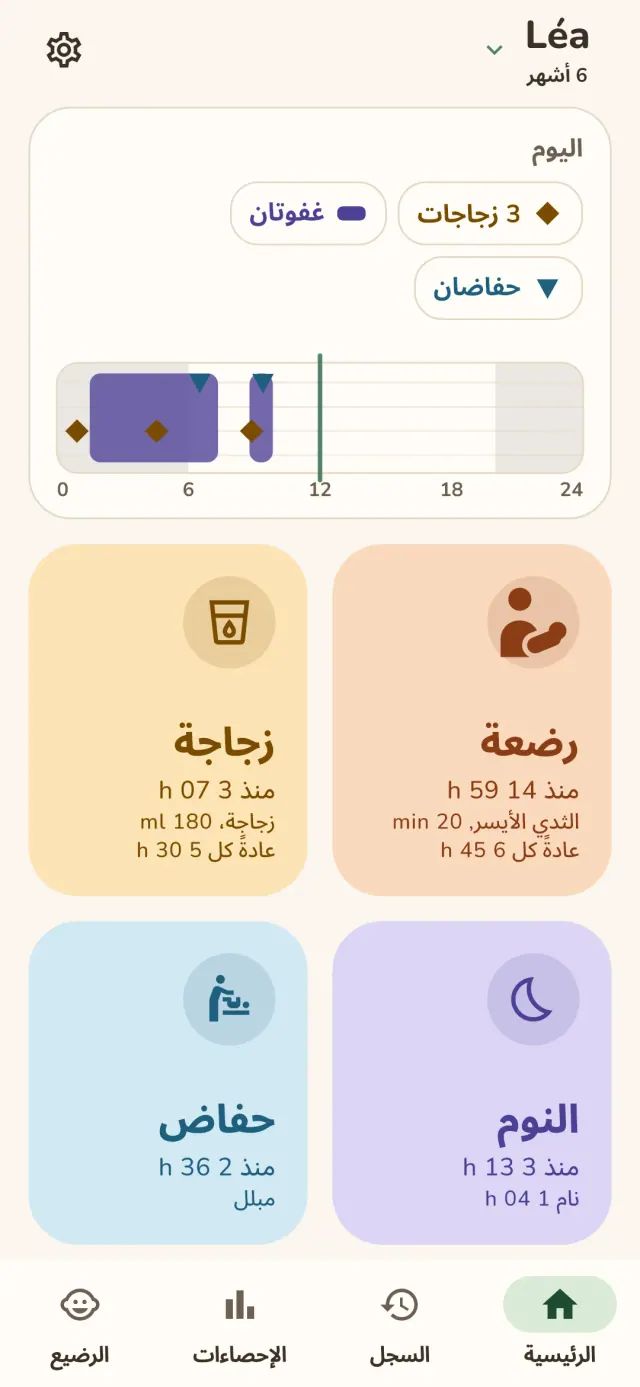
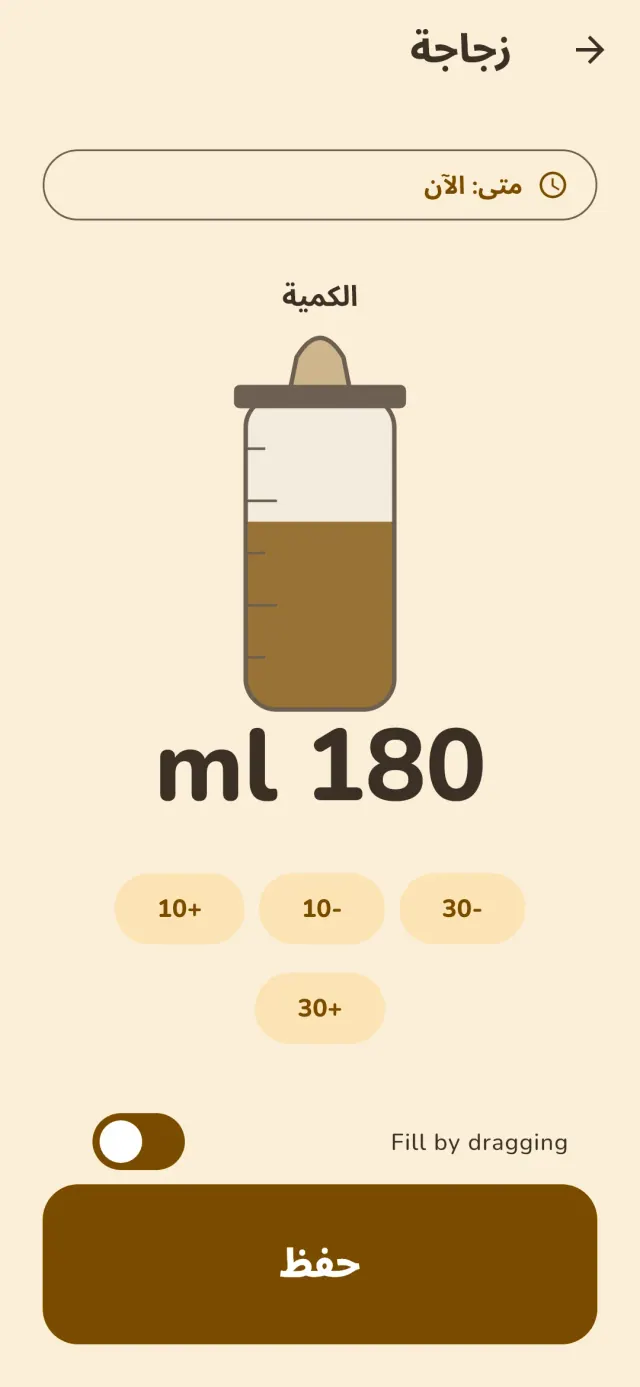
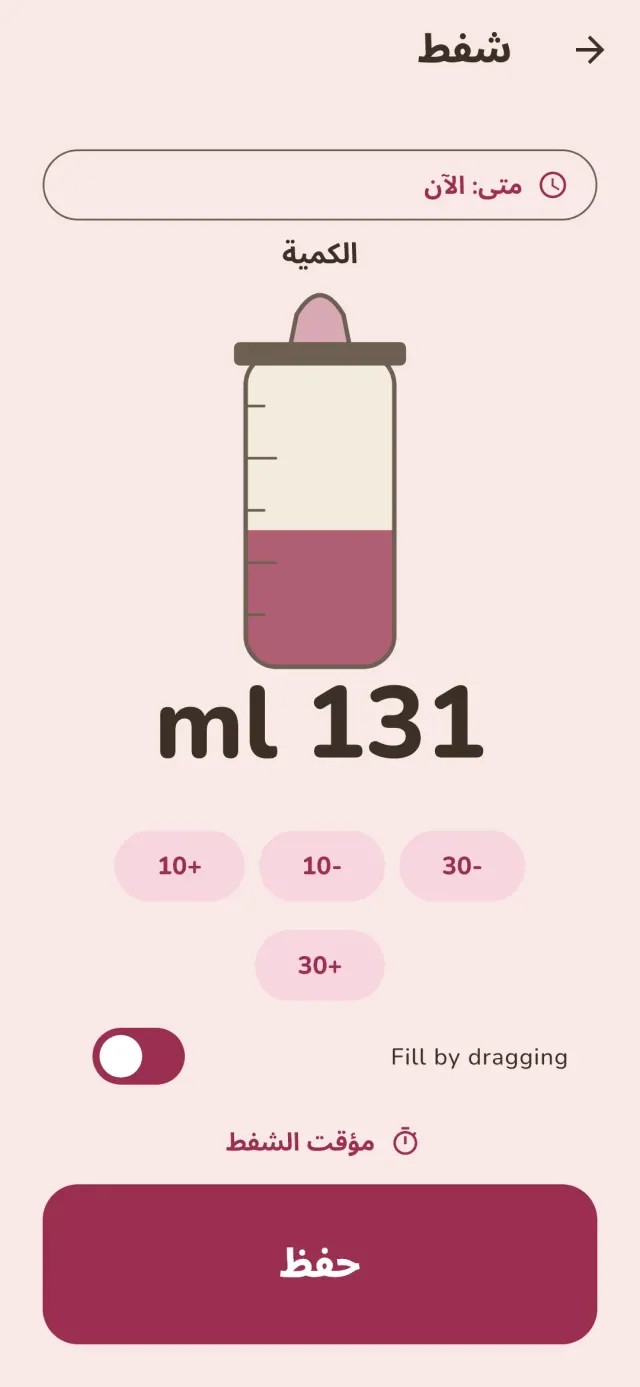
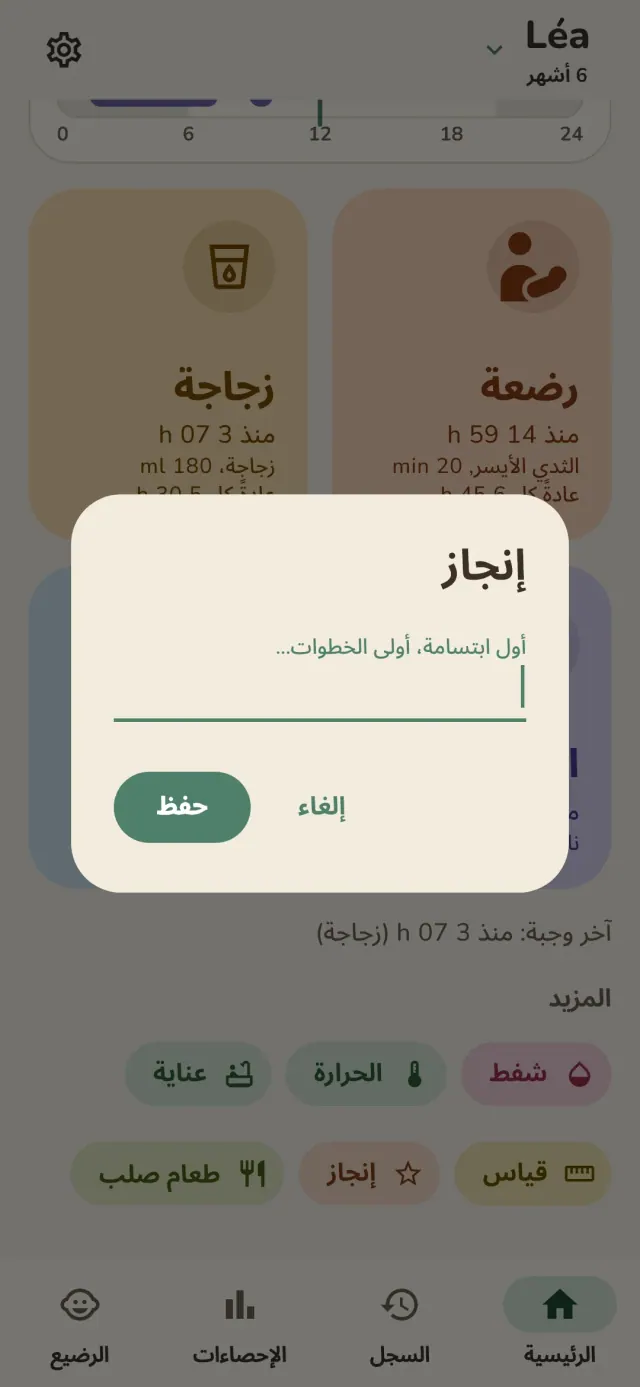
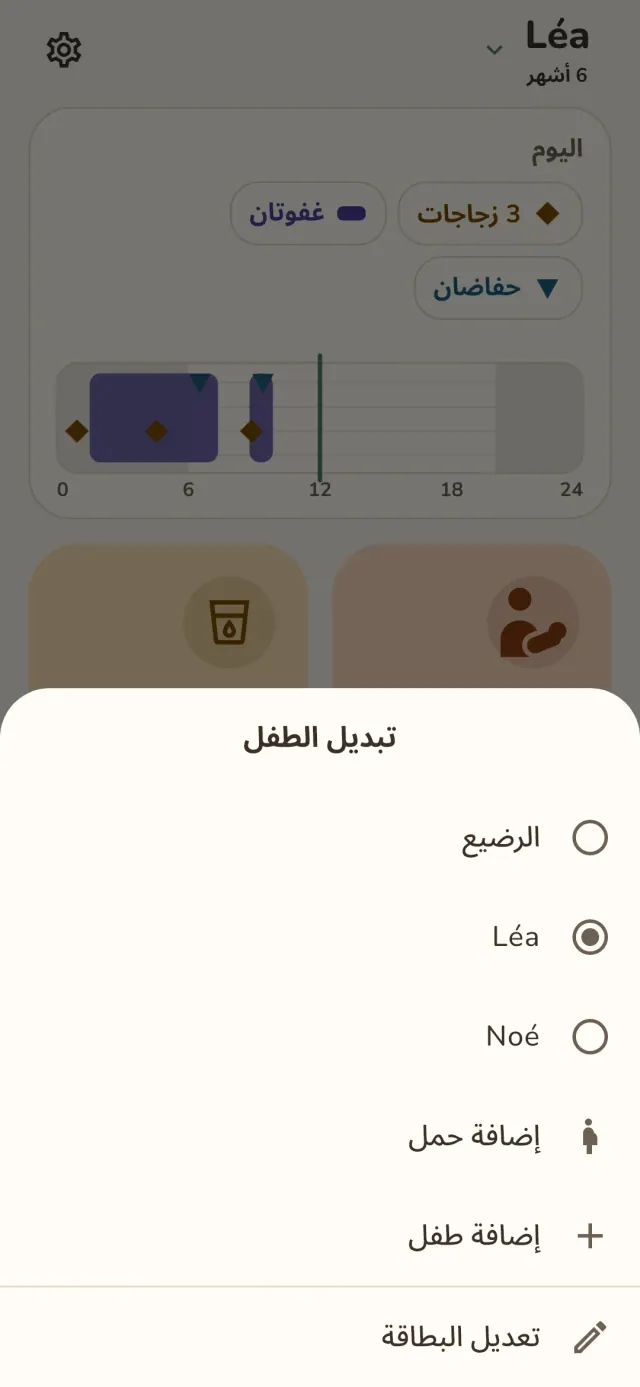
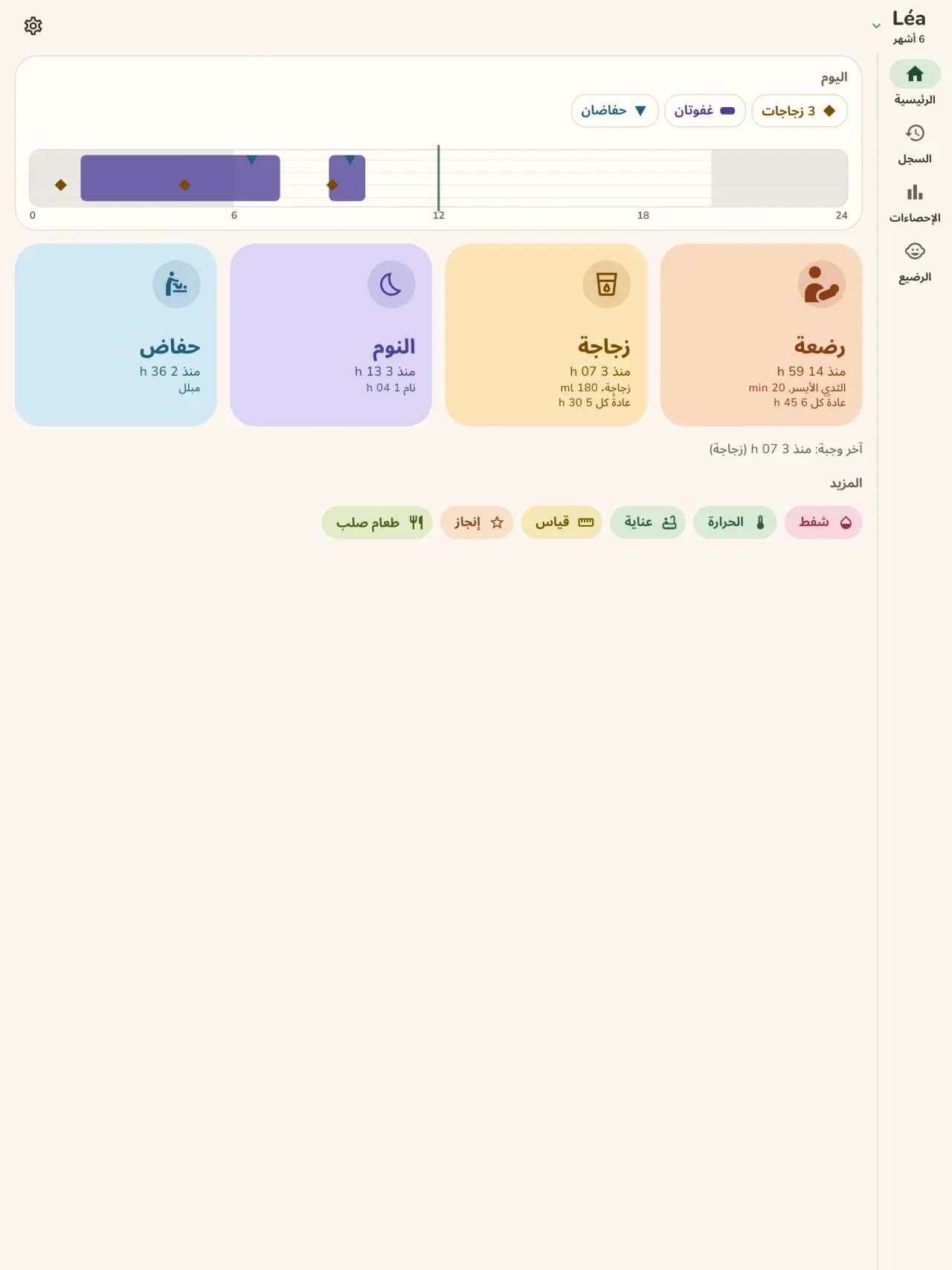
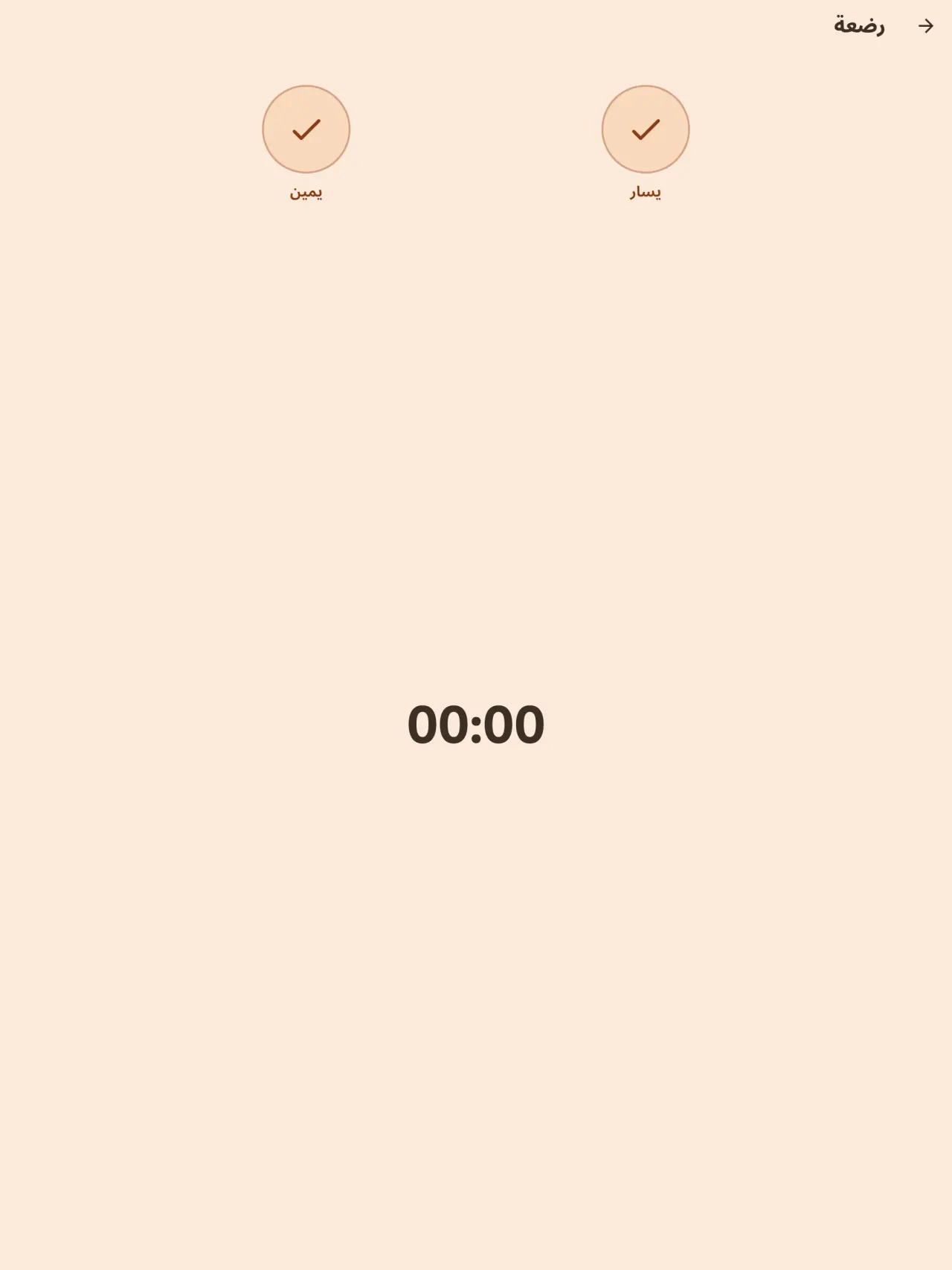
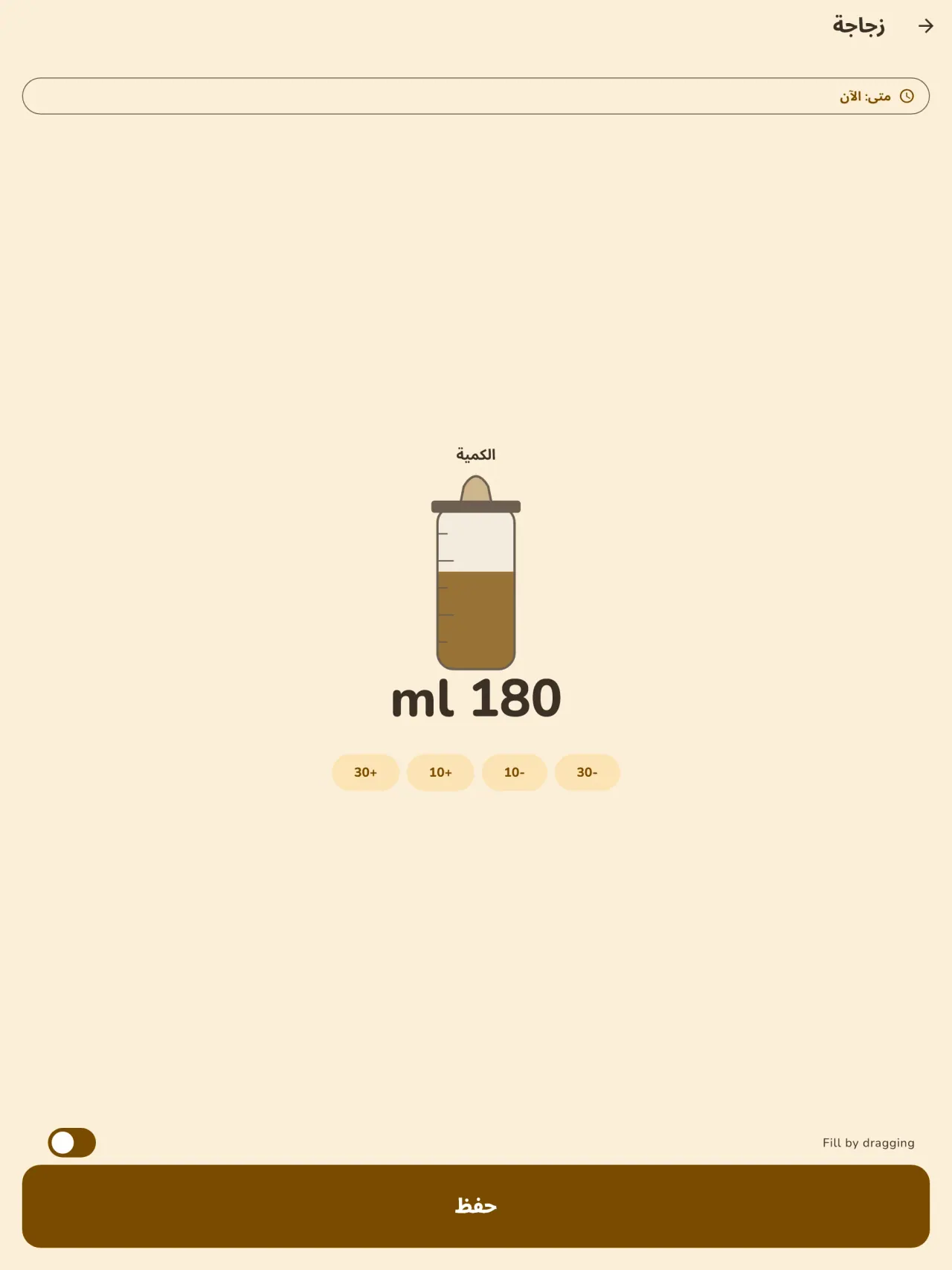
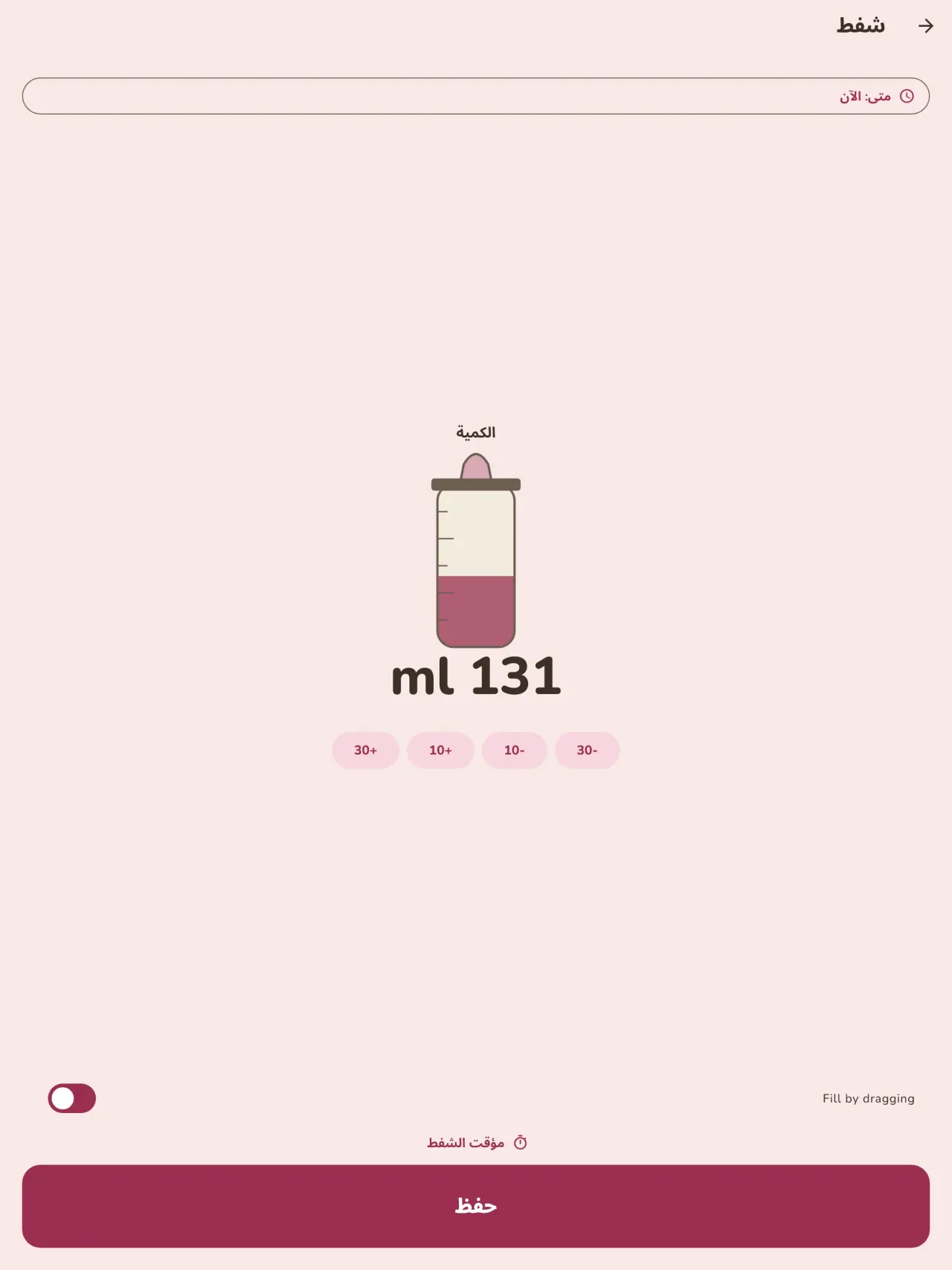
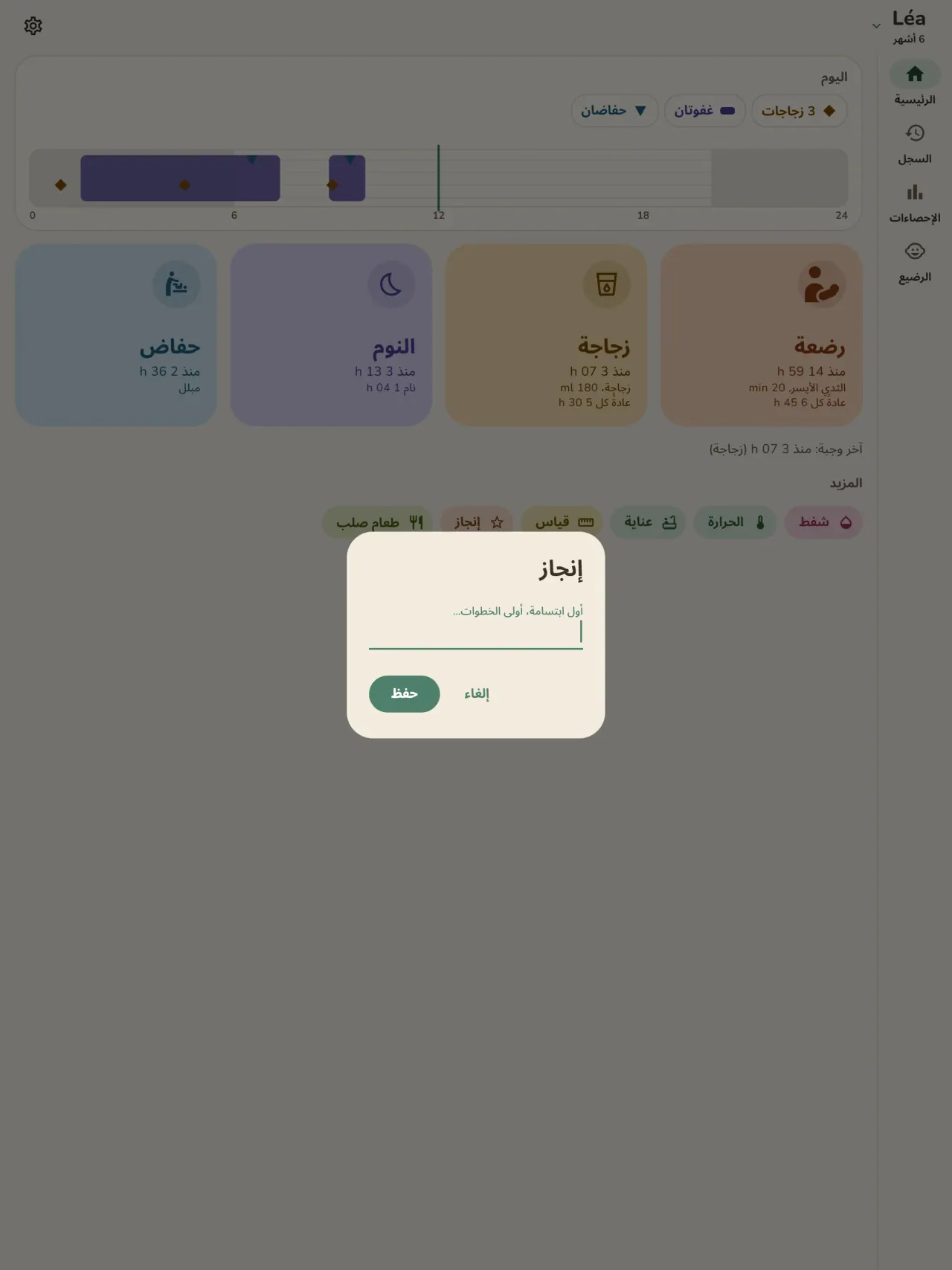
سجّل كل رضعة بلمسة واحدة: الثدي الأيسر أو الأيمن مع مؤقت وإيقاف مؤقت، أو الزجاجة مع الكمية بالمل. تعرض الشاشة الرئيسية الوقت الذي مضى منذ آخر رضعة وأي ثدي كان. ولشفاط الحليب خانة خاصة به.
النوم والحفاضات
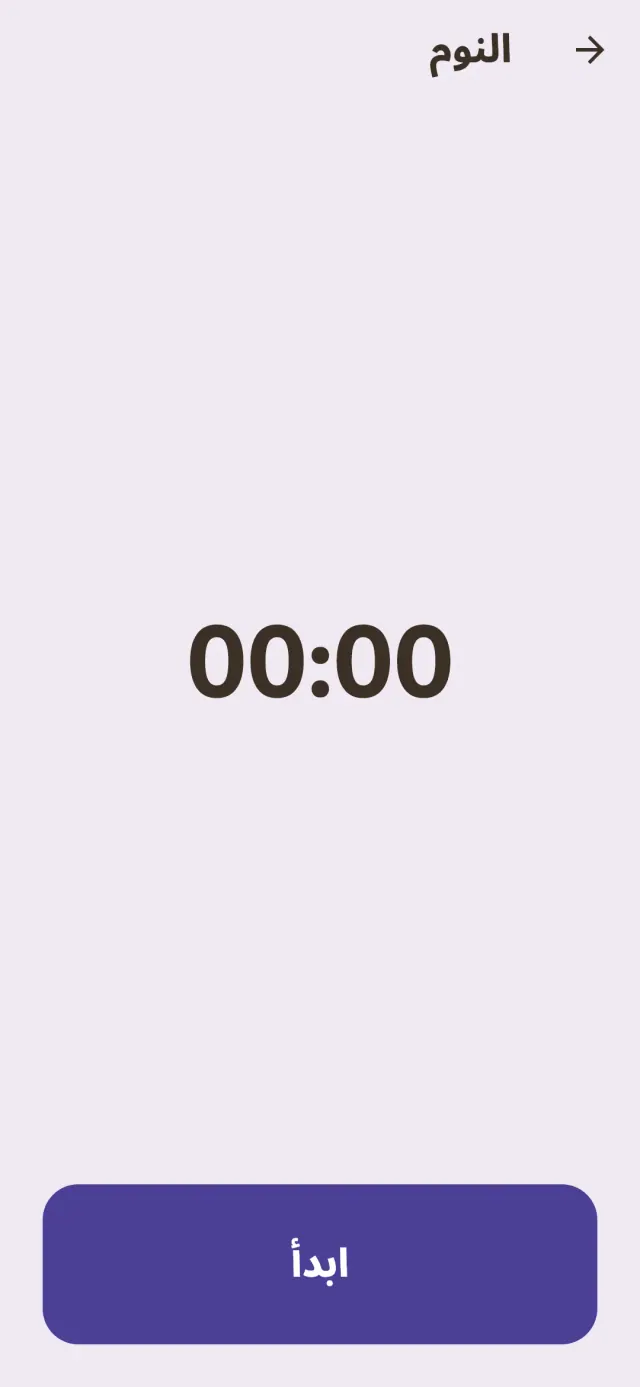
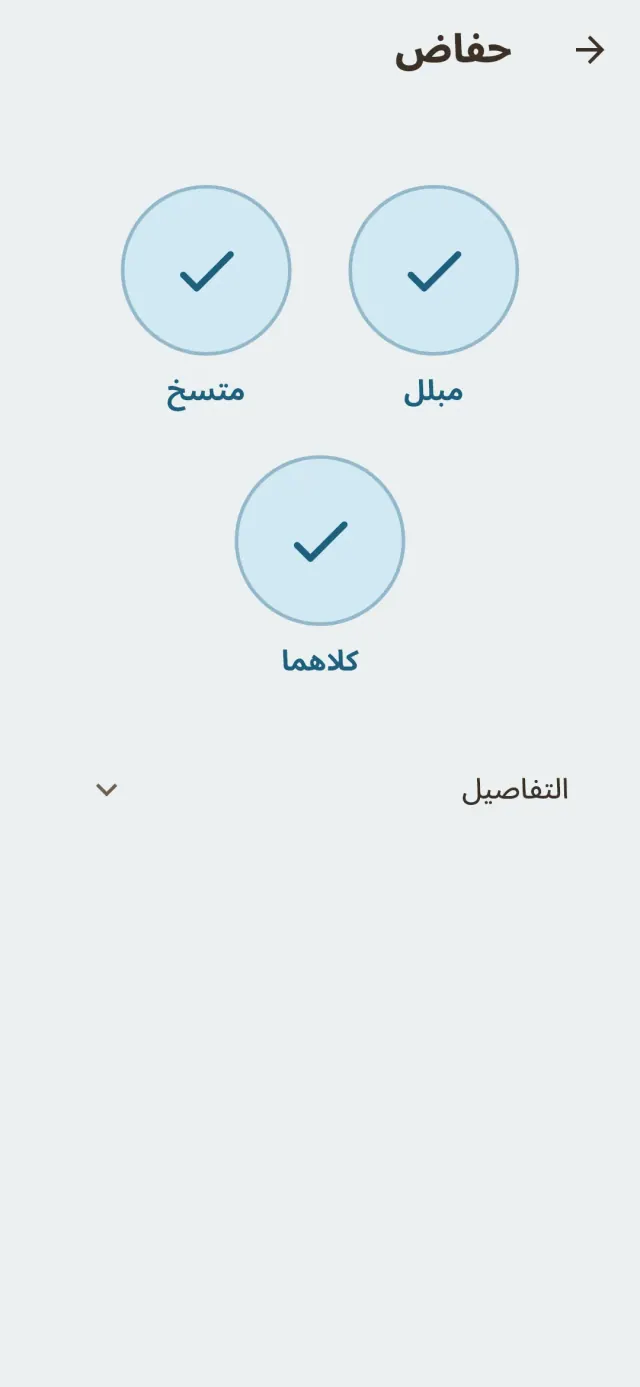
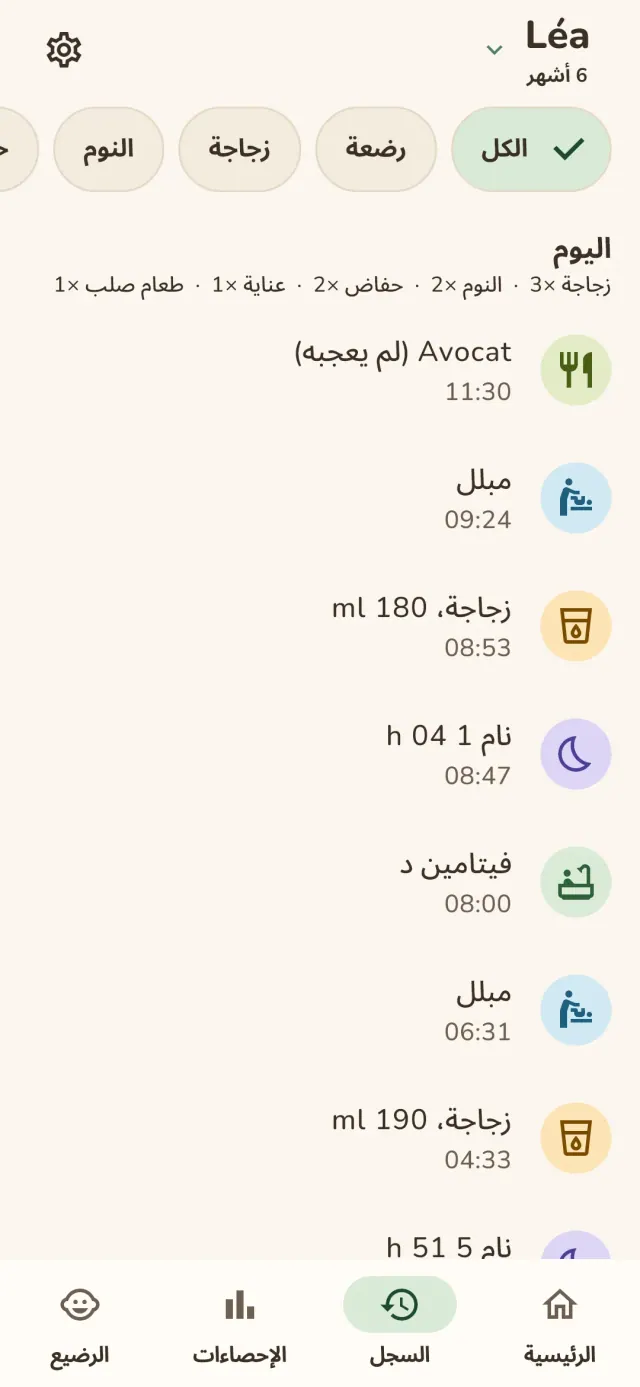
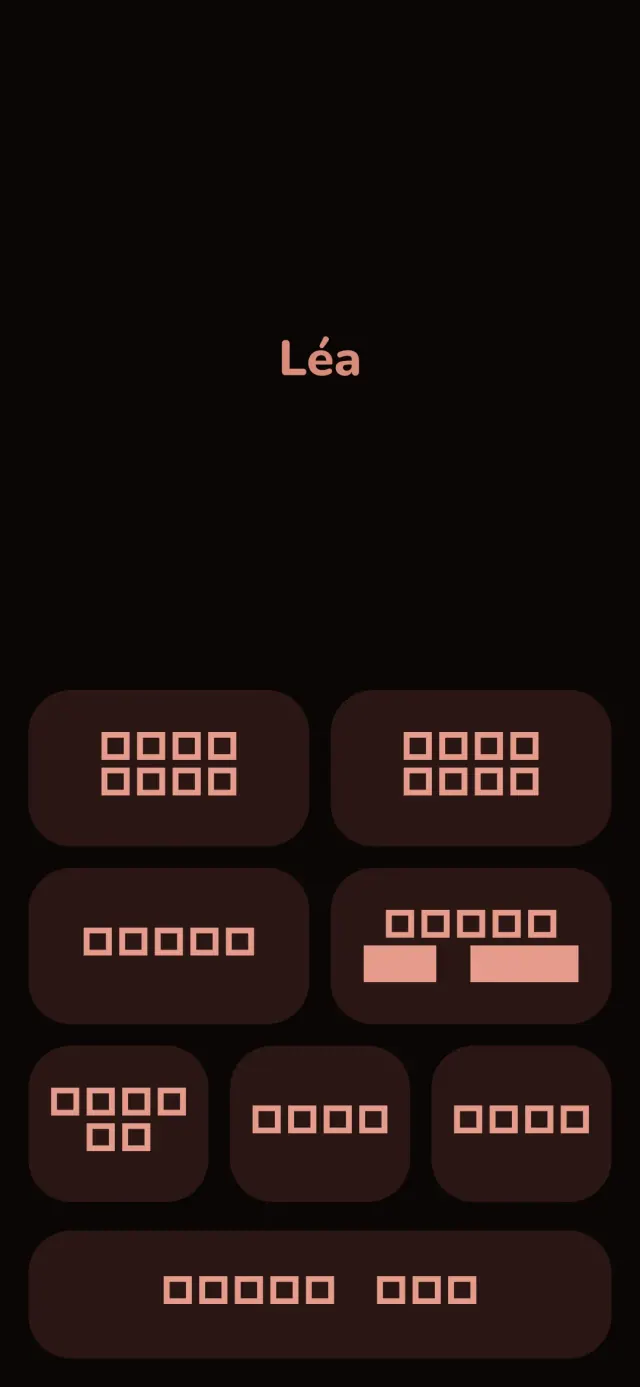
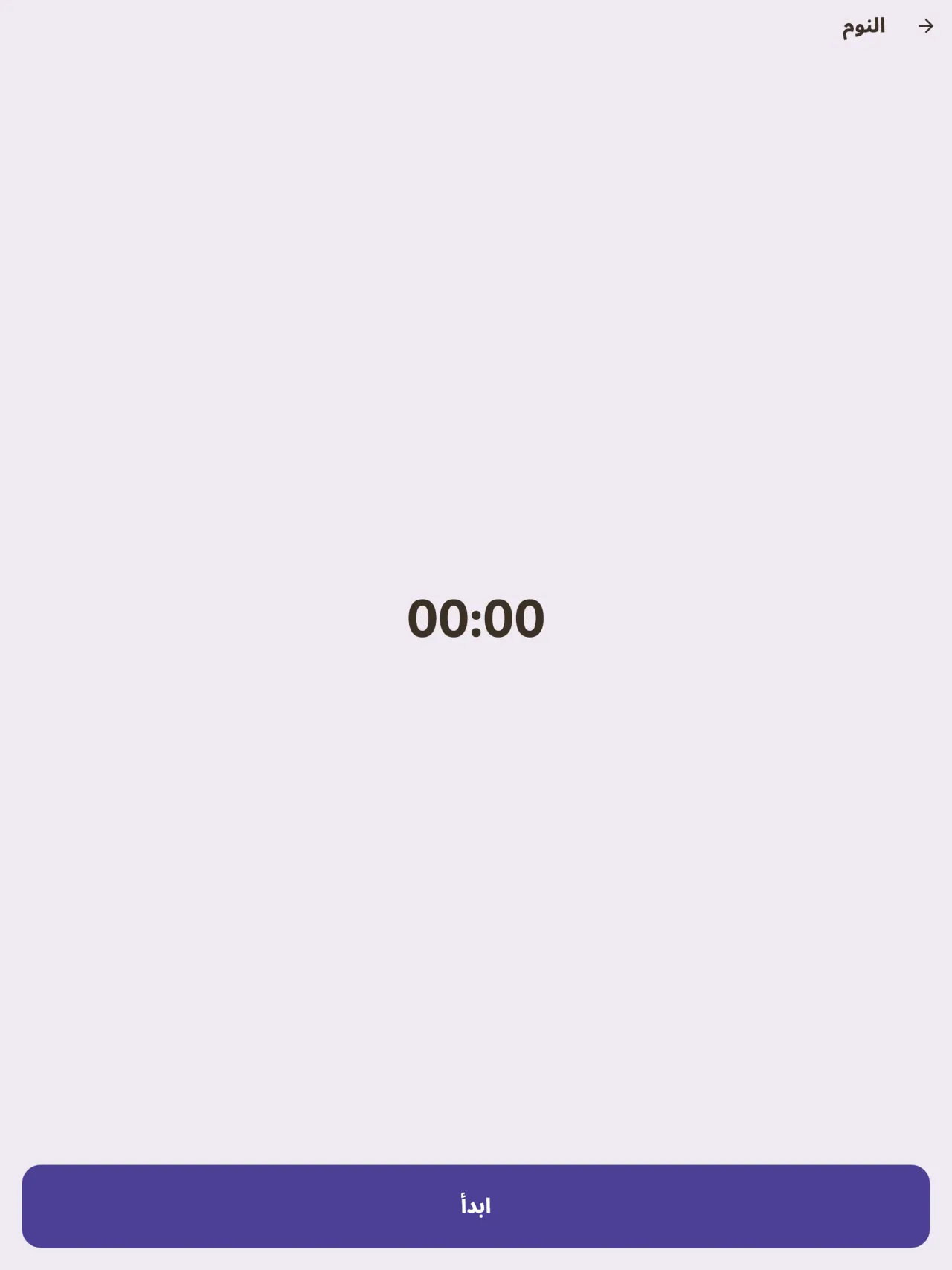
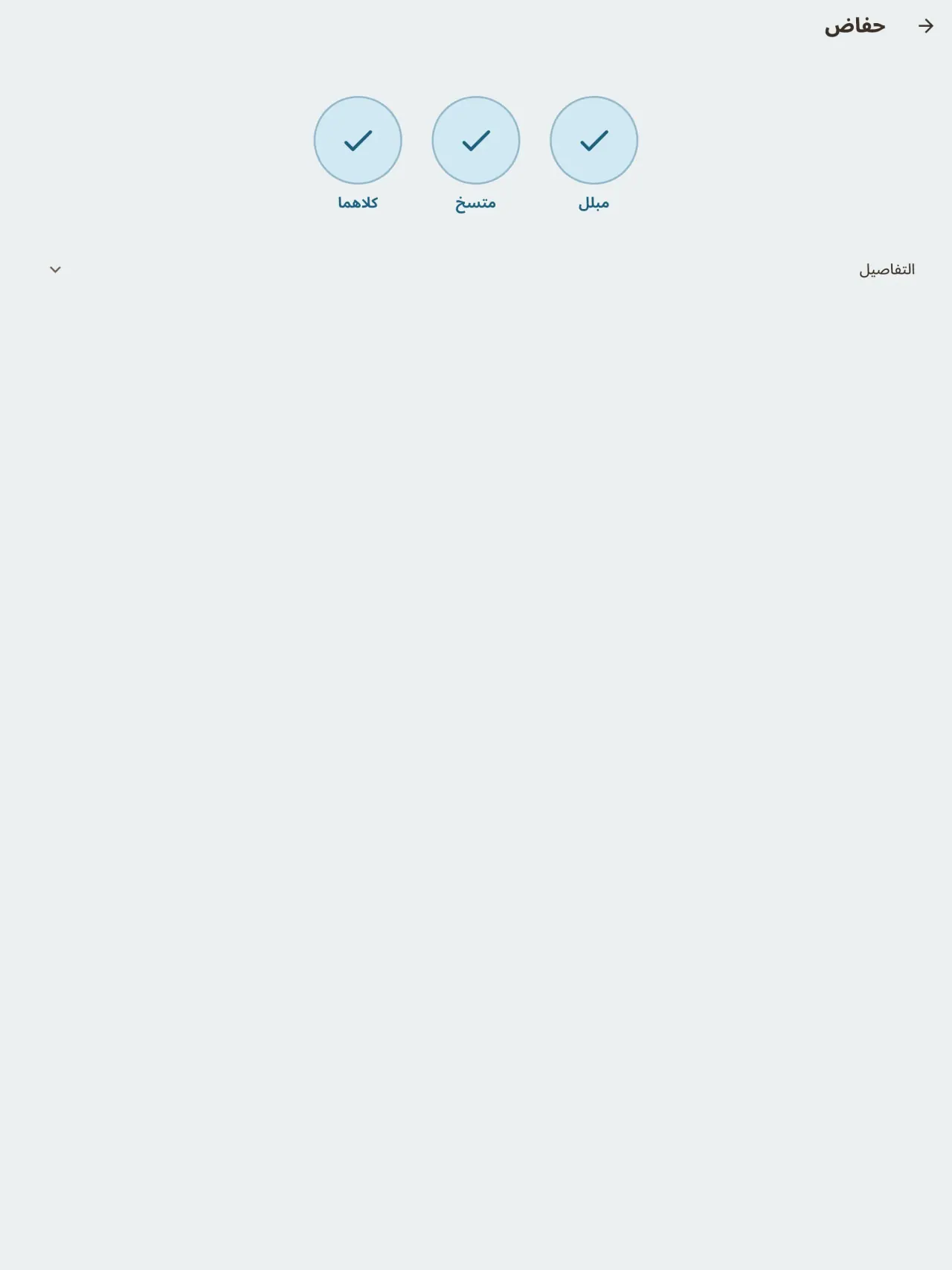
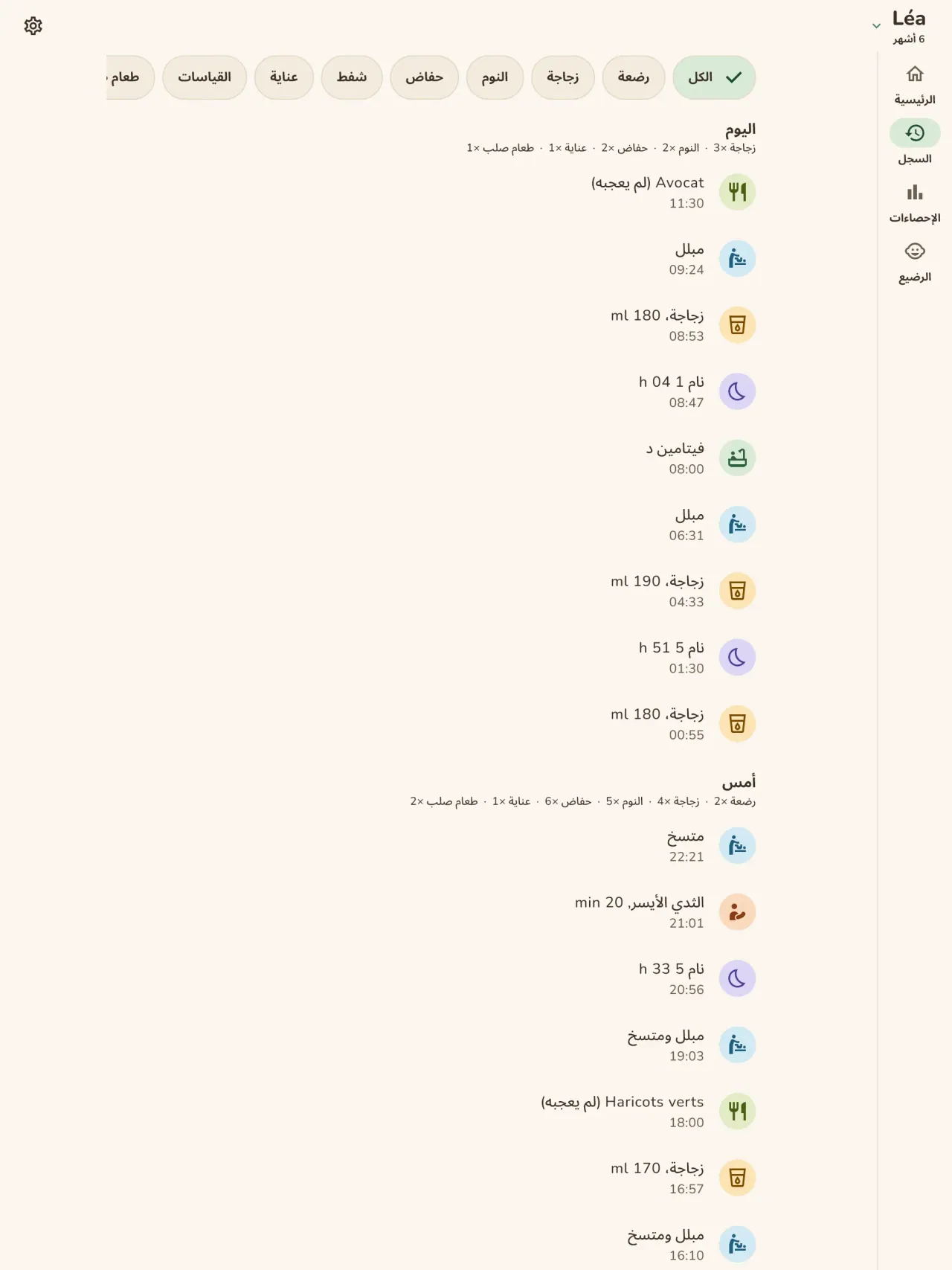
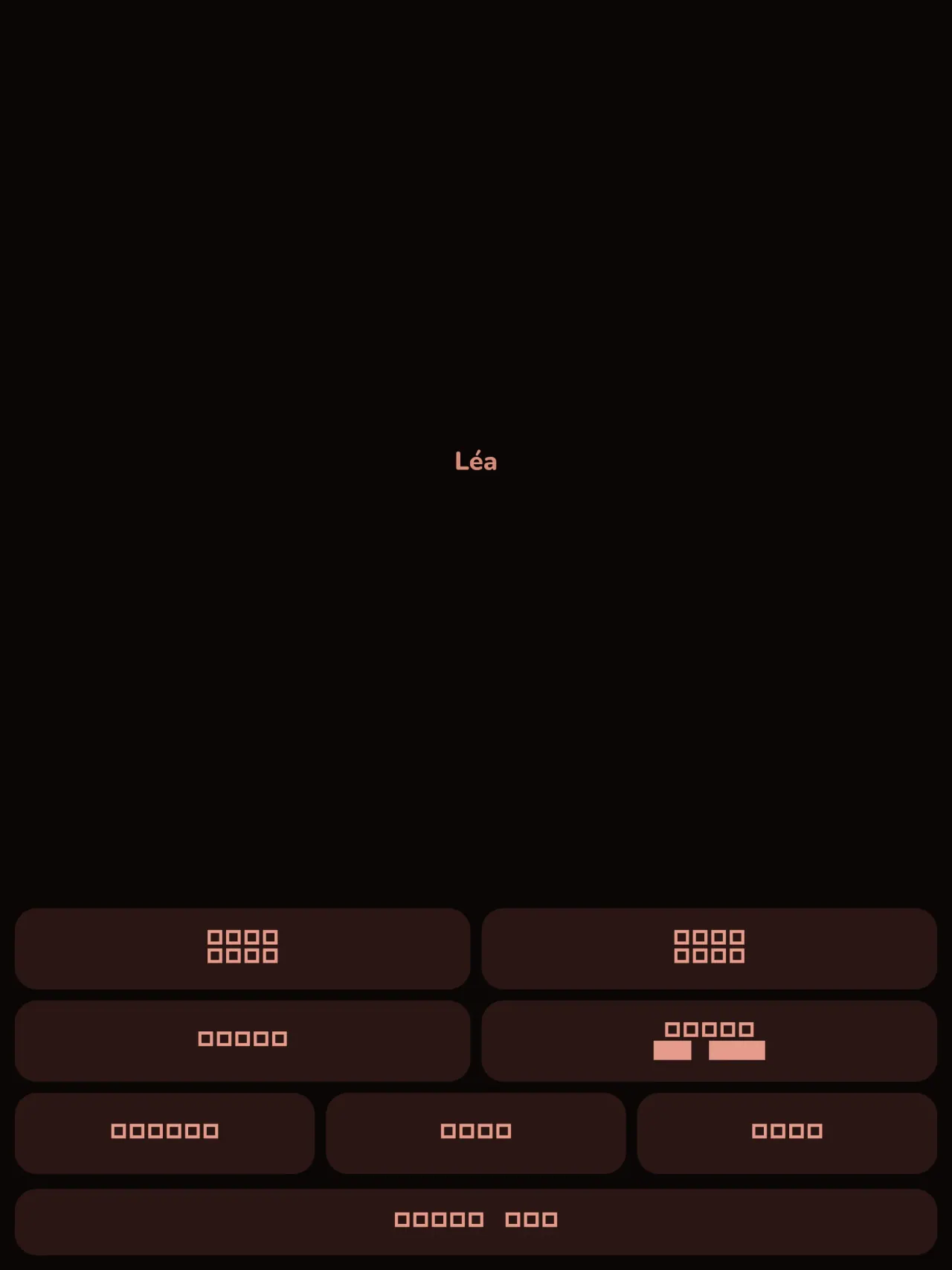
شغّل مؤقتاً لكل فترة نوم وسجّل الحفاضات بضغطة واحدة. يُبقي الوضع الليلي الشاشة معتمة والأزرار كبيرة، لتستعمله بيد واحدة في الثالثة صباحاً.
منحنى النمو
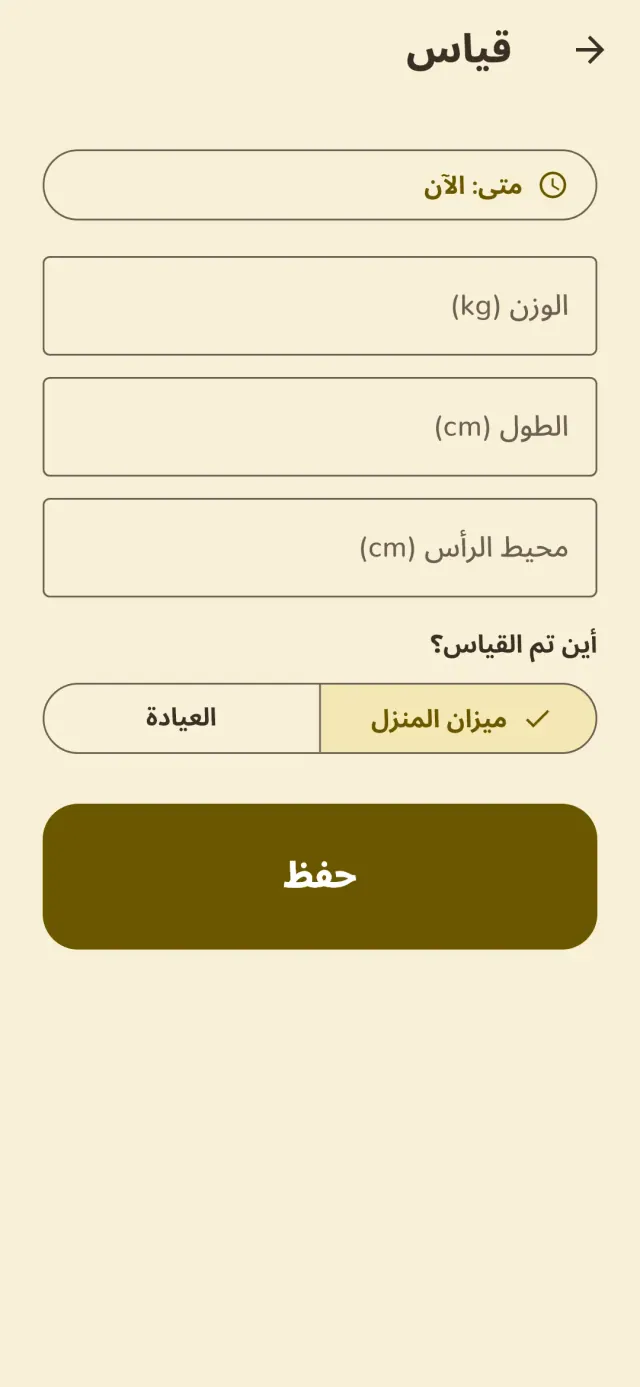
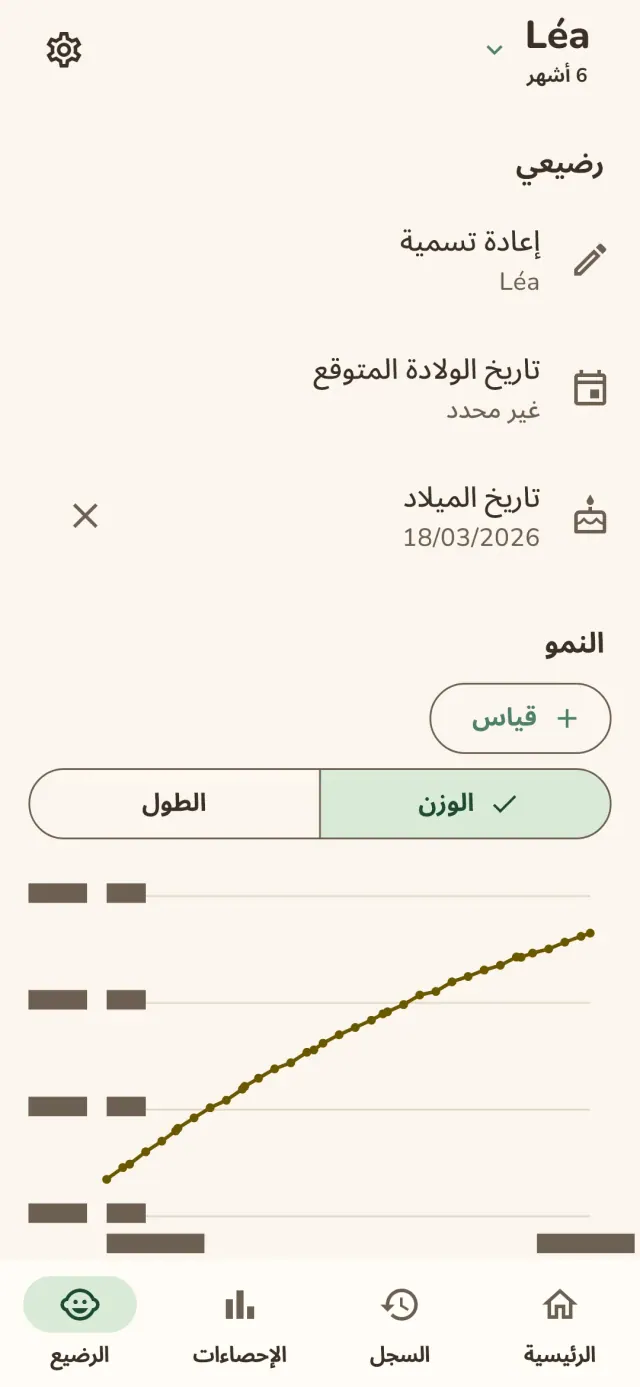
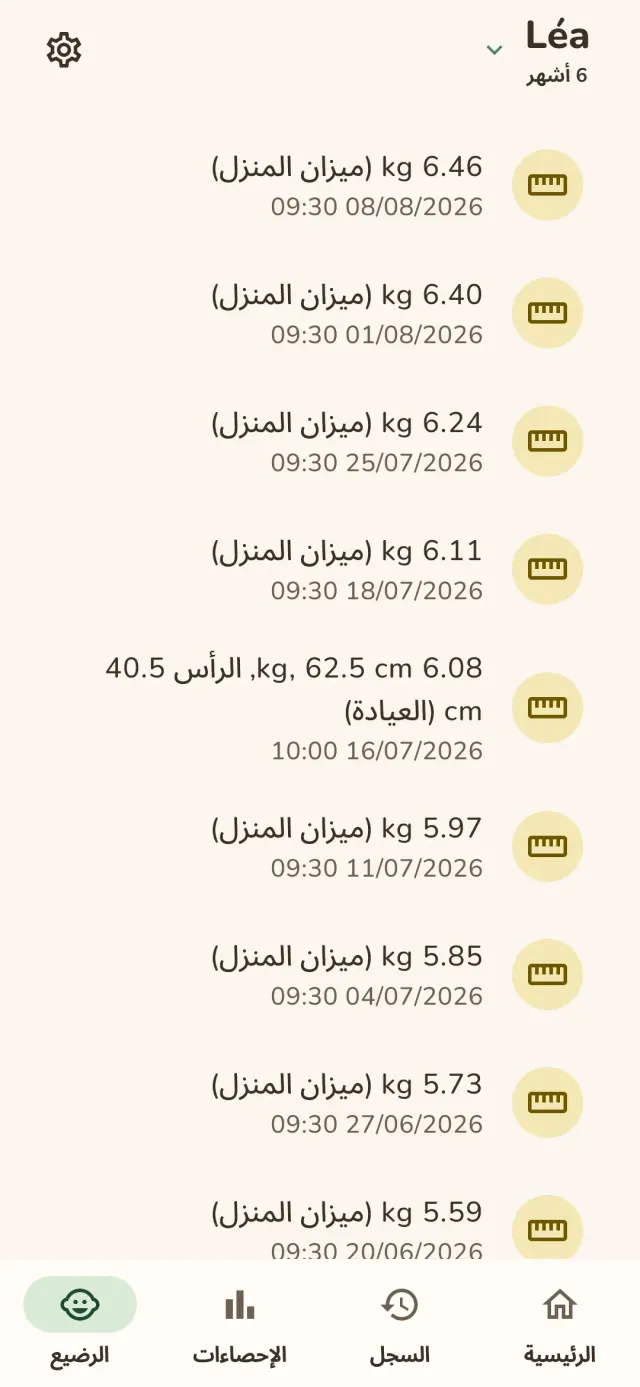
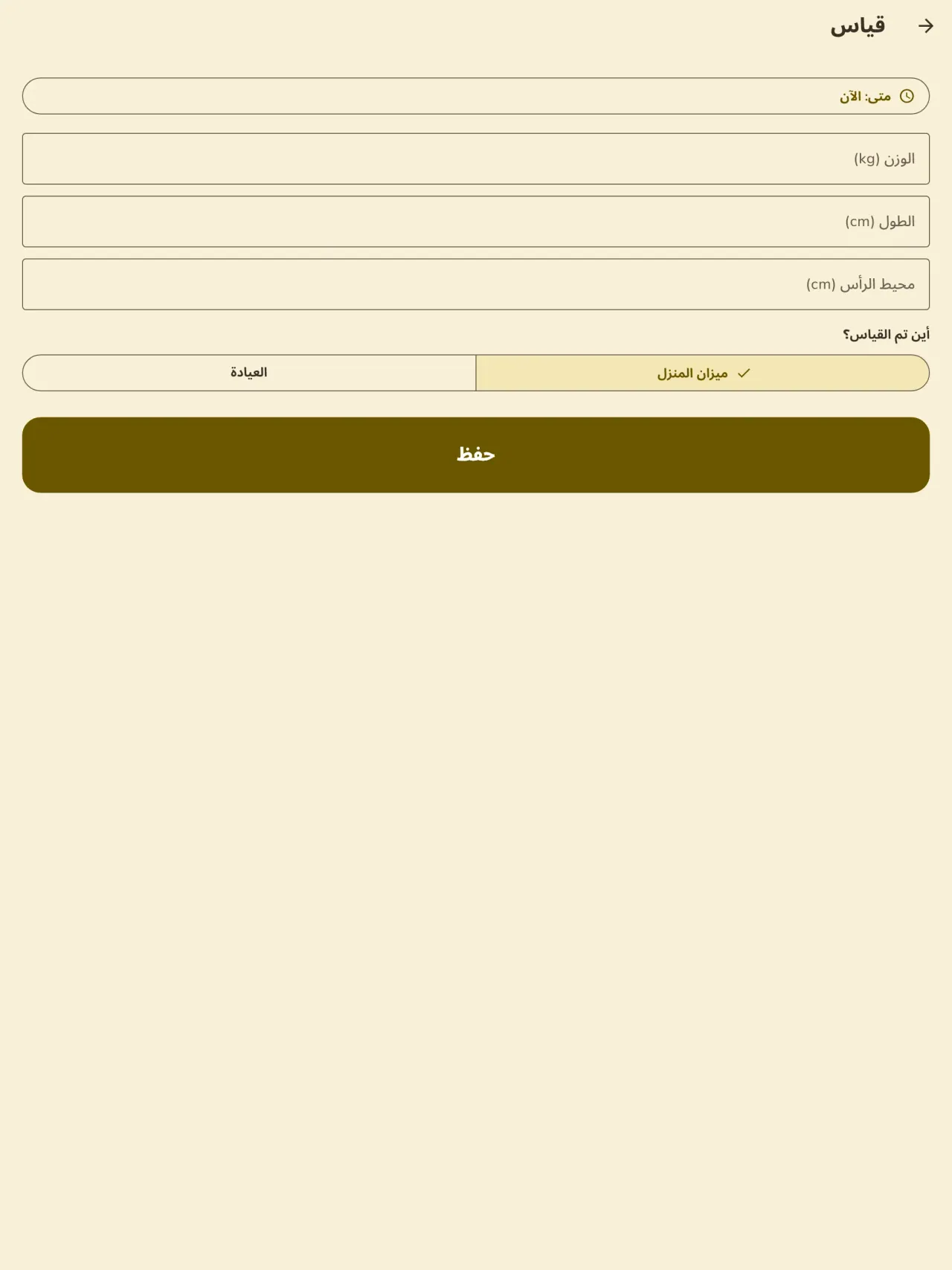
أدخل الوزن والطول مع تحديد ما إذا كانا من ميزانك أو من العيادة. يتحدث منحنى النمو بعد كل إدخال ويبقى واضحاً من موعد إلى آخر.
تغذية الطفل
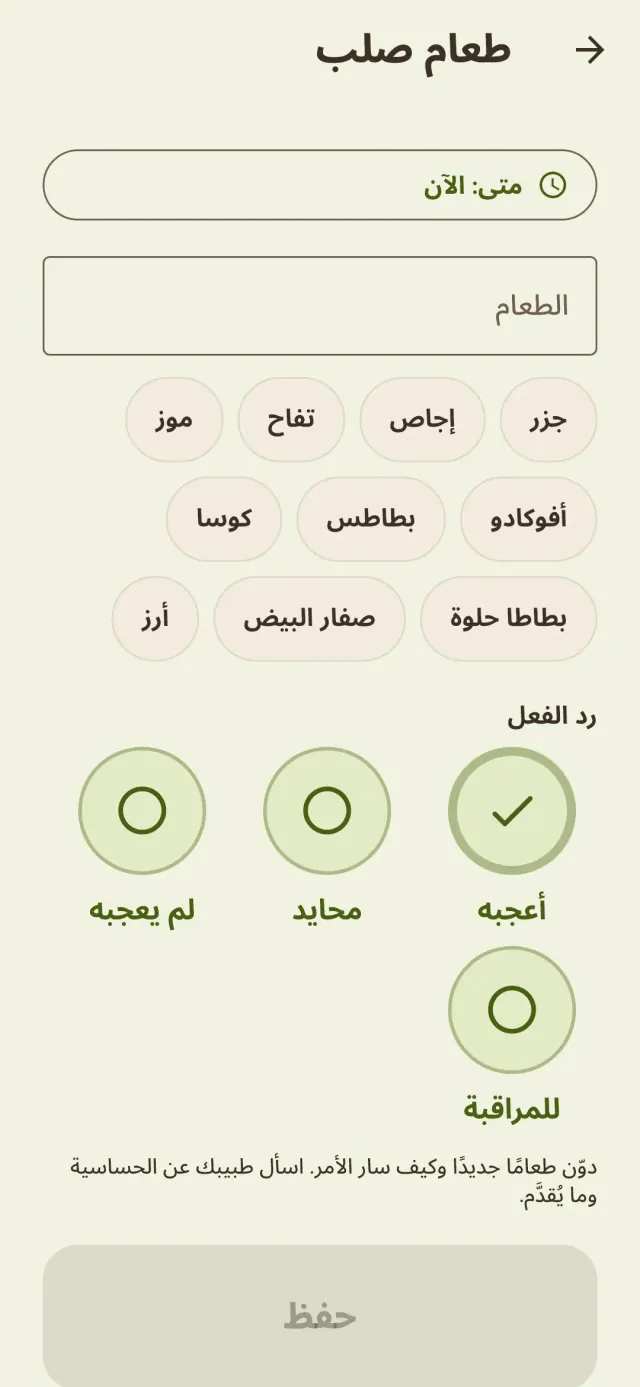
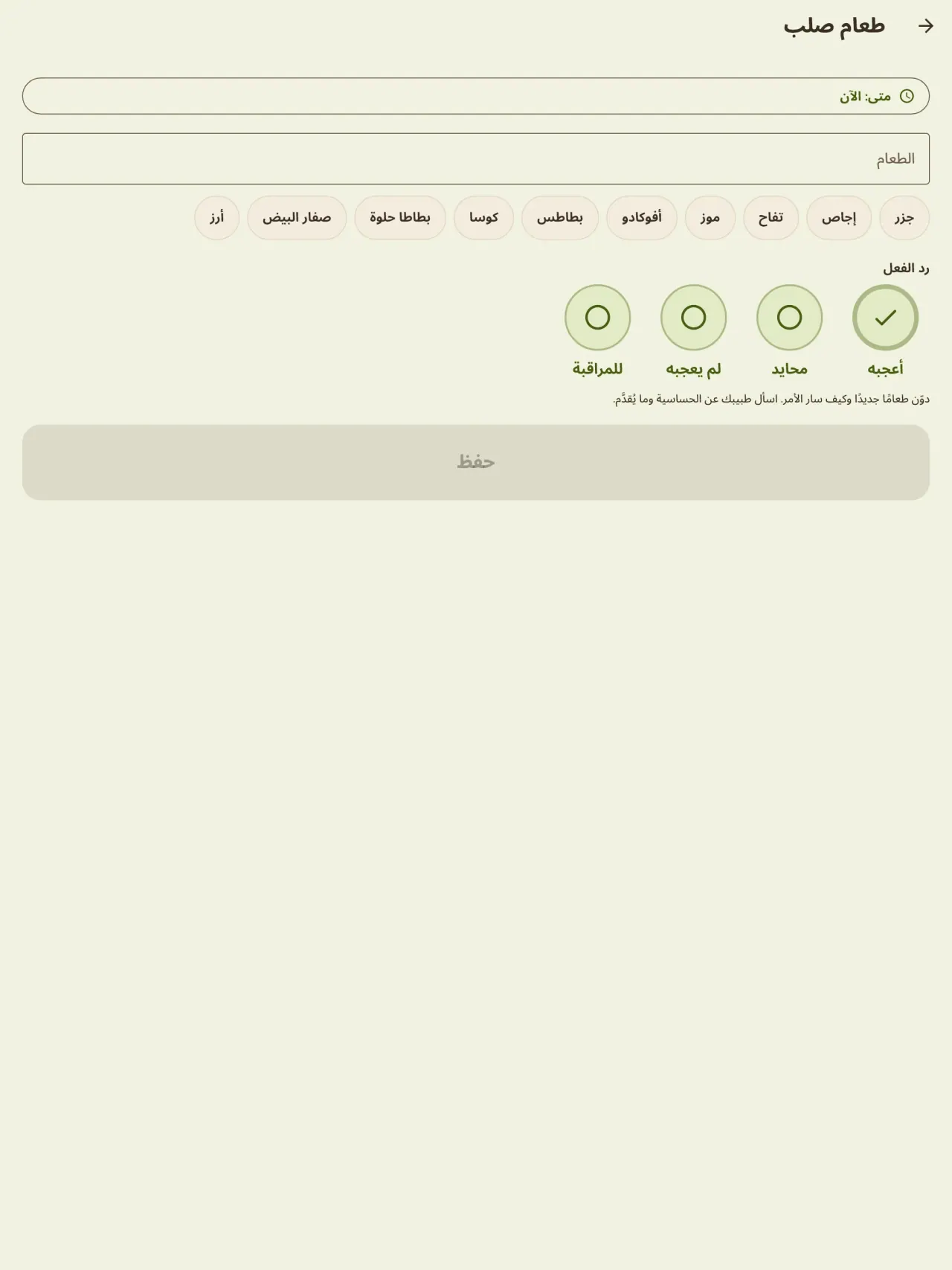
سجّل كل طعام جديد وتاريخه وردّ فعل الطفل، ثم نظّم الوجبات على جدول.
قبل الولادة
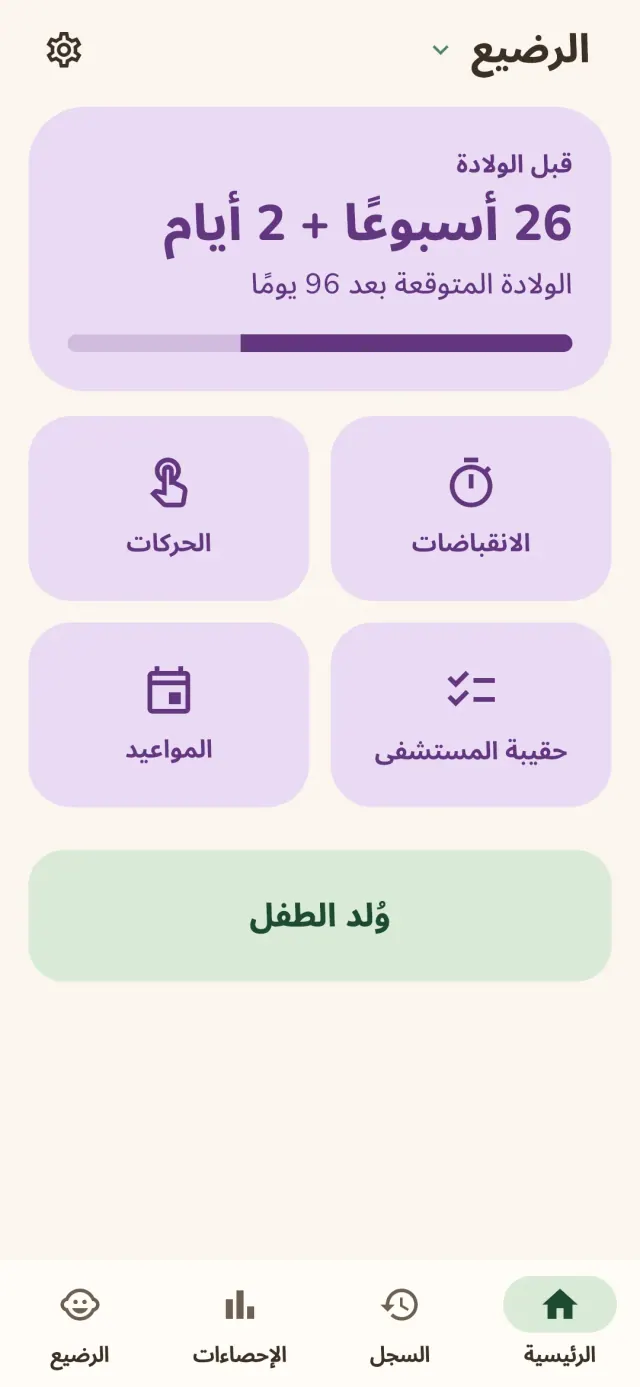
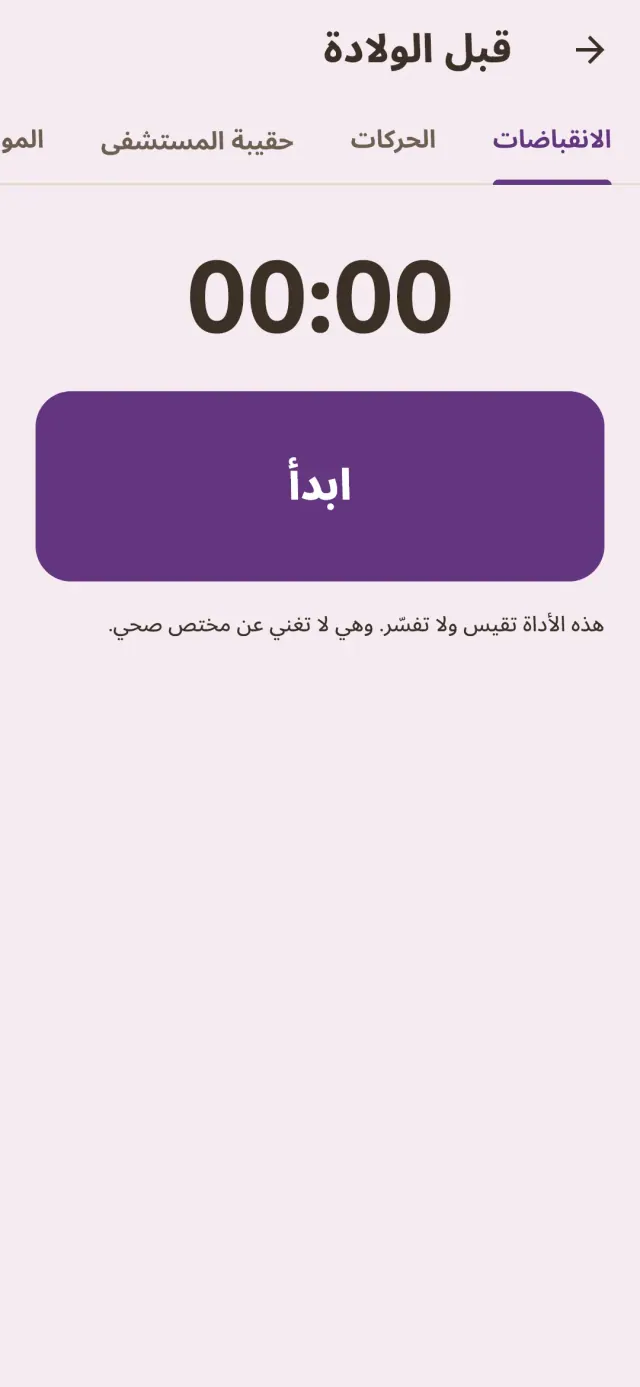
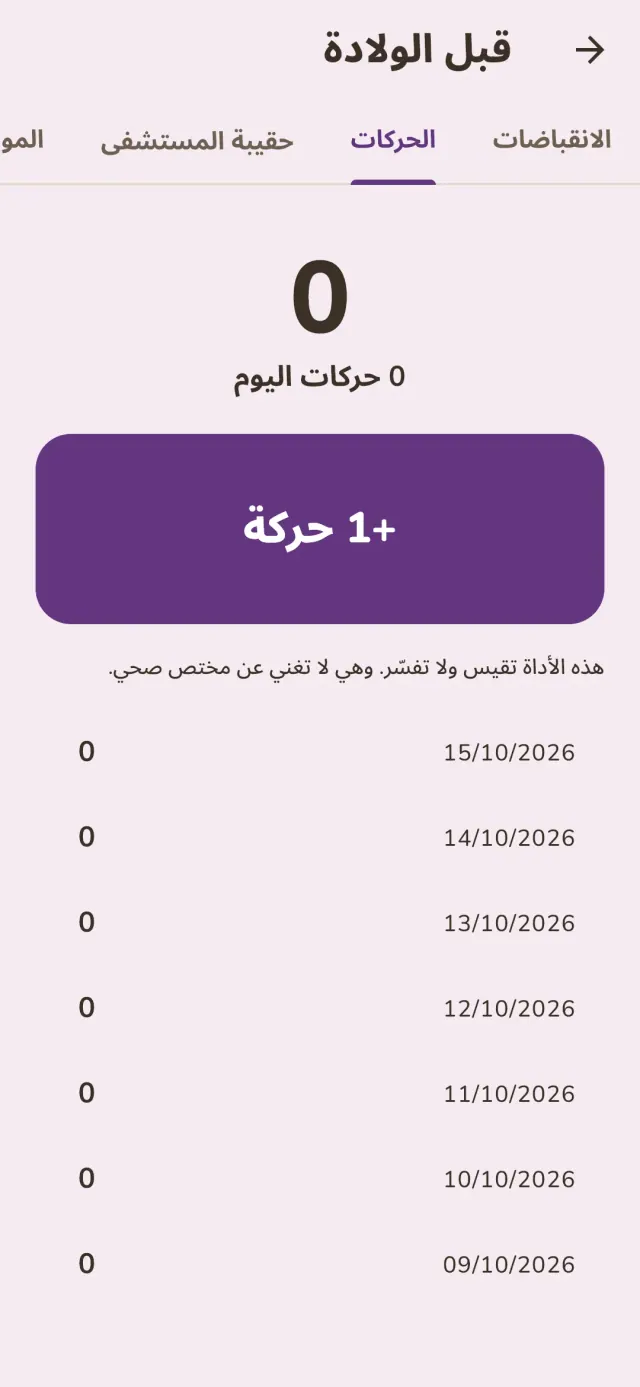
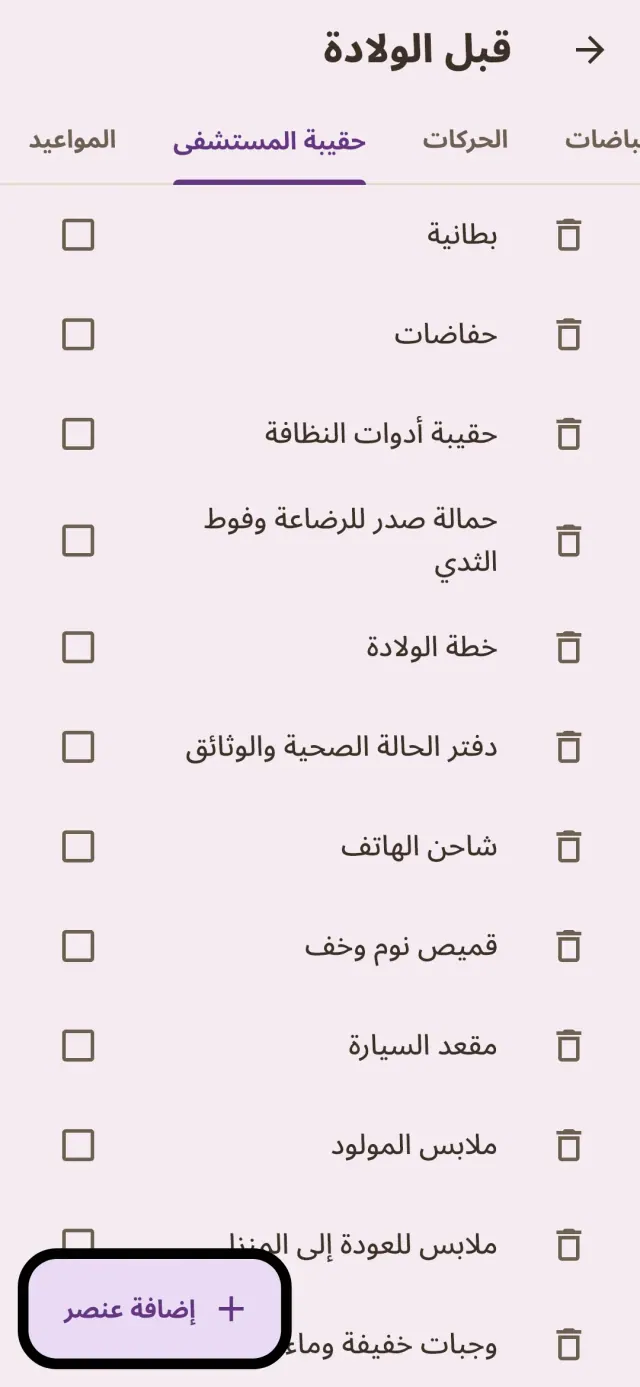
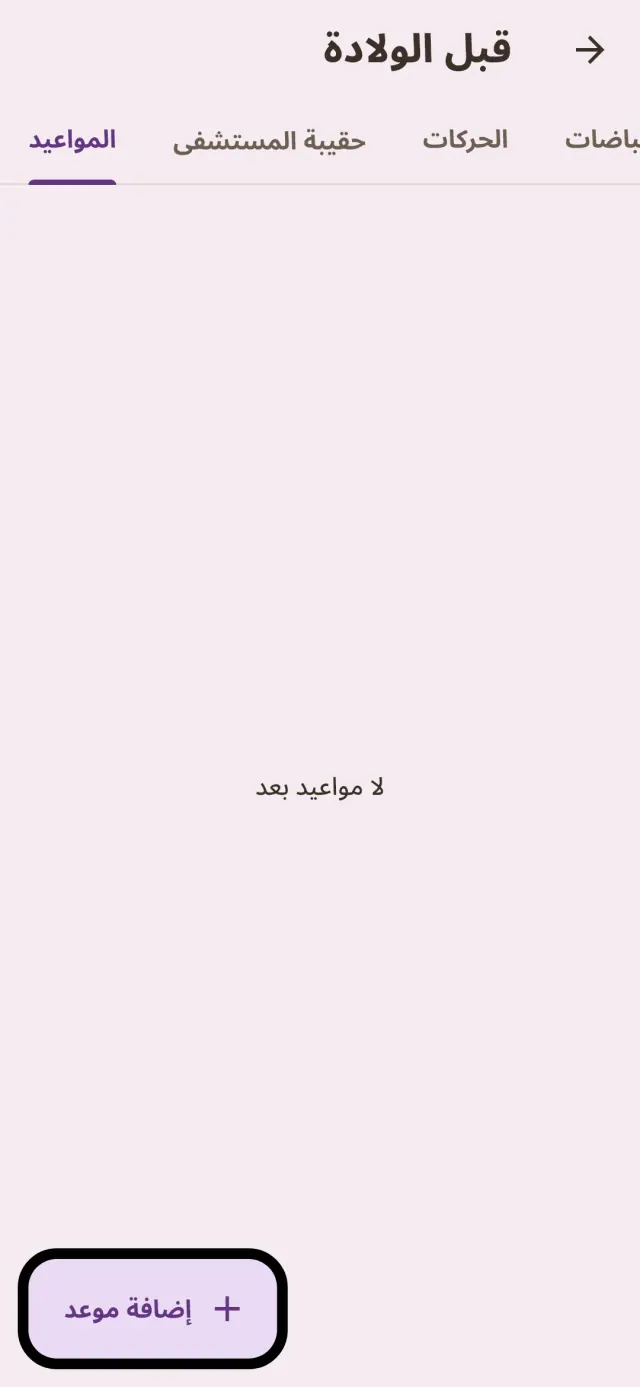
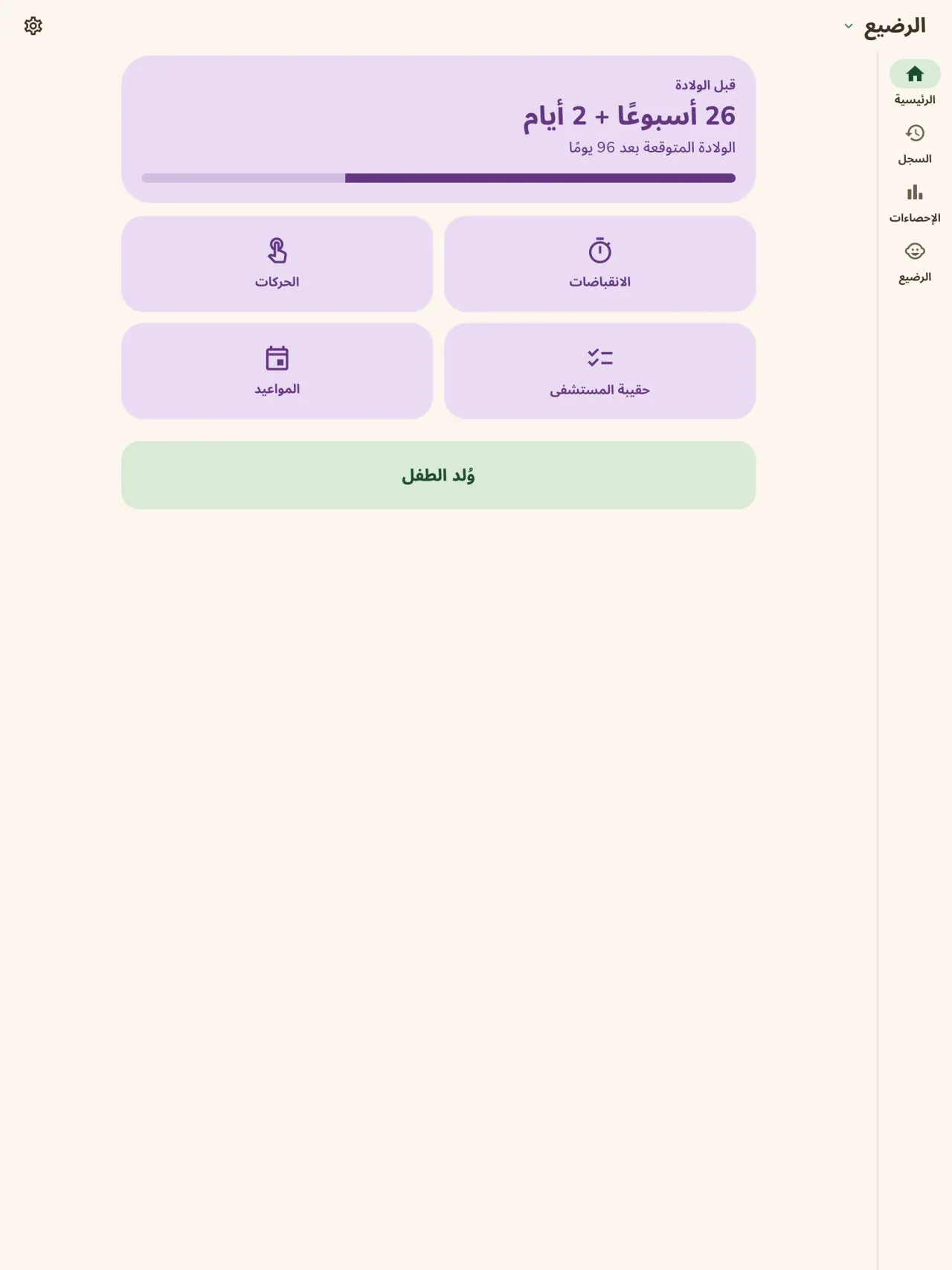
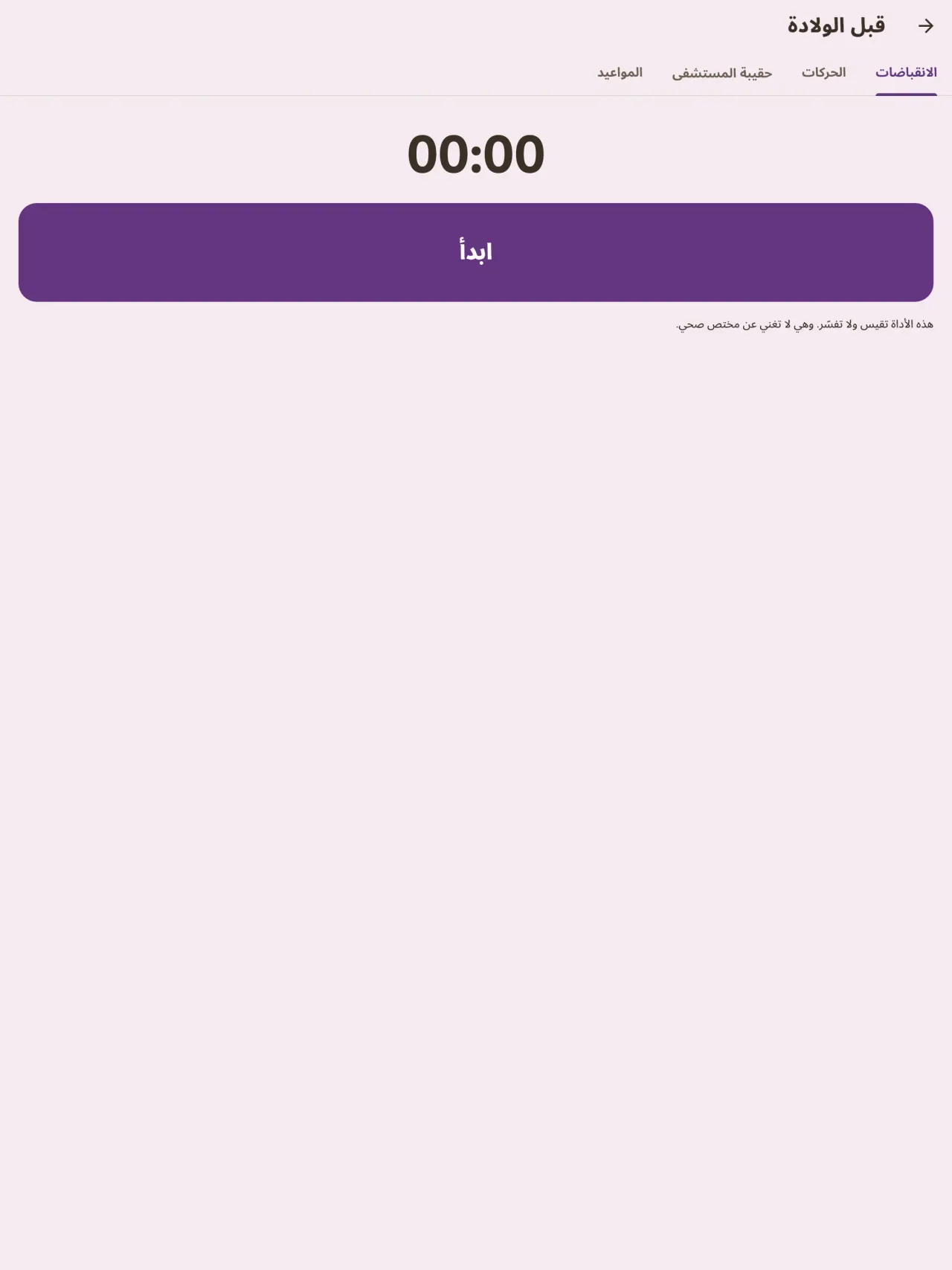
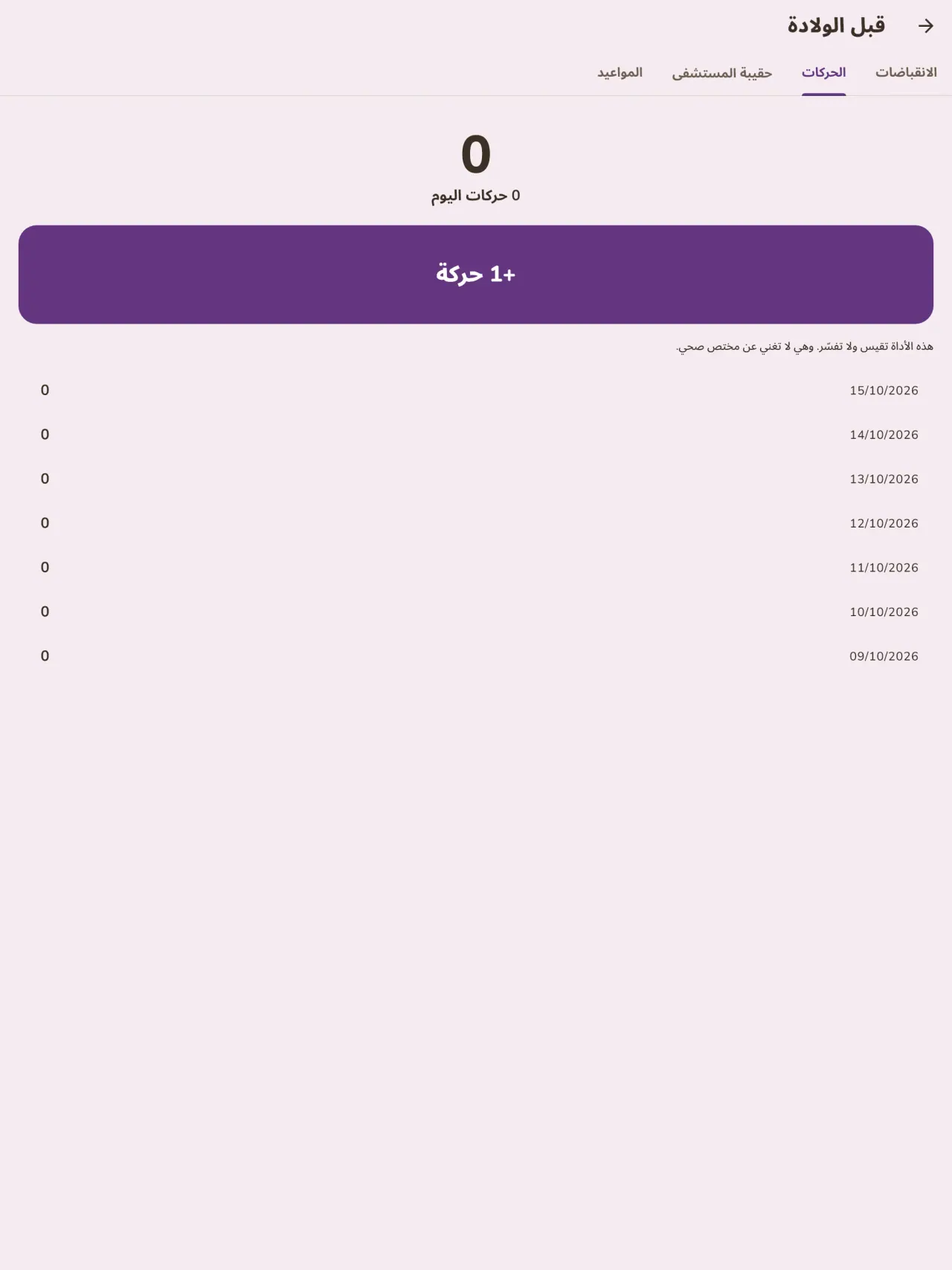
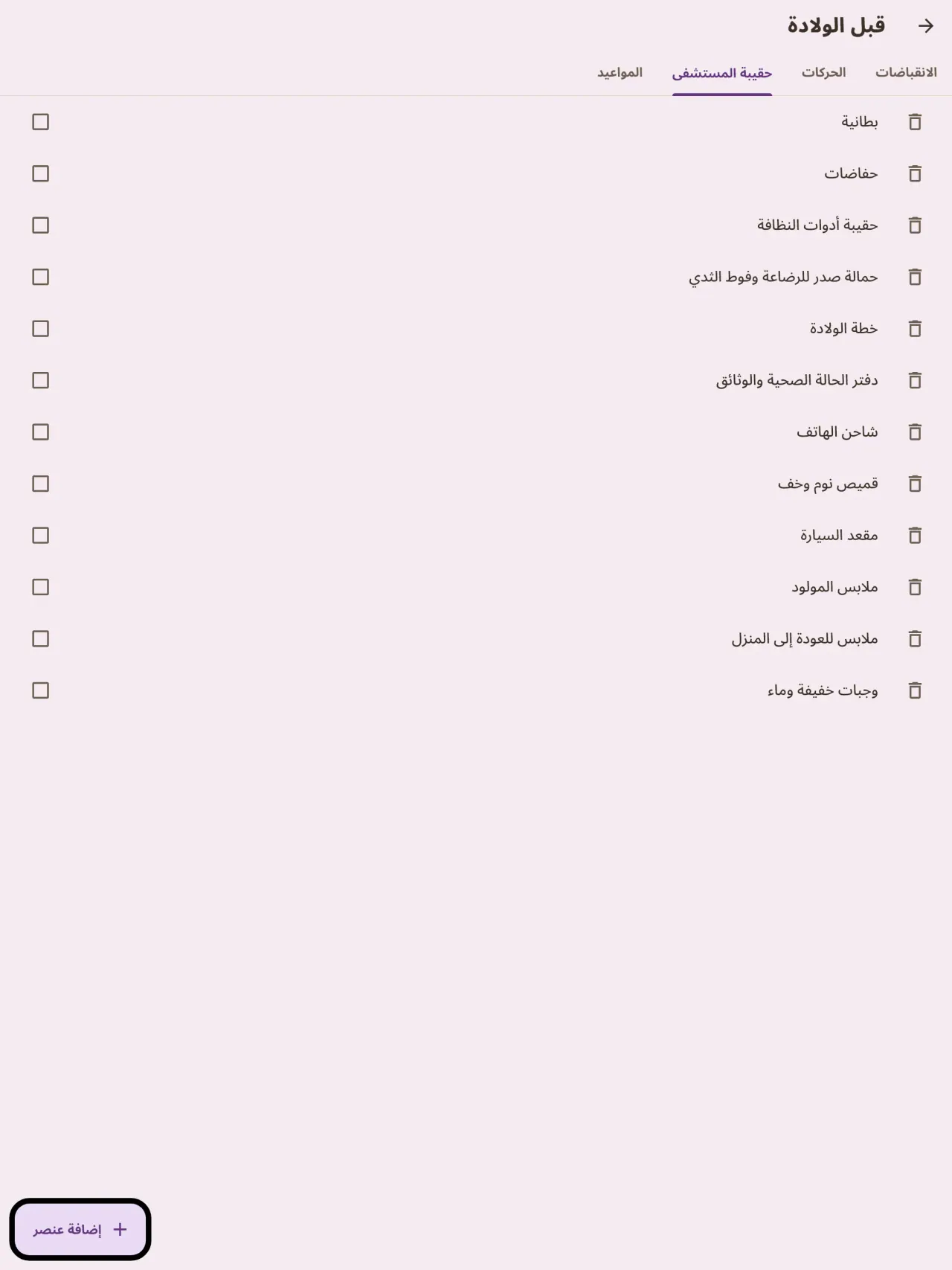
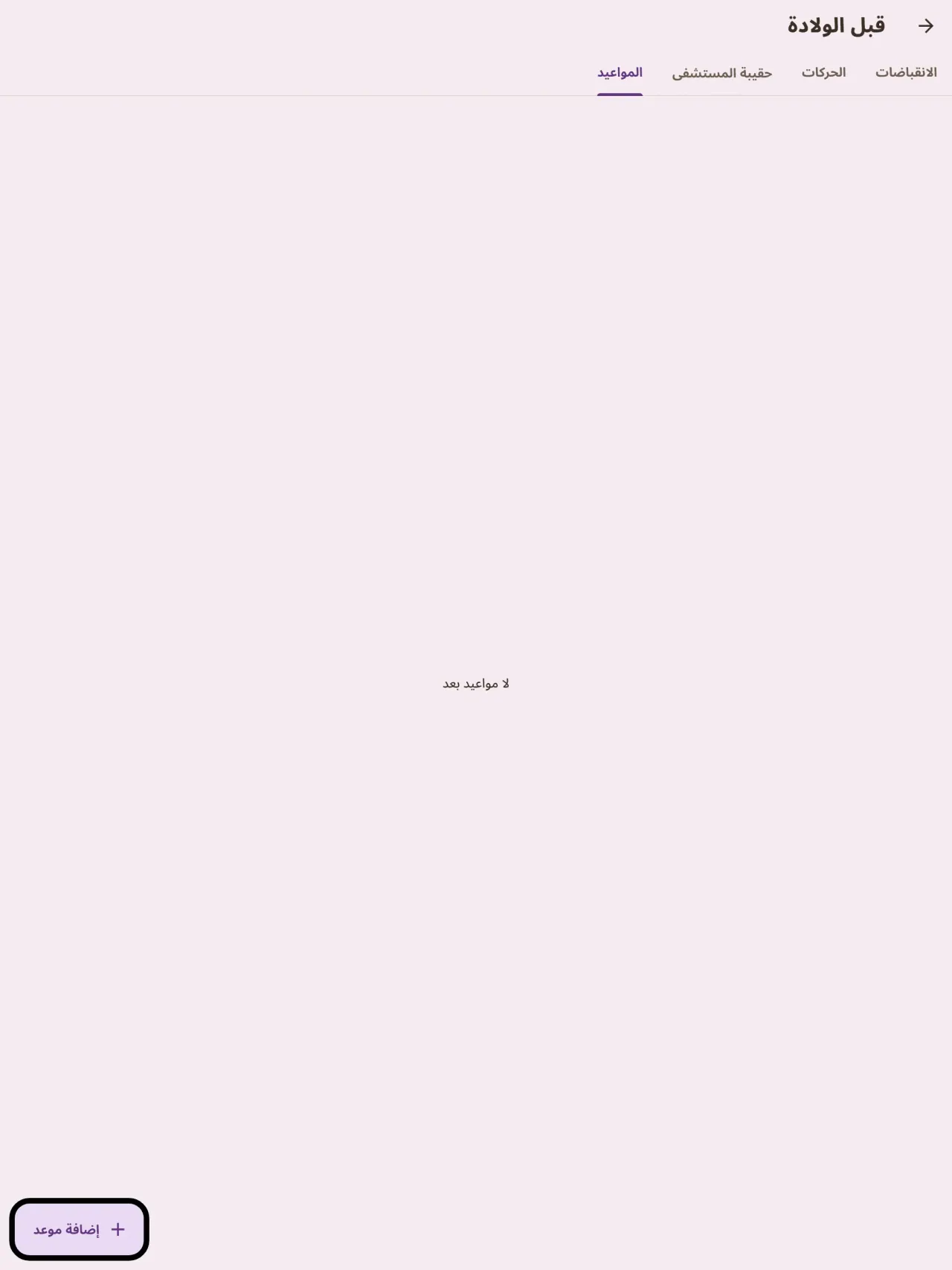
هل أنتِ في انتظار مولودك؟ حدّدي تاريخ الولادة المتوقع وتابعي أسبوع الحمل، وقيسي مدة الانقباضات، وعدّي حركات الجنين، وجهّزي قائمة حقيبة المستشفى، ودوّني مواعيدك. وعند وصول طفلك يكون التطبيق نفسه جاهزاً لأول رضعة.
دفتر تُريه للطبيب
صدّر تقريراً بصيغة PDF لطبيب الأطفال أو القابلة. يُنشأ على هاتفك وتختار أنت الجهة التي يُرسل إليها.
بياناتك تبقى عندك
تتم متابعة الرضيع بدون حساب: لا يُرسل شيء ولا يُحلَّل شيء. يعمل التطبيق دون اتصال، حتى في وضع الطيران. زر واحد يمسح كل البيانات.
Little Relay يحفظ ما تدخله فقط. لا يقدّم أي رأي طبي ولا يغني عن مختص في الرعاية الصحية.
لمن هذا التطبيق
- الآباء والأمهات الجدد الذين يريدون سجلاً بسيطاً للرضعات والنوم والحفاضات يمكن ملؤه بيد واحدة ليلاً.
- الأسر التي تبدأ تغذية الطفل بالأطعمة الصلبة وتريد تسجيل كل طعام جديد وتاريخه وكيف تفاعل معه الطفل.
- الأسر التي تفضل دفتر رعاية للطفل بلا حساب، وتبقى بياناته على الهاتف.
لماذا تختار Little Relay
- كل شيء يبقى على هاتفك: لا حساب ولا سحابة ولا إعلانات ولا تتبع، والتطبيق لا يحتاج إلى شبكة ليعمل.
- مصمم للاستخدام الليلي: وضع داكن وأزرار كبيرة، وشاشة رئيسية تُظهر منذ متى كانت آخر رضعة ومن أي جانب.
- البيانات ملكك: صدّر تقريراً بصيغة PDF للطبيب وامسح كل شيء بزر واحد.
ما لا يفعله التطبيق بعد
- لا تتوفر المشاركة بين هاتفين بعد: يعيش الدفتر على هاتف واحد. المشاركة بين الوالدين بتشفير من طرف إلى طرف مخطط لها.
- أداة الشاشة الرئيسية متاحة على أندرويد فقط حالياً.
- التطبيق ليس جهازاً طبياً ولا يقدم نصائح طبية.
مبدأ Pixeon. تطبيقات Pixeon محلية أولًا: بلا حساب، وبلا تتبّع، وتبقى بياناتك على هاتفك. وإذا اتصل أي تطبيق بالشبكة يومًا ما، فلا يحدث ذلك إلا عندما تختار أنت تشغيل ميزة تحتاجها، وتُحدَّث سياسة الخصوصية قبل إصدارها.
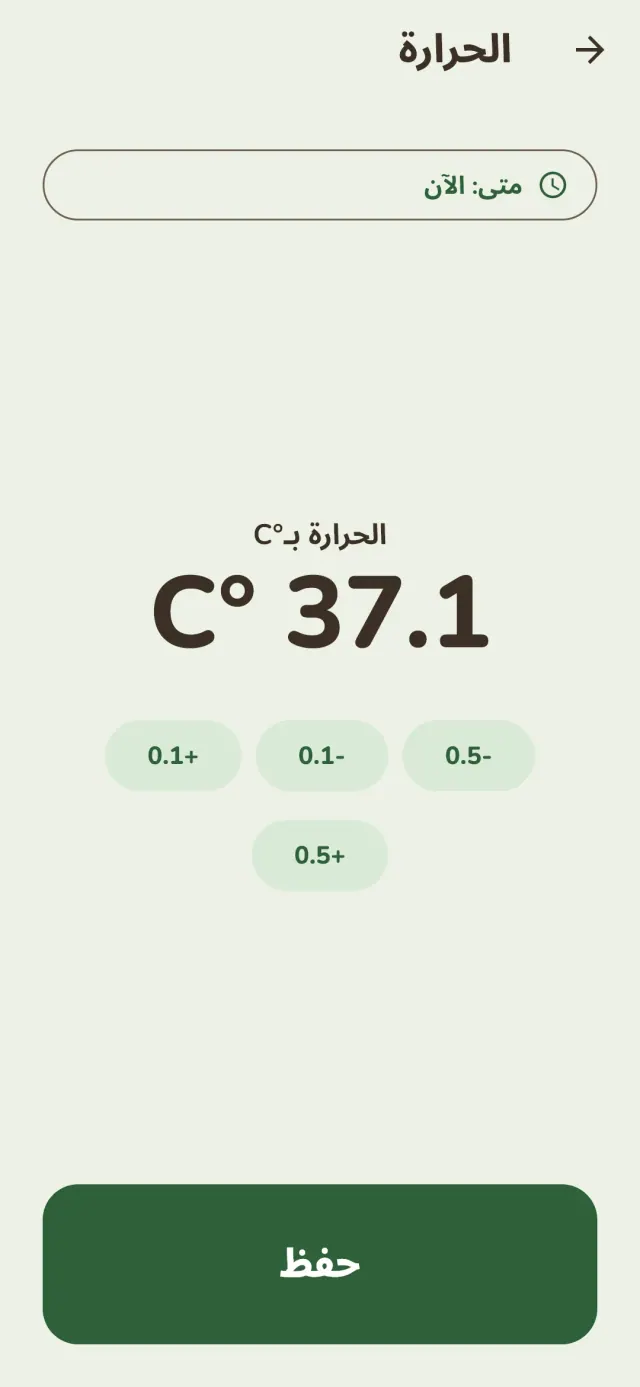
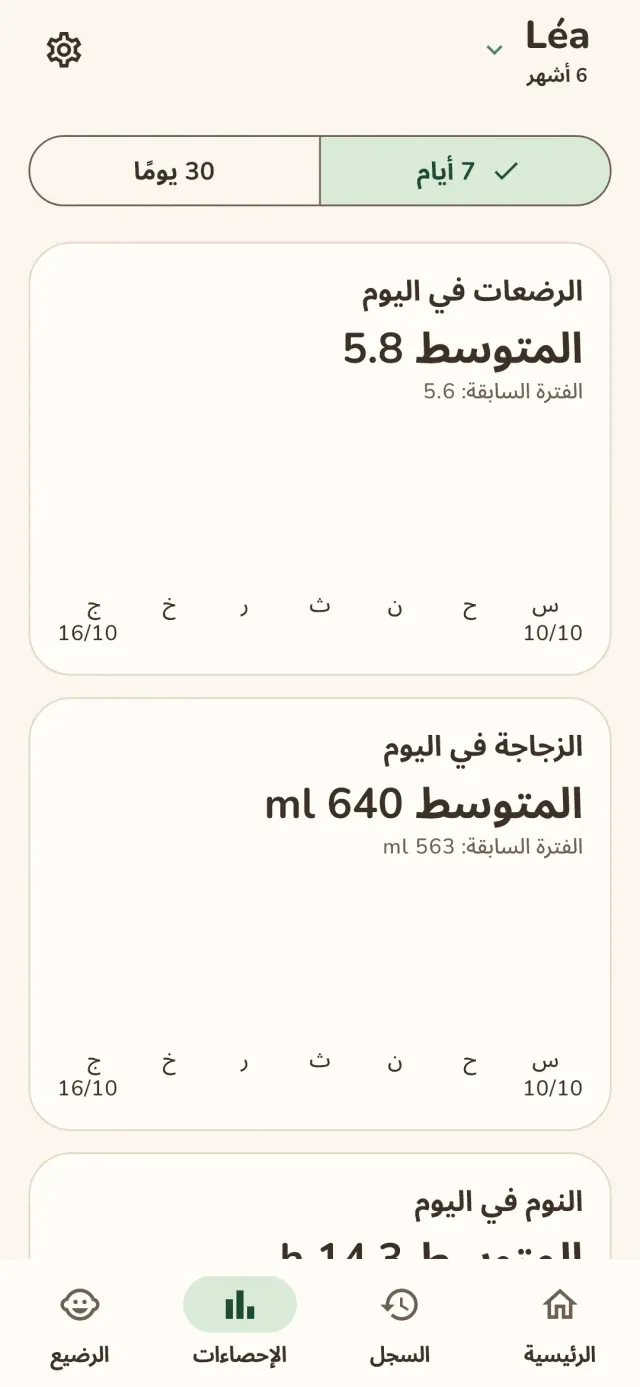
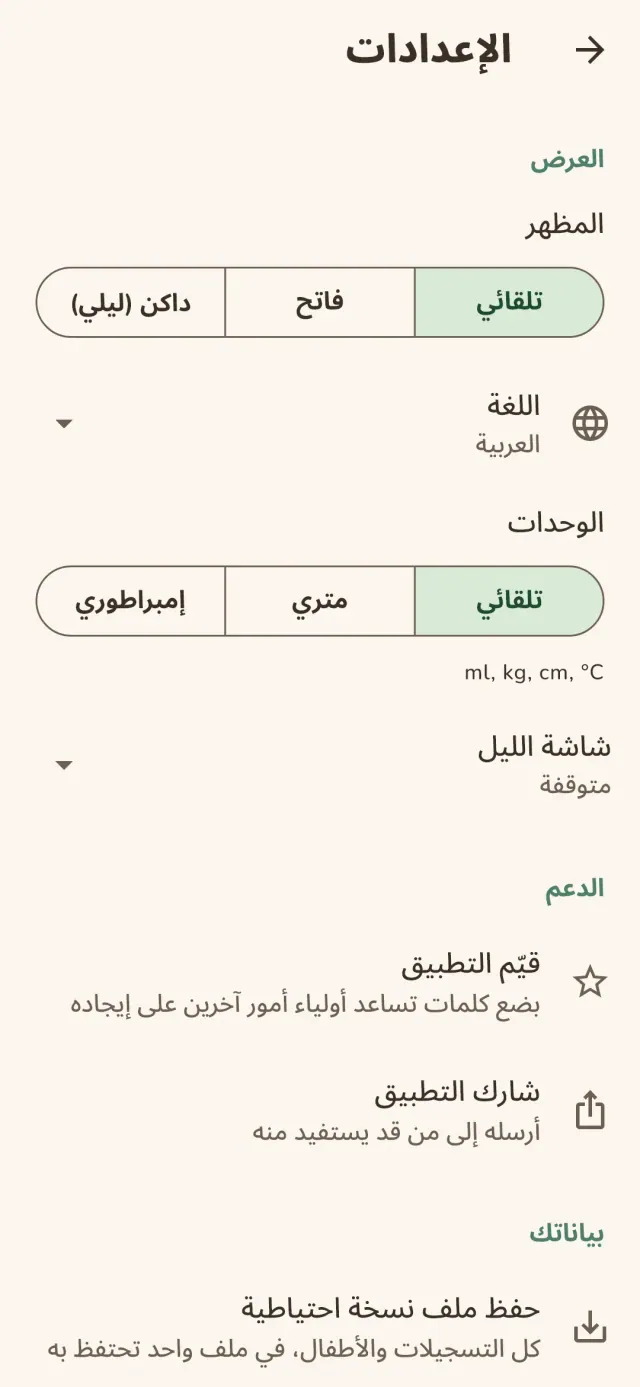
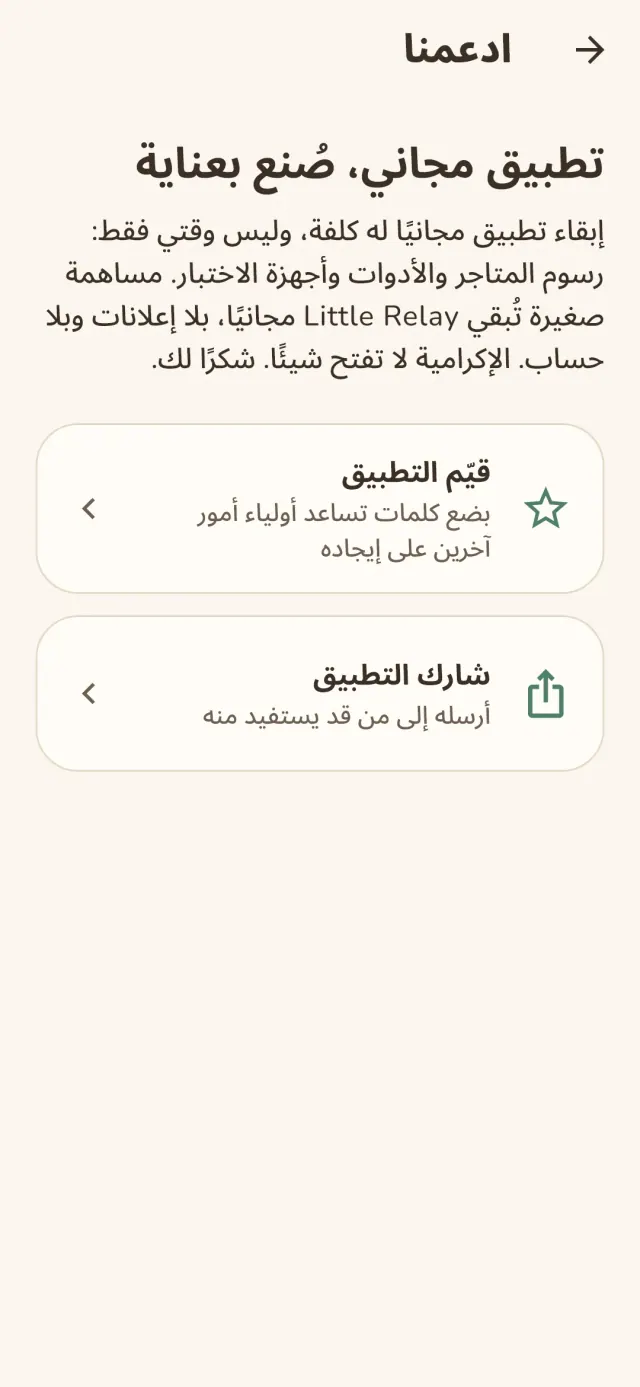
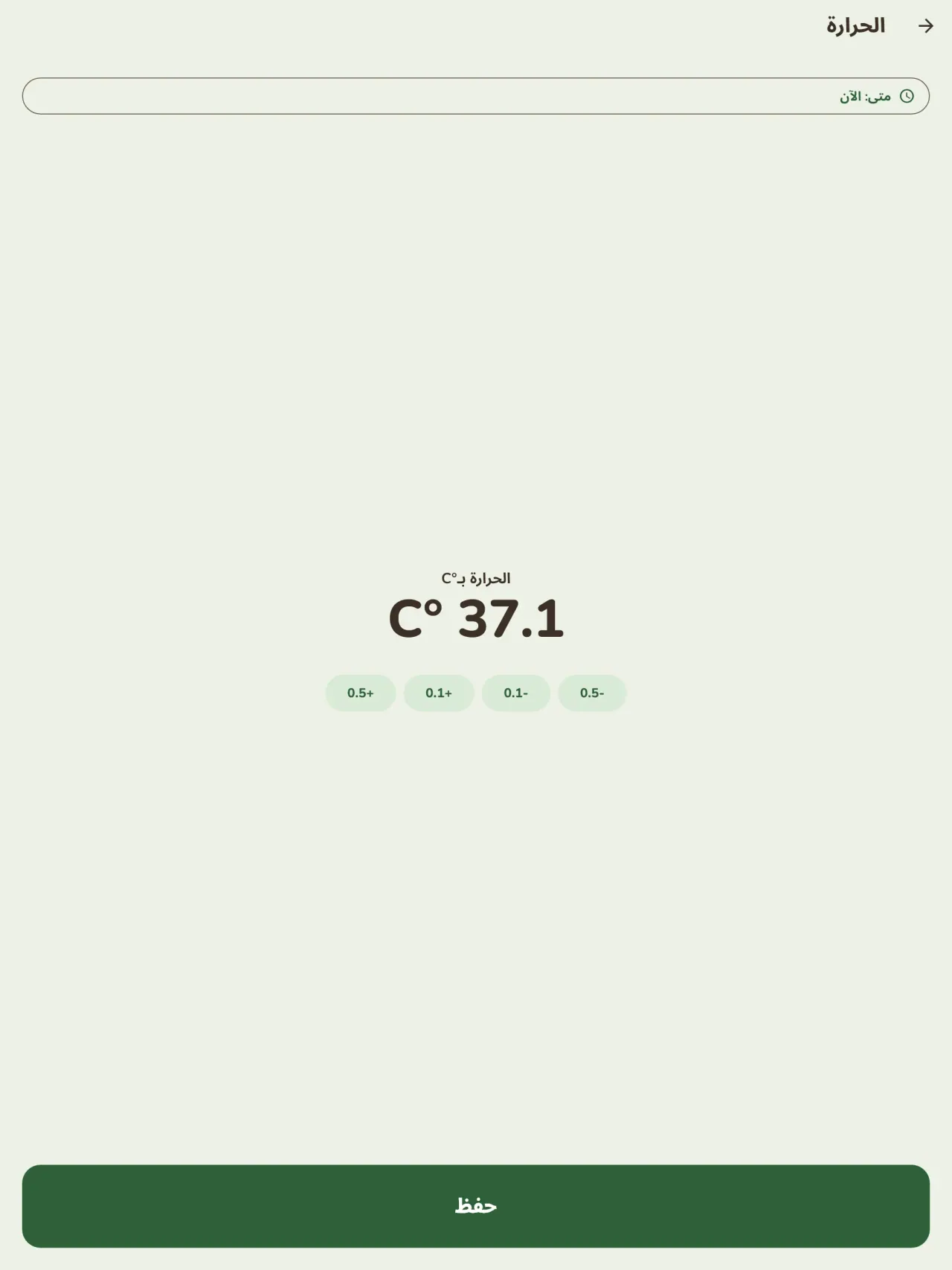
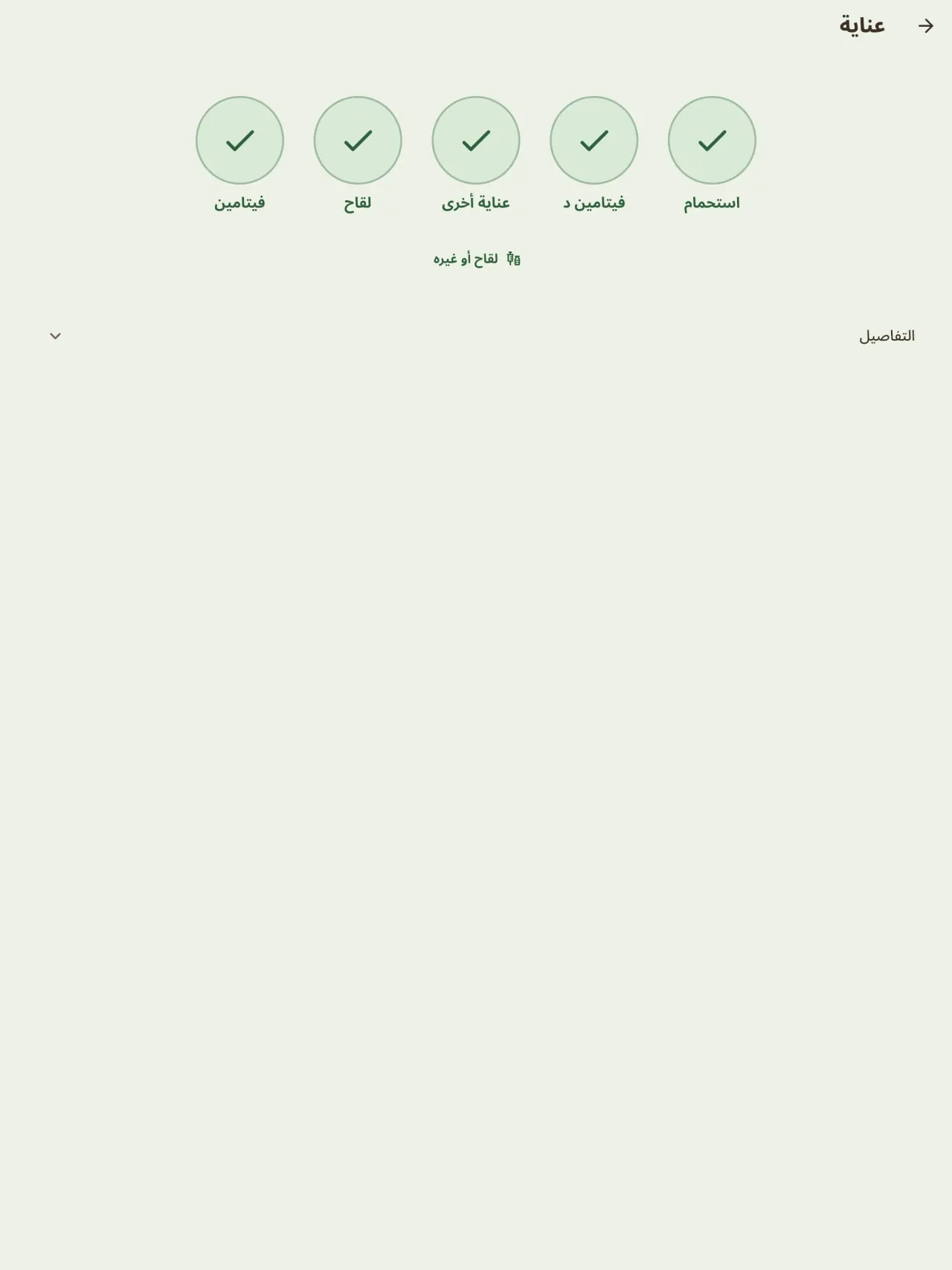
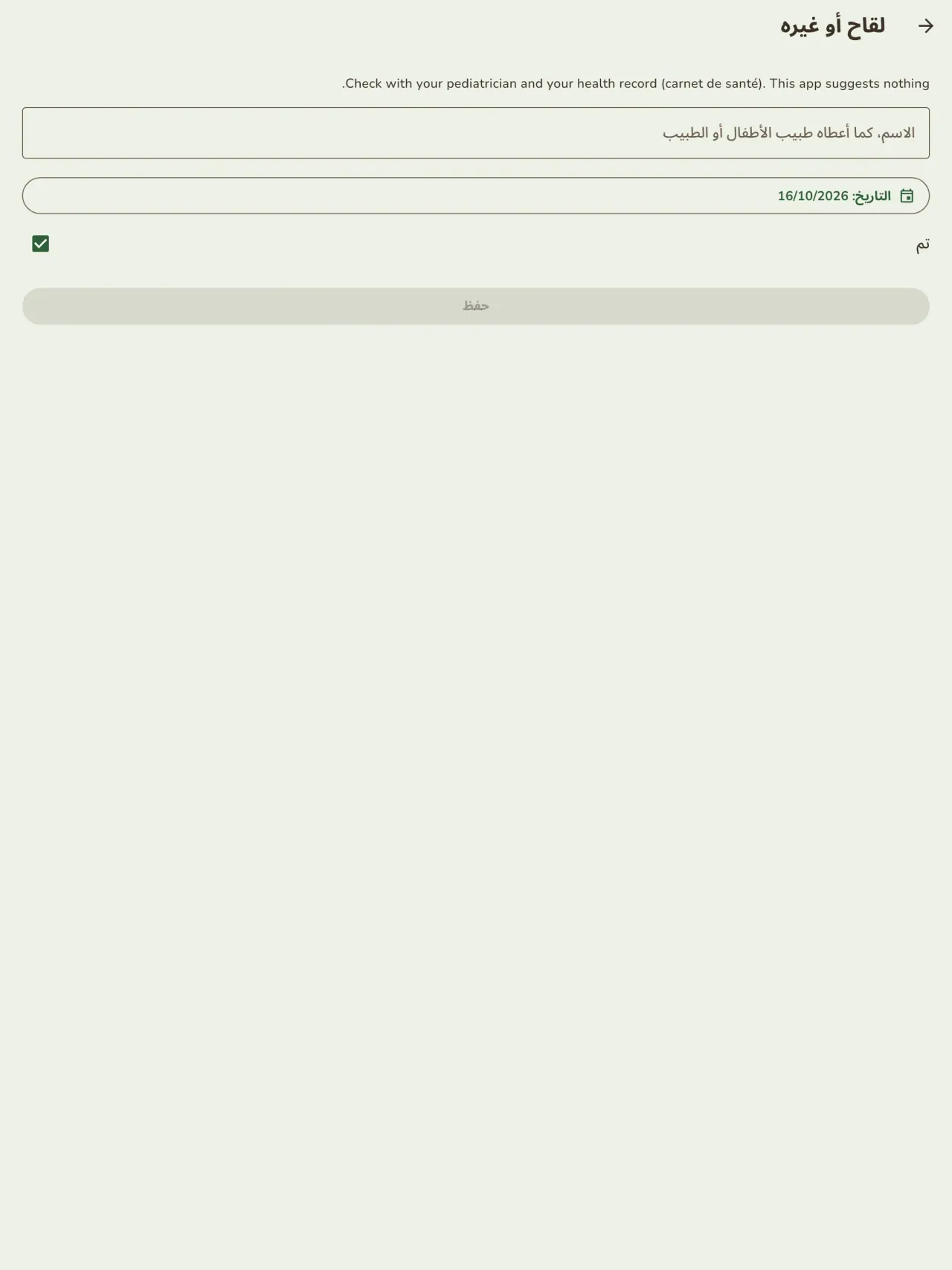
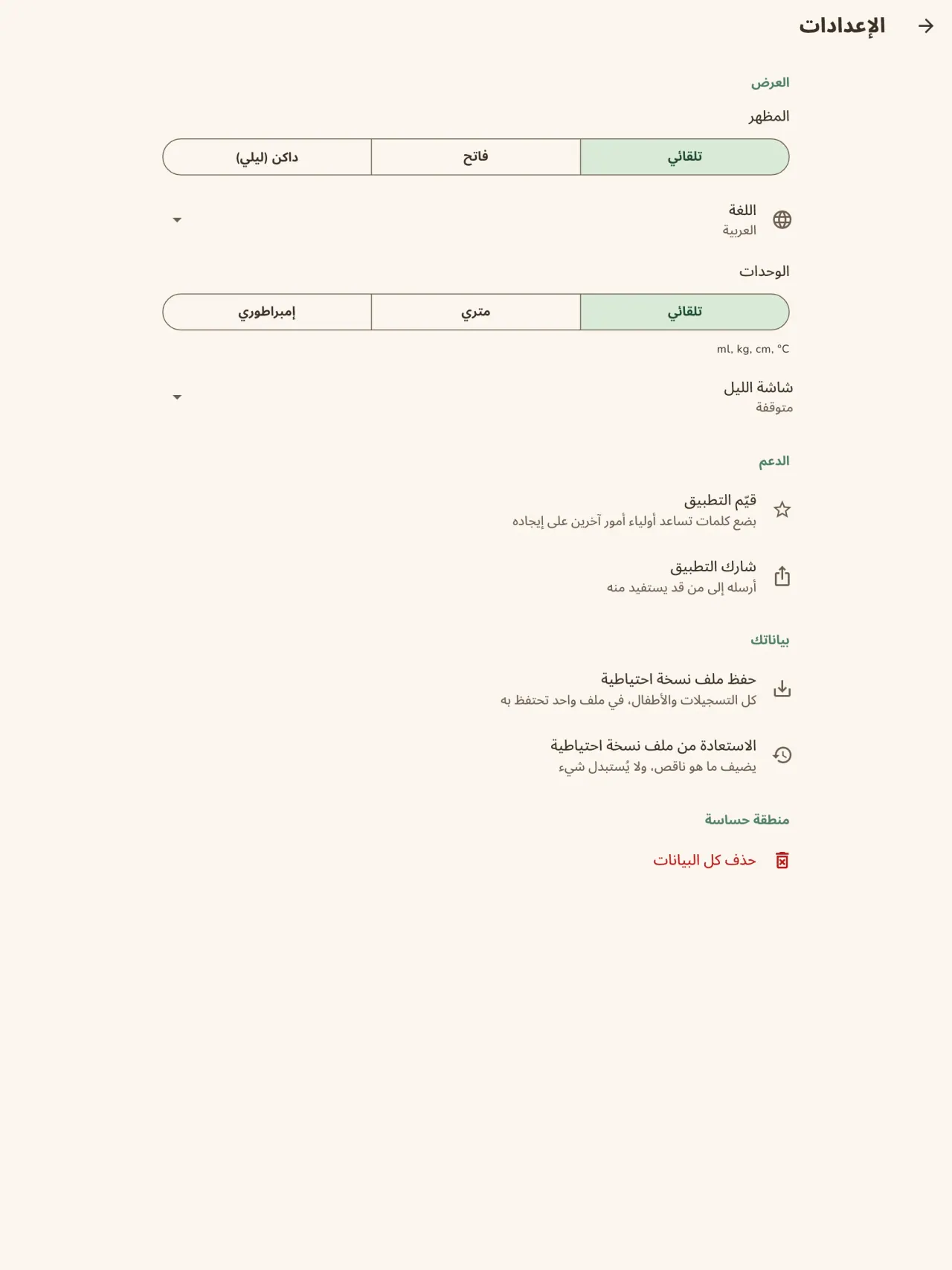
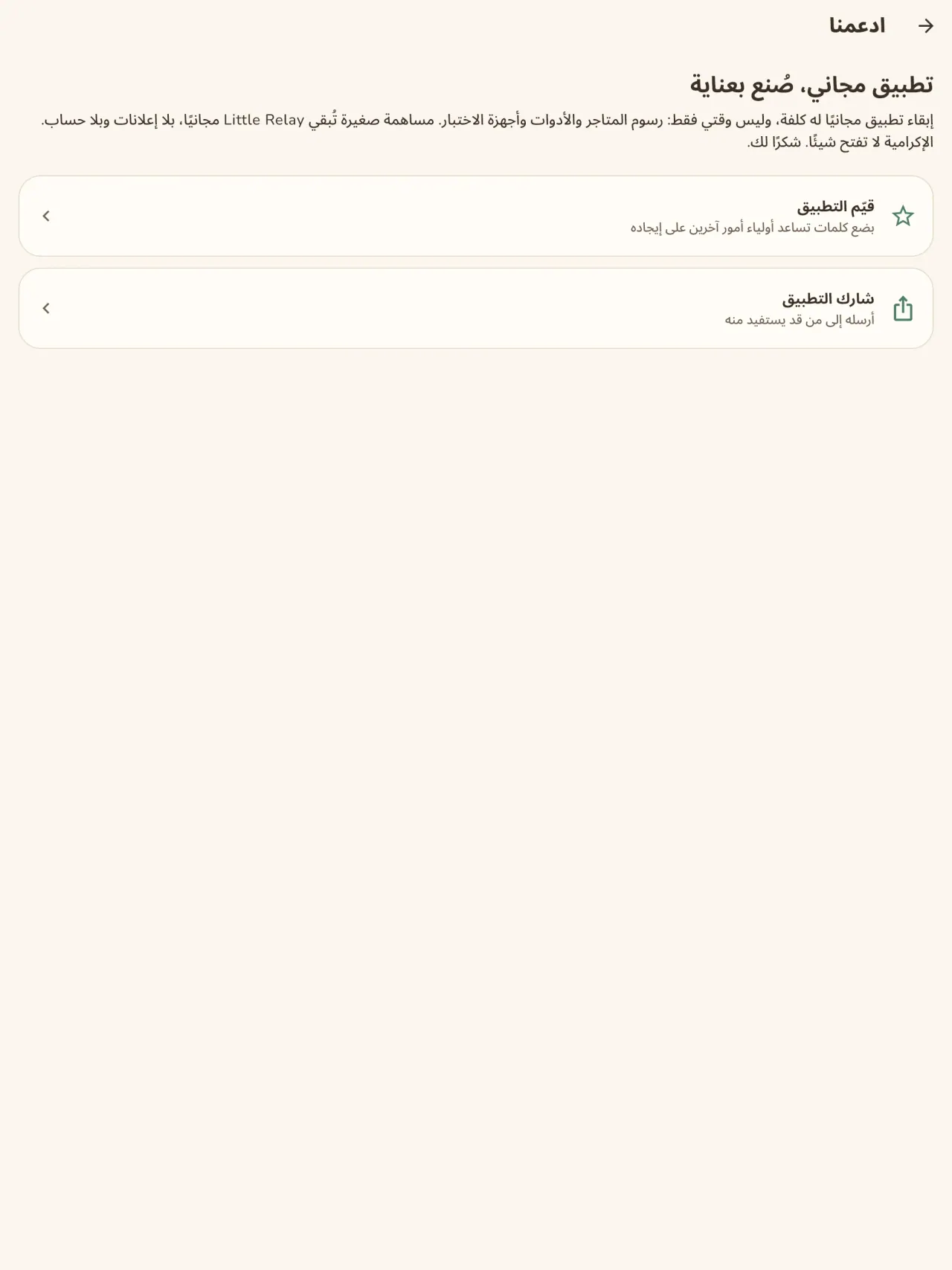
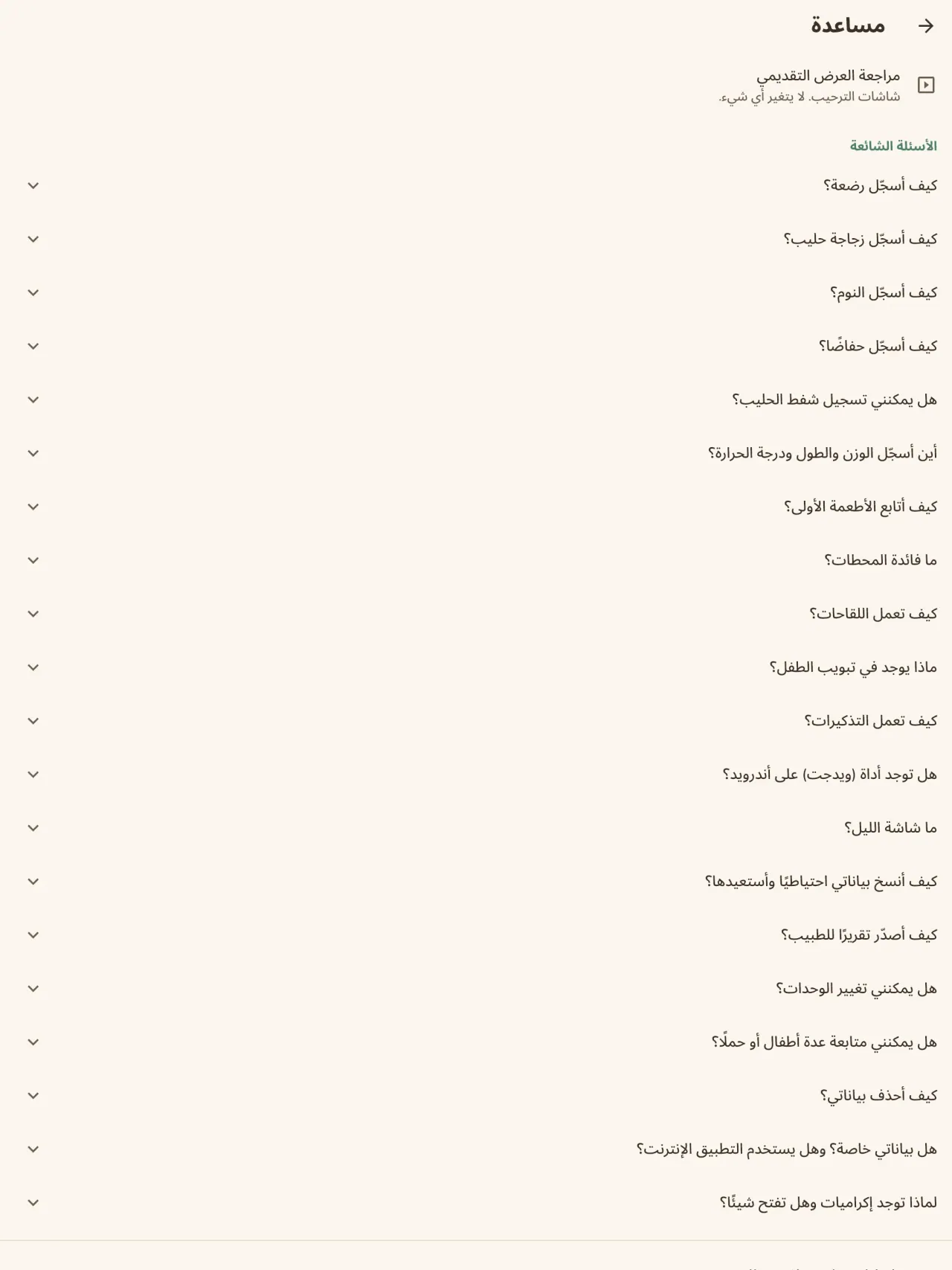
Little Relay أثناء العمل.
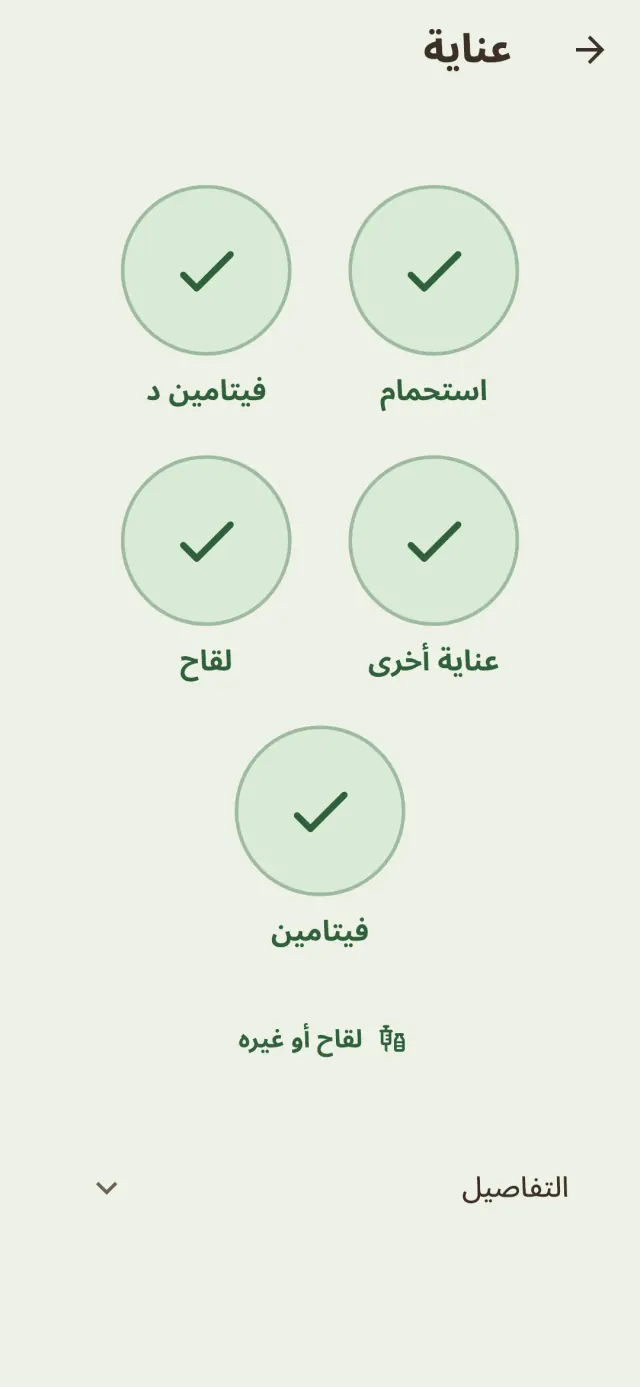
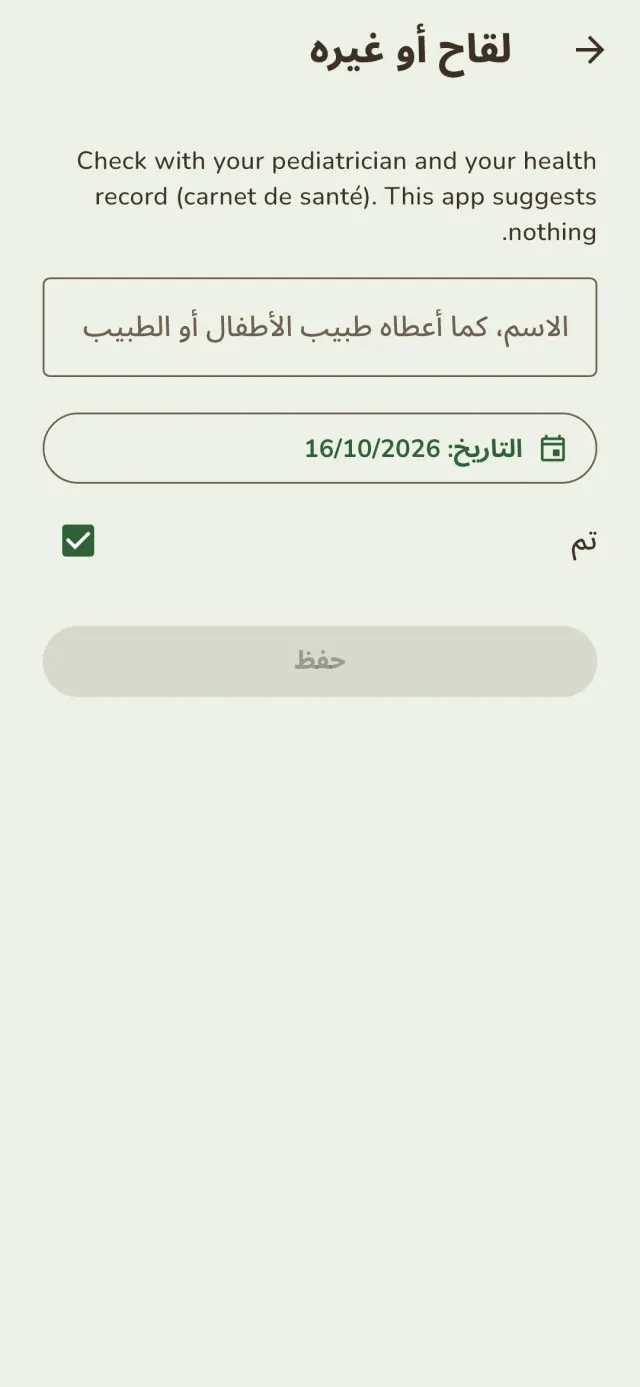
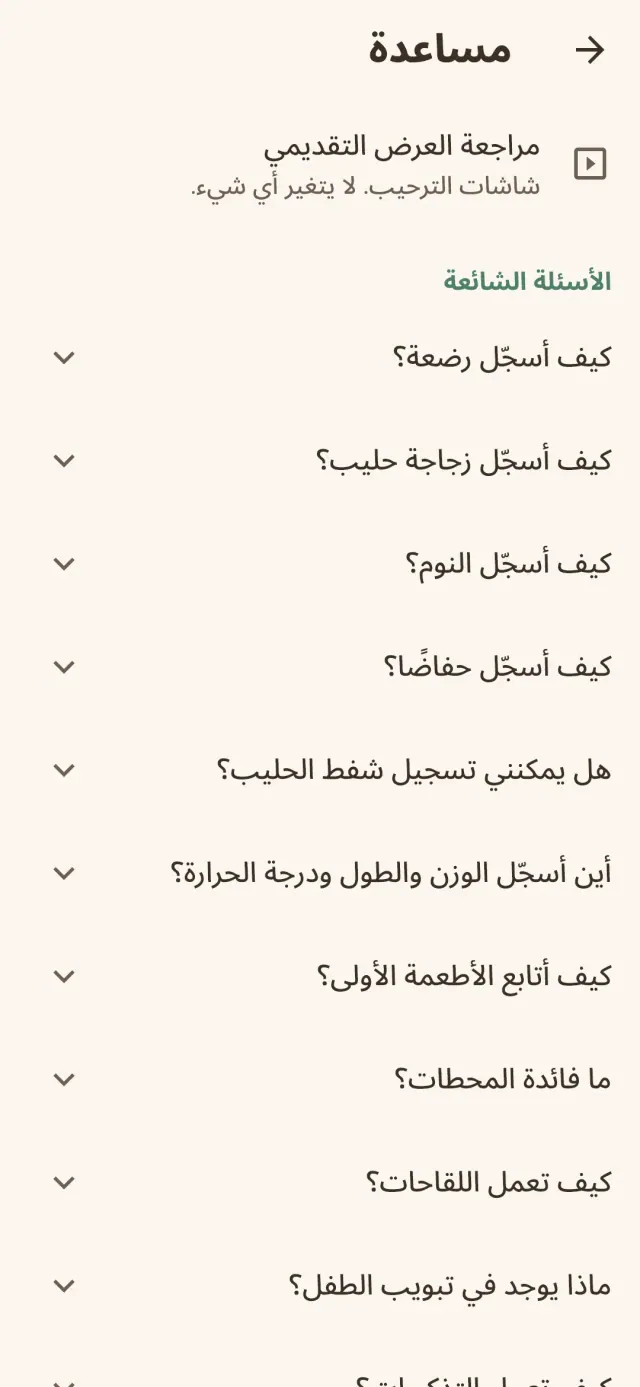
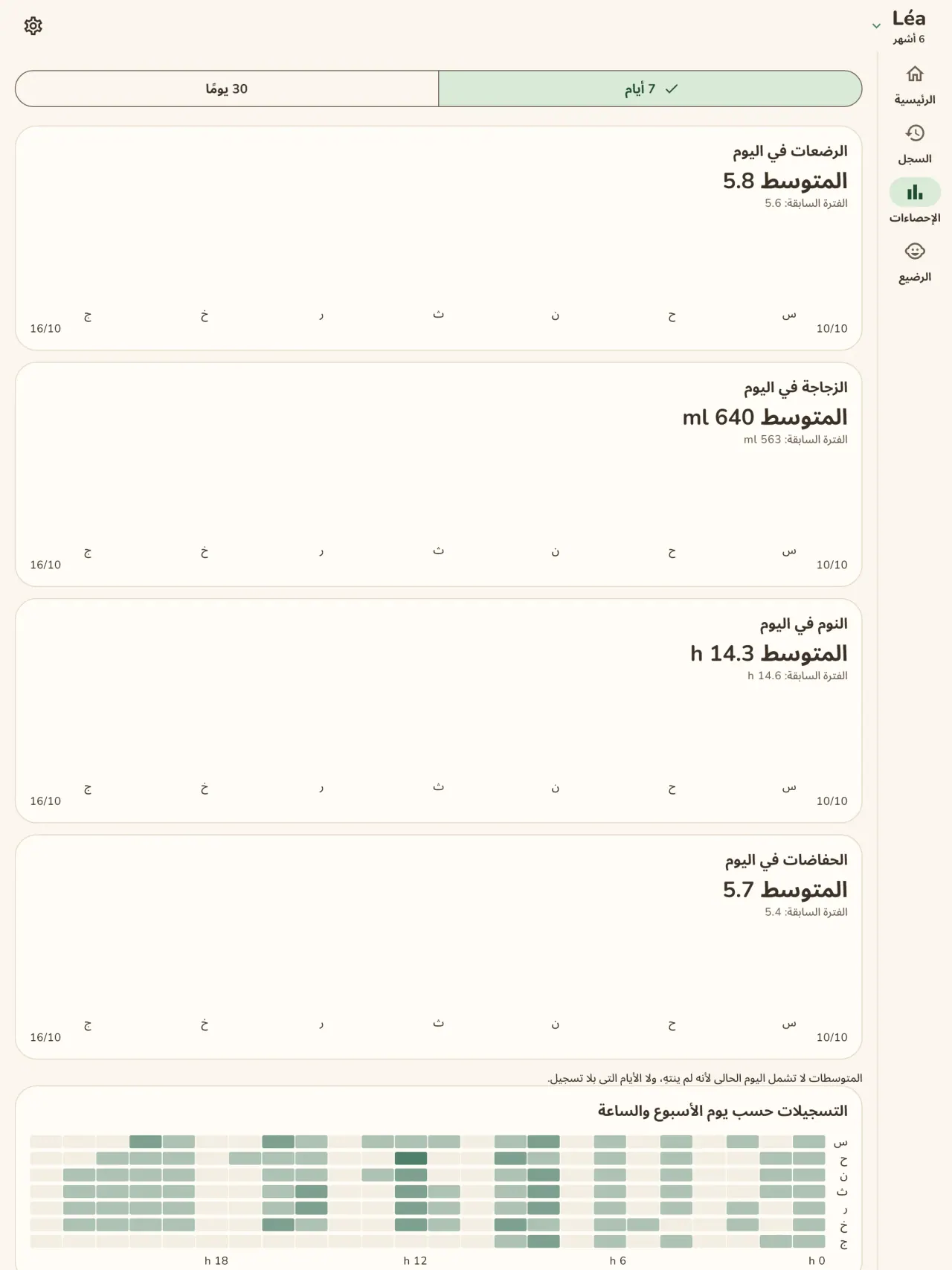
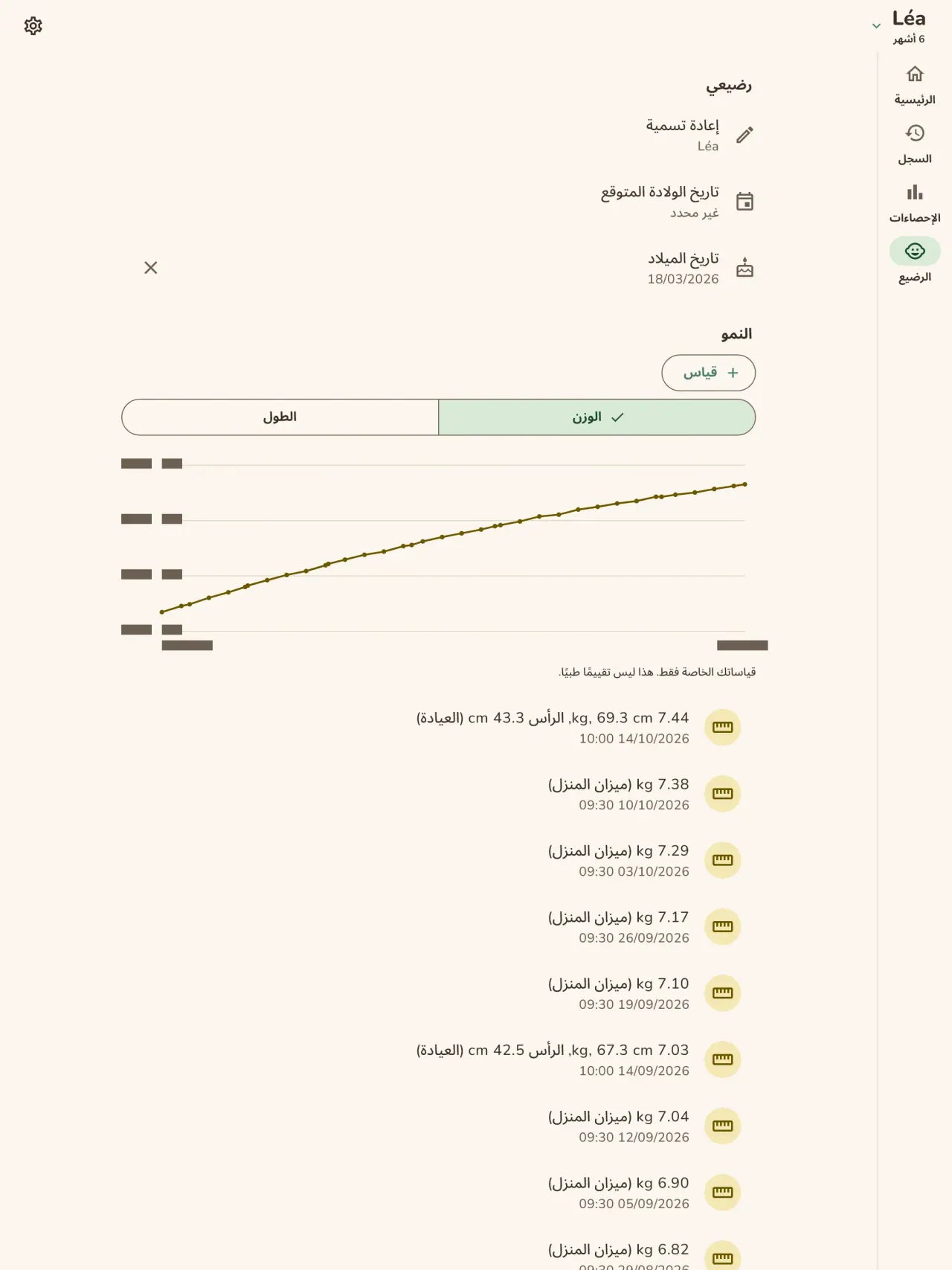
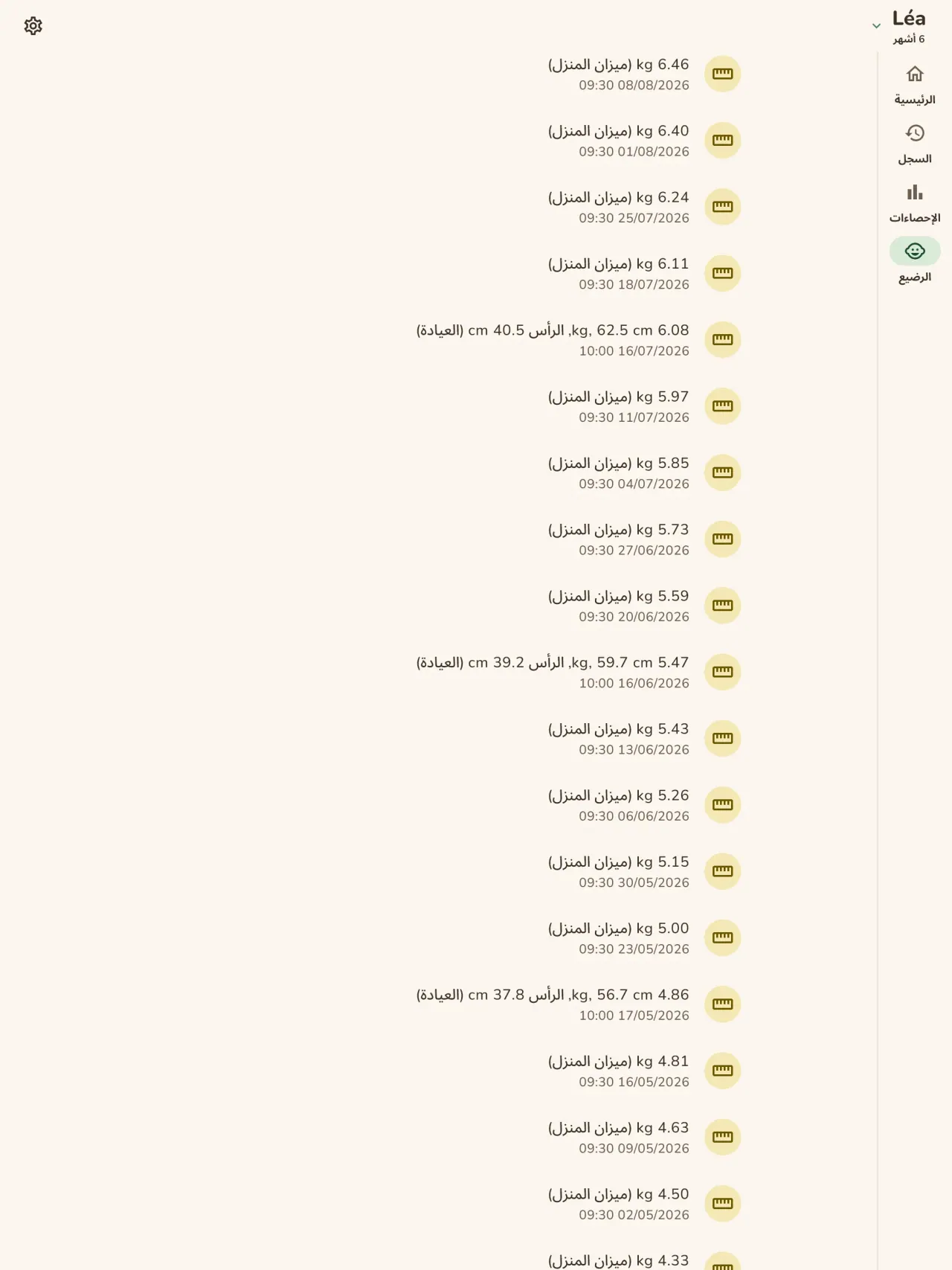
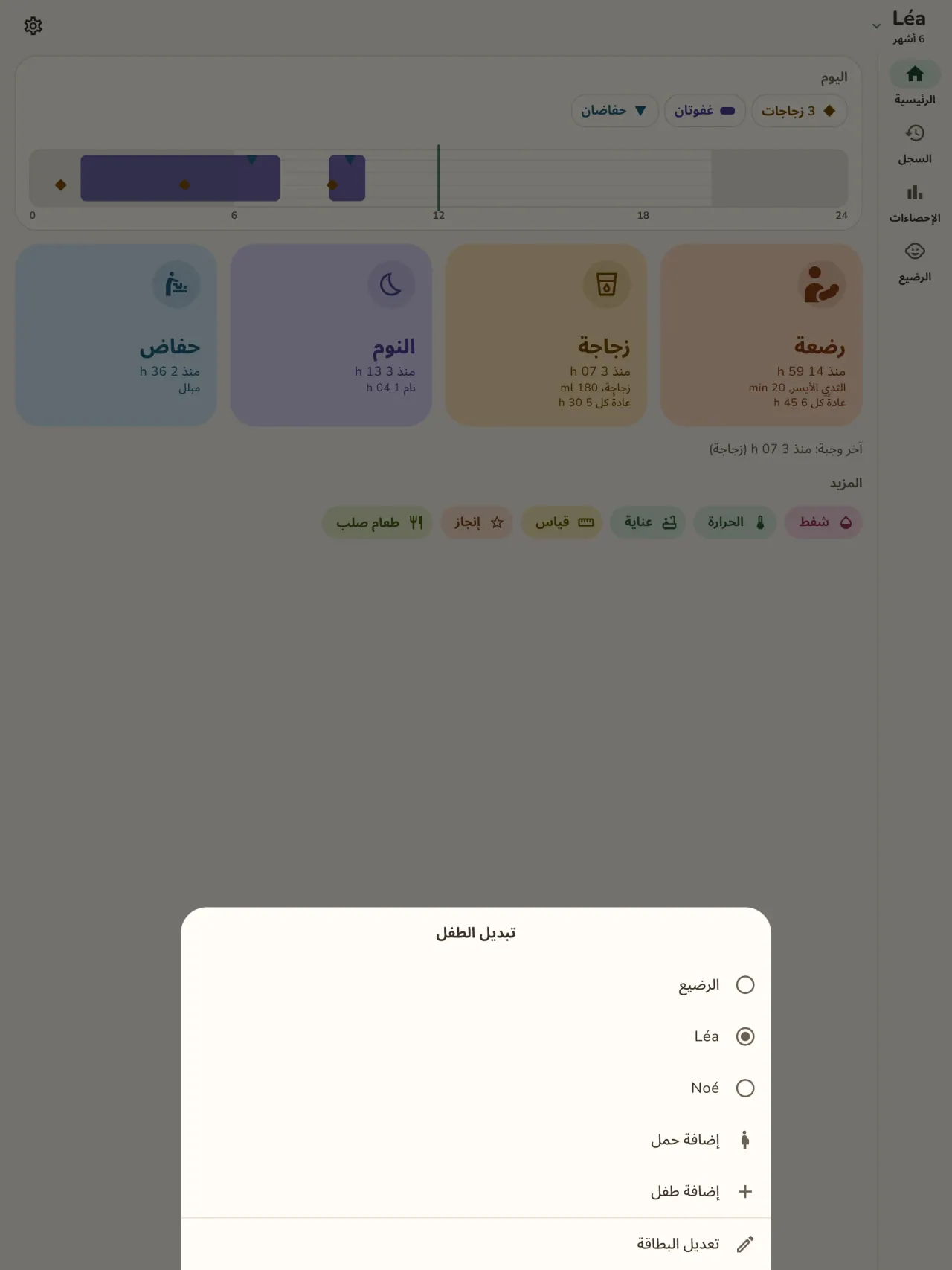
احصل على Little Relay.
مجاني على iPhone وAndroid.
Privacy policy
سياسة الخصوصية ونصوص الدعم أدناه باللغة الإنجليزية، والنسخة الإنجليزية هي المرجع.
Last updated: 2026-11-02
Little Relay is a baby tracker: feeds, sleep, diapers, measurements, first foods, milestone photos and pregnancy tools. The short version: everything stays on your phone, the app has no internet access, and we collect nothing.
What the app handles
The entries you type: feeds, sleep, diapers, weight and height, temperature, routine care, foods (given, or on your own "to try" list), milestones and notes, and your child's first name and birth date if you enter them. This is health information about a child, so we treat it as sensitive. It is stored only in the app's private storage on your phone. There is no account, no sign-in, no server and no cloud copy. Your preferences (language, appearance, when the app last suggested support) also stay on your phone.
What we collect
Nothing. No analytics, no advertising identifier, no crash reporting, no third-party SDK that sends data. The app needs no network to work and the app declares no internet permission. You can check this by using the app in airplane mode: everything works the same.
Permissions
The app asks for no permission that gives access to your data or to the internet. The Android install details list the following, all of them declared by the app or by the library it uses:
- Notifications (Android 13 and later, and iOS): asked only when you set your first reminder. A screen explains why before the system asks, and you can refuse: everything else works the same, you just get no reminder. A reminder is one local notification at the date and time you choose, with a short text that names the type of activity (for example "Time for the bottle?"). It holds no name, no amount and no health value, and for sensitive types (temperature, measurements, medicine, vaccines) it is neutral ("Remember to note an entry"). It is scheduled on your phone and never sent anywhere.
- Vibrate, keep the phone awake, background task, restart after reboot (Android): they let a reminder ring and come back after a reboot, and let the home screen widget save an entry reliably. They give no access to your data.
- Network state (Android, added by the in-app purchase library): the app only reads whether the phone is online. It sends nothing.
- In-app purchases (Android, Google Play Billing): for the optional tips, handled by Google Play.
The app does not request internet access, location, contacts, camera or microphone. When you attach a photo to a milestone, the app opens the system photo picker, which lets you hand over only the picture you choose, so the app never gets access to your photo library.
Files, backups and deletion
Milestone photos: a photo you attach to a milestone is copied into the app's private storage on your phone, with a small thumbnail. It is never uploaded or shared. Removing a milestone removes its photo.
Export: if you export a report for your child's doctor (a PDF), the app builds it on your phone and hands it to the system share sheet. You choose where it goes. The app does not send it anywhere. If milestones of the period have photos, the app asks first whether to include them: when you leave "Include photos" ticked, small copies of up to 30 of these photos go into the PDF. Untick it to keep the photos out of the report.
Backups: your phone's own backup (Google backup on Android, iCloud on iPhone) is controlled by your phone's settings, not by us. The app does not turn it off, so that backup may include the app's data, depending on those settings. The encryption key for the app's database stays in your phone's keychain. To move your entries to a new phone, use the backup file in Settings: the app writes one file on your phone, you choose where to keep it, and you import it on the new phone.
Deletion: a delete-all-data button in the app erases your entries and every photo and thumbnail. Uninstalling the app also deletes its data from your phone.
Optional support
If tips are offered, they are in-app purchases handled by Apple or Google. They unlock nothing, and the app receives no personal data about you from them.
Retention
Your entries, children and milestone photos are kept on your phone until you delete them: one entry at a time, a milestone with its photo, a child, the delete-all-data button, or uninstalling the app. We keep no copy on our side, so there is no retention period to apply on our side. Your phone's own backup may hold a copy, depending on its settings. A backup file you export yourself stays wherever you put it, until you delete it.
Medical information
Little Relay records what you tell it. It gives no medical advice and is not a medical device. Ask your doctor or midwife about your child's health.
Contact form on this website
If you write to us through this site, we use your message and the email address you optionally give only to reply. Bot protection is provided by Cloudflare and email delivery by Resend.
Language choice on this website
When you choose a language, or when this site opens a page in your browser's language, it stores
one small functional cookie (pxl, a language code, one year) so that your choice is
remembered. If this site suggests a page in your browser's language and you close that suggestion,
your browser also keeps a local note (pxl-banner-off, in local storage, 30 days) so the
suggestion does not come back. Neither identifies anyone, neither is used for tracking or advertising,
and neither is shared. You can delete them in your browser at any time.
Website statistics
This website uses Cloudflare Web Analytics to count visits (pages viewed, country, browser type, loading speed). It sets no cookie, does not use local storage, does not fingerprint your device, does not follow you across sites and does not build a profile of you. Search engines (for example Google Search Console) give us aggregated search statistics, without any data about individual visitors. Our own web server also counts the pages it serves: for each page it keeps the page address, the site or social network that sent you (only its name, or the campaign tag written in the link), the country, the type of device and whether the request came from a robot. It keeps no IP address, no identifier and no cookie, and these counts are anonymous. We use no advertising or other analytics service. None of this concerns the app itself, which collects nothing.
Children
Little Relay is a tool for parents and carers. It is not directed at children, and it records information about a child only because a parent typed it in.
Changes
An updated policy will be published at this URL with a new date above.
Contact
Questions about privacy: little-relay-contact@pixeon.net
الدعم
آخر تحديث: 2026-10-19
Little Relay تطبيق صغير ومستقل. ستجد أدناه إجابات عن الأسئلة الأكثر شيوعًا.
نبذل قصارى جهدنا للرد خلال بضعة أيام. لمساعدتنا، أخبرنا بطراز جهازك وإصدار نظامه وما كنت تفعله. يُرجى عدم إرسال معلومات عن طفلك أو أي بيانات شخصية.
ما البيانات التي يخزنها التطبيق أو يرسلها؟
تُخزَّن إدخالاتك على هاتفك فقط. لا يُرسل أي شيء إلى أي مكان: لا يحتوي التطبيق على حساب أو خادم ولا يحتاج إلى شبكة ليعمل. التفاصيل موجودة في سياسة الخصوصية.
هل يمكنني مشاركة السجل مع شريكي؟
ليس بعد. يعمل هذا الإصدار على هاتف واحد. من المخطط إتاحة المشاركة بين الوالدين، مع تشفير شامل، في إصدار لاحق.
غيّرت هاتفي أو فقدته. أين بياناتي؟
توجد بياناتك على الهاتف الذي أدخلتها عليه. تخضع النسخة الاحتياطية لهاتفك (Google أو iCloud) لإعدادات هاتفك، لا لنا، وقد تتضمن بيانات التطبيق بحسب تلك الإعدادات. يبقى مفتاح التشفير في سلسلة مفاتيح هاتفك. الطريقة الموثوقة لنقل بياناتك هي تصدير ملف نسخة احتياطية في الإعدادات على الهاتف القديم واستيراده على الهاتف الجديد. ليست لدينا نسخة منها، لذلك لا يمكننا استعادتها لك.
كيف أُري السجل لطبيبي؟
صدّر تقرير PDF من التطبيق. يُنشأ على هاتفك وأنت تختار مكان إرساله، مثلًا عبر البريد الإلكتروني أو إلى طابعة.
كيف أحذف بياناتي؟
استخدم زر الحذف في إعدادات التطبيق، أو أزل تثبيت التطبيق. كلا الخيارين يزيل كل شيء من هاتفك، بما في ذلك صور اللحظات المهمة.
هل Little Relay تطبيق طبي؟
لا. يسجل ما تدخله ولا يقدم نصائح طبية. اسأل طبيبك أو قابلتك عن صحة طفلك.
ما اللغات المتاحة؟
الإنجليزية والفرنسية والألمانية والإسبانية والبرتغالية والإيطالية والعربية. يتبع التطبيق لغة هاتفك، ويمكنك تغييرها في الإعدادات.
ادعم المشروع
يظل Little Relay مجانيًا وبلا إعلانات. إذا كان مفيدًا لك، يمكنك دعم تطويره (اختياري):
Buy Me a Coffeeتتبع المصاريف وميزانية الأسرة على جهازك فقط. بدون حساب، استورد CSV من البنك.
من Pixeon أيضاًMetadata Cleanerبيانات الصور الوصفية، exif: EXIF viewer لقراءة البيانات وتصحيحها ومسحها
من Pixeon أيضاًVaultMarkخزنة مستندات مشفّرة. علامة مائية للمستندات، حذف البيانات الوصفية قبل المشاركة.
من Pixeon أيضاًMenuloopتخطيط الوجبات الأسبوعي، قائمة التسوق، ووصفاتك مع الصور بدون إنترنت.
من Pixeon أيضاًIndie OfficeQuote maker and self-employed invoices. Offline, no account, no ads.