
Little Relay: diario neonato
Diario neonato con svezzamento, allattamento e sonno, senza account

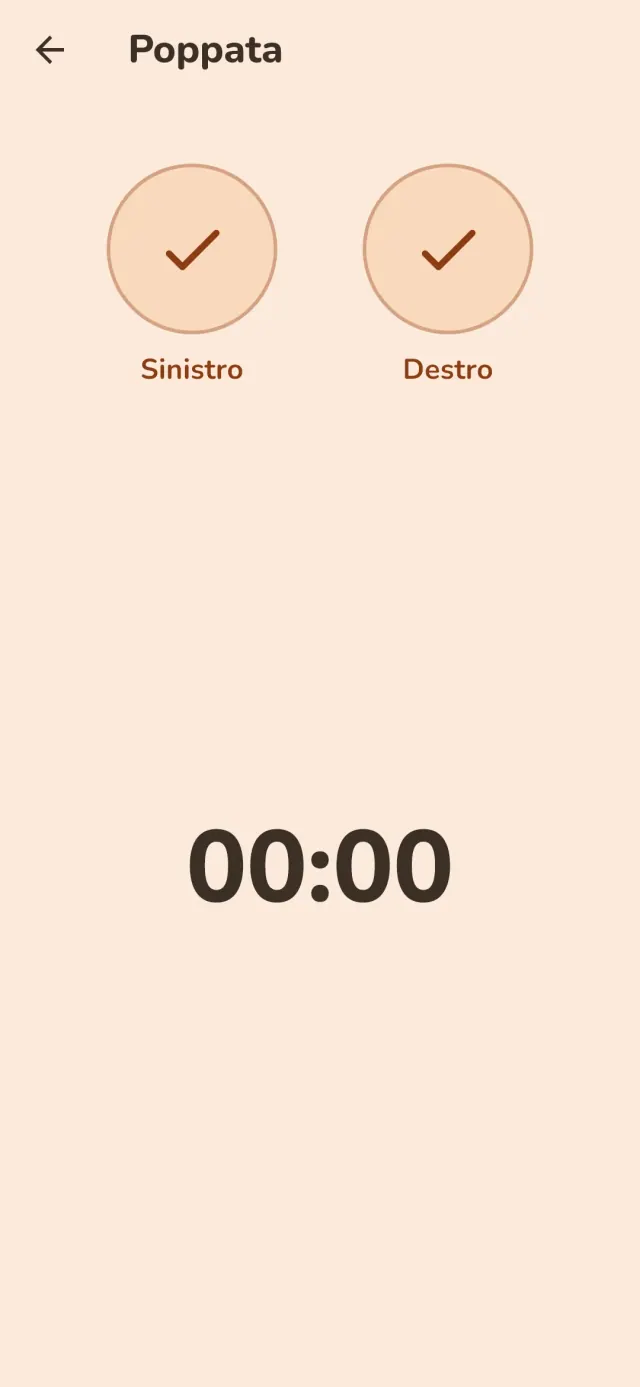
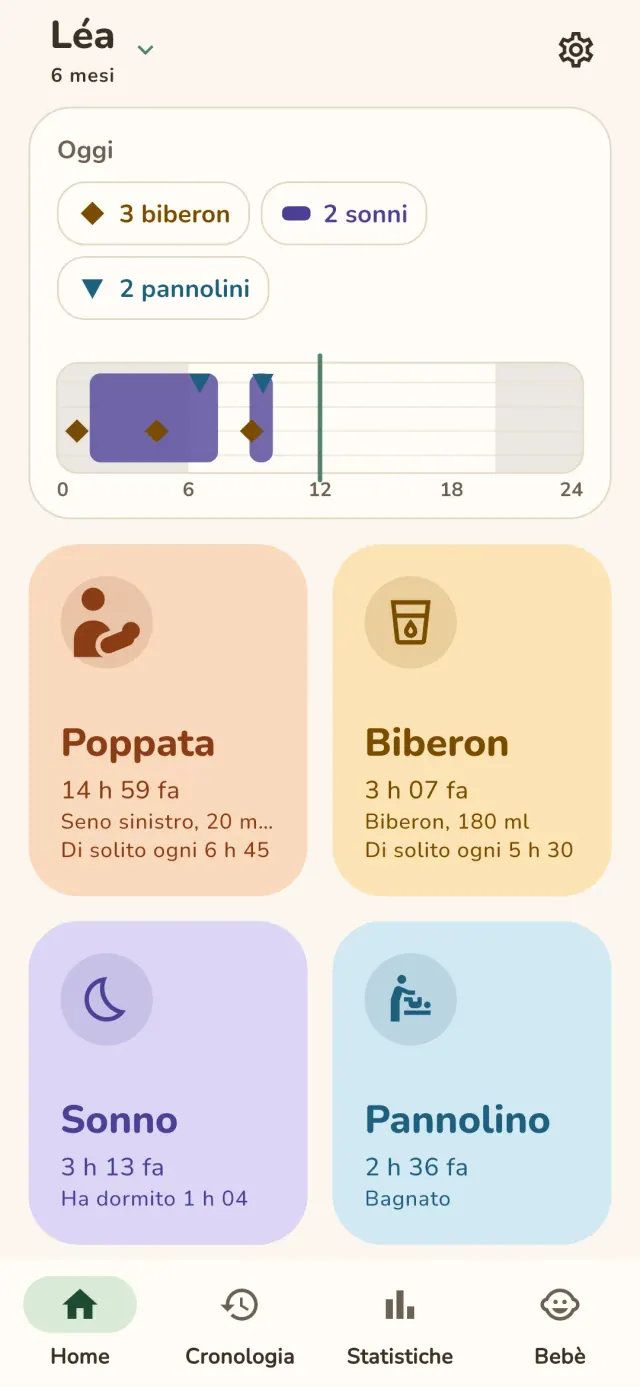
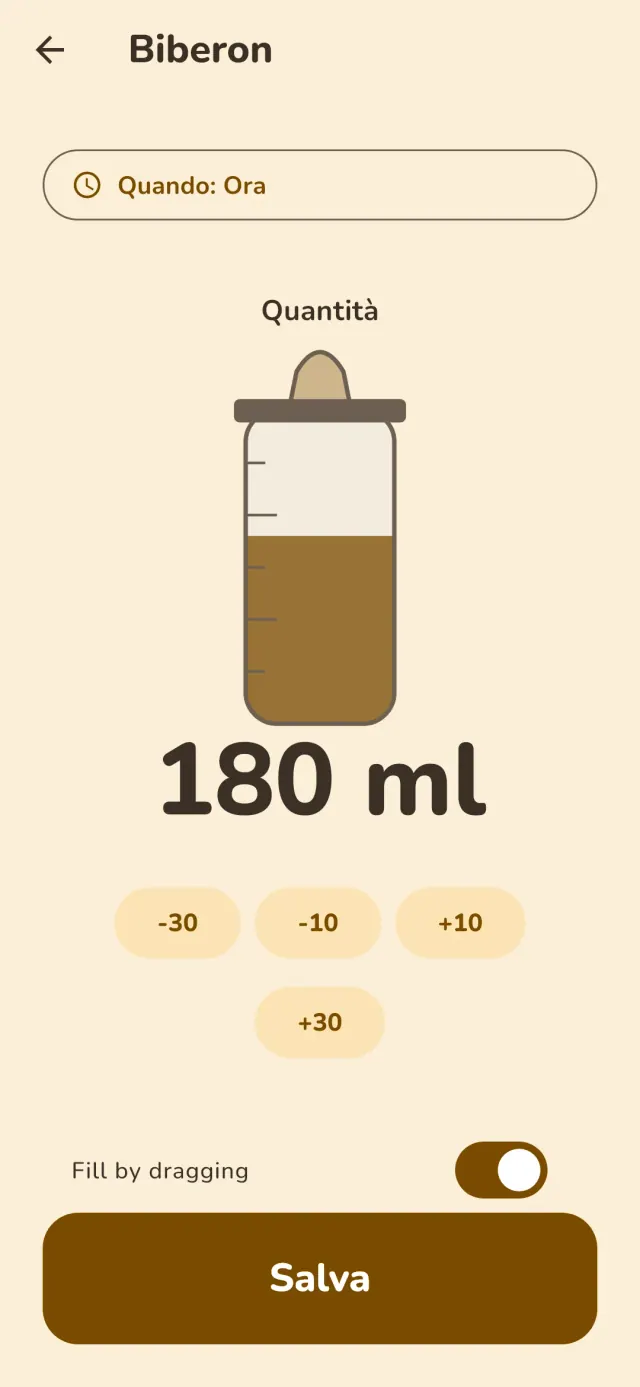
Little Relay è un diario neonato per i primi mesi, dall'allattamento allo svezzamento. Tutto resta sul tuo telefono: senza account, senza accesso e senza pubblicità.
Cosa fa Little Relay
Allattamento e biberon
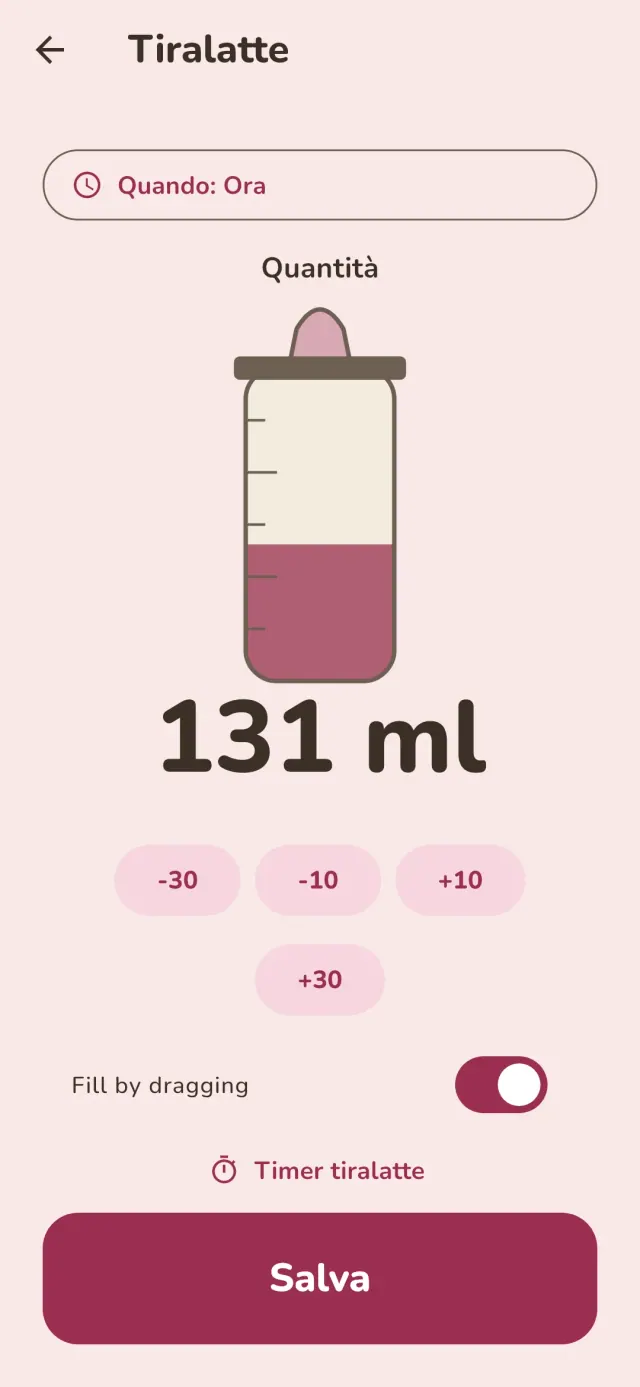
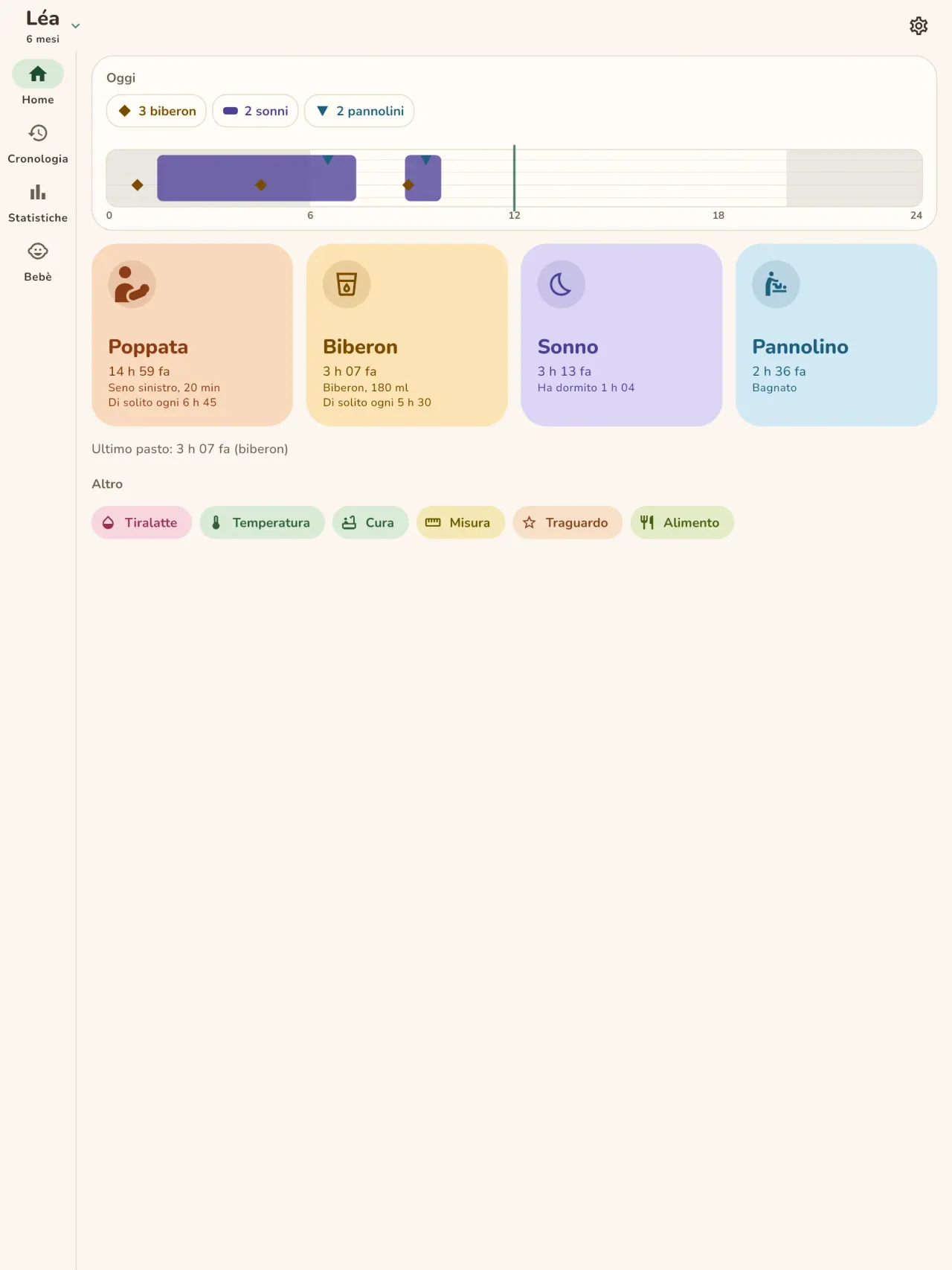
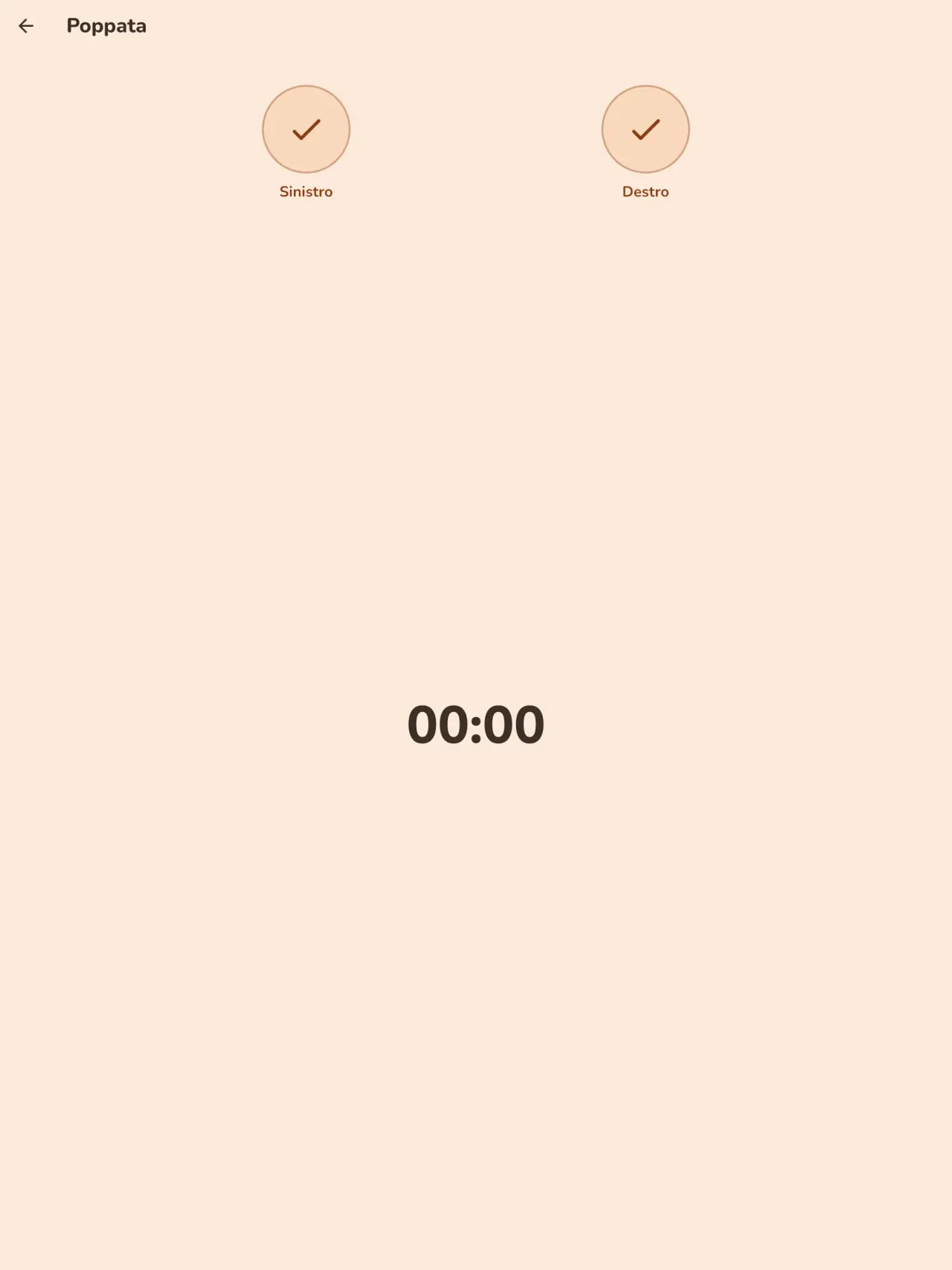
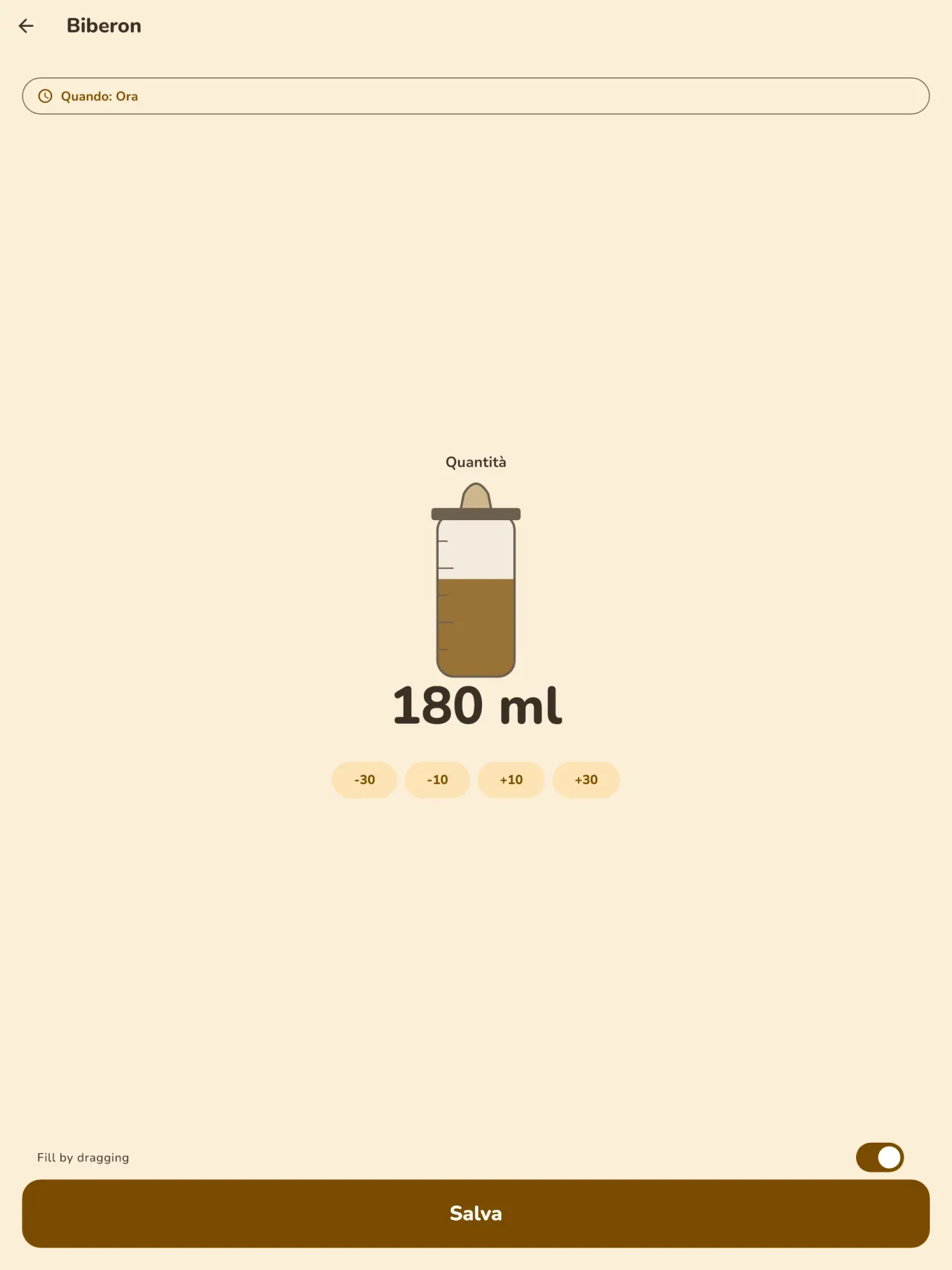
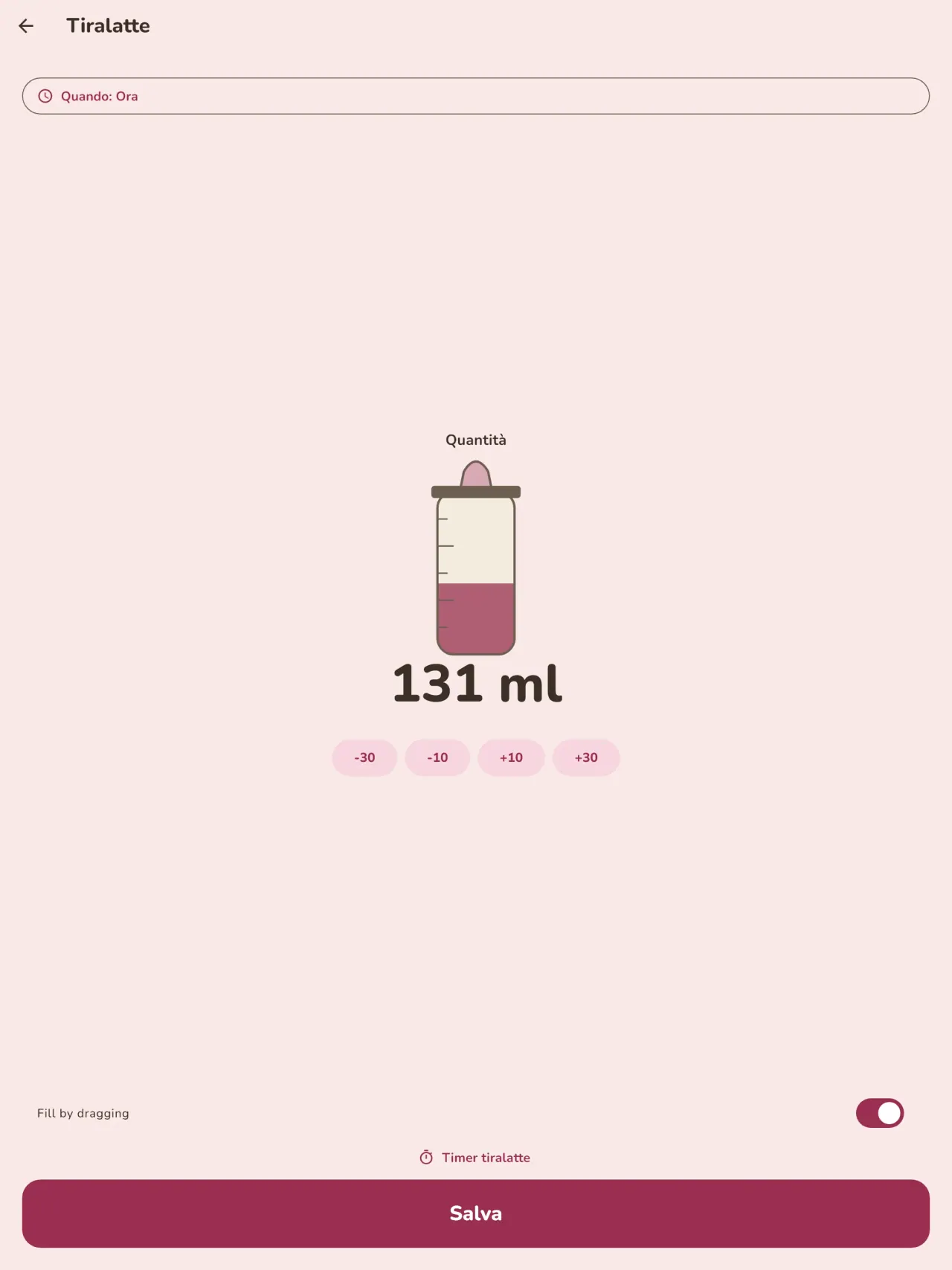
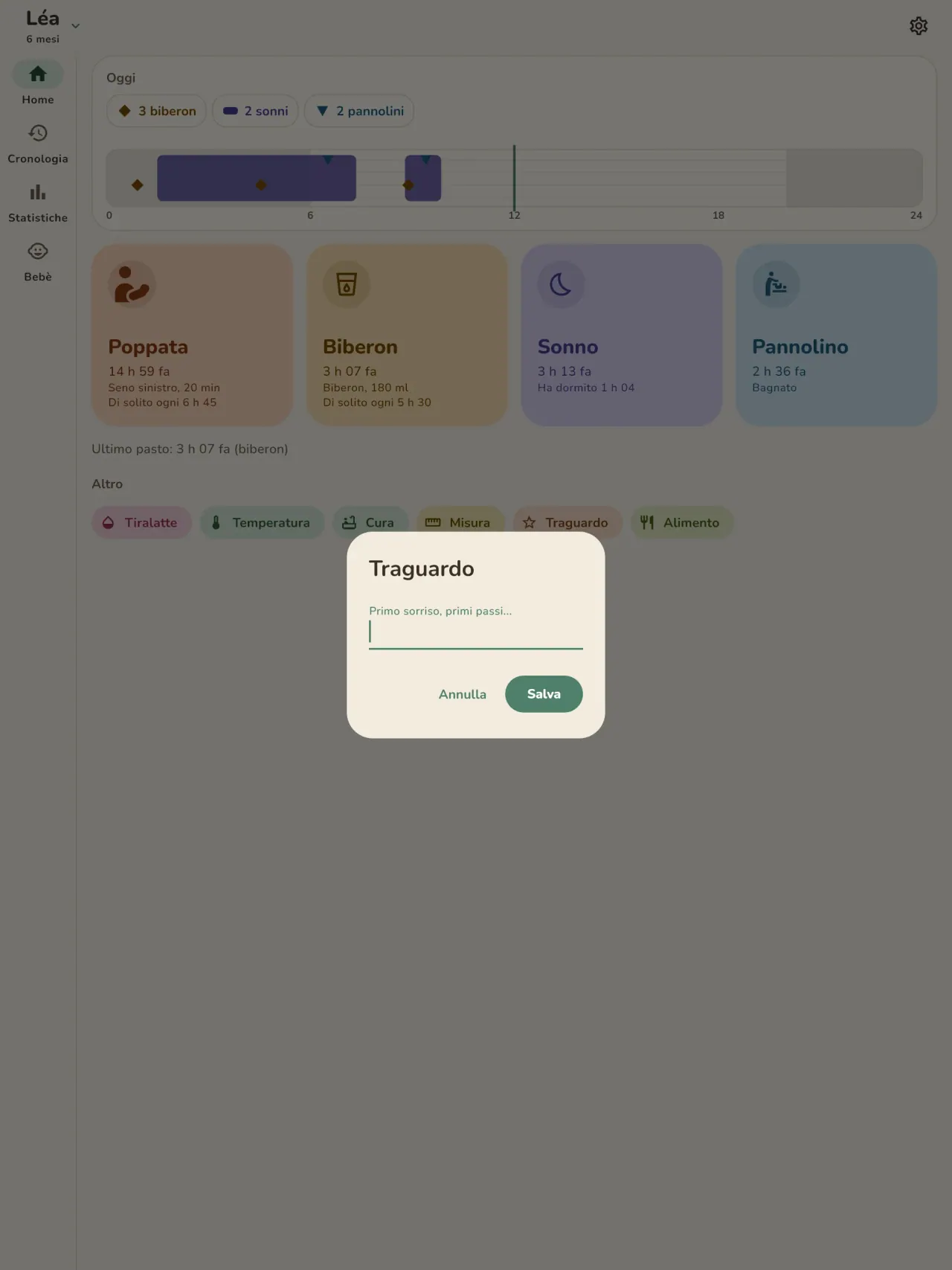
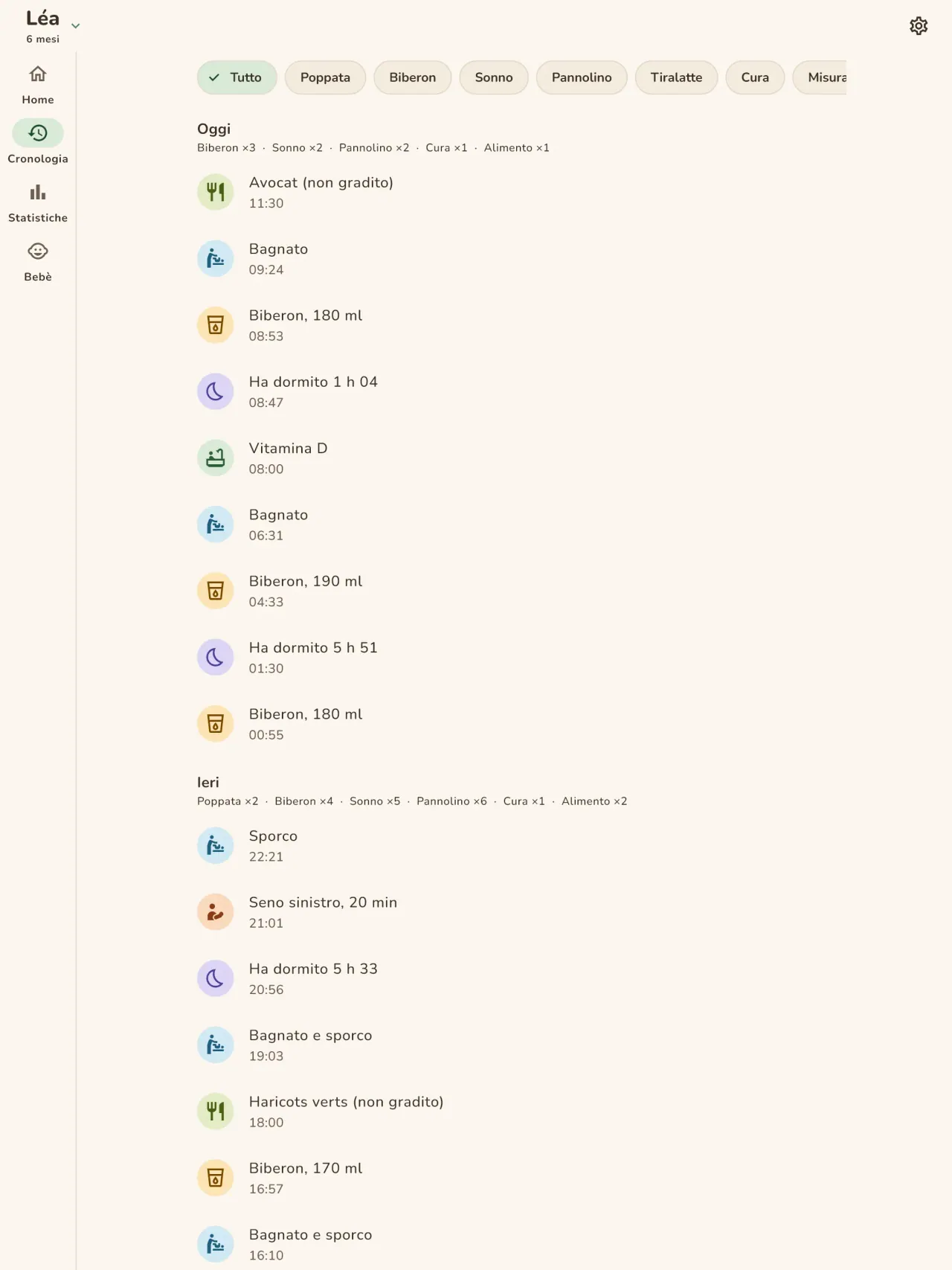
Registra ogni poppata con un tocco: seno sinistro o destro con timer e pausa, oppure il biberon con la quantità in ml. La schermata iniziale indica da quanto tempo è stata la poppata precedente e da quale lato. Il tiralatte ha una voce tutta sua.
Sonno e pannolini
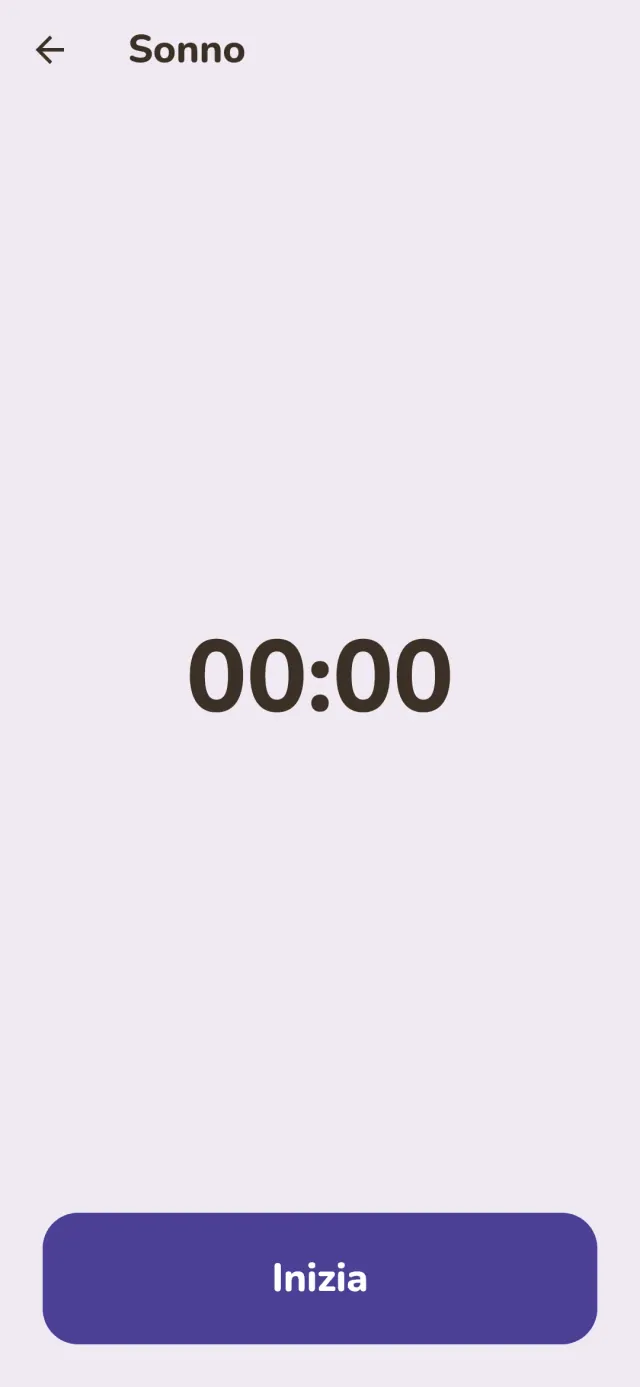
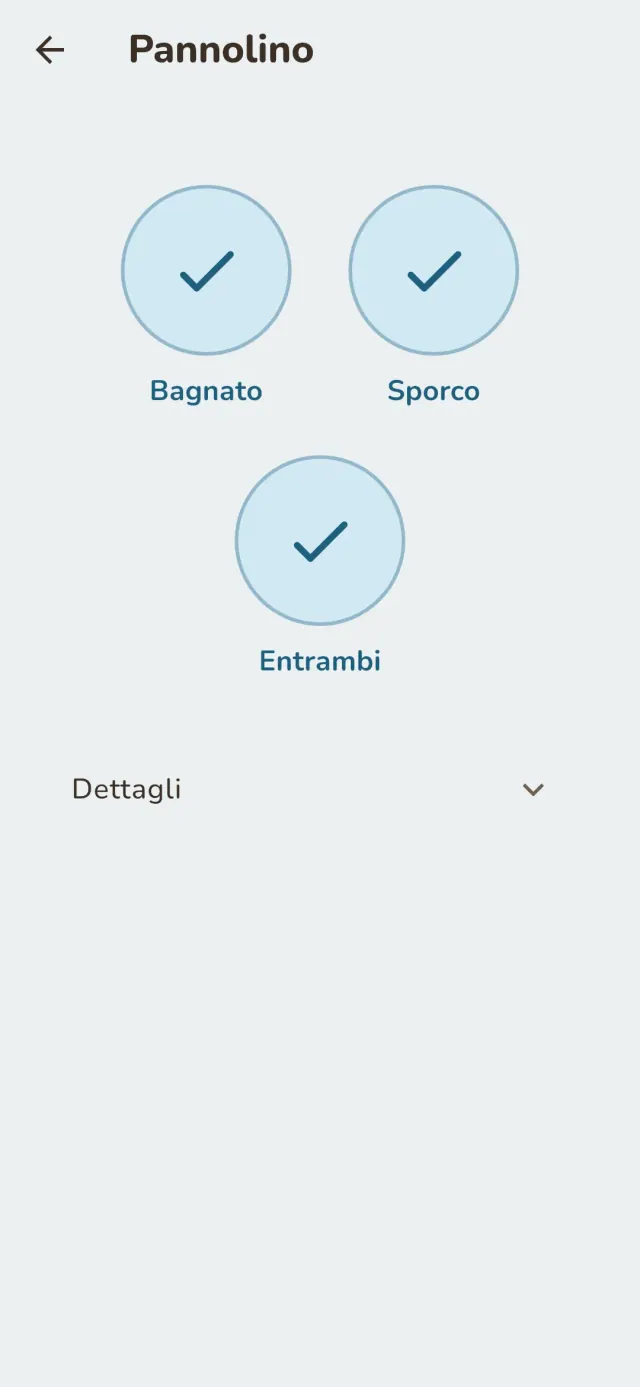
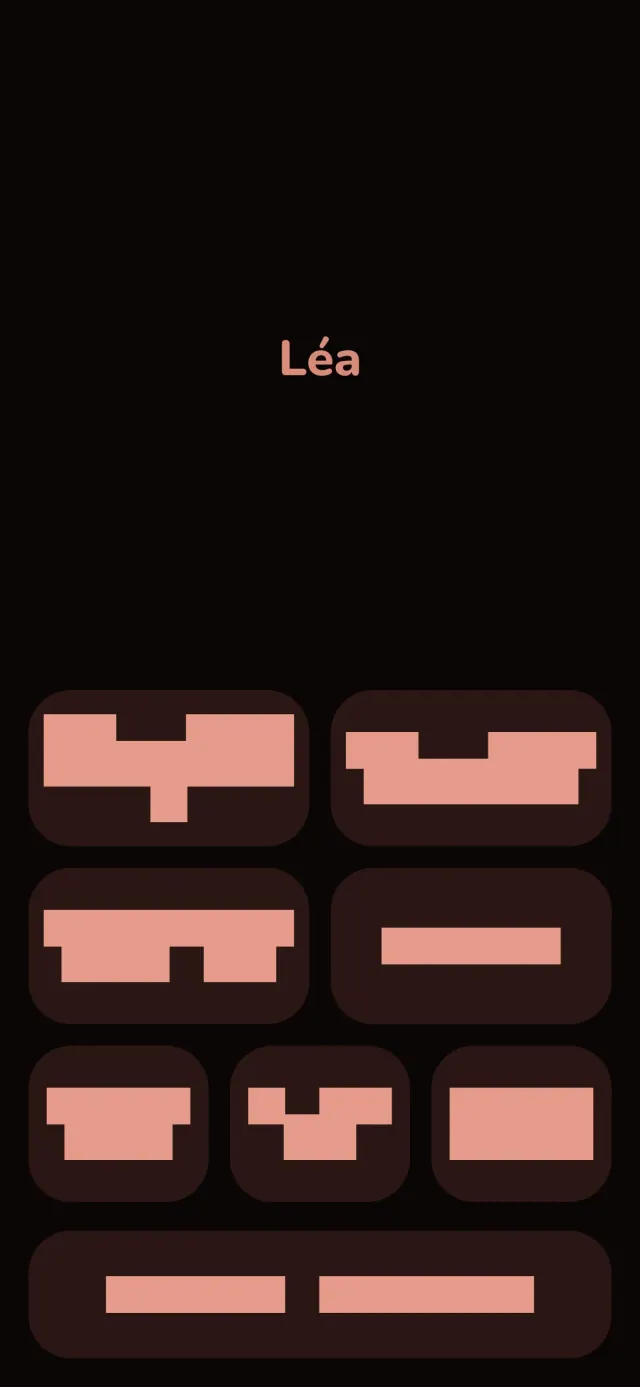
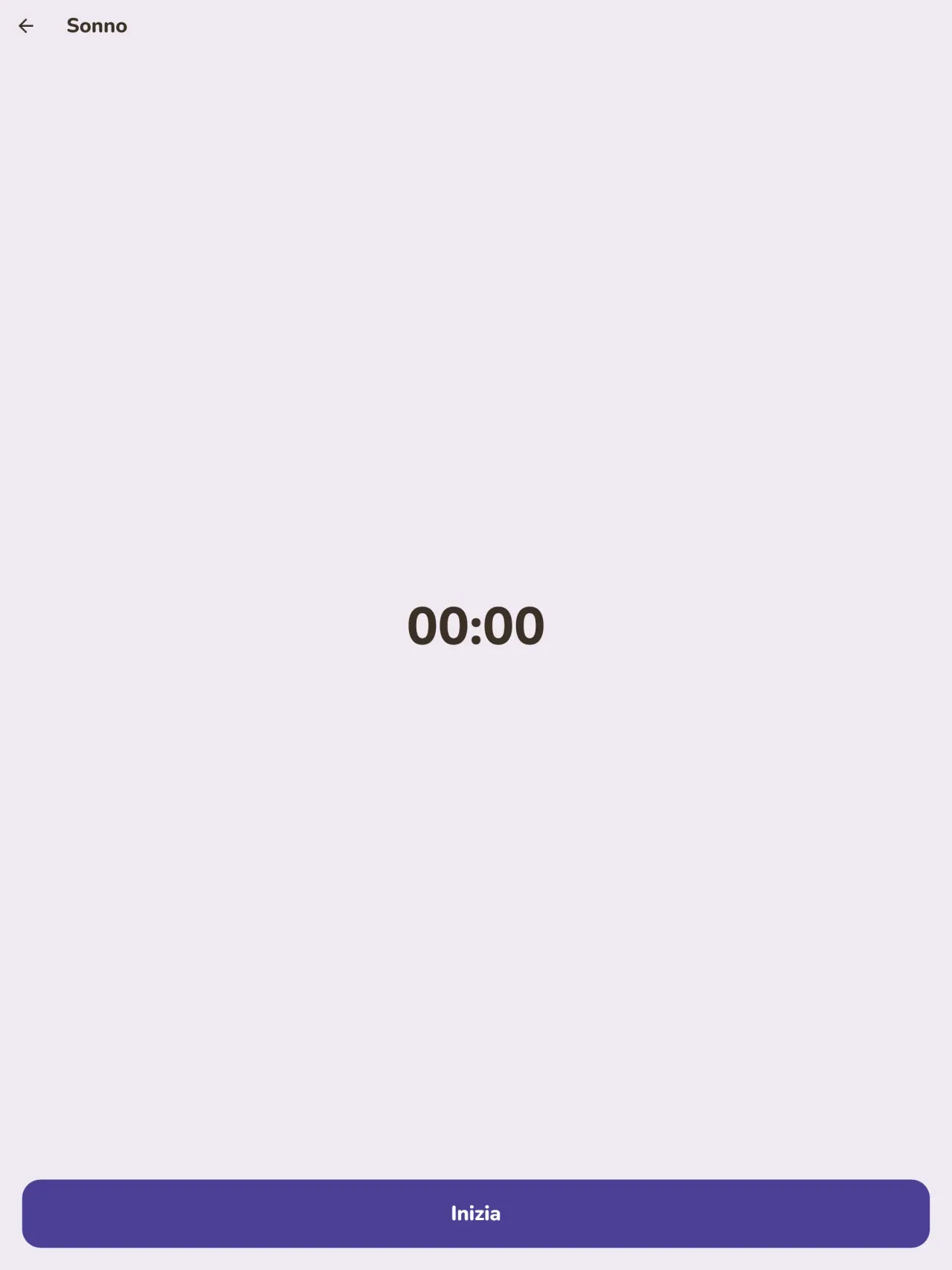
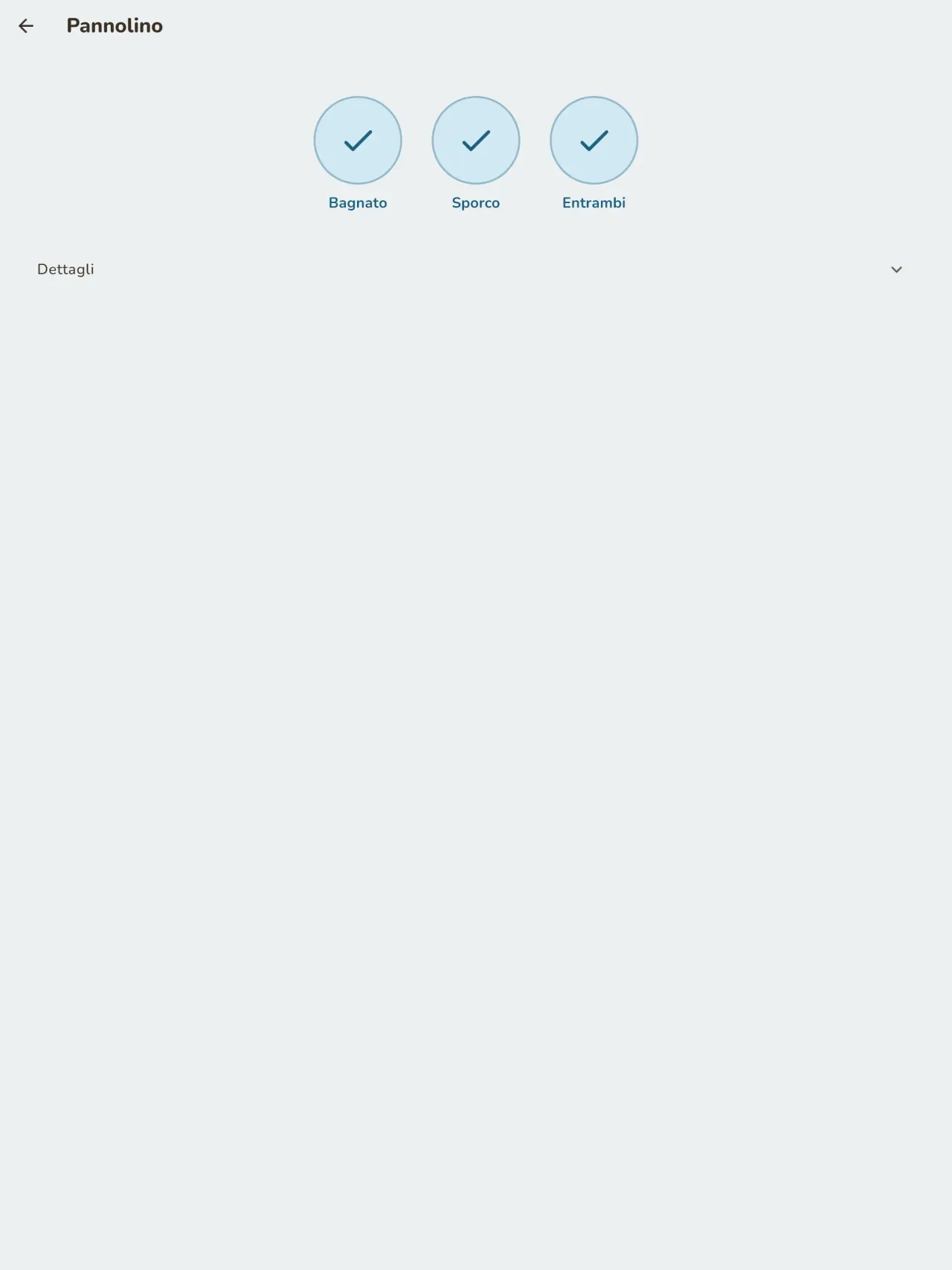
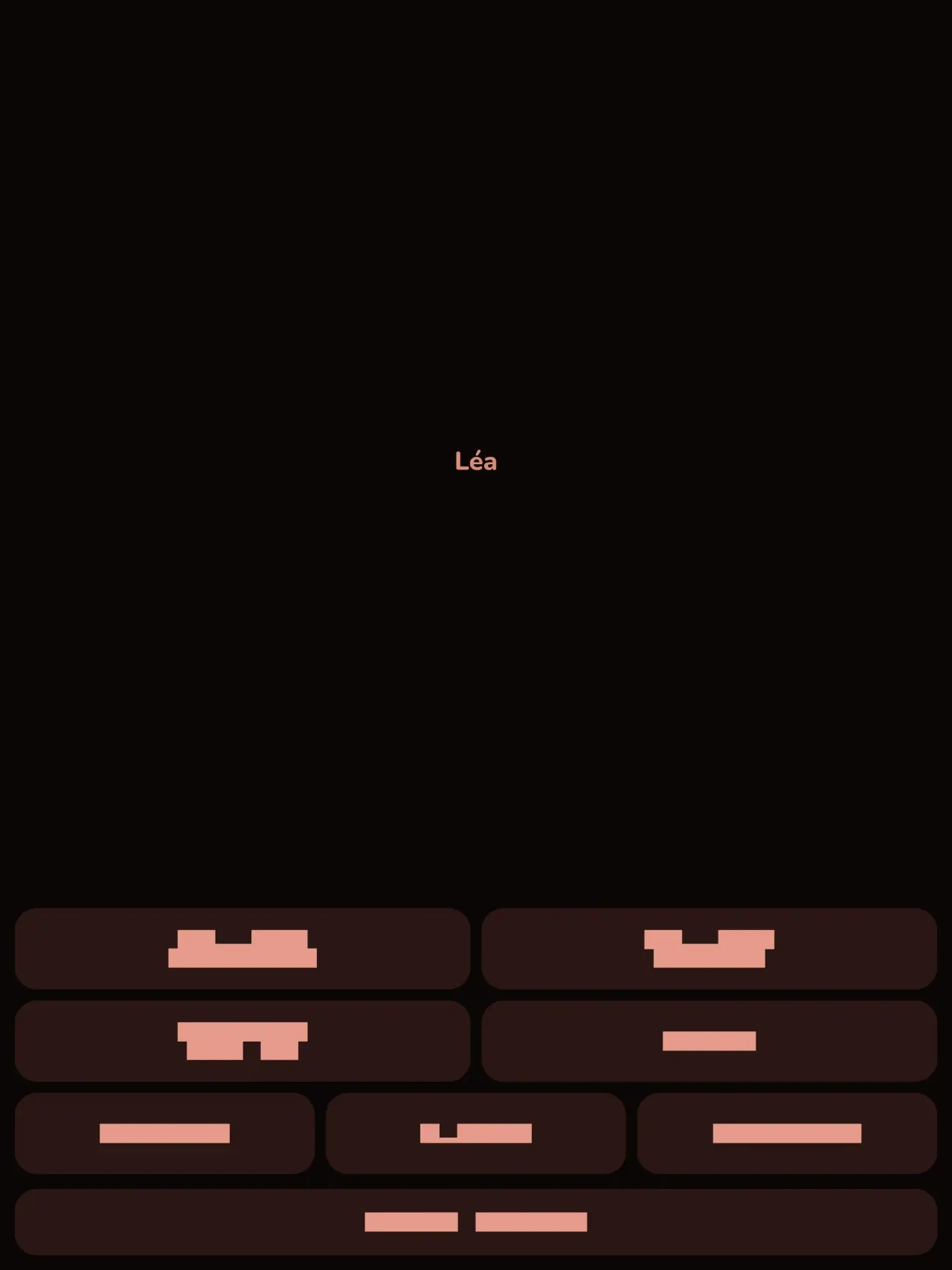
Avvia un timer per ogni sonno e annota i pannolini con un solo tocco. La modalità notte mantiene lo schermo scuro e i pulsanti grandi, per usarla con una mano alle tre del mattino.
Curva di crescita
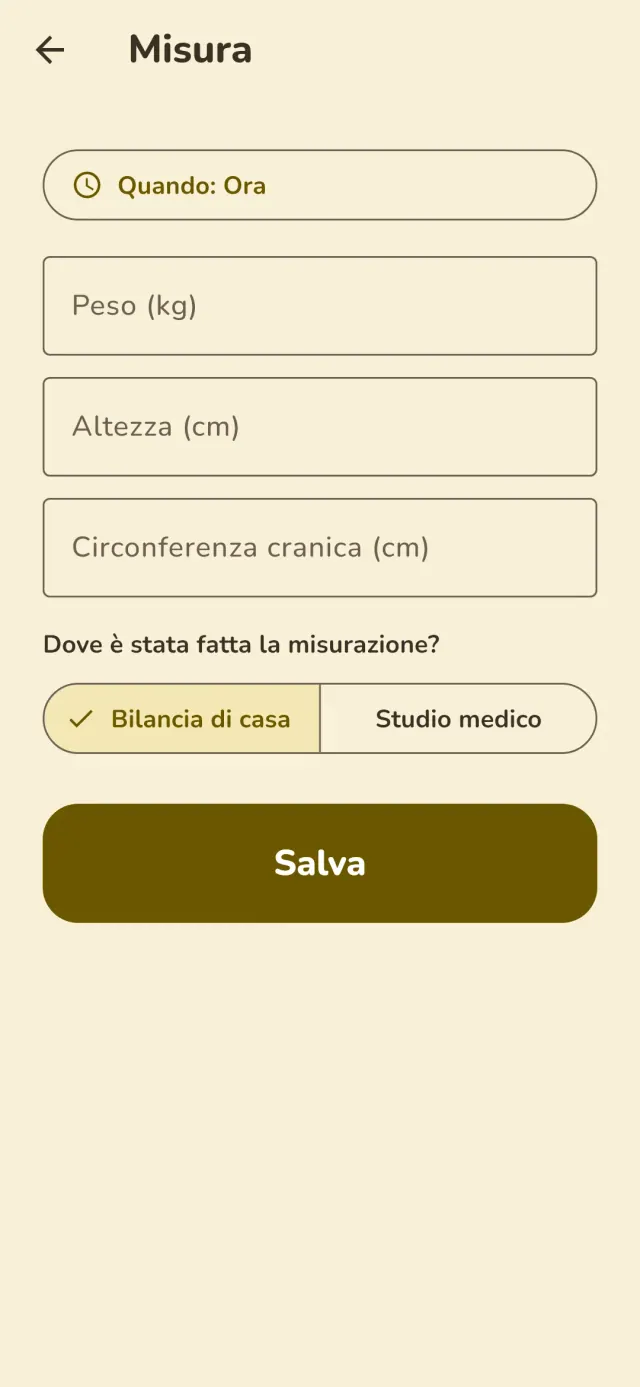
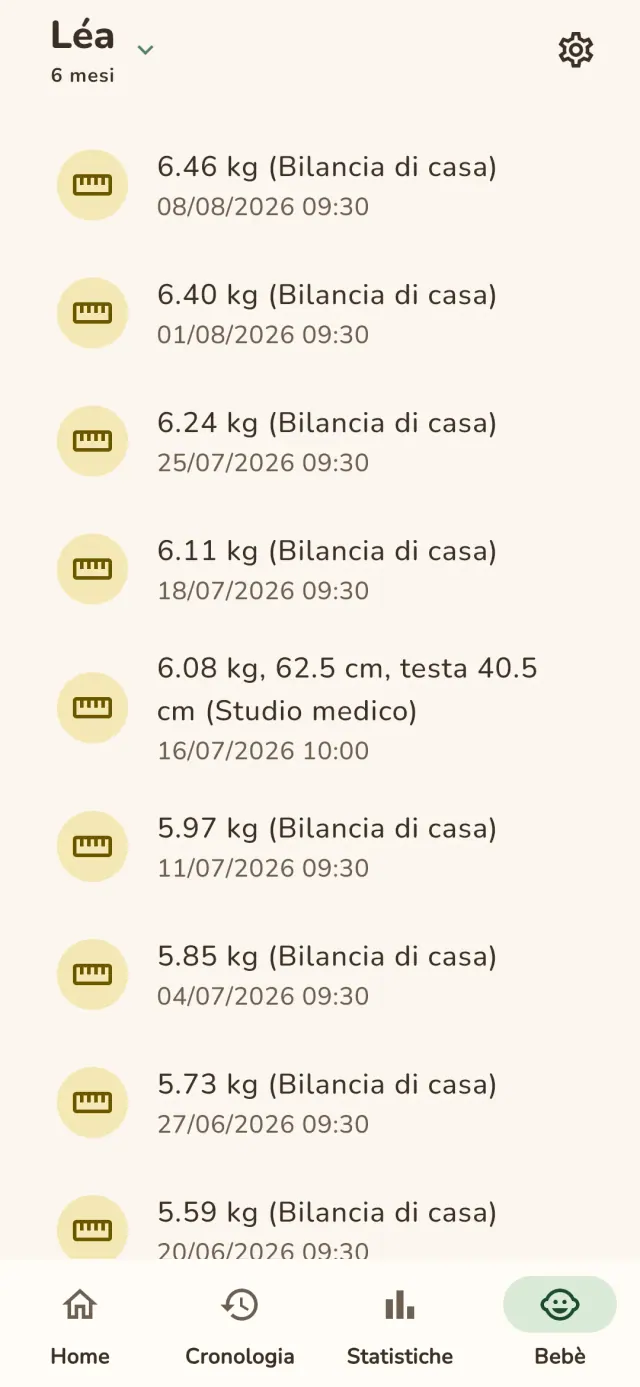
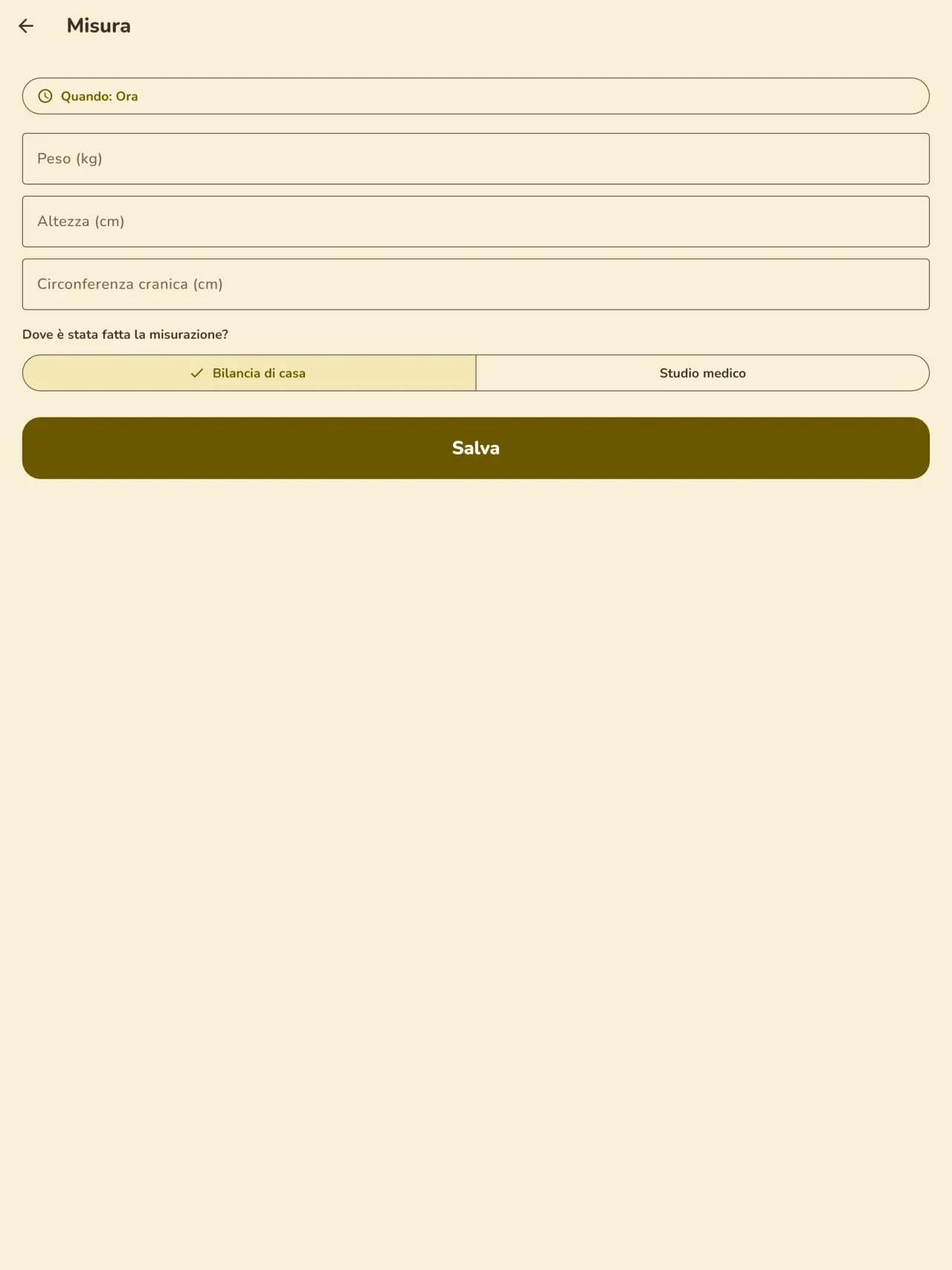
Inserisci peso e altezza, e indica se il valore viene dalla tua bilancia o dall'ambulatorio. La curva di crescita si aggiorna a ogni inserimento e resta leggibile da una visita all'altra.
Svezzamento
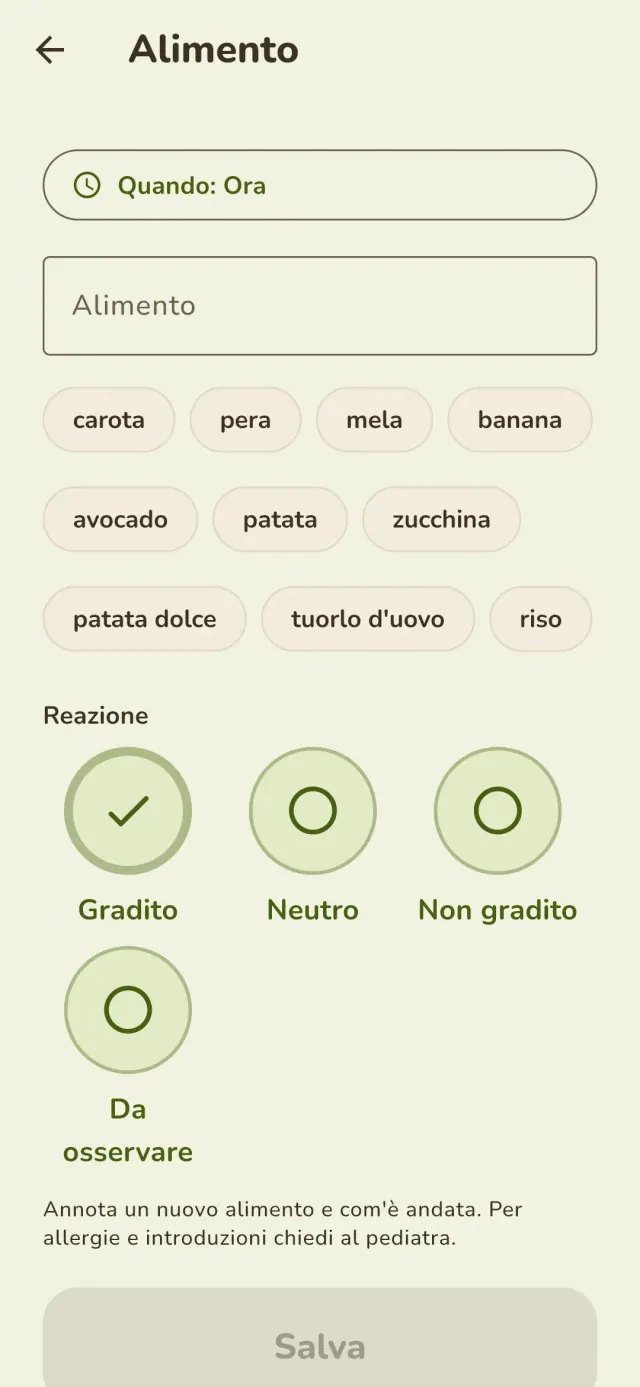
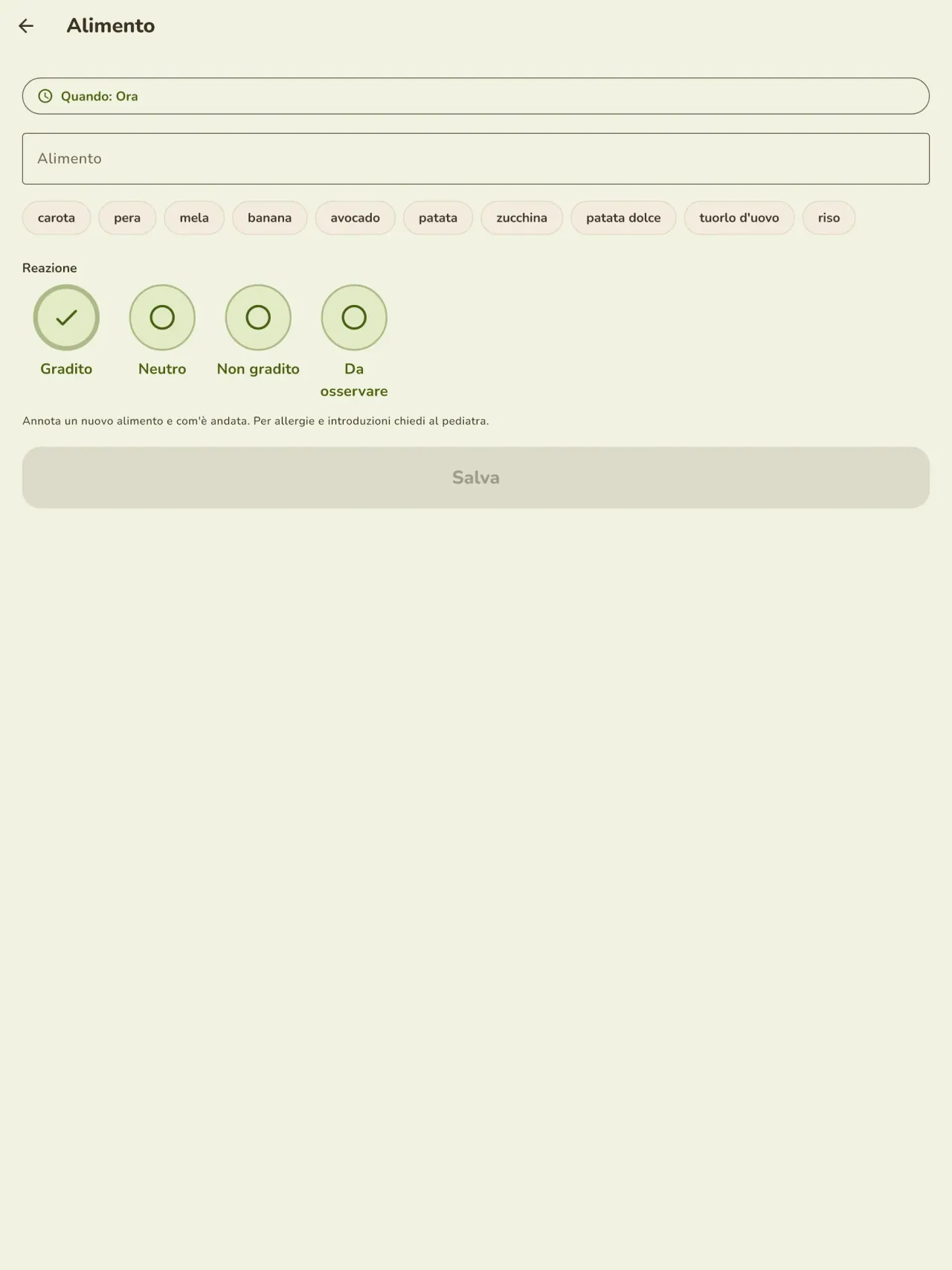
Registra ogni nuovo alimento, la data e la reazione osservata, poi organizza i pasti in un calendario.
Gravidanza e prima della nascita
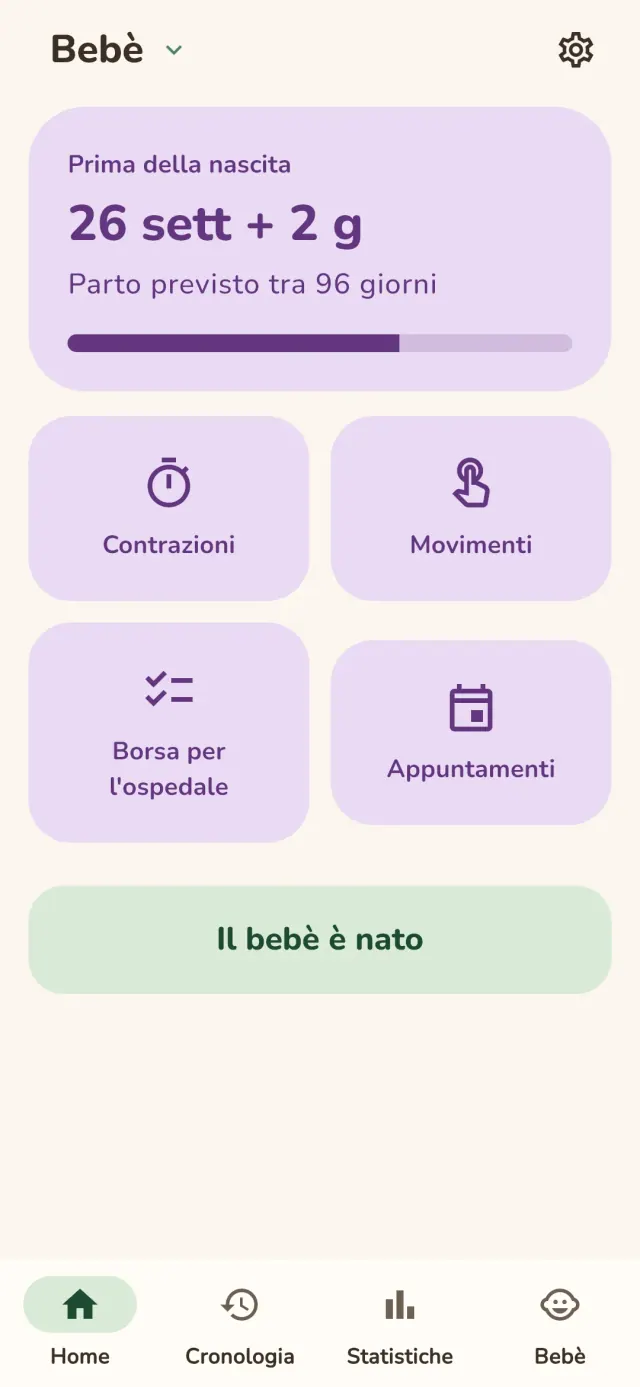
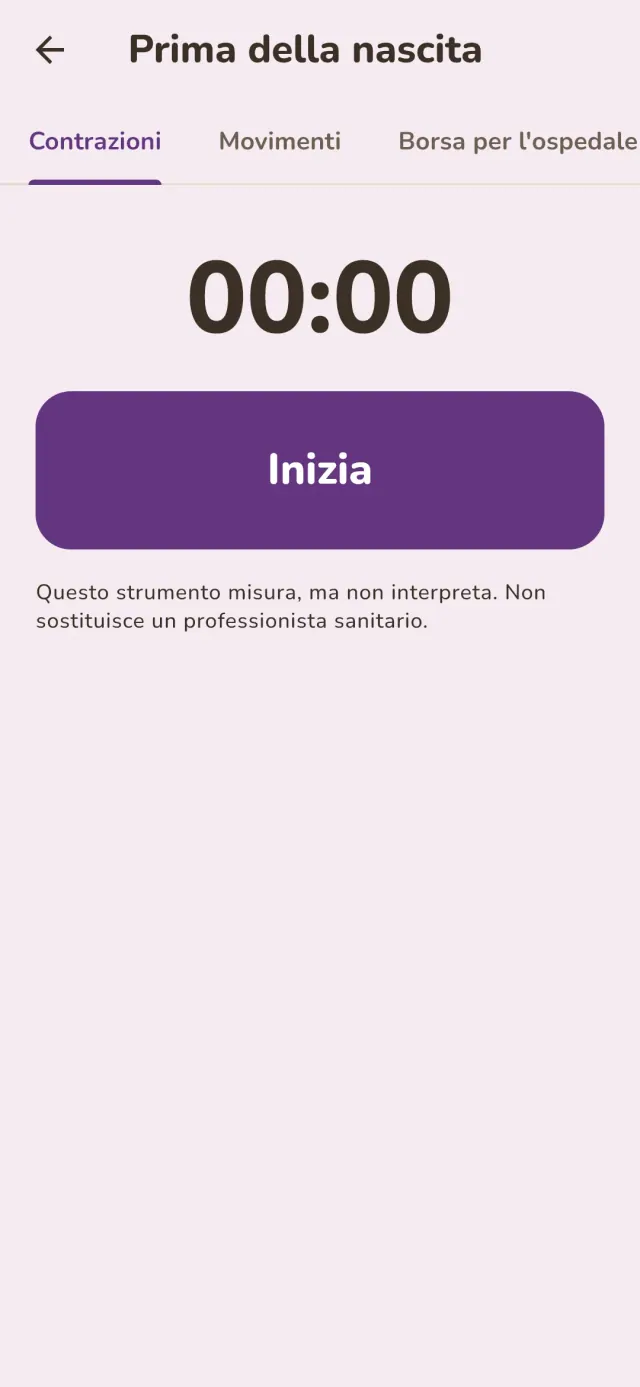
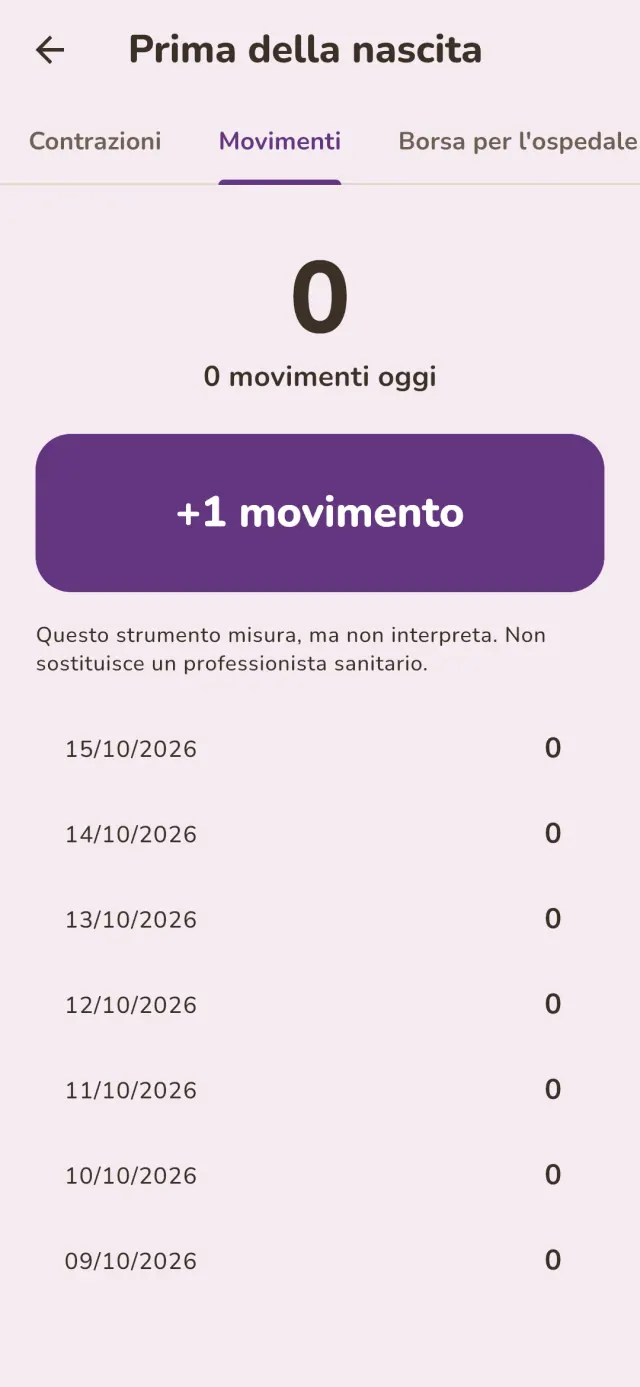
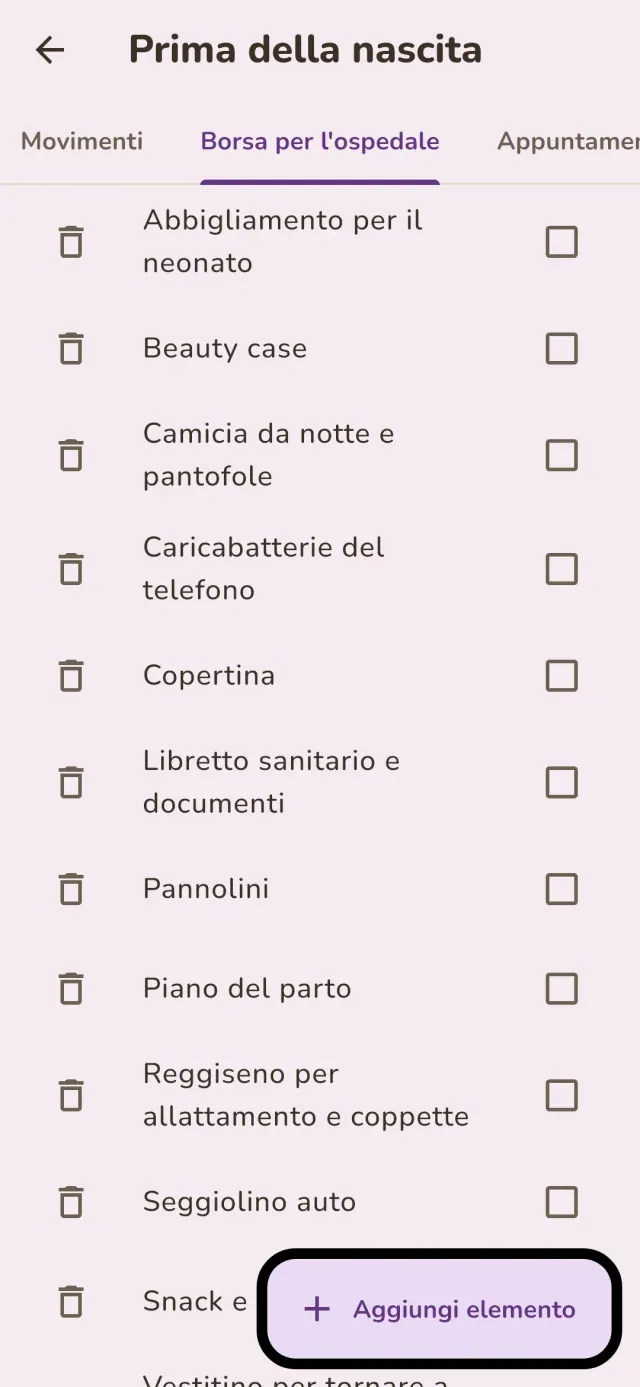
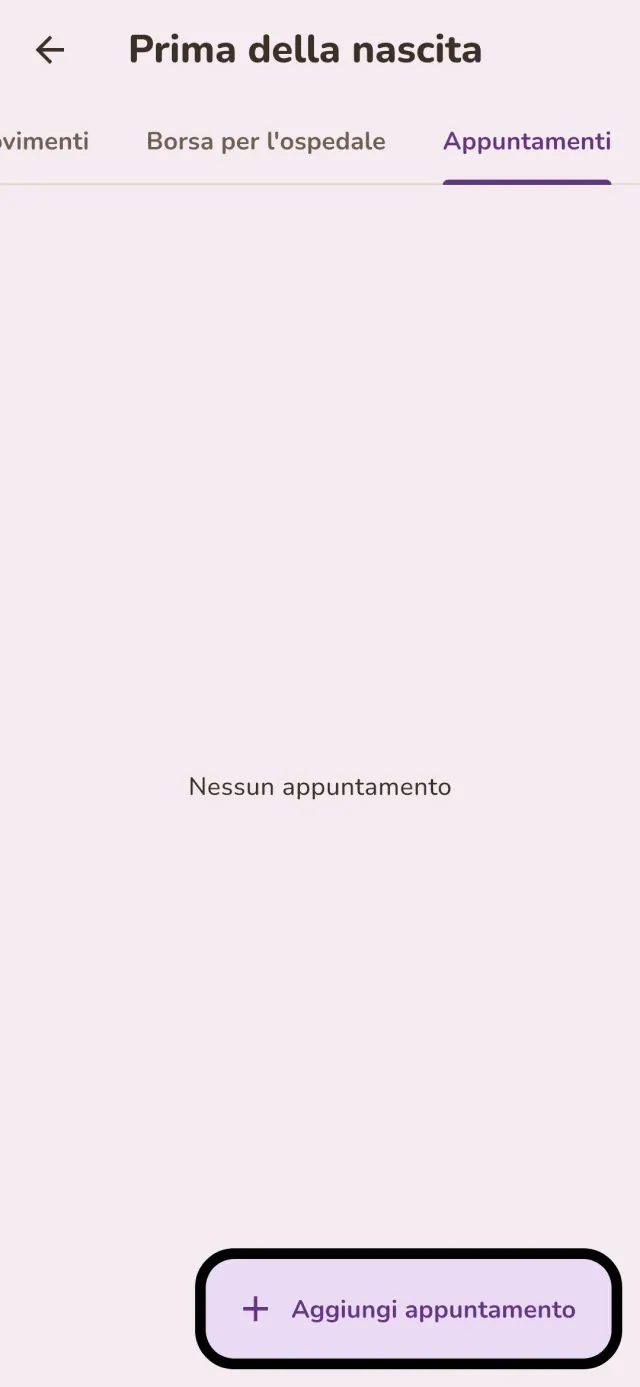
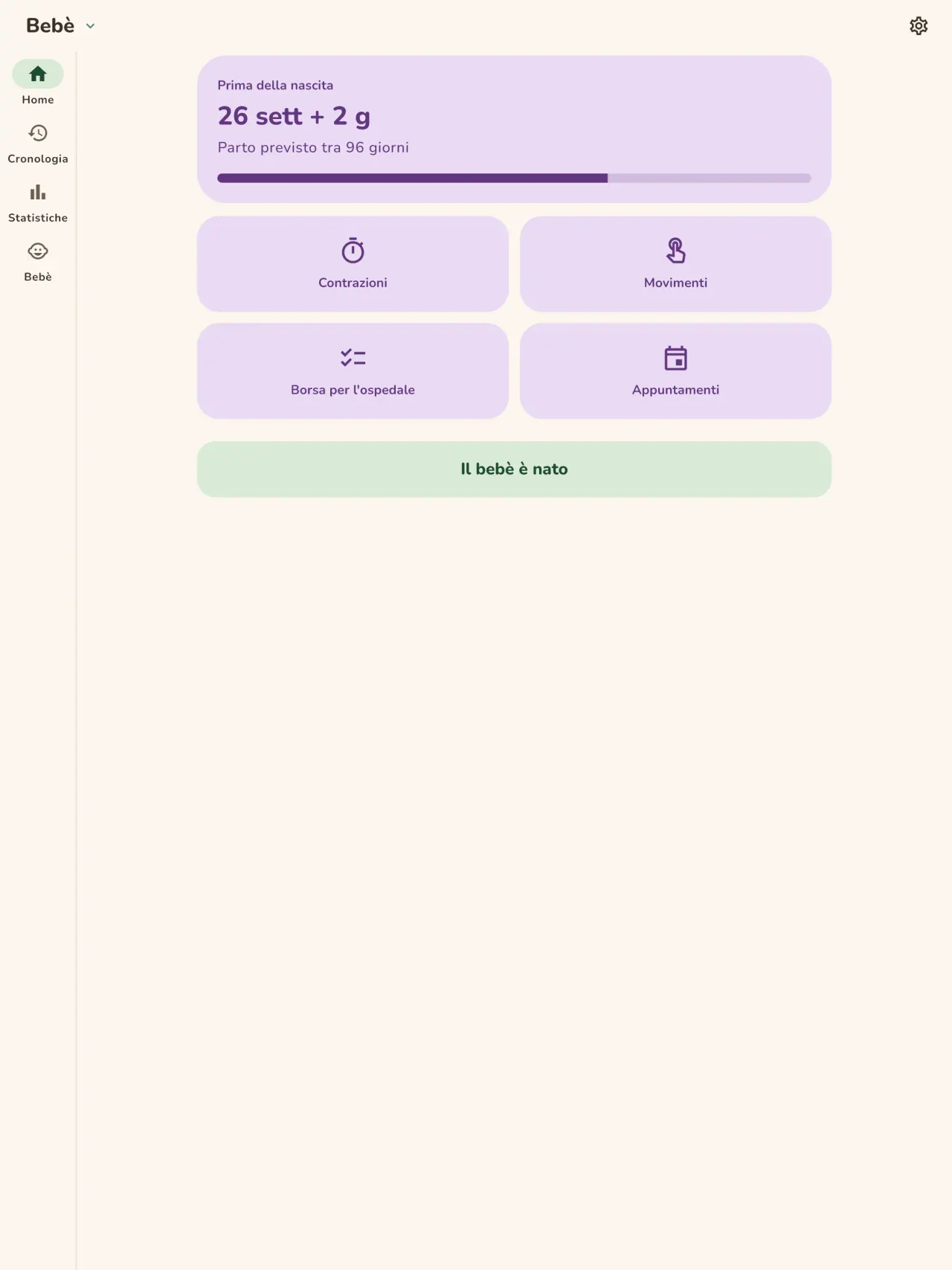
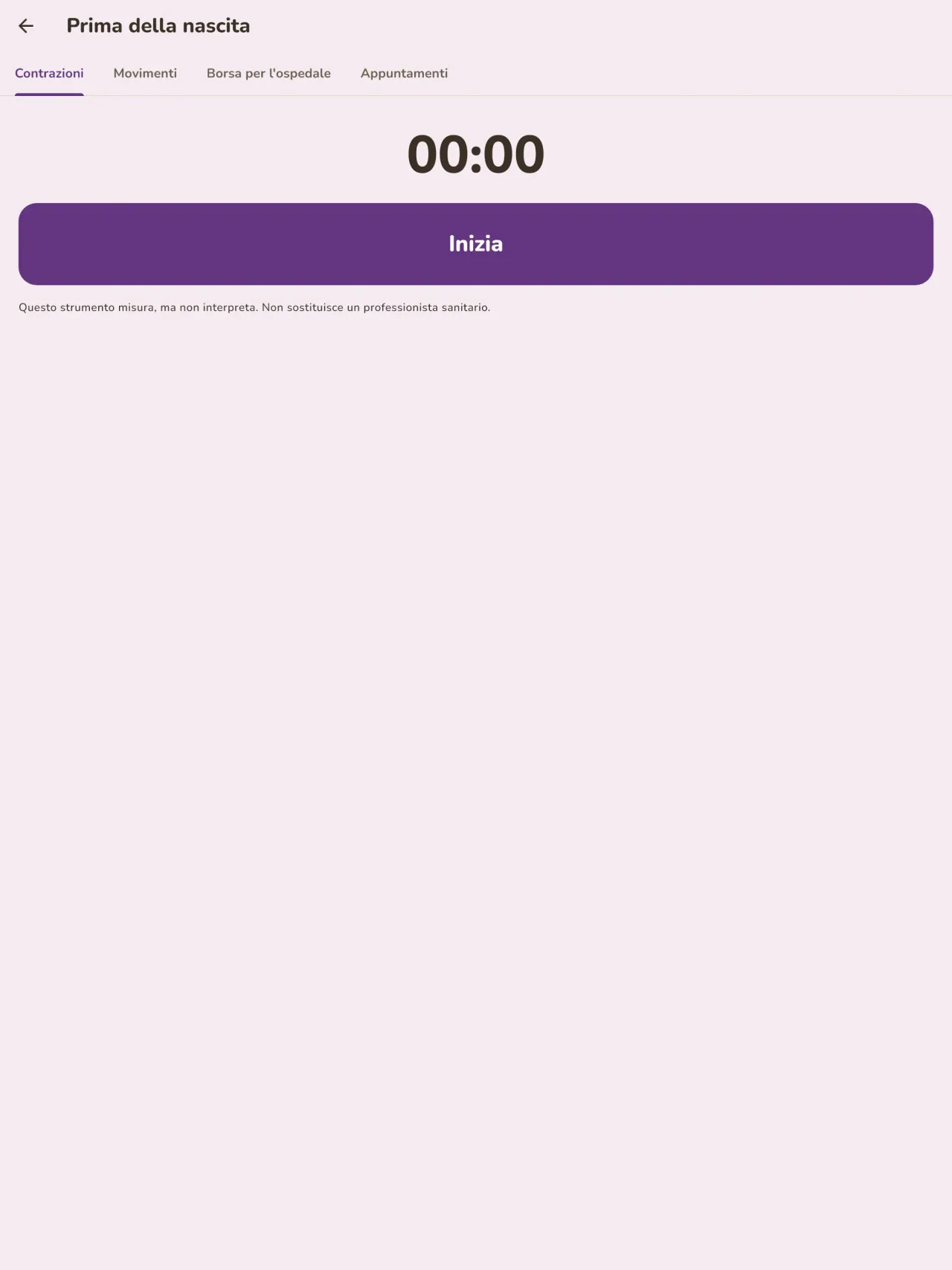
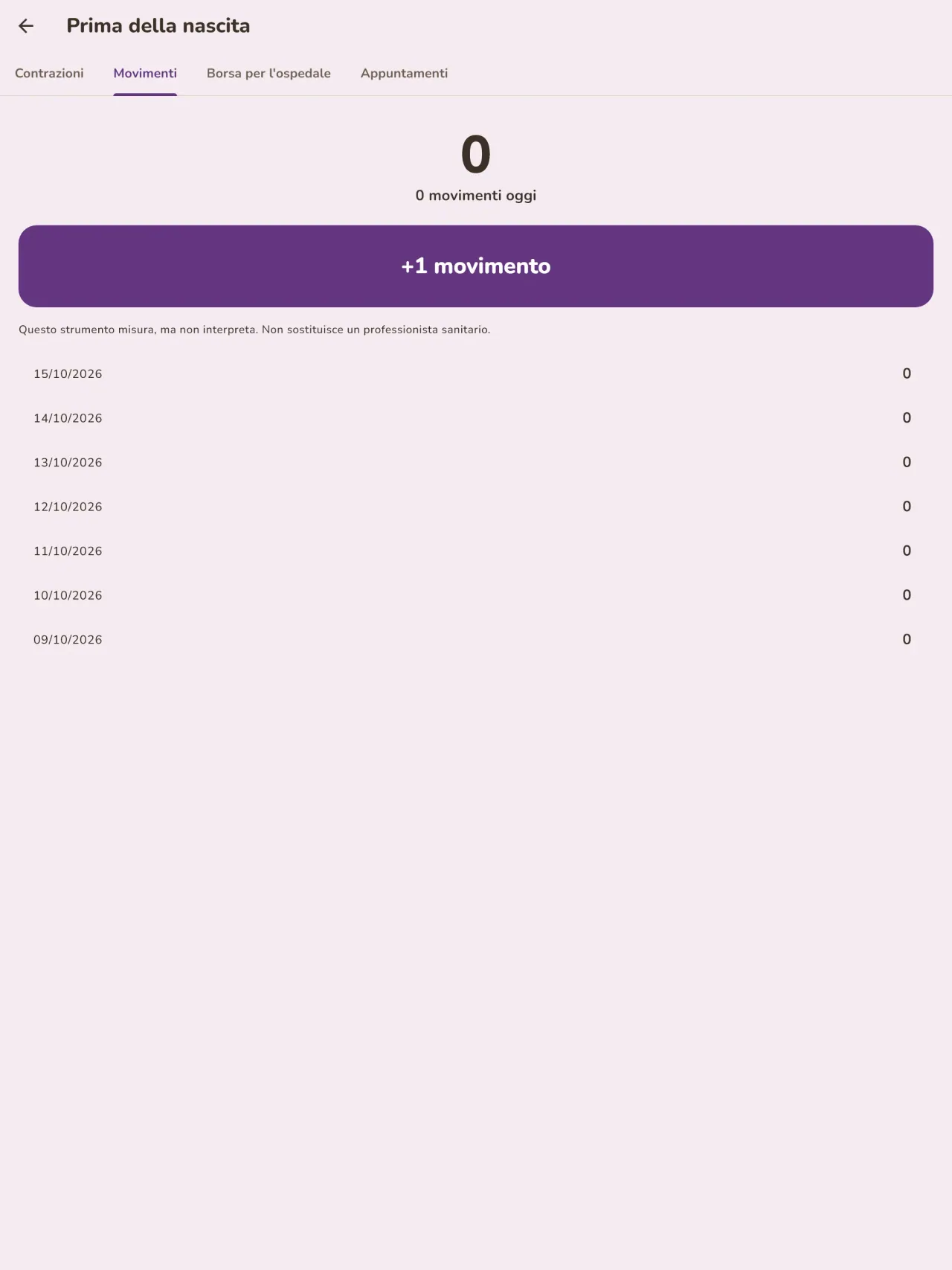
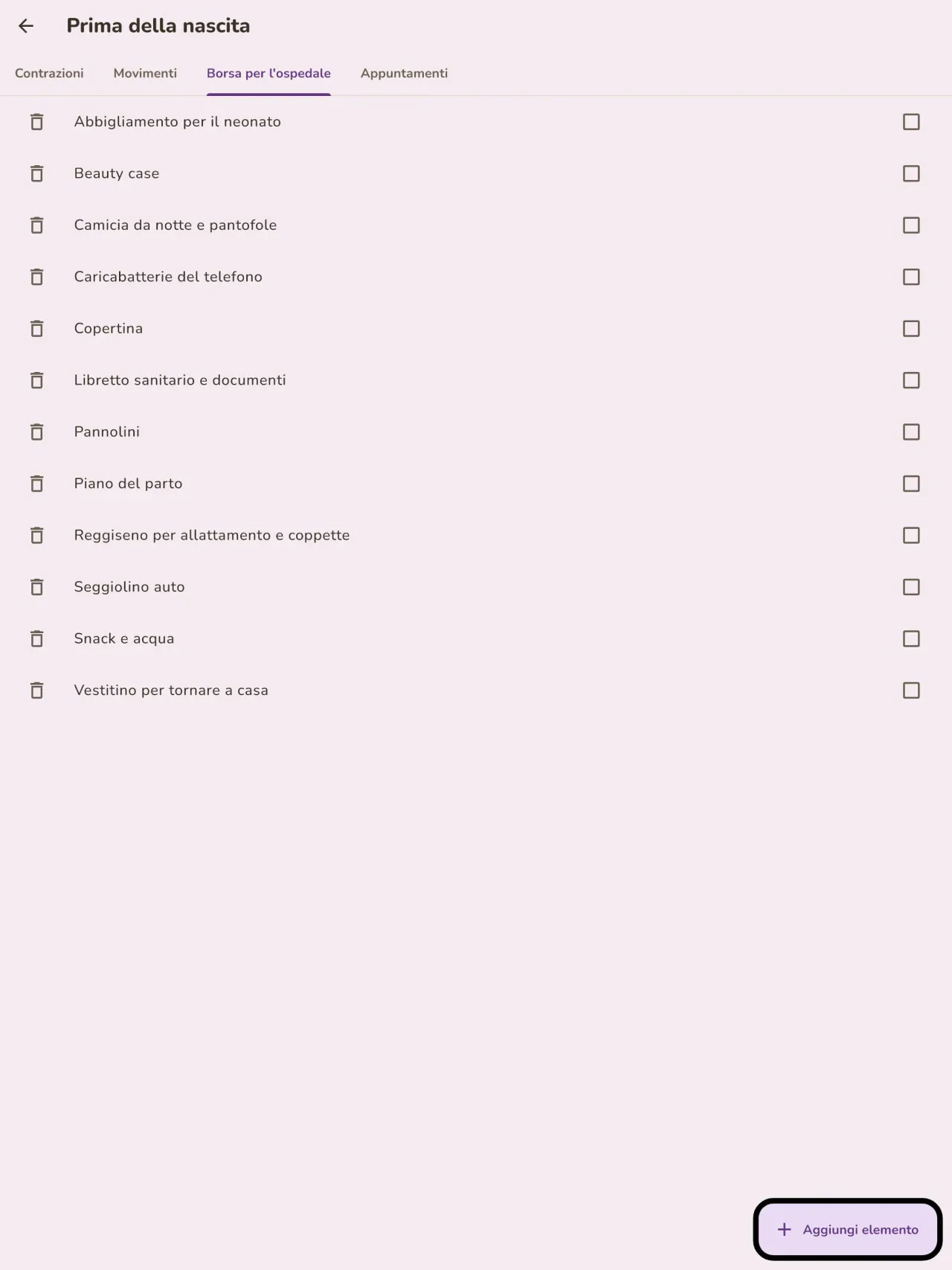
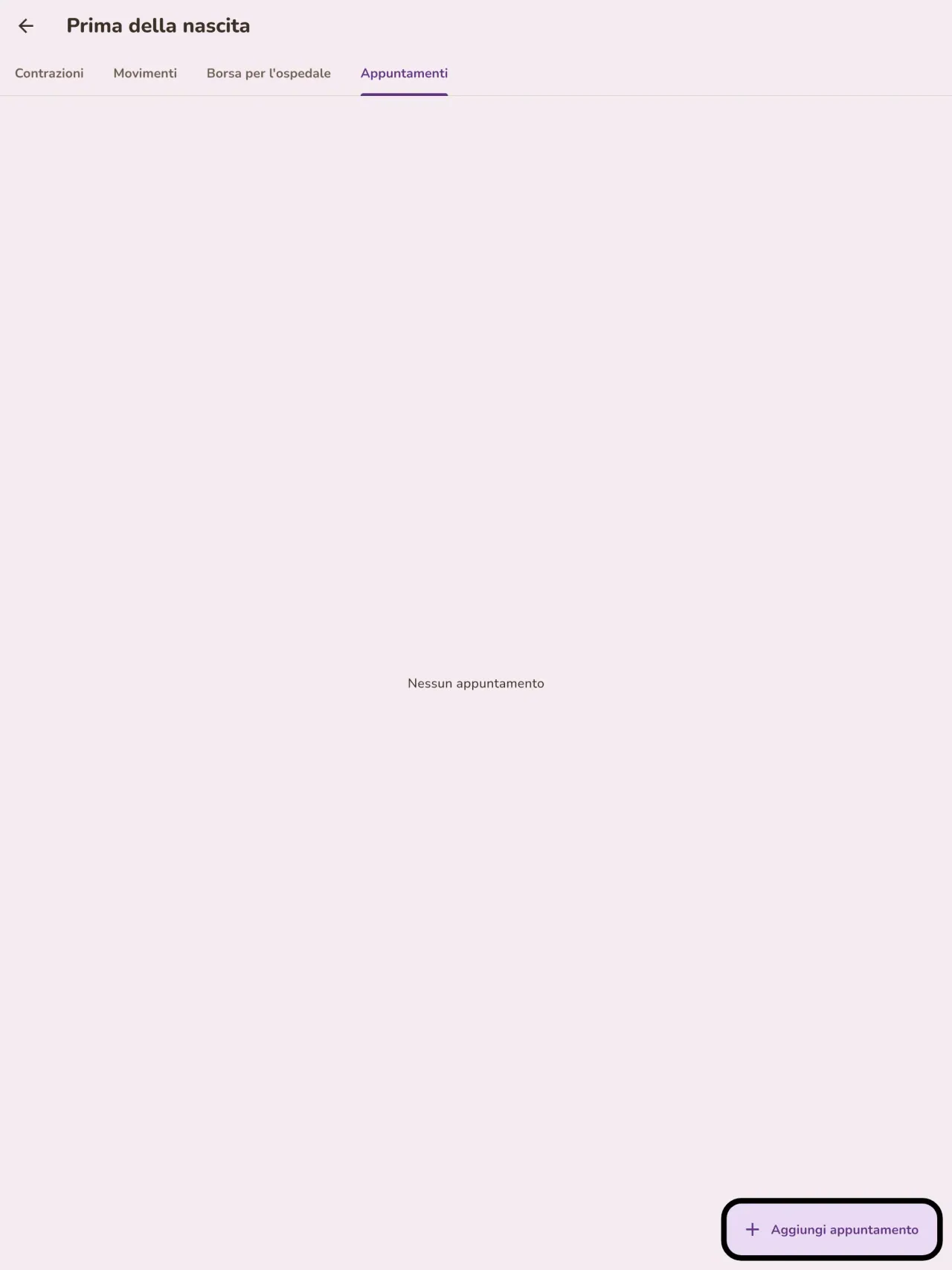
Aspetti un bambino? Indica la data prevista e segui la settimana di gravidanza, cronometra le contrazioni, conta i movimenti del bebè, prepara la valigia per l'ospedale e annota le visite. Quando arriva il bebè, la stessa app è pronta per la prima poppata.
Un registro da mostrare al medico
Esporta un report in PDF per il pediatra o l'ostetrica. Viene creato sul telefono e scegli tu dove inviarlo.
I tuoi dati restano con te
Il monitoraggio avviene senza account: non si invia nulla e non si analizza nulla. L'app funziona offline, anche in modalità aereo. Un pulsante cancella tutti i dati.
Little Relay registra ciò che inserisci. Non fornisce pareri medici e non sostituisce un professionista sanitario.
A chi è rivolto
- Genitori alle prime armi che vogliono un registro semplice di poppate, sonno e pannolini, da compilare con una mano sola di notte.
- Genitori che iniziano lo svezzamento e vogliono annotare ogni nuovo alimento, la data e la reazione del bambino.
- Genitori che preferiscono un diario del bebè senza account, con i dati che restano sul telefono.
Perché scegliere Little Relay
- Tutto resta sul tuo telefono: nessun account, nessun cloud, nessuna pubblicità, nessun tracciamento, e l'app non ha bisogno di rete per funzionare.
- Pensata per la notte: modalità scura e pulsanti grandi, e una schermata iniziale che mostra da quanto tempo è stata l'ultima poppata e da quale lato.
- I dati sono tuoi: esporta un rapporto PDF per il pediatra e cancella tutto con un solo pulsante.
Cosa non fa ancora
- Non si può ancora condividere tra due telefoni: il diario vive su un solo telefono. La condivisione tra genitori, con crittografia end-to-end, è prevista.
- Il widget della schermata iniziale per ora è disponibile solo su Android.
- Non è un dispositivo medico e non dà consigli medici.
Il principio di Pixeon. Le app Pixeon sono prima di tutto locali: nessun account, nessun tracciamento e i tuoi dati restano sul telefono. Se un'app si connette alla rete, lo fa solo quando scegli di attivare una funzione che ti serve, e l'informativa sulla privacy viene aggiornata prima del rilascio.
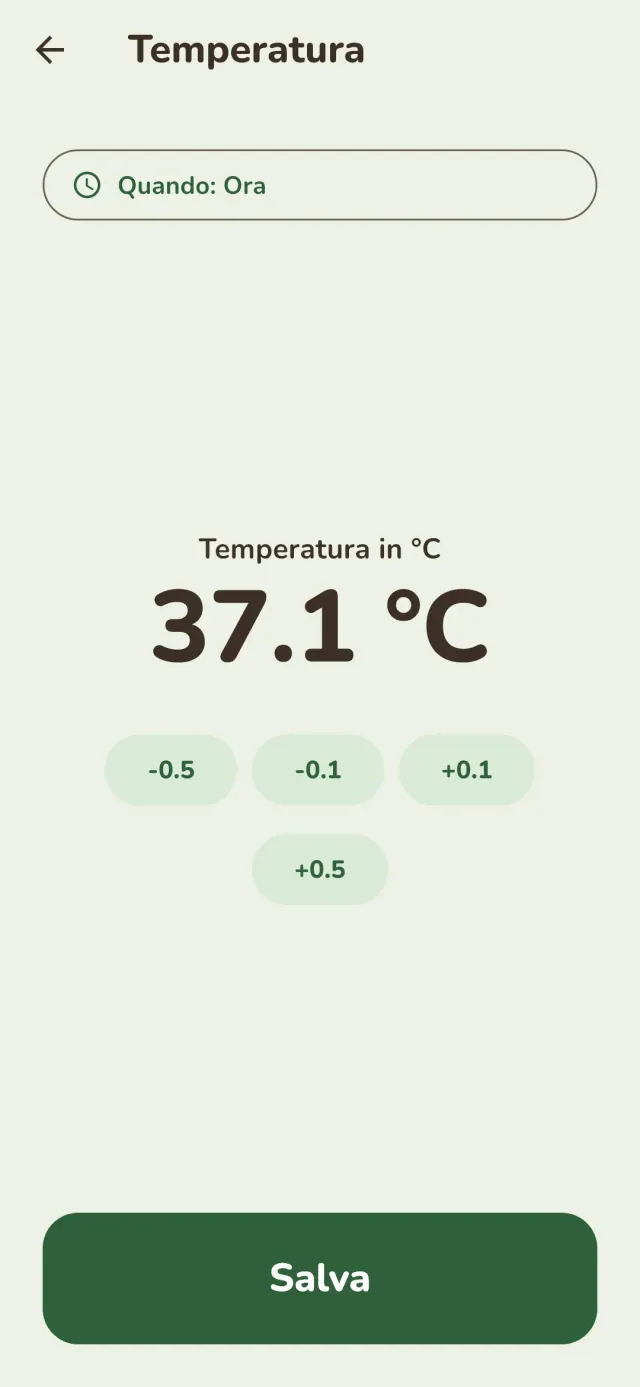
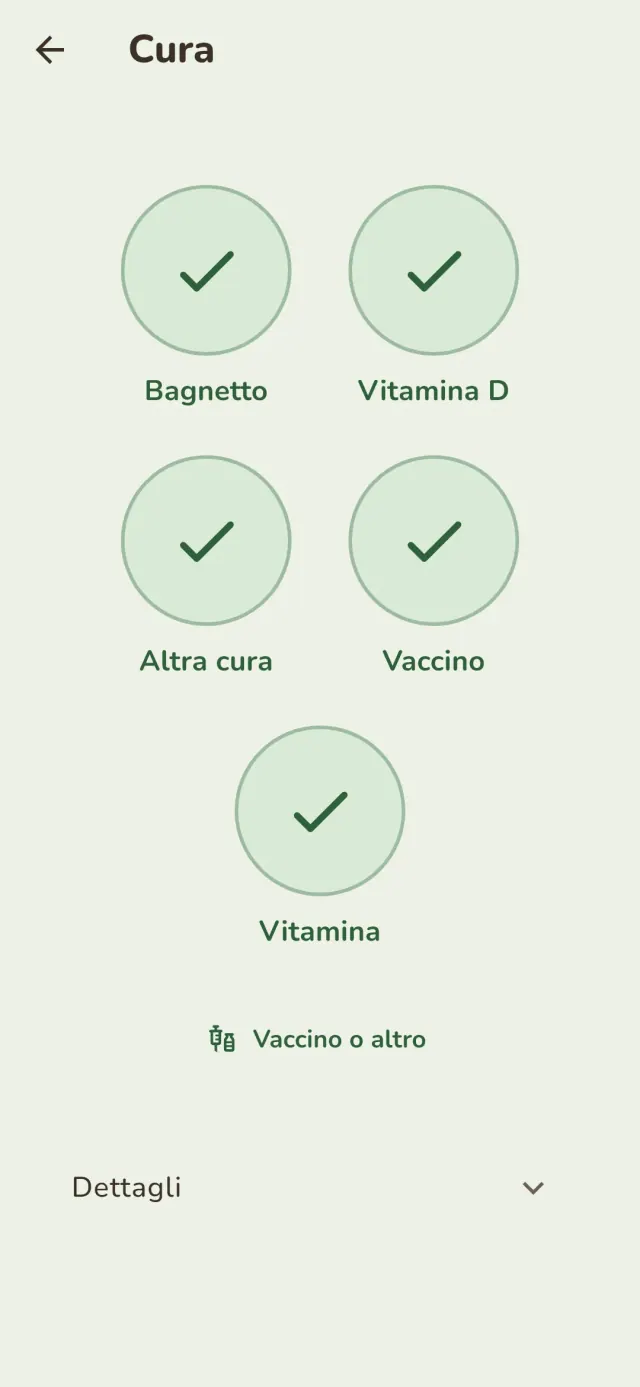
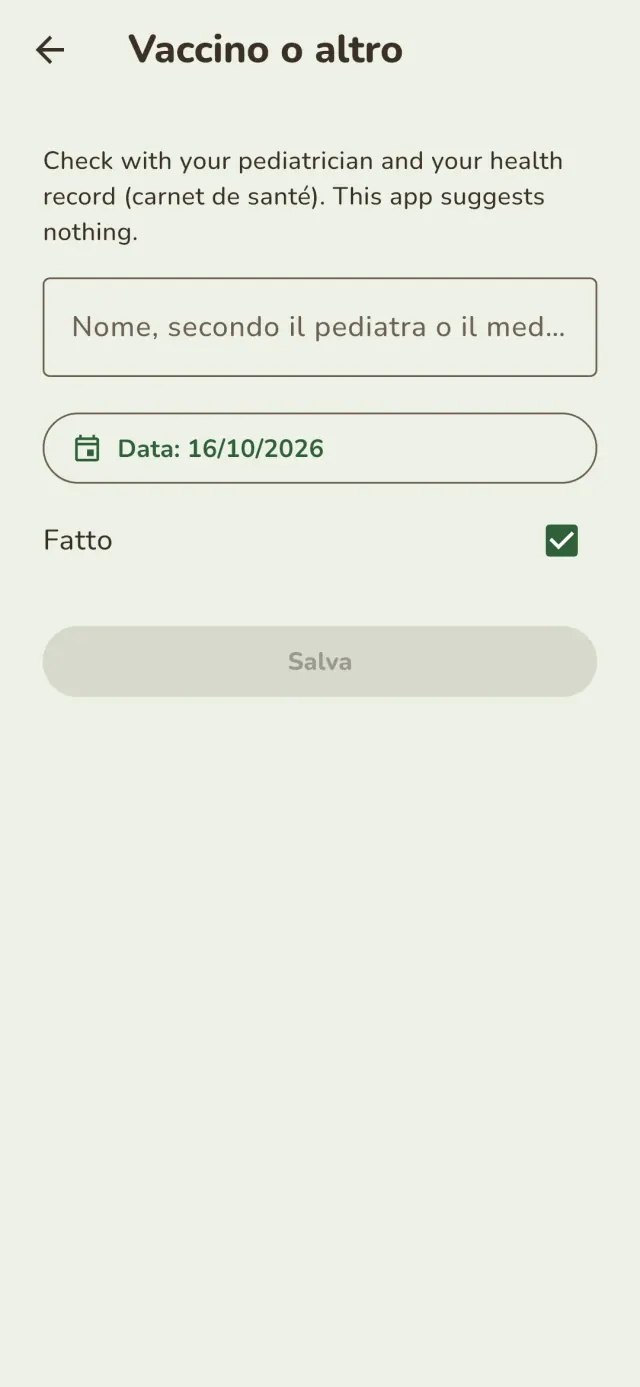
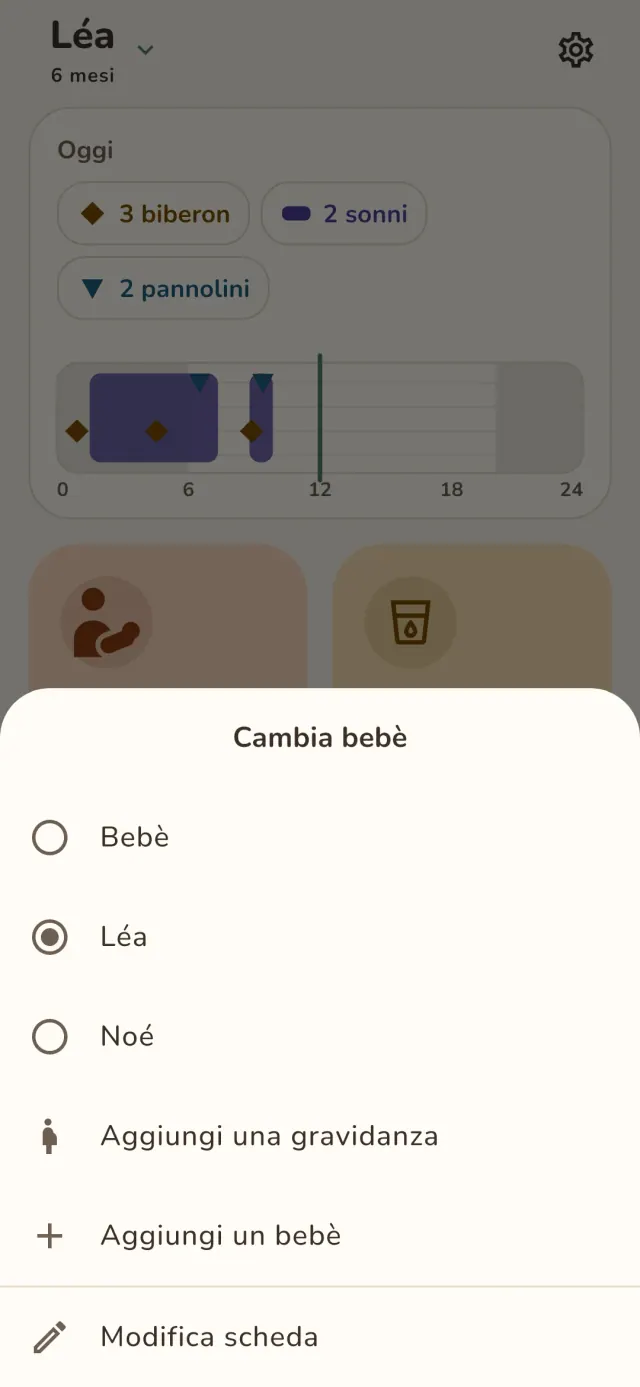
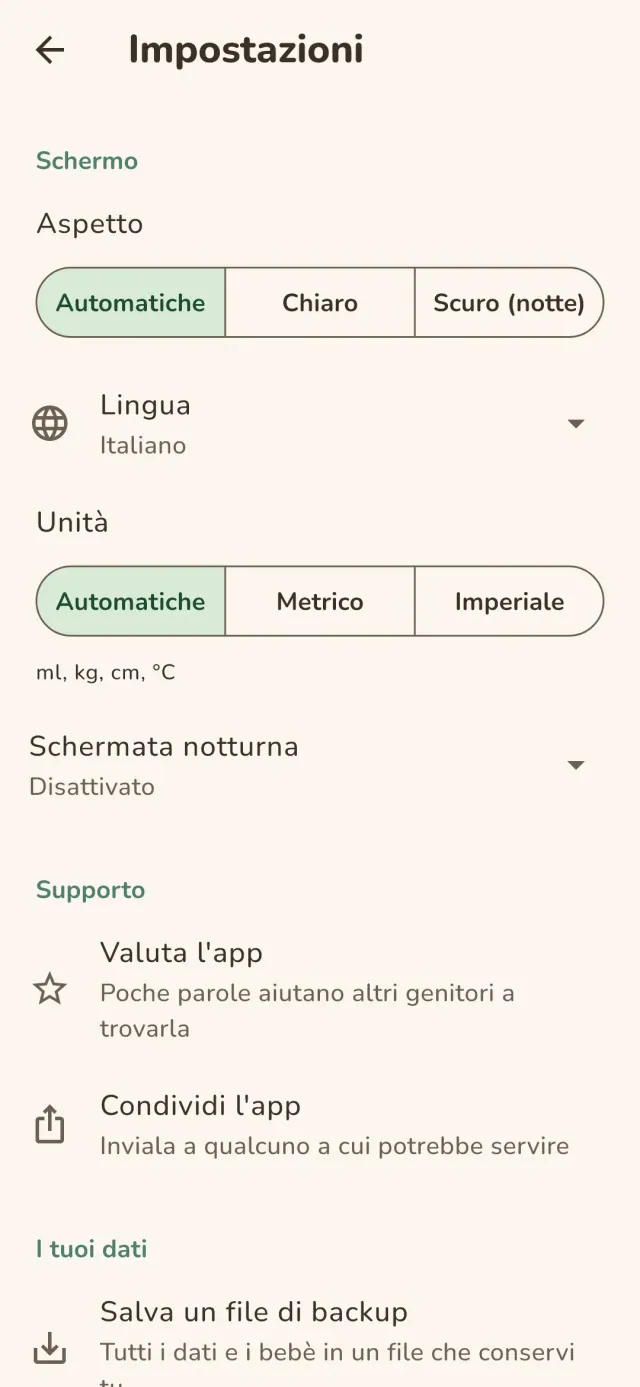
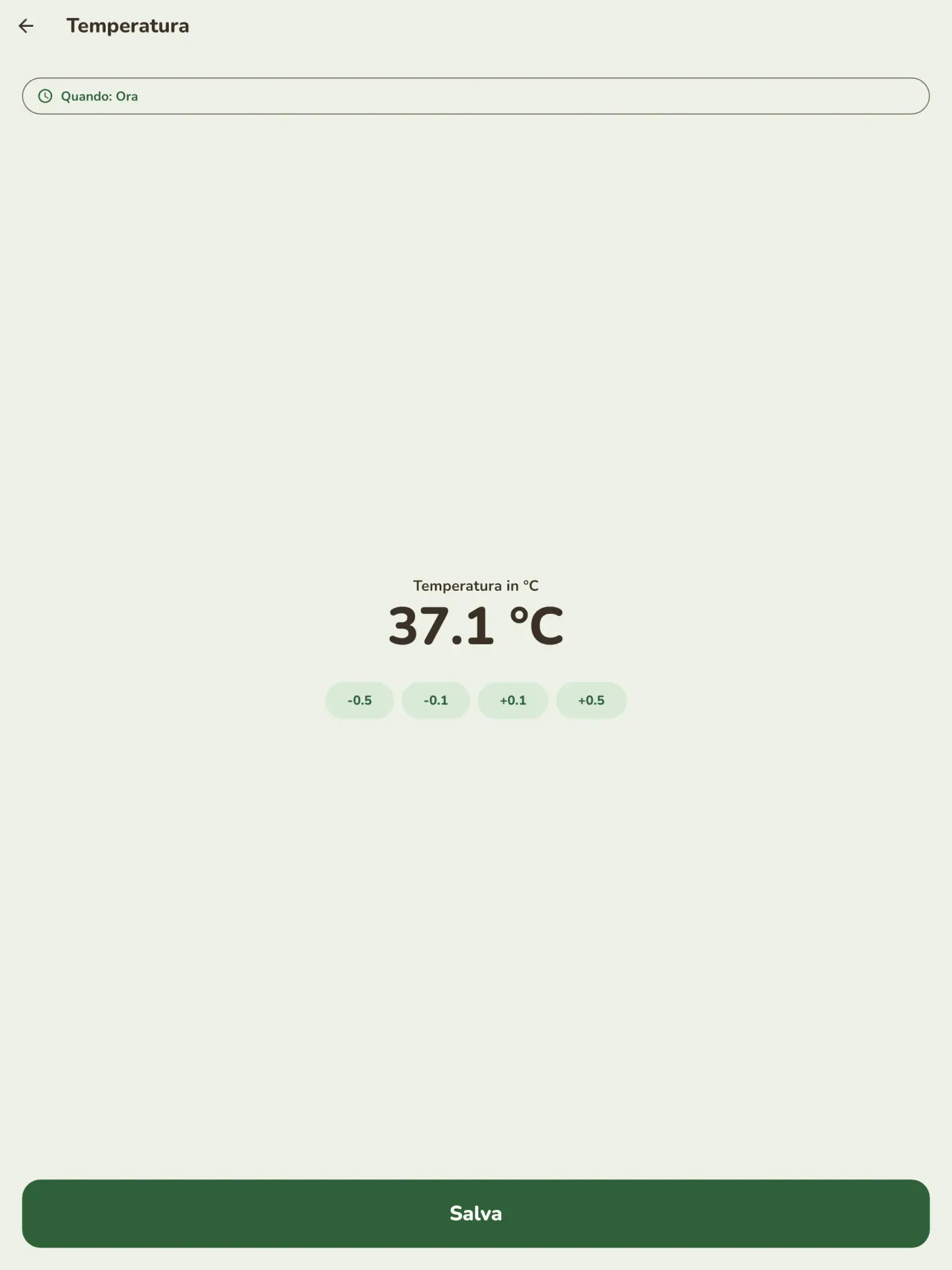
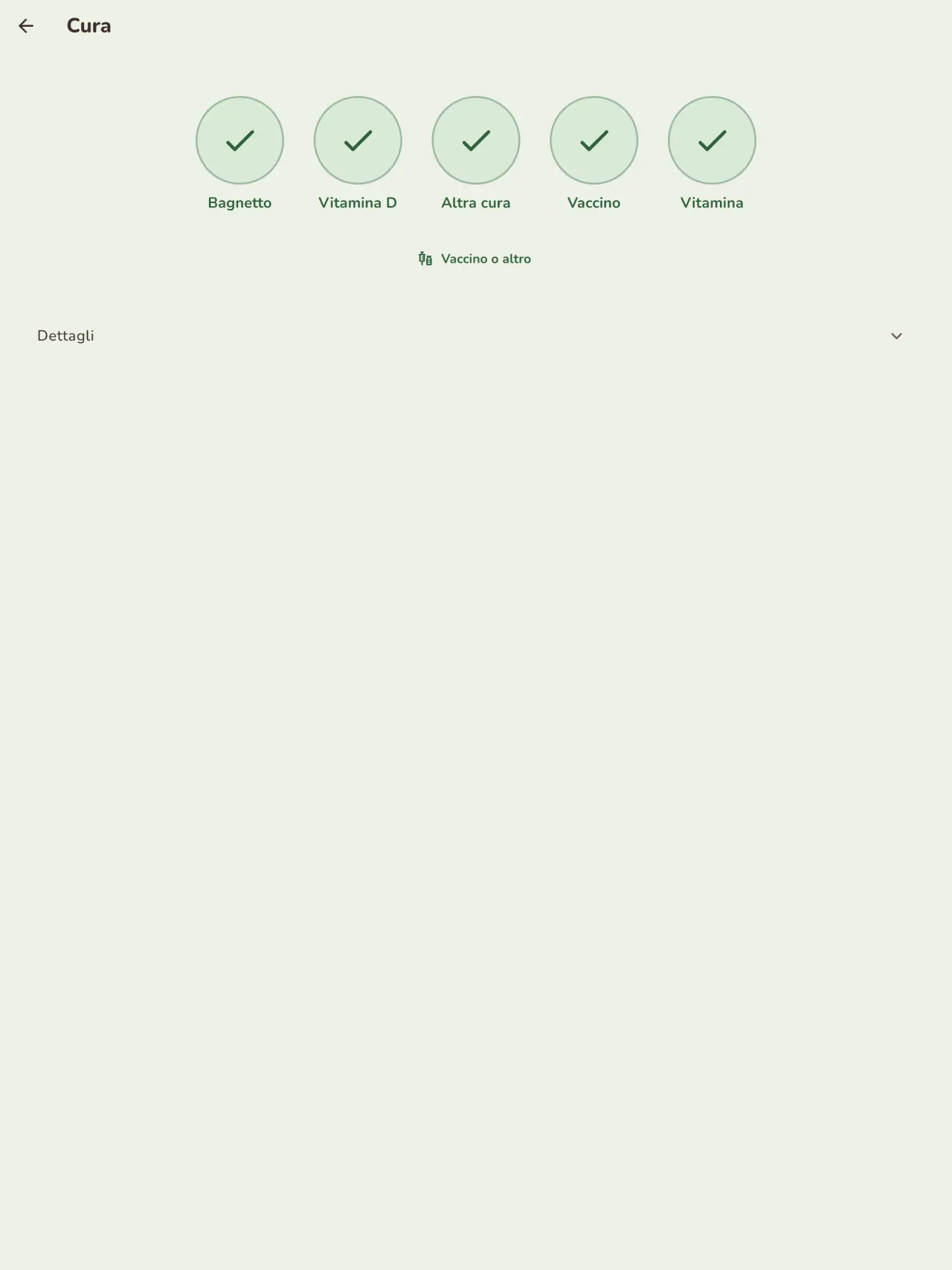
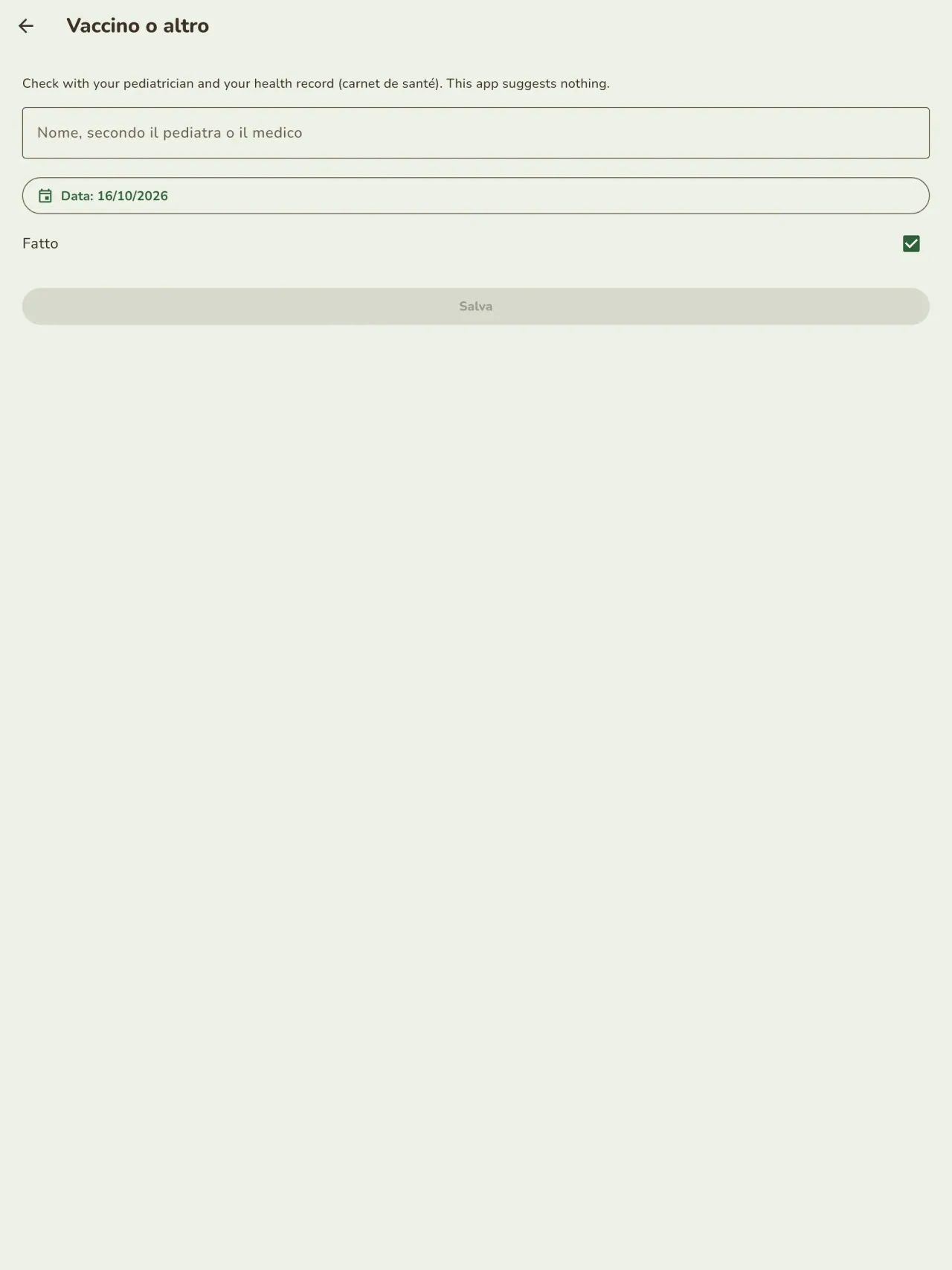
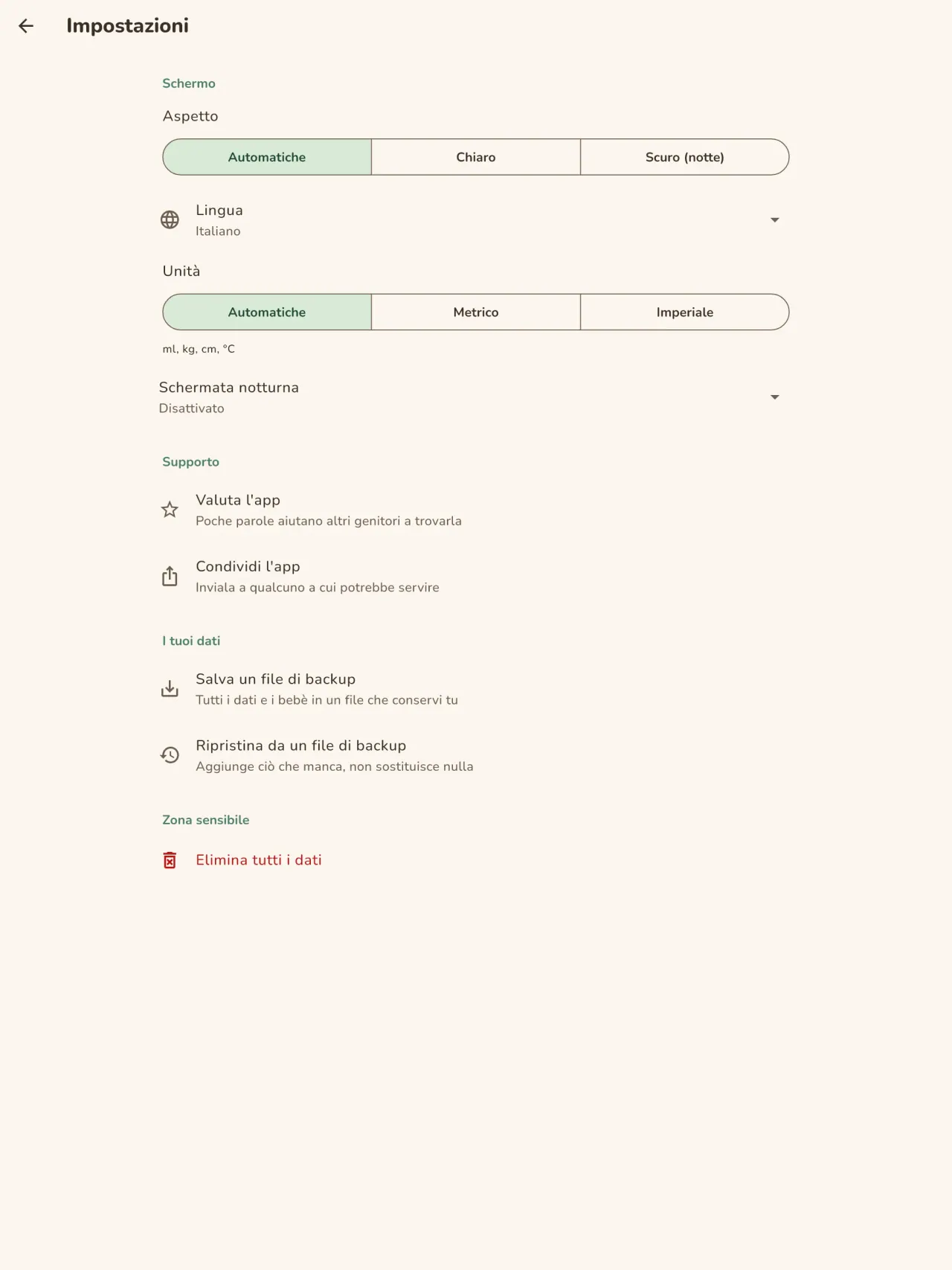
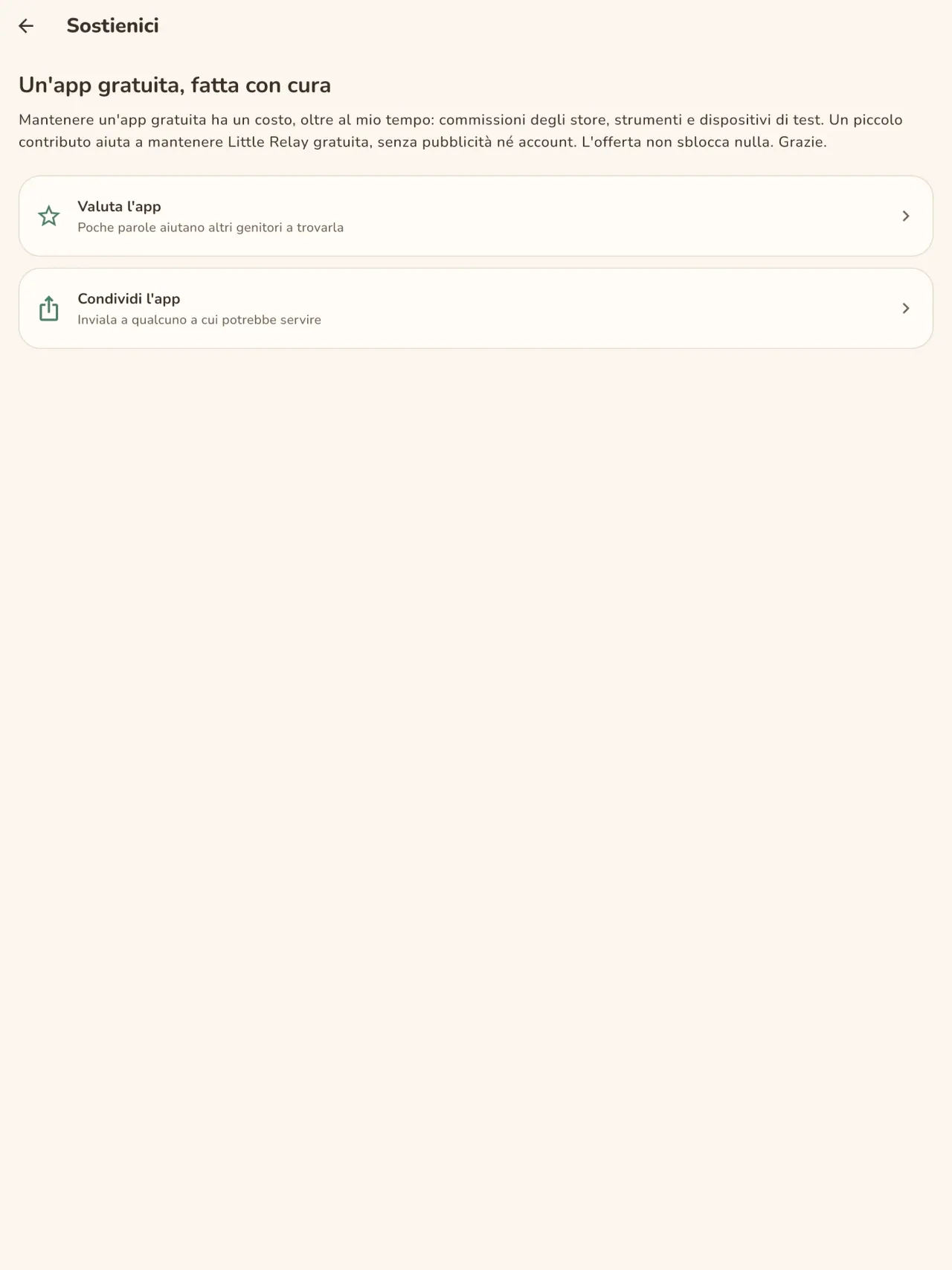
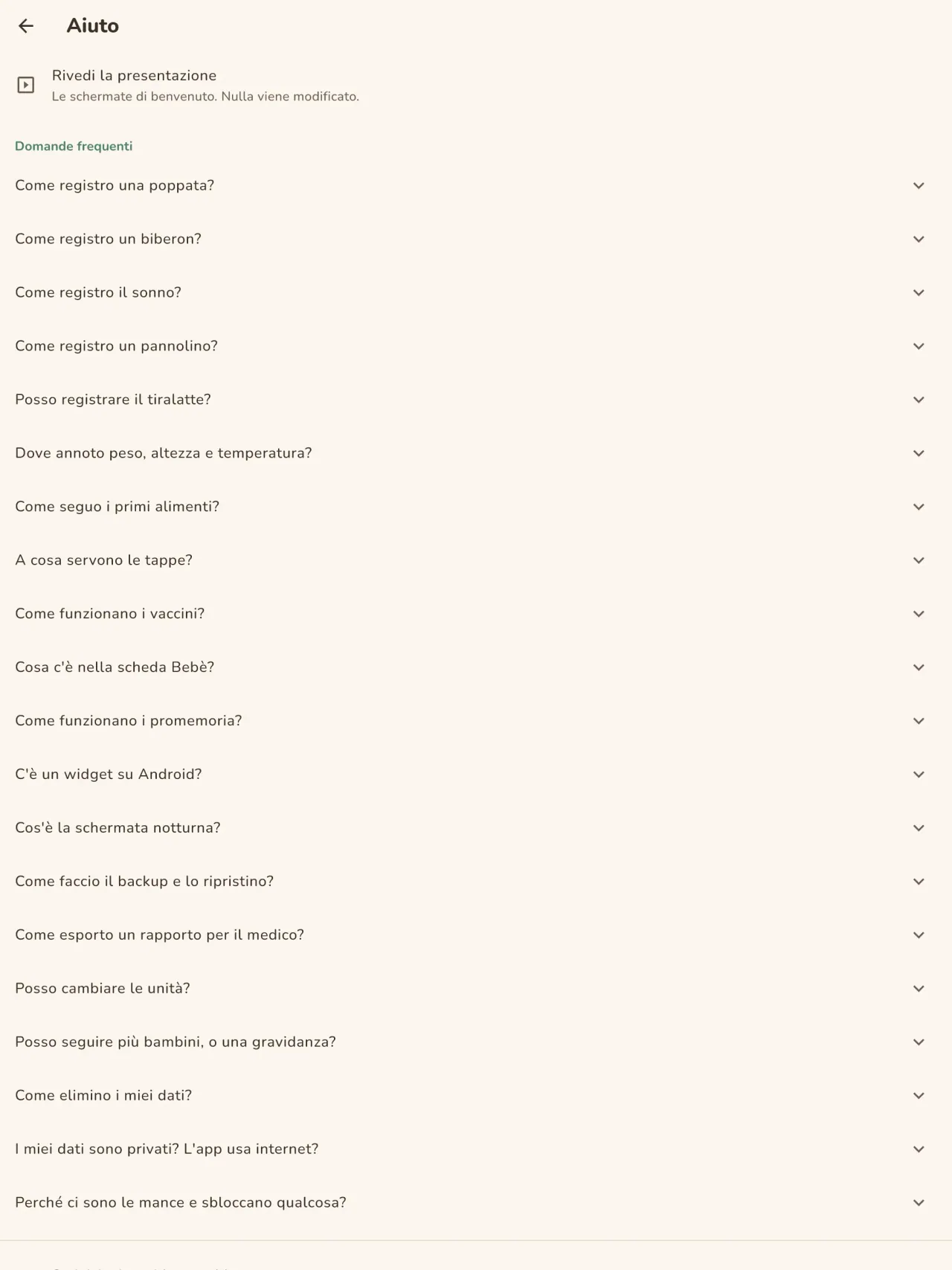
Little Relay in azione.
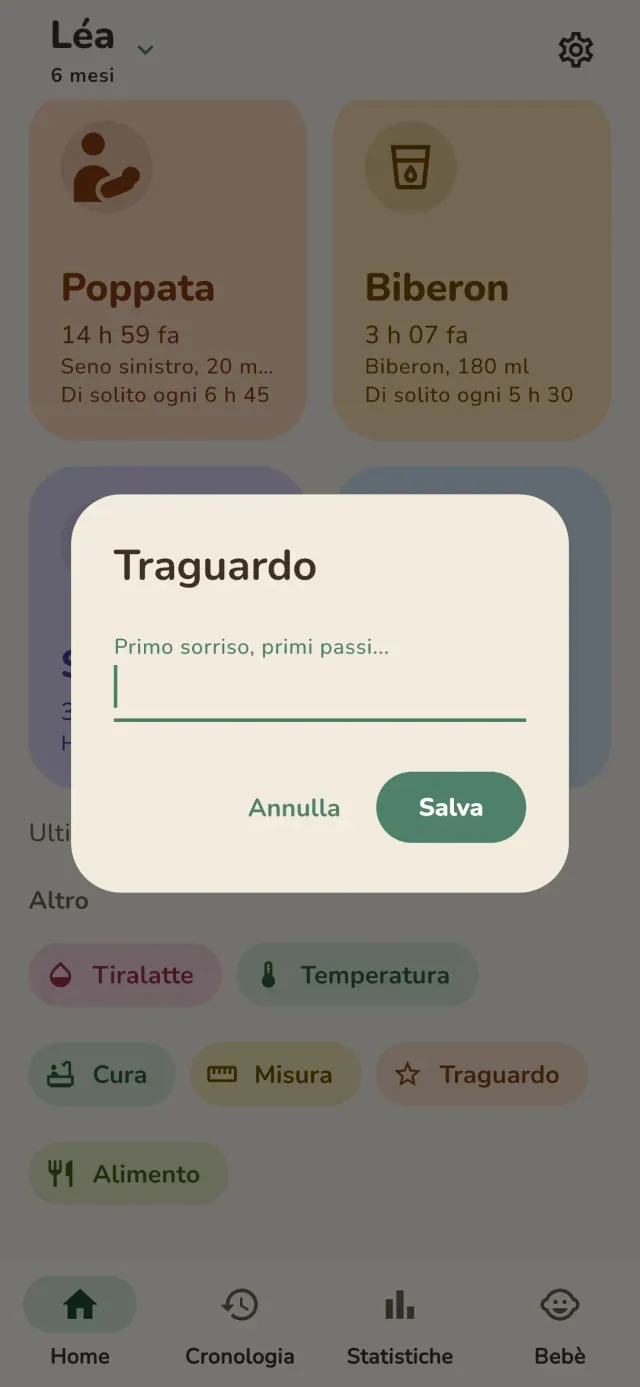
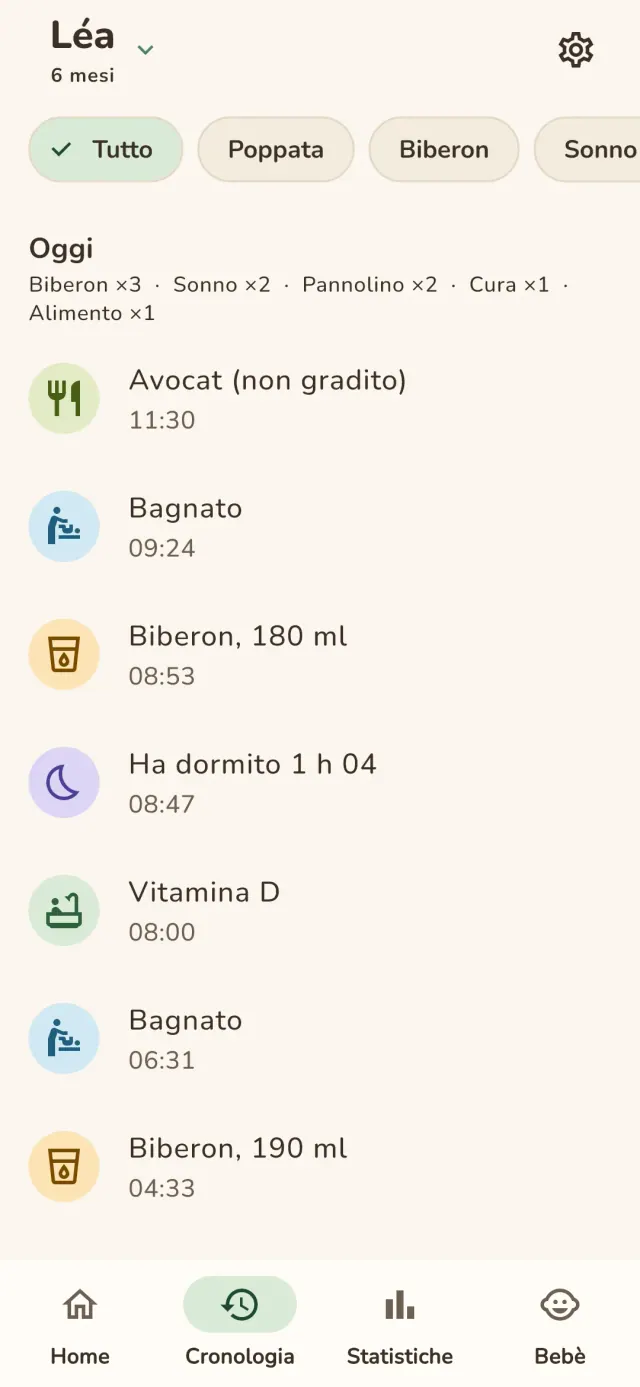
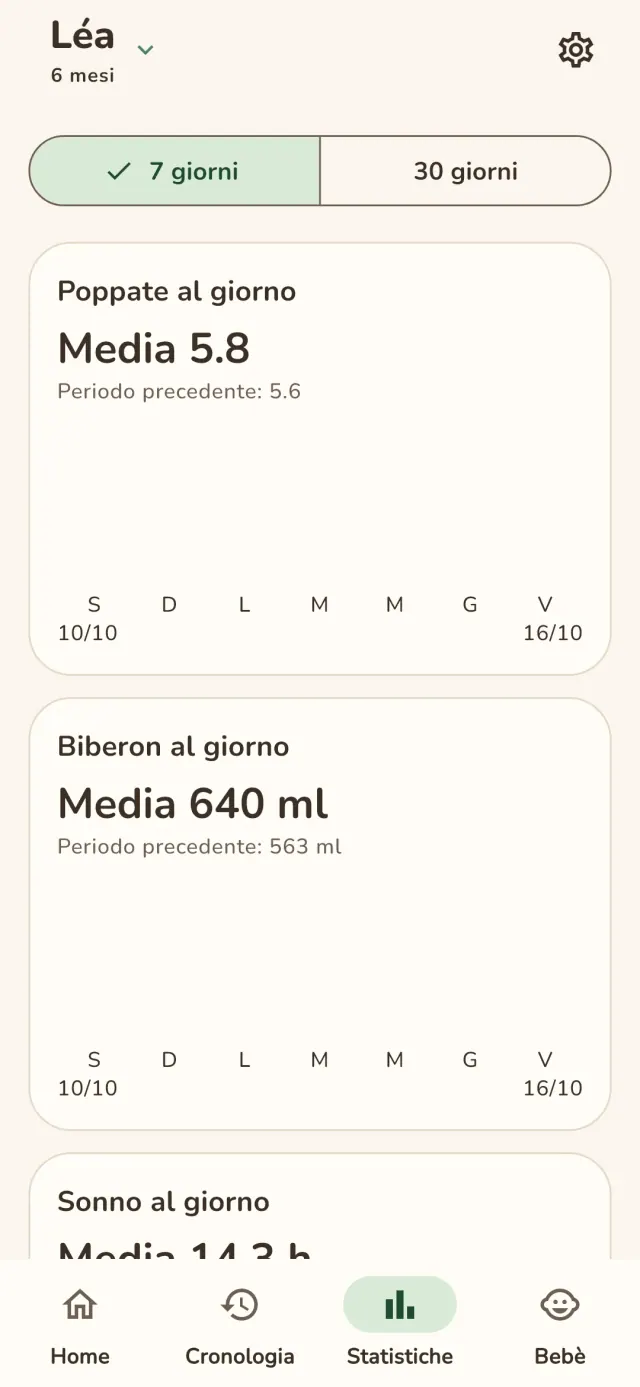
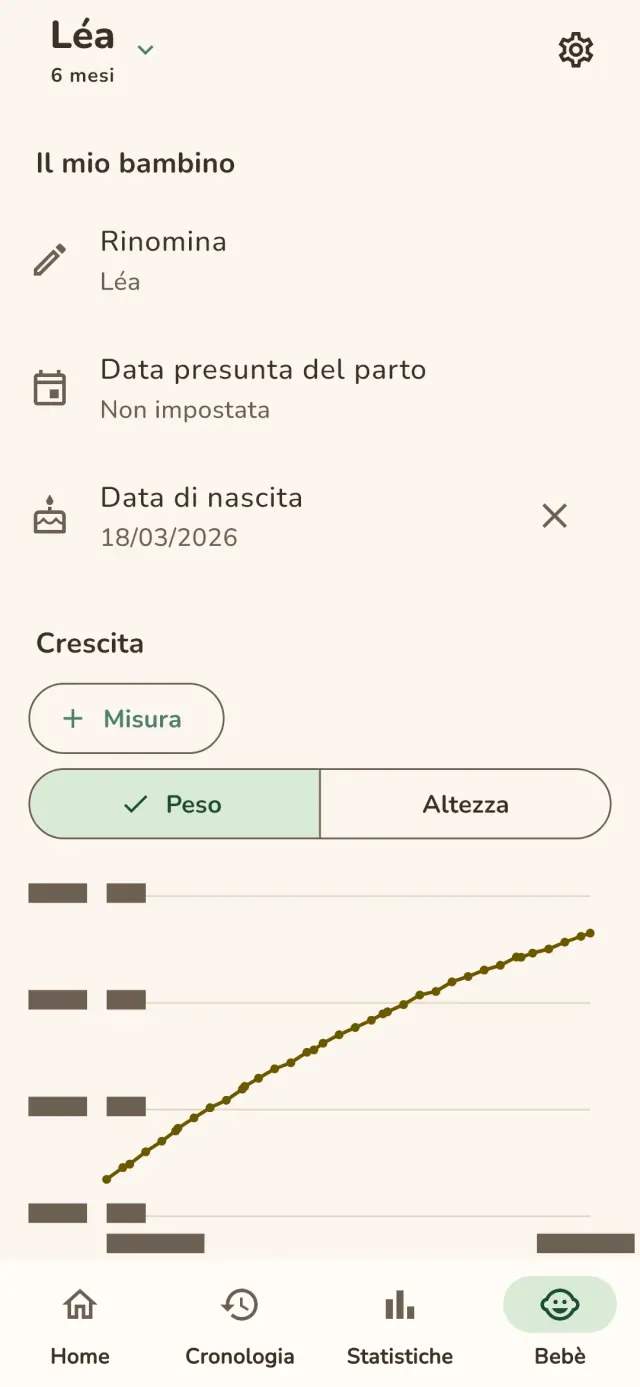
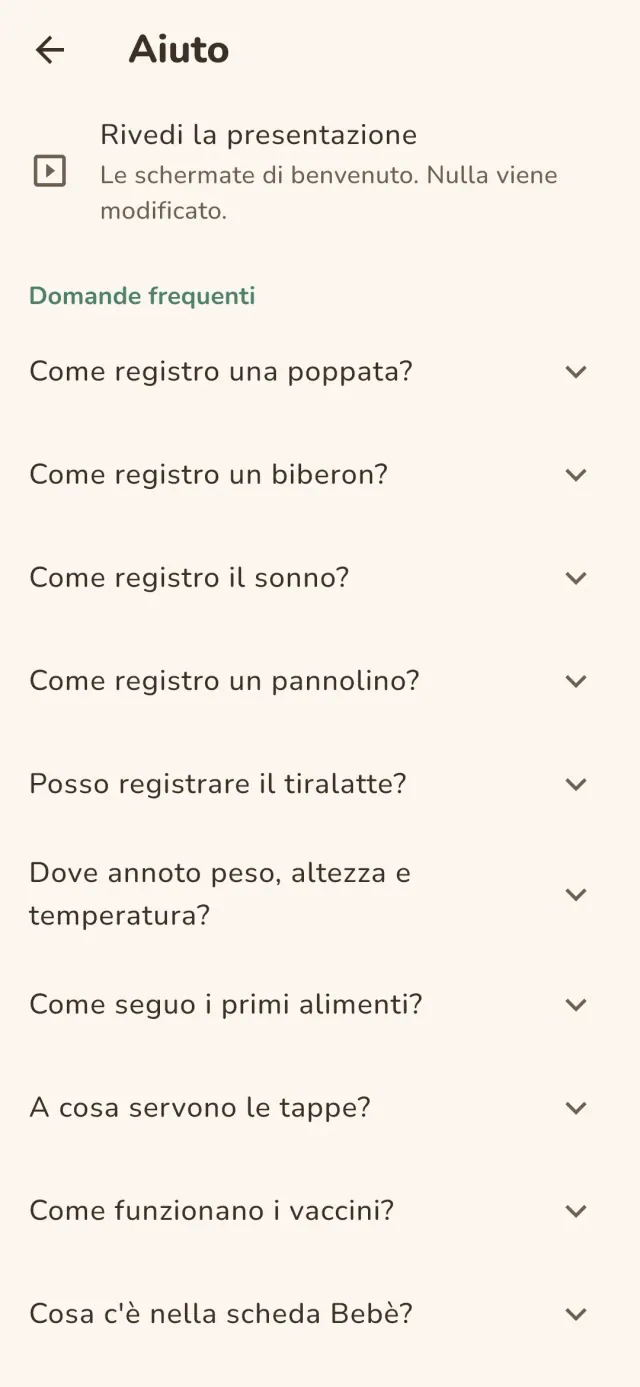
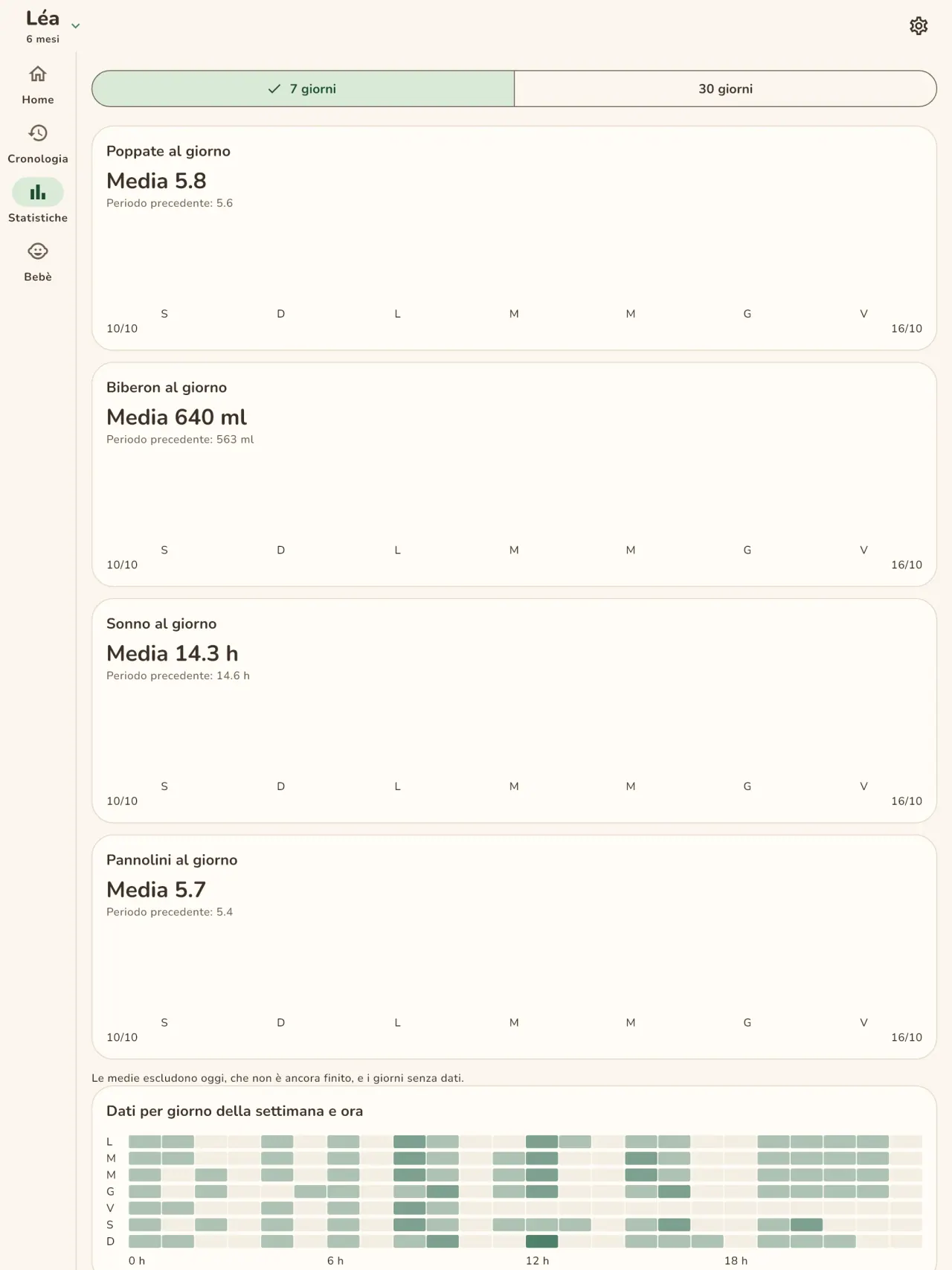
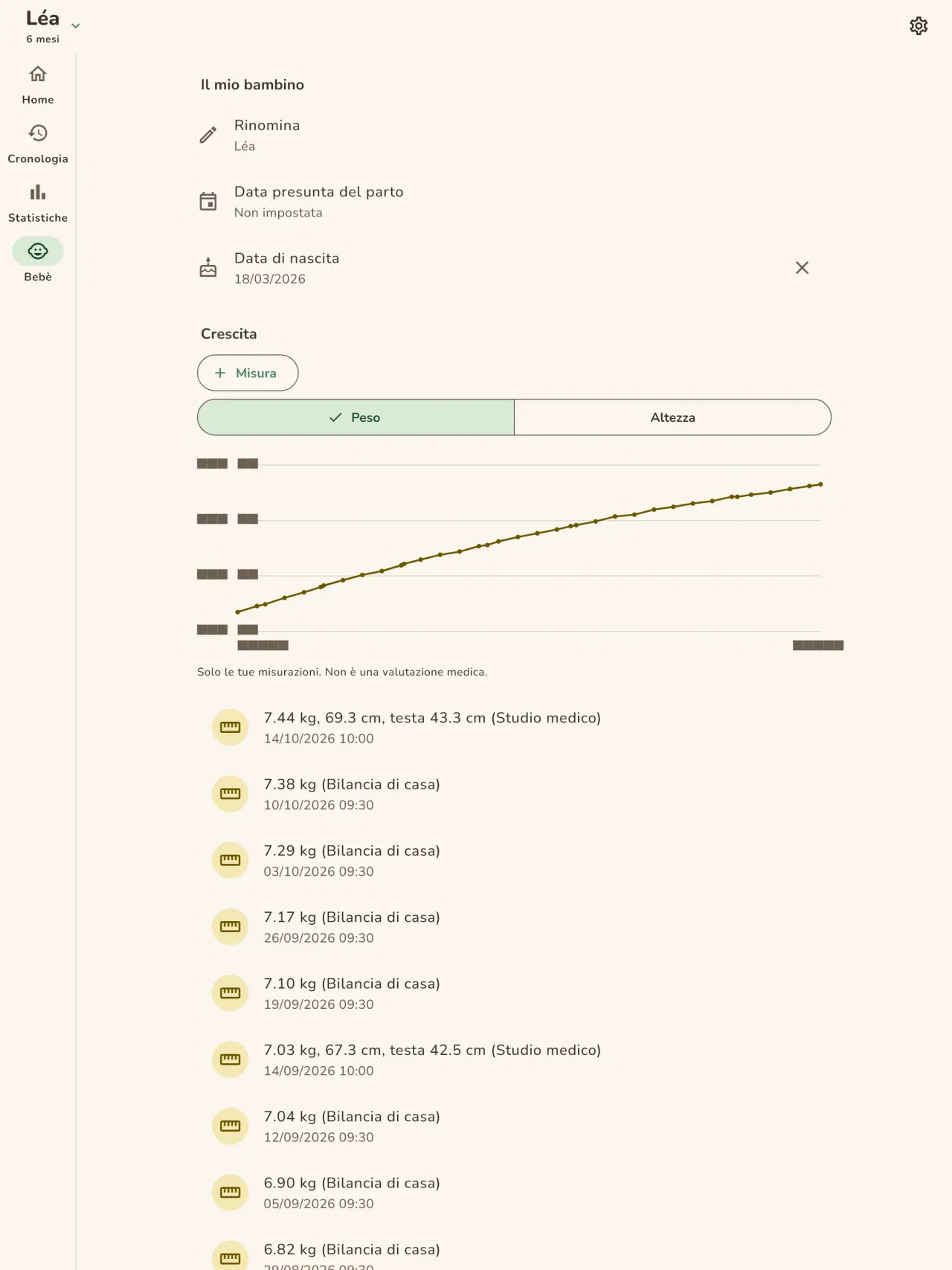
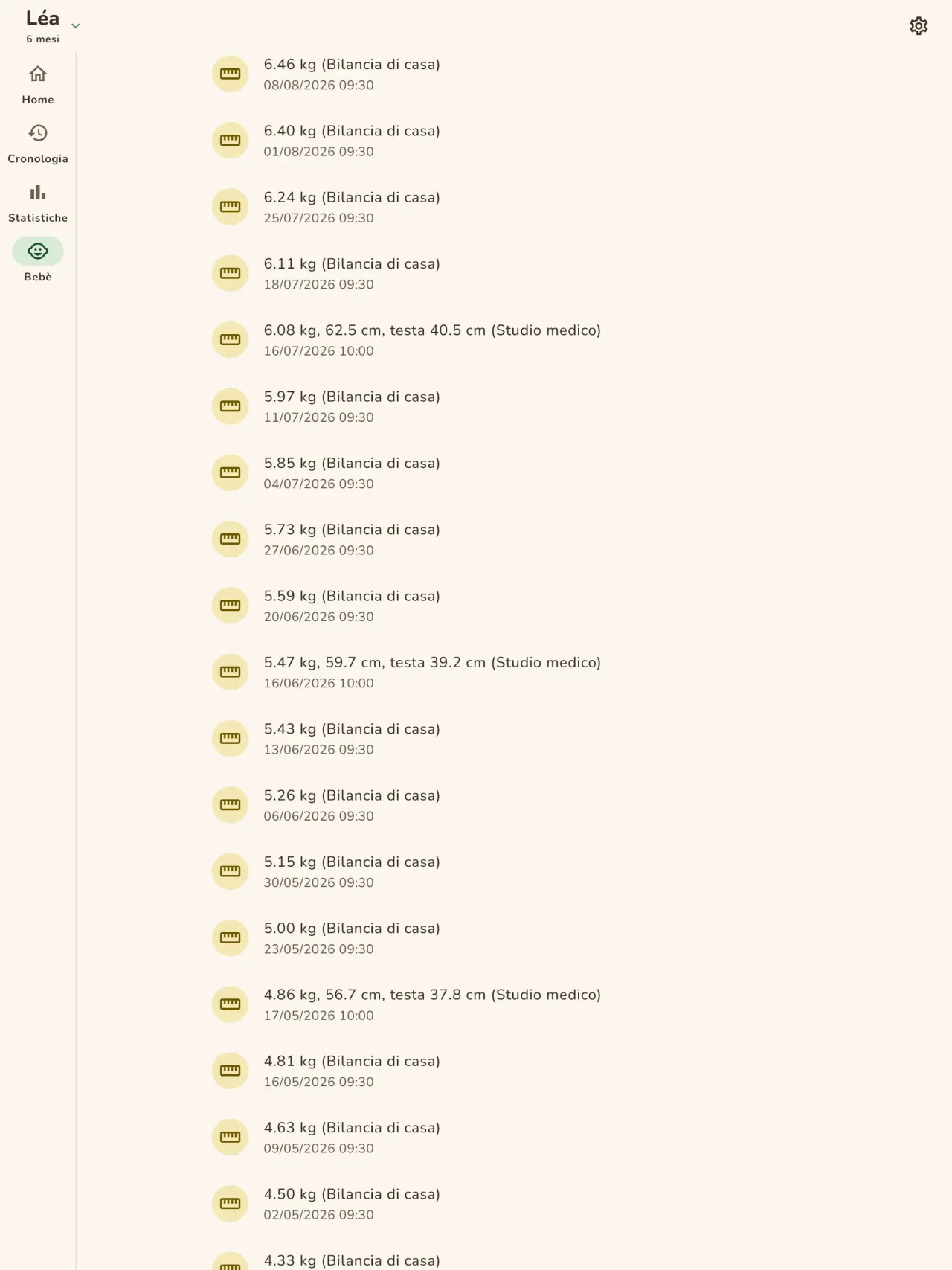
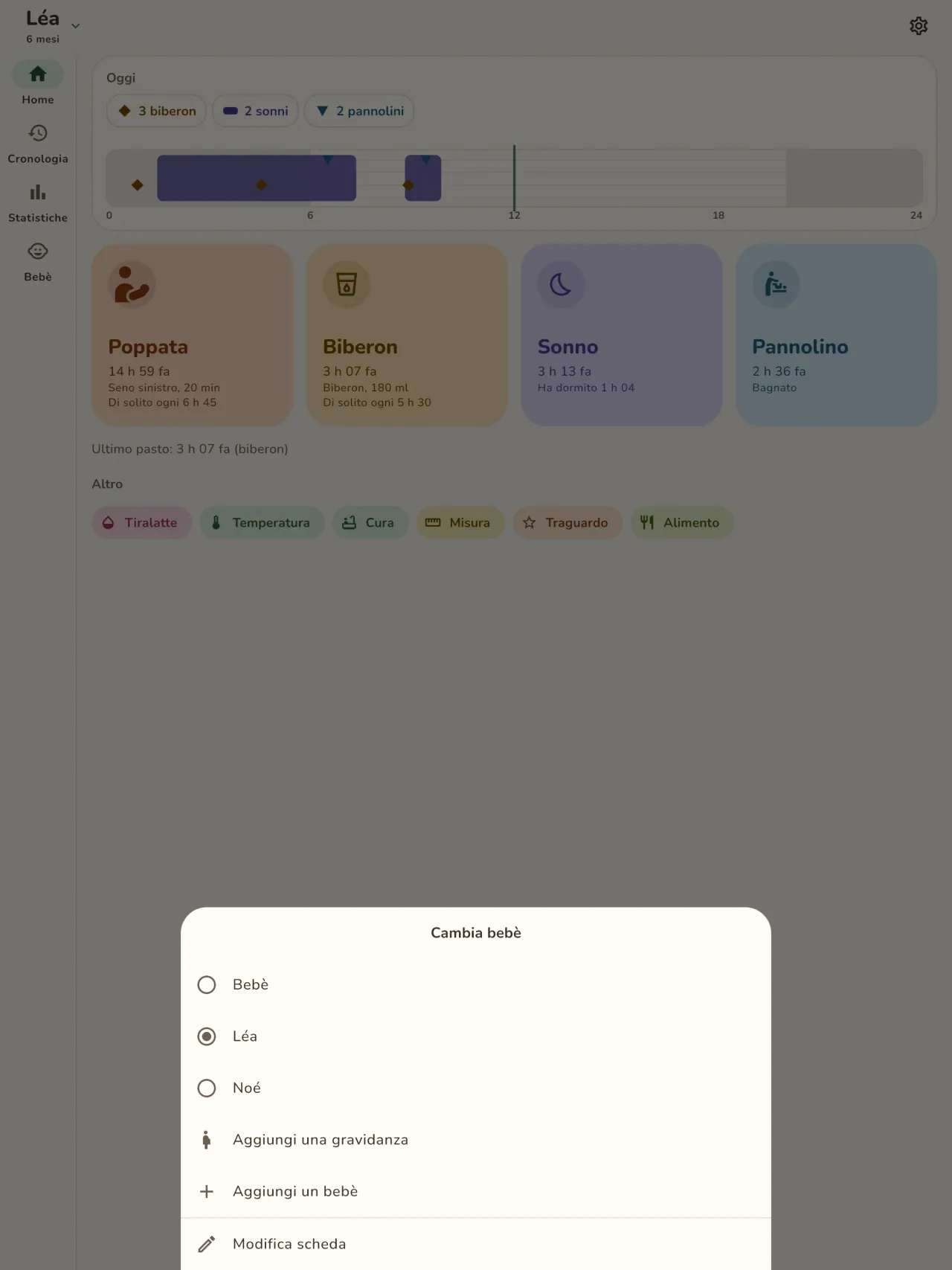
Scarica Little Relay.
Gratis su iPhone e Android.
Privacy policy
L'informativa sulla privacy e i testi di assistenza qui sotto sono in inglese. Fa fede la versione inglese.
Last updated: 2026-11-02
Little Relay is a baby tracker: feeds, sleep, diapers, measurements, first foods, milestone photos and pregnancy tools. The short version: everything stays on your phone, the app has no internet access, and we collect nothing.
What the app handles
The entries you type: feeds, sleep, diapers, weight and height, temperature, routine care, foods (given, or on your own "to try" list), milestones and notes, and your child's first name and birth date if you enter them. This is health information about a child, so we treat it as sensitive. It is stored only in the app's private storage on your phone. There is no account, no sign-in, no server and no cloud copy. Your preferences (language, appearance, when the app last suggested support) also stay on your phone.
What we collect
Nothing. No analytics, no advertising identifier, no crash reporting, no third-party SDK that sends data. The app needs no network to work and the app declares no internet permission. You can check this by using the app in airplane mode: everything works the same.
Permissions
The app asks for no permission that gives access to your data or to the internet. The Android install details list the following, all of them declared by the app or by the library it uses:
- Notifications (Android 13 and later, and iOS): asked only when you set your first reminder. A screen explains why before the system asks, and you can refuse: everything else works the same, you just get no reminder. A reminder is one local notification at the date and time you choose, with a short text that names the type of activity (for example "Time for the bottle?"). It holds no name, no amount and no health value, and for sensitive types (temperature, measurements, medicine, vaccines) it is neutral ("Remember to note an entry"). It is scheduled on your phone and never sent anywhere.
- Vibrate, keep the phone awake, background task, restart after reboot (Android): they let a reminder ring and come back after a reboot, and let the home screen widget save an entry reliably. They give no access to your data.
- Network state (Android, added by the in-app purchase library): the app only reads whether the phone is online. It sends nothing.
- In-app purchases (Android, Google Play Billing): for the optional tips, handled by Google Play.
The app does not request internet access, location, contacts, camera or microphone. When you attach a photo to a milestone, the app opens the system photo picker, which lets you hand over only the picture you choose, so the app never gets access to your photo library.
Files, backups and deletion
Milestone photos: a photo you attach to a milestone is copied into the app's private storage on your phone, with a small thumbnail. It is never uploaded or shared. Removing a milestone removes its photo.
Export: if you export a report for your child's doctor (a PDF), the app builds it on your phone and hands it to the system share sheet. You choose where it goes. The app does not send it anywhere. If milestones of the period have photos, the app asks first whether to include them: when you leave "Include photos" ticked, small copies of up to 30 of these photos go into the PDF. Untick it to keep the photos out of the report.
Backups: your phone's own backup (Google backup on Android, iCloud on iPhone) is controlled by your phone's settings, not by us. The app does not turn it off, so that backup may include the app's data, depending on those settings. The encryption key for the app's database stays in your phone's keychain. To move your entries to a new phone, use the backup file in Settings: the app writes one file on your phone, you choose where to keep it, and you import it on the new phone.
Deletion: a delete-all-data button in the app erases your entries and every photo and thumbnail. Uninstalling the app also deletes its data from your phone.
Optional support
If tips are offered, they are in-app purchases handled by Apple or Google. They unlock nothing, and the app receives no personal data about you from them.
Retention
Your entries, children and milestone photos are kept on your phone until you delete them: one entry at a time, a milestone with its photo, a child, the delete-all-data button, or uninstalling the app. We keep no copy on our side, so there is no retention period to apply on our side. Your phone's own backup may hold a copy, depending on its settings. A backup file you export yourself stays wherever you put it, until you delete it.
Medical information
Little Relay records what you tell it. It gives no medical advice and is not a medical device. Ask your doctor or midwife about your child's health.
Contact form on this website
If you write to us through this site, we use your message and the email address you optionally give only to reply. Bot protection is provided by Cloudflare and email delivery by Resend.
Language choice on this website
When you choose a language, or when this site opens a page in your browser's language, it stores
one small functional cookie (pxl, a language code, one year) so that your choice is
remembered. If this site suggests a page in your browser's language and you close that suggestion,
your browser also keeps a local note (pxl-banner-off, in local storage, 30 days) so the
suggestion does not come back. Neither identifies anyone, neither is used for tracking or advertising,
and neither is shared. You can delete them in your browser at any time.
Website statistics
This website uses Cloudflare Web Analytics to count visits (pages viewed, country, browser type, loading speed). It sets no cookie, does not use local storage, does not fingerprint your device, does not follow you across sites and does not build a profile of you. Search engines (for example Google Search Console) give us aggregated search statistics, without any data about individual visitors. Our own web server also counts the pages it serves: for each page it keeps the page address, the site or social network that sent you (only its name, or the campaign tag written in the link), the country, the type of device and whether the request came from a robot. It keeps no IP address, no identifier and no cookie, and these counts are anonymous. We use no advertising or other analytics service. None of this concerns the app itself, which collects nothing.
Children
Little Relay is a tool for parents and carers. It is not directed at children, and it records information about a child only because a parent typed it in.
Changes
An updated policy will be published at this URL with a new date above.
Contact
Questions about privacy: little-relay-contact@pixeon.net
Assistenza
Ultimo aggiornamento: 2026-10-19
Little Relay è una piccola app indipendente. Di seguito trovi le risposte alle domande più comuni.
Facciamo del nostro meglio per rispondere entro pochi giorni. Per aiutarci, comunicaci il modello del tuo dispositivo, la versione del sistema e cosa stavi facendo. Non inviare informazioni su tuo figlio né dati personali.
Quali dati memorizza o invia l'app?
Le tue registrazioni sono memorizzate solo sul tuo telefono. Non viene inviato nulla da nessuna parte: l'app non ha un account, non ha un server e non necessita di una rete per funzionare. Trovi i dettagli nell'informativa sulla privacy.
Posso condividere il registro con il mio partner?
Non ancora. Questa versione funziona su un solo telefono. La condivisione tra genitori, con crittografia end-to-end, è prevista per una versione successiva.
Ho cambiato o perso il telefono. Dove sono i miei dati?
I tuoi dati sono sul telefono su cui li hai inseriti. Il backup del tuo telefono (Google o iCloud) è controllato dalle impostazioni del tuo telefono, non da noi, e può includere i dati dell'app a seconda di tali impostazioni. La chiave di crittografia rimane nel portachiavi del tuo telefono. Il modo affidabile per trasferire i tuoi dati è esportare un file di backup nelle Impostazioni sul vecchio telefono e importarlo su quello nuovo. Non ne abbiamo alcuna copia, quindi non possiamo recuperarli per te.
Come mostro il registro al mio medico?
Esporta un report PDF dall'app. Viene creato sul tuo telefono e scegli tu dove inviarlo, ad esempio via e-mail o a una stampante.
Come elimino i miei dati?
Usa il pulsante Elimina nelle impostazioni dell'app oppure disinstalla l'app. Entrambe le opzioni rimuovono tutto dal tuo telefono, comprese le foto dei traguardi.
Little Relay è un'app medica?
No. Registra ciò che inserisci e non fornisce consigli medici. Chiedi al tuo medico o alla tua ostetrica della salute di tuo figlio.
Quali lingue sono disponibili?
Inglese, francese, tedesco, spagnolo, portoghese, italiano e arabo. L'app segue la lingua del tuo telefono e puoi modificarla nelle impostazioni.
Sostieni il progetto
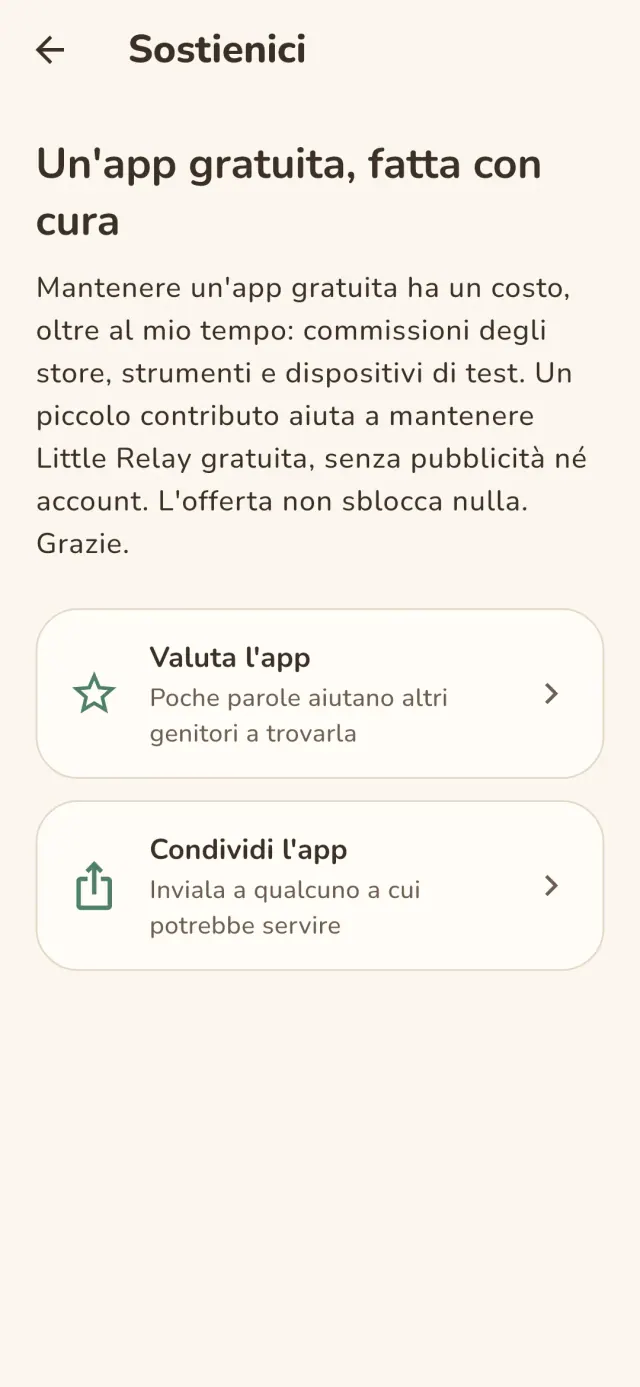
Little Relay resta gratuita e senza pubblicità. Se ti è utile, puoi sostenerne lo sviluppo (facoltativo):
Buy Me a CoffeeBudget familiare e controllo spese solo sul tuo dispositivo. Senza account.
Anche da PixeonMetadata Cleanermetadati delle foto, exif: EXIF viewer per leggere, correggere e rimuovere
Anche da PixeonVaultMarkCassaforte documenti cifrata. Filigrana documento e rimozione dei metadati.
Anche da PixeonMenuloopPianificatore pasti con lista della spesa e ricette con foto, anche offline.
Anche da PixeonIndie OfficeQuote maker and self-employed invoices. Offline, no account, no ads.