
Little Relay: Babytagebuch
Babytagebuch mit Beikost, Stillen und Schlaf, ohne Konto

Little Relay ist ein Babytagebuch für die ersten Monate, mit Stillen Tracker, Schlaf, Windeln und Beikost. Alles bleibt auf Ihrem Telefon: ohne Konto, ohne Anmeldung, ohne Werbung.
Was Little Relay kann
Stillen und Fläschchen
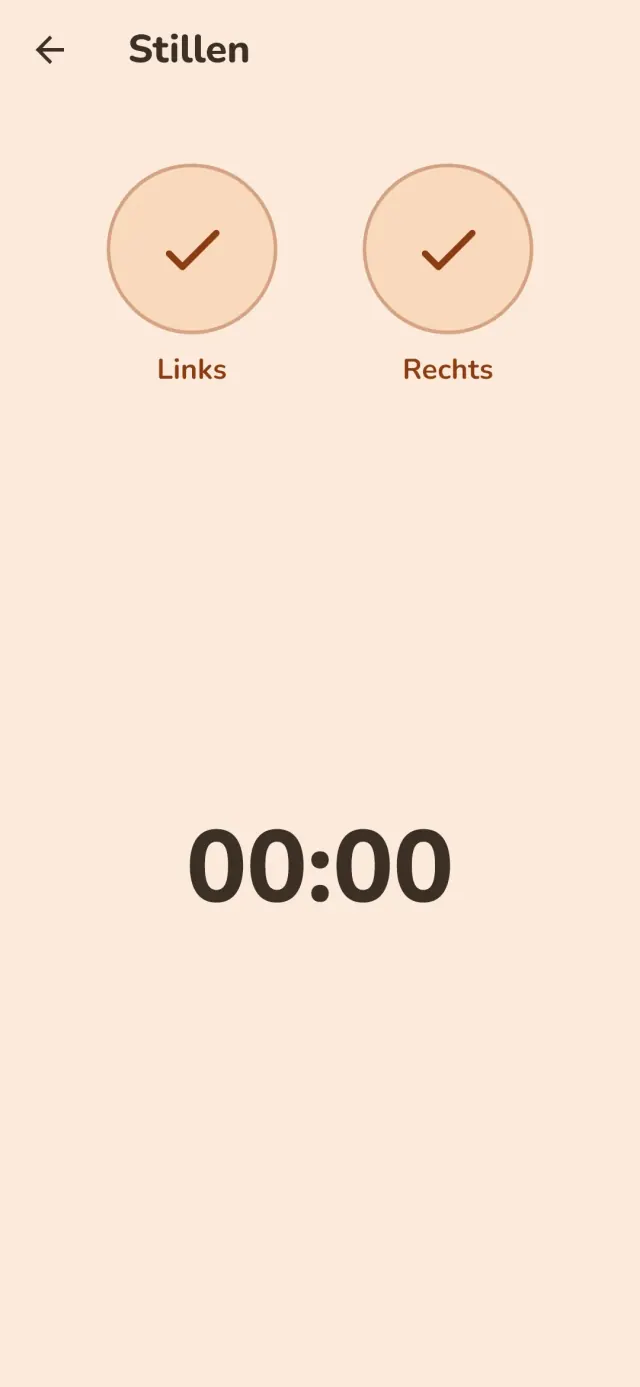
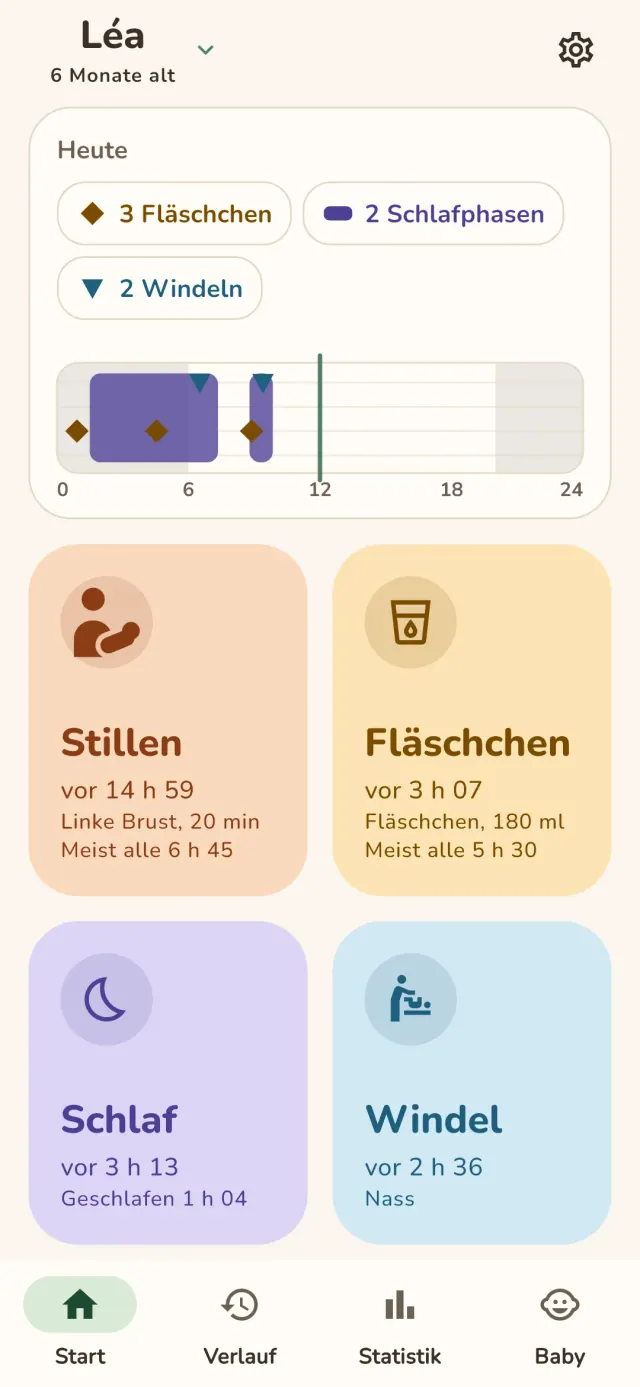
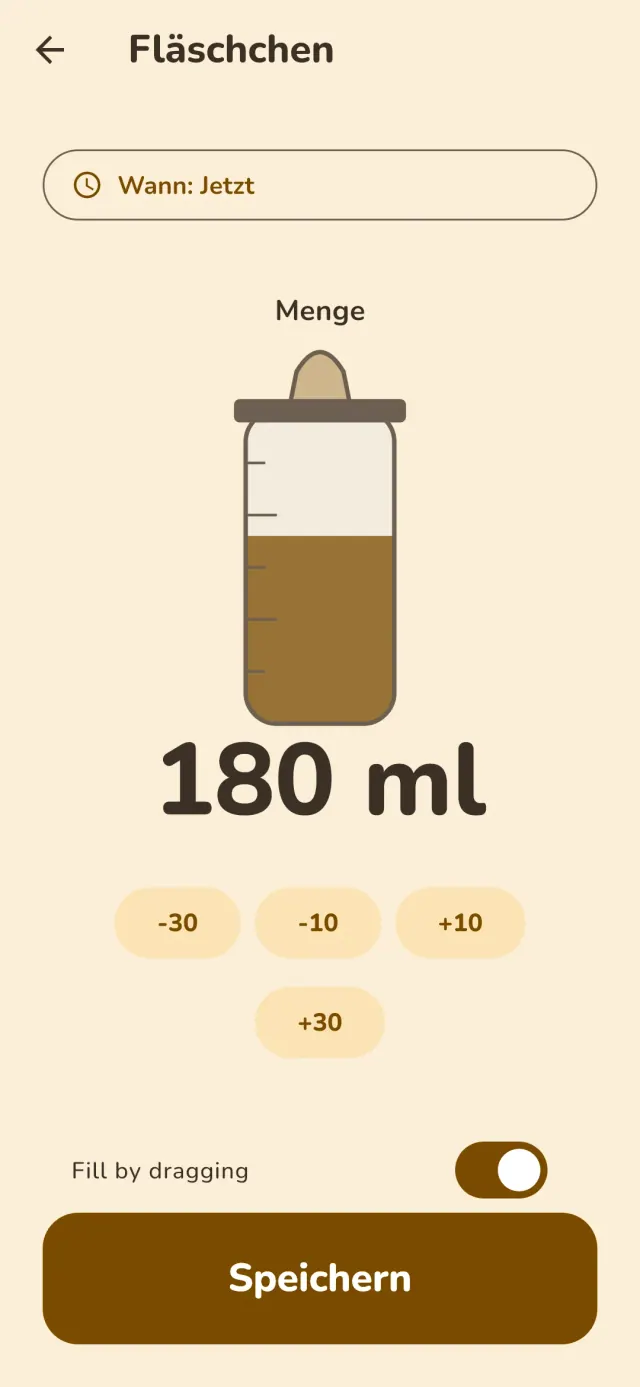
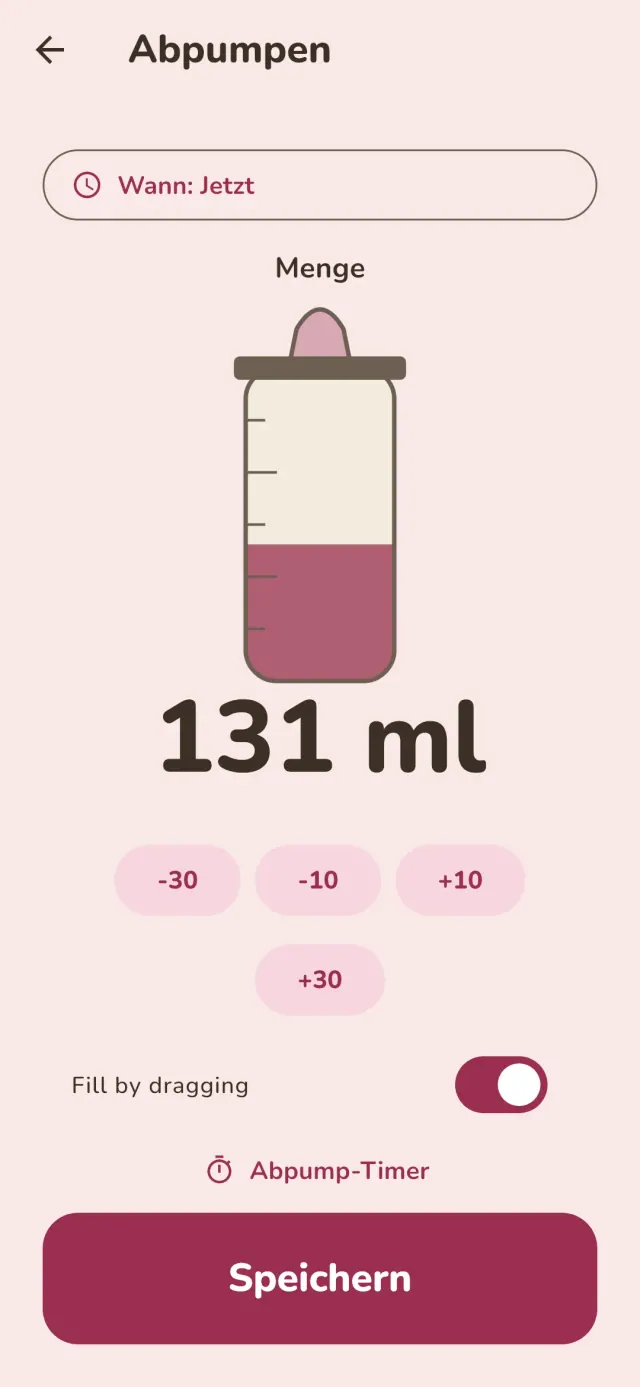
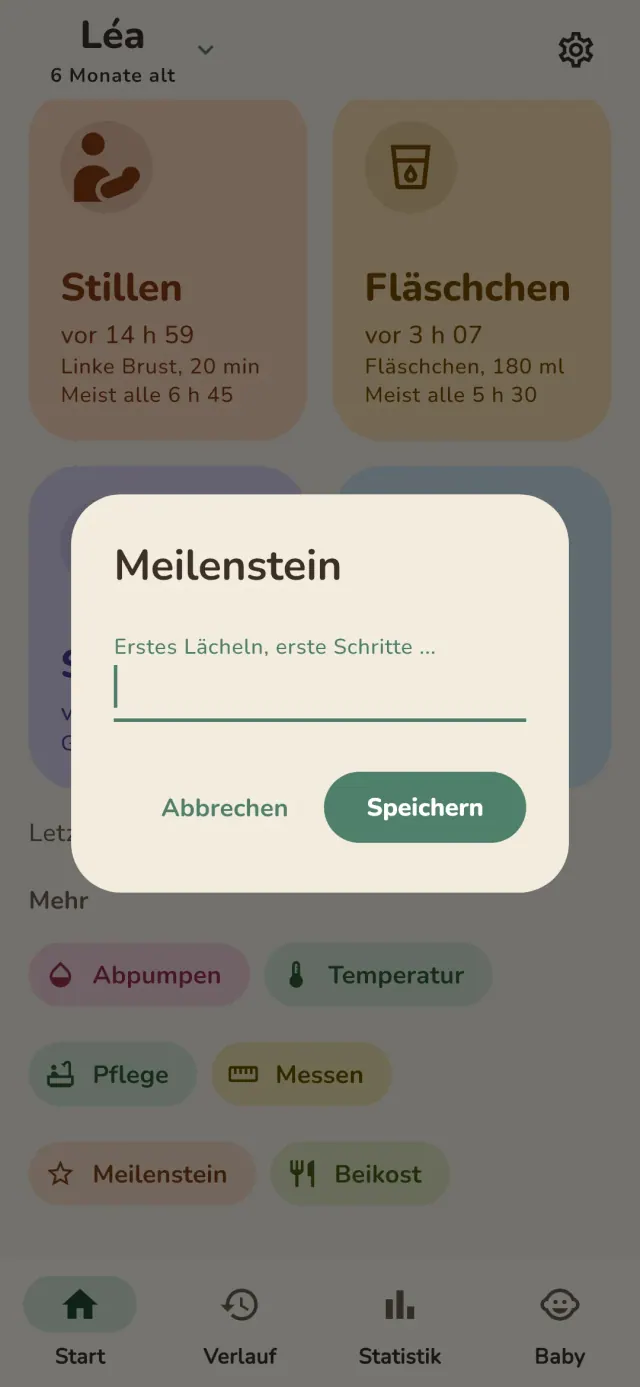
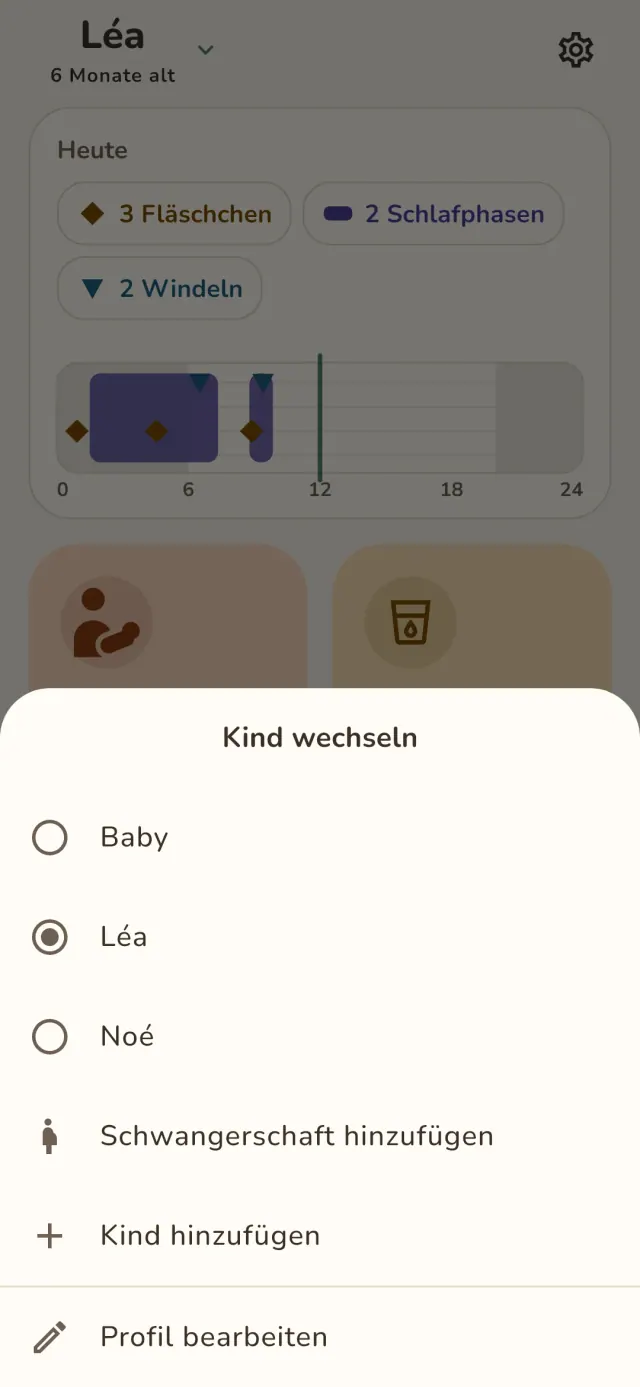
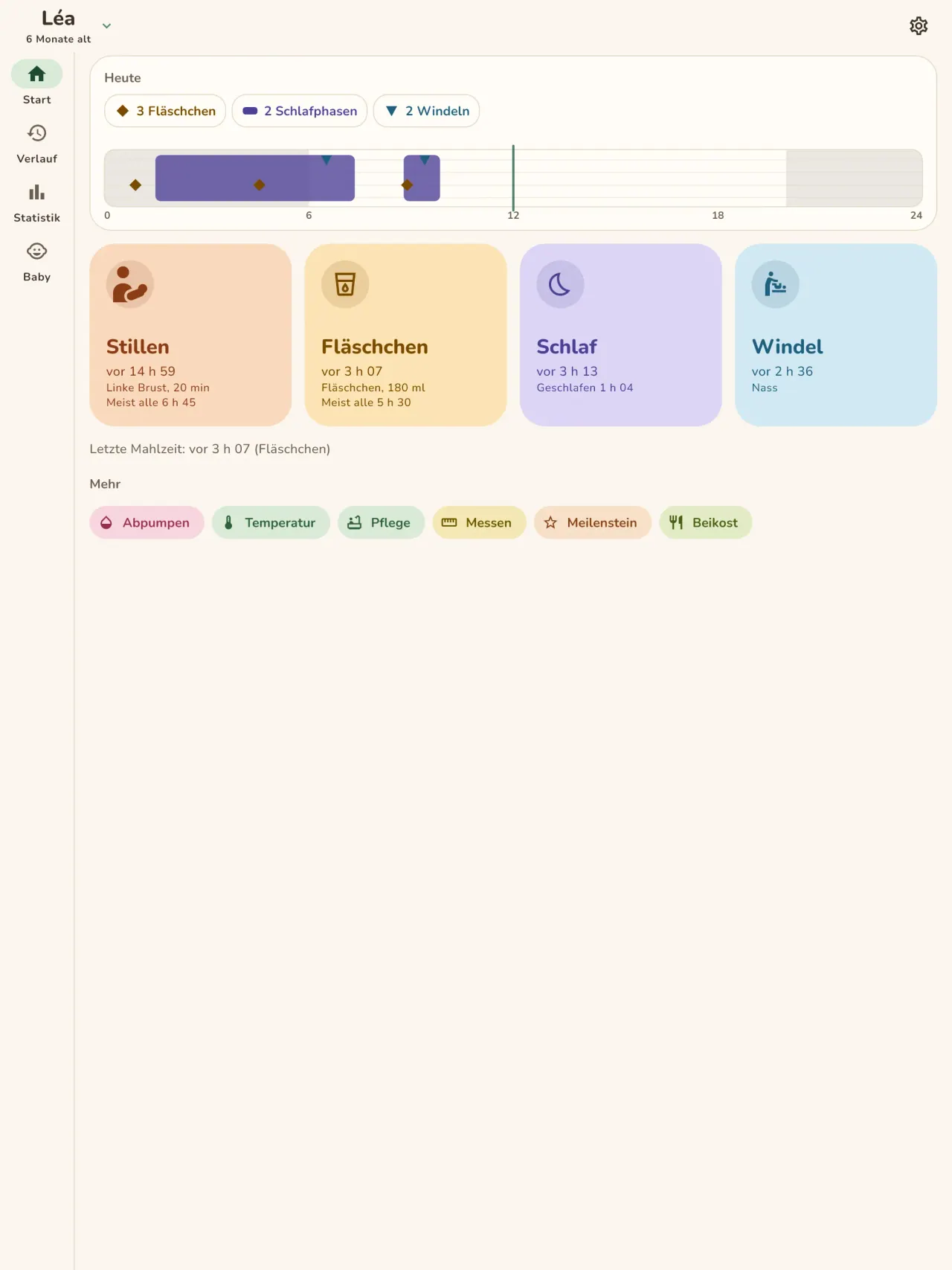
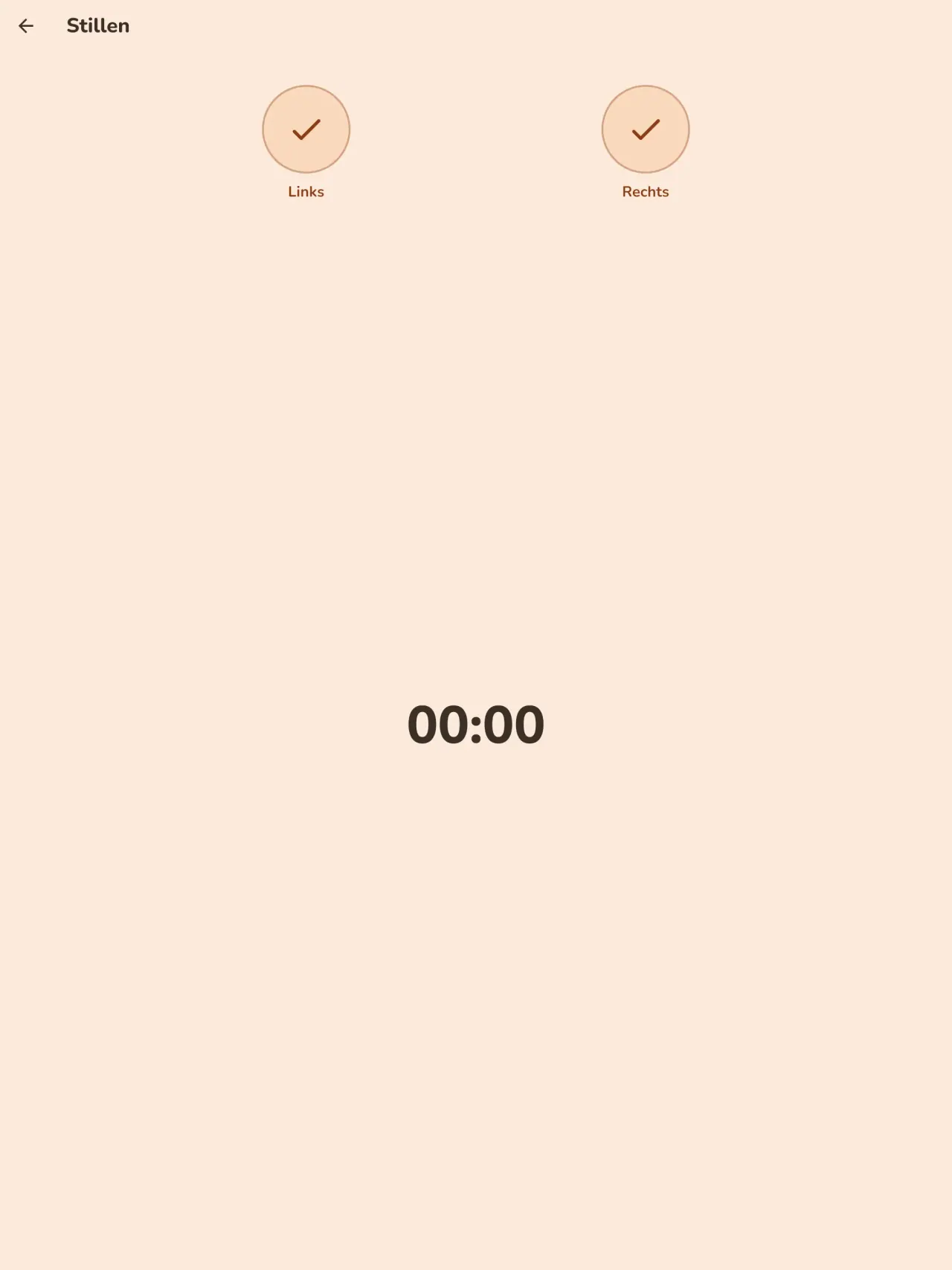
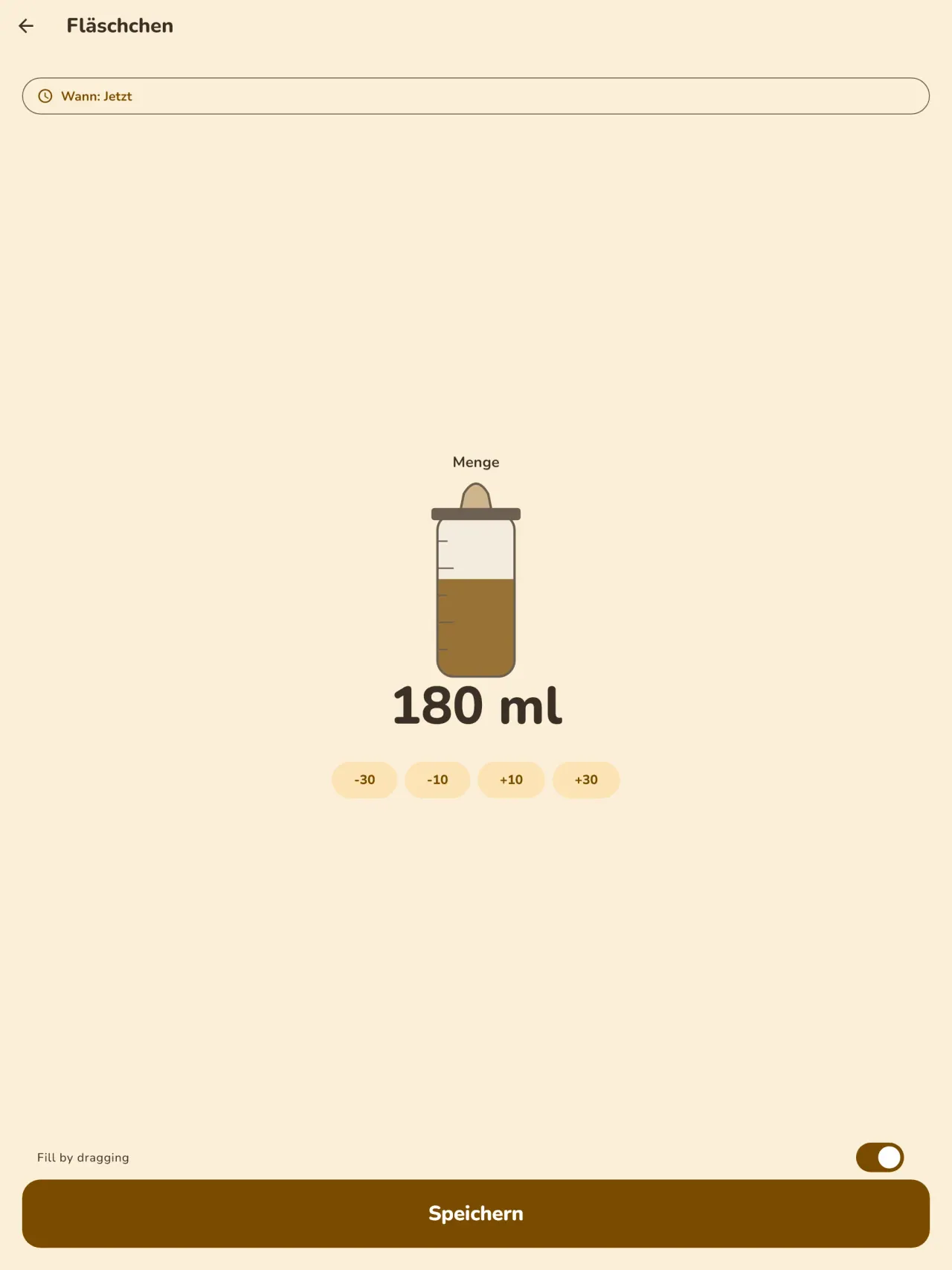
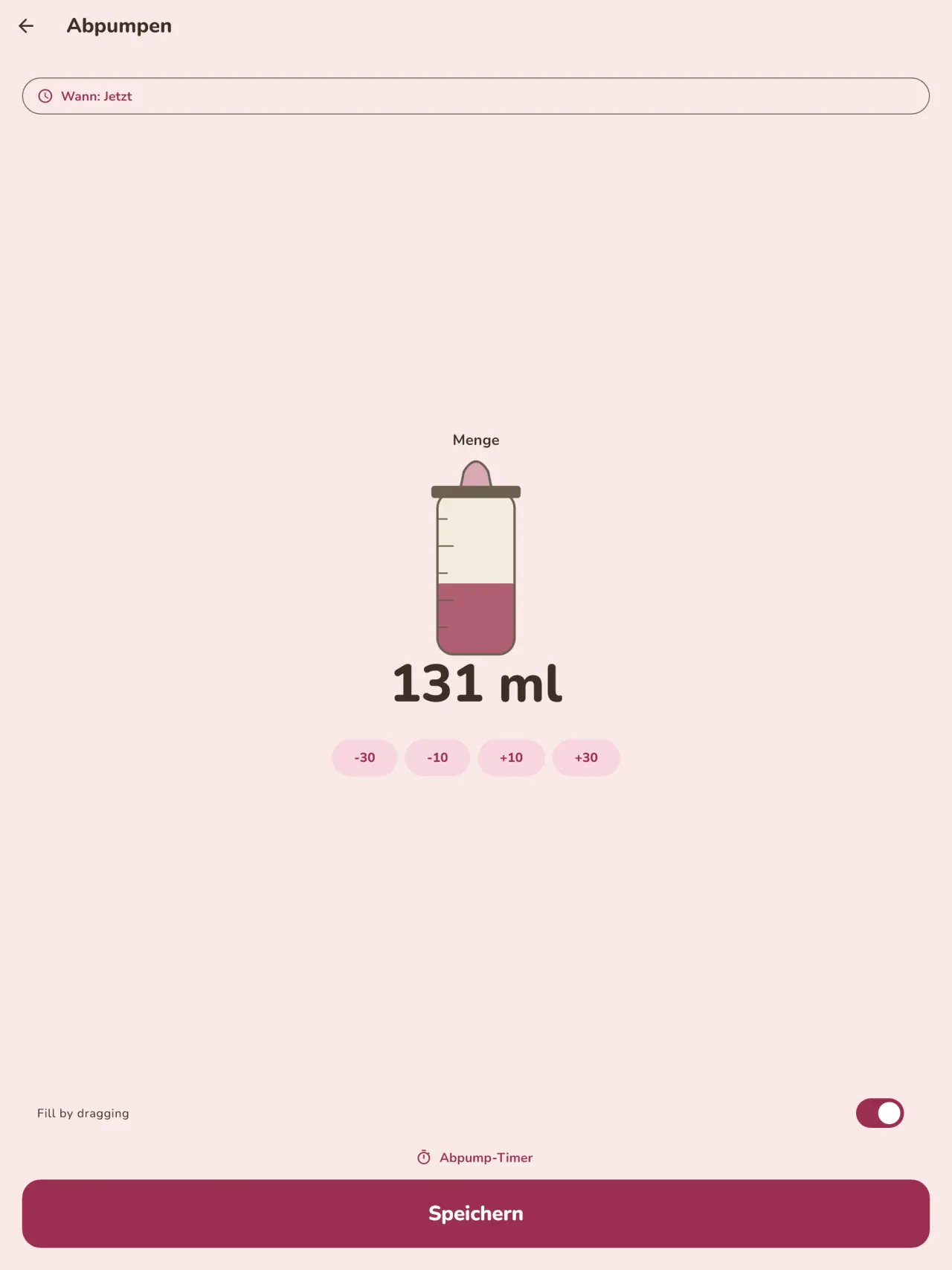
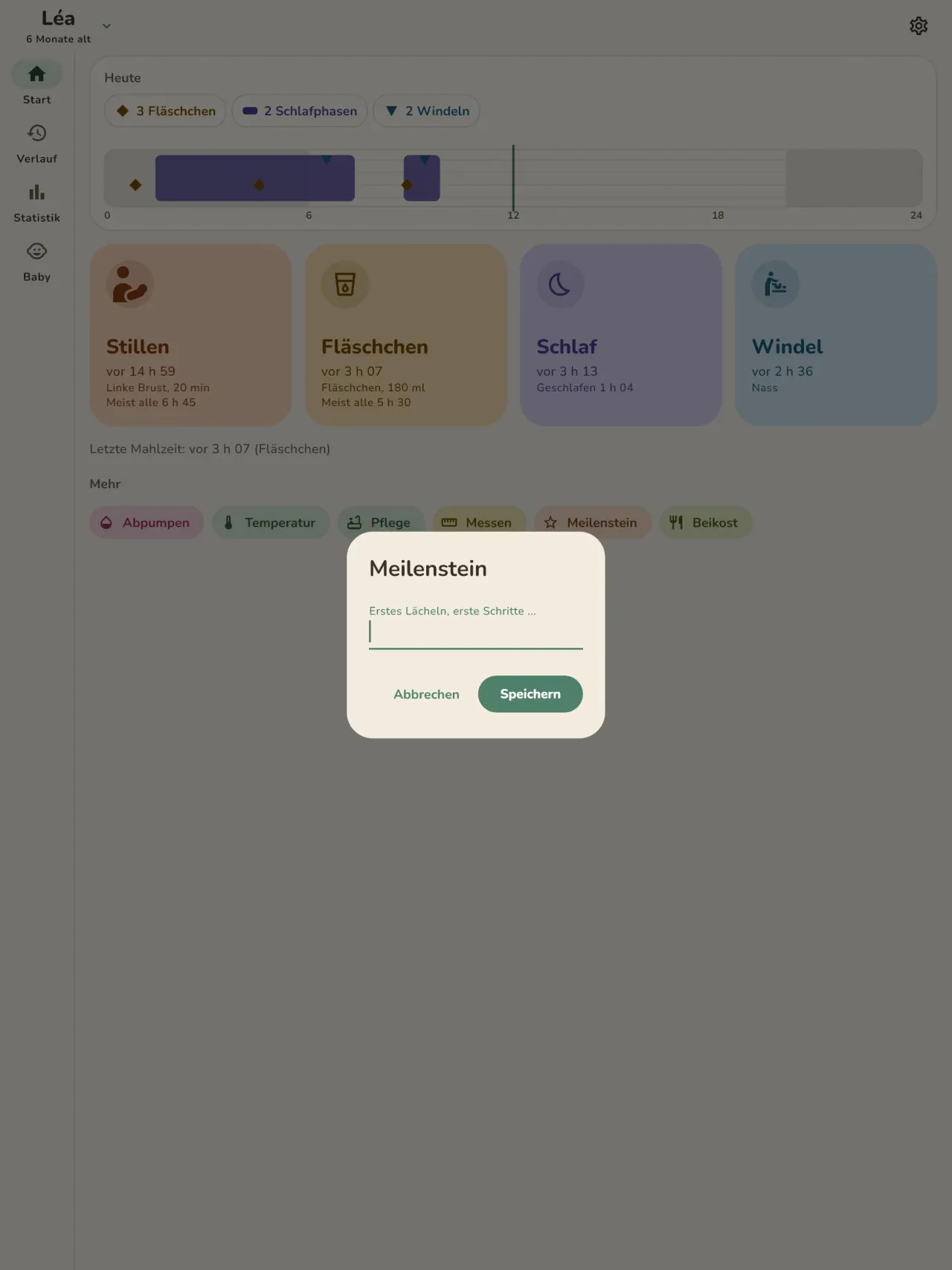
Notieren Sie jede Mahlzeit mit einer Berührung: linke oder rechte Brust mit Timer und Pause, oder das Fläschchen mit der Menge in ml. Der Startbildschirm zeigt, wie lange die letzte Stillzeit her ist und auf welcher Seite. Abpumpen hat einen eigenen Eintrag.
Schlaf und Windeln
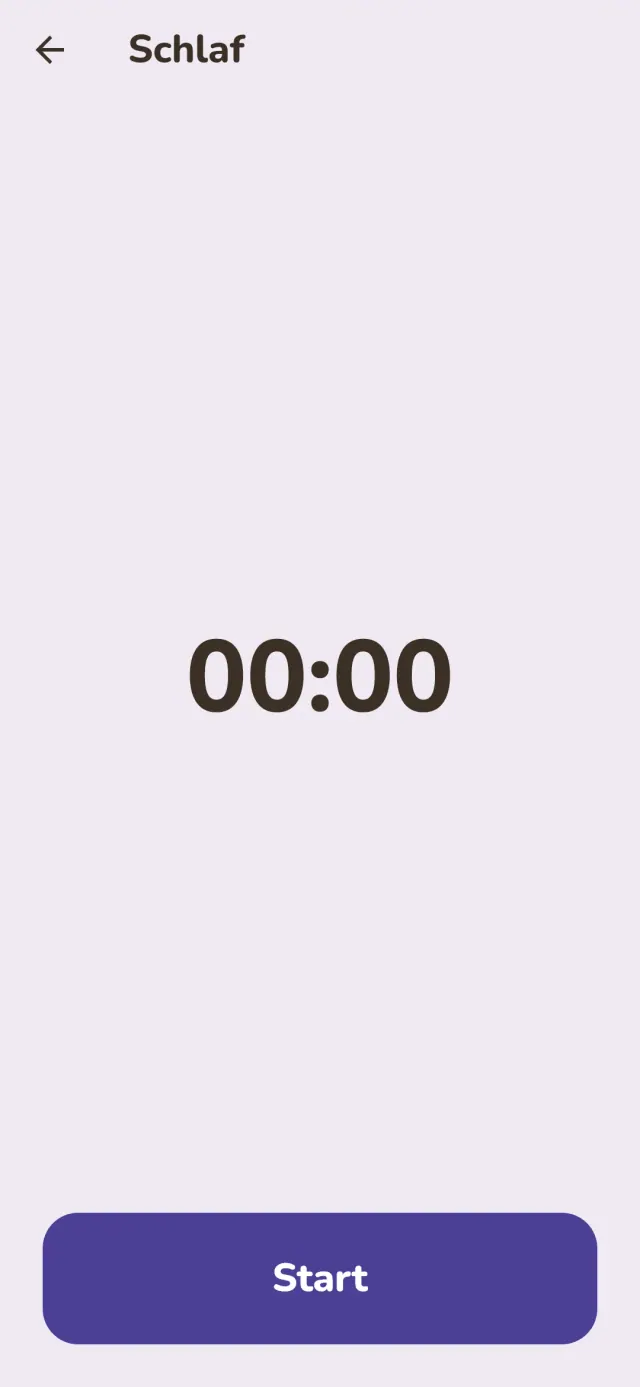
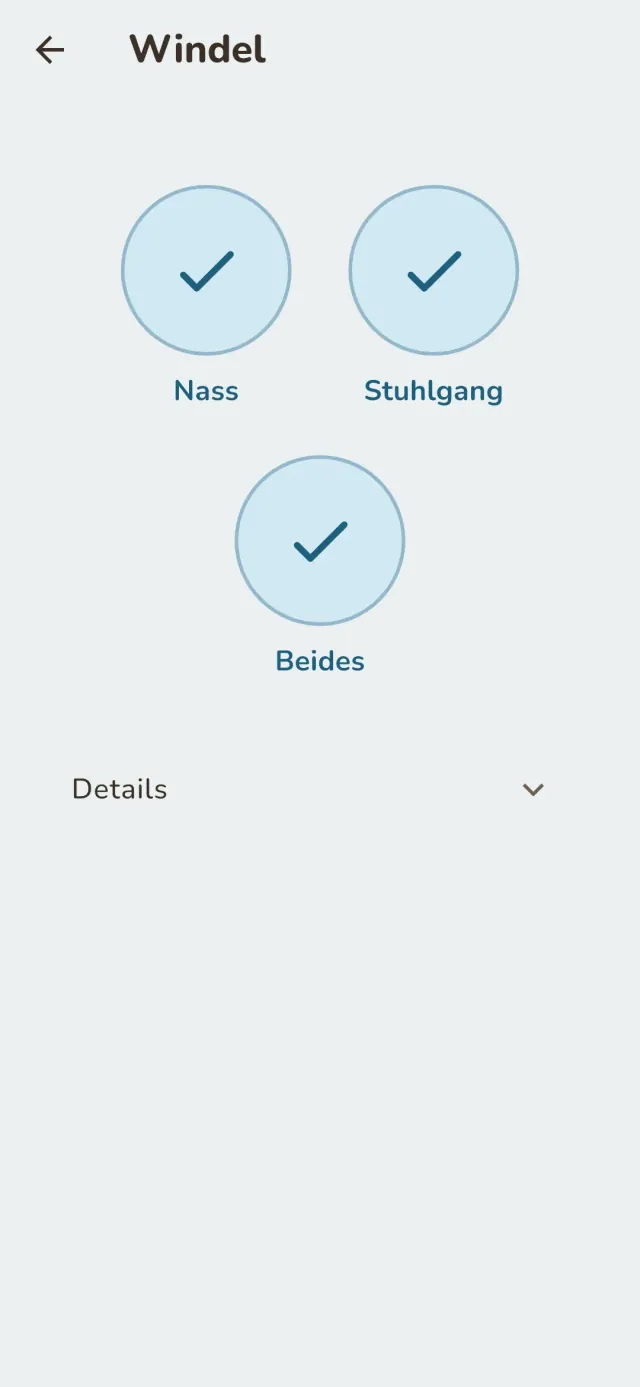
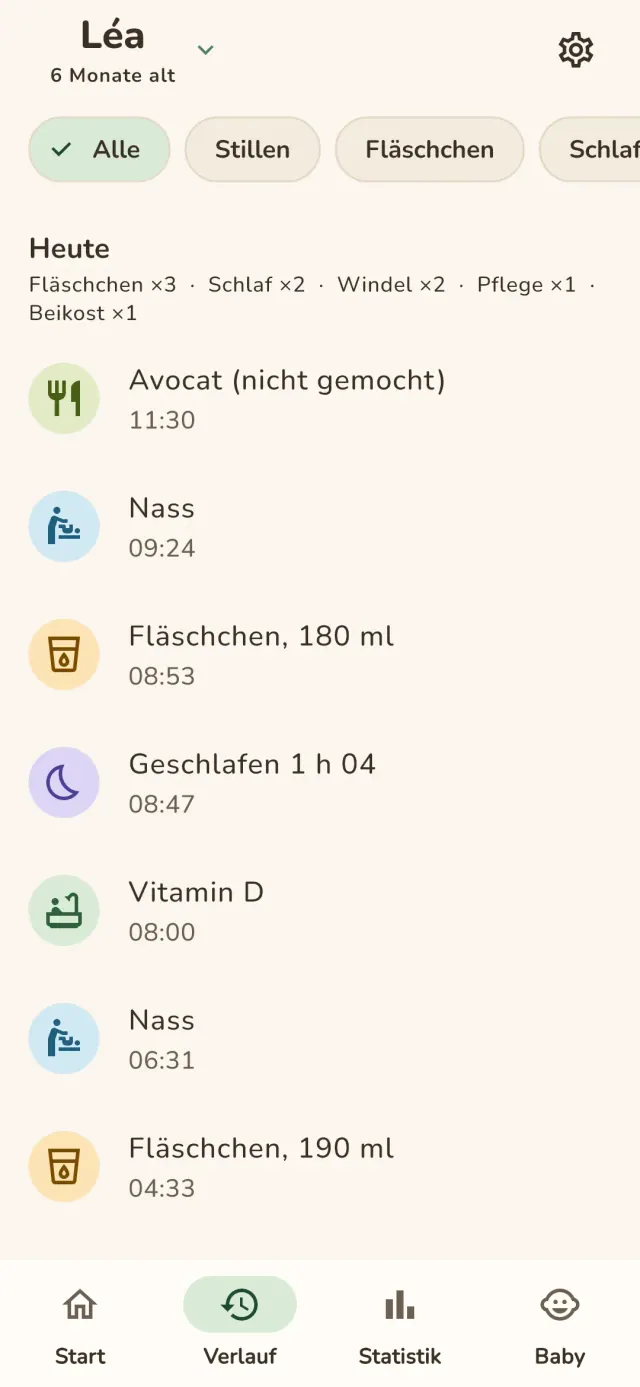
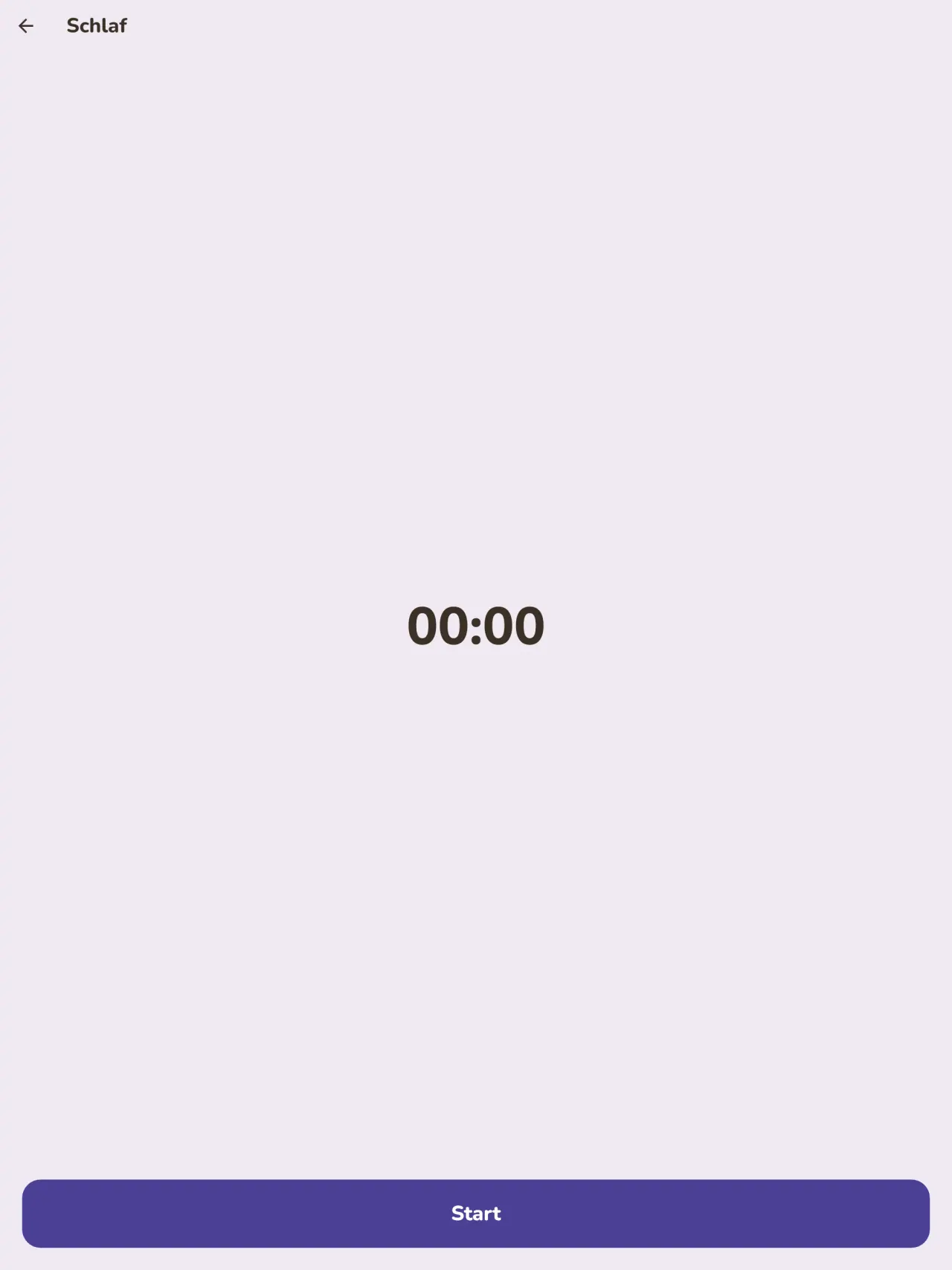
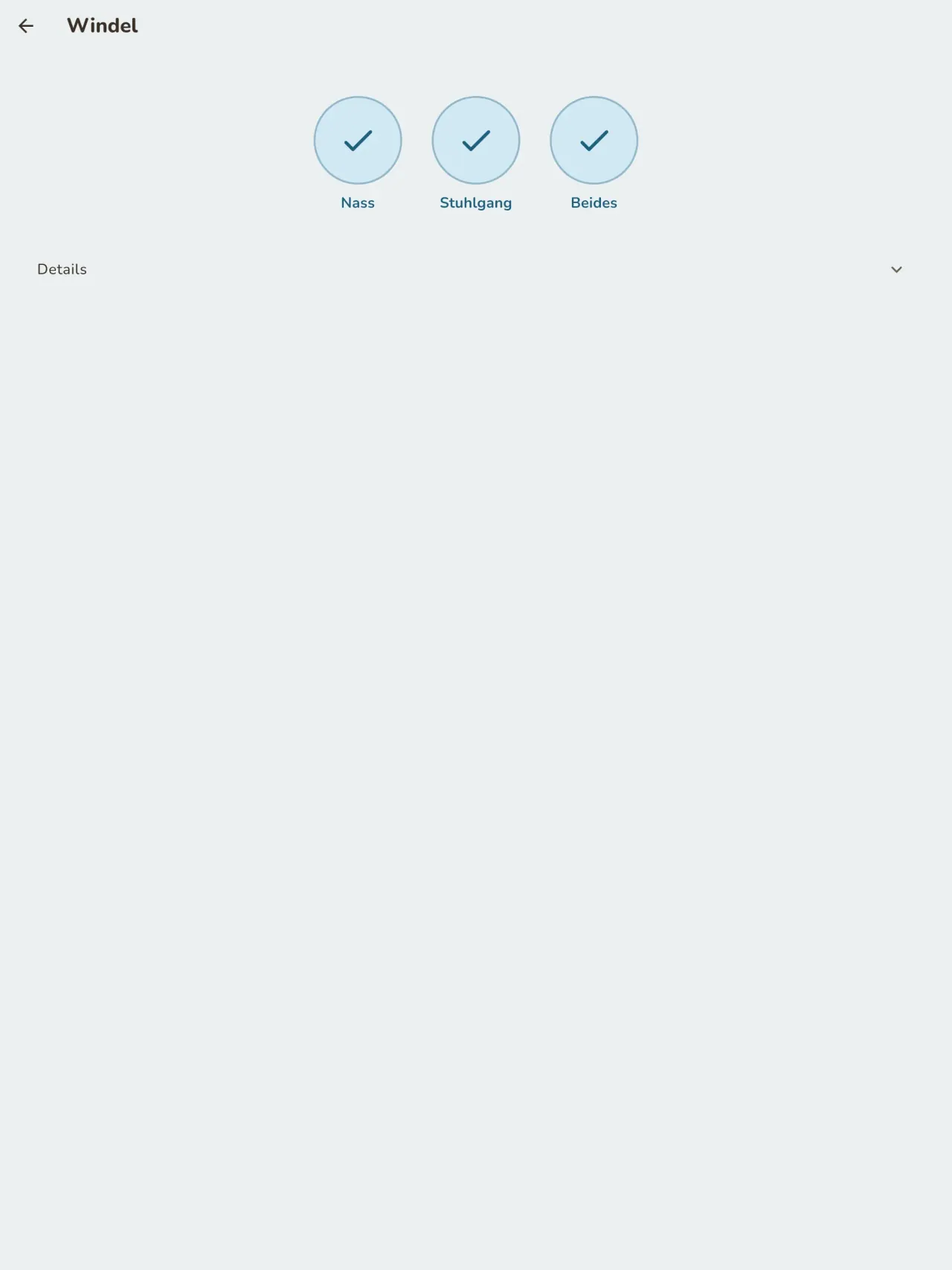
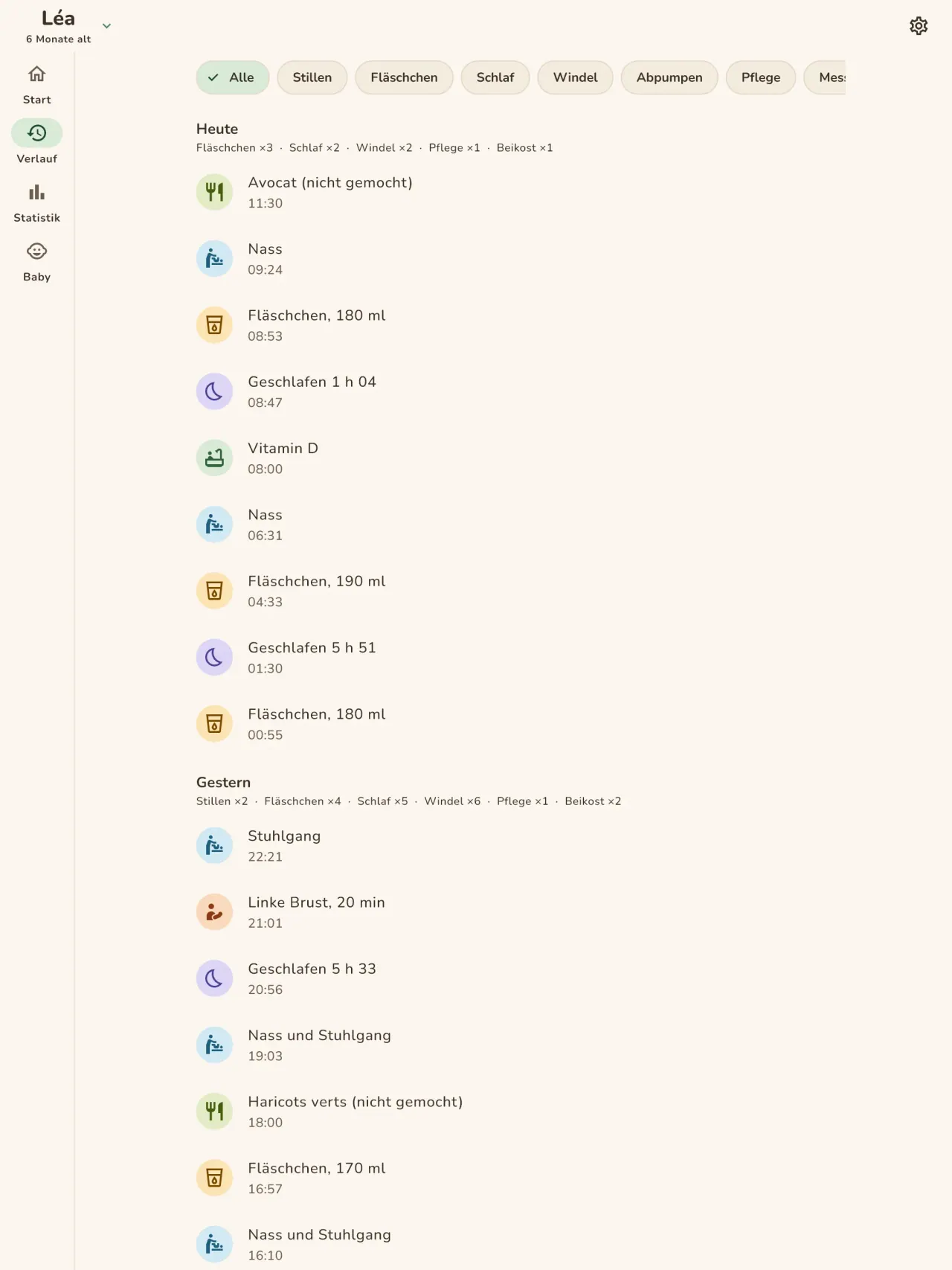
Starten Sie einen Timer für jeden Schlaf und notieren Sie jede Windel mit einem Fingertipp. Der Nachtmodus hält den Bildschirm dunkel und die Tasten groß, damit Sie das Telefon um 3 Uhr morgens mit einer Hand bedienen können.
Wachstum und Kurve
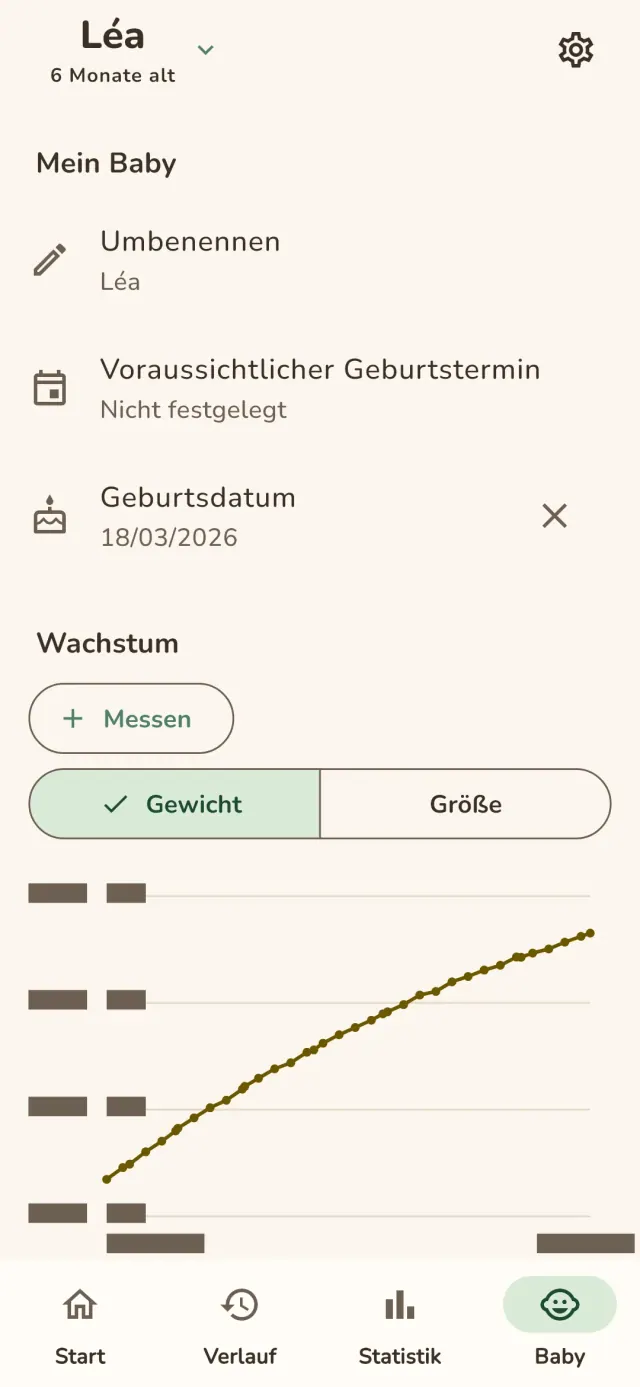
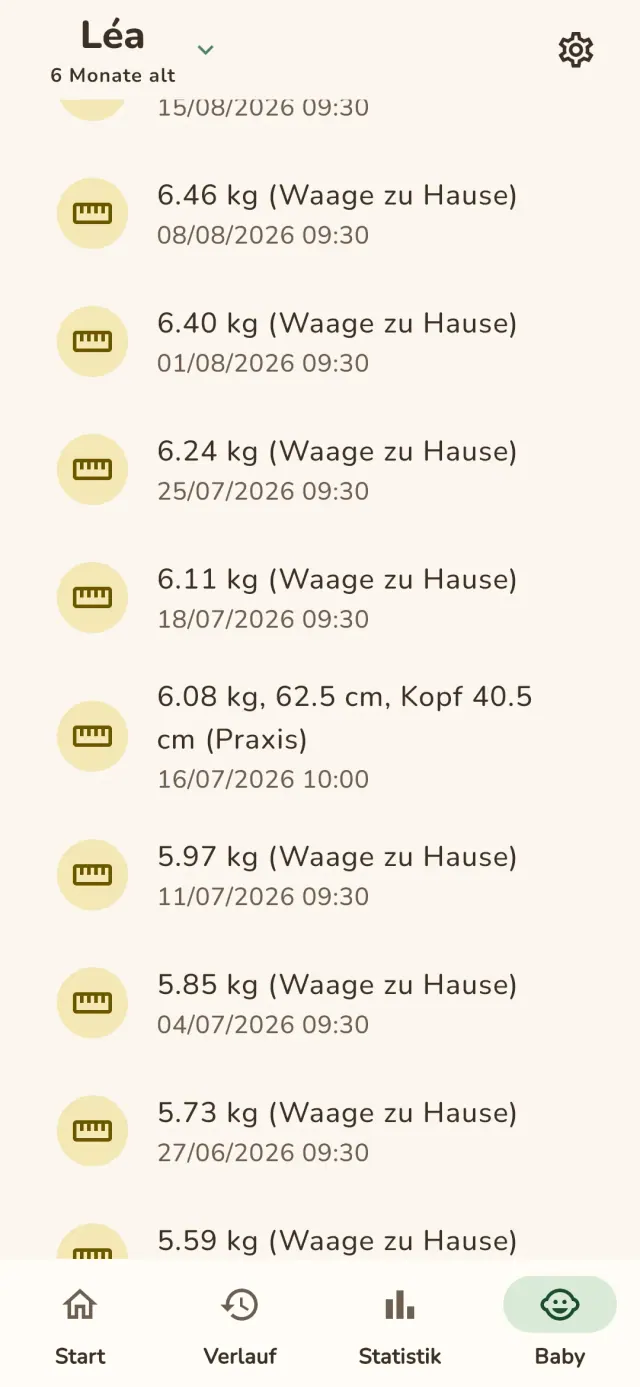
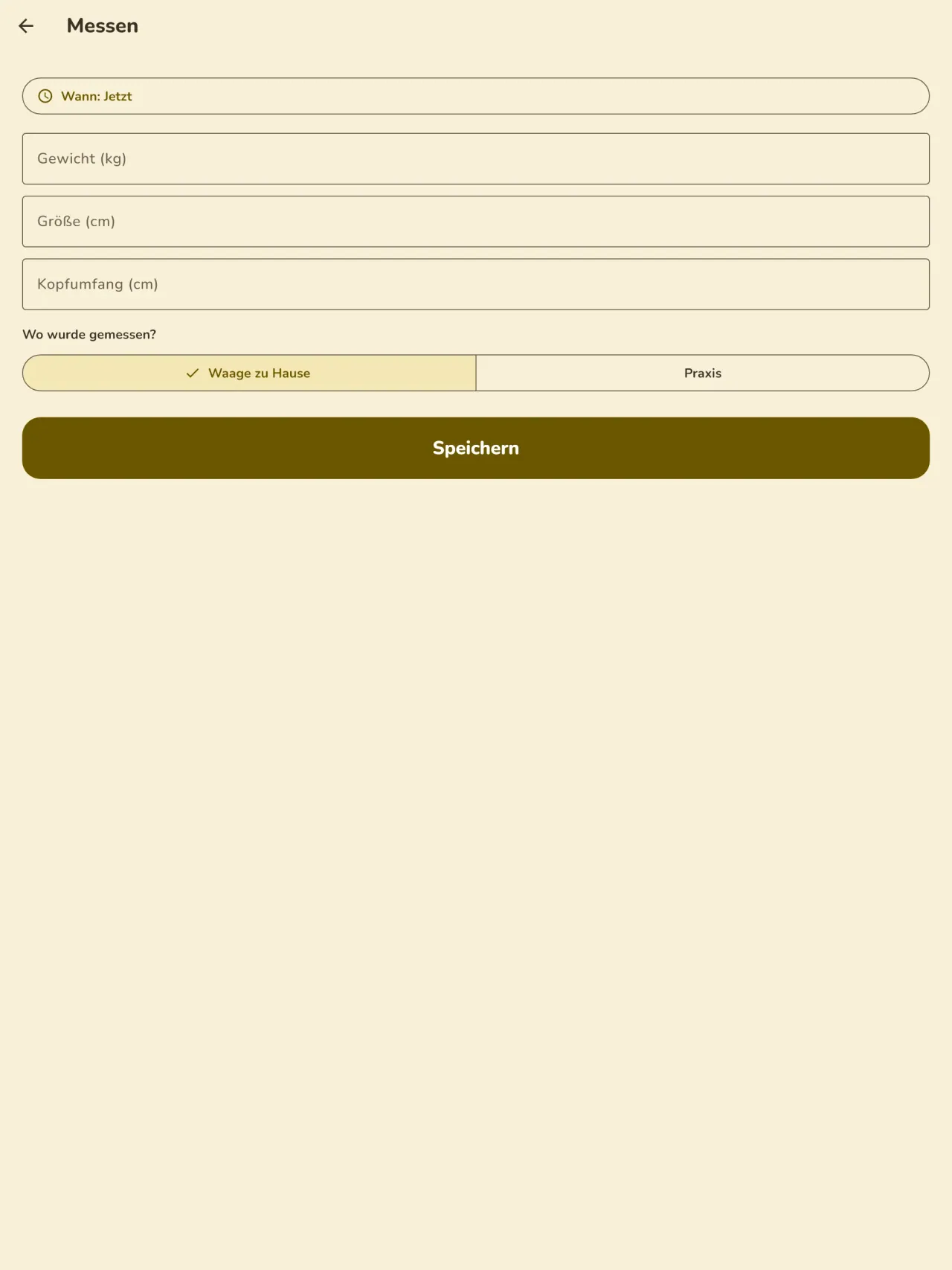
Tragen Sie Gewicht und Größe ein und vermerken Sie, ob die Werte von Ihrer Waage oder aus der Praxis stammen. Die Wachstumskurve aktualisiert sich nach jeder Eingabe, und die Kurve bleibt von Termin zu Termin gut lesbar.
Beikost
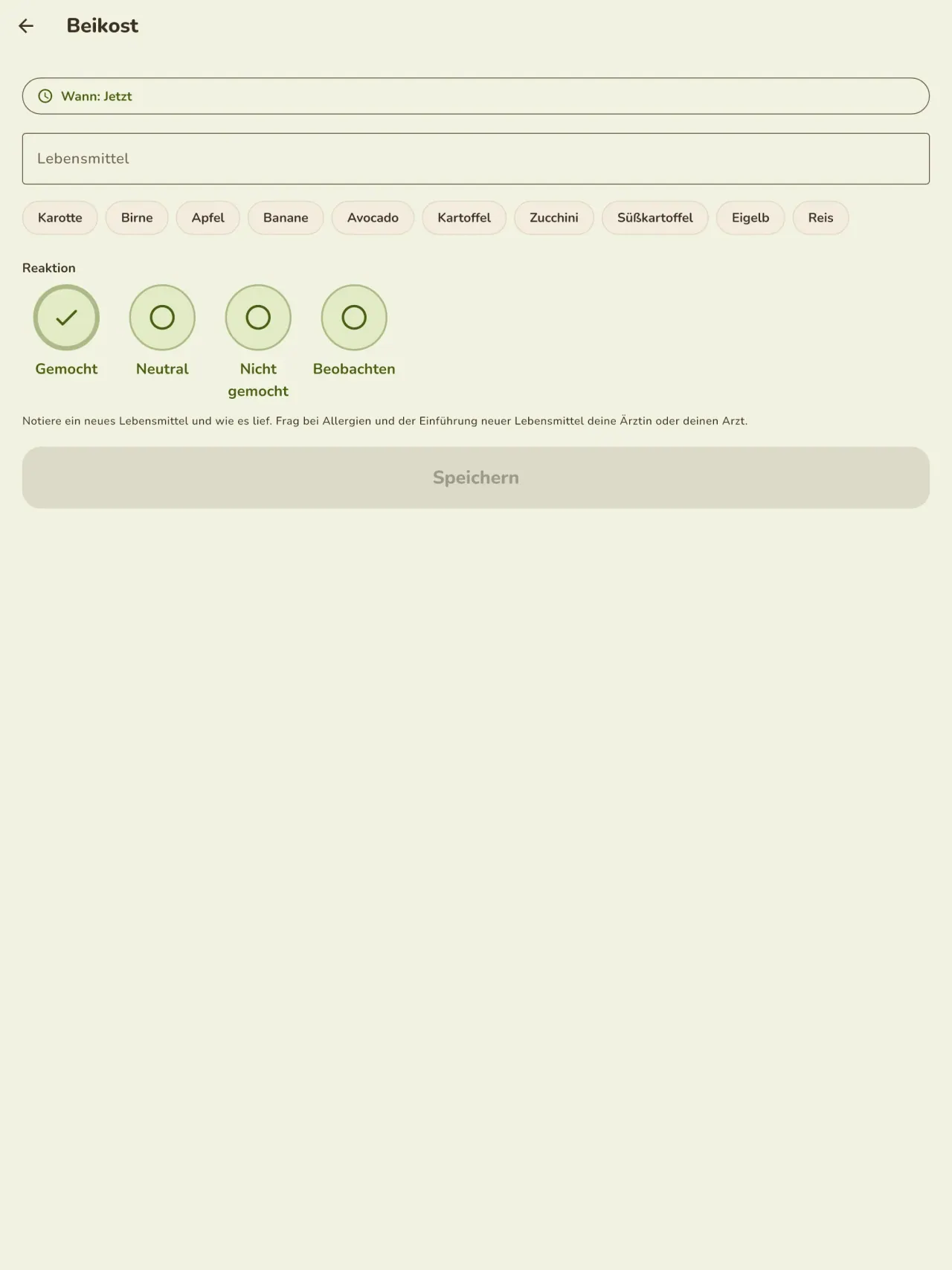
Erfassen Sie jedes neue Lebensmittel, das Datum und die beobachtete Reaktion, und planen Sie die Mahlzeiten in einem Kalender.
Schwangerschaft
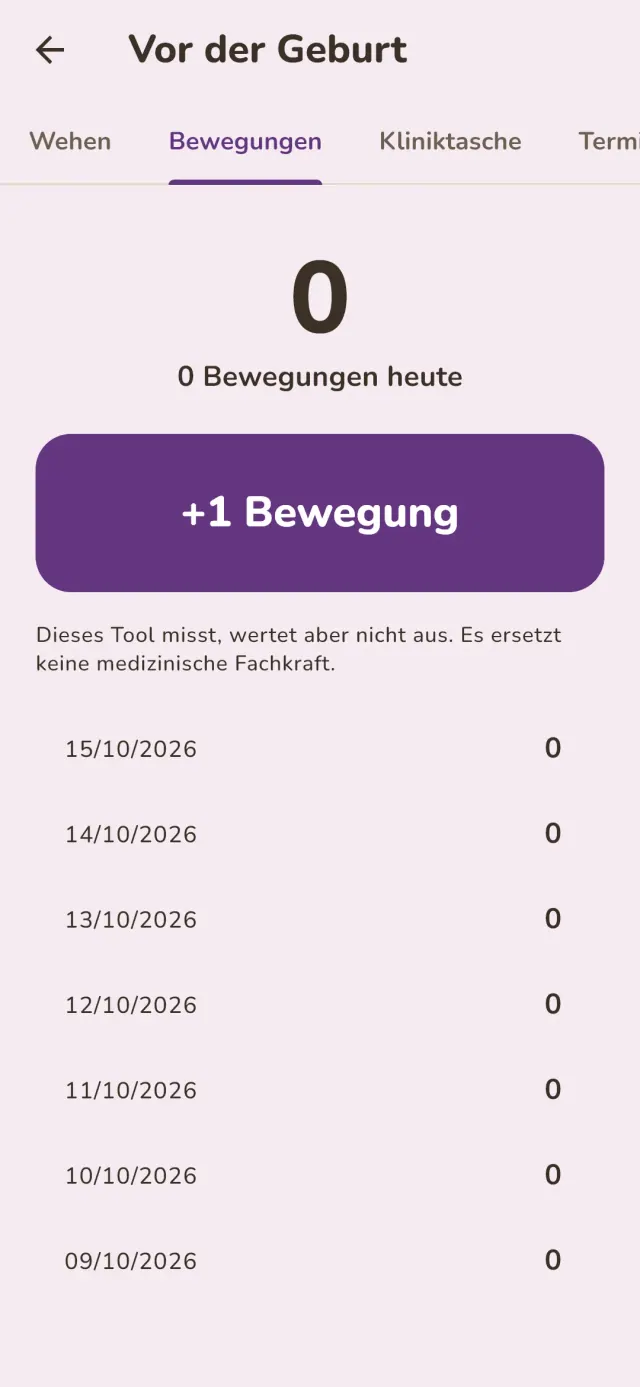
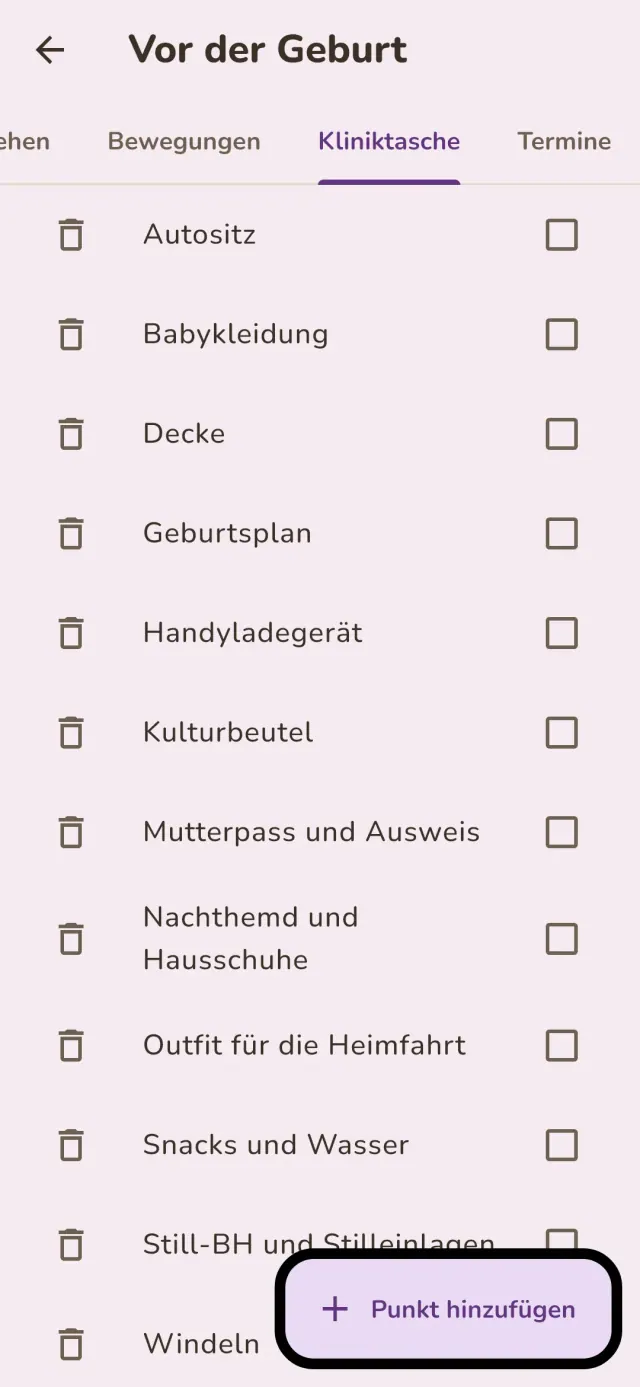
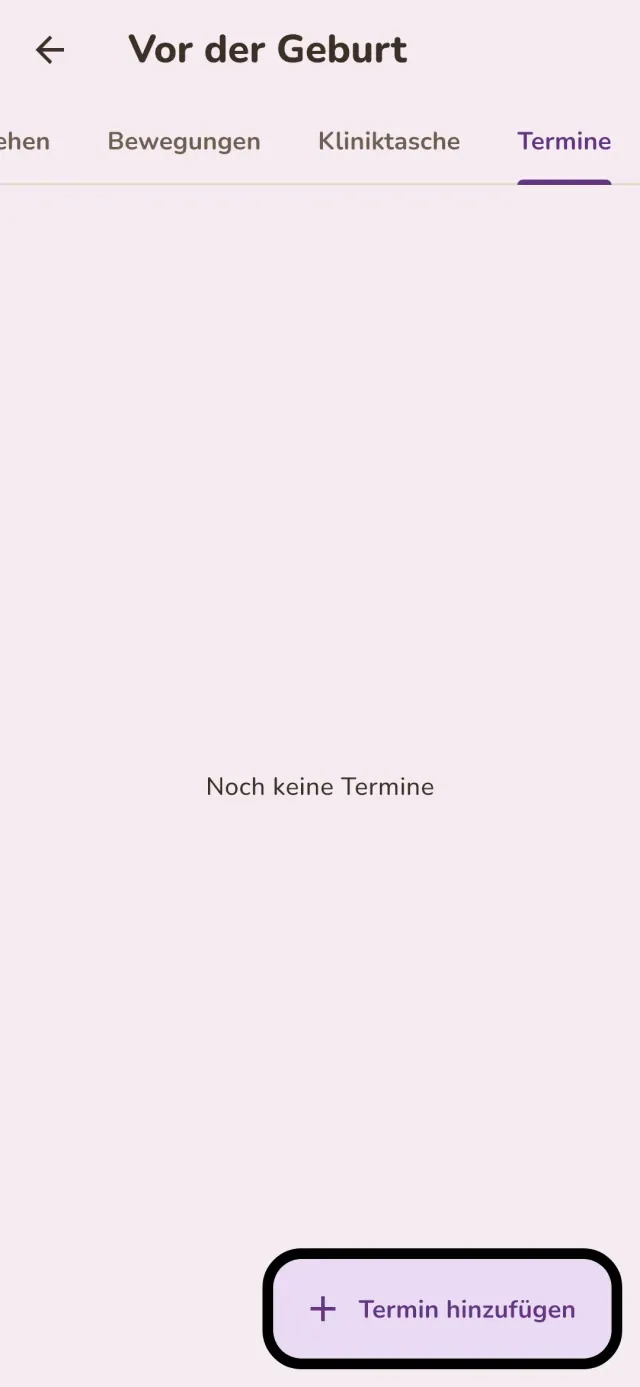
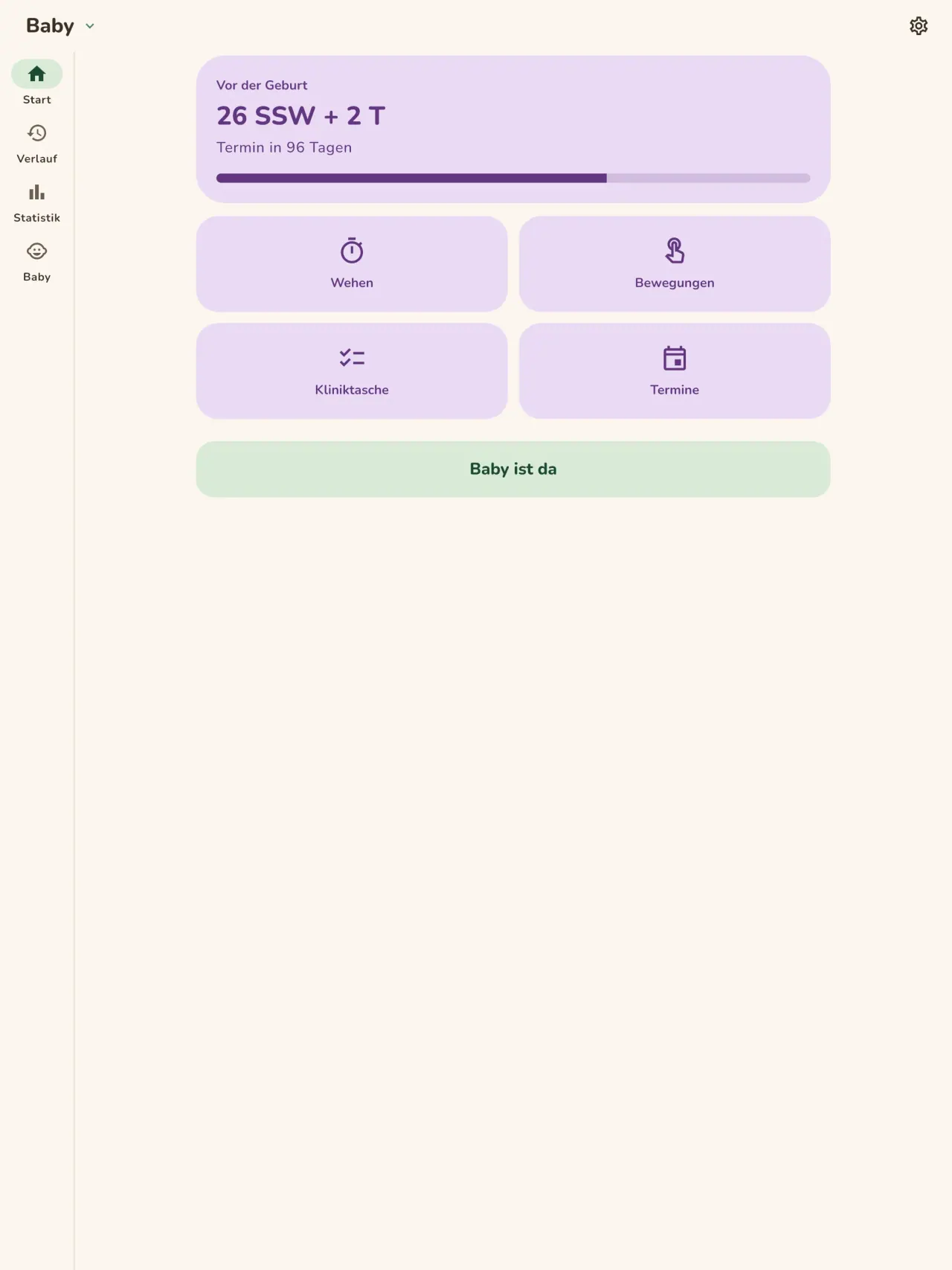
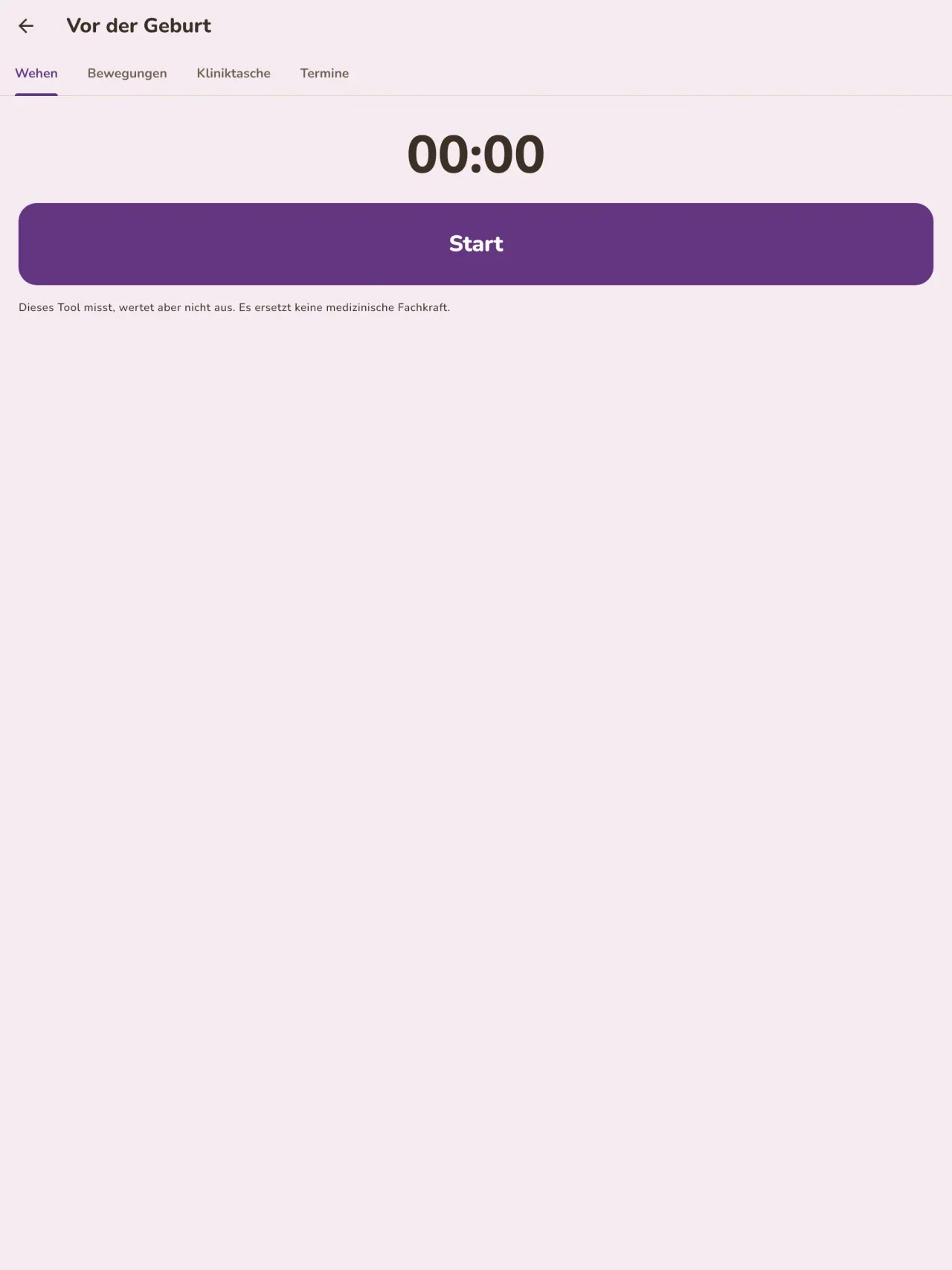
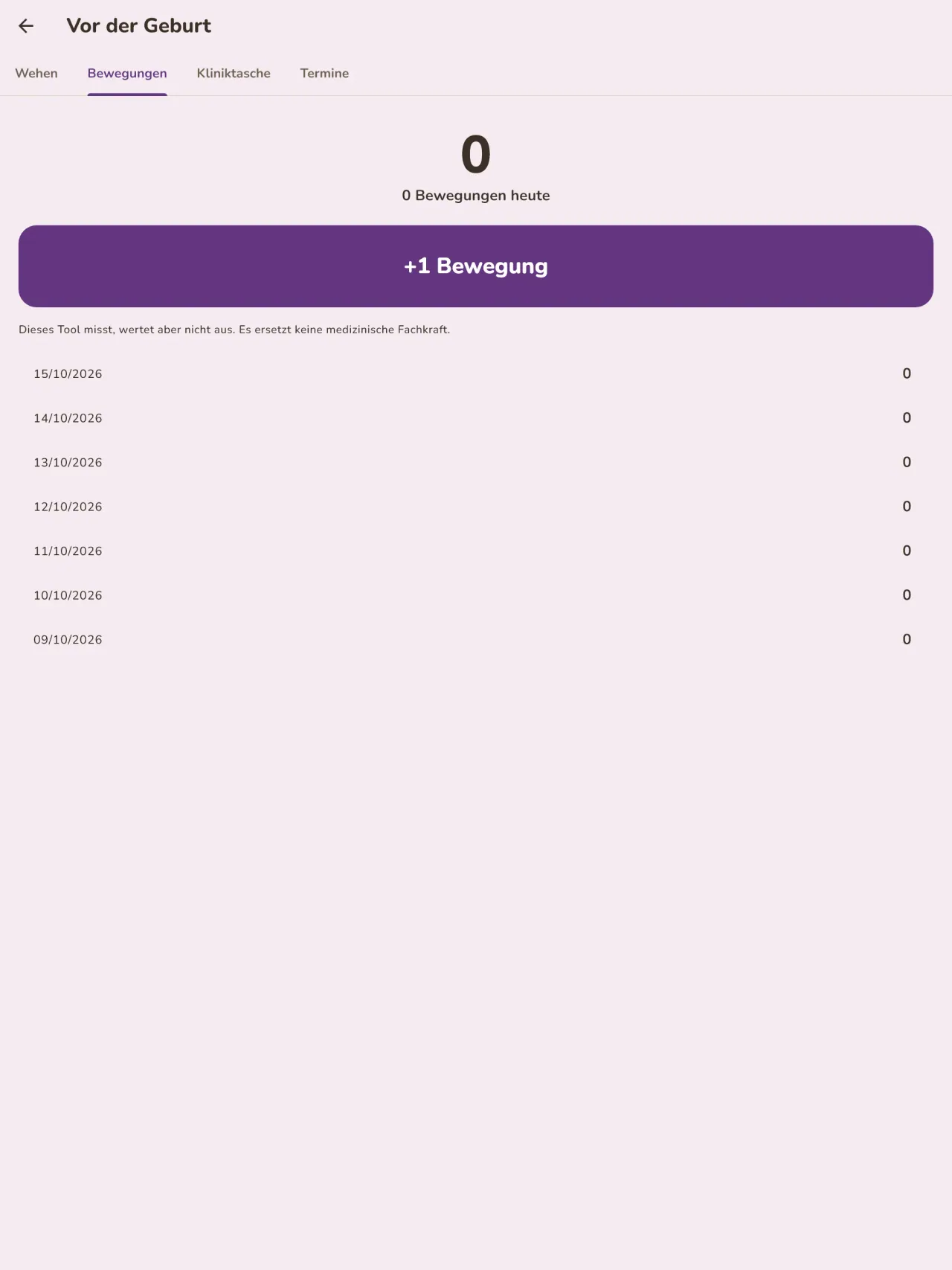
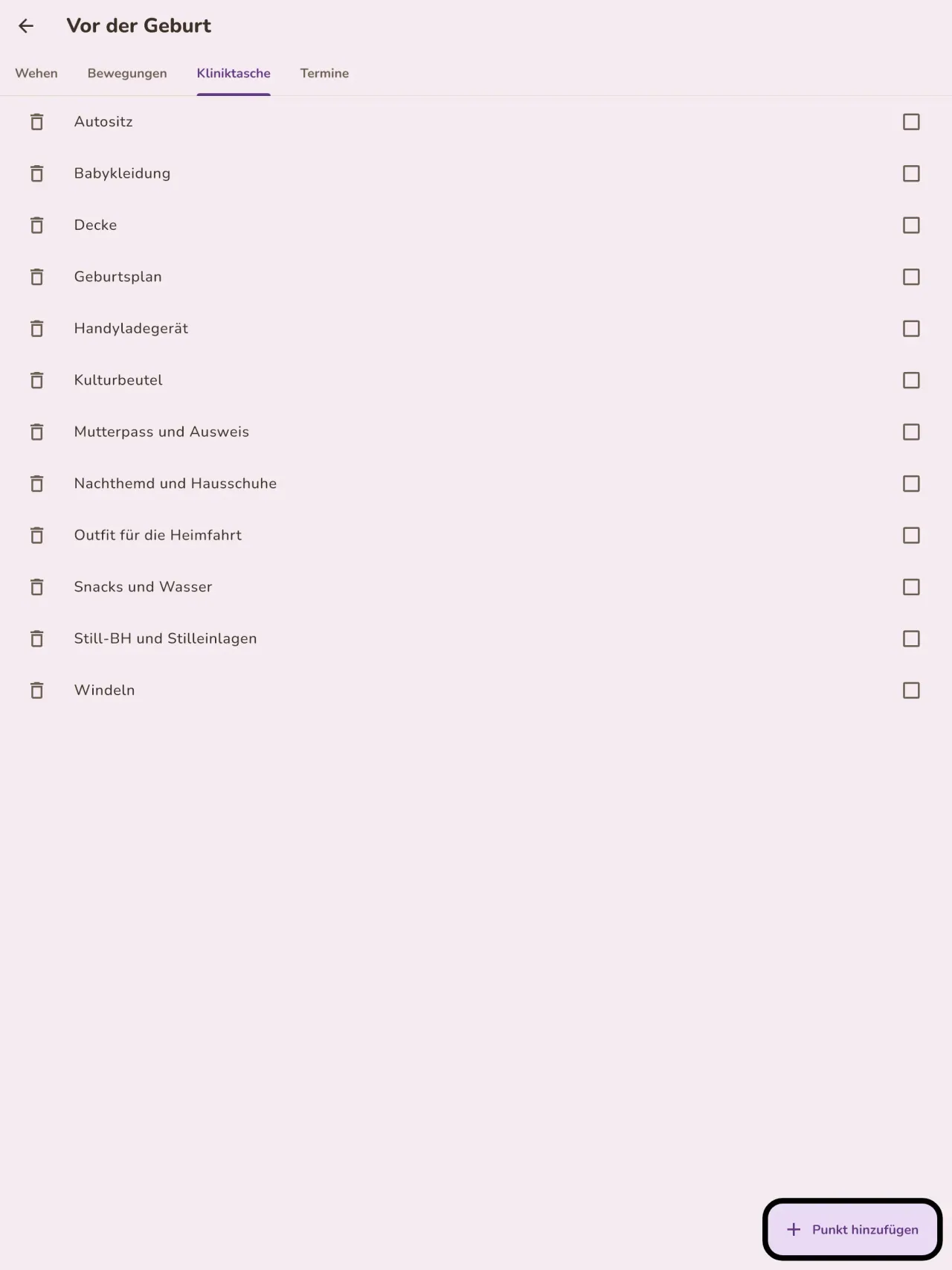
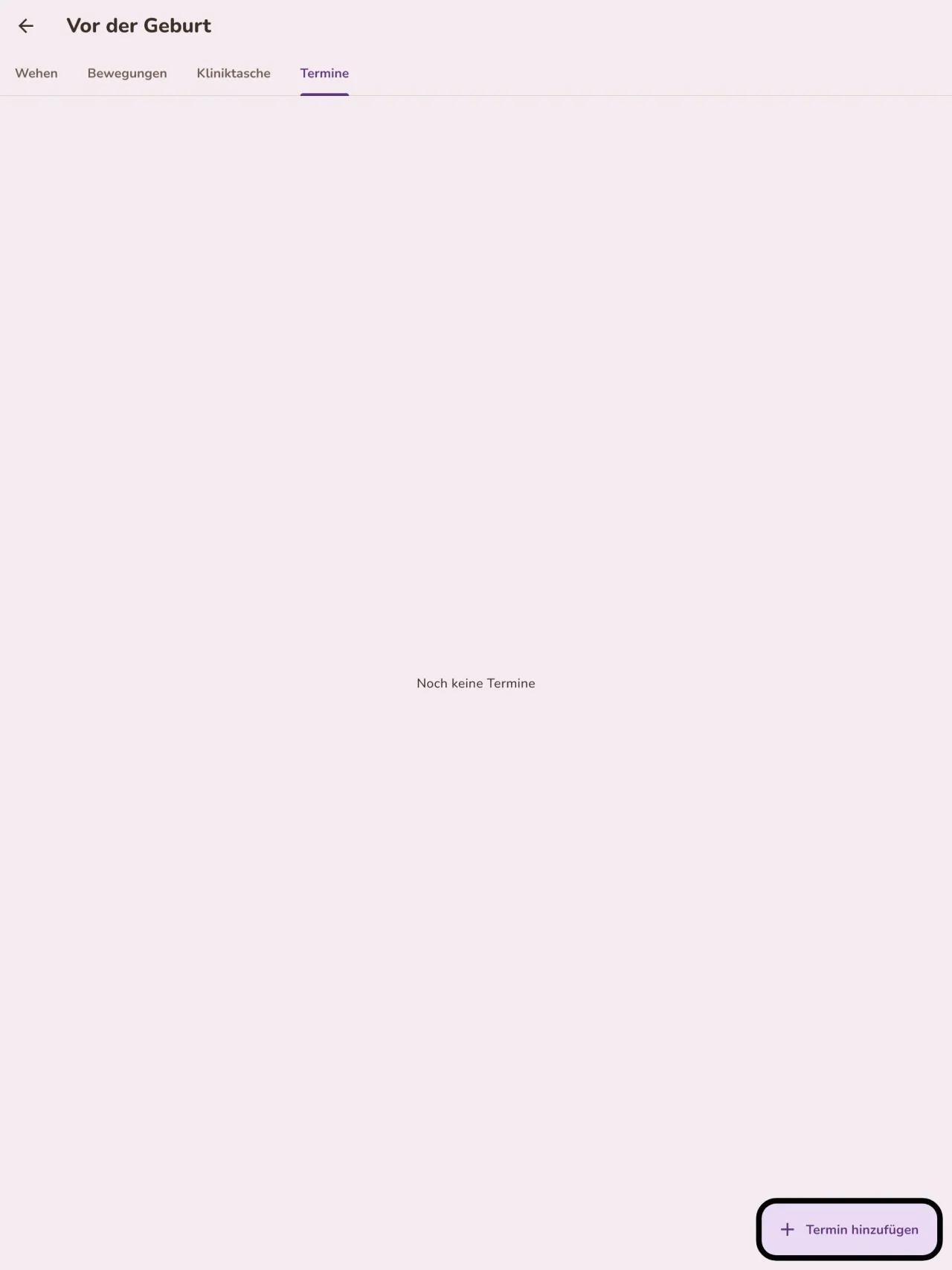
Erwarten Sie ein Baby? Tragen Sie den errechneten Termin ein, sehen Sie die Schwangerschaftswoche, messen Sie die Kontraktionen (Wehen), zählen Sie die Bewegungen Ihres Babys, bereiten Sie die Kliniktasche mit einer Checkliste vor und notieren Sie Ihre Termine. Nach der Geburt ist dieselbe App bereit für die erste Mahlzeit.
Ein Heft für die Kinderärztin
Exportieren Sie einen Bericht als PDF für Ihre Kinderärztin oder Hebamme. Er wird auf Ihrem Telefon erstellt, und Sie entscheiden, wohin er gesendet wird.
Ihre Daten bleiben bei Ihnen
Die App braucht kein Konto: Nichts wird gesendet und nichts ausgewertet. Little Relay funktioniert offline, auch im Flugmodus. Eine Schaltfläche löscht alle Daten.
Little Relay speichert, was Sie eingeben. Die App gibt keine medizinische Beratung und ersetzt keine Fachperson im Gesundheitswesen.
Für wen
- Frischgebackene Eltern, die ein einfaches Protokoll von Mahlzeiten, Schlaf und Windeln wollen, das sich nachts mit einer Hand ausfüllen lässt.
- Eltern, die mit Beikost beginnen und jedes neue Lebensmittel, das Datum und die Reaktion ihres Babys festhalten möchten.
- Eltern, die ein Babytagebuch ohne Konto bevorzugen, dessen Daten auf dem Telefon bleiben.
Warum Little Relay wählen
- Alles bleibt auf deinem Telefon: kein Konto, keine Cloud, keine Werbung, kein Tracking, und die App braucht kein Netzwerk, um zu funktionieren.
- Für die Nacht gemacht: ein dunkler Modus und große Tasten, dazu ein Startbildschirm, der zeigt, wie lange die letzte Mahlzeit her ist und auf welcher Seite.
- Die Daten gehören dir: Exportiere einen PDF-Bericht für die Ärztin oder den Arzt und lösche mit einer Taste alles.
Was es noch nicht kann
- Noch kein Teilen zwischen zwei Telefonen: Das Tagebuch lebt auf einem Telefon. Das Teilen zwischen Eltern, Ende-zu-Ende-verschlüsselt, ist geplant.
- Das Widget für den Startbildschirm gibt es vorerst nur für Android.
- Die App ist kein Medizinprodukt und gibt keine medizinische Beratung.
Pixeon-Prinzip. Pixeon-Apps sind Local-First: kein Konto, kein Tracking, und deine Daten bleiben auf deinem Telefon. Wenn eine App sich mit dem Netz verbindet, dann nur, wenn du eine Funktion bewusst einschaltest, die du brauchst, und die Datenschutzerklärung wird aktualisiert, bevor sie ausgeliefert wird.
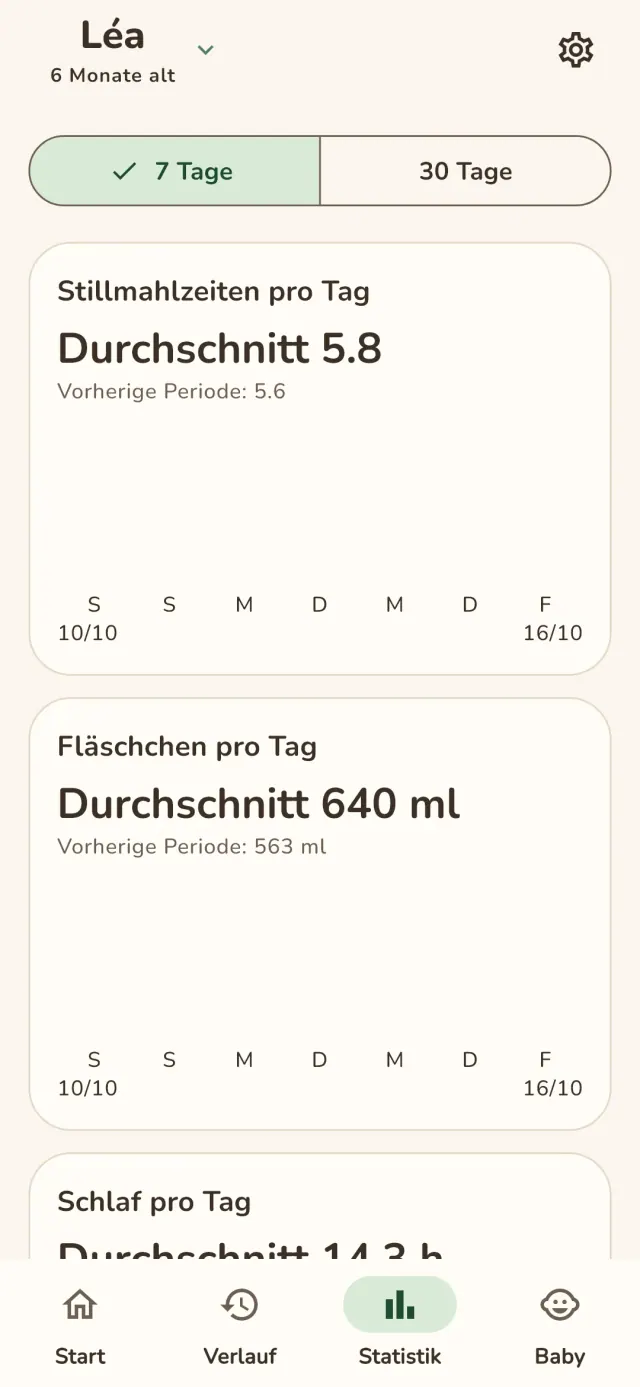
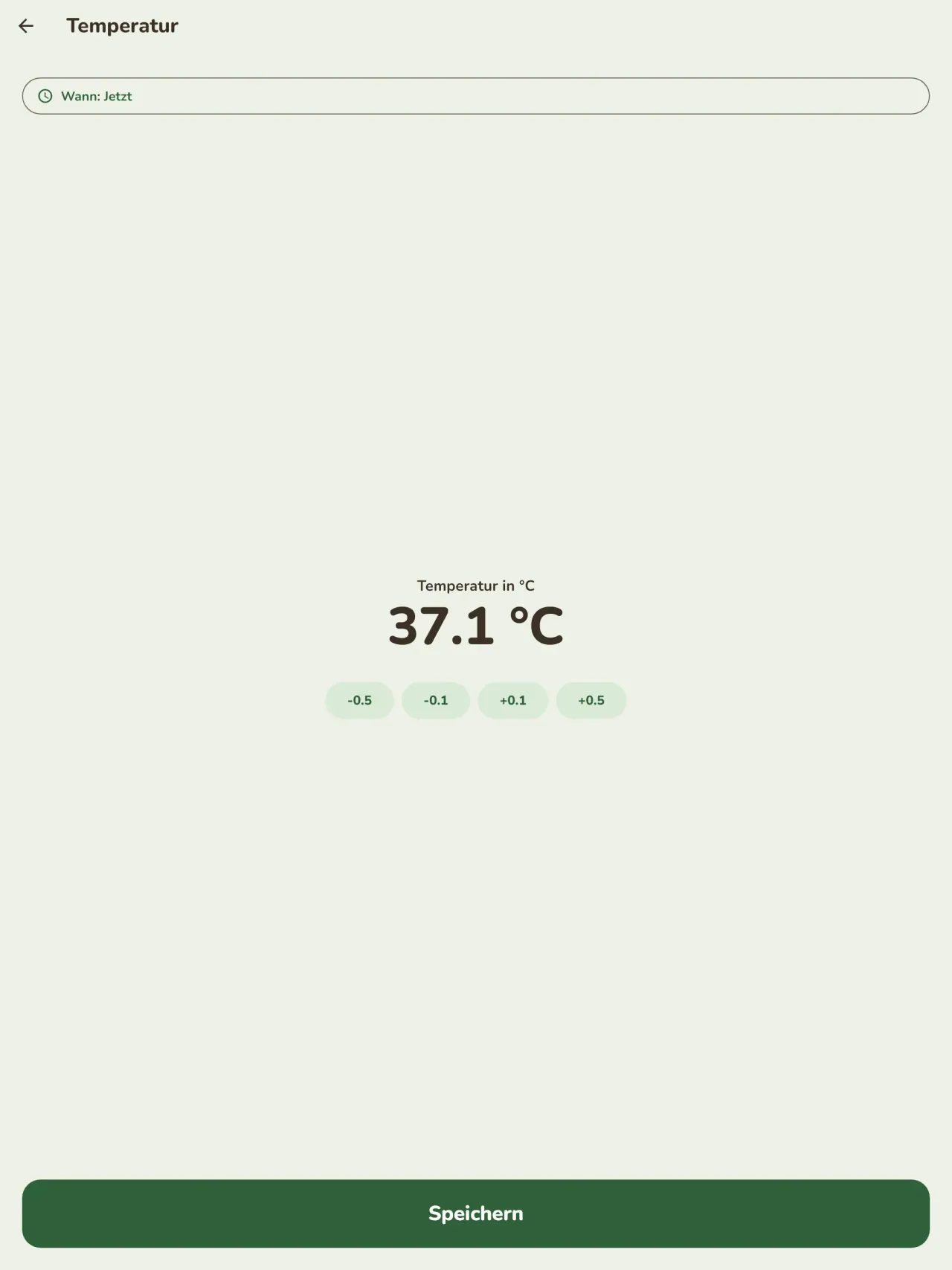
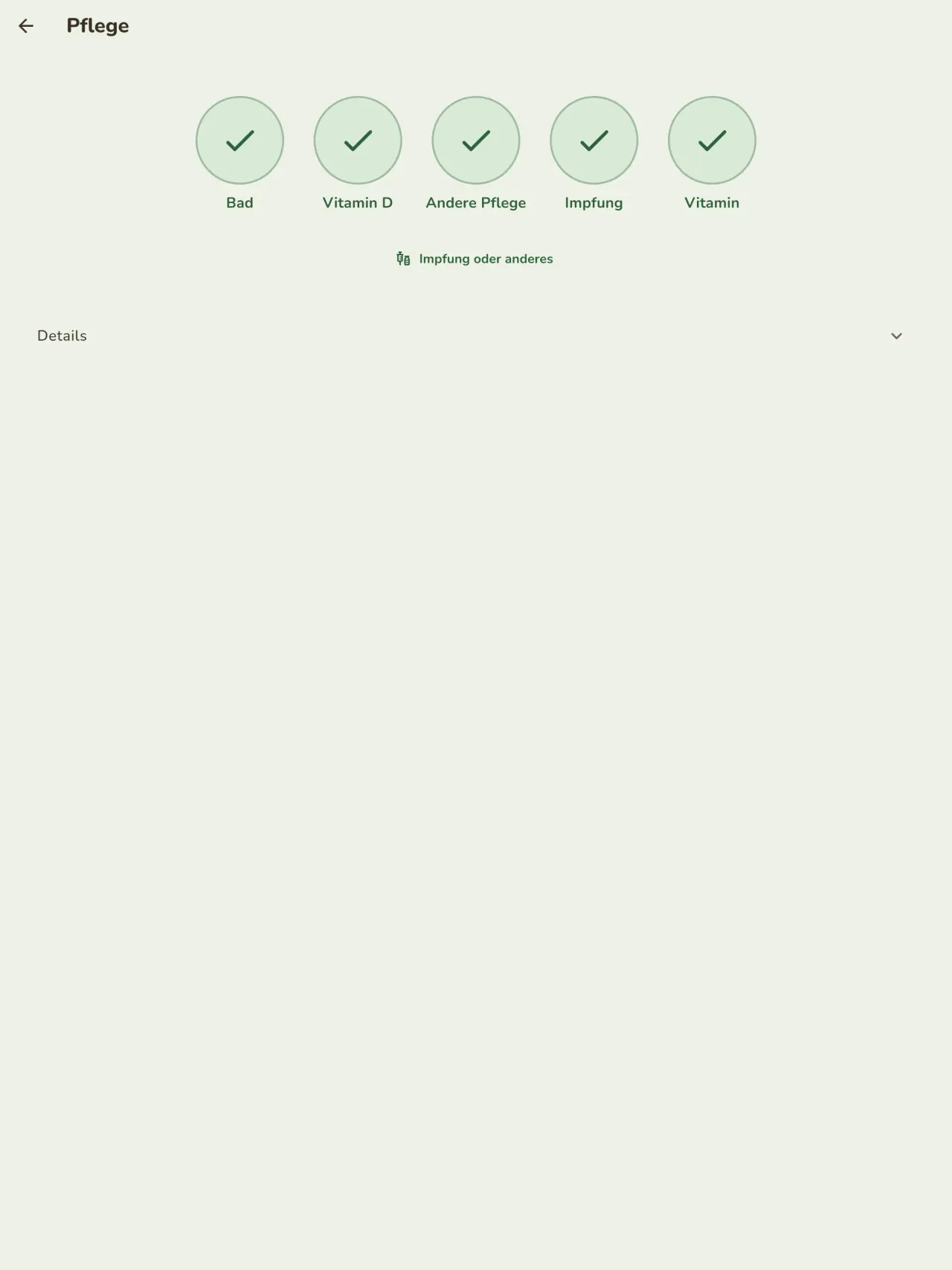
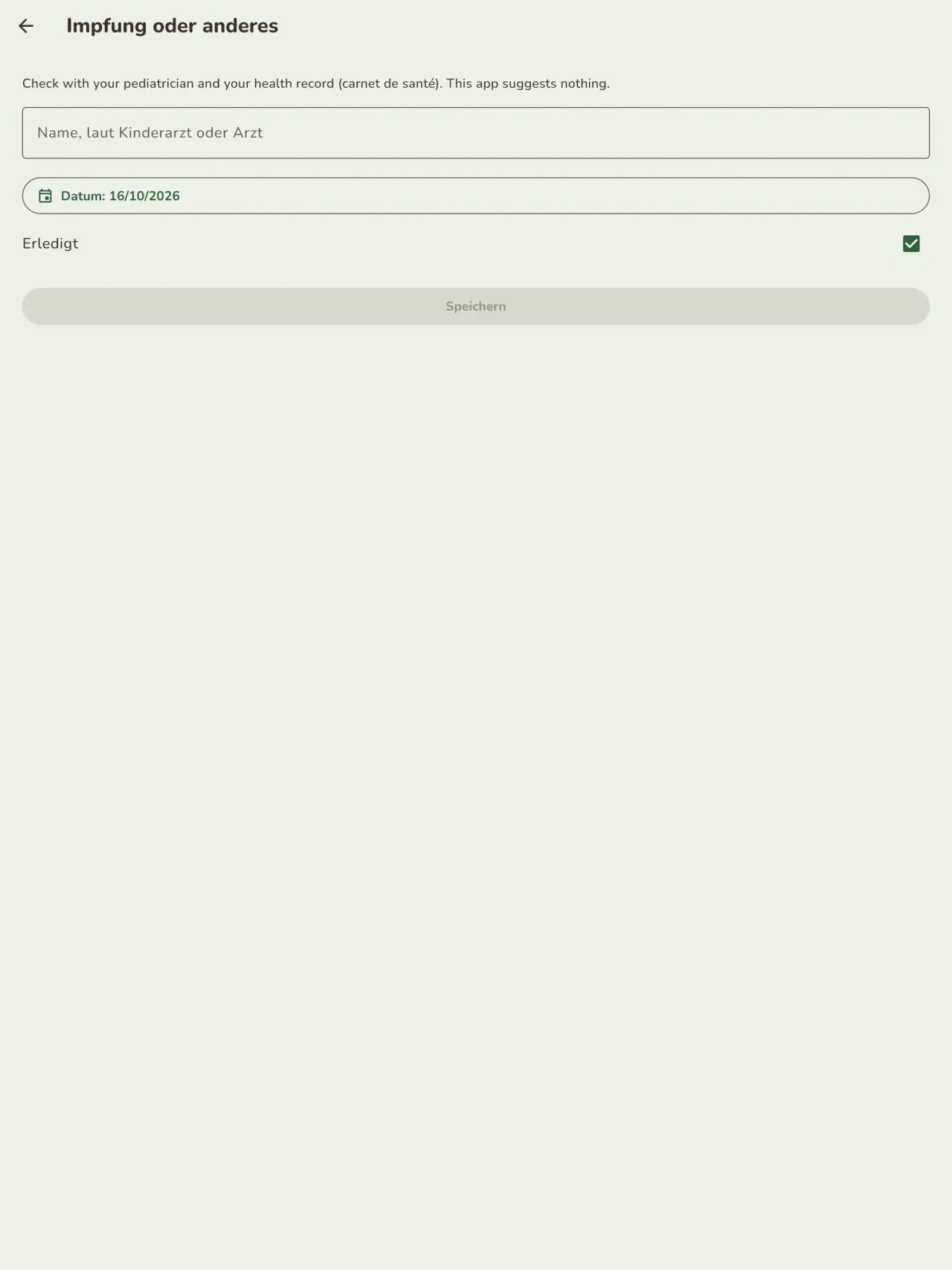
Little Relay in Aktion.
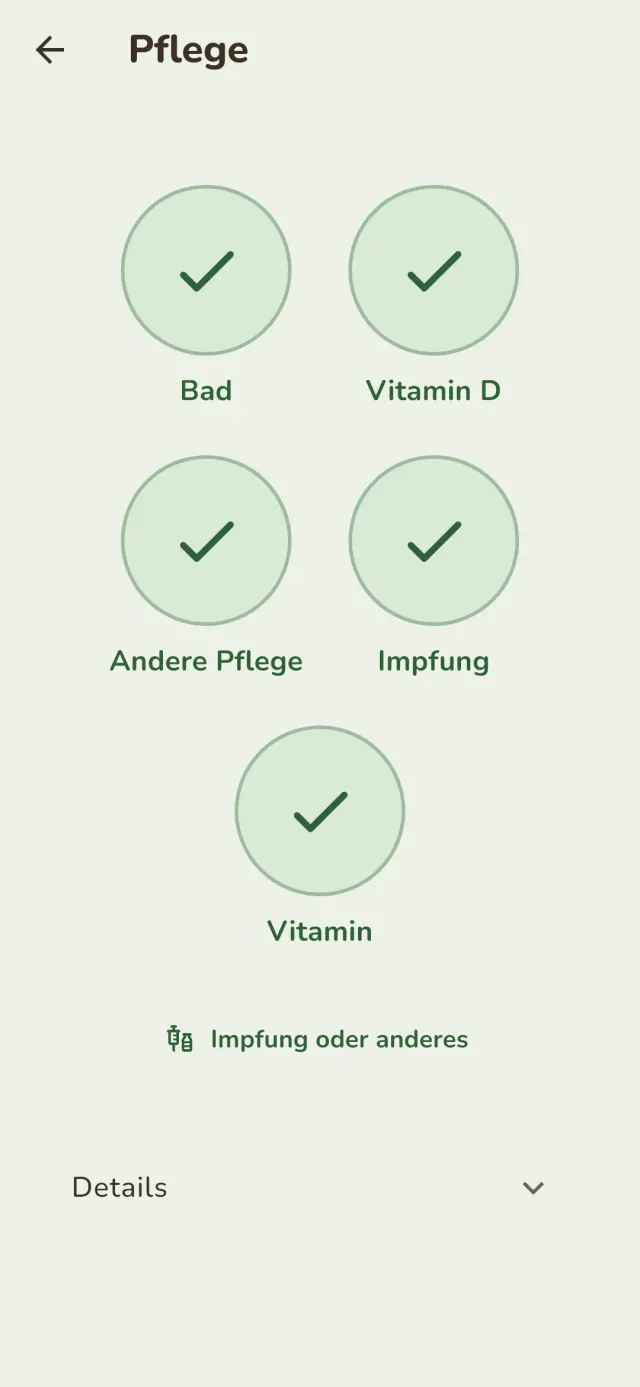
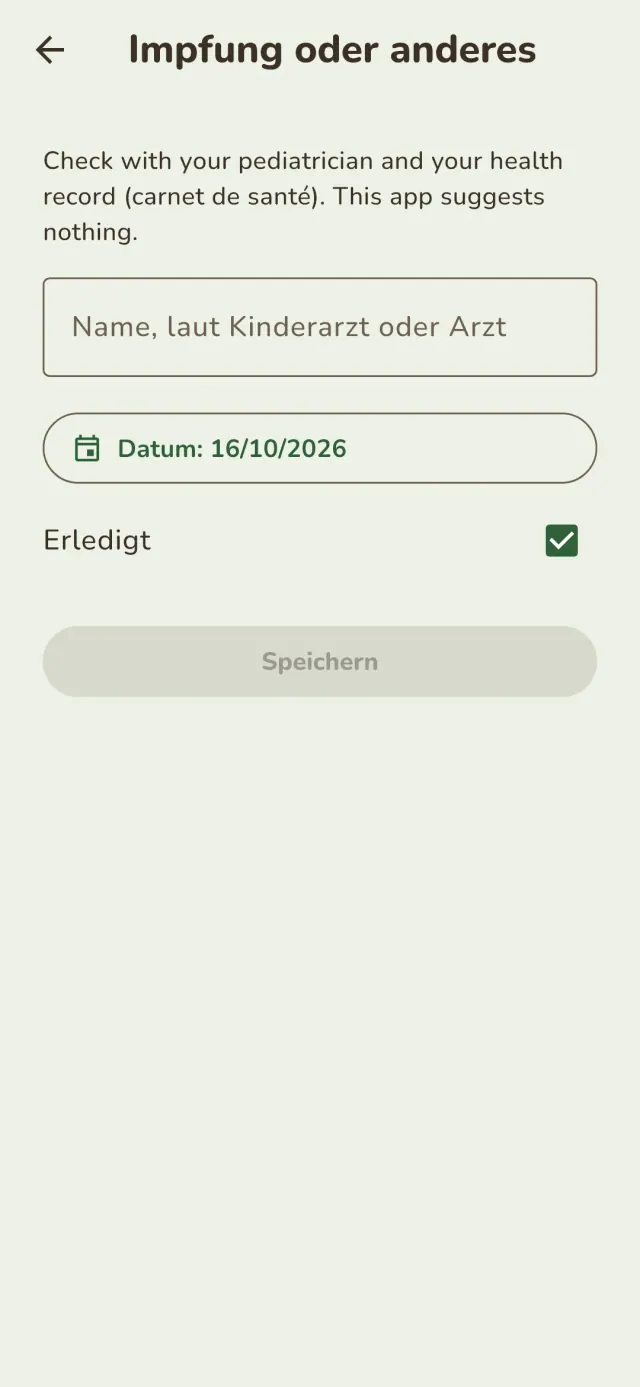
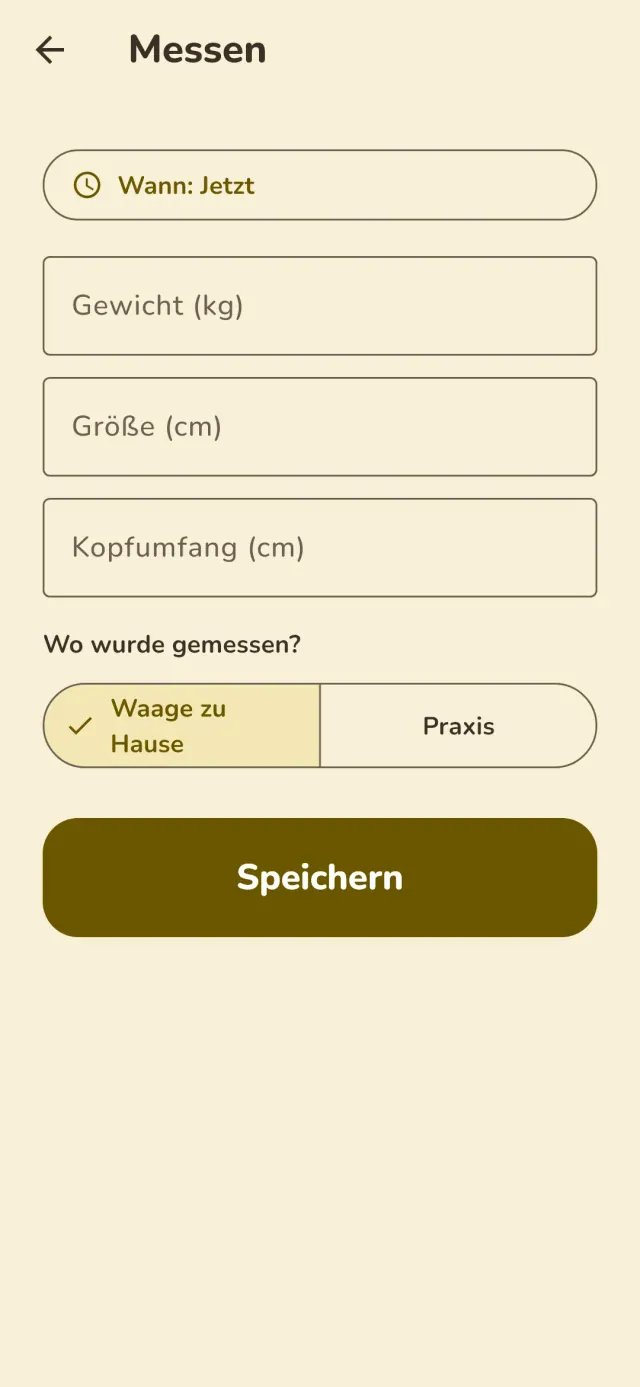
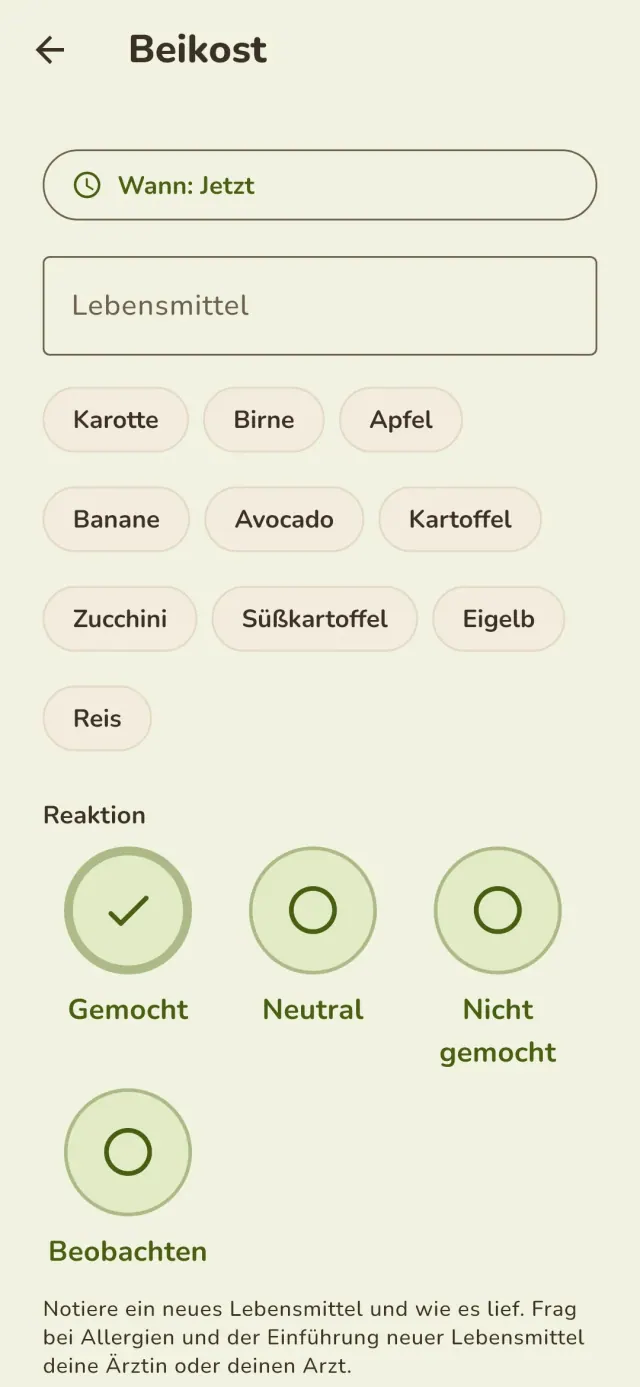
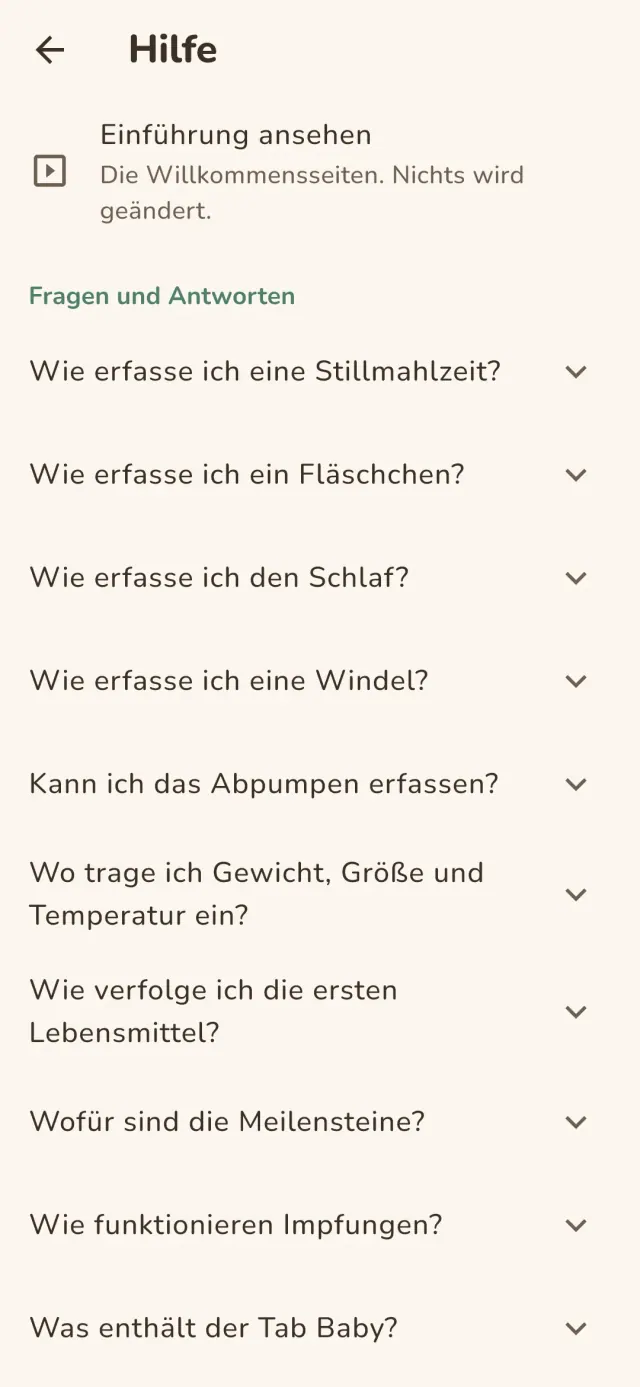
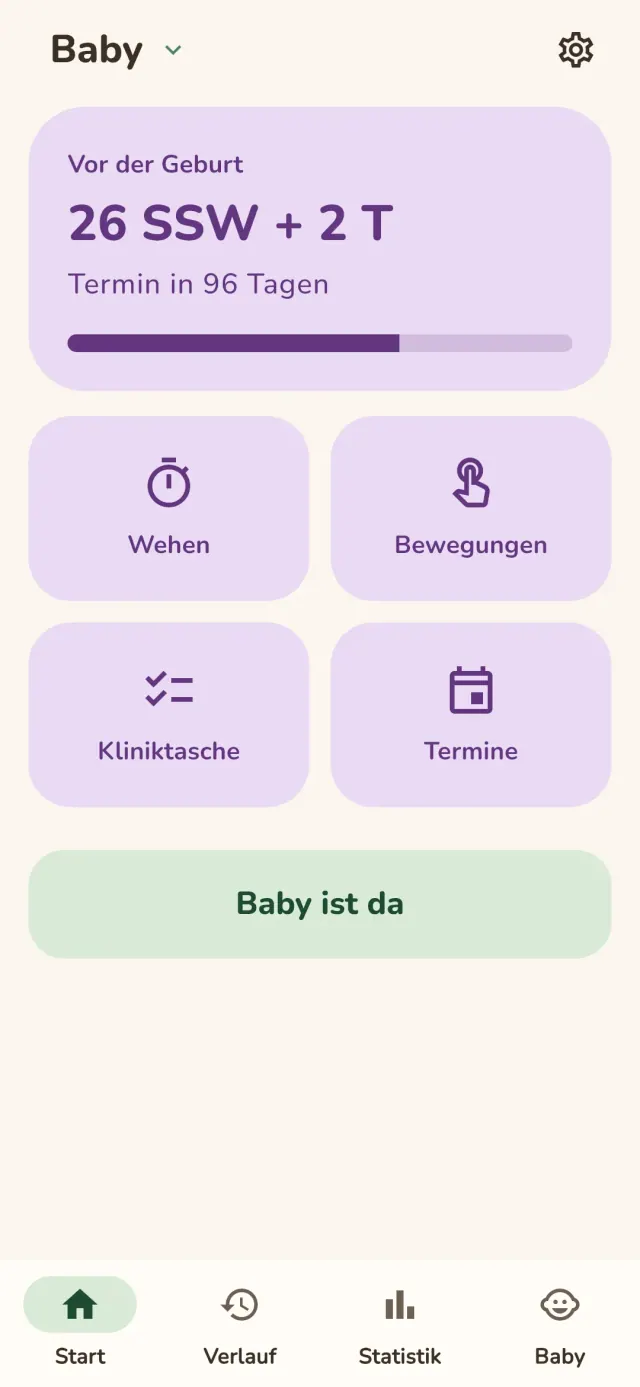
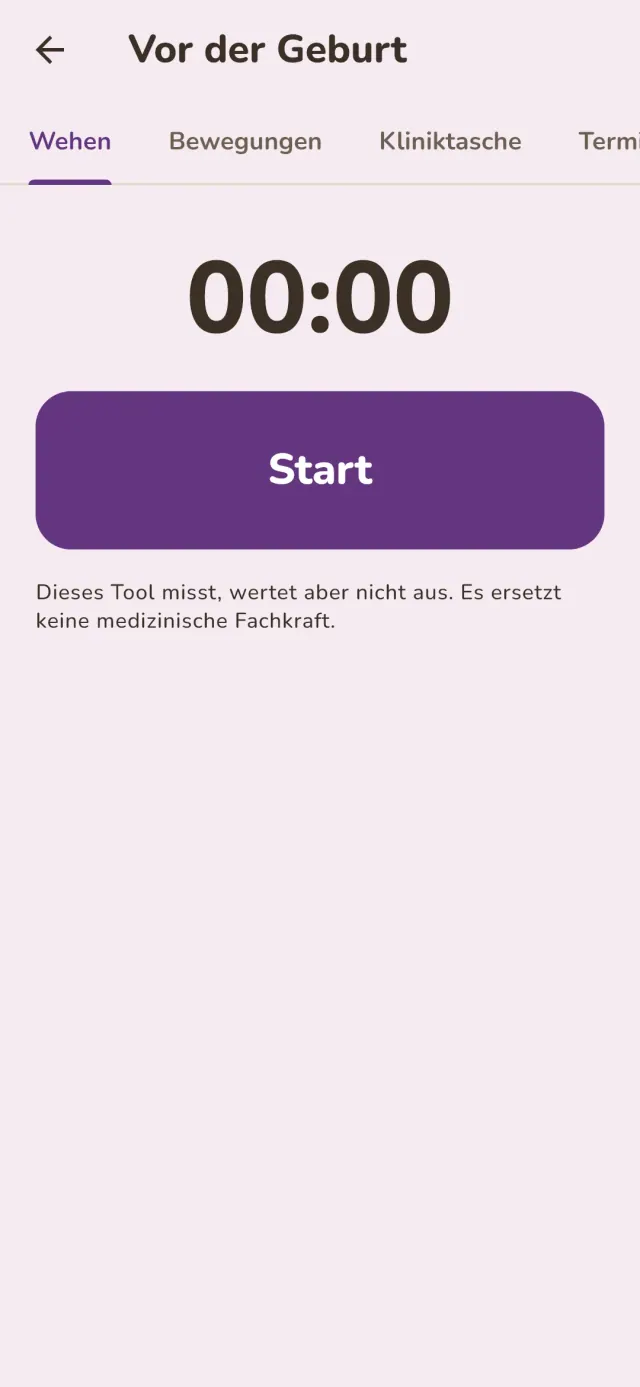
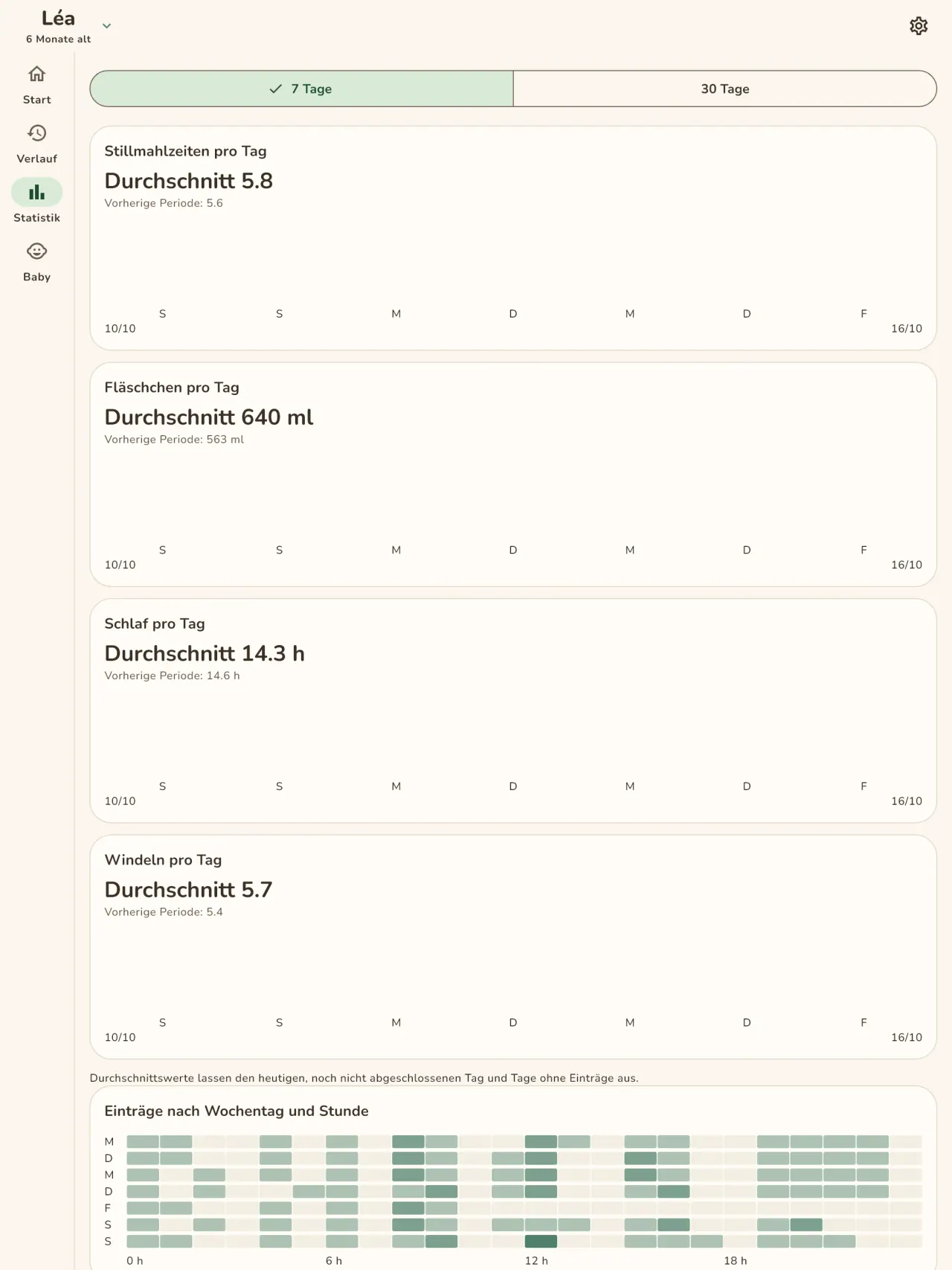
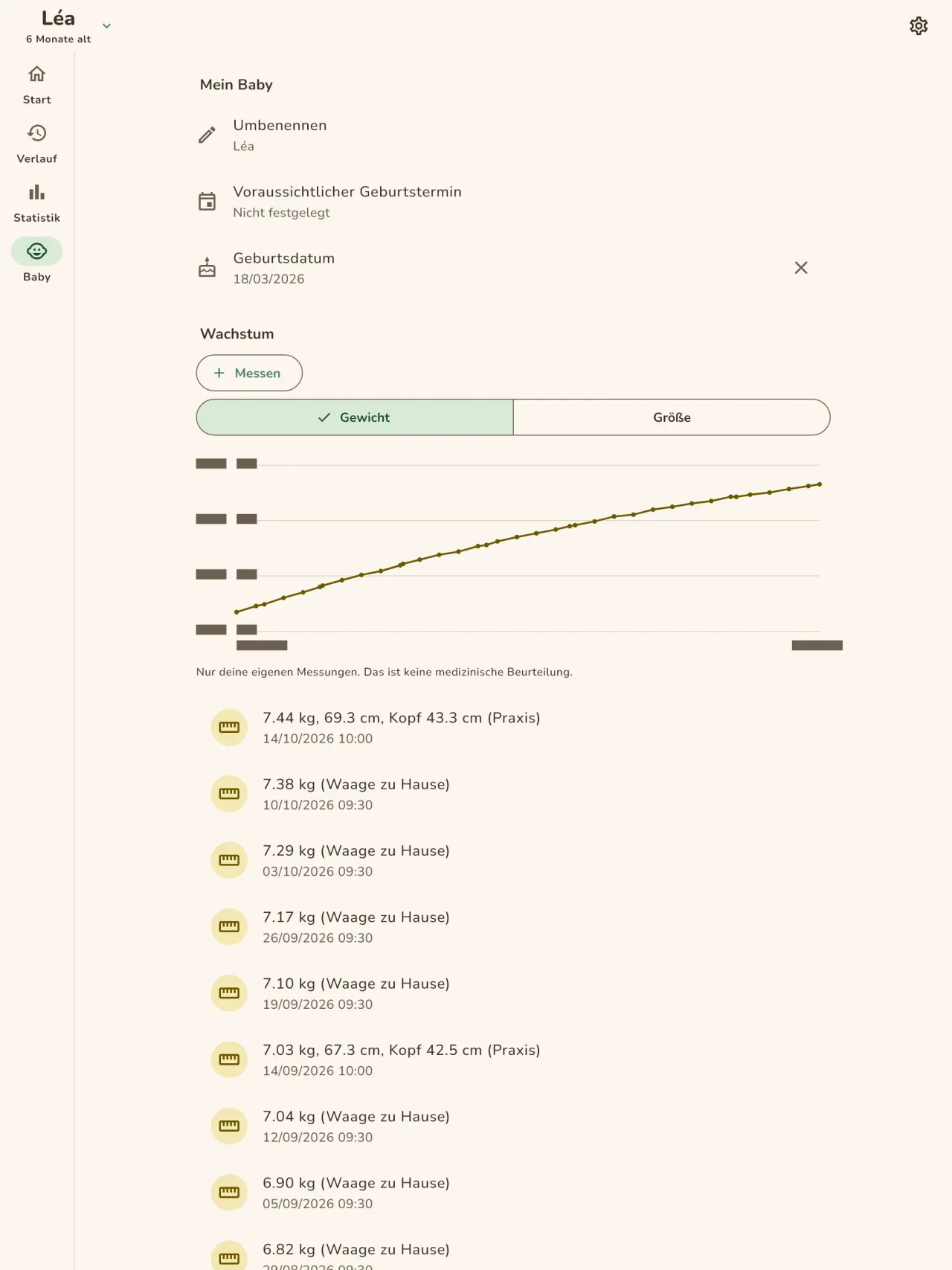
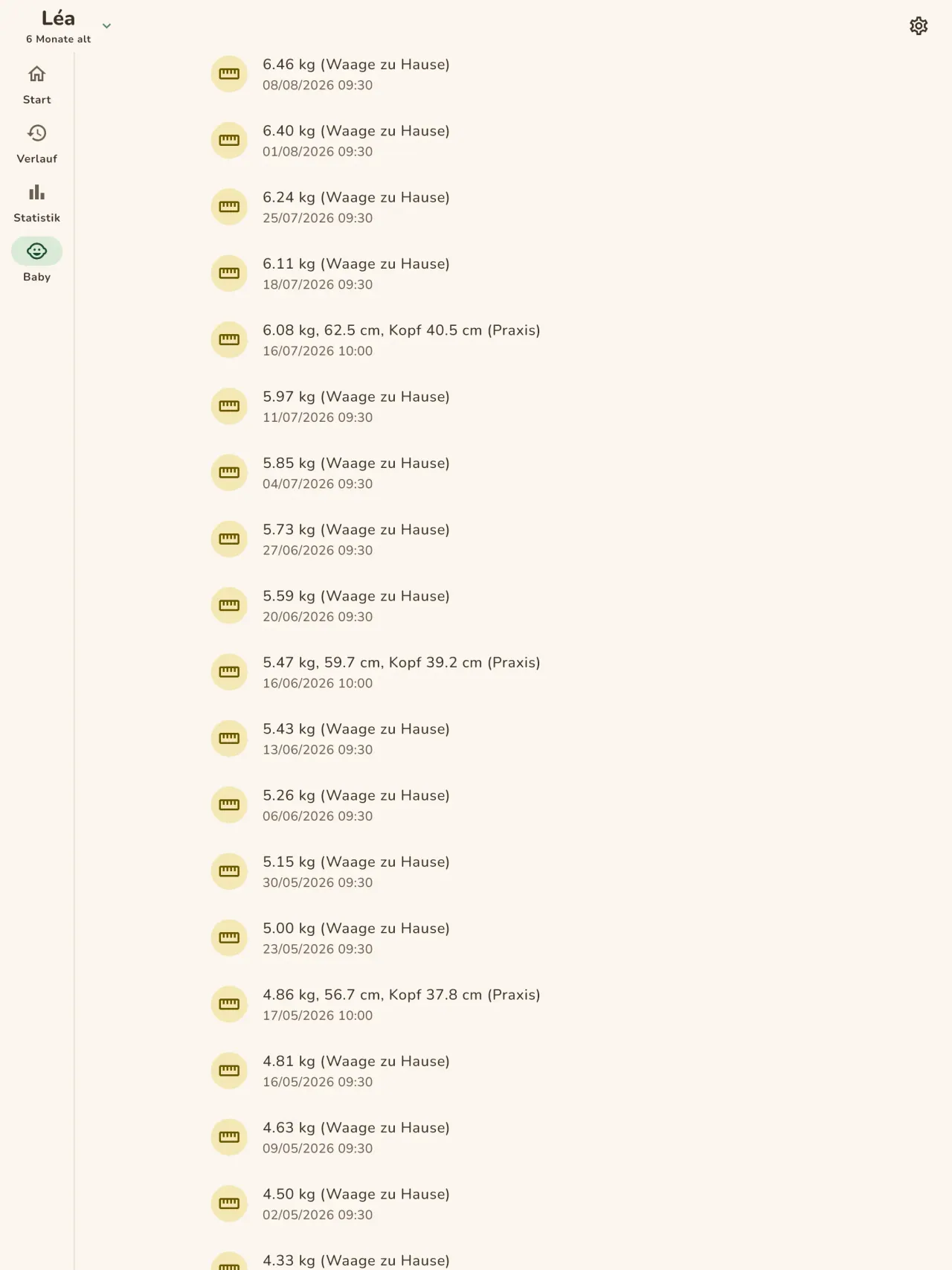
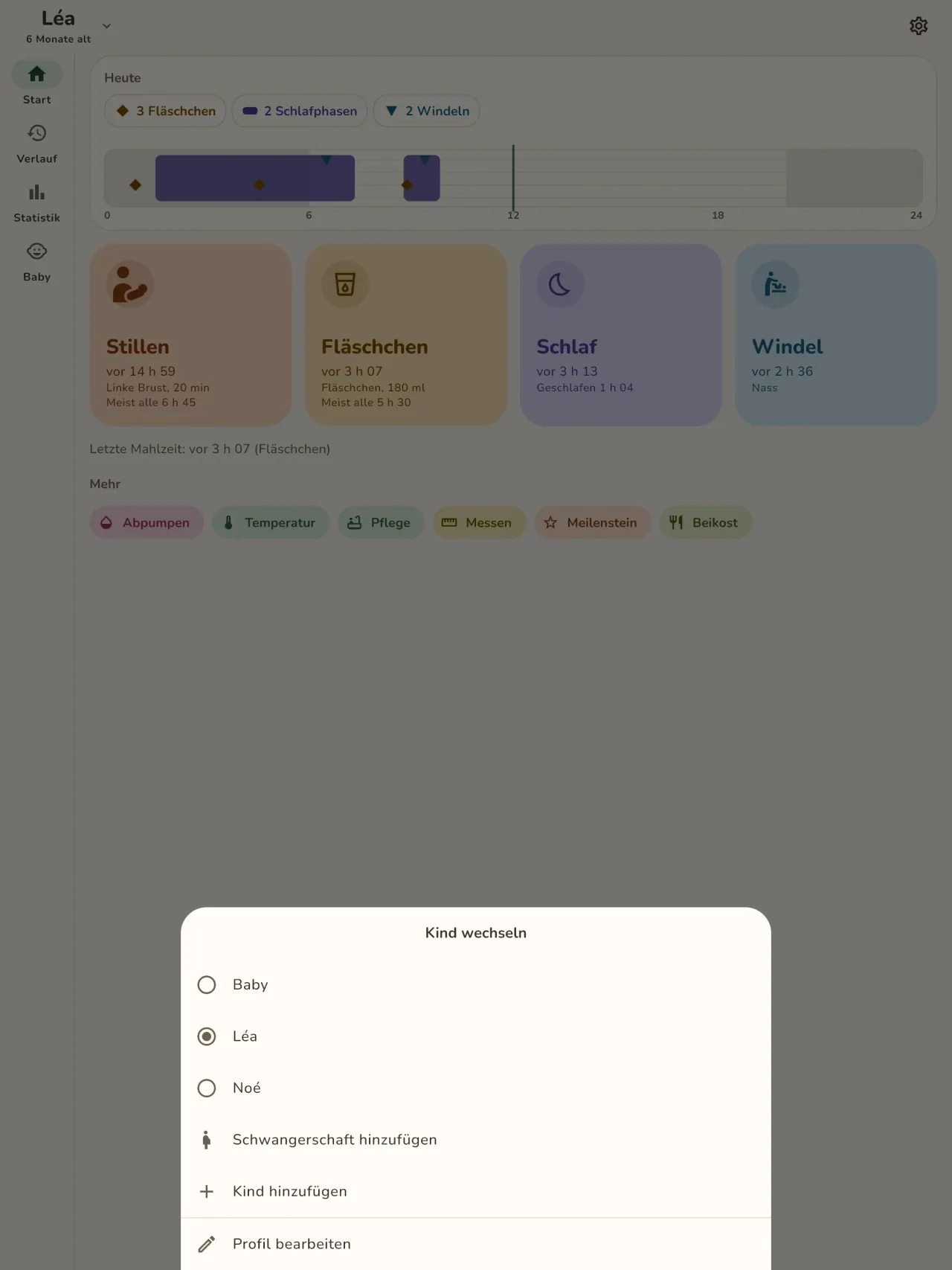
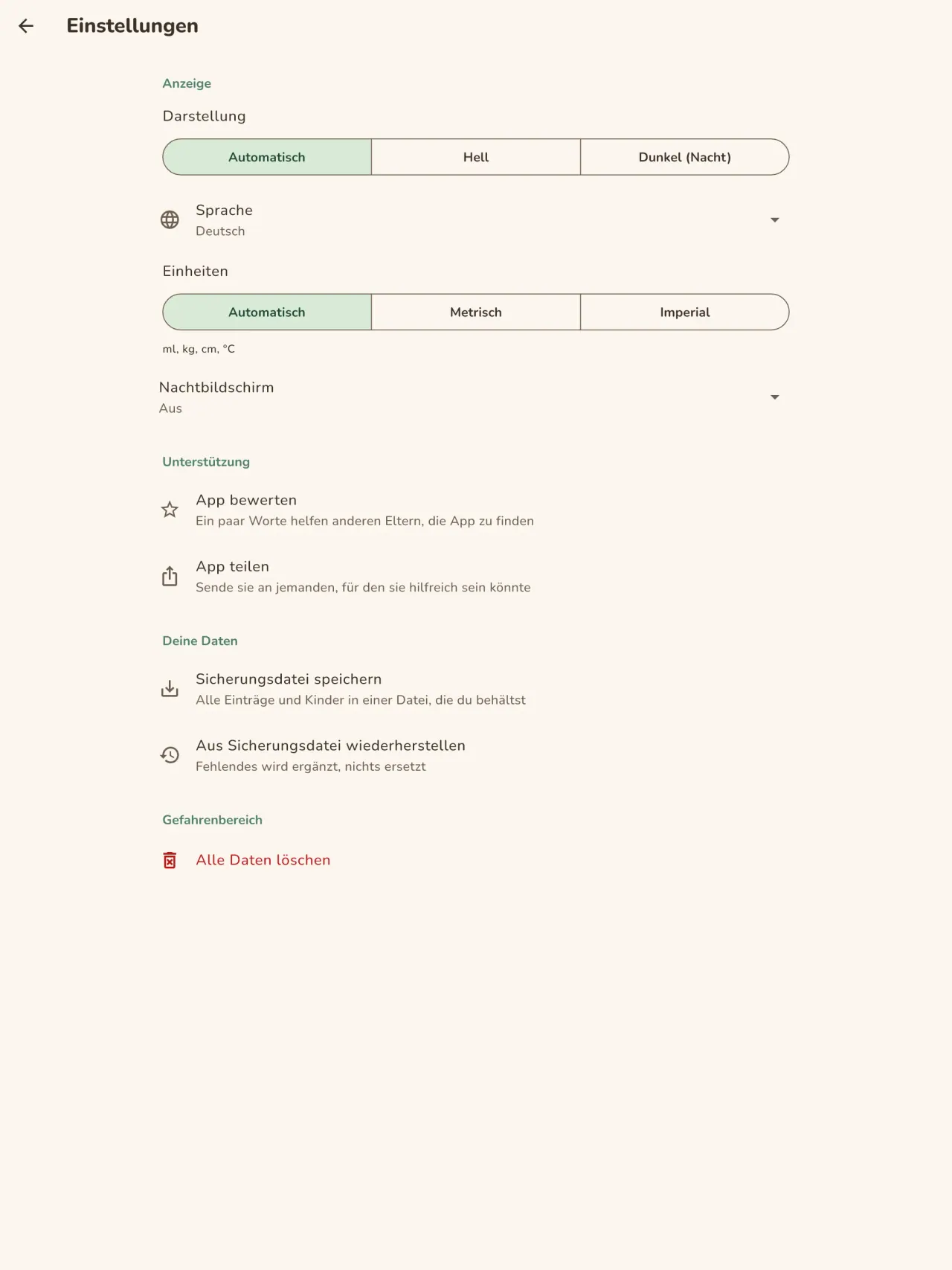
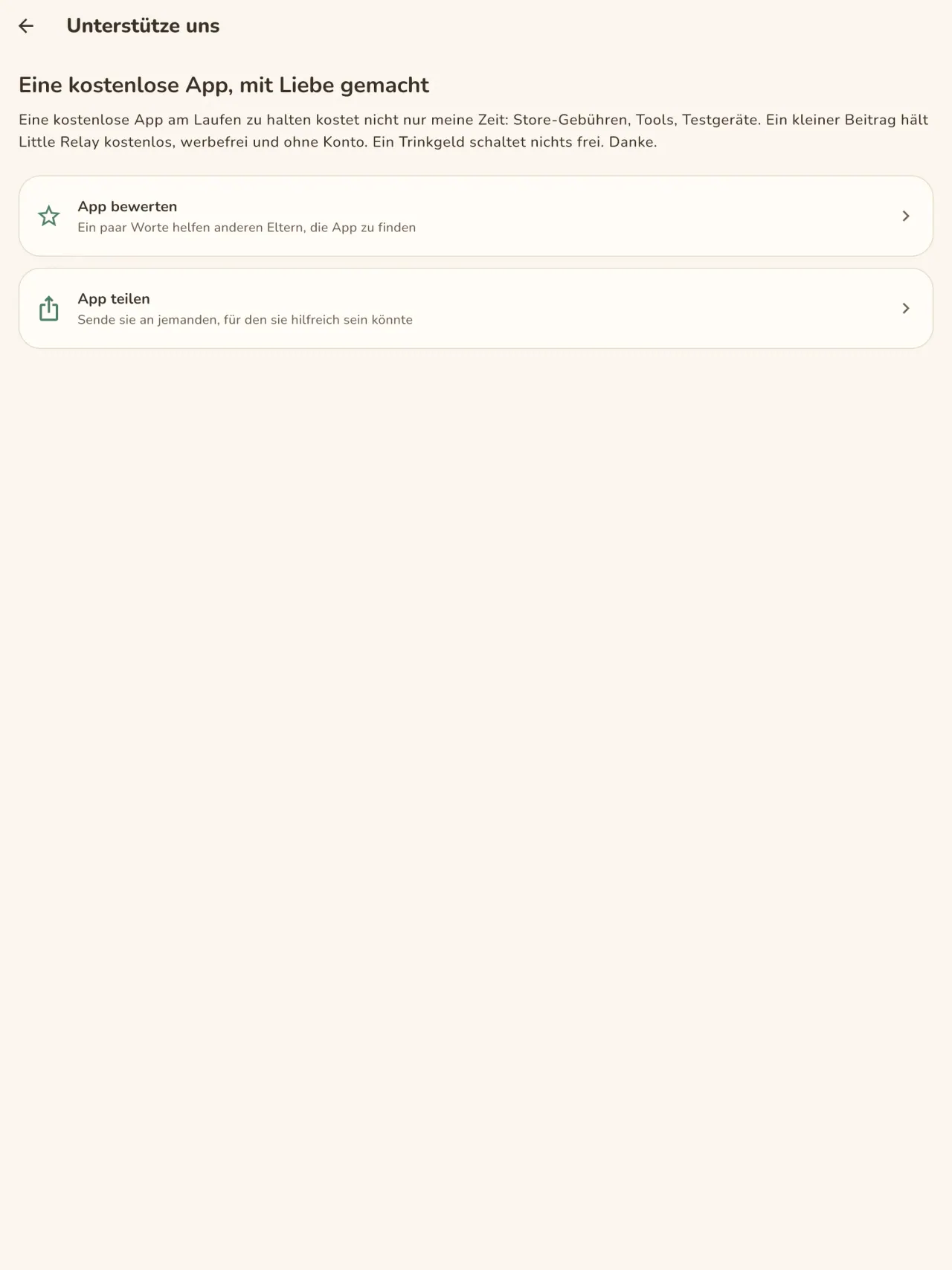
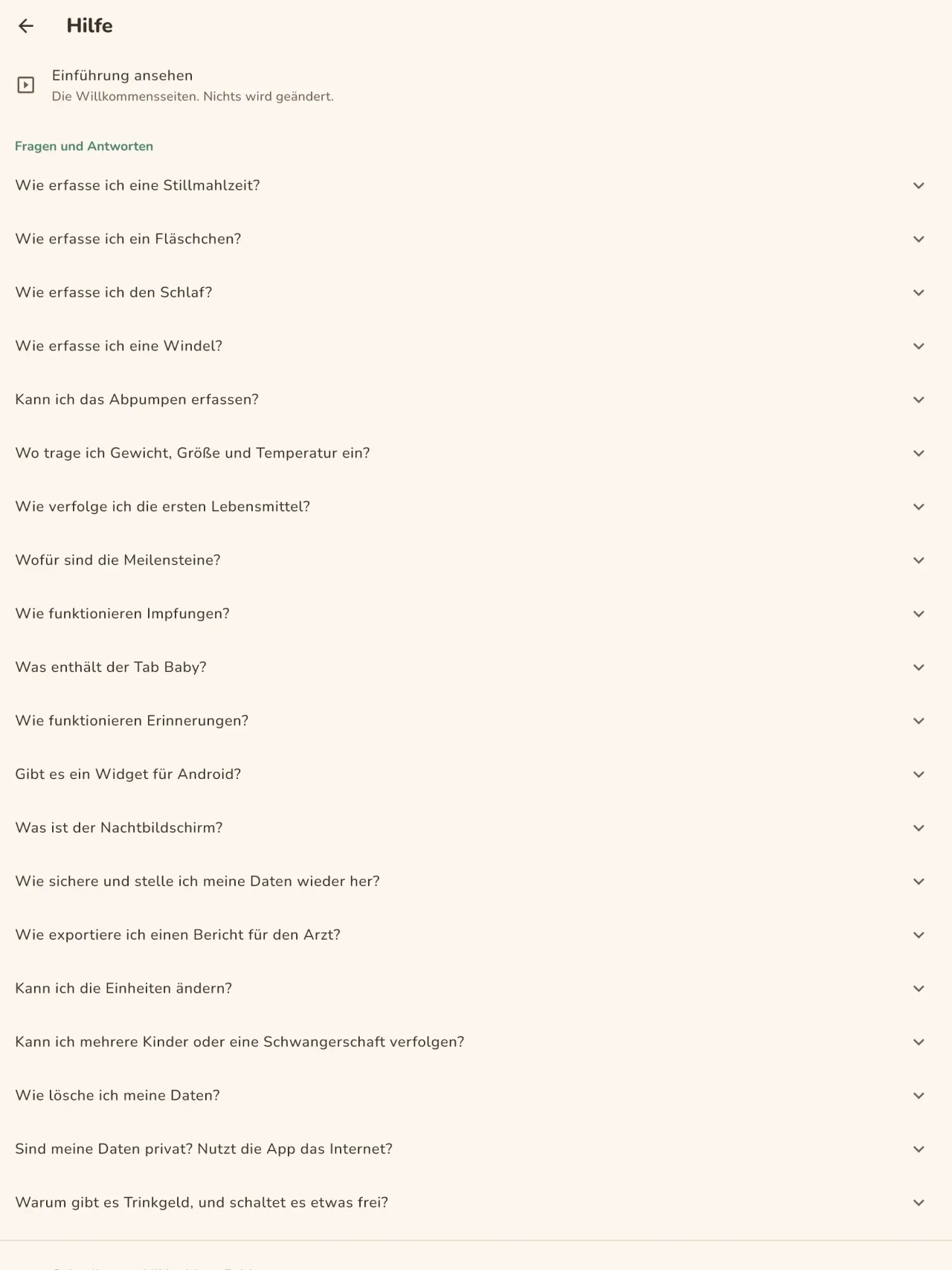
Little Relay laden.
Kostenlos für iPhone und Android.
Privacy policy
Die Datenschutzerklärung und die Support-Texte unten sind auf Englisch. Die englische Fassung ist maßgeblich.
Last updated: 2026-11-02
Little Relay is a baby tracker: feeds, sleep, diapers, measurements, first foods, milestone photos and pregnancy tools. The short version: everything stays on your phone, the app has no internet access, and we collect nothing.
What the app handles
The entries you type: feeds, sleep, diapers, weight and height, temperature, routine care, foods (given, or on your own "to try" list), milestones and notes, and your child's first name and birth date if you enter them. This is health information about a child, so we treat it as sensitive. It is stored only in the app's private storage on your phone. There is no account, no sign-in, no server and no cloud copy. Your preferences (language, appearance, when the app last suggested support) also stay on your phone.
What we collect
Nothing. No analytics, no advertising identifier, no crash reporting, no third-party SDK that sends data. The app needs no network to work and the app declares no internet permission. You can check this by using the app in airplane mode: everything works the same.
Permissions
The app asks for no permission that gives access to your data or to the internet. The Android install details list the following, all of them declared by the app or by the library it uses:
- Notifications (Android 13 and later, and iOS): asked only when you set your first reminder. A screen explains why before the system asks, and you can refuse: everything else works the same, you just get no reminder. A reminder is one local notification at the date and time you choose, with a short text that names the type of activity (for example "Time for the bottle?"). It holds no name, no amount and no health value, and for sensitive types (temperature, measurements, medicine, vaccines) it is neutral ("Remember to note an entry"). It is scheduled on your phone and never sent anywhere.
- Vibrate, keep the phone awake, background task, restart after reboot (Android): they let a reminder ring and come back after a reboot, and let the home screen widget save an entry reliably. They give no access to your data.
- Network state (Android, added by the in-app purchase library): the app only reads whether the phone is online. It sends nothing.
- In-app purchases (Android, Google Play Billing): for the optional tips, handled by Google Play.
The app does not request internet access, location, contacts, camera or microphone. When you attach a photo to a milestone, the app opens the system photo picker, which lets you hand over only the picture you choose, so the app never gets access to your photo library.
Files, backups and deletion
Milestone photos: a photo you attach to a milestone is copied into the app's private storage on your phone, with a small thumbnail. It is never uploaded or shared. Removing a milestone removes its photo.
Export: if you export a report for your child's doctor (a PDF), the app builds it on your phone and hands it to the system share sheet. You choose where it goes. The app does not send it anywhere. If milestones of the period have photos, the app asks first whether to include them: when you leave "Include photos" ticked, small copies of up to 30 of these photos go into the PDF. Untick it to keep the photos out of the report.
Backups: your phone's own backup (Google backup on Android, iCloud on iPhone) is controlled by your phone's settings, not by us. The app does not turn it off, so that backup may include the app's data, depending on those settings. The encryption key for the app's database stays in your phone's keychain. To move your entries to a new phone, use the backup file in Settings: the app writes one file on your phone, you choose where to keep it, and you import it on the new phone.
Deletion: a delete-all-data button in the app erases your entries and every photo and thumbnail. Uninstalling the app also deletes its data from your phone.
Optional support
If tips are offered, they are in-app purchases handled by Apple or Google. They unlock nothing, and the app receives no personal data about you from them.
Retention
Your entries, children and milestone photos are kept on your phone until you delete them: one entry at a time, a milestone with its photo, a child, the delete-all-data button, or uninstalling the app. We keep no copy on our side, so there is no retention period to apply on our side. Your phone's own backup may hold a copy, depending on its settings. A backup file you export yourself stays wherever you put it, until you delete it.
Medical information
Little Relay records what you tell it. It gives no medical advice and is not a medical device. Ask your doctor or midwife about your child's health.
Contact form on this website
If you write to us through this site, we use your message and the email address you optionally give only to reply. Bot protection is provided by Cloudflare and email delivery by Resend.
Language choice on this website
When you choose a language, or when this site opens a page in your browser's language, it stores
one small functional cookie (pxl, a language code, one year) so that your choice is
remembered. If this site suggests a page in your browser's language and you close that suggestion,
your browser also keeps a local note (pxl-banner-off, in local storage, 30 days) so the
suggestion does not come back. Neither identifies anyone, neither is used for tracking or advertising,
and neither is shared. You can delete them in your browser at any time.
Website statistics
This website uses Cloudflare Web Analytics to count visits (pages viewed, country, browser type, loading speed). It sets no cookie, does not use local storage, does not fingerprint your device, does not follow you across sites and does not build a profile of you. Search engines (for example Google Search Console) give us aggregated search statistics, without any data about individual visitors. Our own web server also counts the pages it serves: for each page it keeps the page address, the site or social network that sent you (only its name, or the campaign tag written in the link), the country, the type of device and whether the request came from a robot. It keeps no IP address, no identifier and no cookie, and these counts are anonymous. We use no advertising or other analytics service. None of this concerns the app itself, which collects nothing.
Children
Little Relay is a tool for parents and carers. It is not directed at children, and it records information about a child only because a parent typed it in.
Changes
An updated policy will be published at this URL with a new date above.
Contact
Questions about privacy: little-relay-contact@pixeon.net
Support
Zuletzt aktualisiert: 2026-10-19
Little Relay ist eine kleine unabhängige App. Antworten auf die häufigsten Fragen findest du unten.
Wir bemühen uns, innerhalb weniger Tage zu antworten. Um uns zu helfen, teile uns bitte dein Gerätemodell, die Systemversion und mit, was du gerade getan hast. Bitte sende keine Informationen über dein Kind und keine persönlichen Daten.
Welche Daten speichert oder sendet die App?
Deine Einträge werden nur auf deinem Telefon gespeichert. Es wird nichts irgendwohin gesendet: Die App hat kein Konto, keinen Server und benötigt kein Netzwerk, um zu funktionieren. Details findest du in der Datenschutzerklärung.
Kann ich das Protokoll mit meinem Partner teilen?
Noch nicht. Diese Version funktioniert auf einem einzigen Telefon. Das Teilen zwischen Eltern mit Ende-zu-Ende-Verschlüsselung ist für eine spätere Version geplant.
Ich habe mein Telefon gewechselt oder verloren. Wo sind meine Daten?
Deine Daten befinden sich auf dem Telefon, auf dem du sie eingegeben hast. Die Sicherung deines Telefons (Google oder iCloud) wird über die Einstellungen deines Telefons gesteuert, nicht von uns, und kann je nach diesen Einstellungen die Daten der App enthalten. Der Verschlüsselungsschlüssel bleibt im Schlüsselbund deines Telefons. Der zuverlässige Weg, deine Daten zu übertragen, besteht darin, in den Einstellungen auf dem alten Telefon eine Sicherungsdatei zu exportieren und sie auf dem neuen zu importieren. Wir haben keine Kopie davon und können sie daher nicht für dich wiederherstellen.
Wie zeige ich das Protokoll meinem Arzt?
Exportiere einen PDF-Bericht aus der App. Er wird auf deinem Telefon erstellt und du entscheidest, wohin du ihn sendest, zum Beispiel per E-Mail oder an einen Drucker.
Wie lösche ich meine Daten?
Verwende die Löschtaste in den App-Einstellungen oder deinstalliere die App. Beides entfernt alles von deinem Telefon, einschließlich Fotos von Meilensteinen.
Ist Little Relay eine medizinische App?
Nein. Sie zeichnet auf, was du eingibst, und gibt keinen medizinischen Rat. Frage deinen Arzt oder deine Hebamme zur Gesundheit deines Kindes.
Welche Sprachen sind verfügbar?
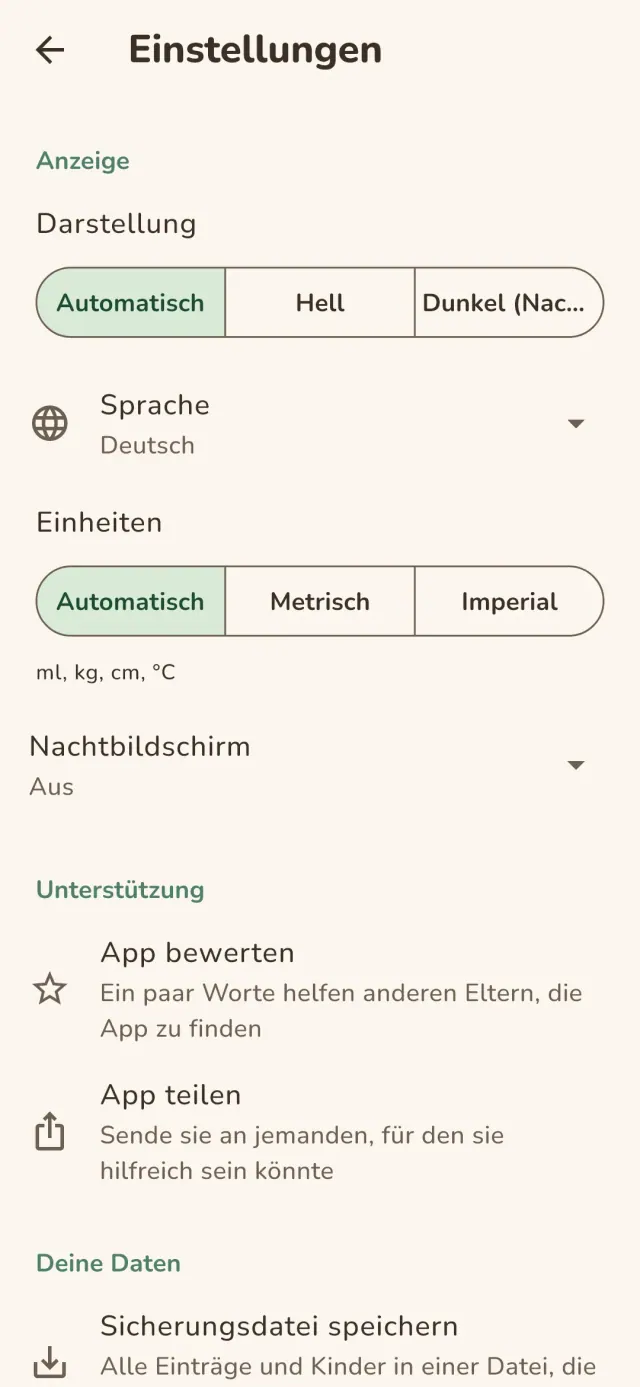
Englisch, Französisch, Deutsch, Spanisch, Portugiesisch, Italienisch und Arabisch. Die App richtet sich nach der Sprache deines Telefons, und du kannst sie in den Einstellungen ändern.
Das Projekt unterstützen
Little Relay bleibt kostenlos und werbefrei. Wenn die App Ihnen nützt, können Sie die Entwicklung unterstützen (freiwillig):
Buy Me a CoffeeBudget Planer und Ausgaben Tracker, ohne Konto und ohne Kontoanbindung. Offline.
Auch von PixeonMetadata CleanerEXIF viewer: Foto-Metadaten lesen, ändern und löschen.
Auch von PixeonVaultMarkDokumente Tresor, verschlüsselt. Wasserzeichen Dokument, Metadaten entfernen.
Auch von PixeonMenuloopEssensplaner mit Einkaufsliste, Rezepte mit Fotos, auch offline.
Auch von PixeonIndie OfficeRechnung schreiben, Angebot erstellen. Offline, ohne Konto, ohne Werbung.