
Little Relay: diário bebê
Acompanhamento bebê e introdução alimentar, com amamentação, sem cadastro

Little Relay é um app de acompanhamento bebê para os primeiros meses, da amamentação à introdução alimentar. Tudo fica no seu celular: sem cadastro, sem login e sem anúncios.
O que faz Little Relay
Amamentação e mamadeira
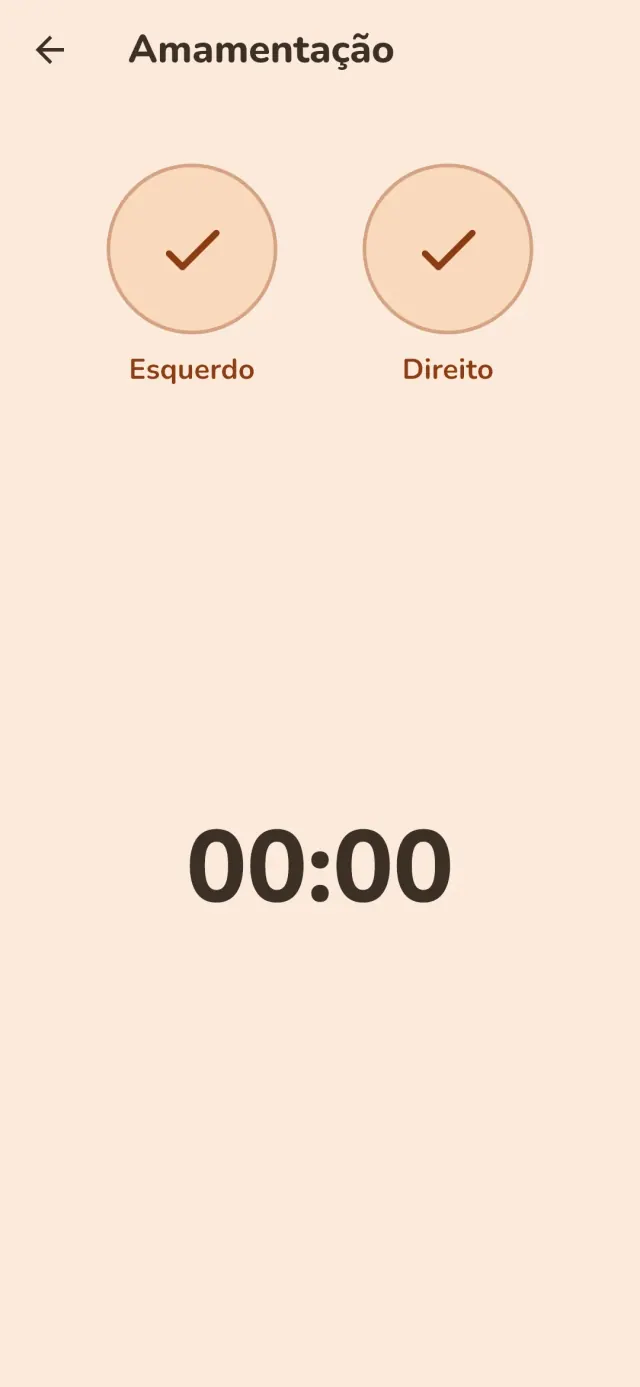
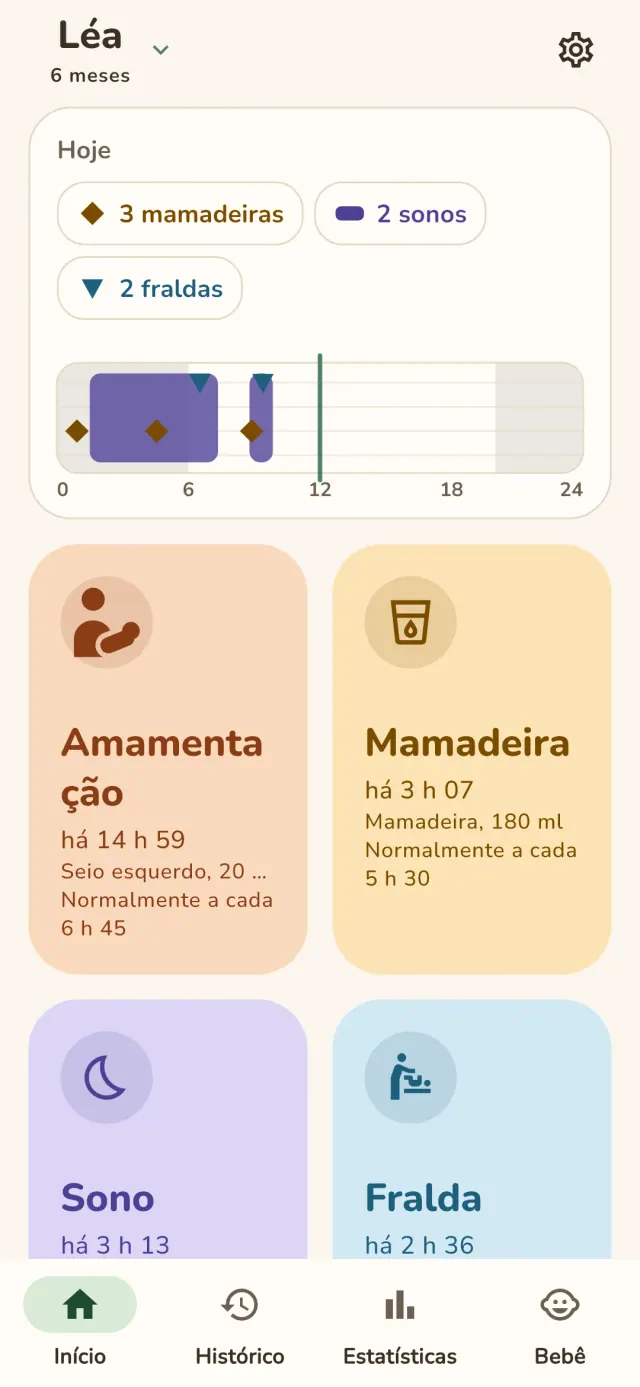
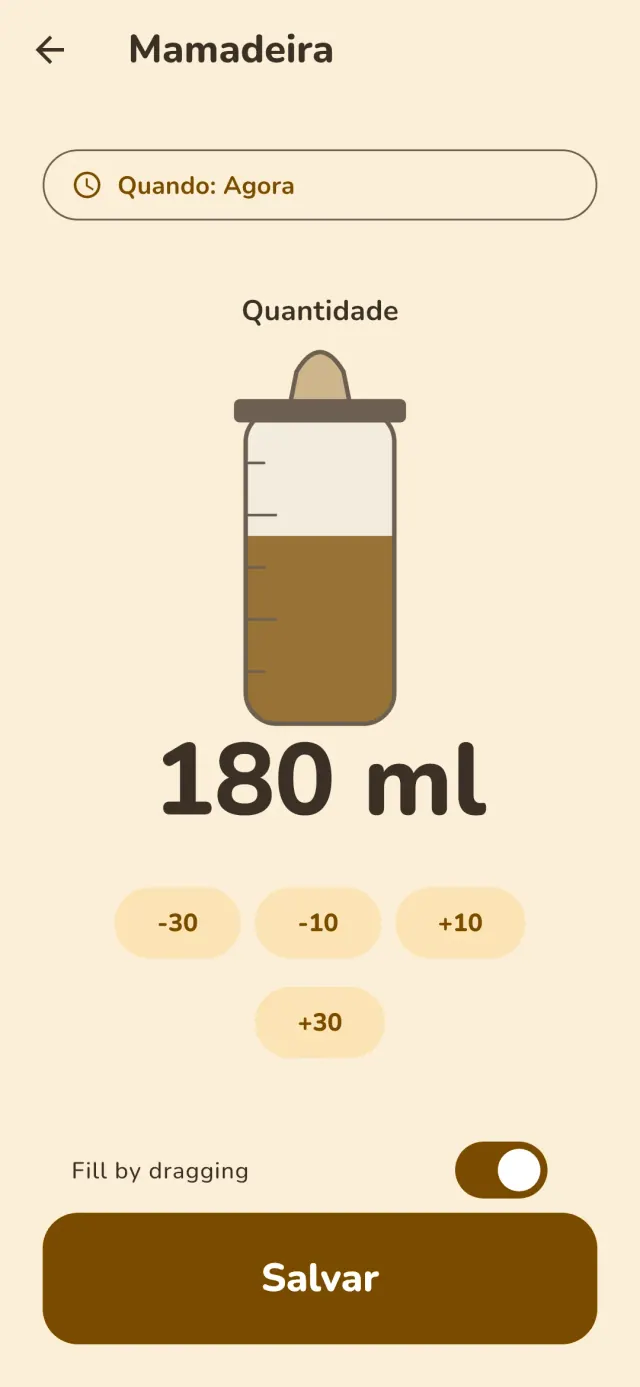
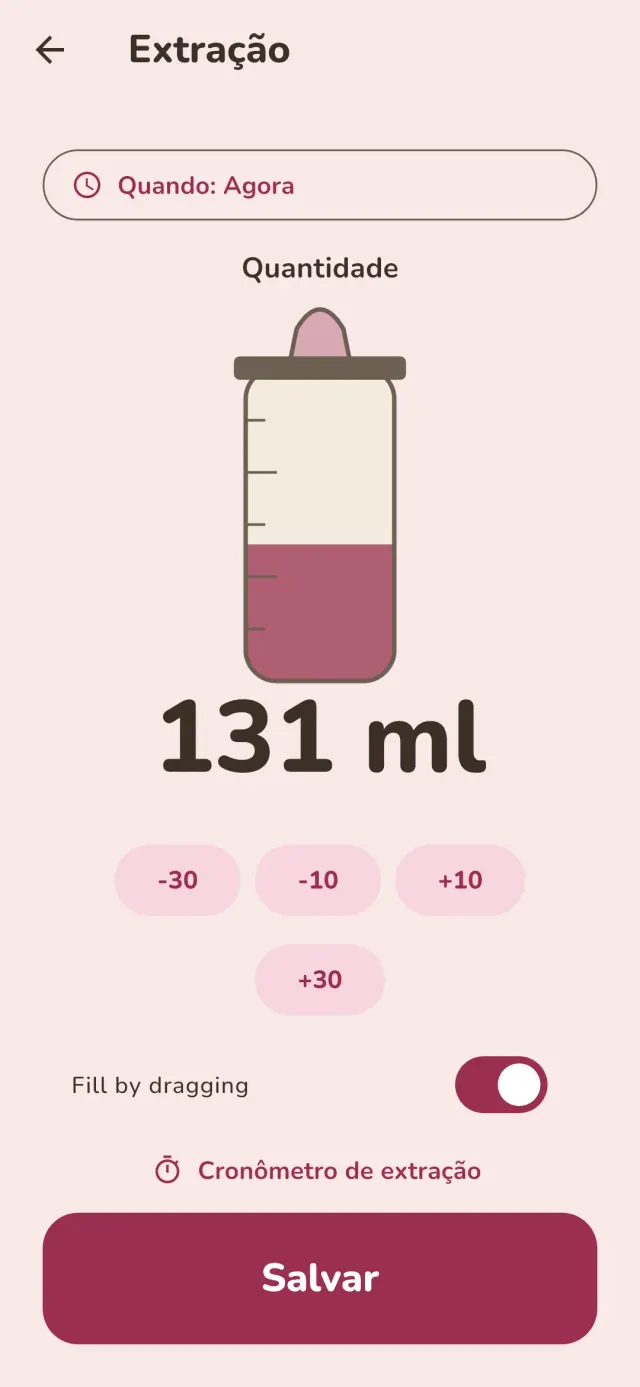
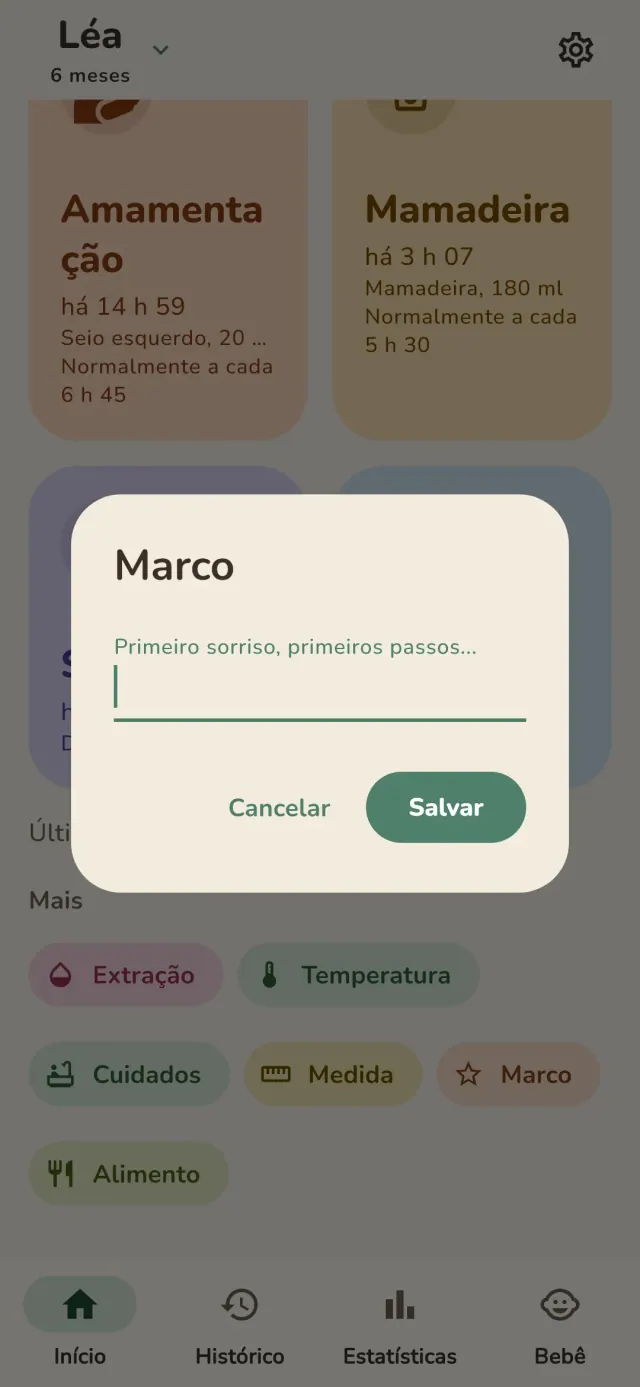
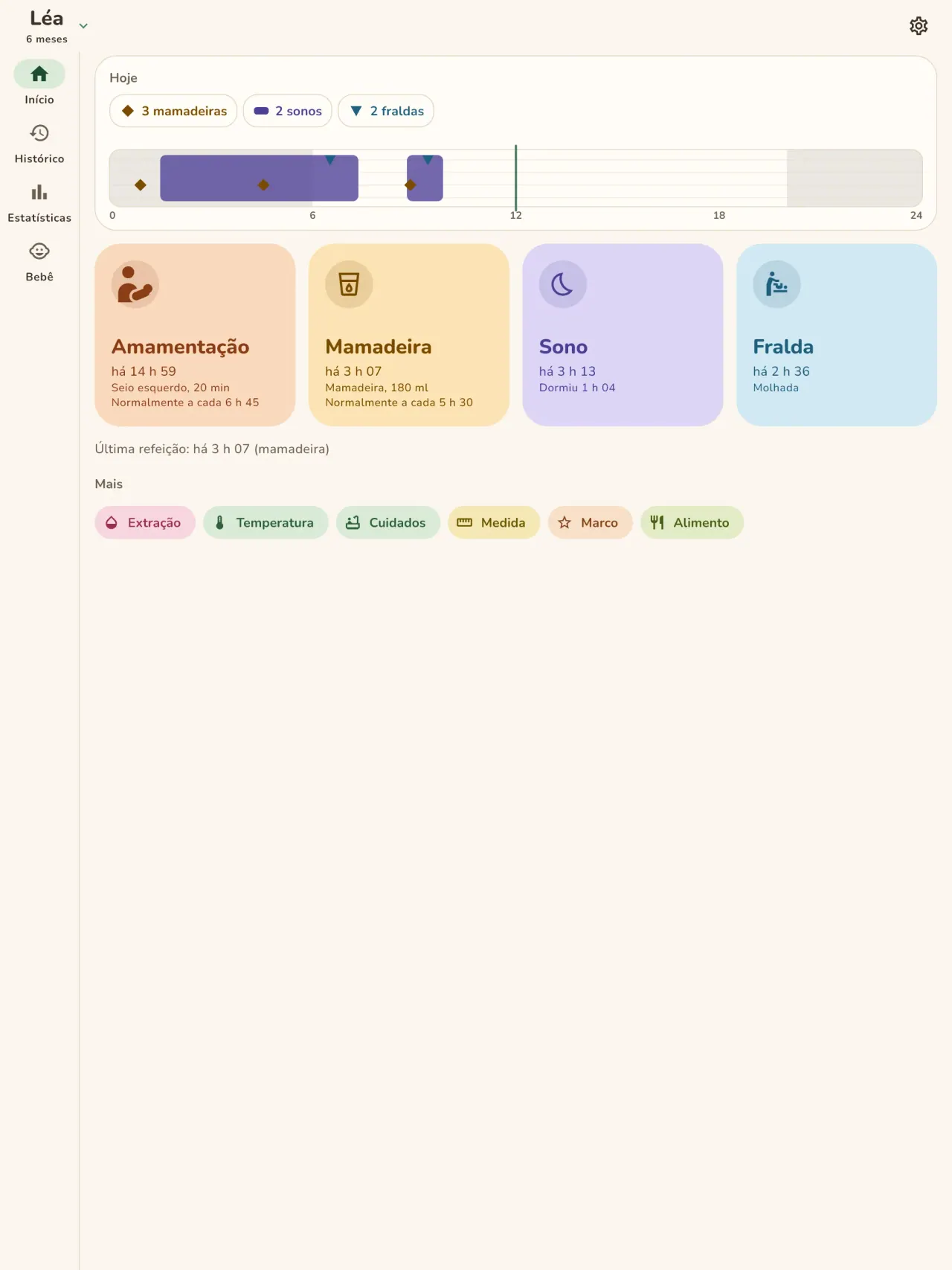
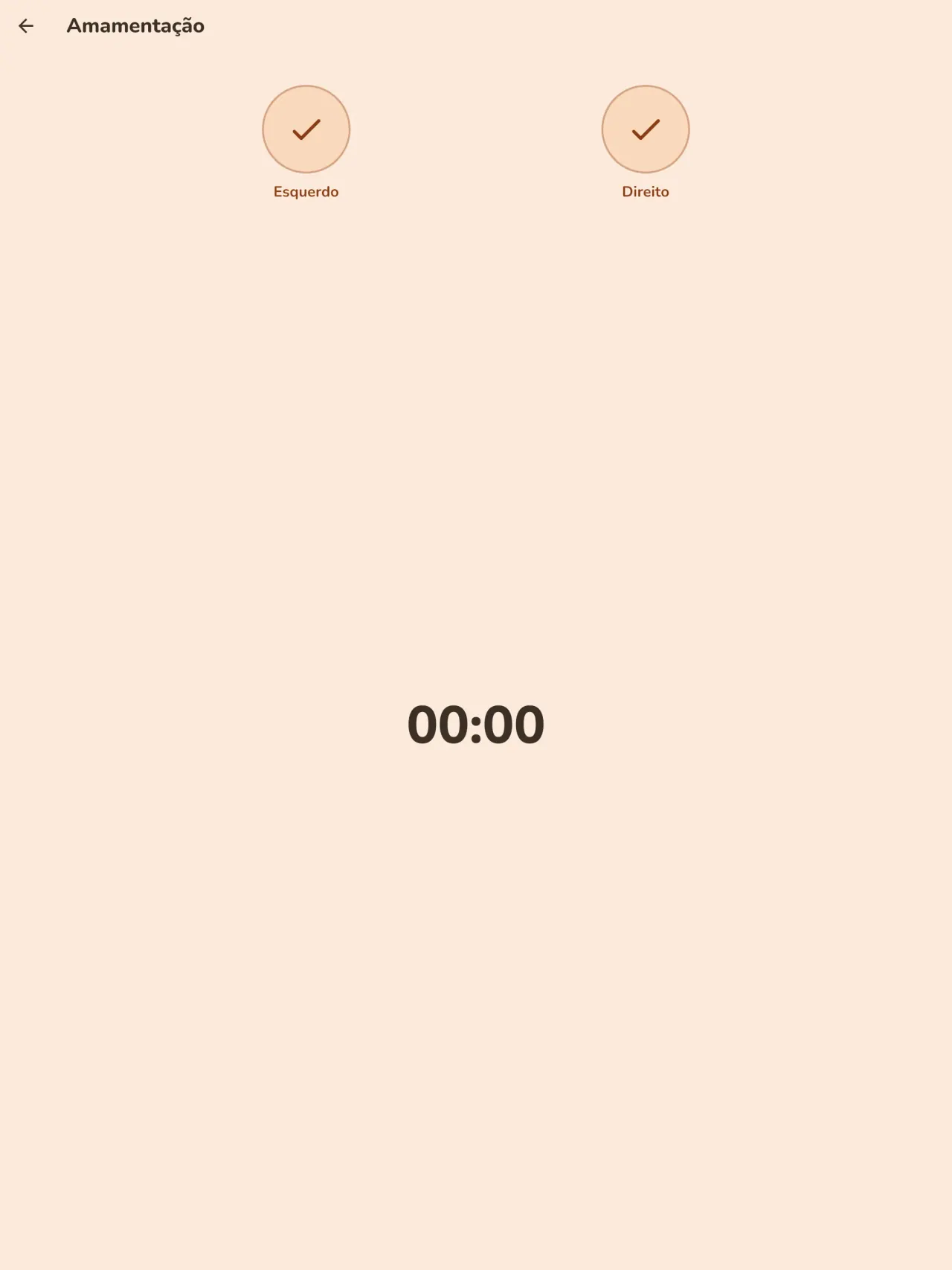
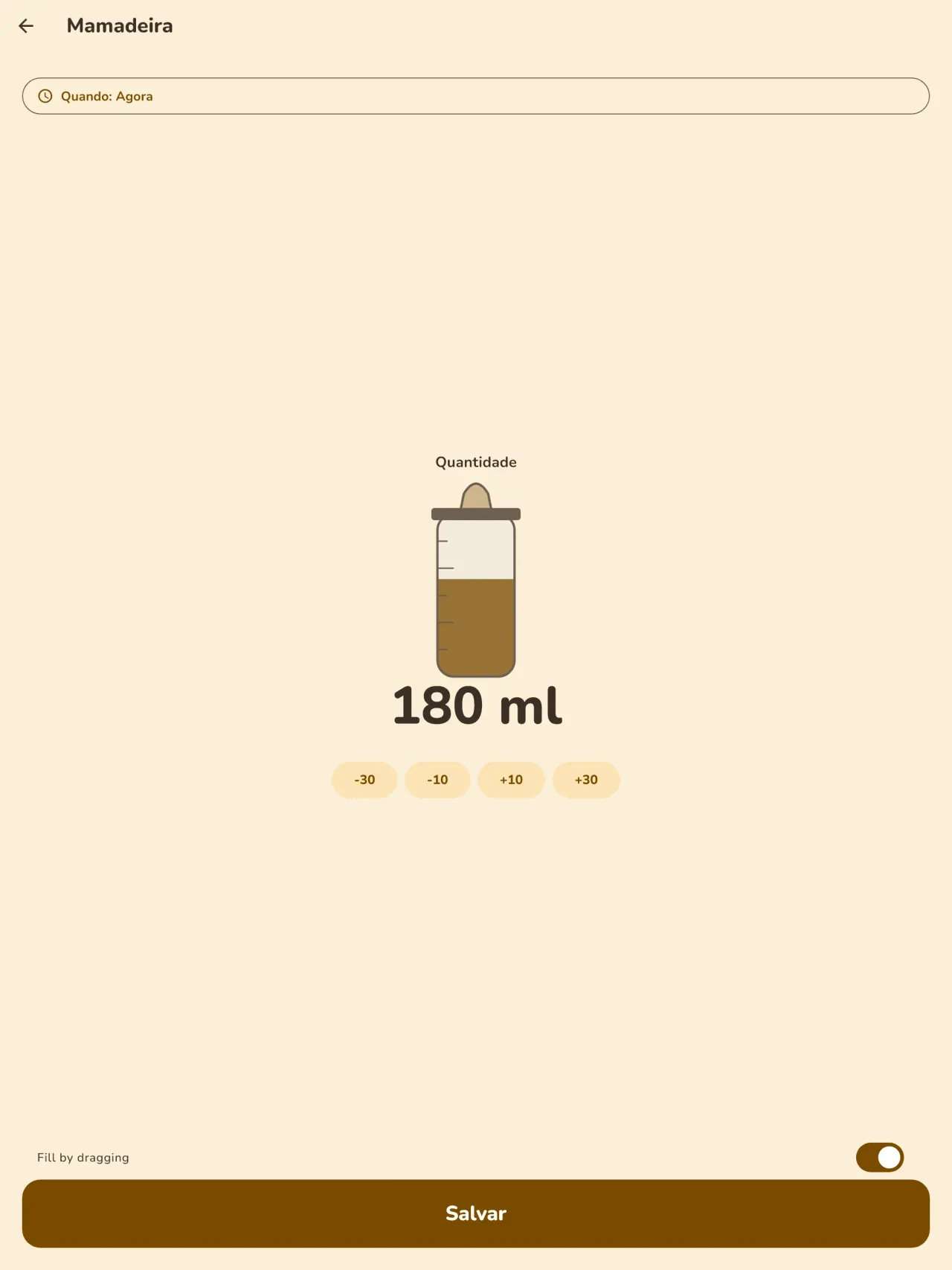
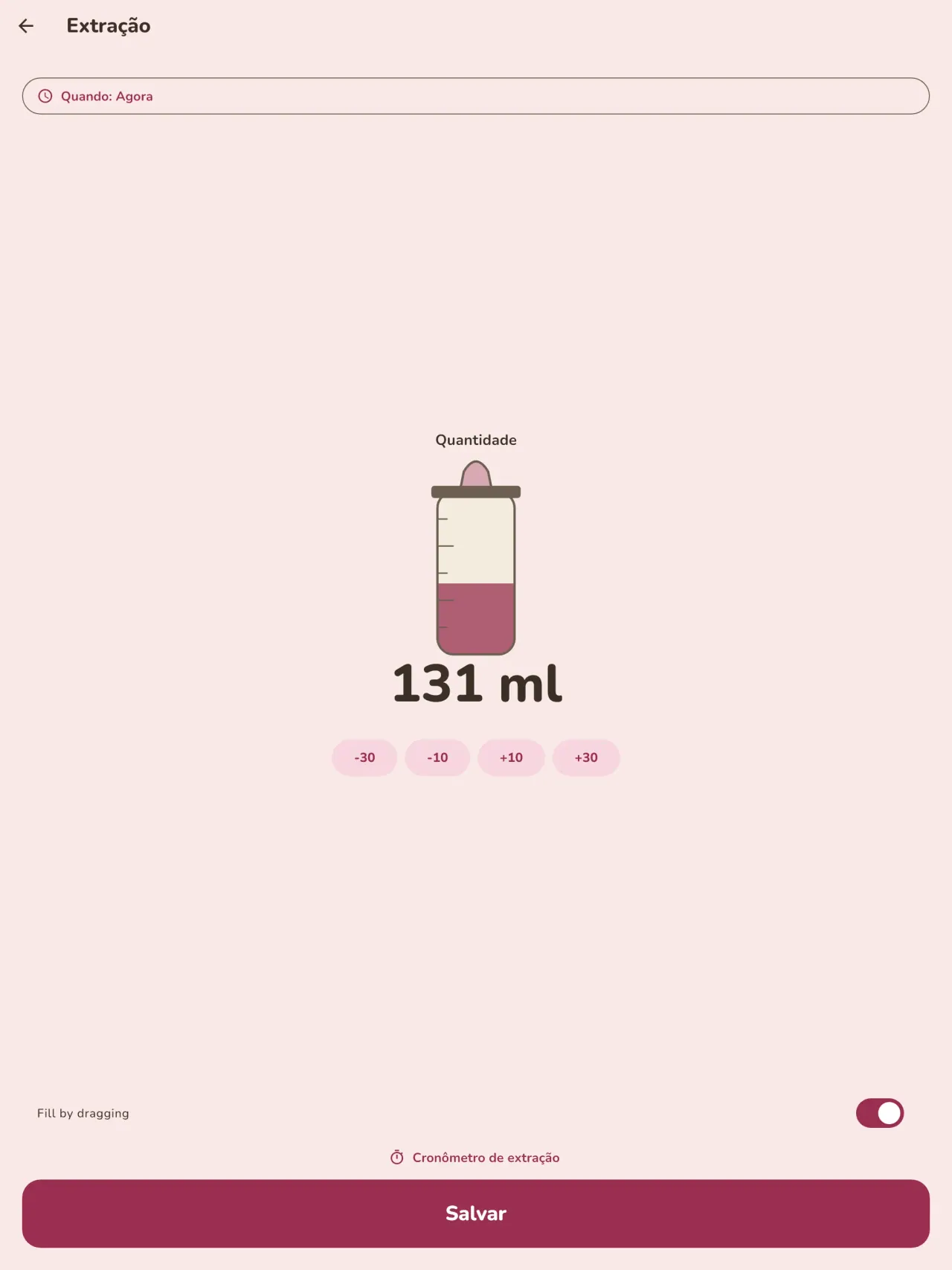
Registre cada mamada com um toque: peito esquerdo ou direito com cronômetro e pausa, ou a mamadeira com a quantidade em ml. A tela inicial mostra há quanto tempo foi a última mamada e de que lado. A extração de leite tem registro próprio.
Sono e fraldas
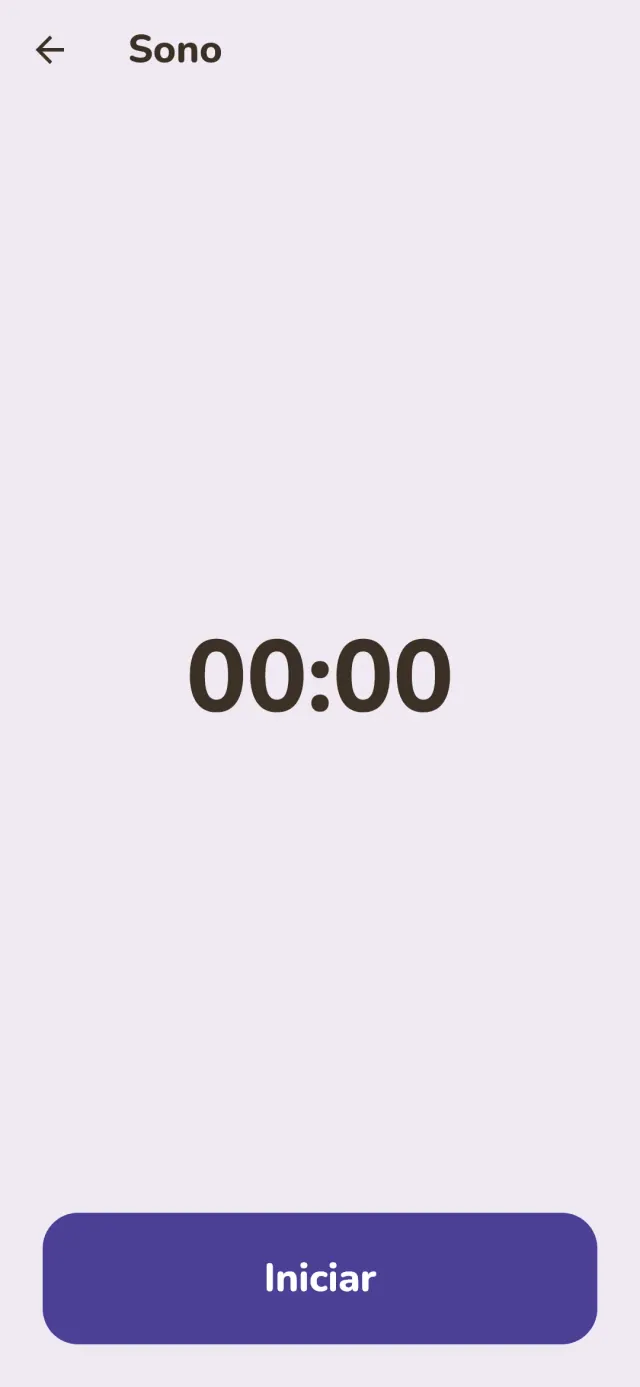
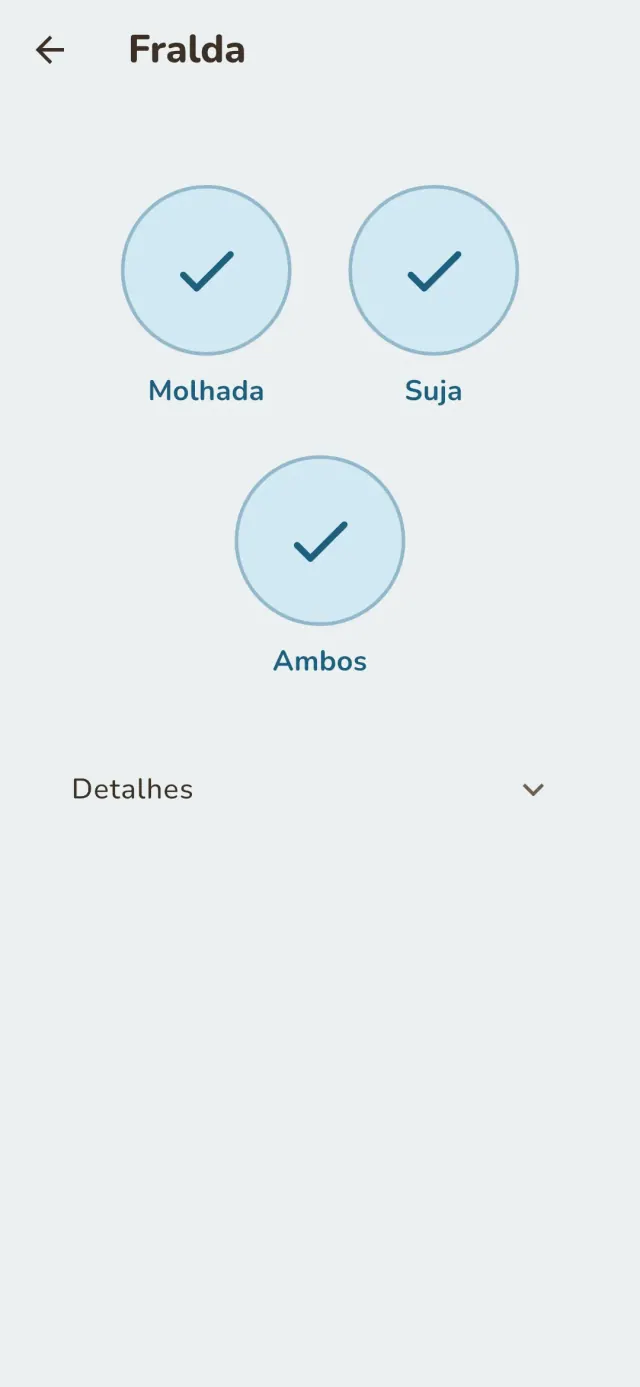
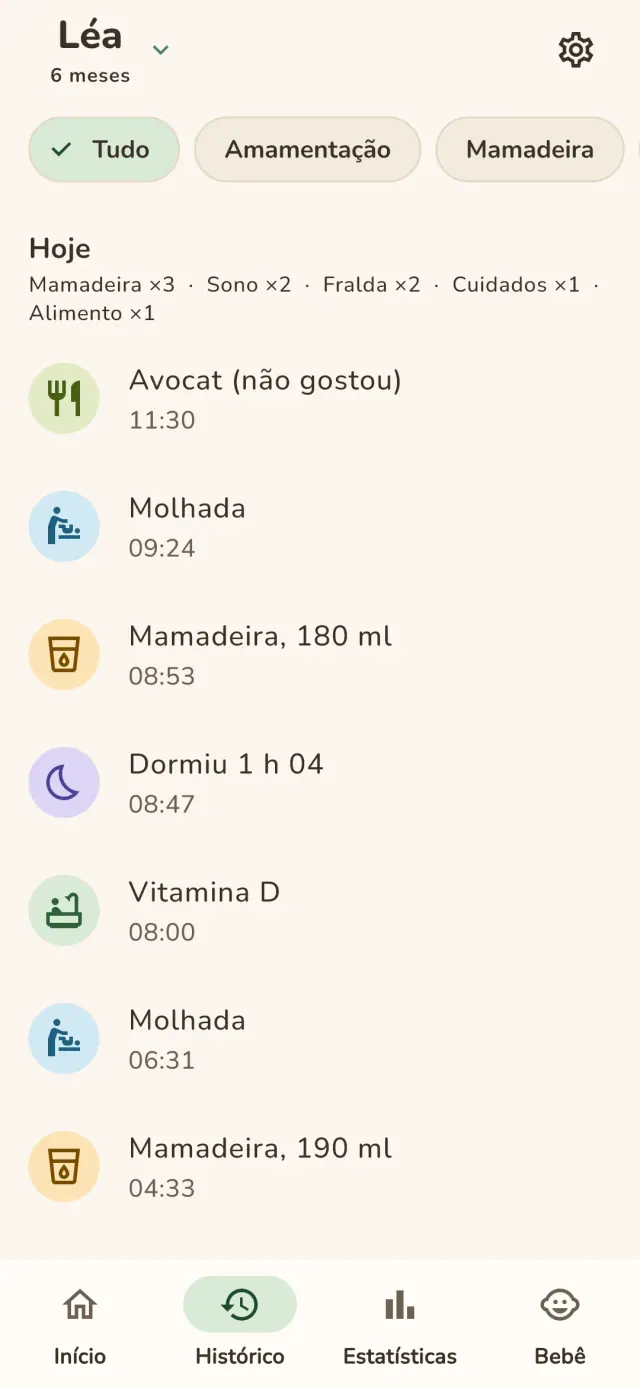
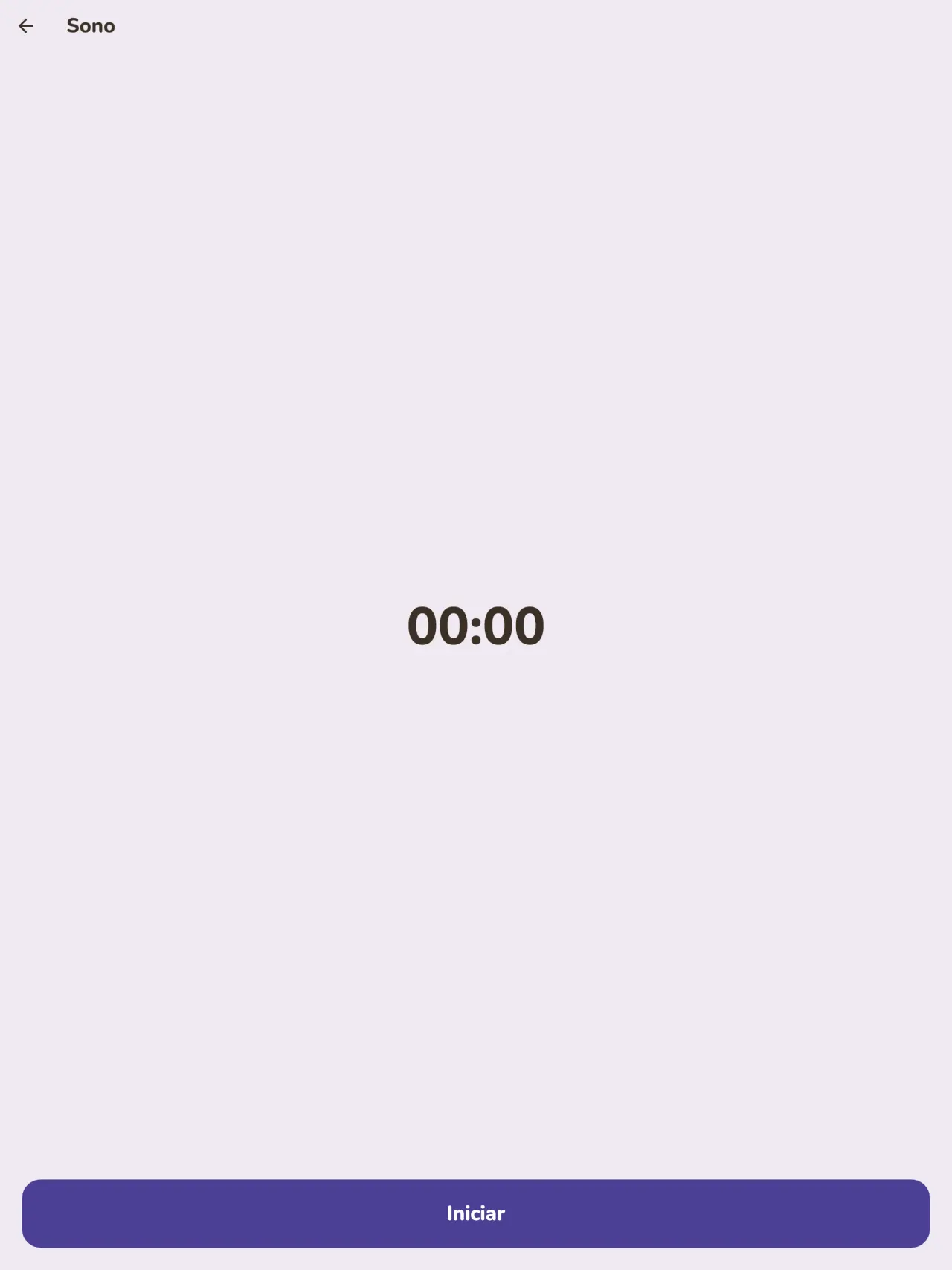
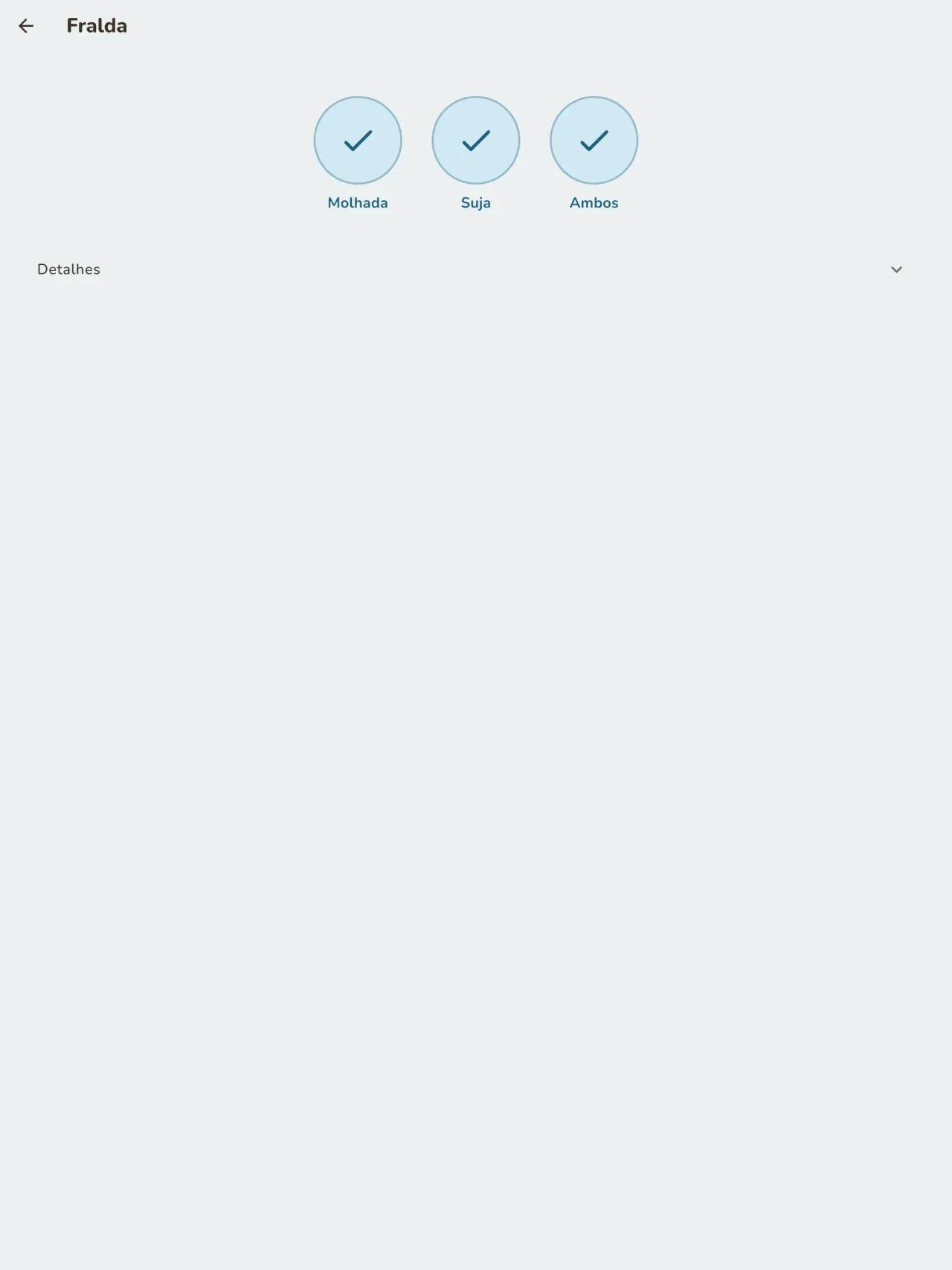
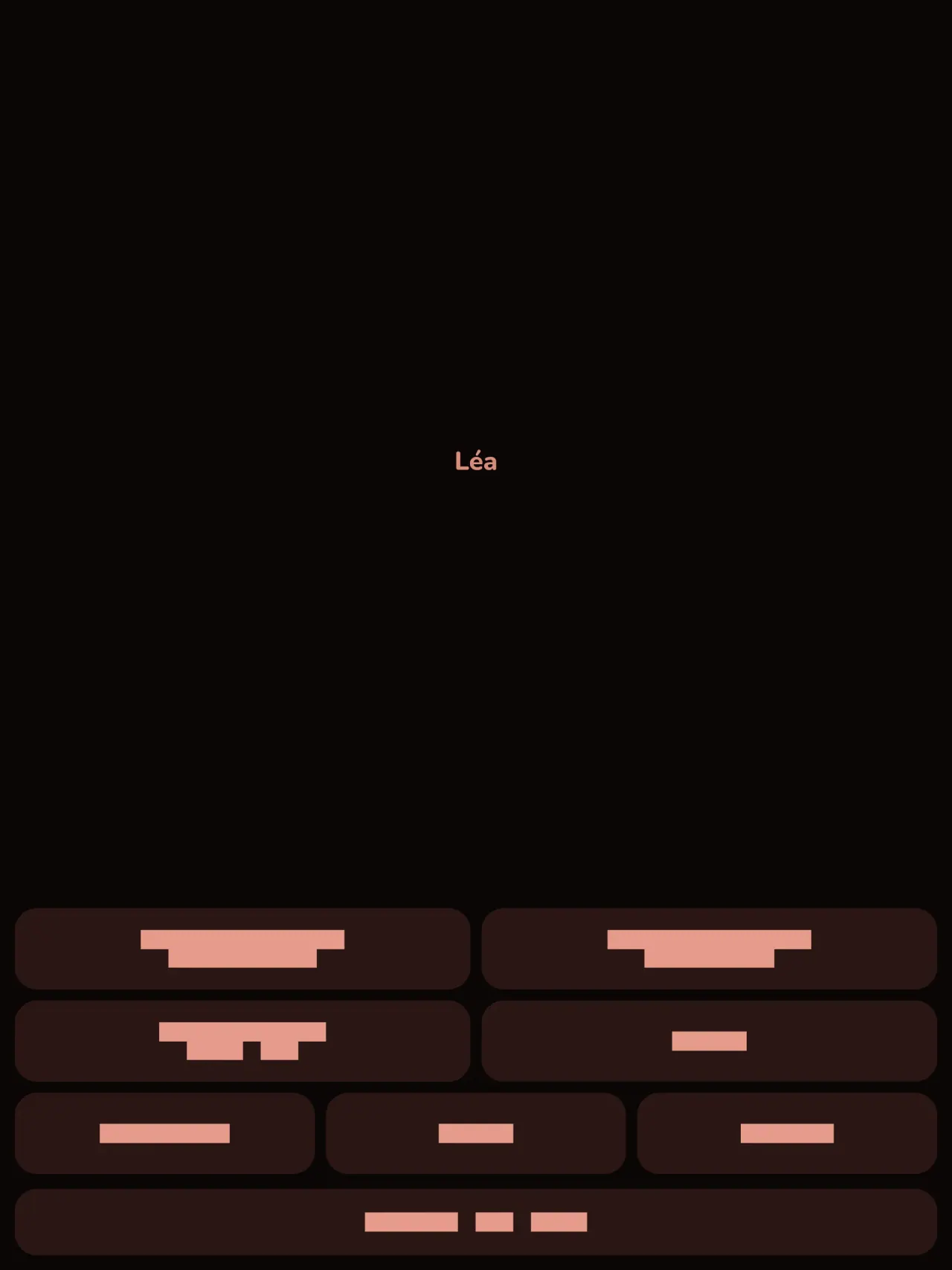
Inicie um cronômetro para cada soneca ou período de sono e anote as fraldas com um só toque. O modo noturno mantém a tela escura e os botões grandes, para usar com uma mão às três da manhã.
Curva de crescimento
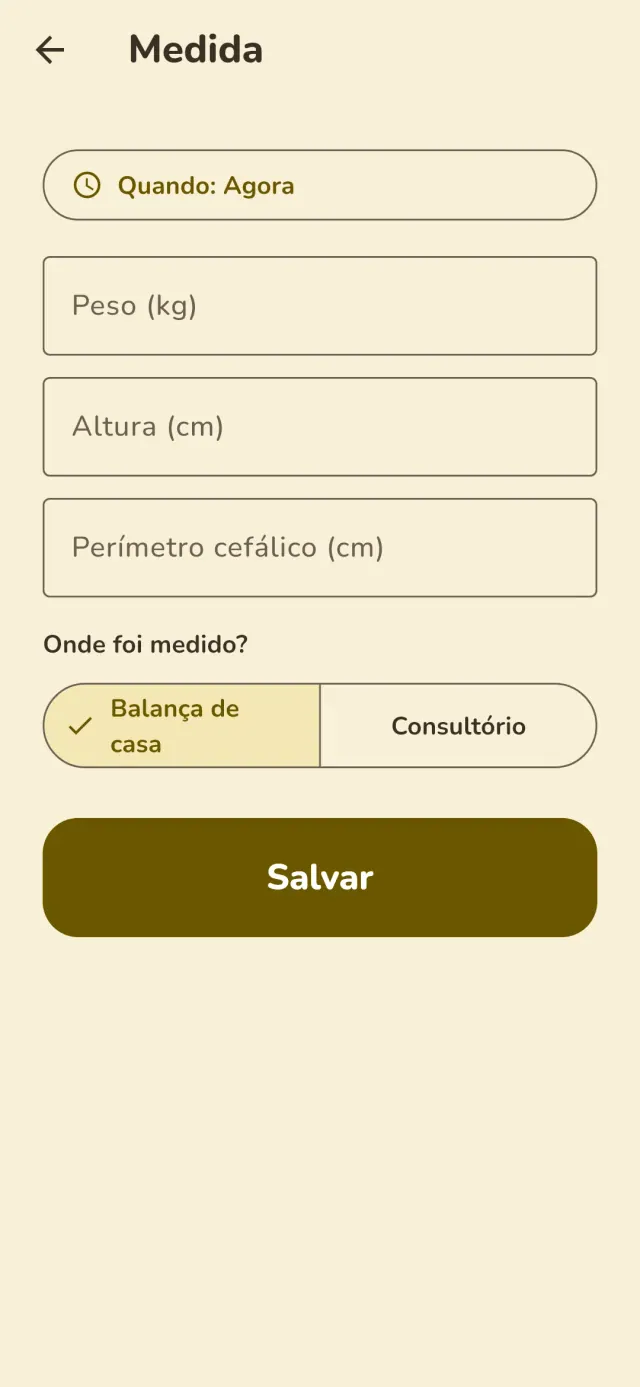
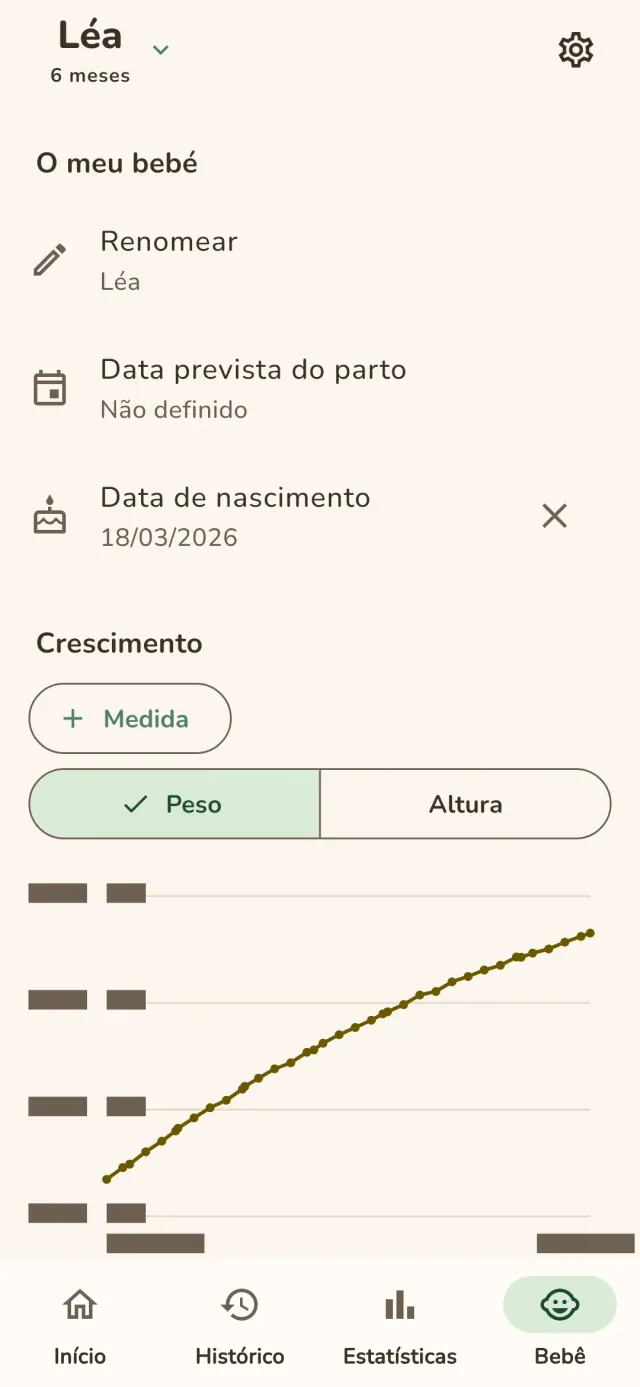
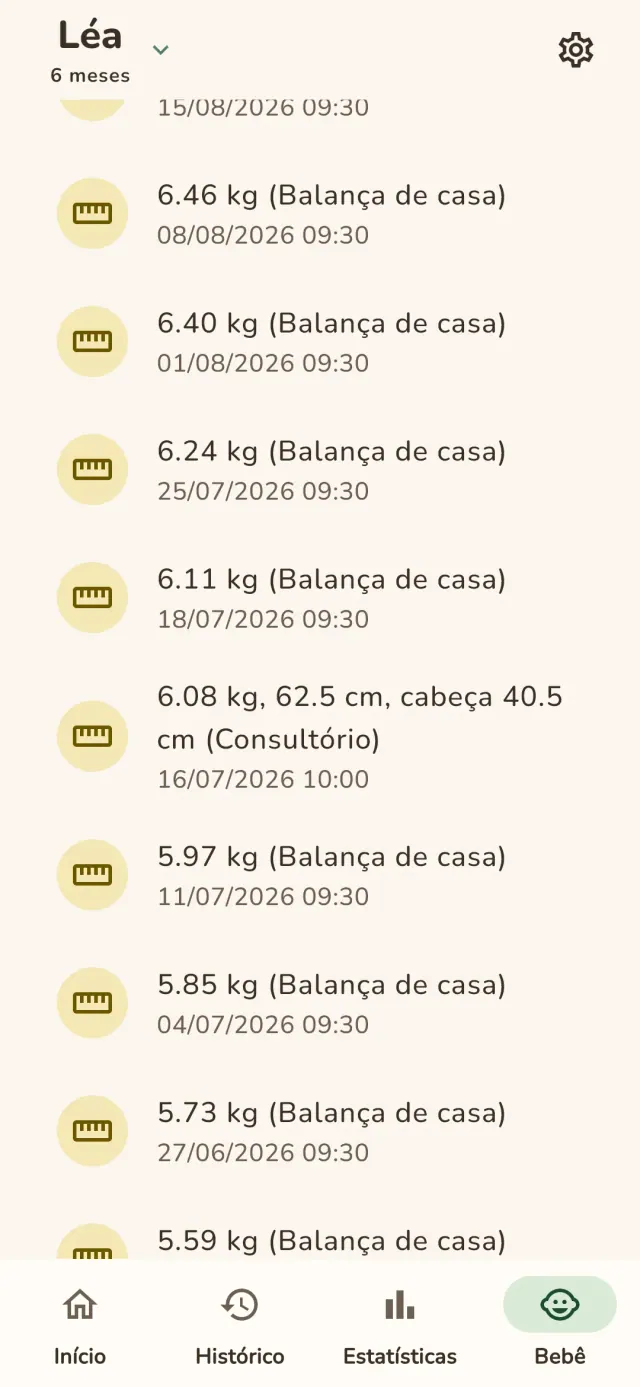
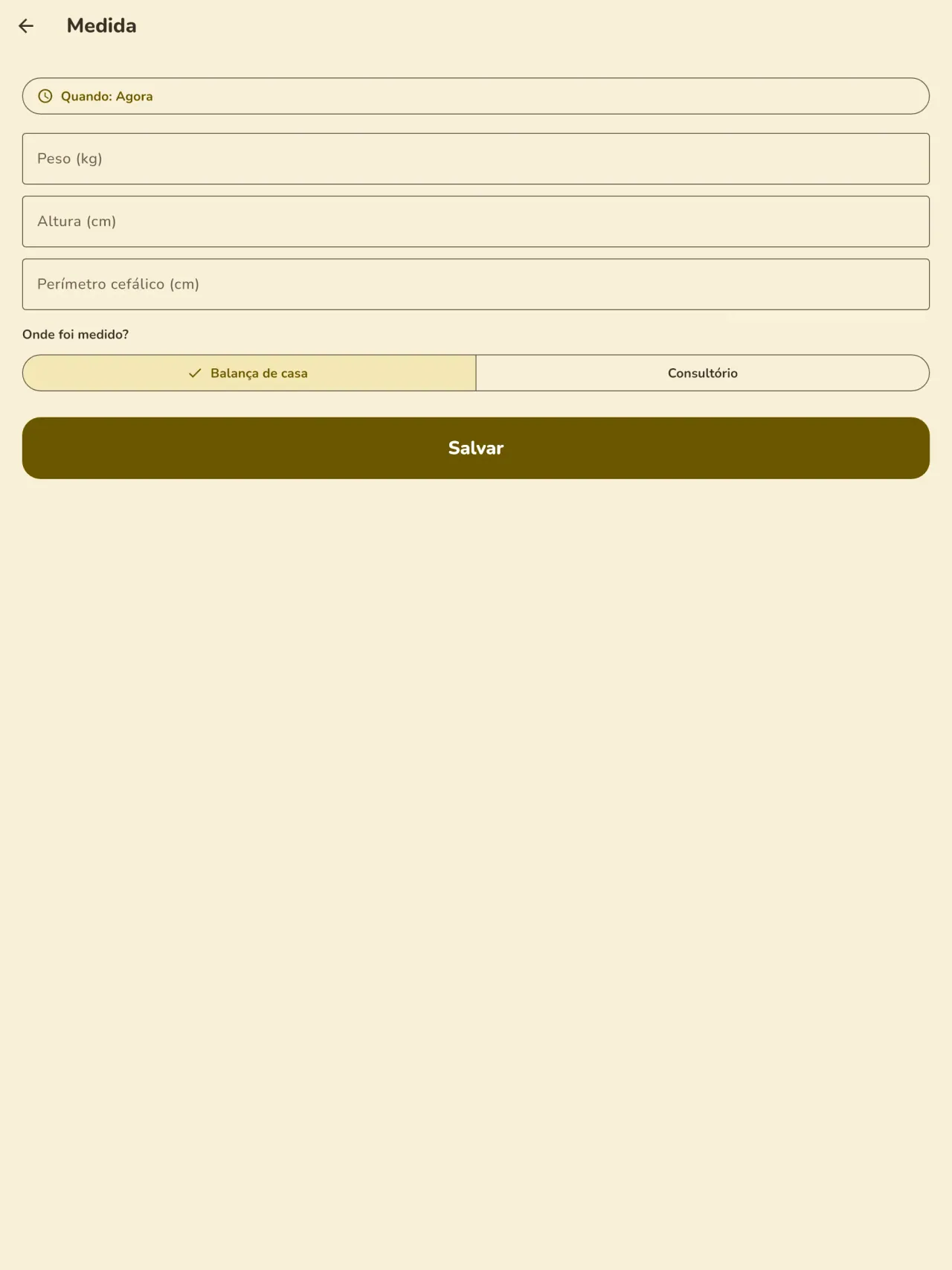
Informe o peso e a altura e marque se o valor veio da sua balança ou da consulta. A curva de crescimento é atualizada a cada registro e continua legível de uma consulta para outra.
Introdução alimentar
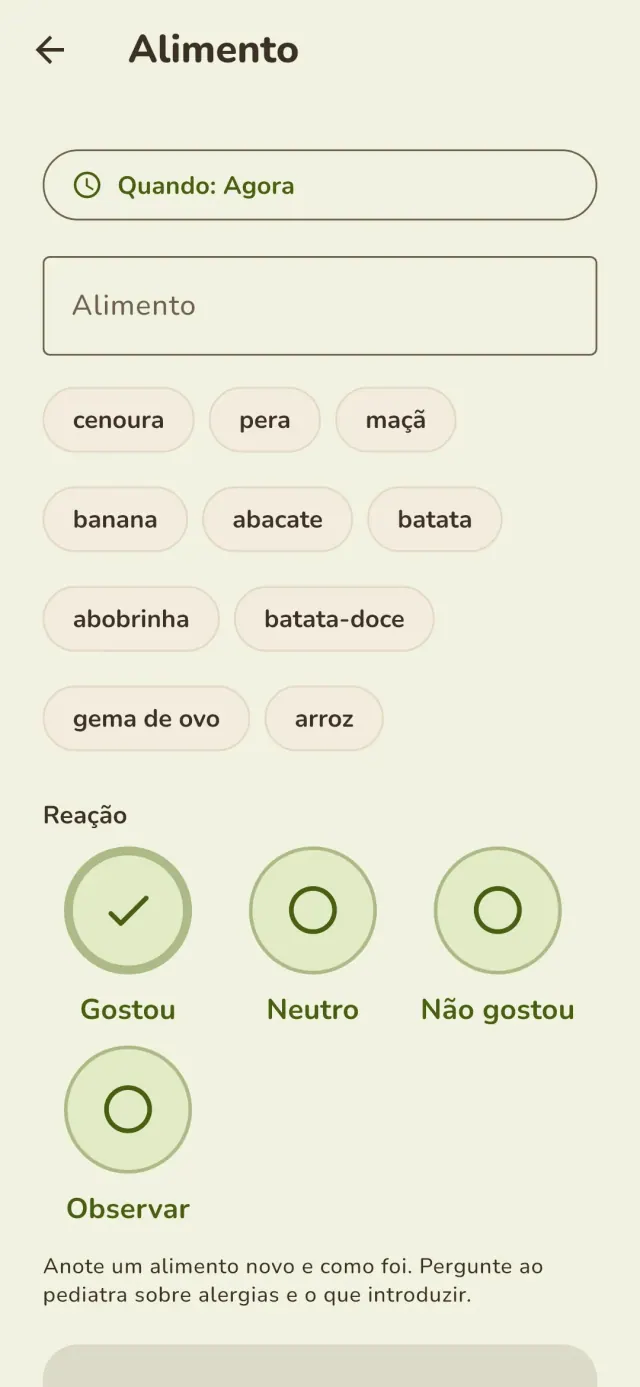
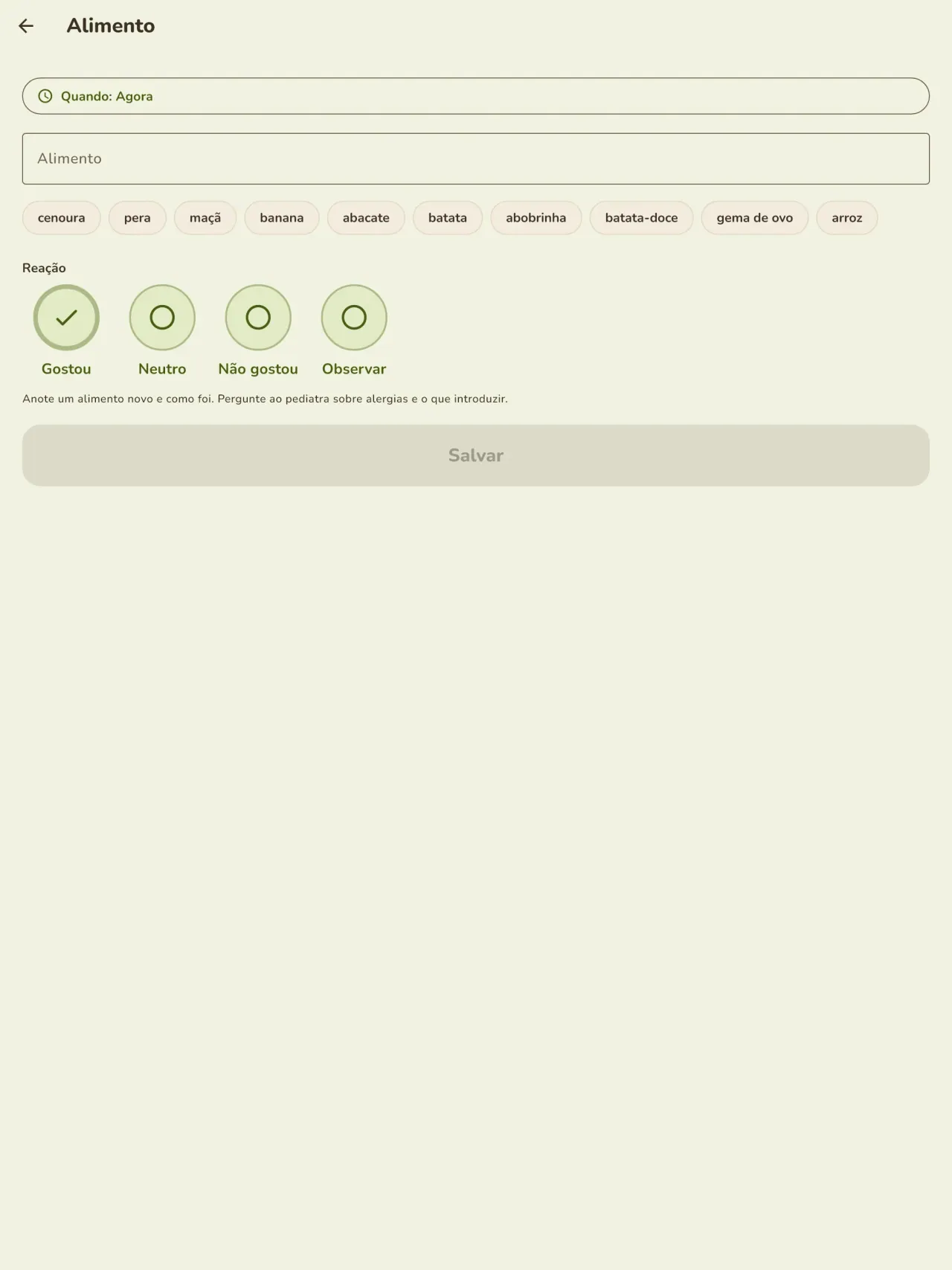
Registre cada alimento novo, a data e a reação observada, e organize as refeições em uma agenda.
Gravidez e antes do nascimento
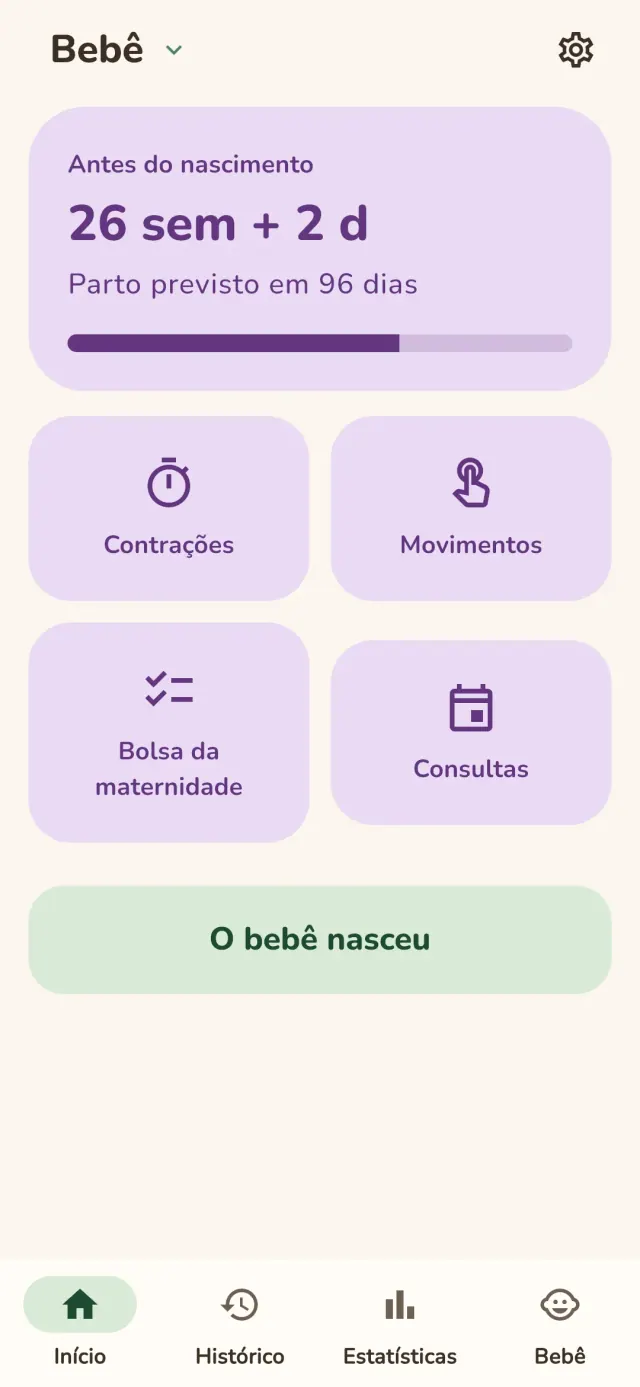
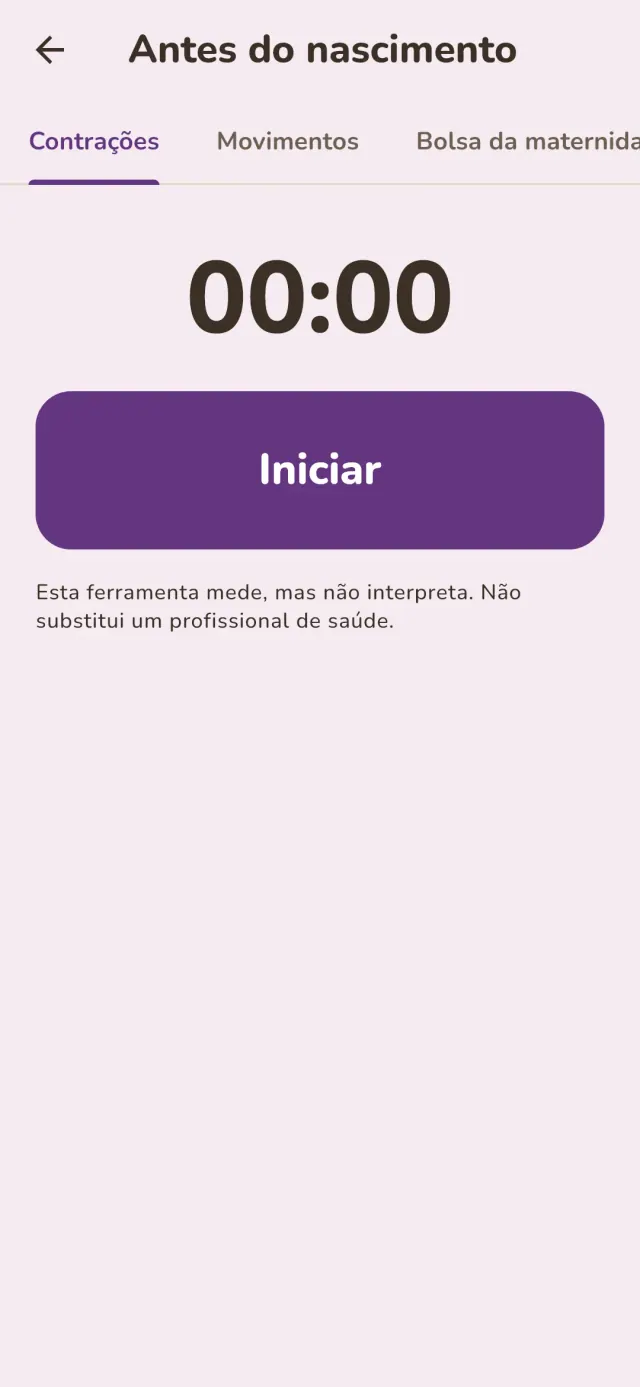
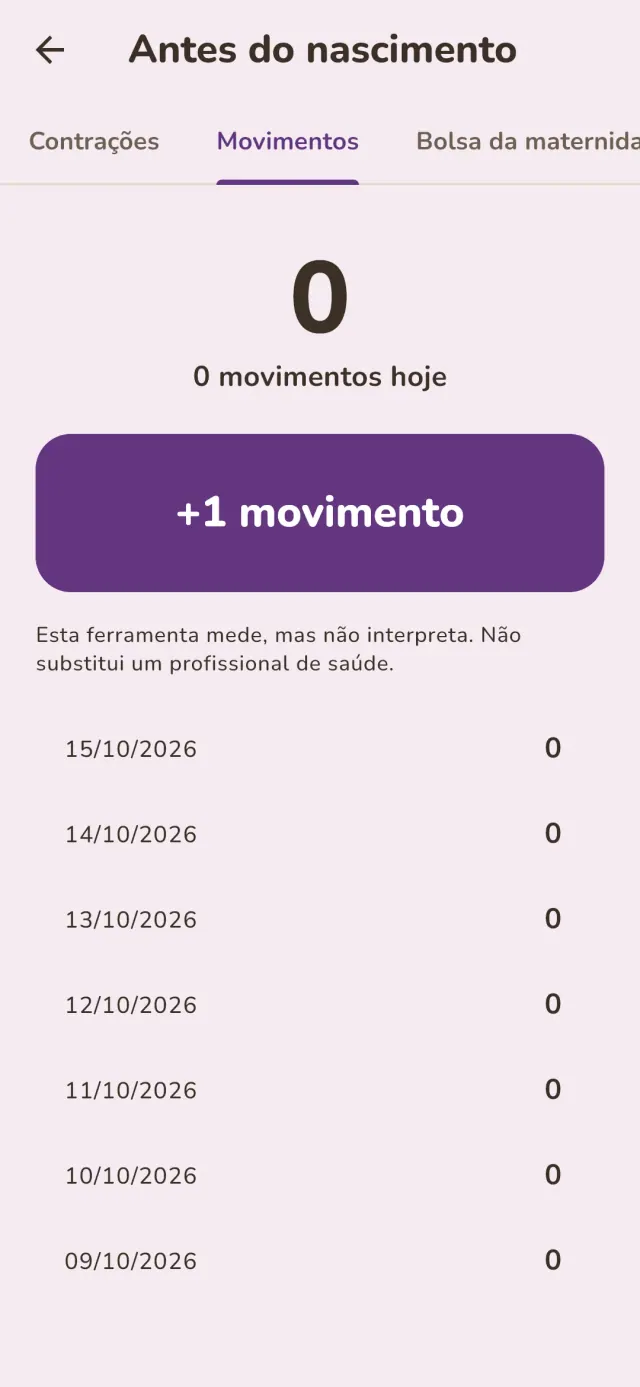
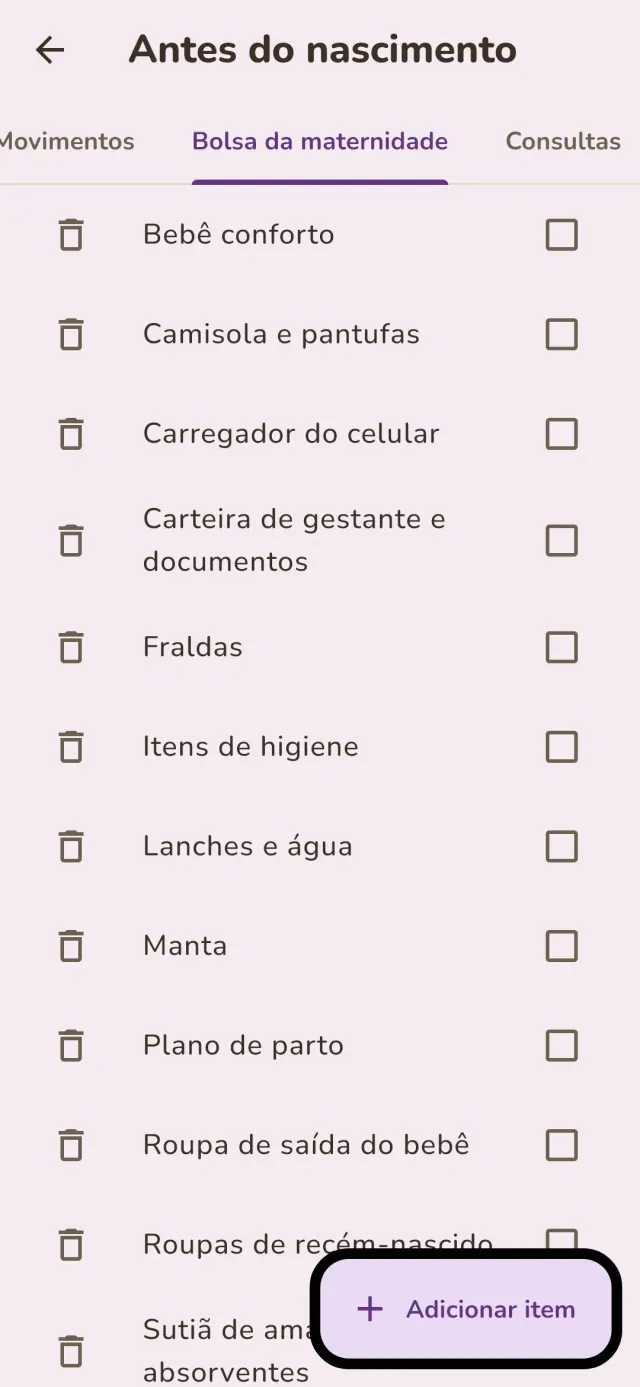
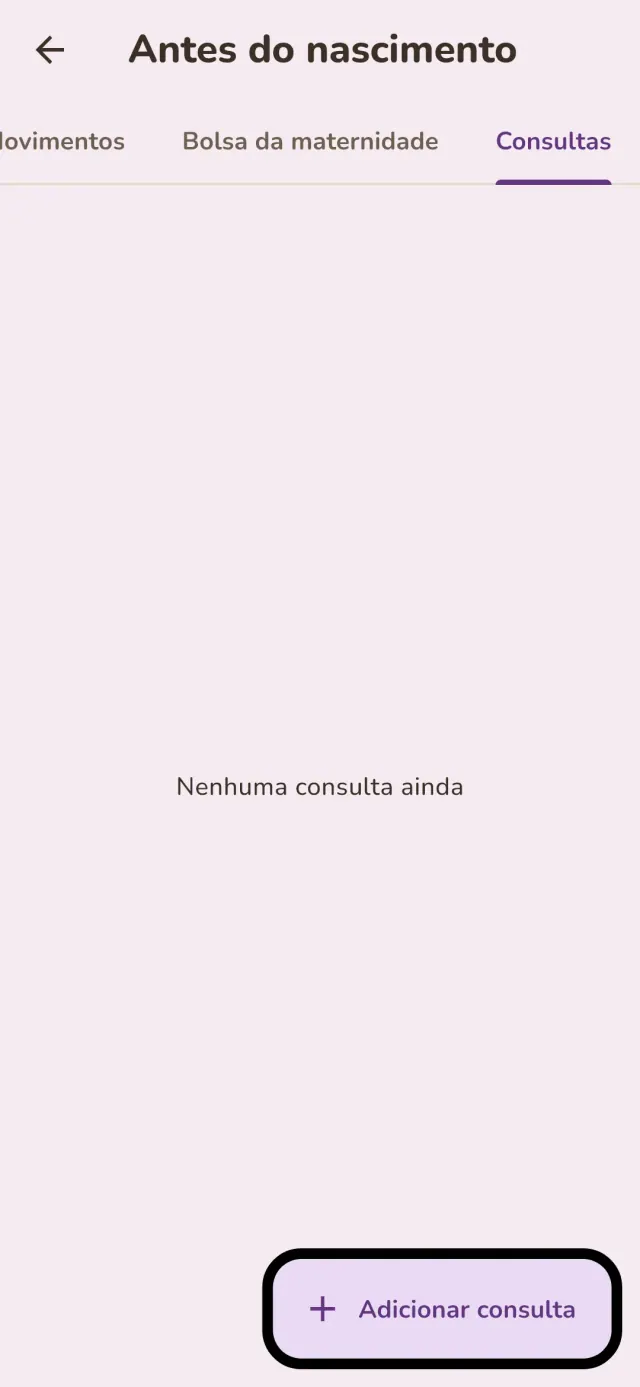
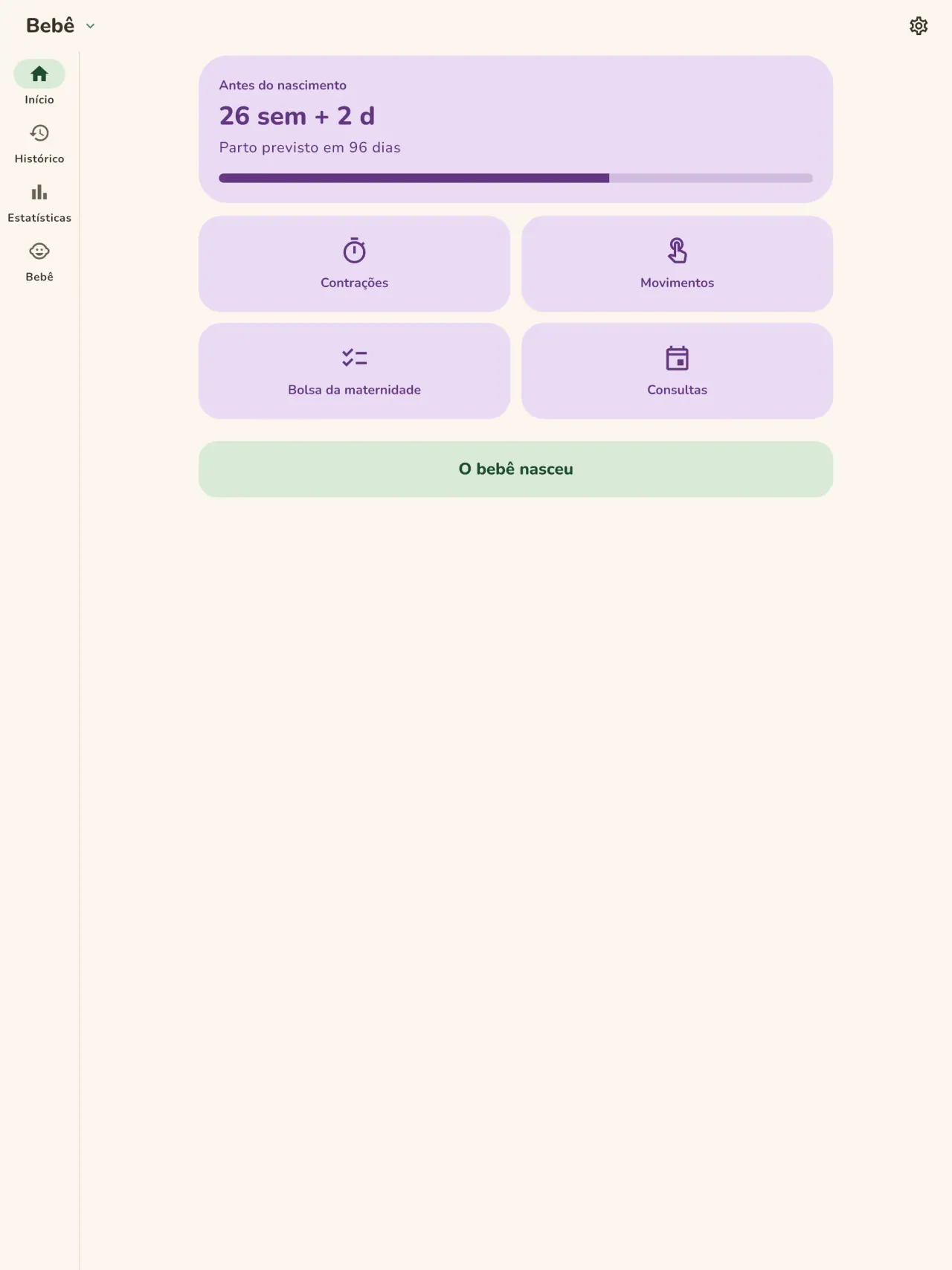
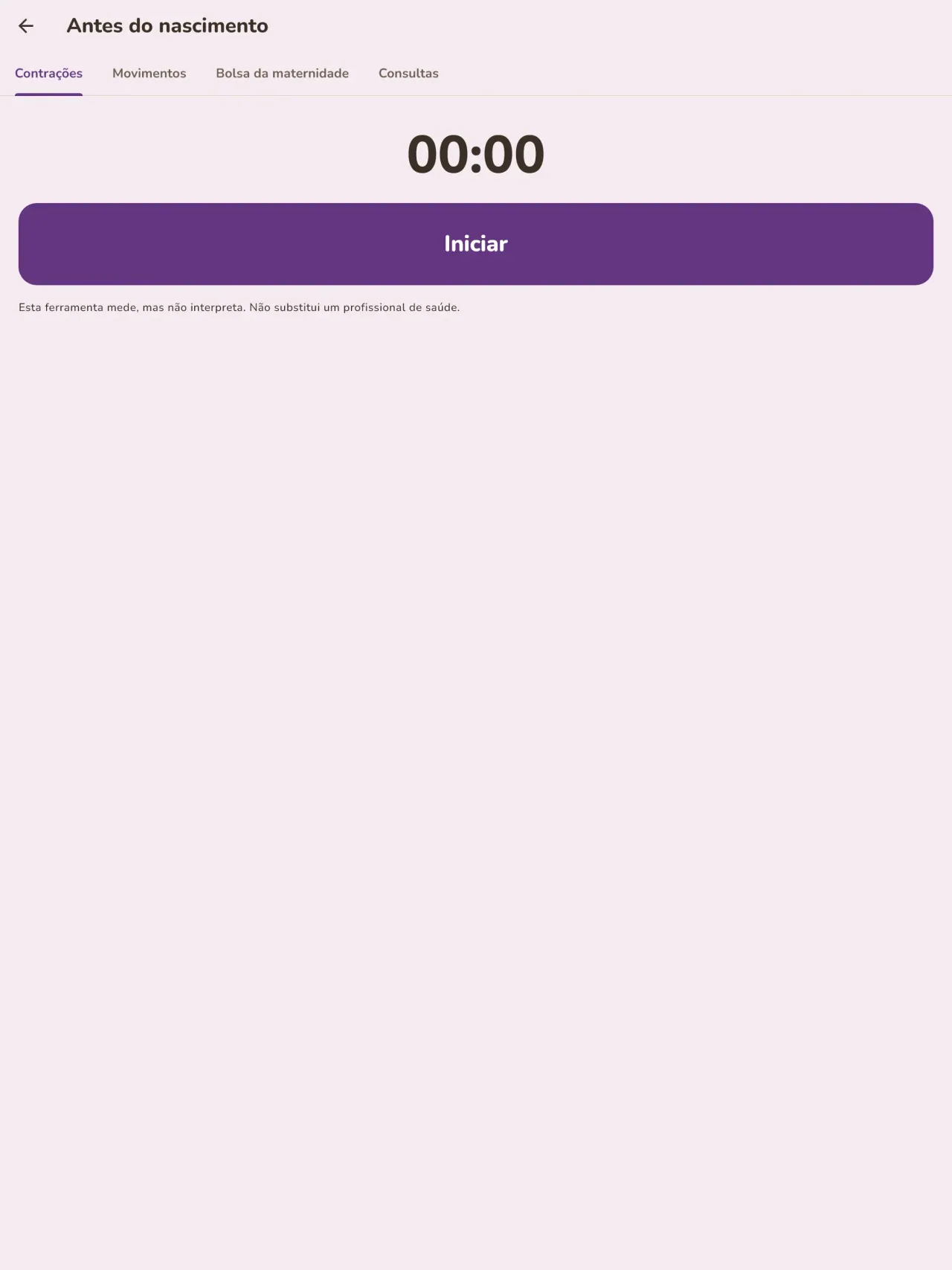
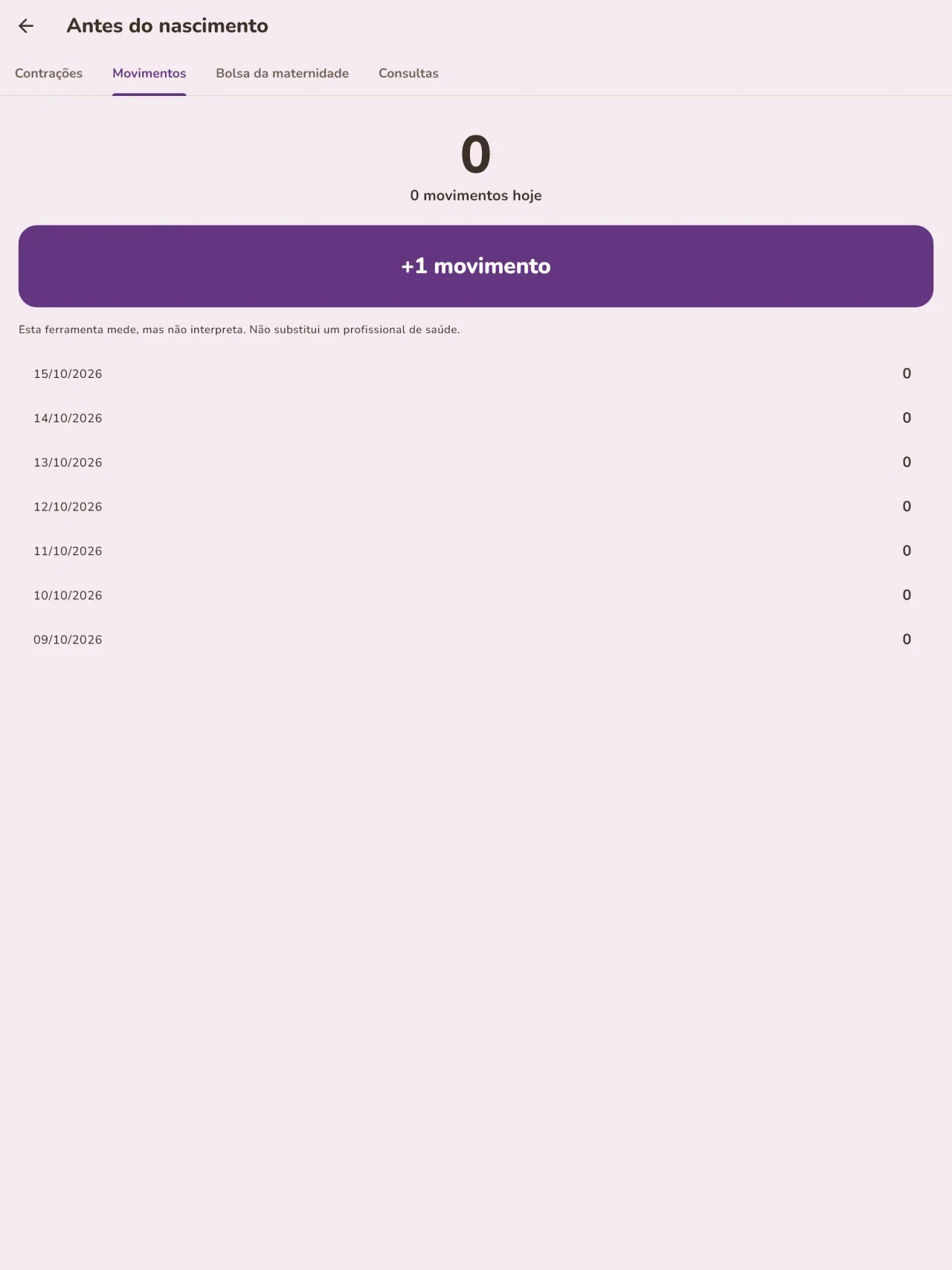
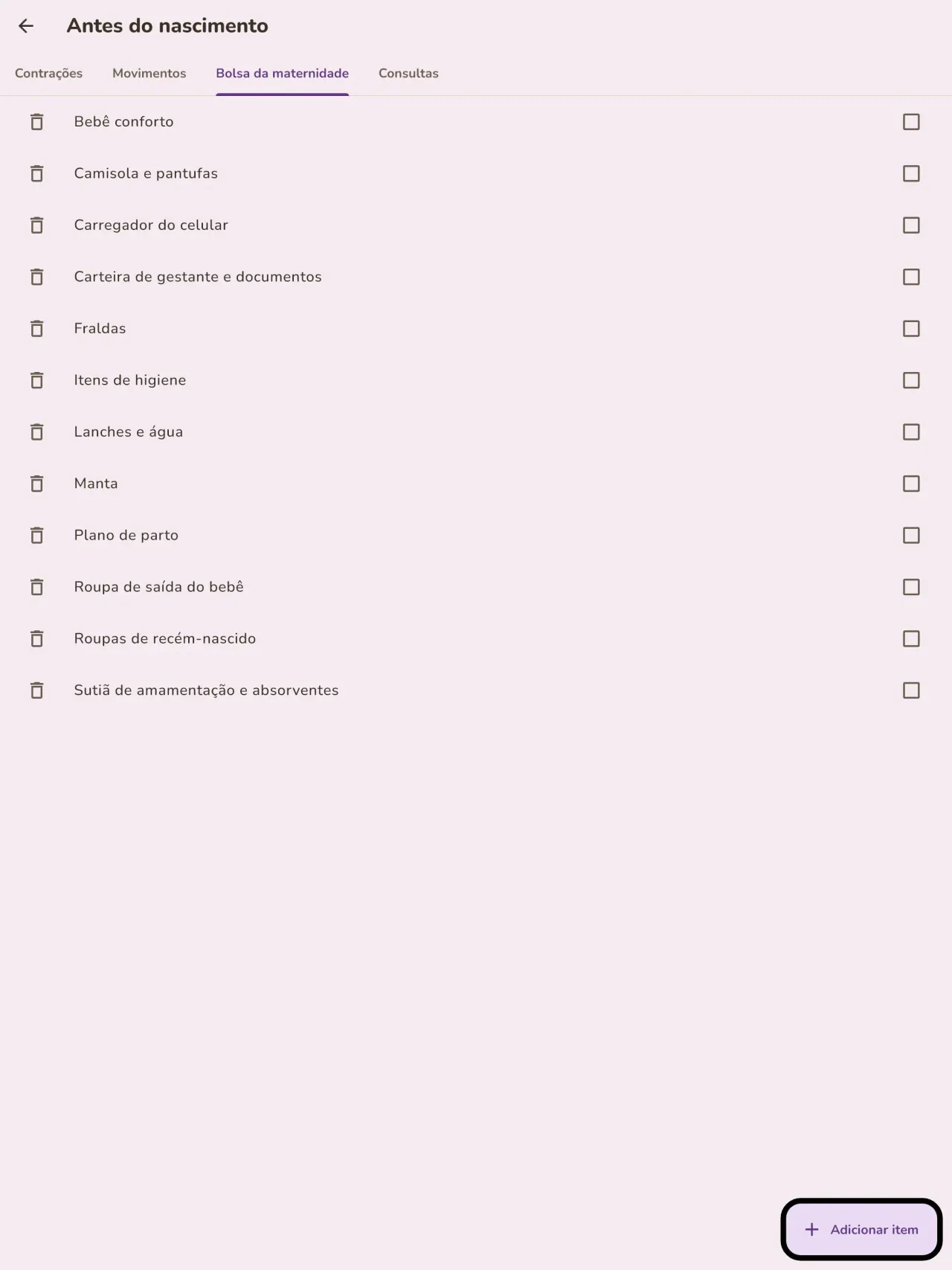
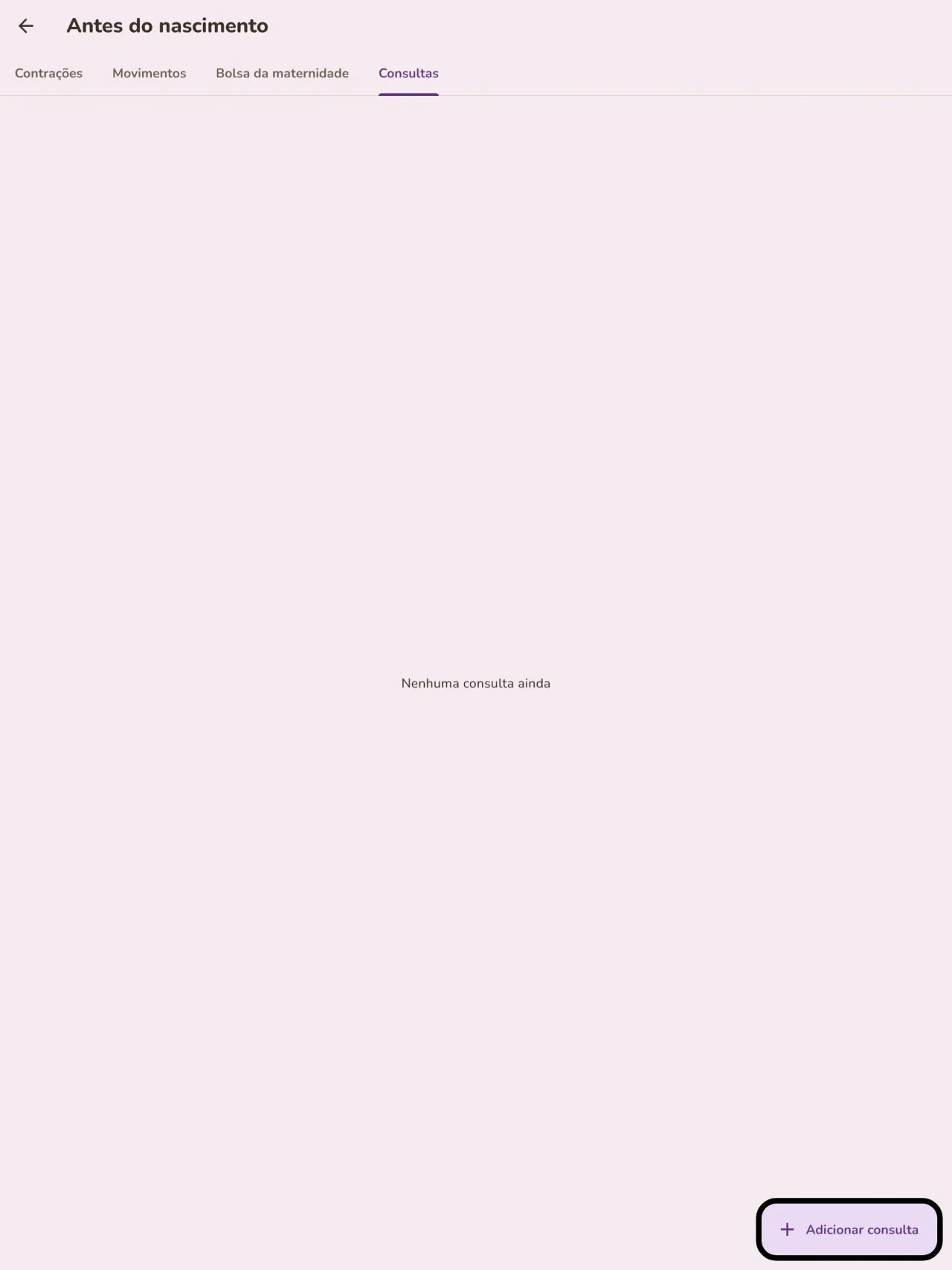
Está esperando um bebê? Informe a data prevista e acompanhe a semana da gravidez, cronometre as contrações, conte os movimentos do bebê, prepare a mala da maternidade e anote suas consultas. Quando o bebê chegar, o mesmo app está pronto para a primeira mamada.
Um registro para mostrar ao médico
Exporte um relatório em PDF para o seu pediatra ou parteira. Ele é criado no seu celular, e você escolhe para onde enviá-lo.
Seus dados ficam com você
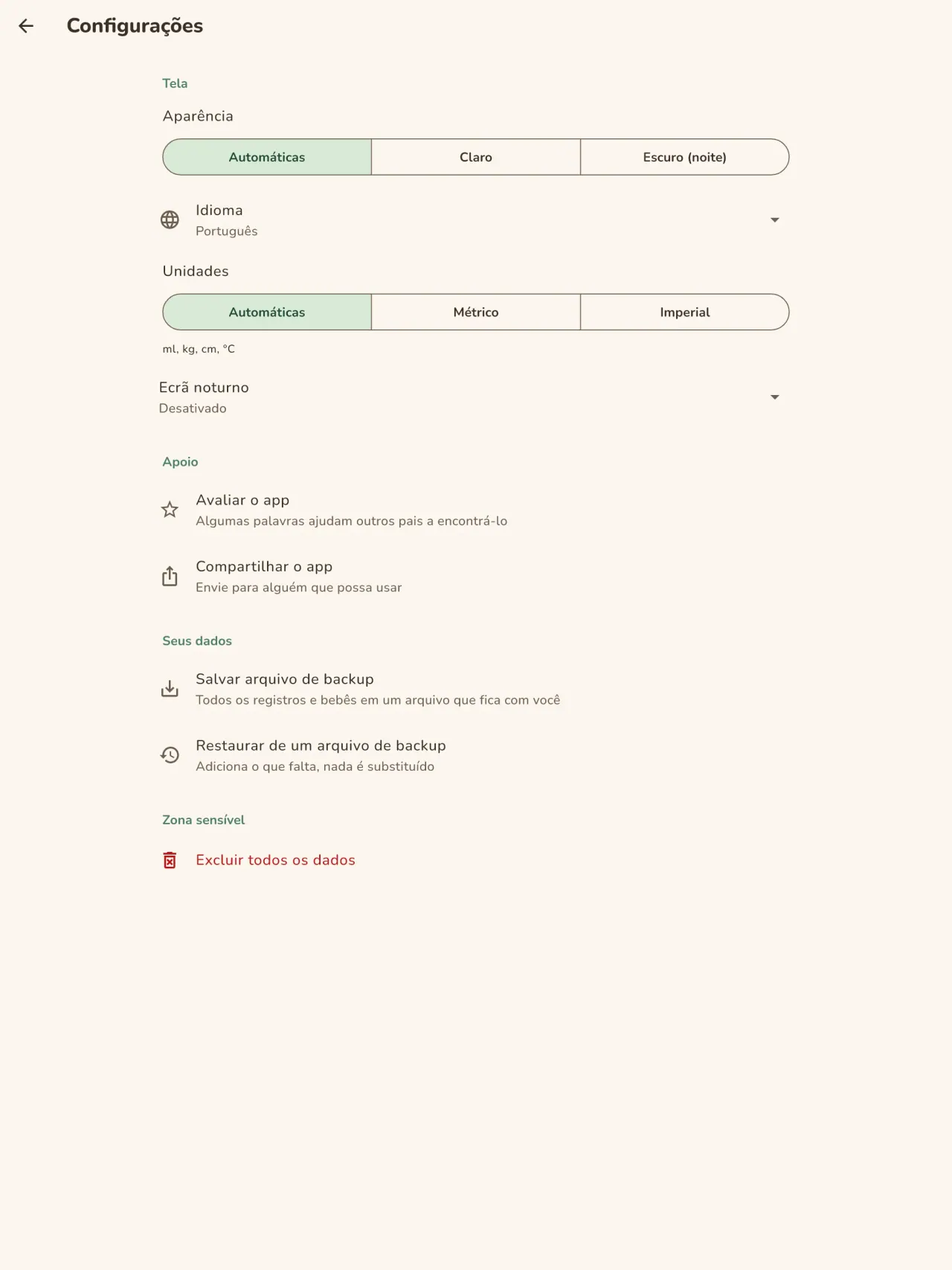
O acompanhamento é feito sem cadastro: nada é enviado e nada é analisado. O app funciona offline, inclusive no modo avião. Um botão apaga todos os dados.
Little Relay registra o que você digita. Ele não dá orientação médica e não substitui um profissional de saúde.
Para quem é
- Pais e mães de primeira viagem que querem um registo simples de mamadas, sono e fraldas, que se preencha com uma só mão durante a noite.
- Famílias que começam a diversificação alimentar e querem anotar cada alimento novo, a data e a reação do bebé.
- Famílias que preferem um diário do bebé sem conta, com os dados guardados no telemóvel.
Por que escolher Little Relay
- Tudo fica no seu telemóvel: sem conta, sem nuvem, sem anúncios, sem rastreamento, e a app não precisa de rede para funcionar.
- Pensada para a noite: modo escuro e botões grandes, e um ecrã inicial que mostra há quanto tempo foi a última mamada e de que lado.
- Os dados são seus: exporte um relatório em PDF para o médico e apague tudo com um só botão.
O que ainda não faz
- Ainda não é possível partilhar entre dois telemóveis: o diário vive num só telemóvel. A partilha entre os pais, com cifragem de ponta a ponta, está prevista.
- O widget do ecrã inicial só está disponível em Android por agora.
- Não é um dispositivo médico e não dá aconselhamento médico.
Princípio do Pixeon. Os apps Pixeon são local first: sem conta, sem rastreamento, e os seus dados ficam no seu telemóvel. Se algum app alguma vez se ligar à rede, isso só acontece quando você escolhe ativar uma funcionalidade de que precisa, e a política de privacidade é atualizada antes de ser lançada.
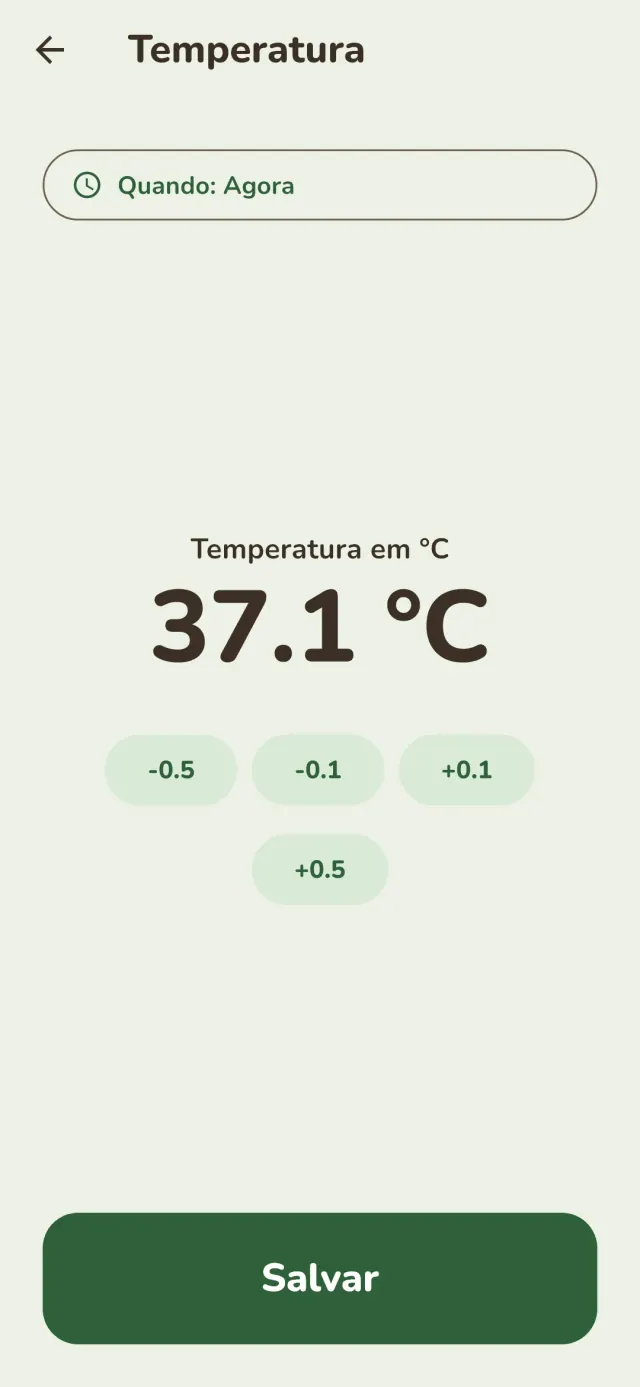
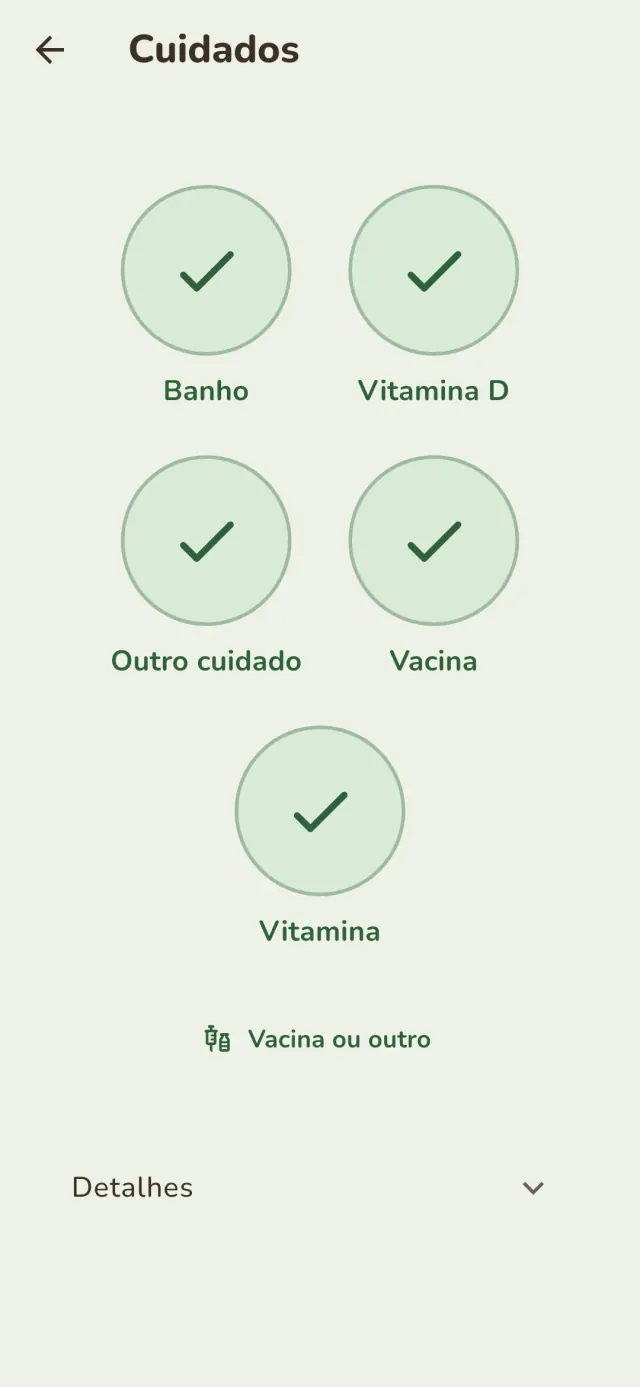
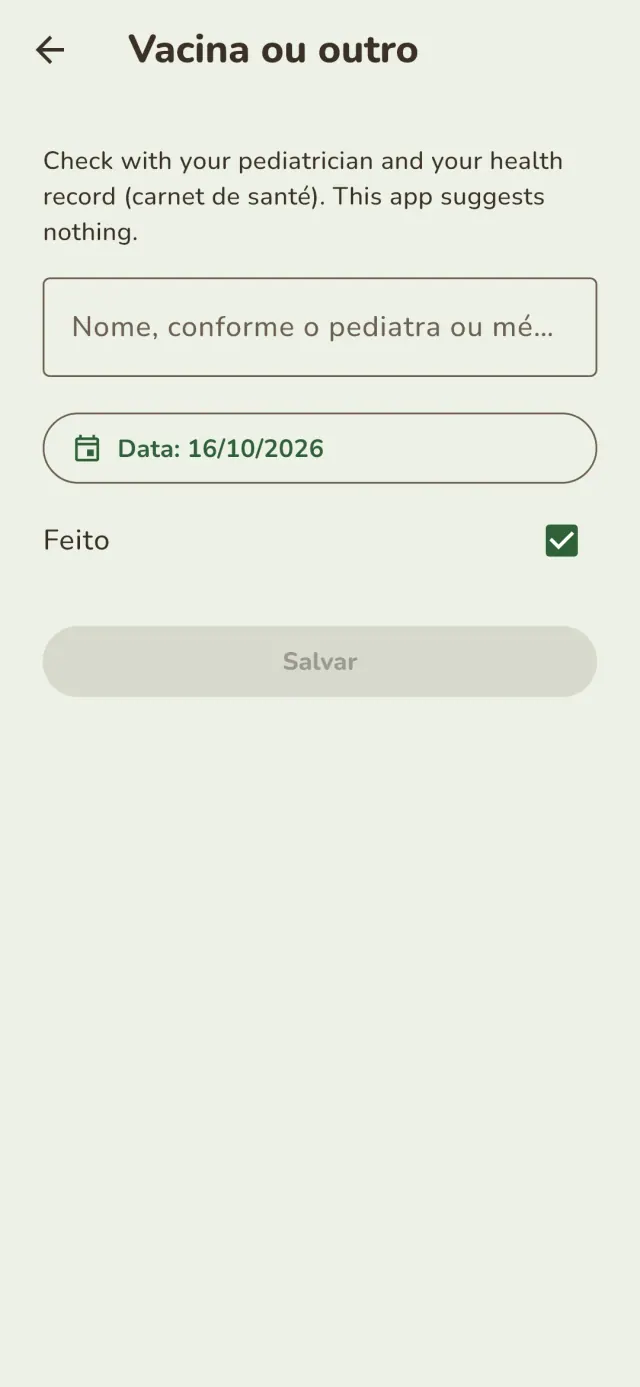
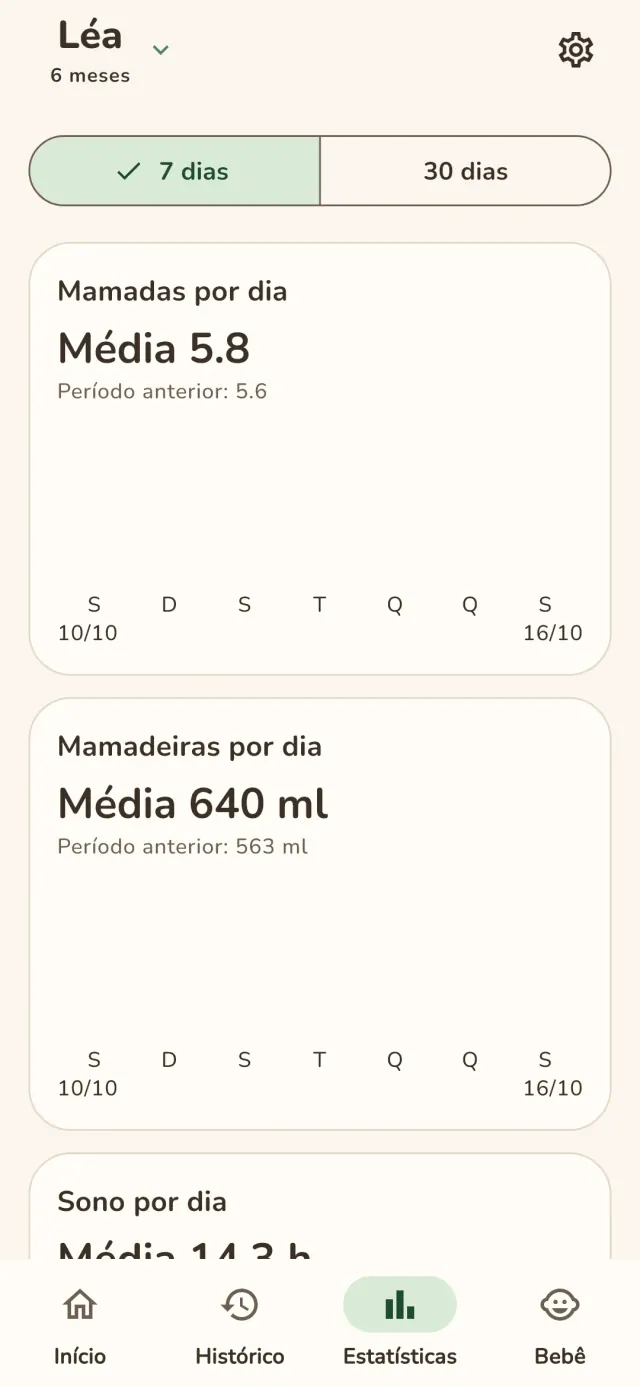
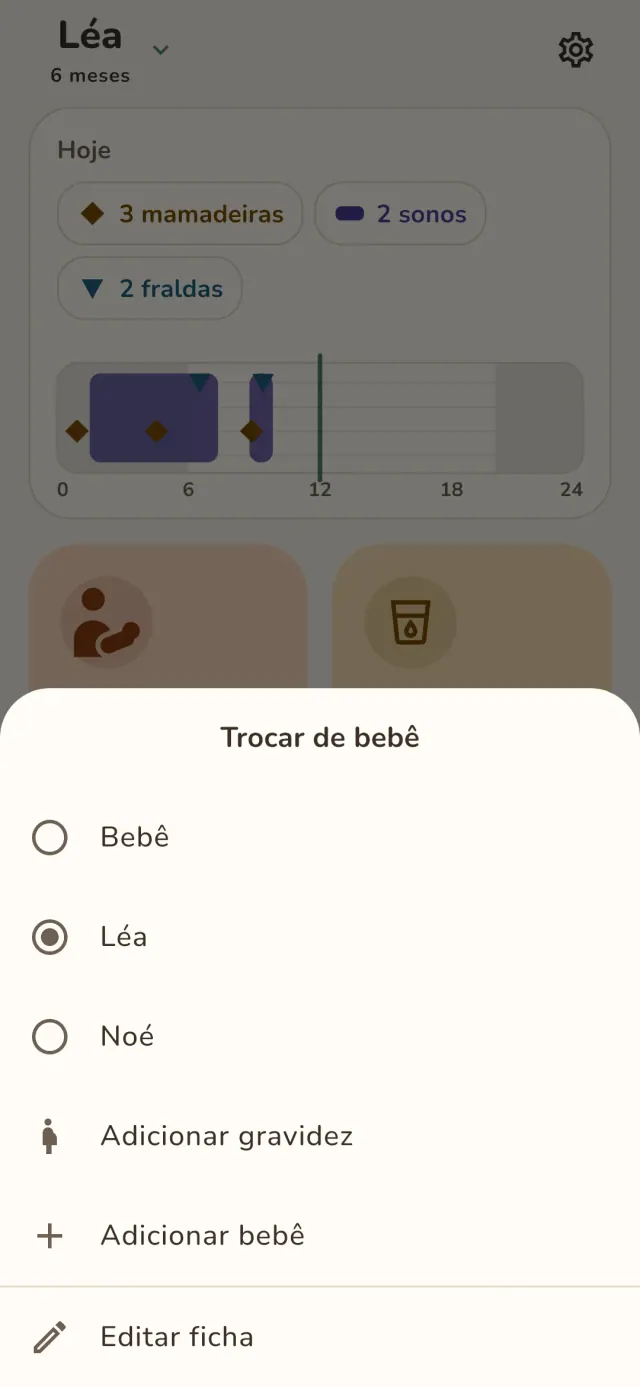
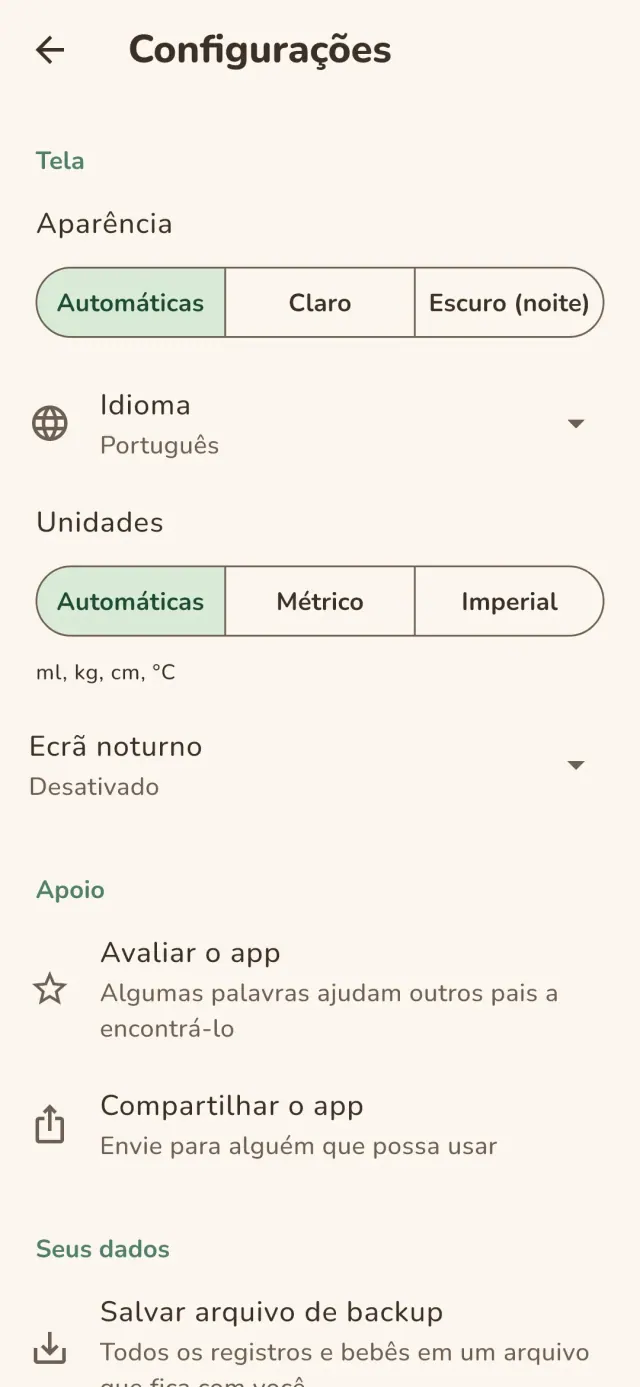
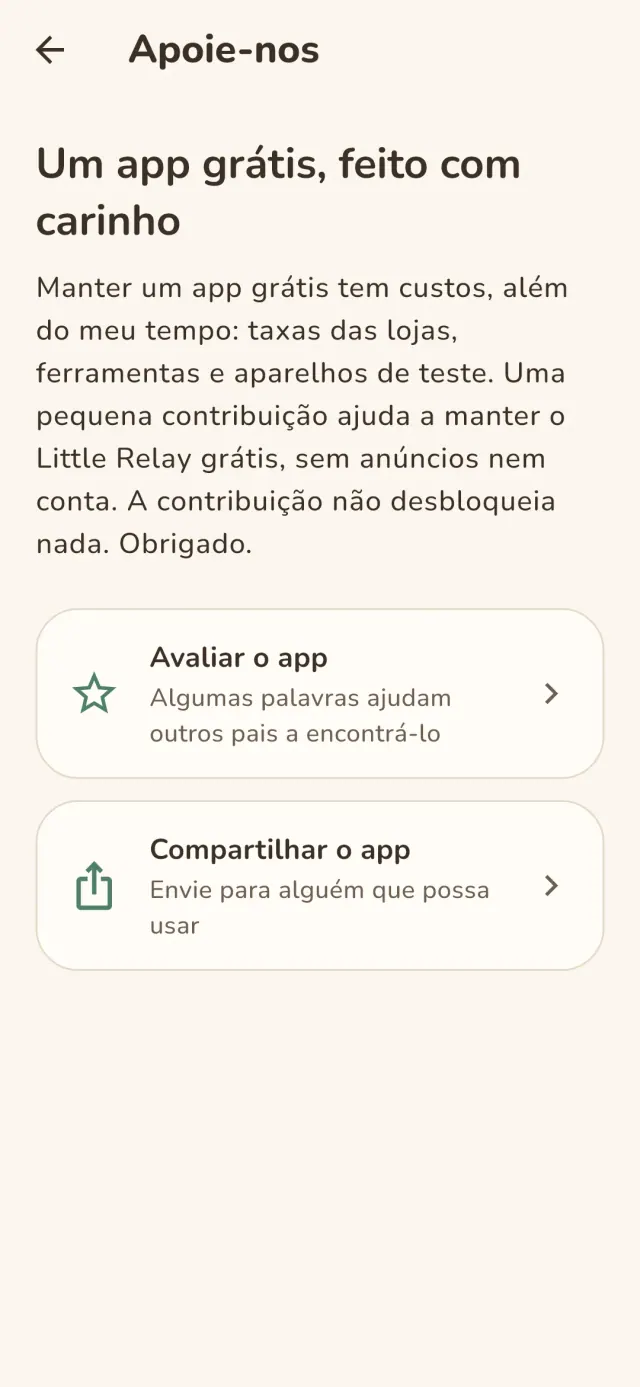
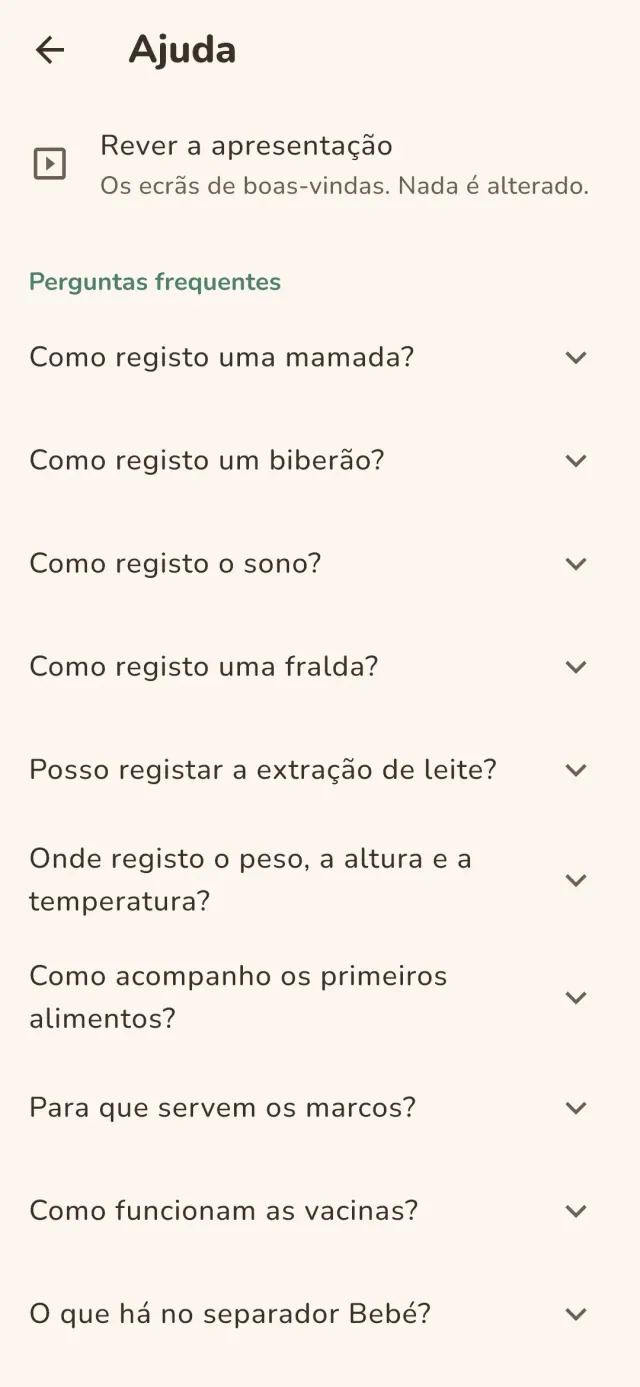
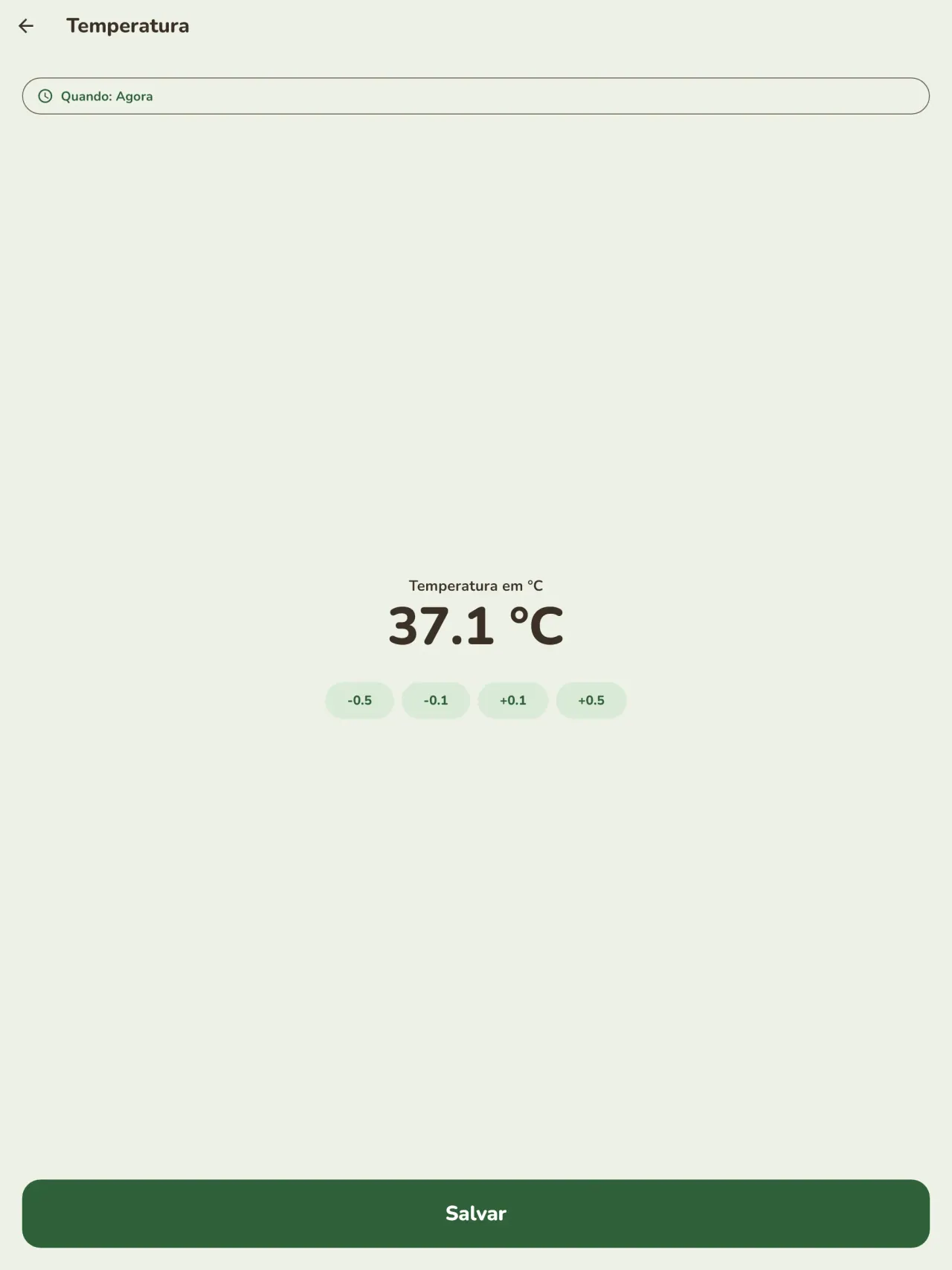
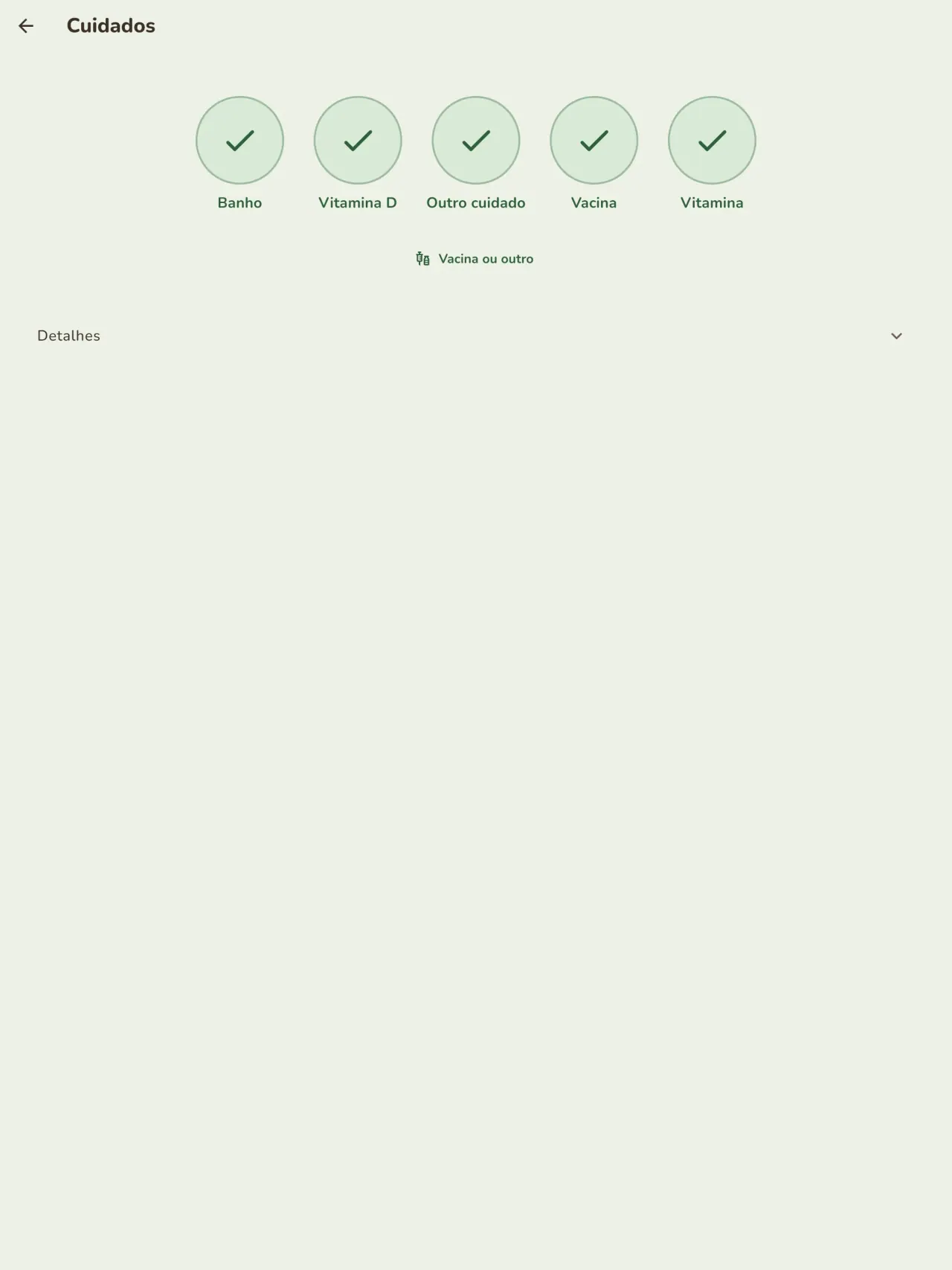
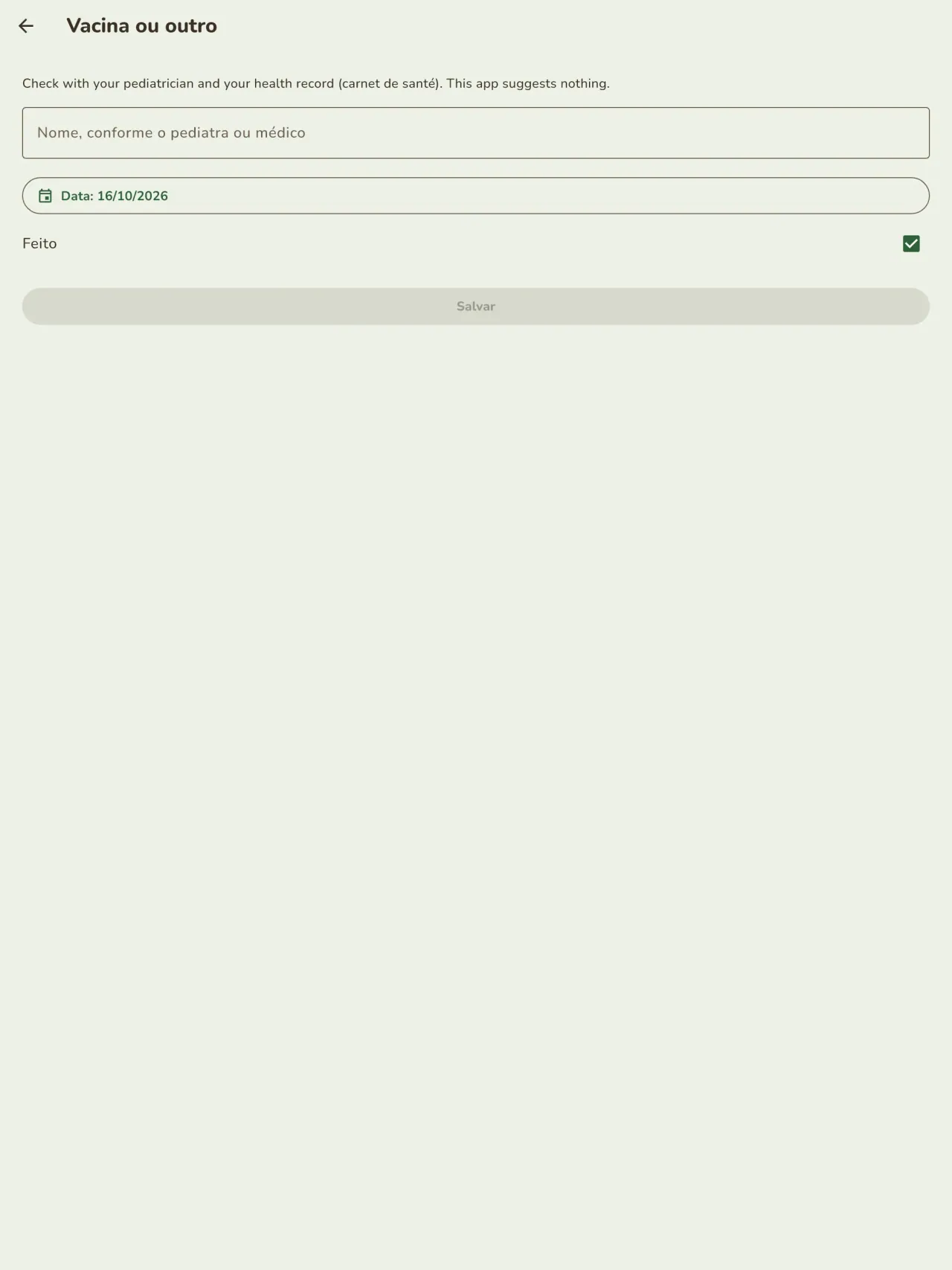
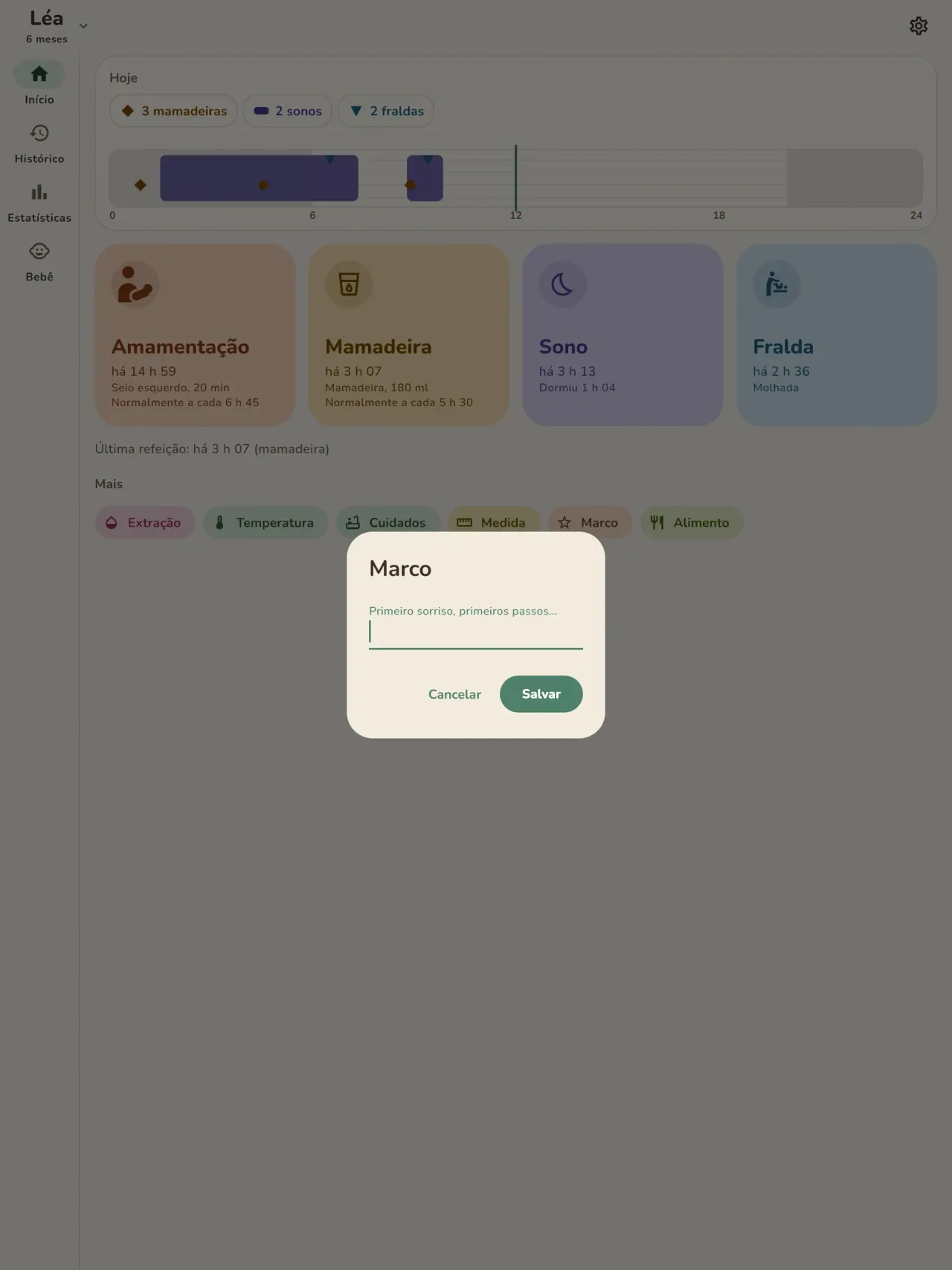
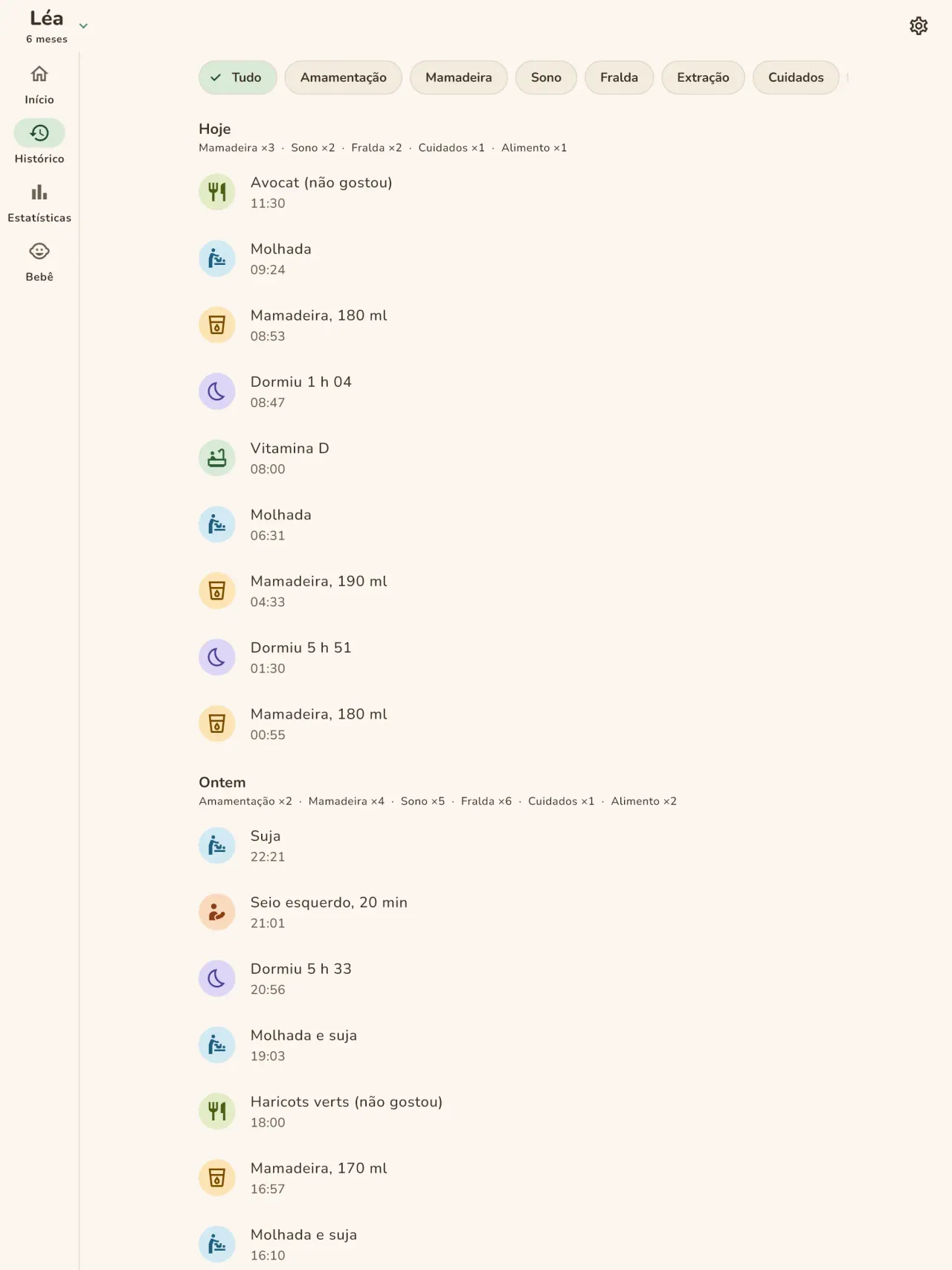
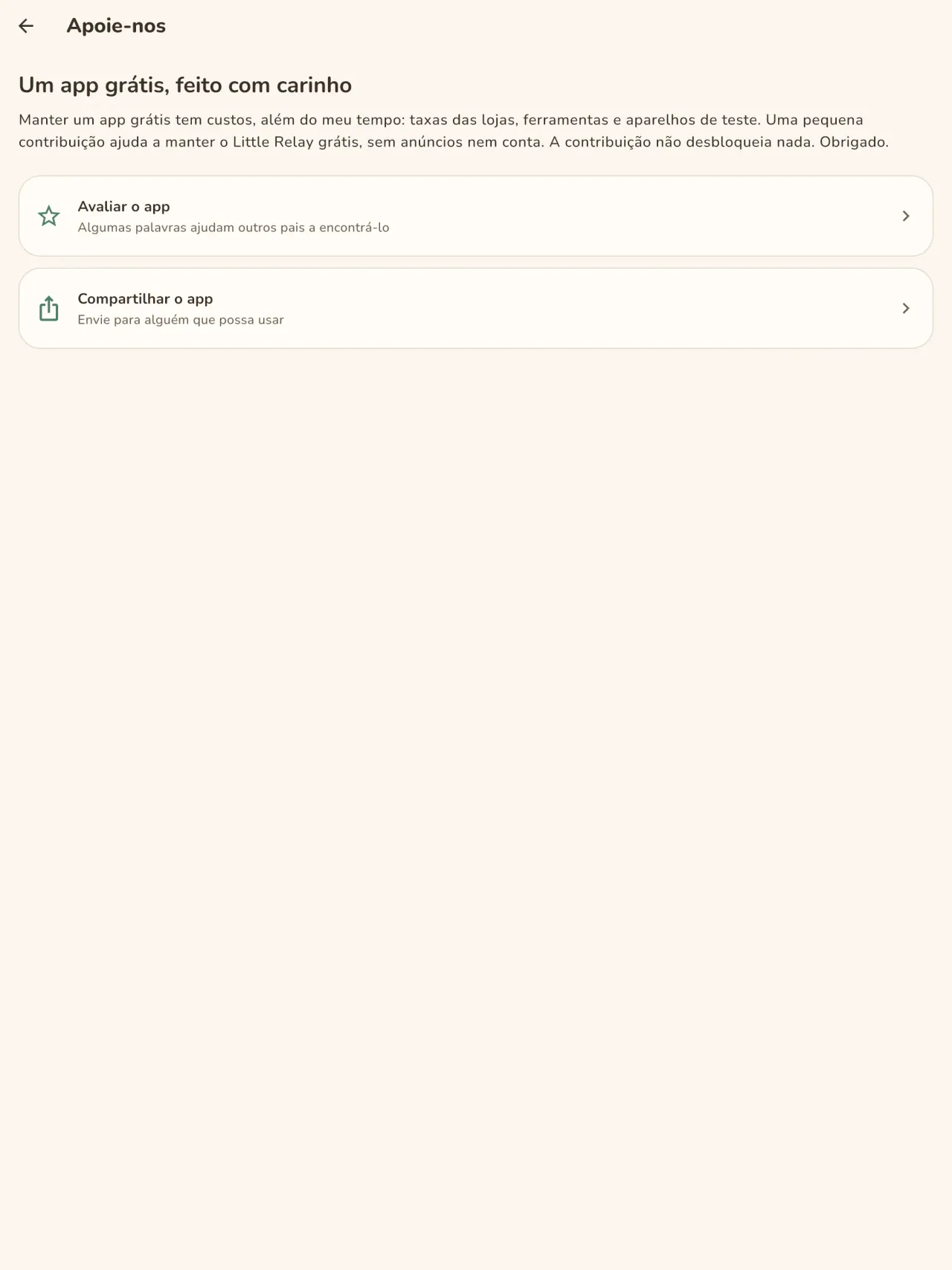
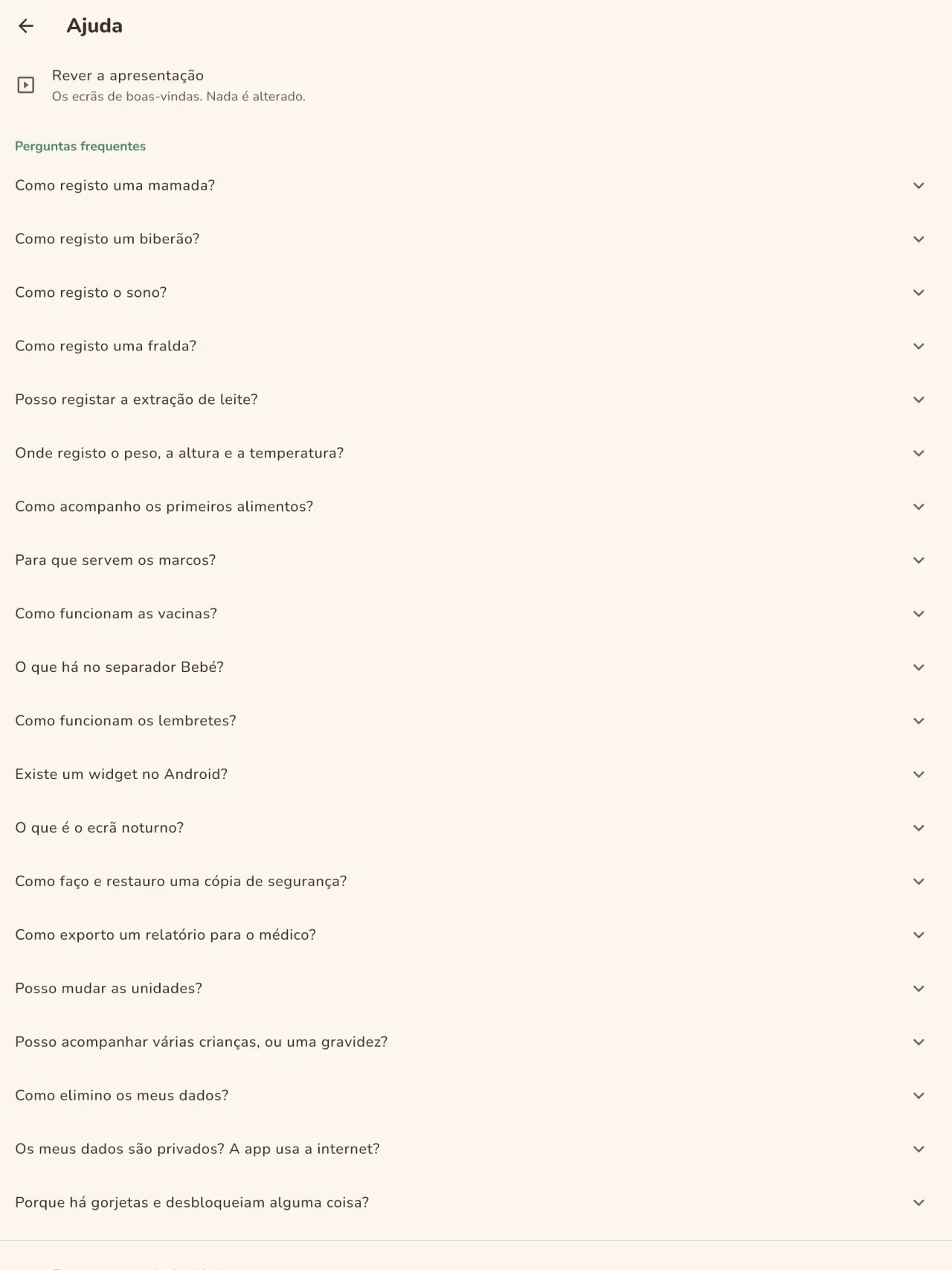
Little Relay em ação.
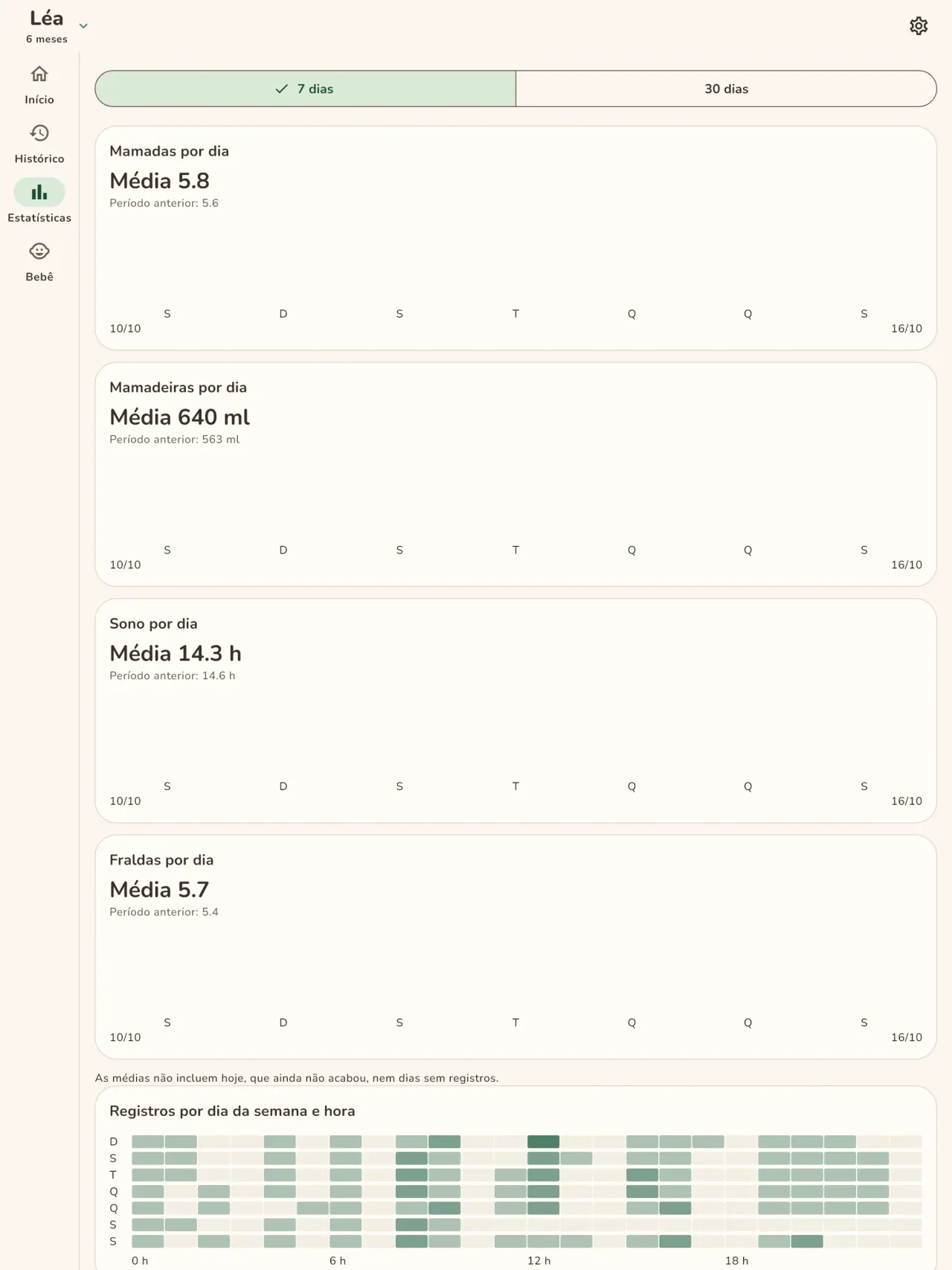
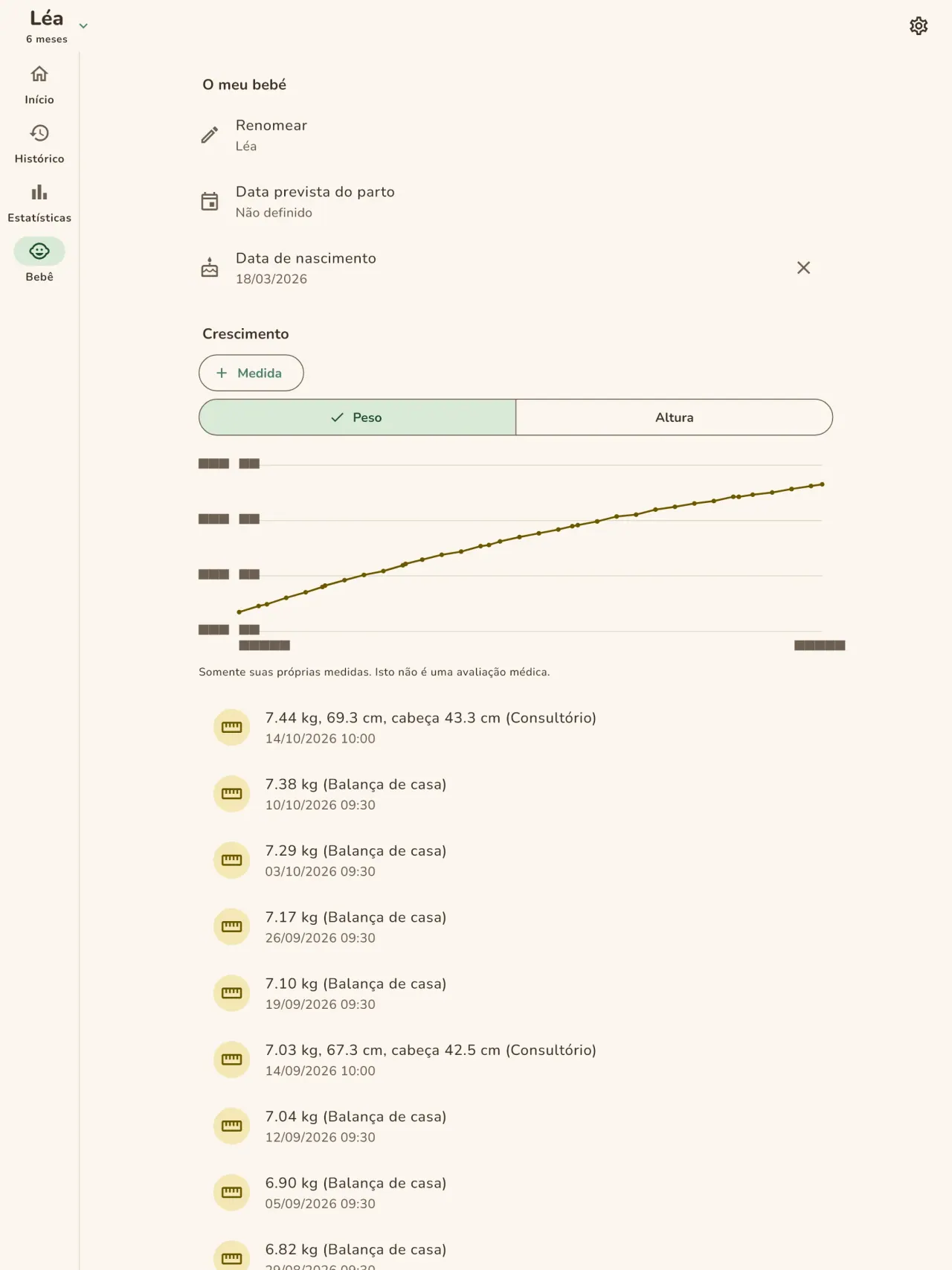
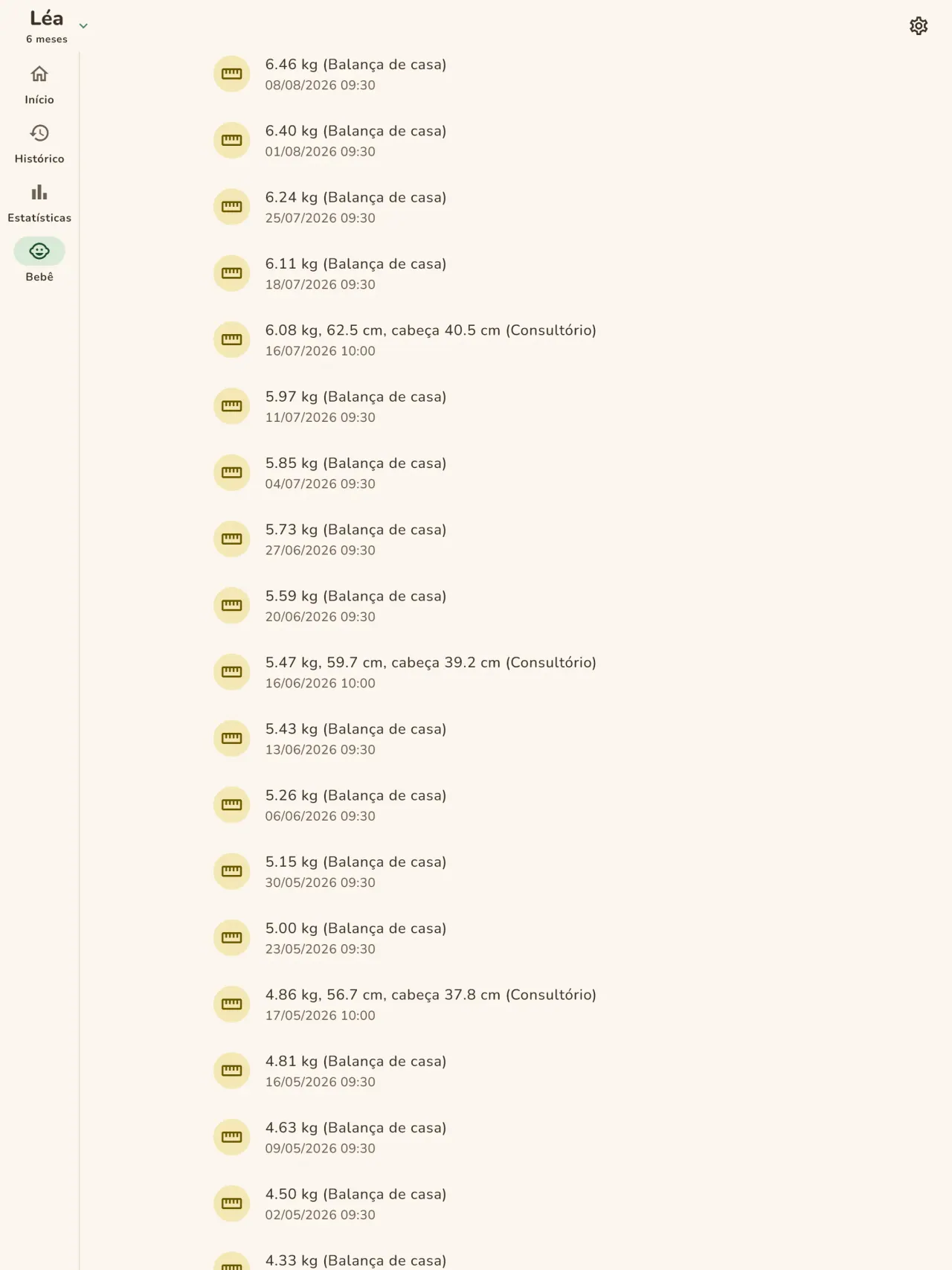
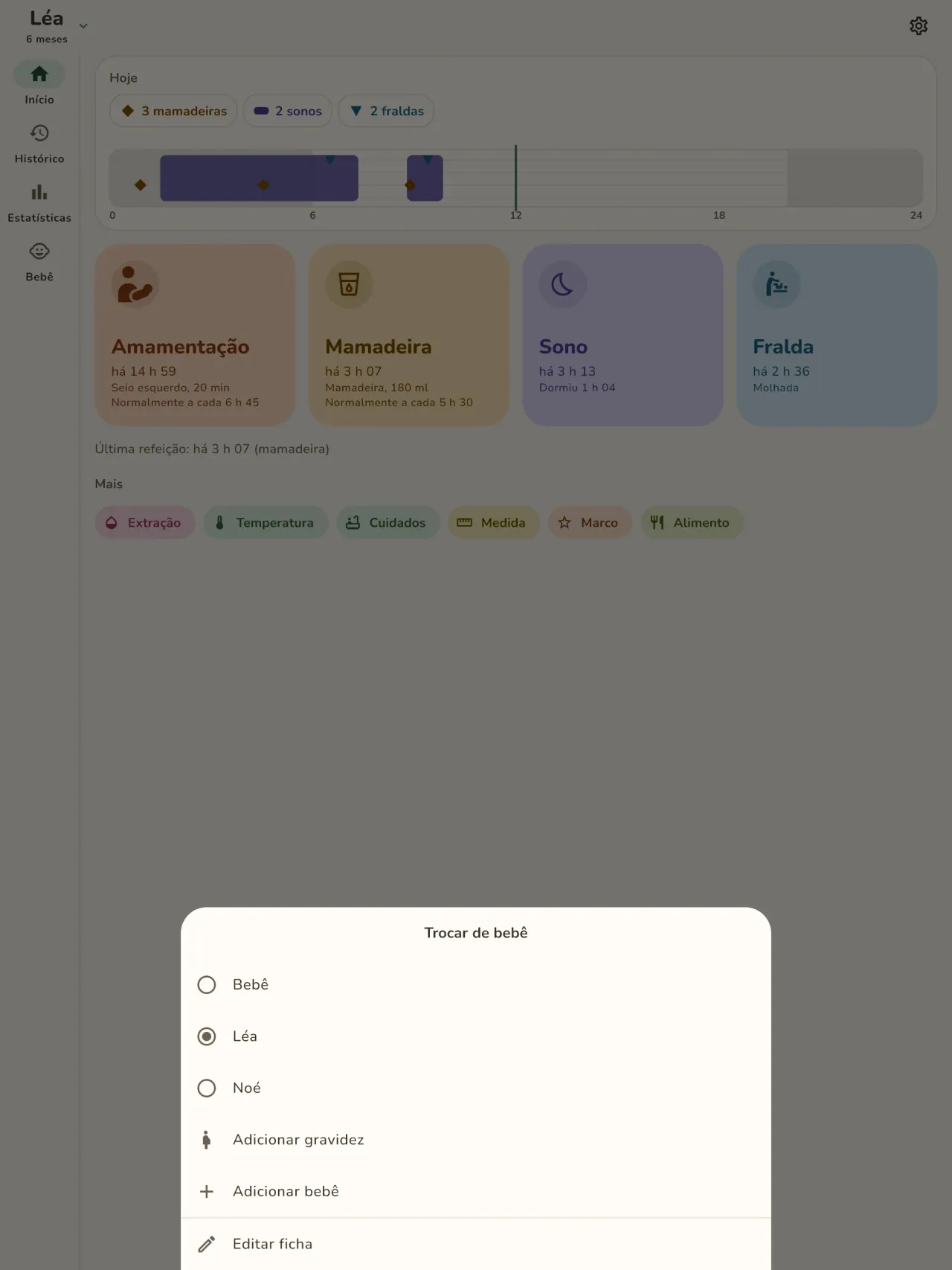
Obtenha Little Relay.
Grátis no iPhone e no Android.
Privacy policy
A política de privacidade e os textos de suporte abaixo estão em inglês. A versão em inglês é a de referência.
Last updated: 2026-11-02
Little Relay is a baby tracker: feeds, sleep, diapers, measurements, first foods, milestone photos and pregnancy tools. The short version: everything stays on your phone, the app has no internet access, and we collect nothing.
What the app handles
The entries you type: feeds, sleep, diapers, weight and height, temperature, routine care, foods (given, or on your own "to try" list), milestones and notes, and your child's first name and birth date if you enter them. This is health information about a child, so we treat it as sensitive. It is stored only in the app's private storage on your phone. There is no account, no sign-in, no server and no cloud copy. Your preferences (language, appearance, when the app last suggested support) also stay on your phone.
What we collect
Nothing. No analytics, no advertising identifier, no crash reporting, no third-party SDK that sends data. The app needs no network to work and the app declares no internet permission. You can check this by using the app in airplane mode: everything works the same.
Permissions
The app asks for no permission that gives access to your data or to the internet. The Android install details list the following, all of them declared by the app or by the library it uses:
- Notifications (Android 13 and later, and iOS): asked only when you set your first reminder. A screen explains why before the system asks, and you can refuse: everything else works the same, you just get no reminder. A reminder is one local notification at the date and time you choose, with a short text that names the type of activity (for example "Time for the bottle?"). It holds no name, no amount and no health value, and for sensitive types (temperature, measurements, medicine, vaccines) it is neutral ("Remember to note an entry"). It is scheduled on your phone and never sent anywhere.
- Vibrate, keep the phone awake, background task, restart after reboot (Android): they let a reminder ring and come back after a reboot, and let the home screen widget save an entry reliably. They give no access to your data.
- Network state (Android, added by the in-app purchase library): the app only reads whether the phone is online. It sends nothing.
- In-app purchases (Android, Google Play Billing): for the optional tips, handled by Google Play.
The app does not request internet access, location, contacts, camera or microphone. When you attach a photo to a milestone, the app opens the system photo picker, which lets you hand over only the picture you choose, so the app never gets access to your photo library.
Files, backups and deletion
Milestone photos: a photo you attach to a milestone is copied into the app's private storage on your phone, with a small thumbnail. It is never uploaded or shared. Removing a milestone removes its photo.
Export: if you export a report for your child's doctor (a PDF), the app builds it on your phone and hands it to the system share sheet. You choose where it goes. The app does not send it anywhere. If milestones of the period have photos, the app asks first whether to include them: when you leave "Include photos" ticked, small copies of up to 30 of these photos go into the PDF. Untick it to keep the photos out of the report.
Backups: your phone's own backup (Google backup on Android, iCloud on iPhone) is controlled by your phone's settings, not by us. The app does not turn it off, so that backup may include the app's data, depending on those settings. The encryption key for the app's database stays in your phone's keychain. To move your entries to a new phone, use the backup file in Settings: the app writes one file on your phone, you choose where to keep it, and you import it on the new phone.
Deletion: a delete-all-data button in the app erases your entries and every photo and thumbnail. Uninstalling the app also deletes its data from your phone.
Optional support
If tips are offered, they are in-app purchases handled by Apple or Google. They unlock nothing, and the app receives no personal data about you from them.
Retention
Your entries, children and milestone photos are kept on your phone until you delete them: one entry at a time, a milestone with its photo, a child, the delete-all-data button, or uninstalling the app. We keep no copy on our side, so there is no retention period to apply on our side. Your phone's own backup may hold a copy, depending on its settings. A backup file you export yourself stays wherever you put it, until you delete it.
Medical information
Little Relay records what you tell it. It gives no medical advice and is not a medical device. Ask your doctor or midwife about your child's health.
Contact form on this website
If you write to us through this site, we use your message and the email address you optionally give only to reply. Bot protection is provided by Cloudflare and email delivery by Resend.
Language choice on this website
When you choose a language, or when this site opens a page in your browser's language, it stores
one small functional cookie (pxl, a language code, one year) so that your choice is
remembered. If this site suggests a page in your browser's language and you close that suggestion,
your browser also keeps a local note (pxl-banner-off, in local storage, 30 days) so the
suggestion does not come back. Neither identifies anyone, neither is used for tracking or advertising,
and neither is shared. You can delete them in your browser at any time.
Website statistics
This website uses Cloudflare Web Analytics to count visits (pages viewed, country, browser type, loading speed). It sets no cookie, does not use local storage, does not fingerprint your device, does not follow you across sites and does not build a profile of you. Search engines (for example Google Search Console) give us aggregated search statistics, without any data about individual visitors. Our own web server also counts the pages it serves: for each page it keeps the page address, the site or social network that sent you (only its name, or the campaign tag written in the link), the country, the type of device and whether the request came from a robot. It keeps no IP address, no identifier and no cookie, and these counts are anonymous. We use no advertising or other analytics service. None of this concerns the app itself, which collects nothing.
Children
Little Relay is a tool for parents and carers. It is not directed at children, and it records information about a child only because a parent typed it in.
Changes
An updated policy will be published at this URL with a new date above.
Contact
Questions about privacy: little-relay-contact@pixeon.net
Suporte
Última atualização: 2026-10-19
Little Relay é uma pequena aplicação independente. As respostas às perguntas mais frequentes encontram-se abaixo.
Fazemos o possível para responder dentro de alguns dias. Para nos ajudar, diga-nos o modelo do seu dispositivo, a versão do sistema e o que estava a fazer. Não envie informações sobre o seu filho nem quaisquer dados pessoais.
Que dados a aplicação guarda ou envia?
Os seus registos são guardados apenas no seu telefone. Nada é enviado para lado nenhum: a aplicação não tem conta, não tem servidor e não precisa de rede para funcionar. Consulte os detalhes na política de privacidade.
Posso partilhar o registo com o meu parceiro?
Ainda não. Esta versão funciona num único telefone. A partilha entre pais, com encriptação de ponta a ponta, está planeada para uma versão posterior.
Mudei ou perdi o meu telefone. Onde estão os meus dados?
Os seus dados estão no telefone onde os introduziu. A cópia de segurança do seu telefone (Google ou iCloud) é controlada pelas definições do seu telefone, não por nós, e pode incluir os dados da aplicação consoante essas definições. A chave de encriptação permanece no porta-chaves do seu telefone. A forma fiável de transferir os seus dados é exportar um ficheiro de cópia de segurança nas Definições do telefone antigo e importá-lo no novo. Não temos qualquer cópia, por isso não podemos recuperá-los por si.
Como mostro o registo ao meu médico?
Exporte um relatório em PDF a partir da aplicação. É criado no seu telefone e é você que escolhe para onde o enviar, por exemplo por e-mail ou para uma impressora.
Como elimino os meus dados?
Use o botão de eliminar nas definições da aplicação ou desinstale a aplicação. Ambas as opções removem tudo do seu telefone, incluindo fotografias de momentos importantes.
A Little Relay é uma aplicação médica?
Não. Regista o que introduz e não dá aconselhamento médico. Consulte o seu médico ou parteira sobre a saúde do seu filho.
Que idiomas estão disponíveis?
Inglês, francês, alemão, espanhol, português, italiano e árabe. A aplicação segue o idioma do seu telefone e pode alterá-lo nas definições.
Apoiar o projeto
Little Relay continua gratuita e sem anúncios. Se for útil para si, pode apoiar o seu desenvolvimento (opcional):
Buy Me a CoffeeOrçamento familiar e controle financeiro só no seu dispositivo. Sem conta.
Também da PixeonMetadata Cleanermetadados de fotos, exif: EXIF viewer para ler, corrigir e remover
Também da PixeonVaultMarkCofre de documentos criptografado. Marca d'água documento, remover metadados.
Também da PixeonMenuloopPlaneador de refeições com lista de compras e receitas com fotos, sem internet.
Também da PixeonIndie OfficeQuote maker and self-employed invoices. Offline, no account, no ads.