
Little Relay: seguimiento bebé
Seguimiento bebé: lactancia, sueño y alimentación complementaria

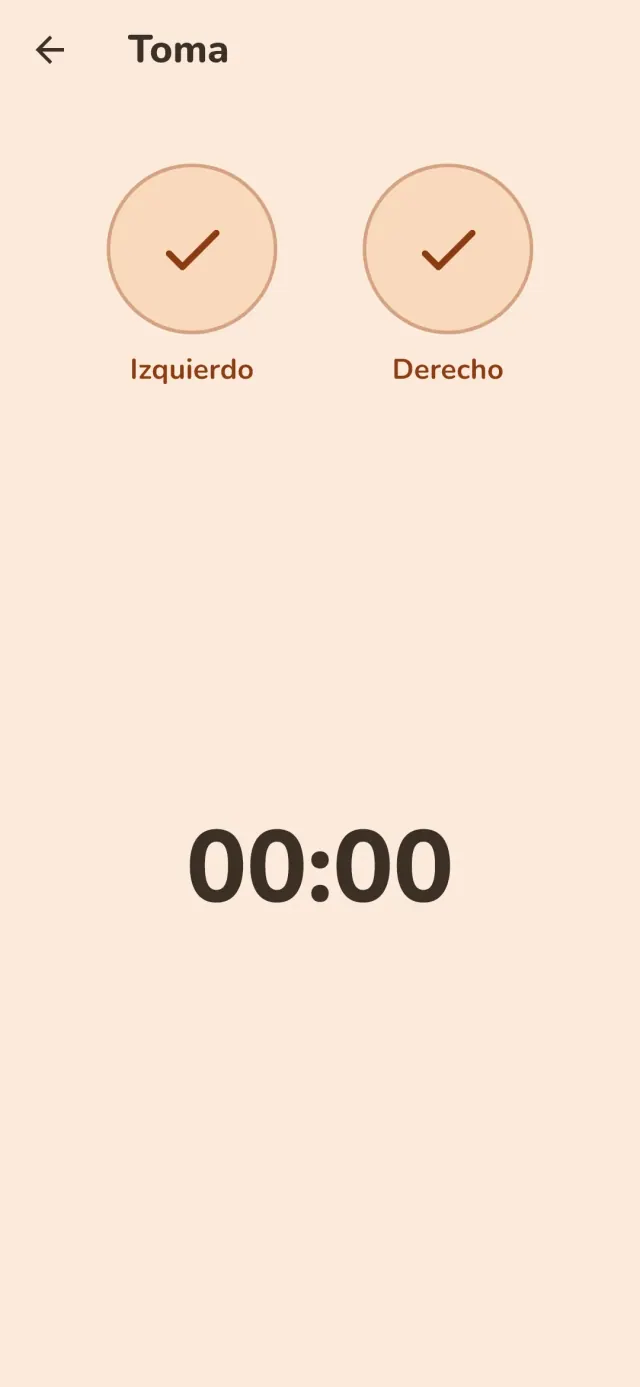
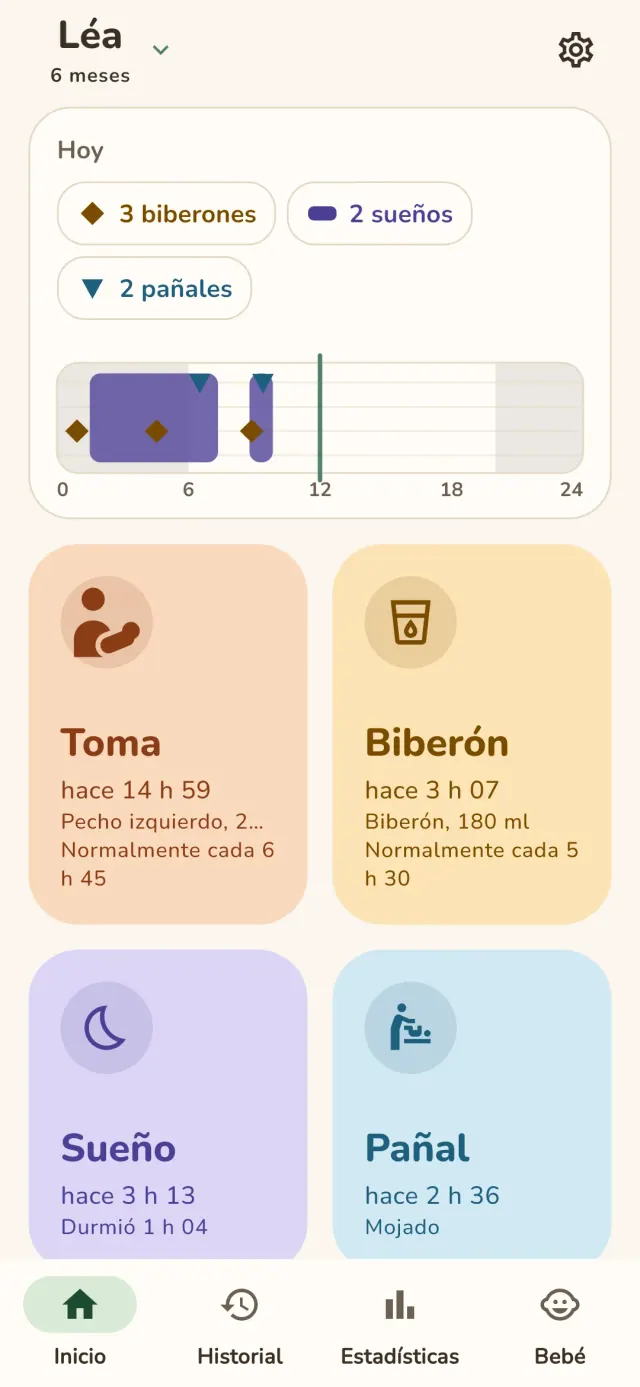
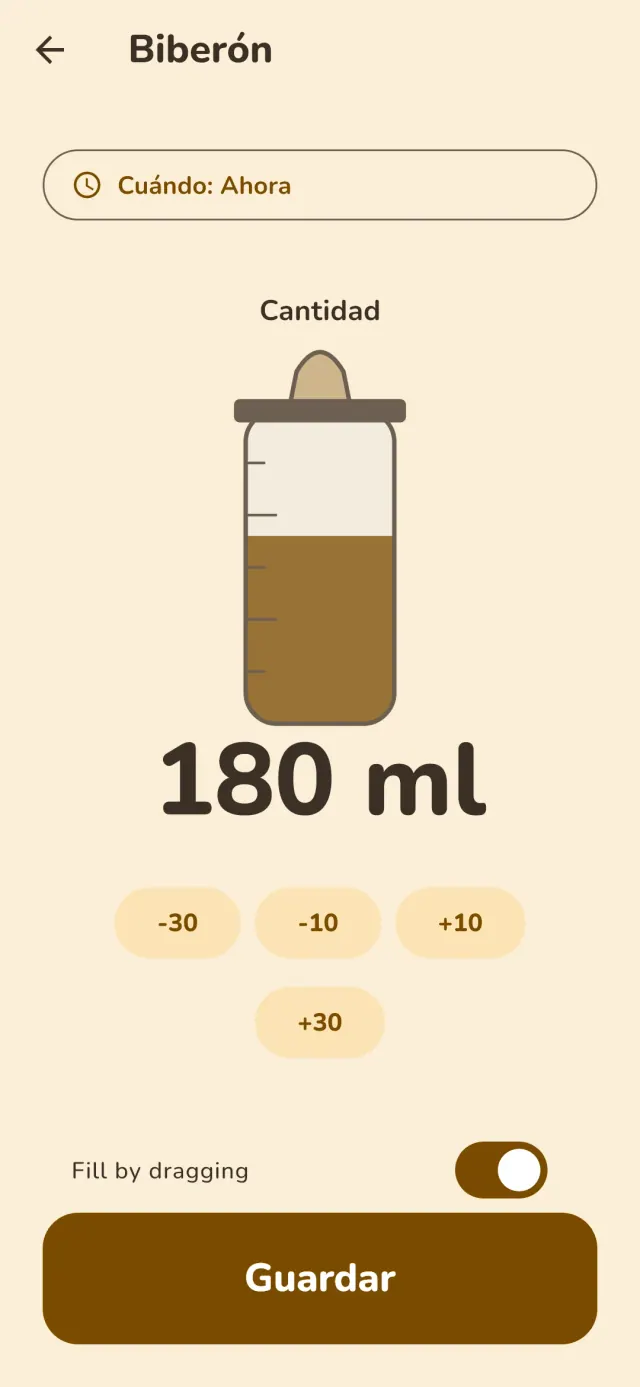
Little Relay es un diario de seguimiento bebé para los primeros meses, desde la lactancia hasta la alimentación complementaria. Todo se queda en su teléfono: sin cuenta, sin conexión y sin publicidad.
Qué hace Little Relay
Lactancia y biberón
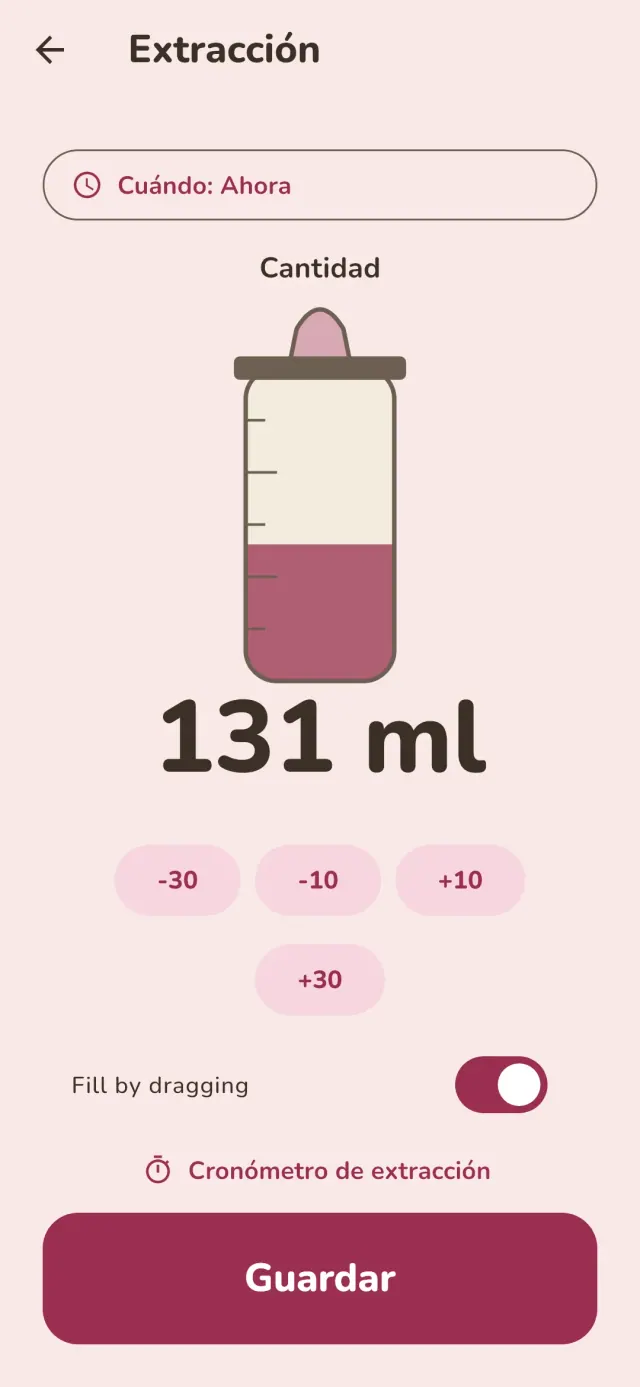
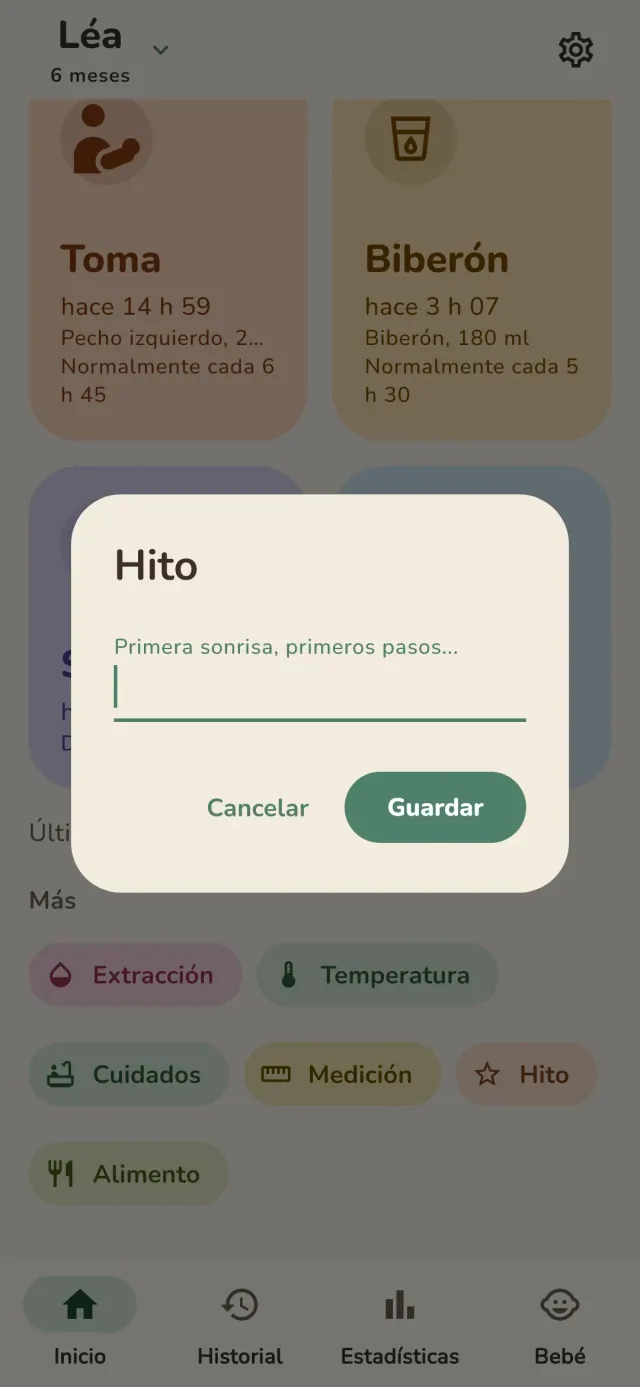
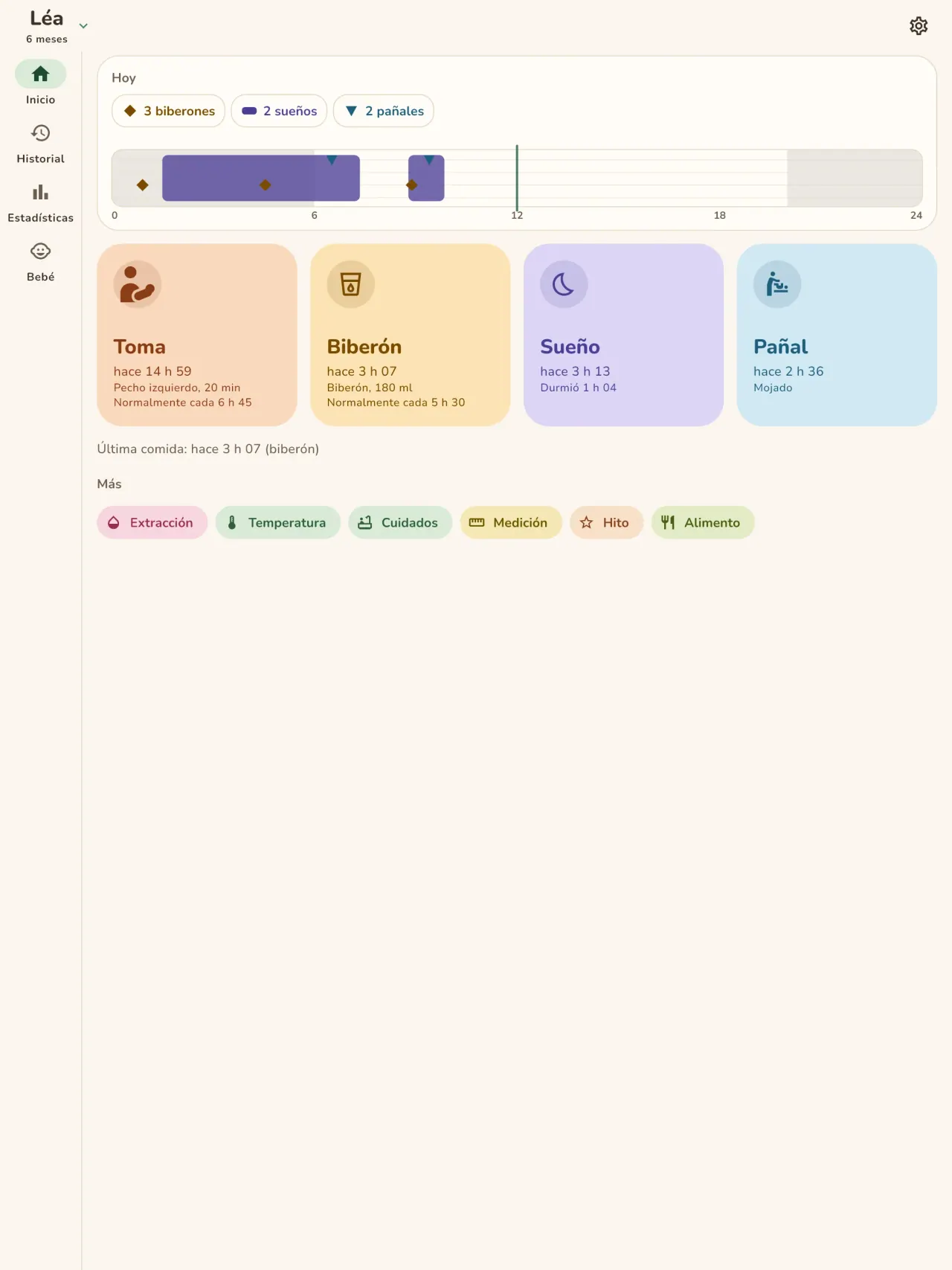
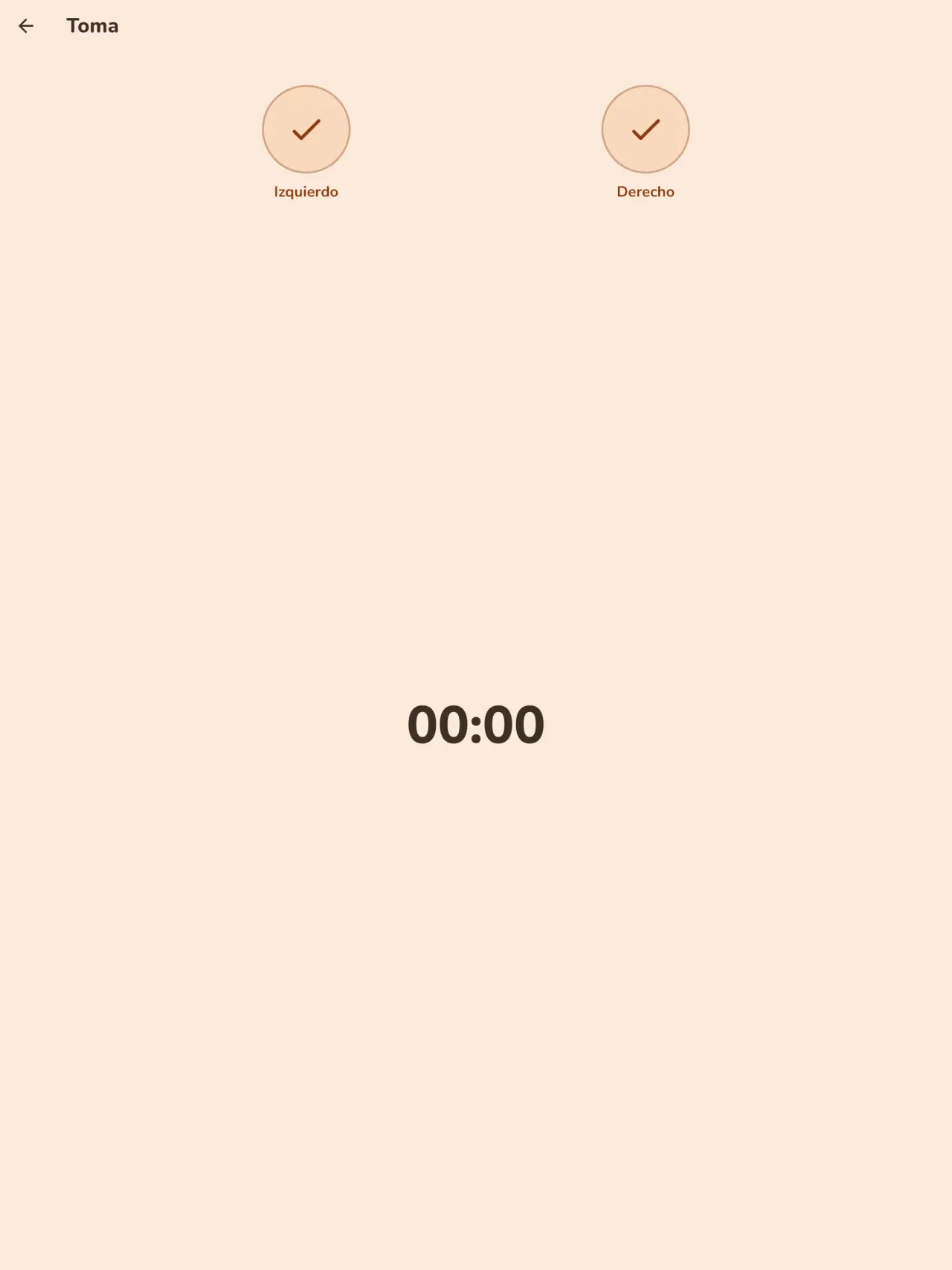
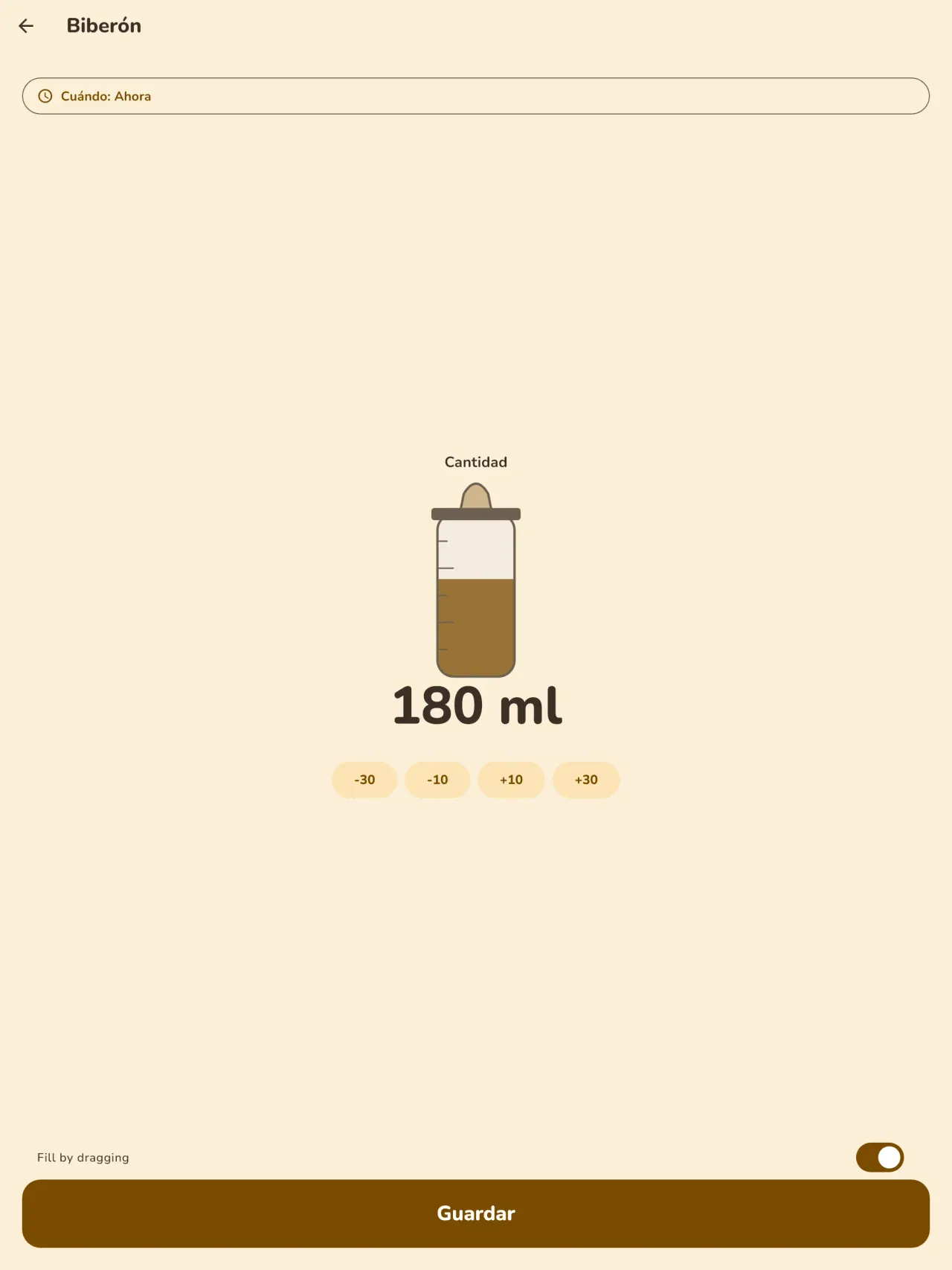
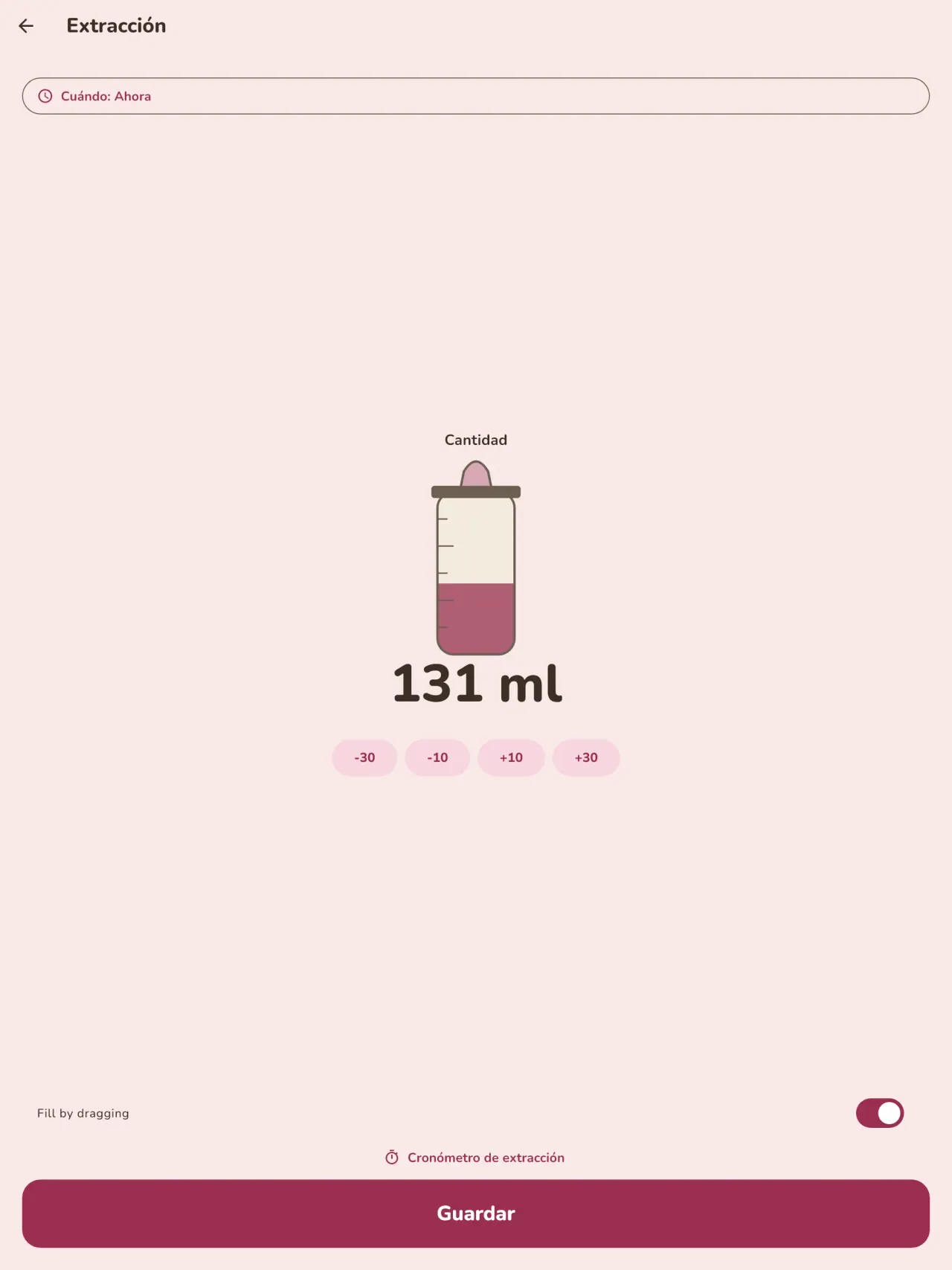
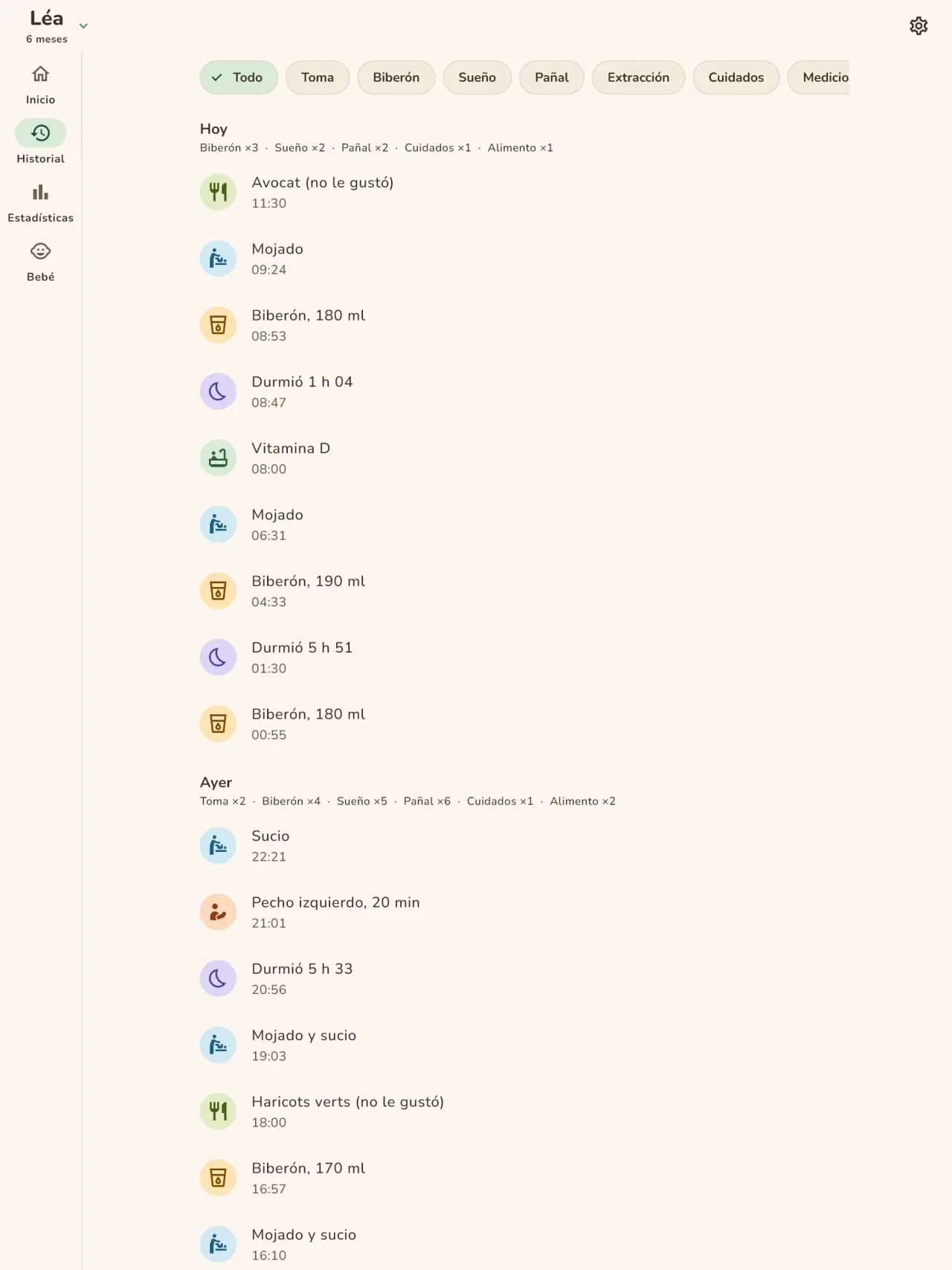
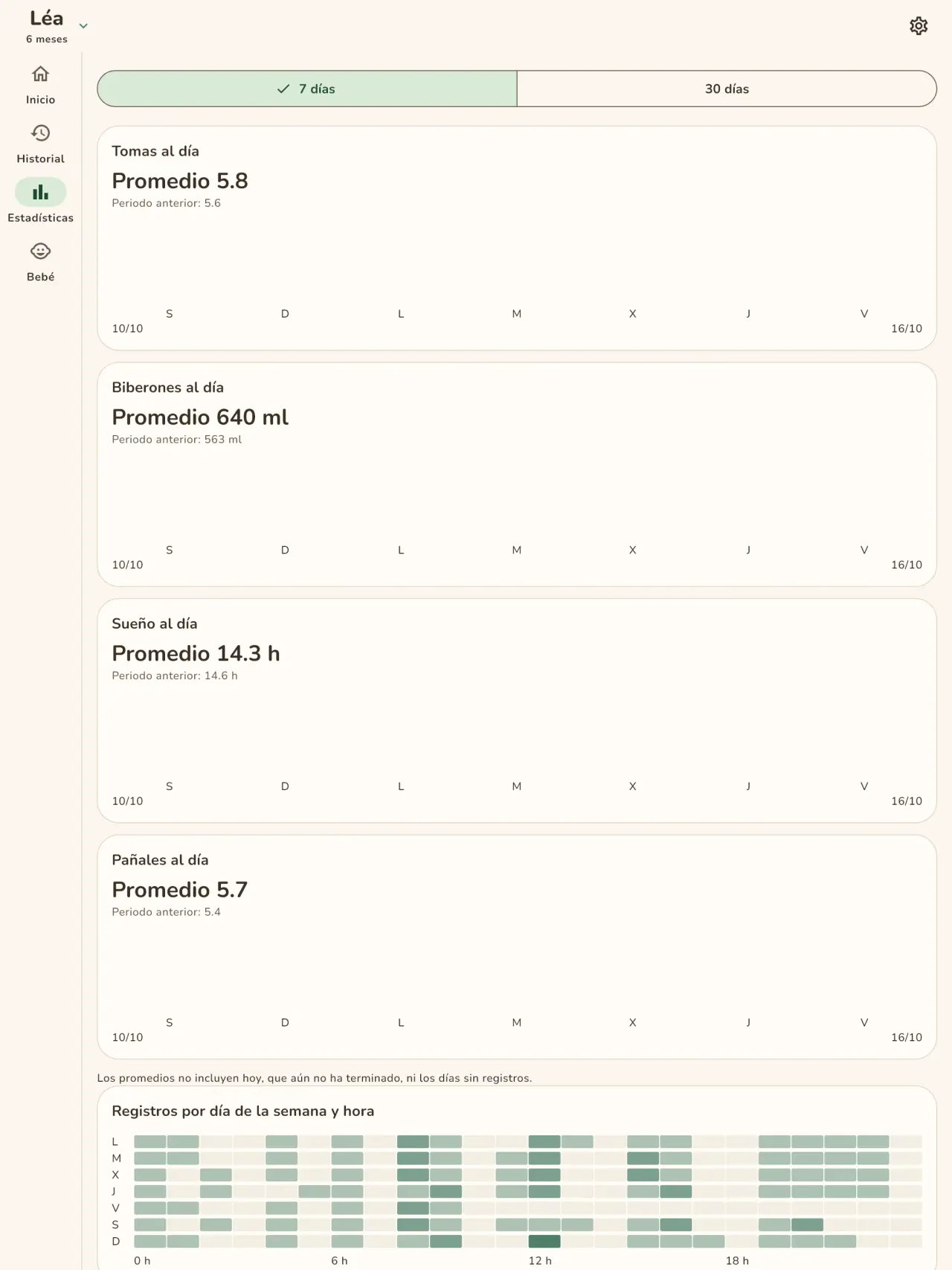
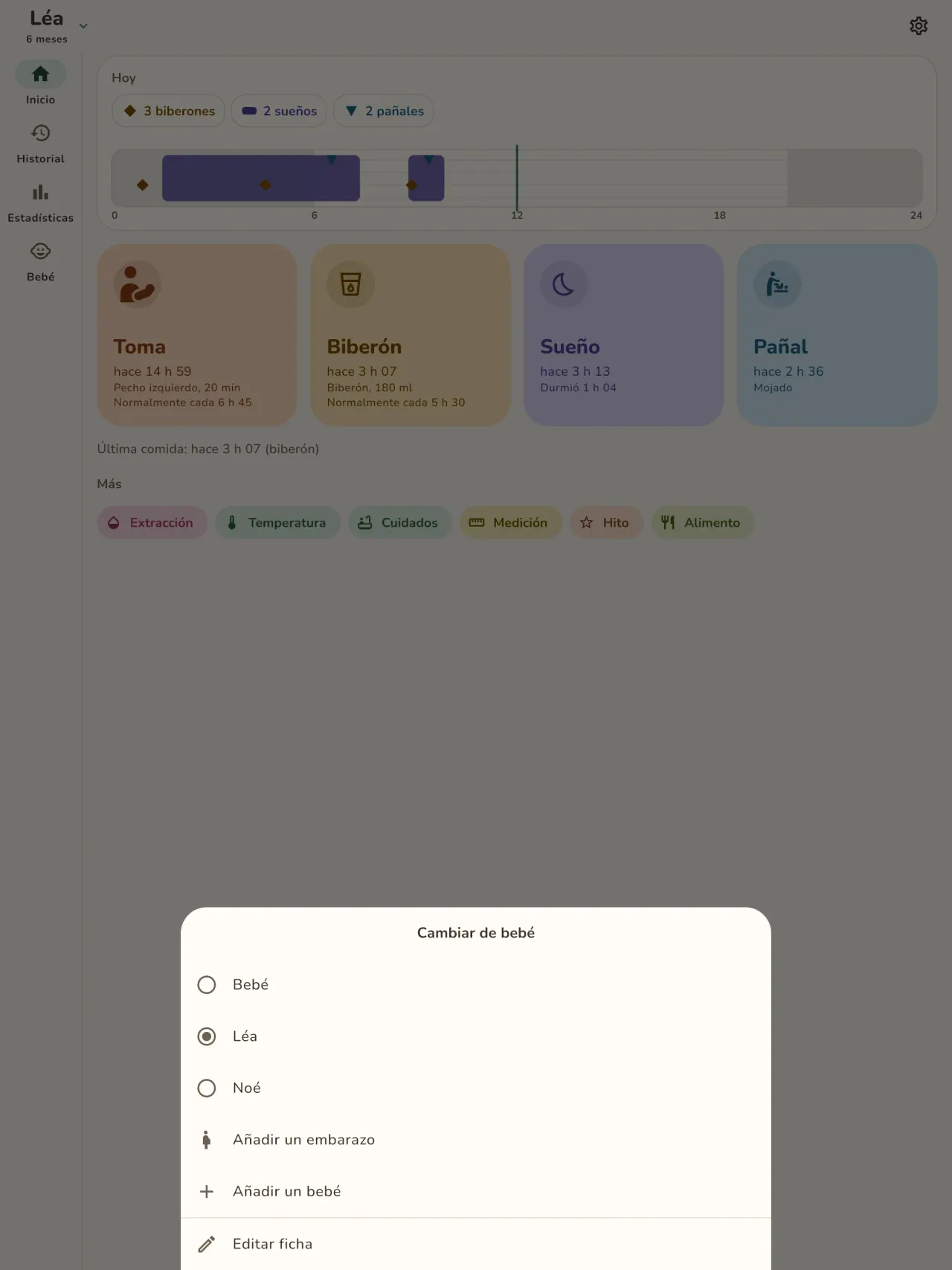
Registre cada toma con un toque: pecho izquierdo o derecho con temporizador y pausa, o el biberón con la cantidad en ml. La pantalla de inicio indica cuánto tiempo hace de la última toma y de qué lado fue. El extractor de leche tiene su propio registro.
Sueño y pañales
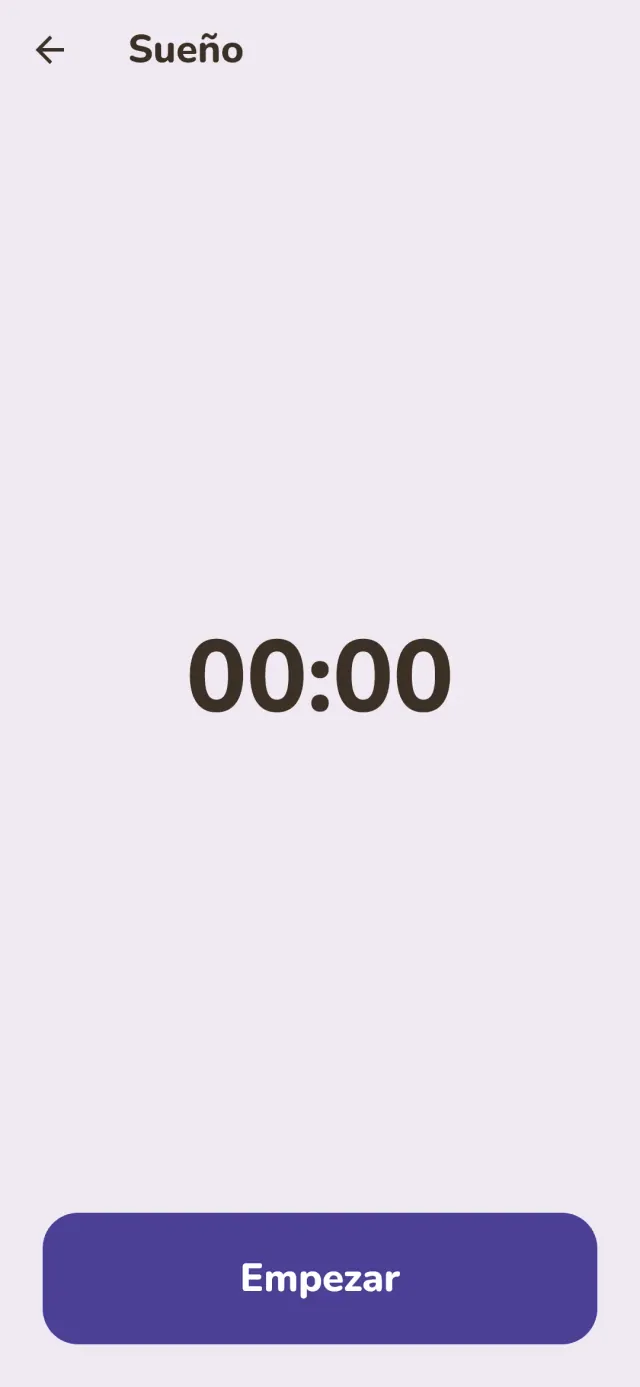
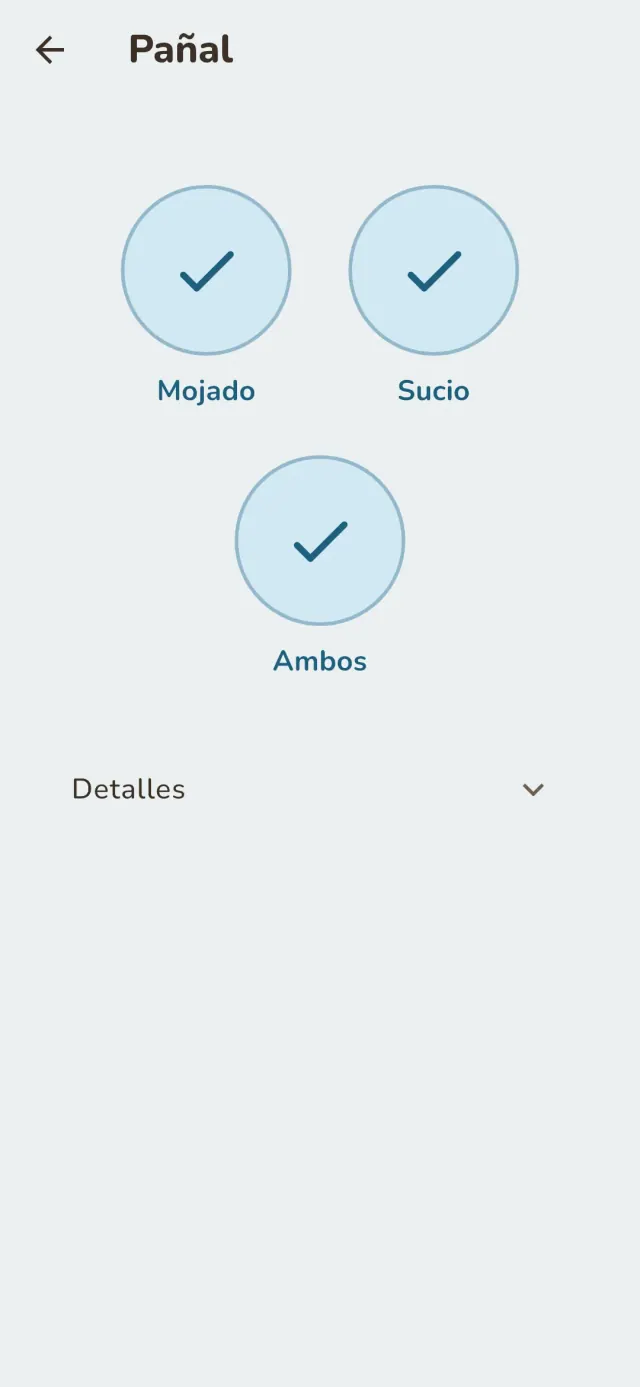
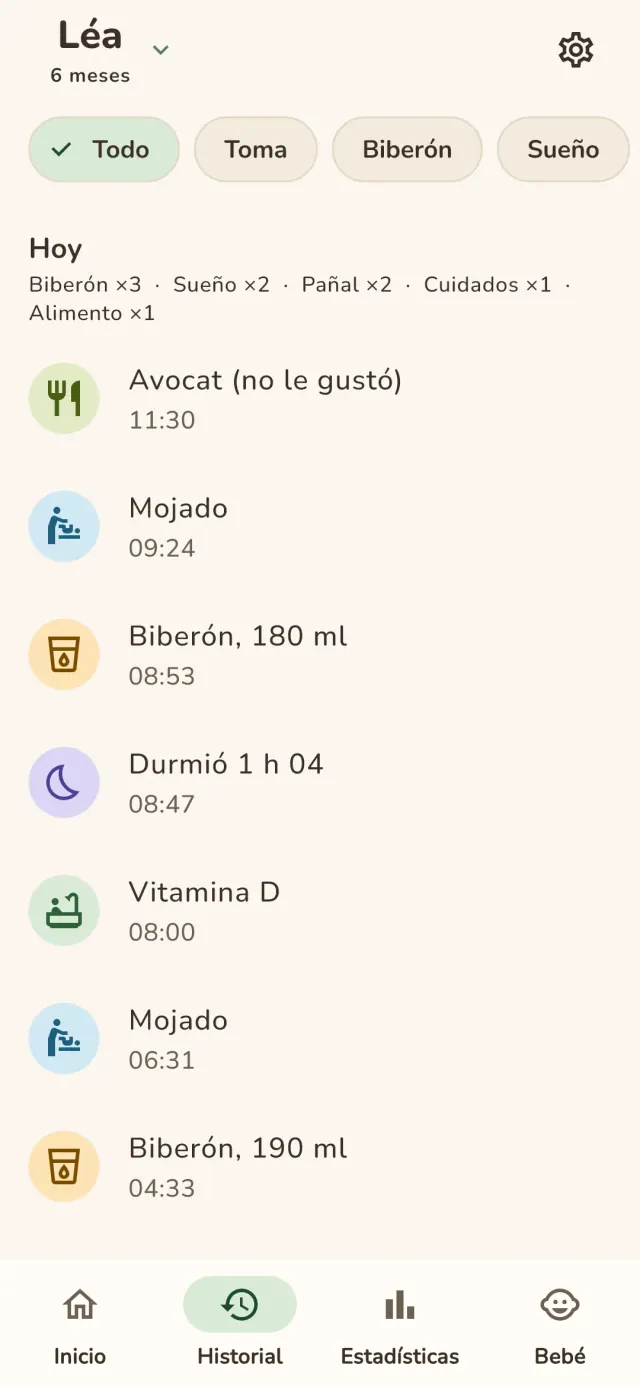
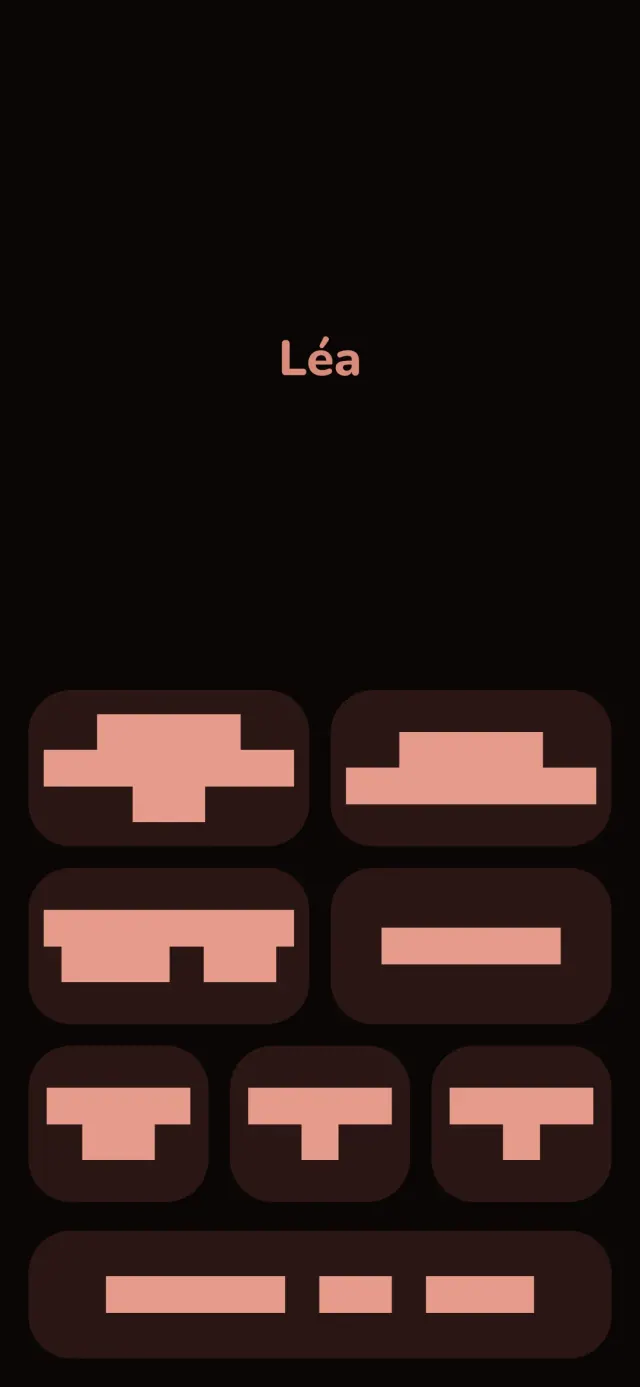
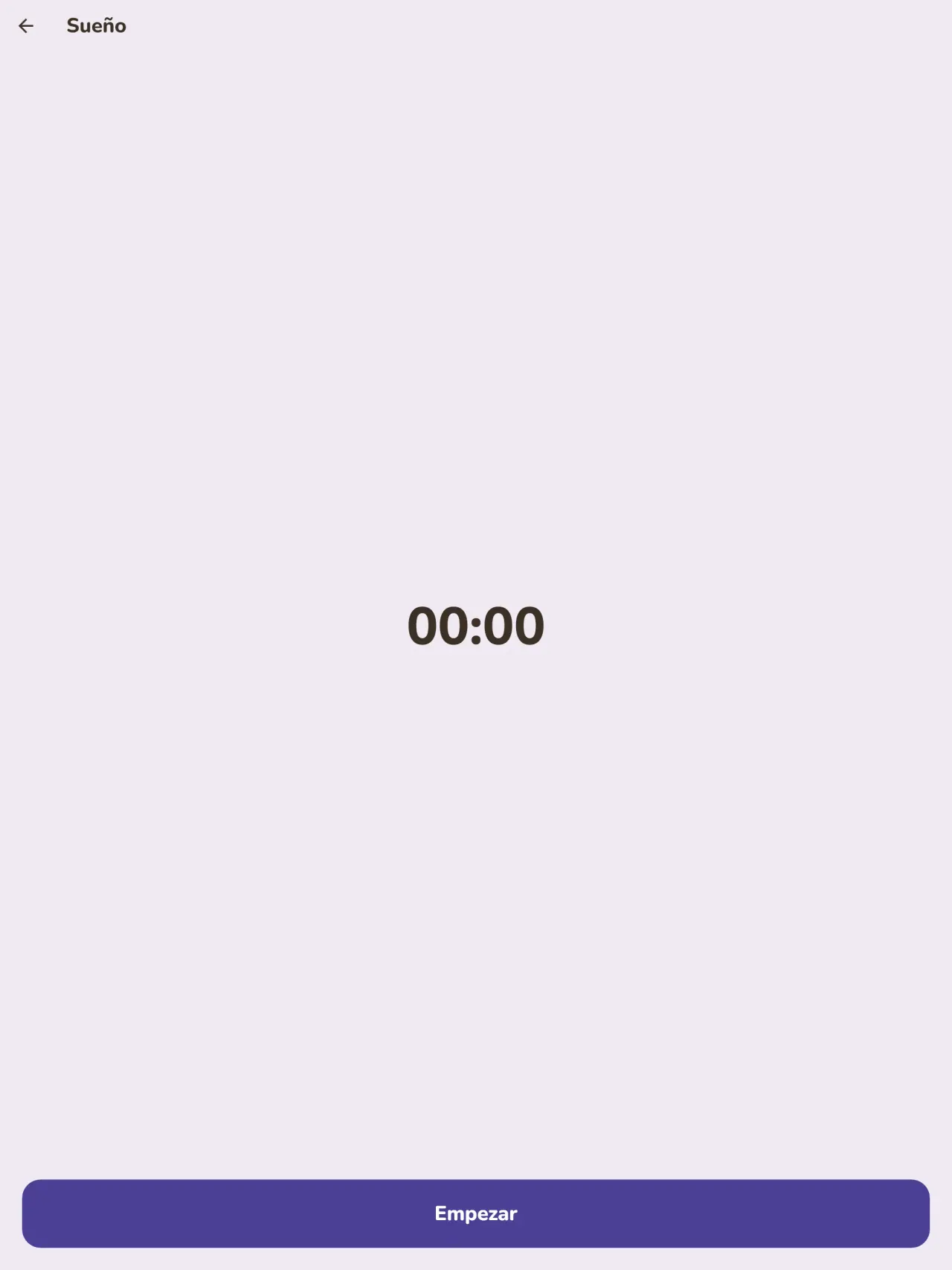
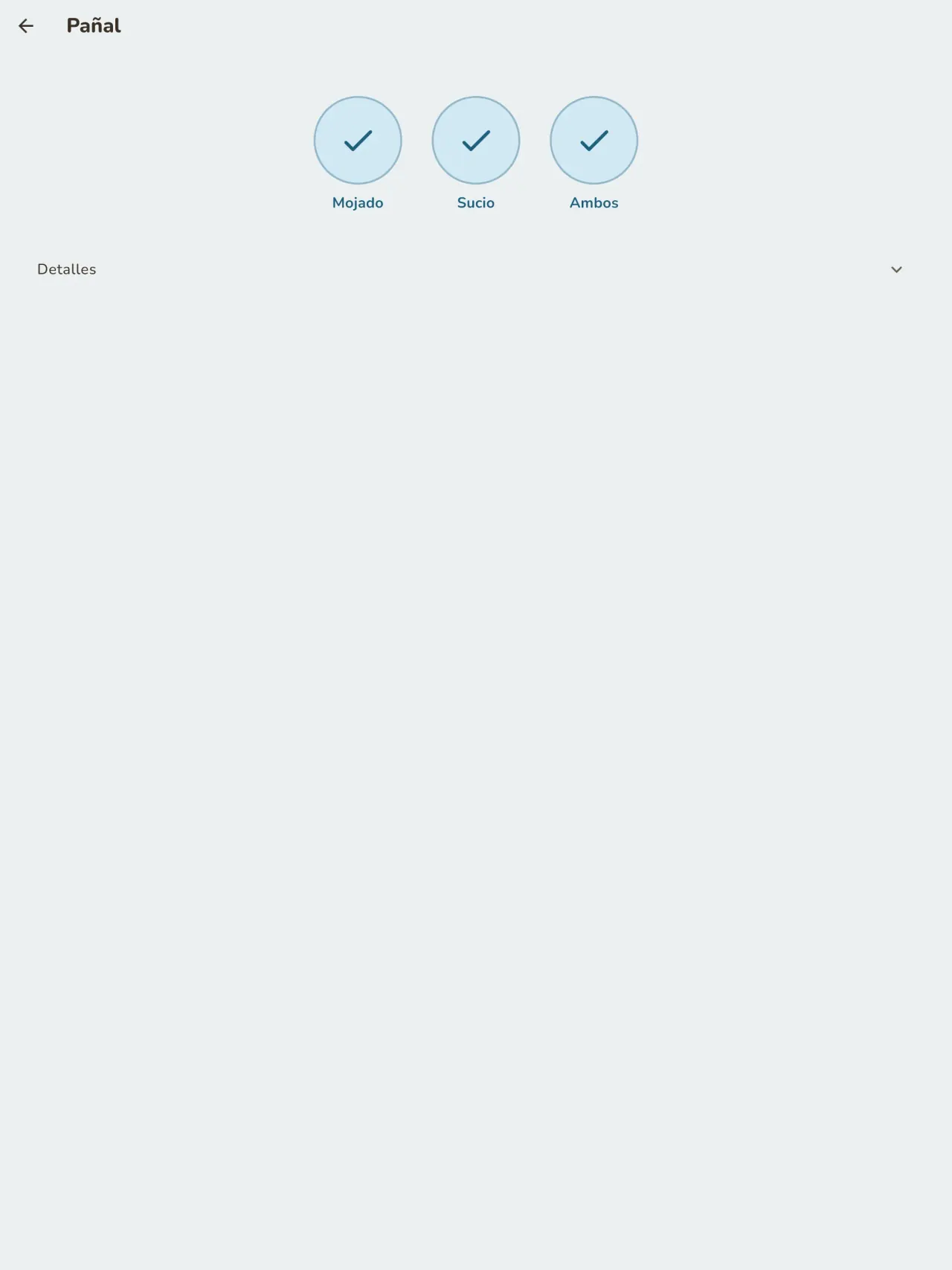
Inicie un temporizador para cada siesta o sueño y anote los pañales con un solo toque. El modo noche mantiene la pantalla oscura y los botones grandes, para usarla con una mano a las 3 de la mañana.
Curva de crecimiento
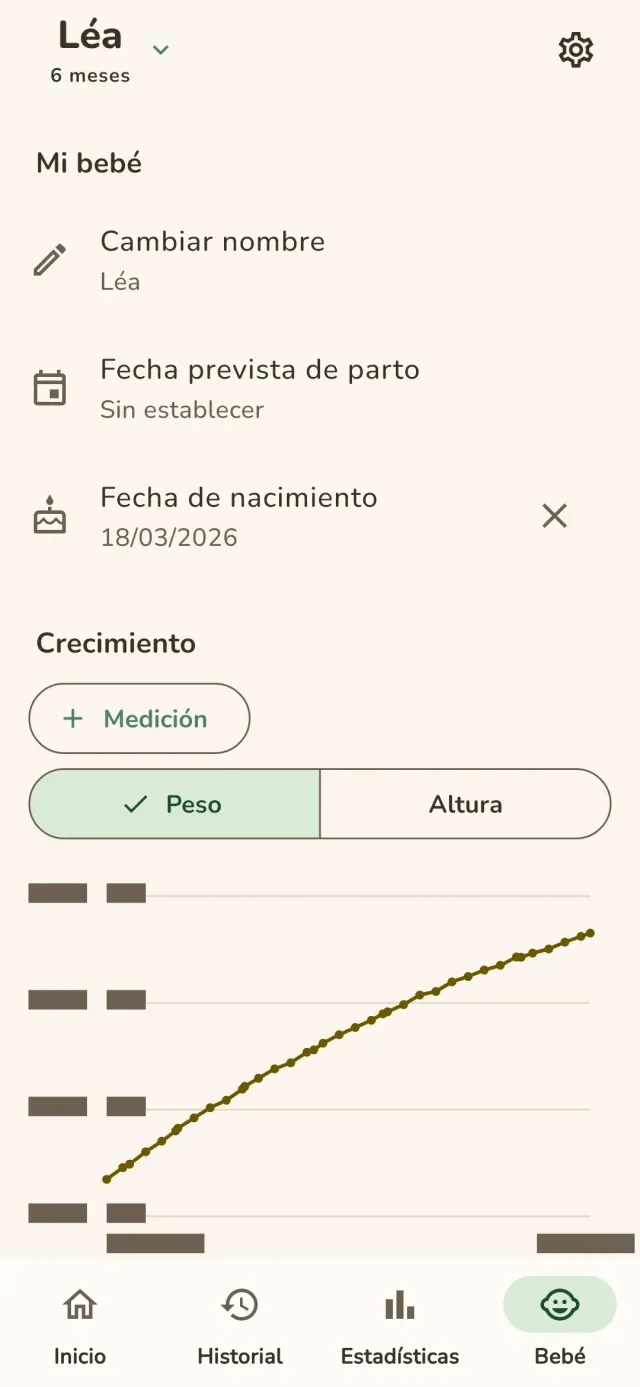
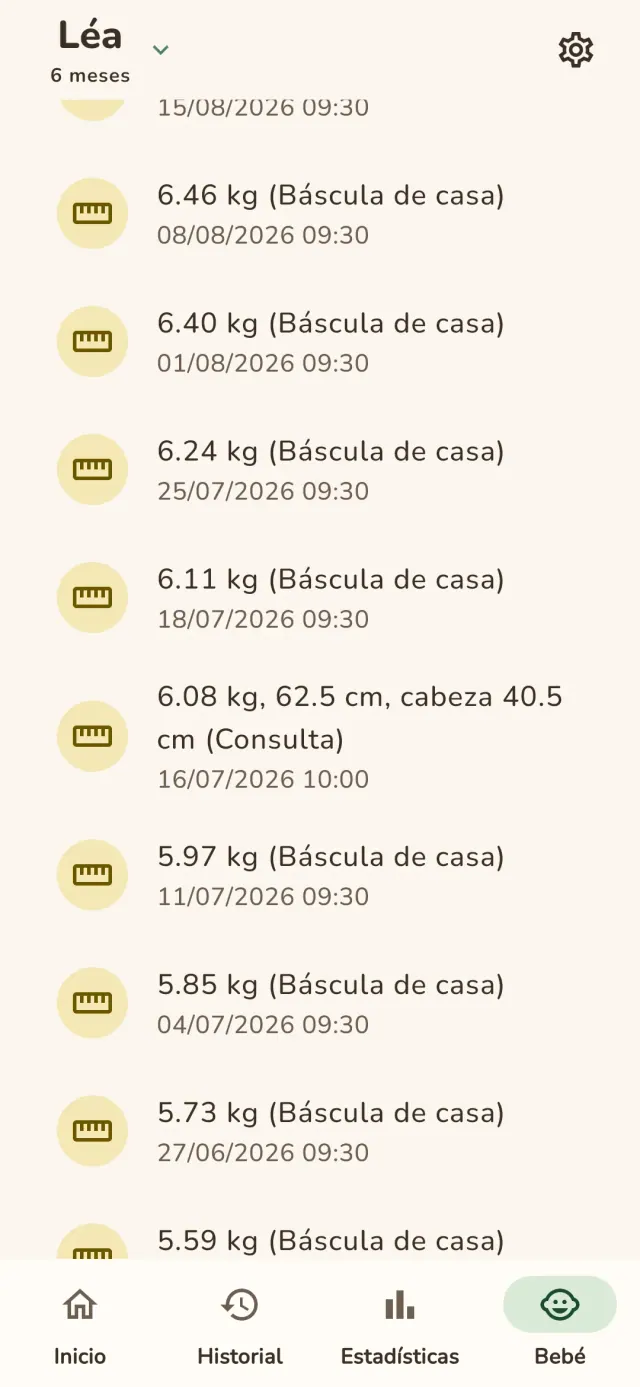
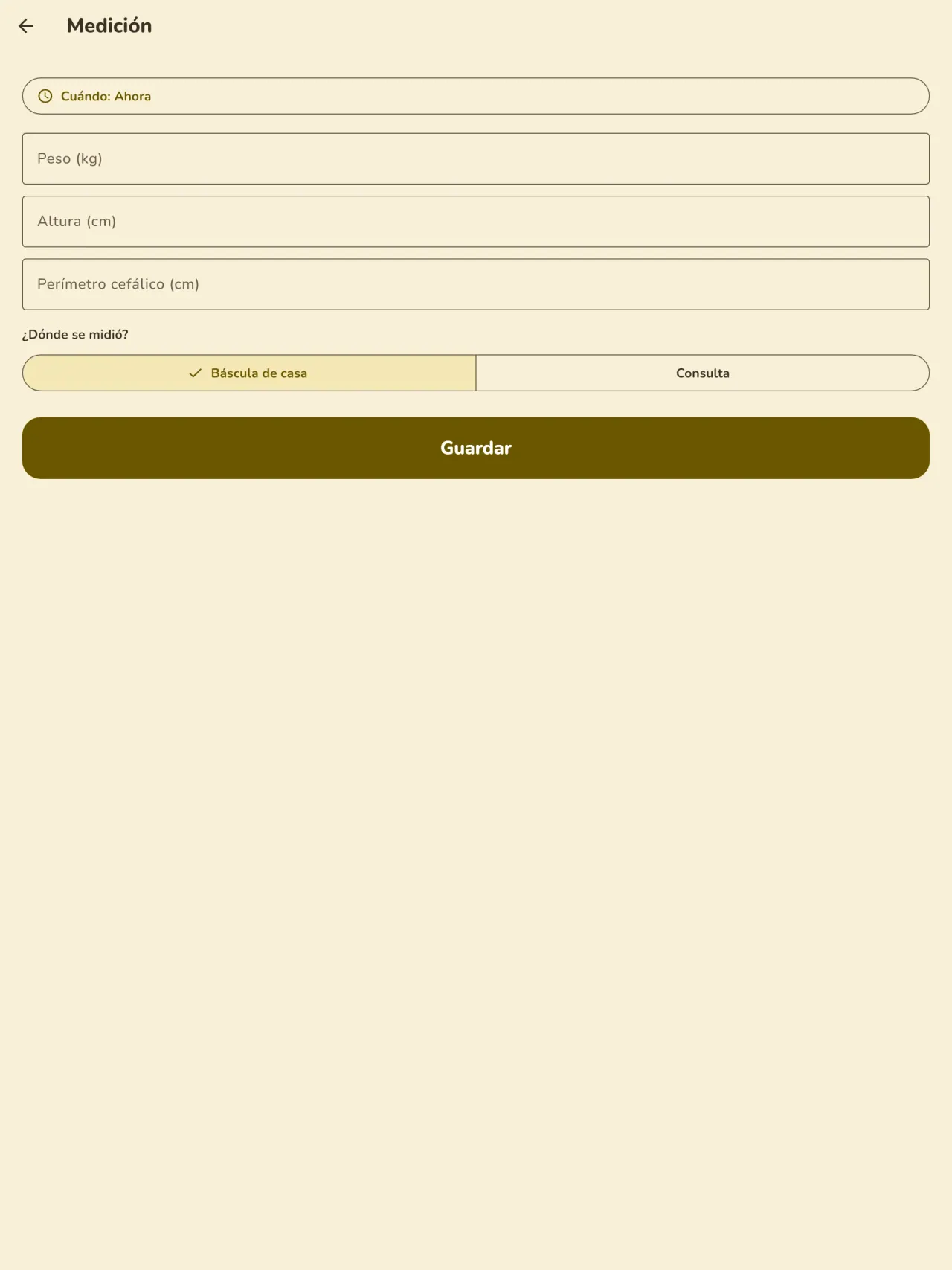
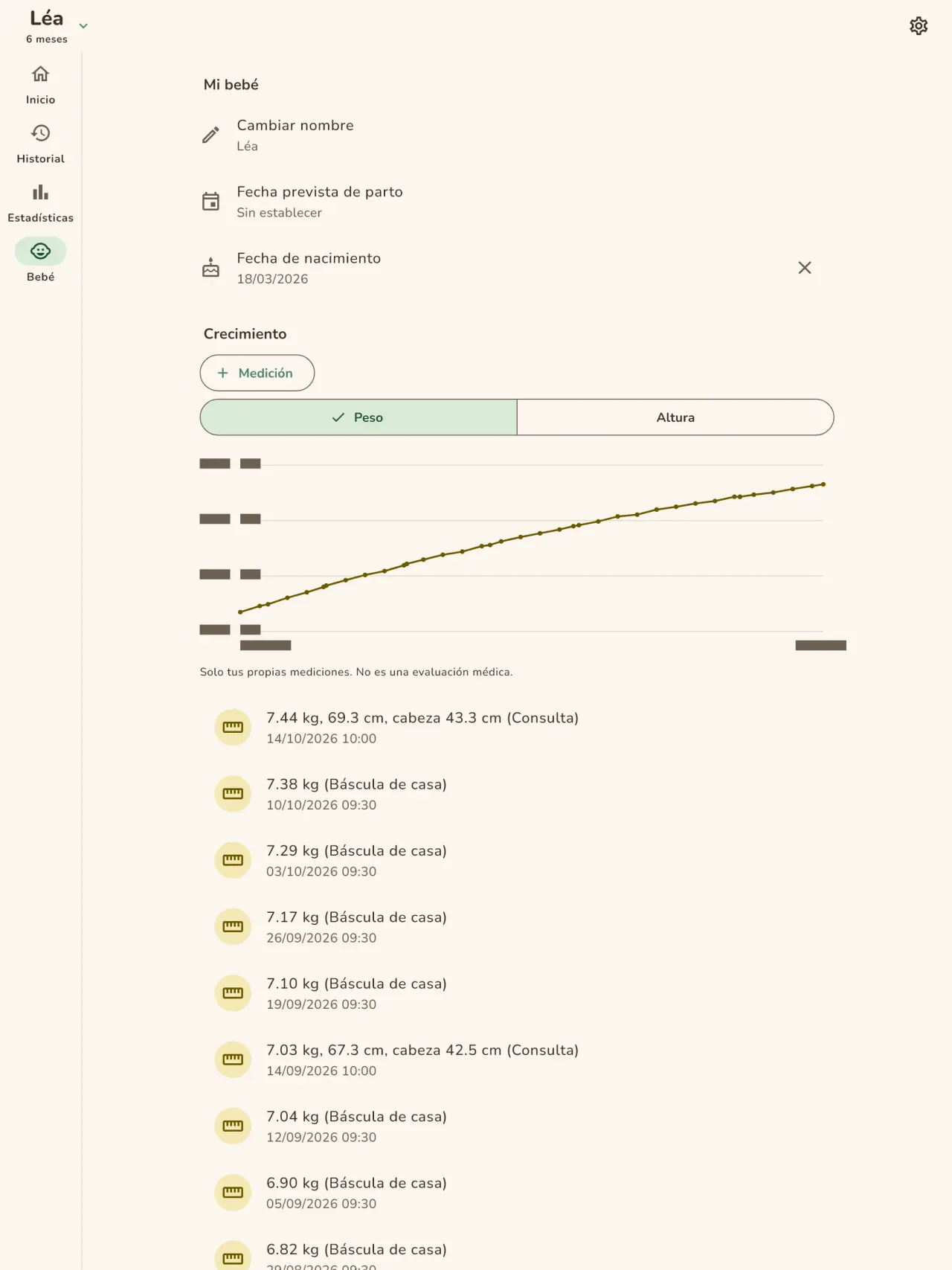
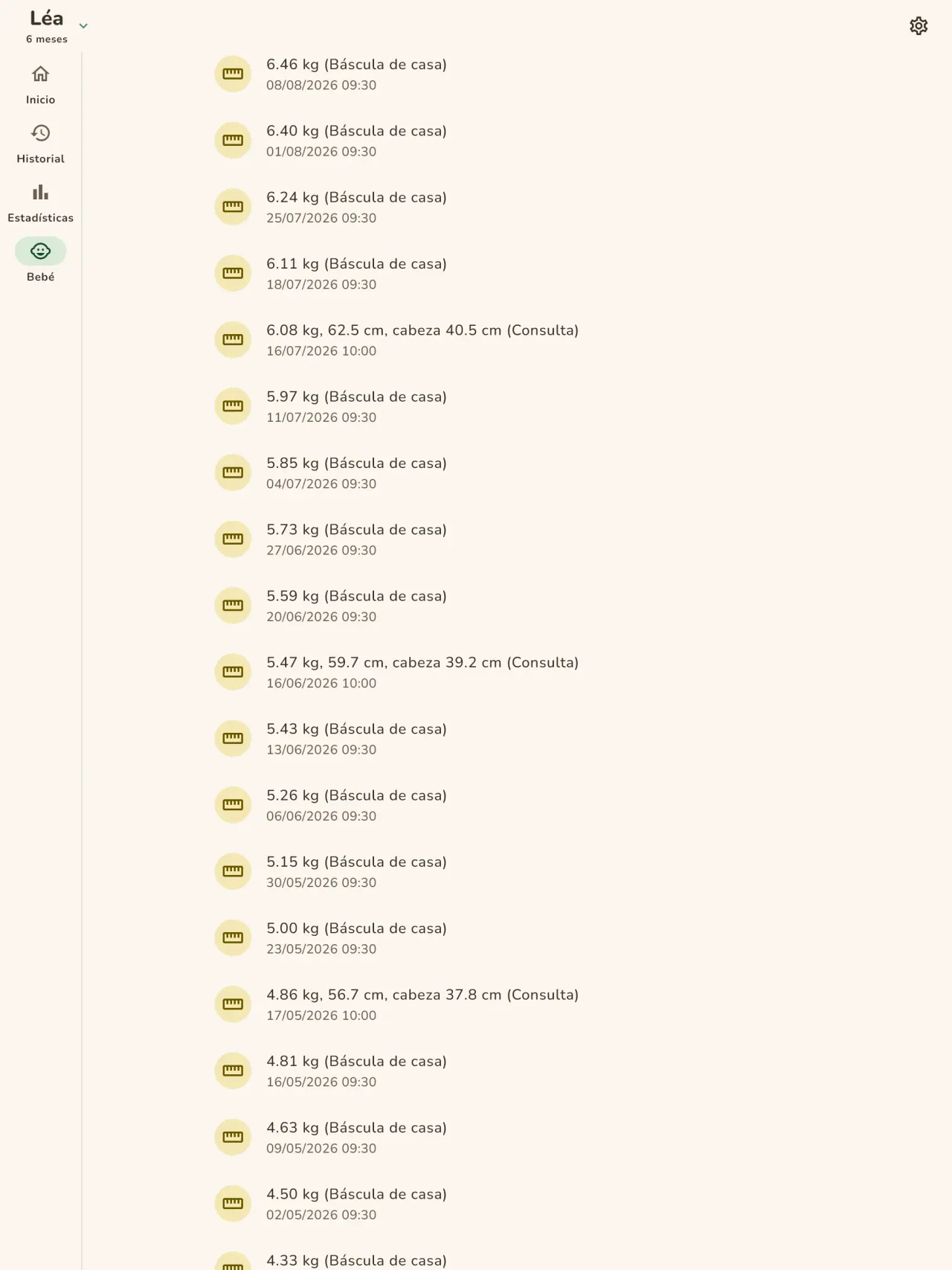
Introduzca el peso y la talla, e indique si la medida viene de su báscula o de la consulta. La curva de crecimiento se actualiza tras cada registro y se lee fácilmente de una cita a otra.
Alimentación complementaria
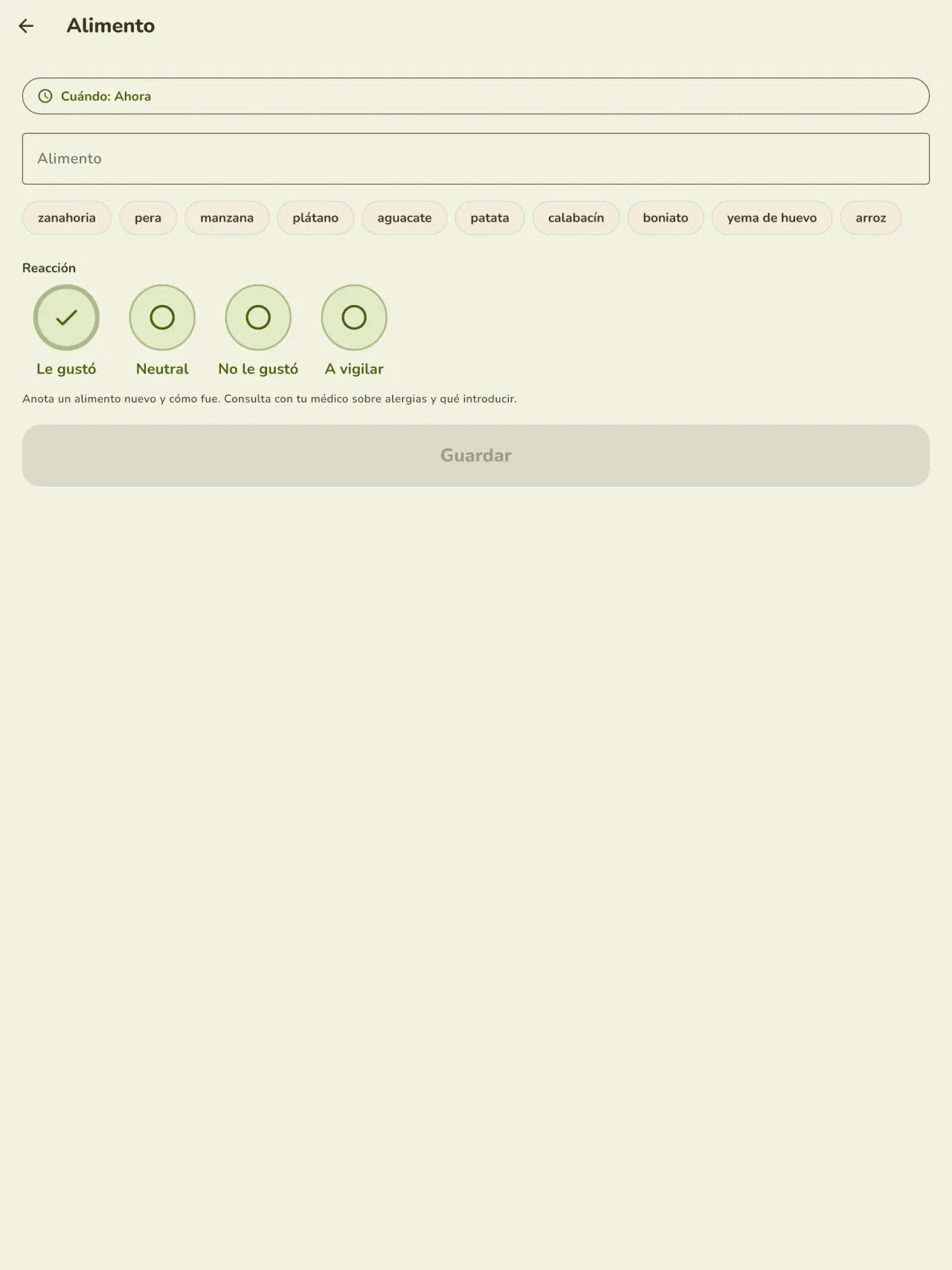
Anote cada alimento nuevo, la fecha y la reacción observada, y organice las comidas en un calendario.
Embarazo y antes del nacimiento
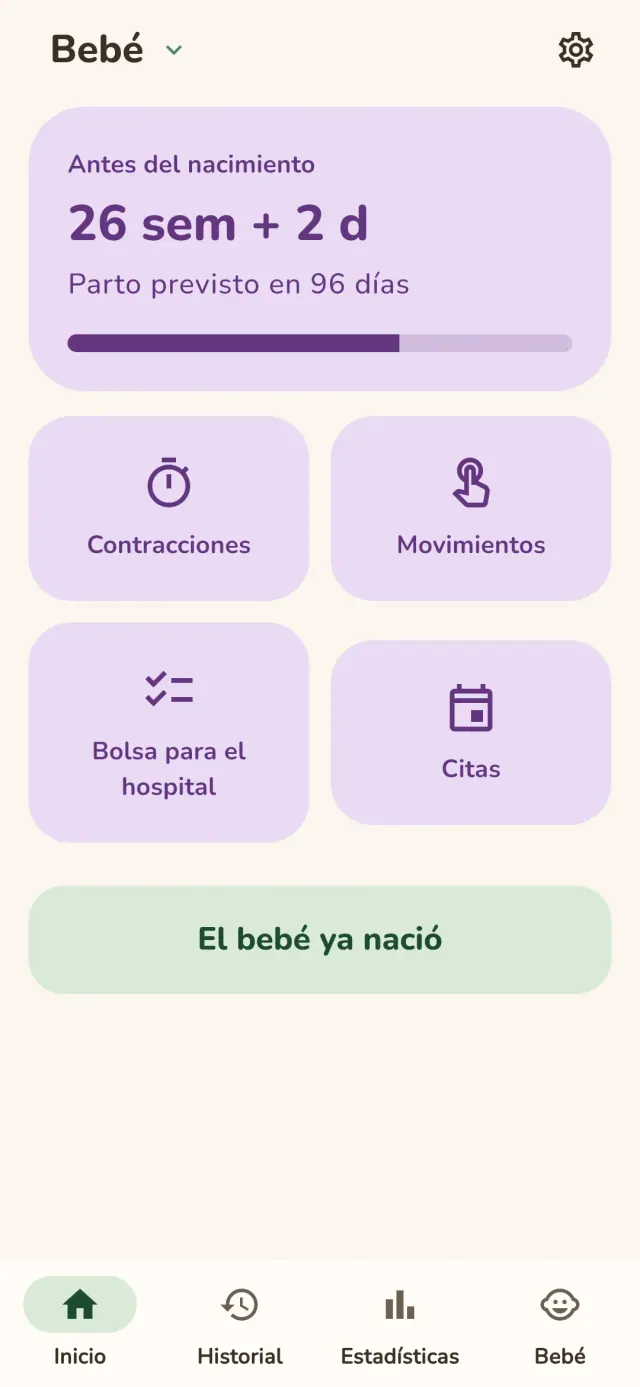
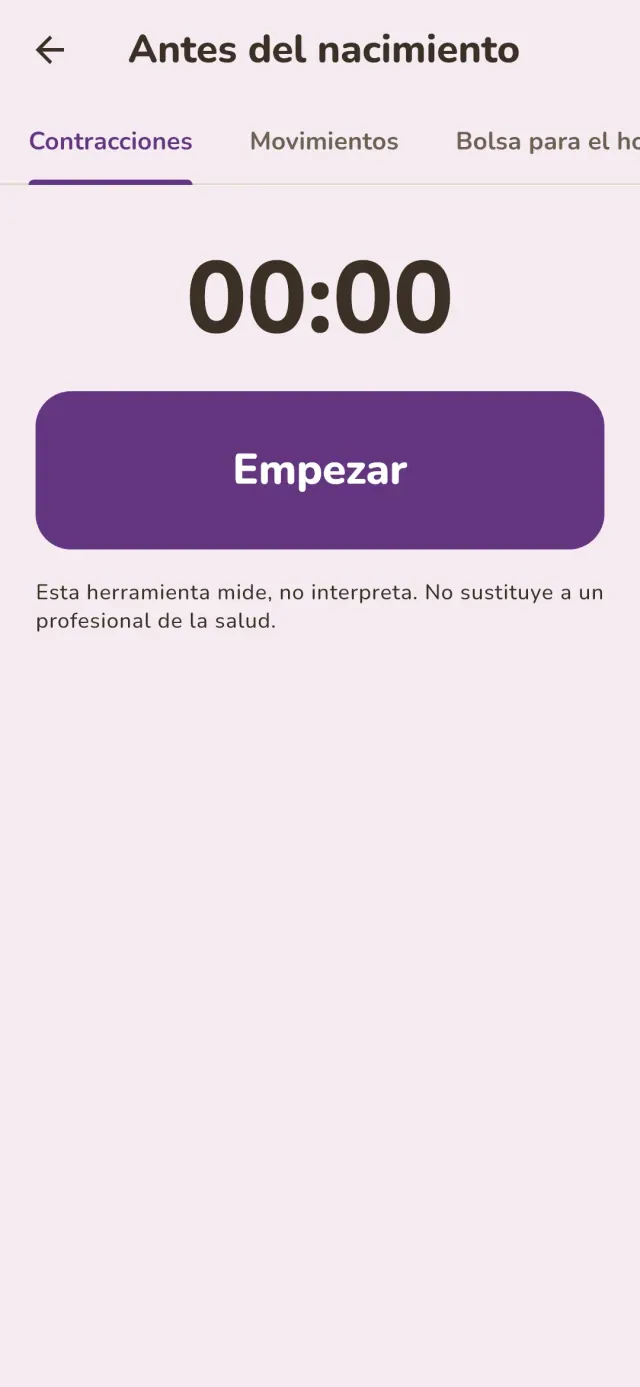
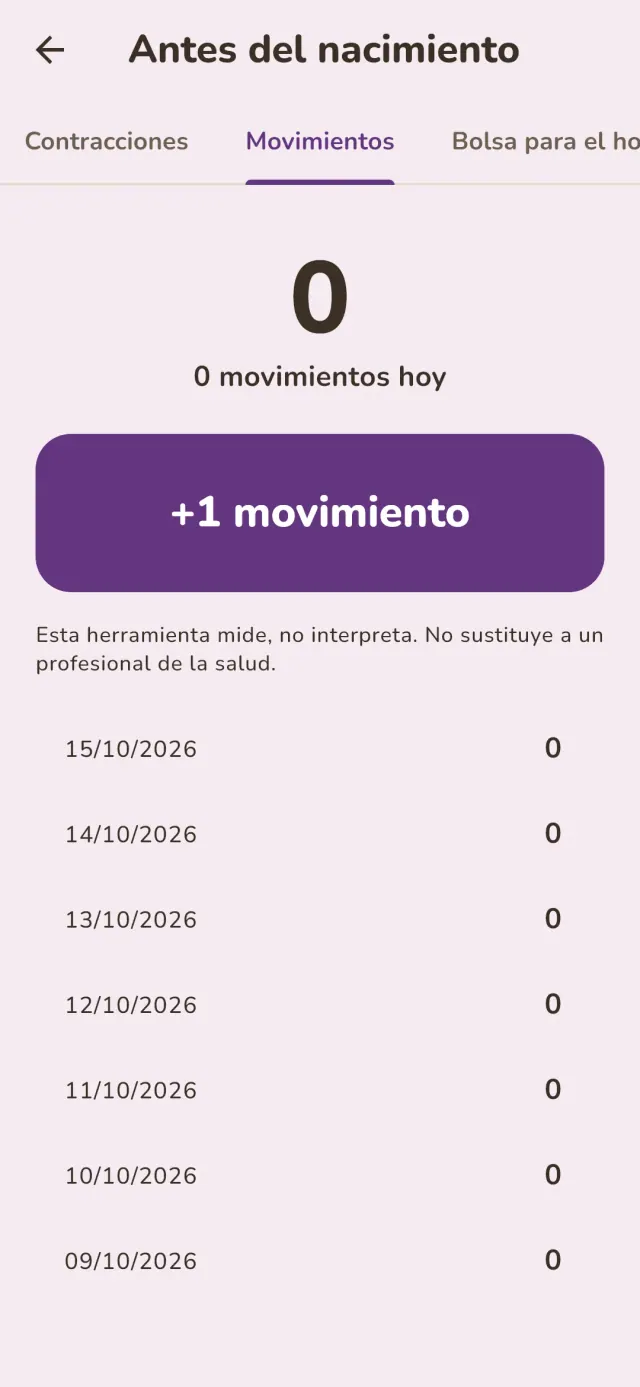
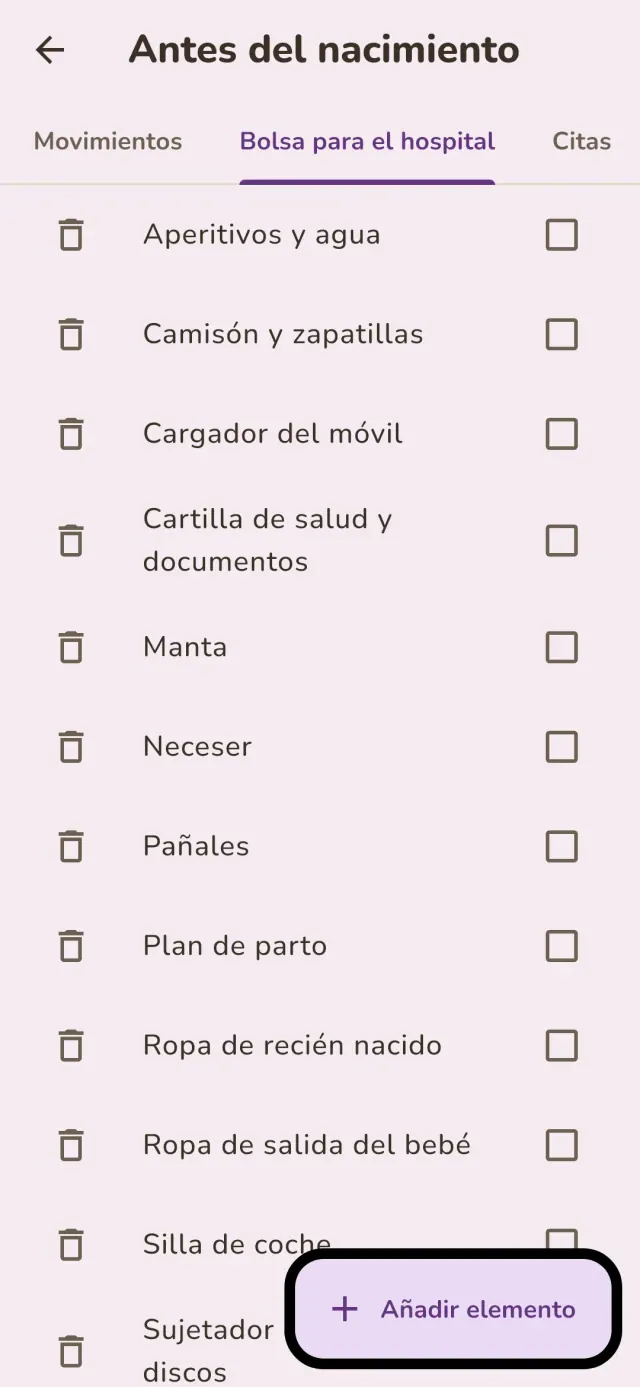
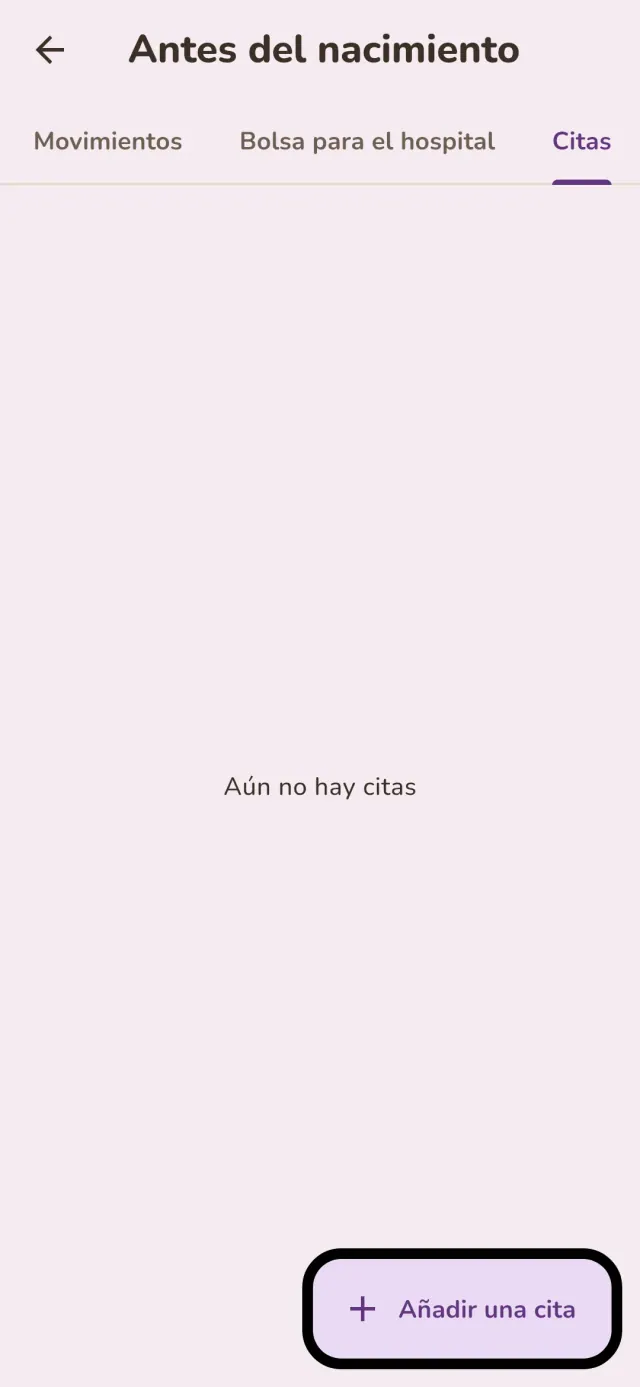
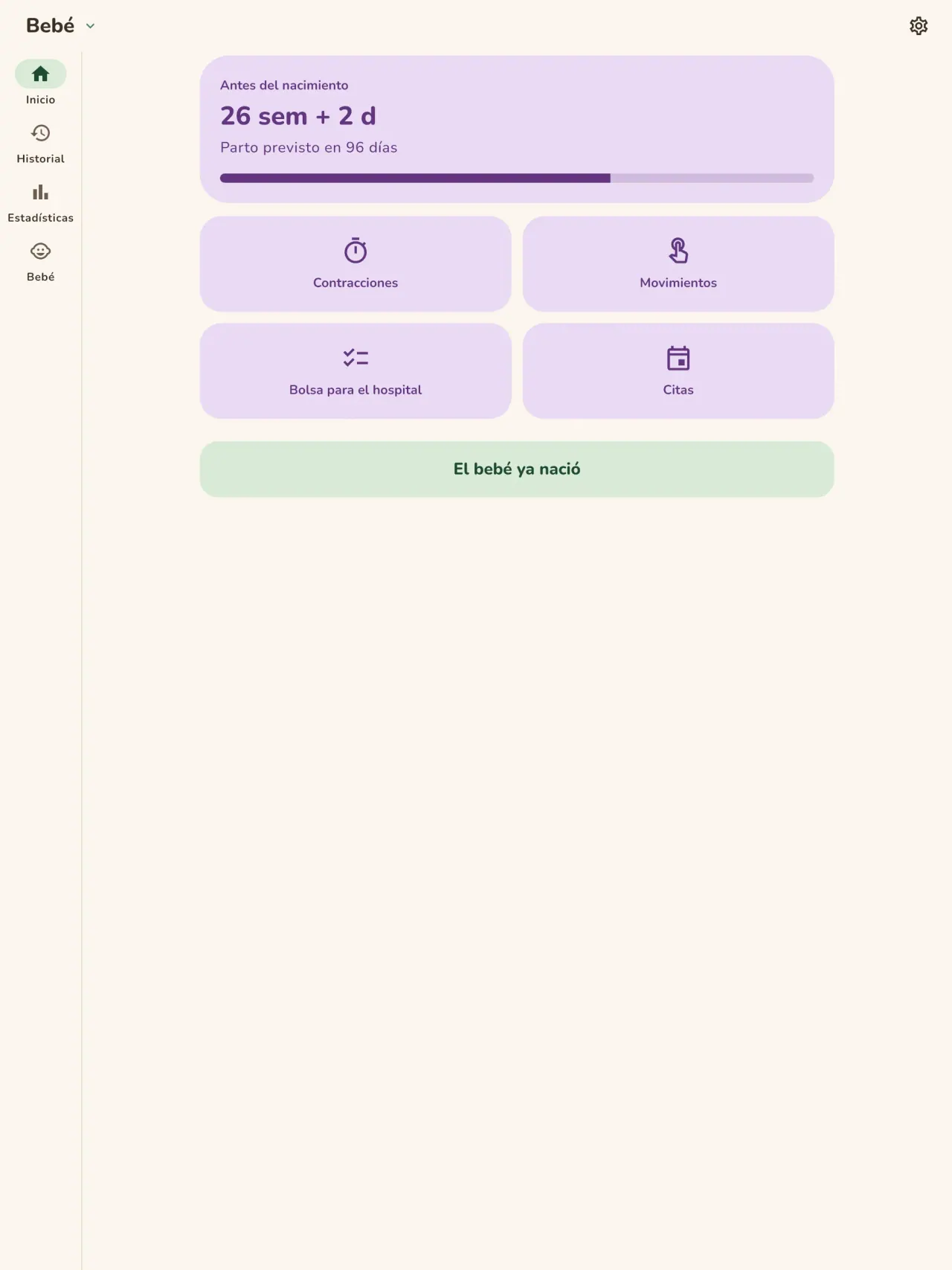
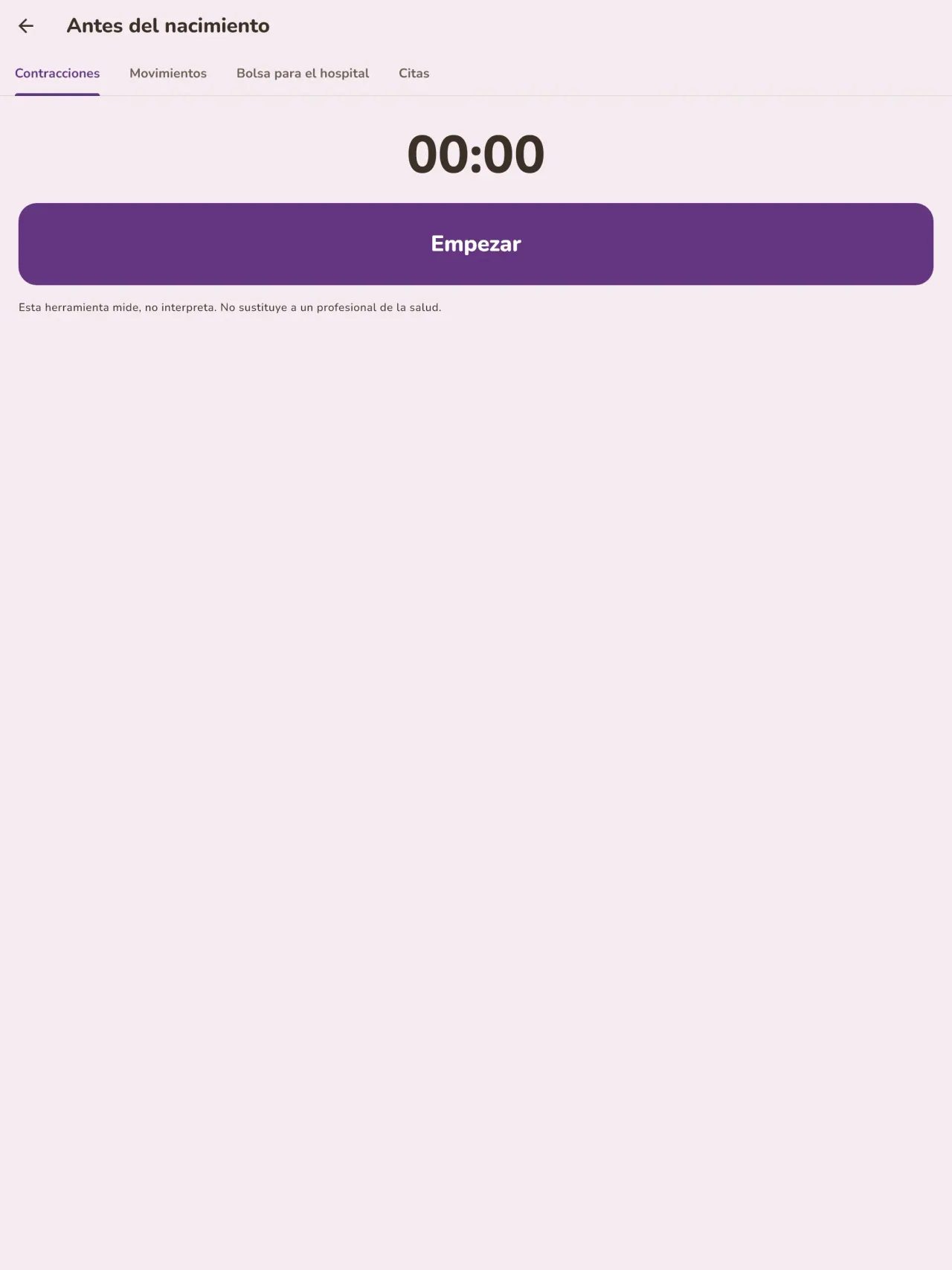
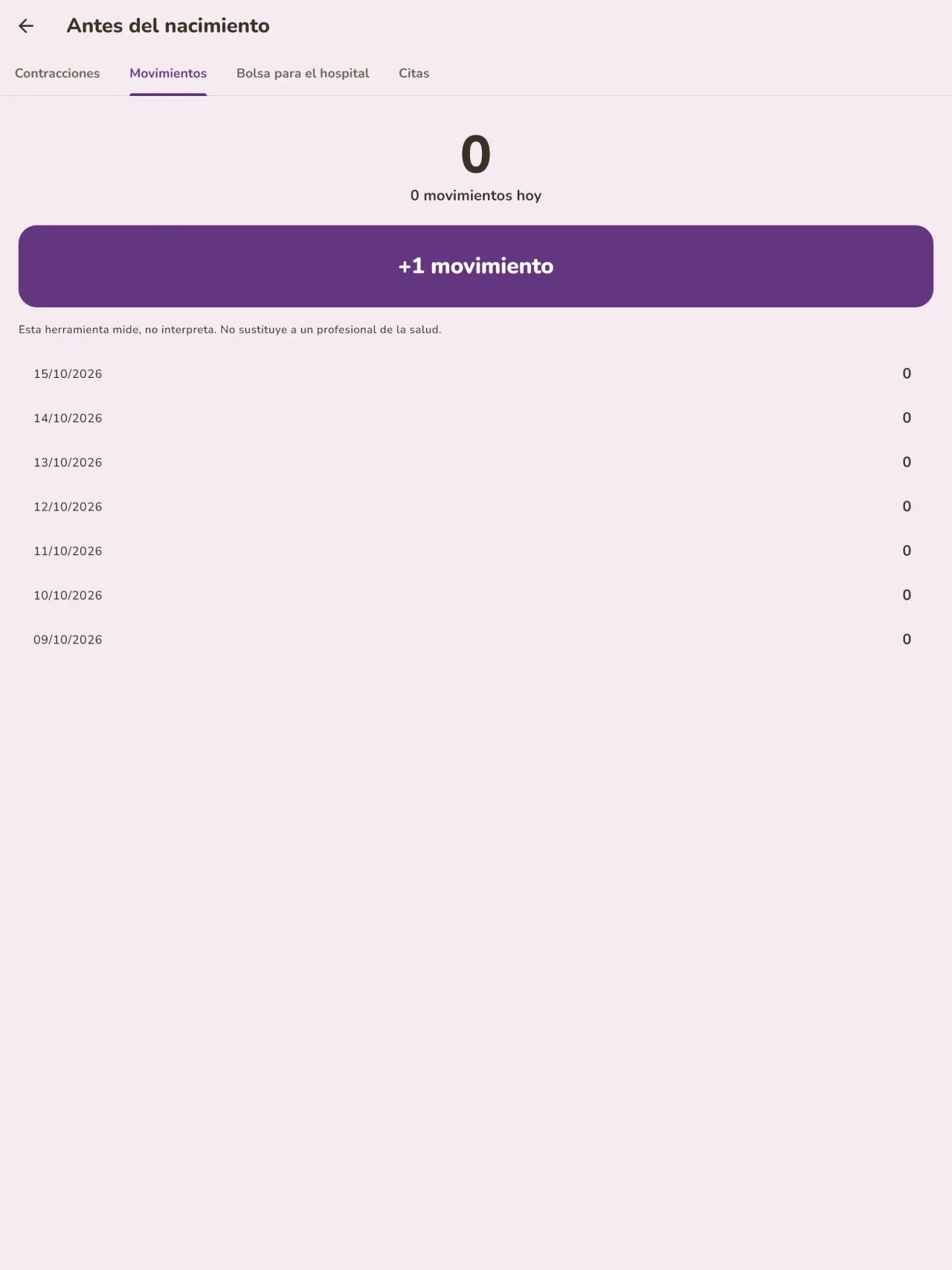
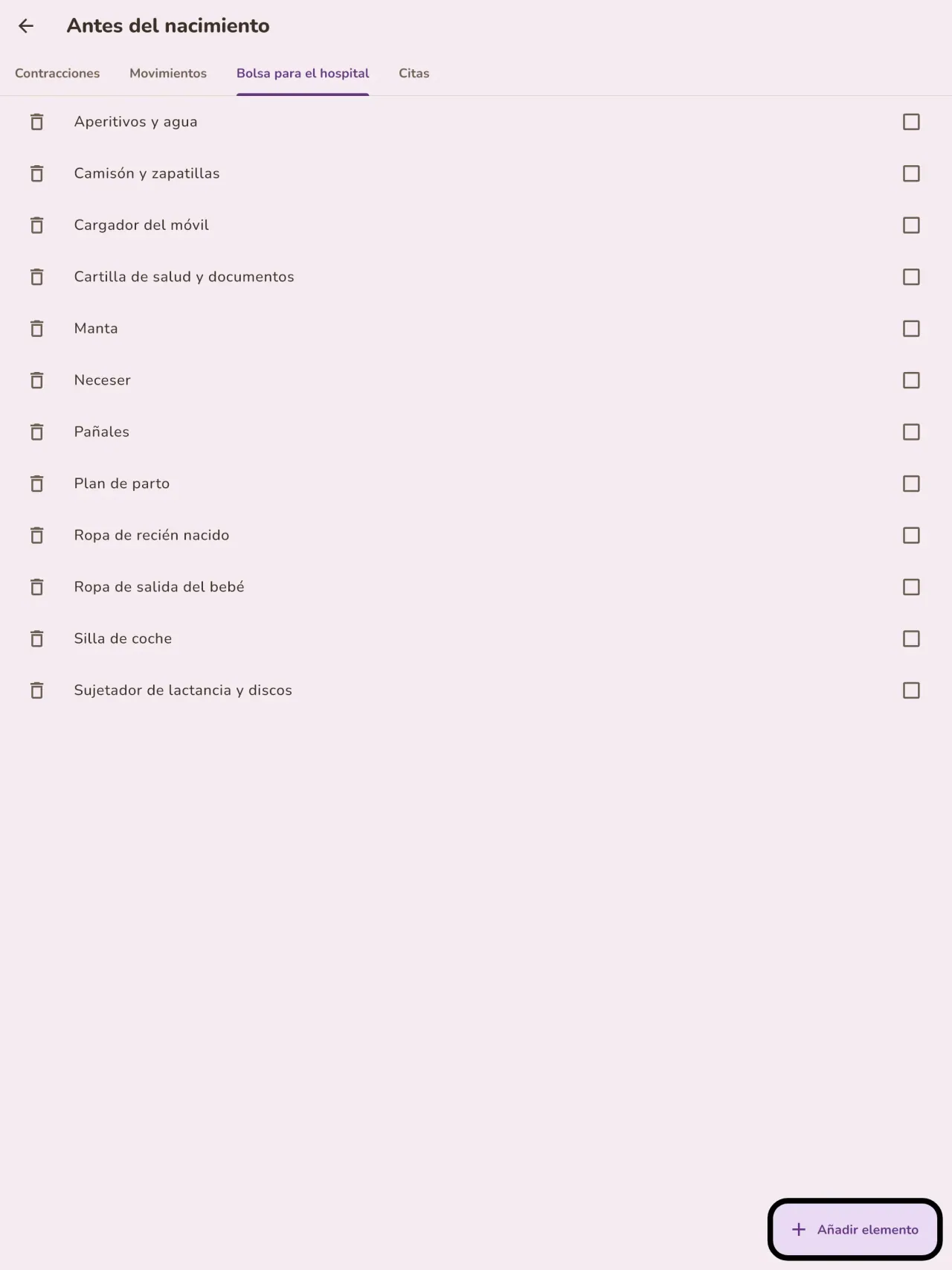
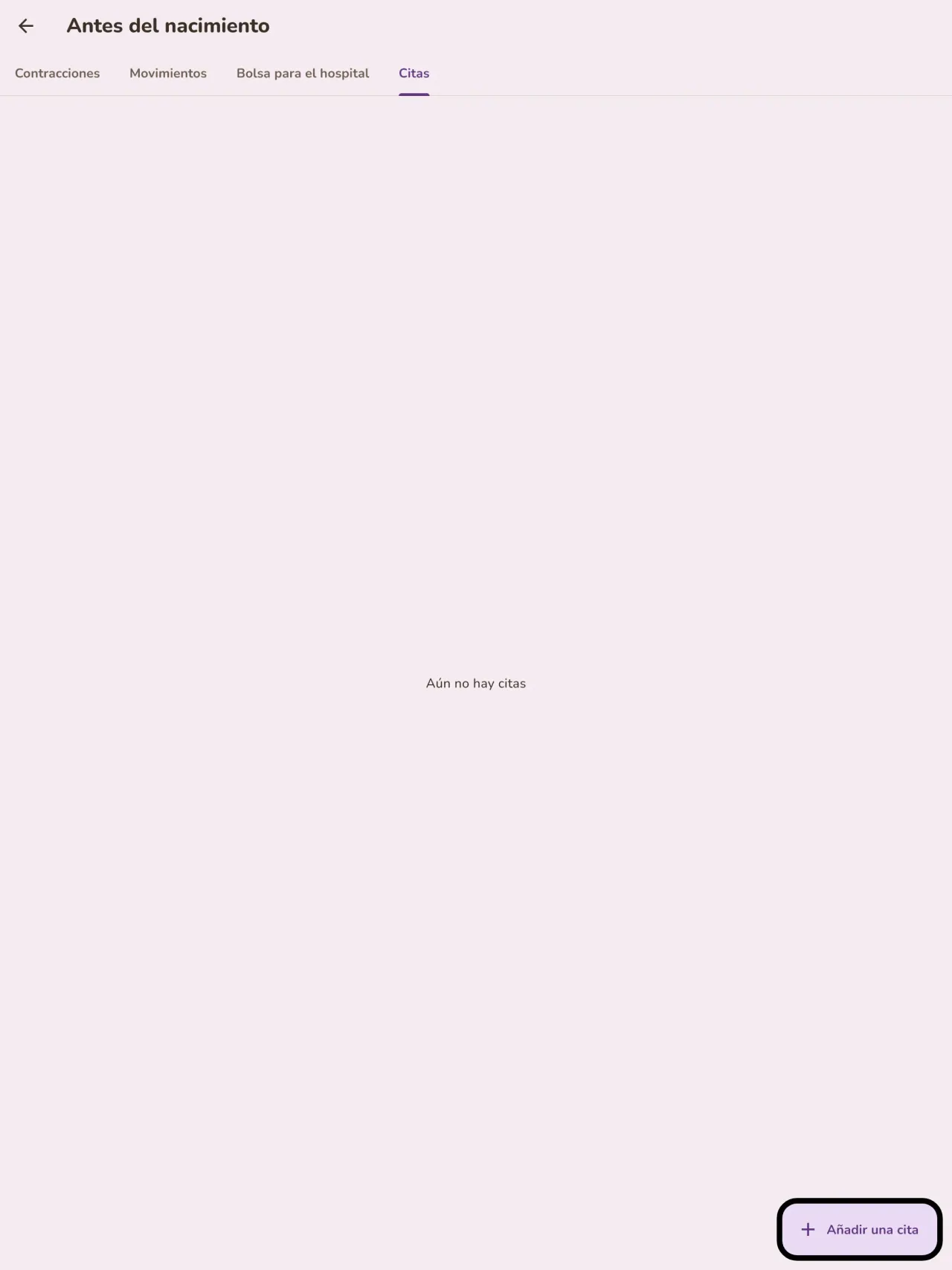
¿Espera un bebé? Indique la fecha prevista y siga la semana de embarazo, cronometre las contracciones, cuente los movimientos del bebé, prepare la maleta de la maternidad y anote sus citas. Cuando llegue el bebé, la misma aplicación está lista para la primera toma.
Un registro para mostrar al médico
Exporte un informe en PDF para su pediatra o matrona. Se crea en su teléfono y usted elige a dónde enviarlo.
Sus datos se quedan con usted
El seguimiento se hace sin cuenta: no se envía nada y no se analiza nada. La aplicación funciona sin conexión, también en modo avión. Un botón borra todos los datos.
Little Relay guarda lo que usted introduce. No da ninguna opinión médica y no sustituye a un profesional de la salud.
Para quién es
- Madres y padres primerizos que quieren un registro sencillo de tomas, sueño y pañales que se pueda rellenar con una mano por la noche.
- Familias que empiezan la alimentación complementaria y quieren anotar cada alimento nuevo, la fecha y cómo reaccionó el bebé.
- Familias que prefieren un diario del bebé sin cuenta, con los datos guardados en el teléfono.
Por qué elegir Little Relay
- Todo se queda en tu teléfono: sin cuenta, sin nube, sin anuncios, sin seguimiento, y la app no necesita red para funcionar.
- Pensada para la noche: modo oscuro y botones grandes, y una pantalla de inicio que indica cuánto hace de la última toma y de qué lado.
- Los datos son tuyos: exporta un informe en PDF para el pediatra y borra todo con un solo botón.
Qué aún no hace
- Todavía no se puede compartir entre dos teléfonos: el diario vive en un solo teléfono. Está previsto compartirlo entre madre y padre con cifrado de extremo a extremo.
- El widget de la pantalla de inicio solo está disponible en Android por ahora.
- No es un producto sanitario y no da consejos médicos.
Principio de Pixeon. Las aplicaciones de Pixeon son locales primero: sin cuenta, sin seguimiento, y tus datos permanecen en tu teléfono. Si una app se conecta a la red, solo es cuando eliges activar una función que necesitas, y la política de privacidad se actualiza antes del lanzamiento.
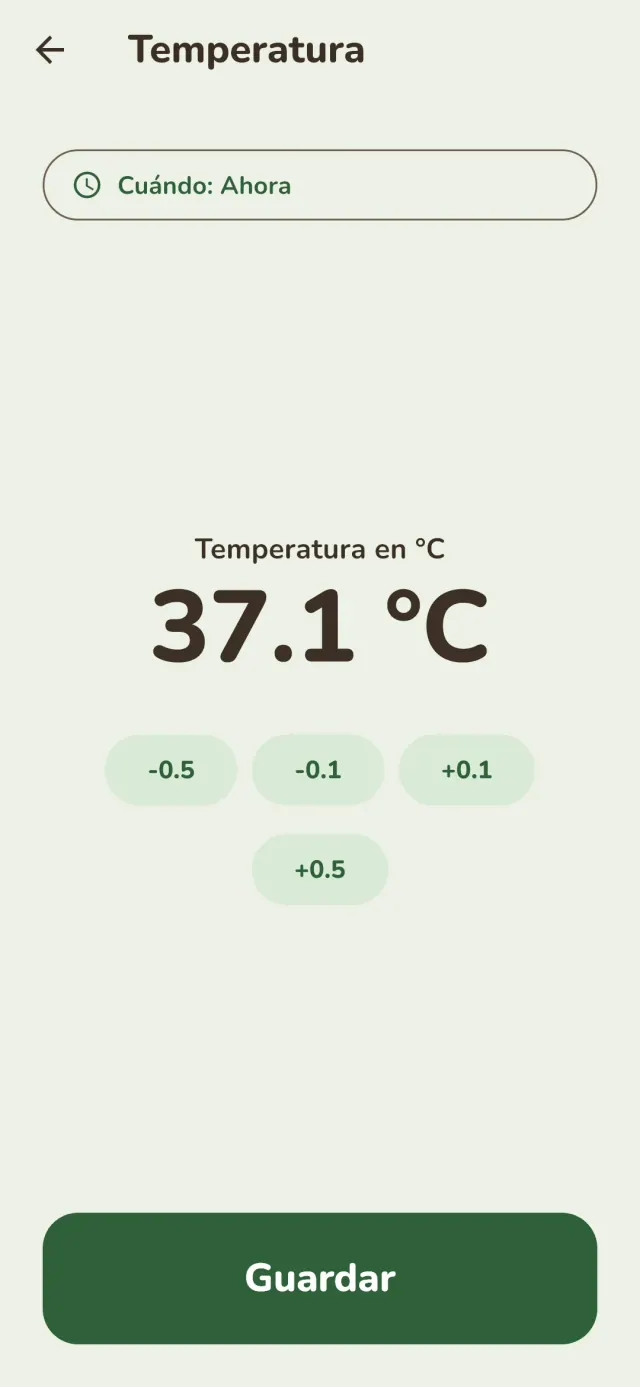
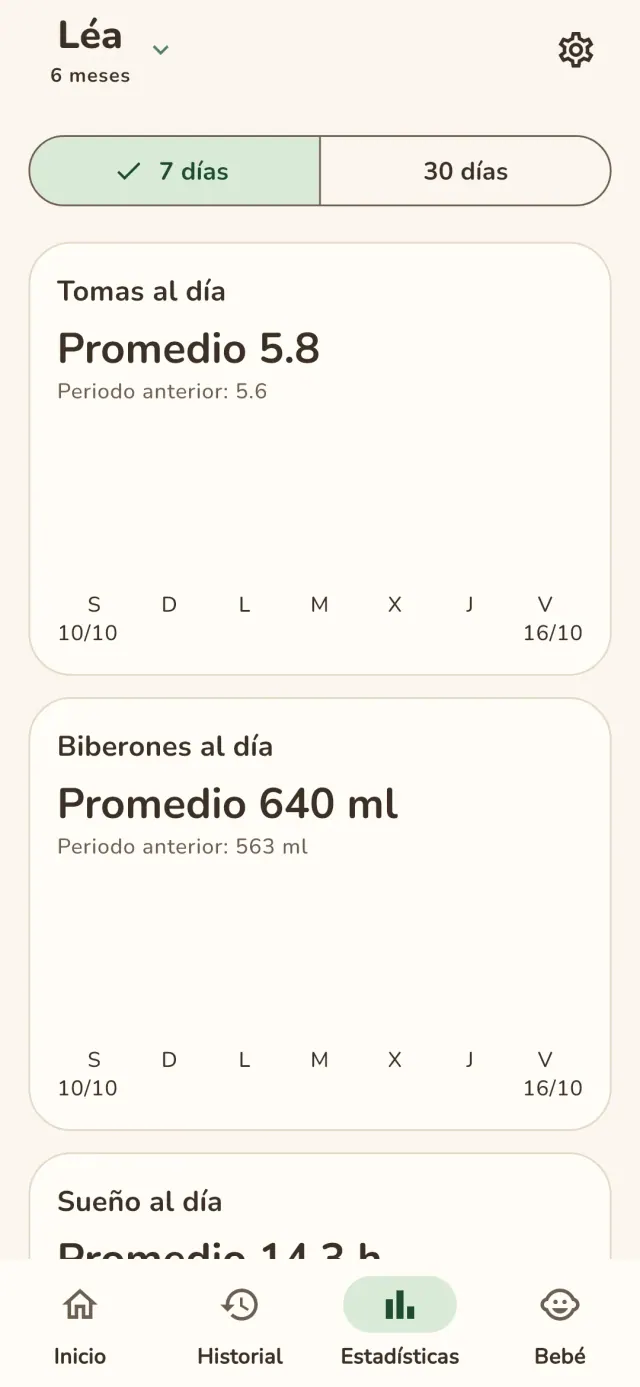
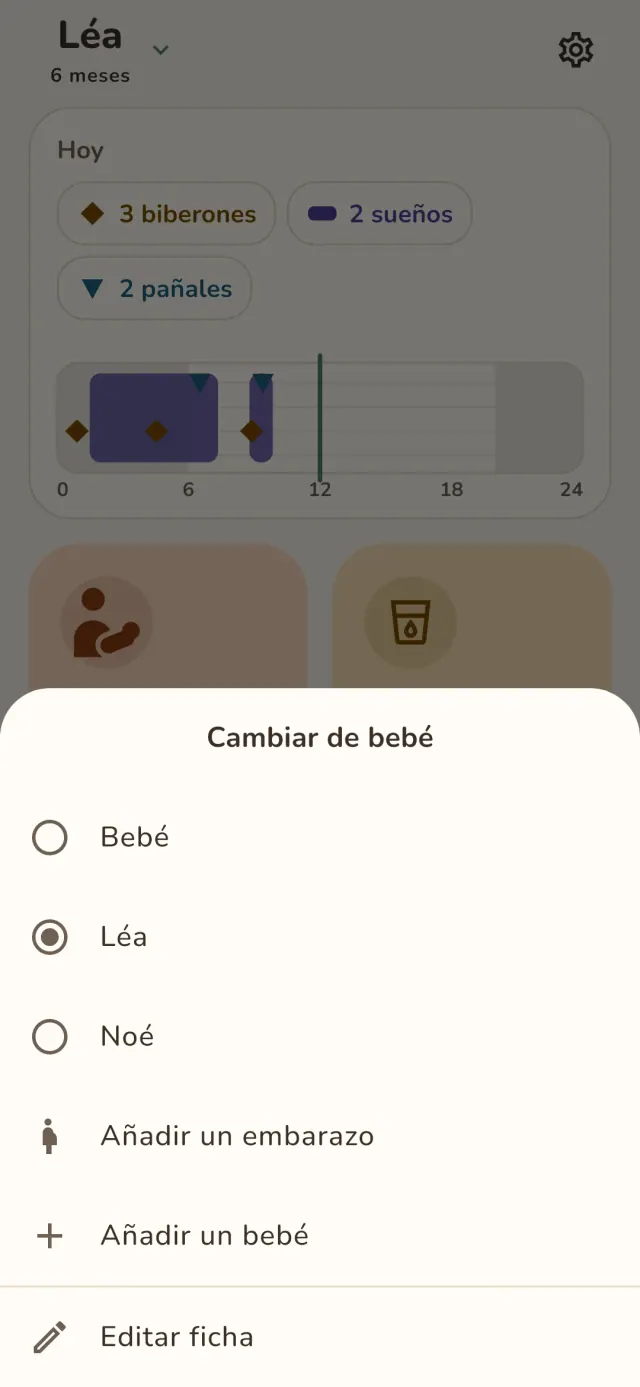
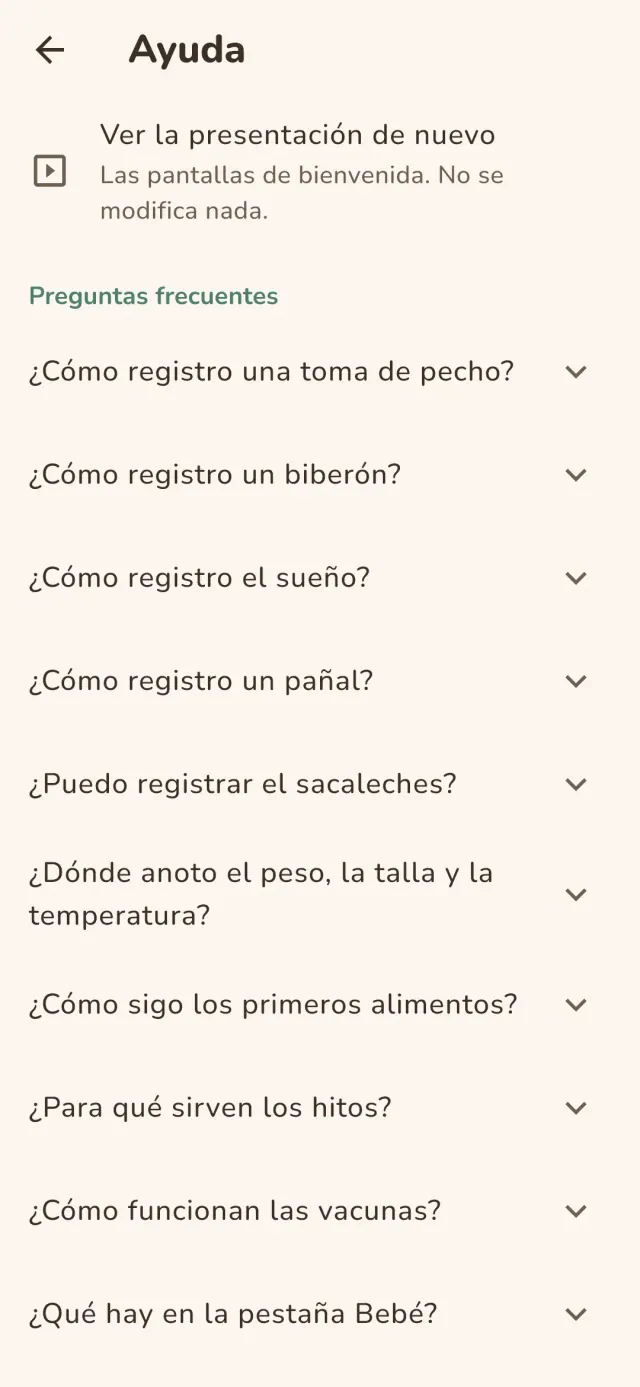
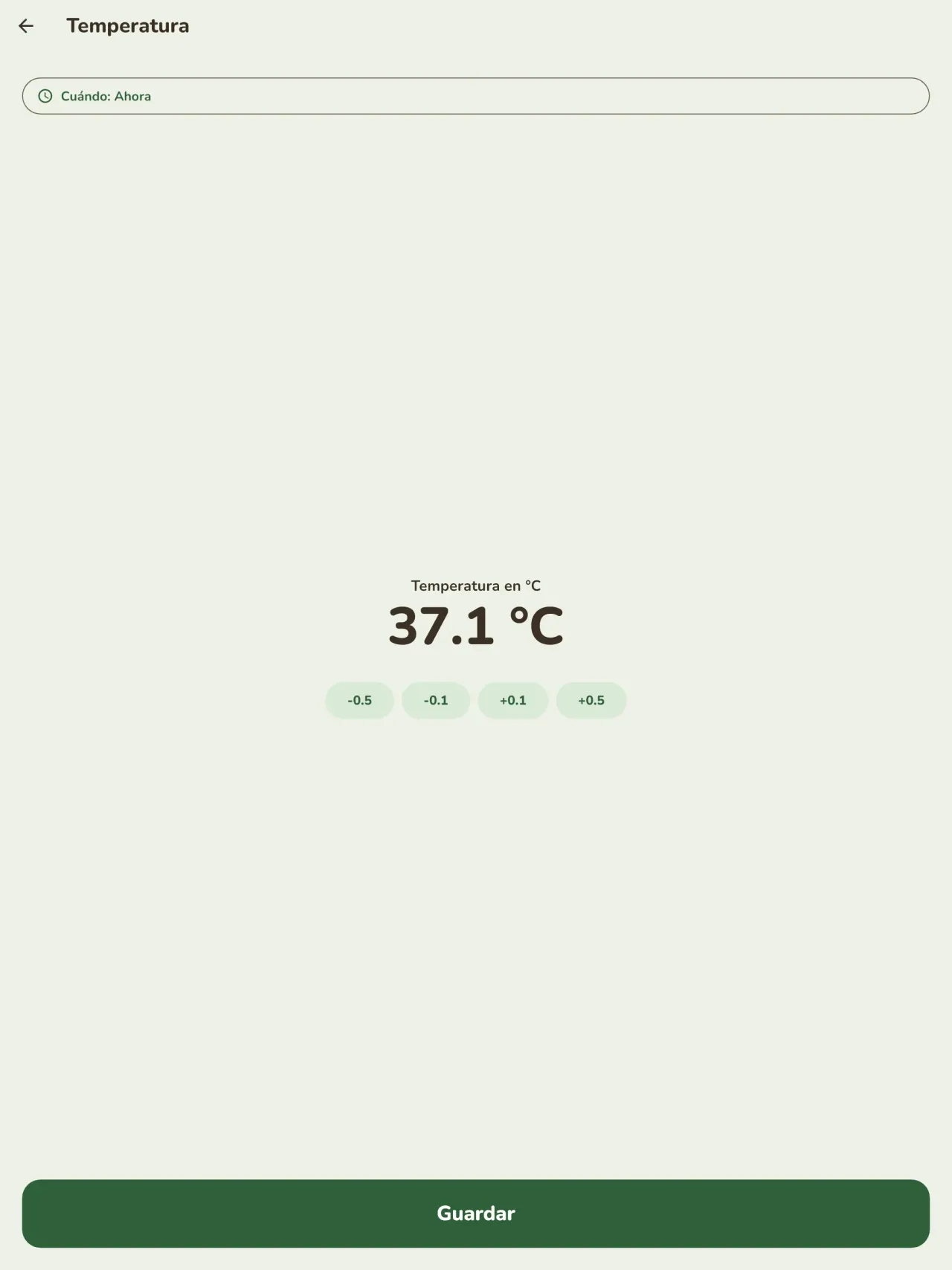
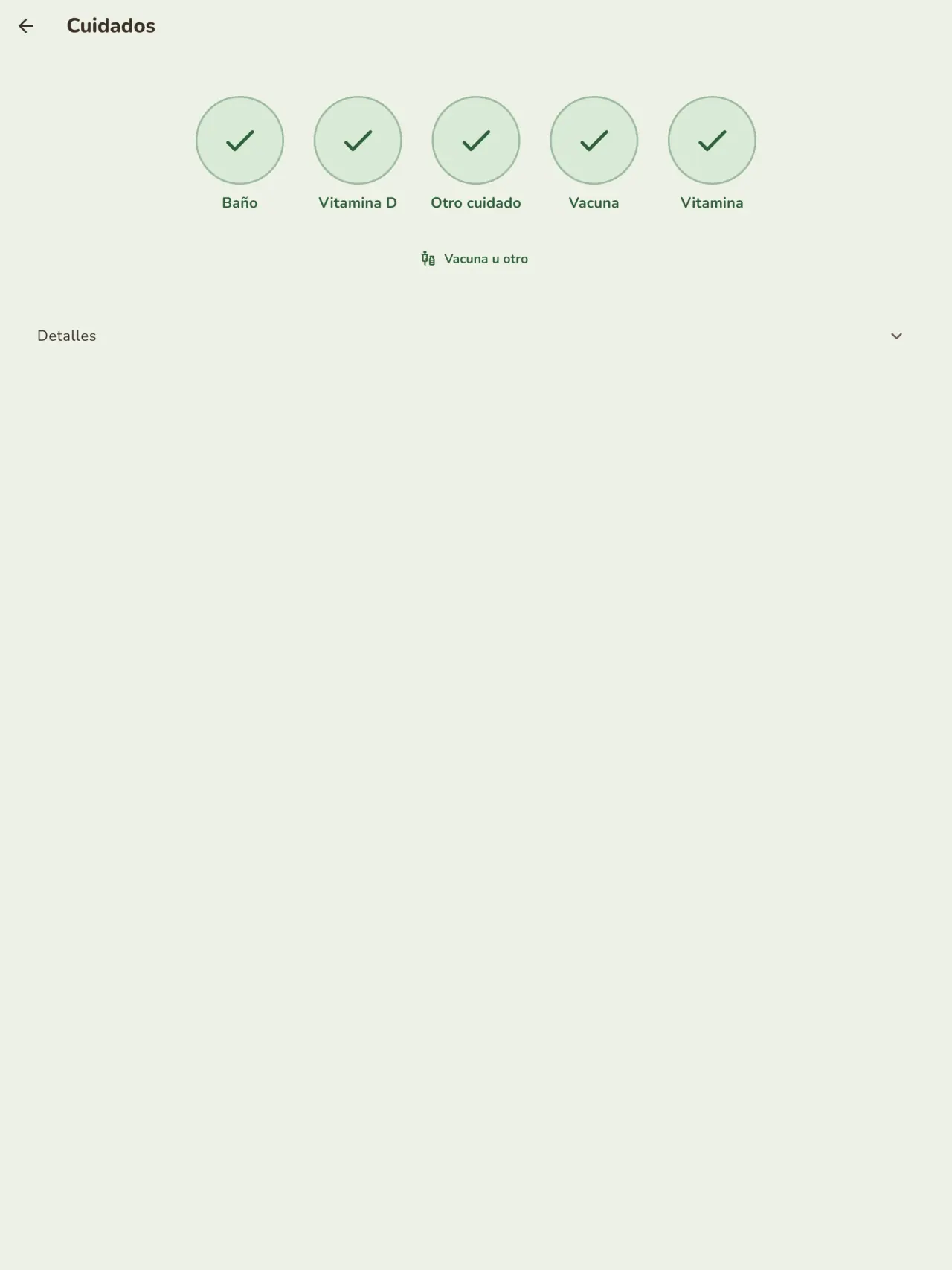
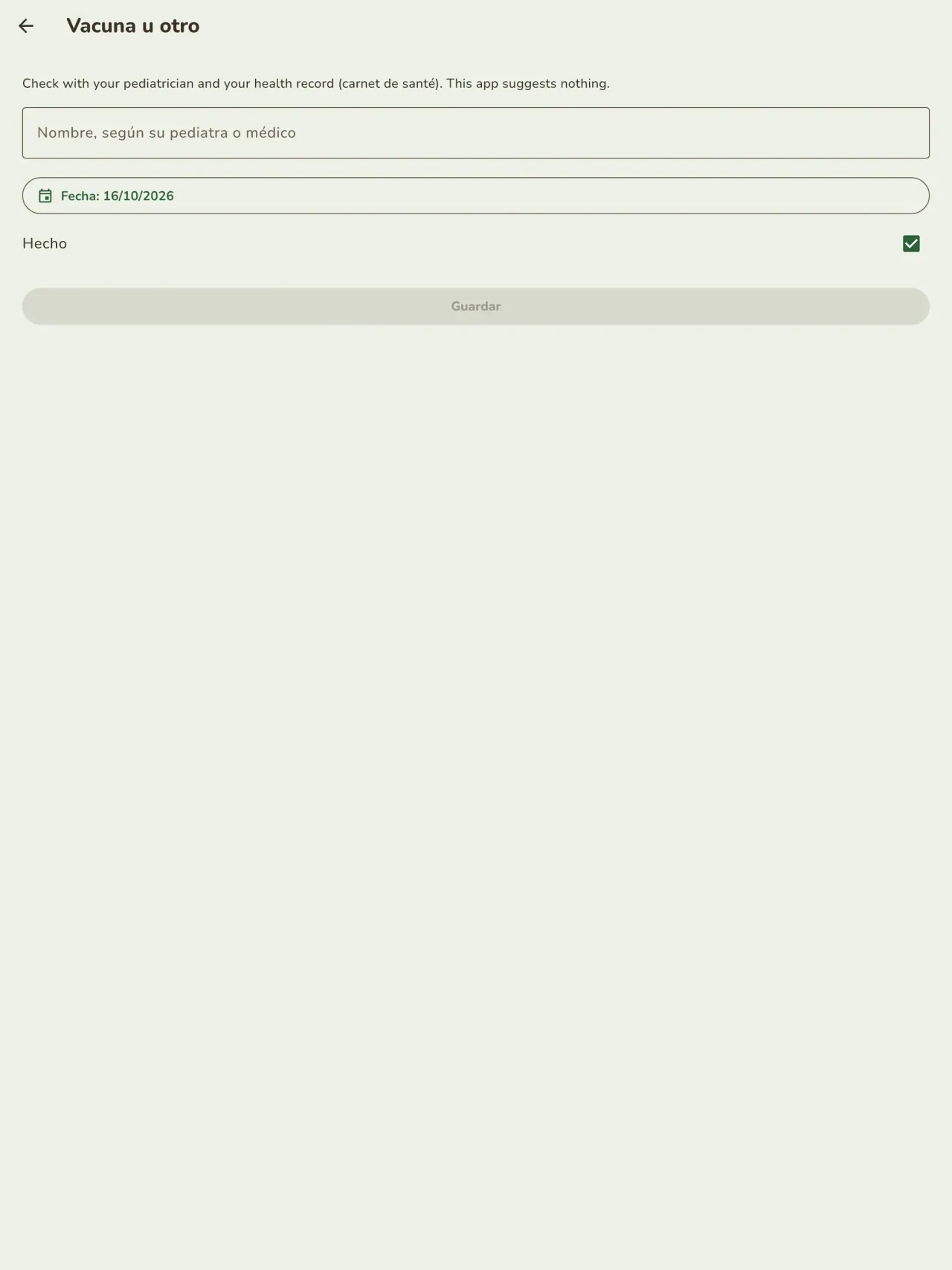
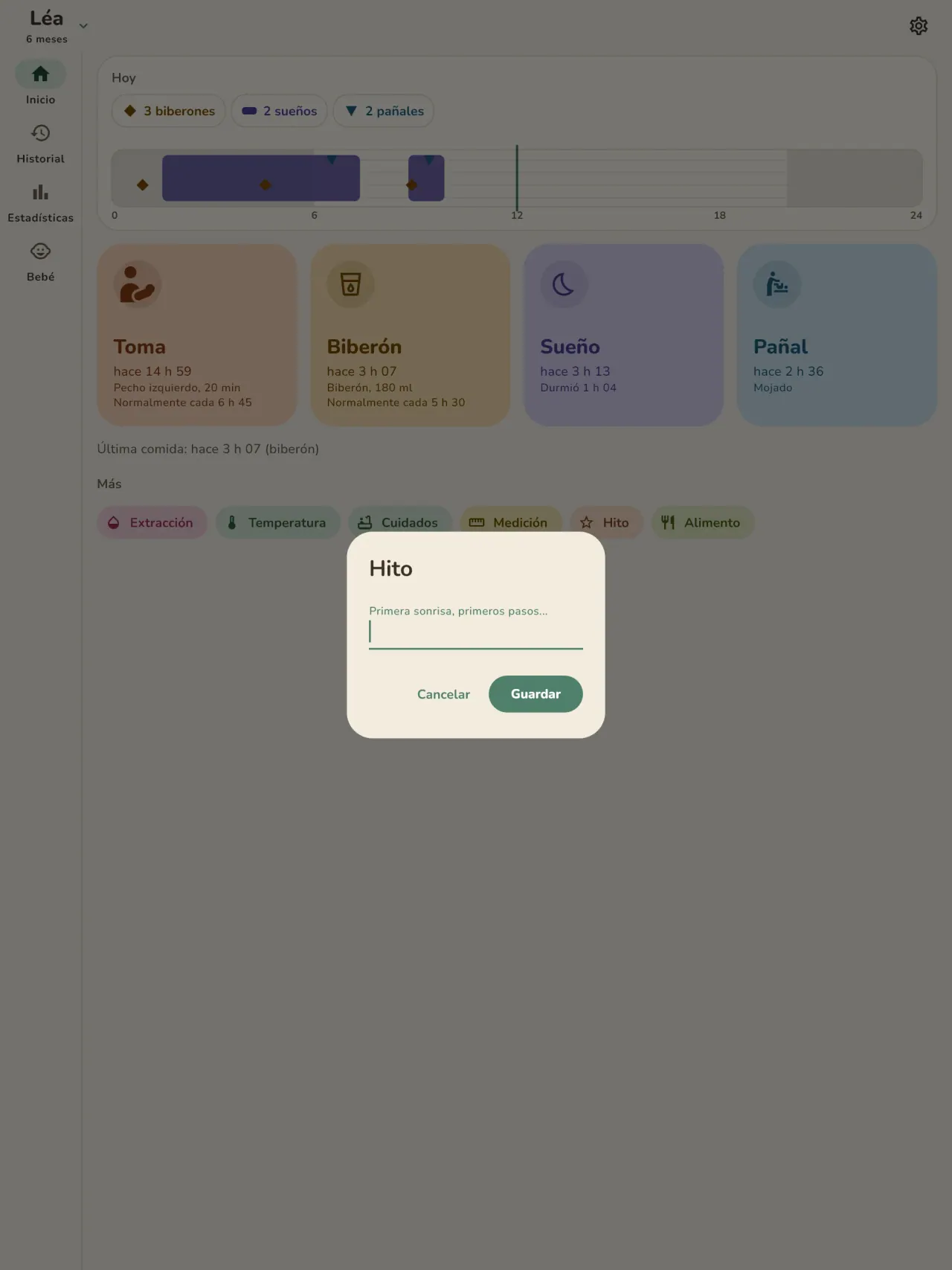
Little Relay en acción.
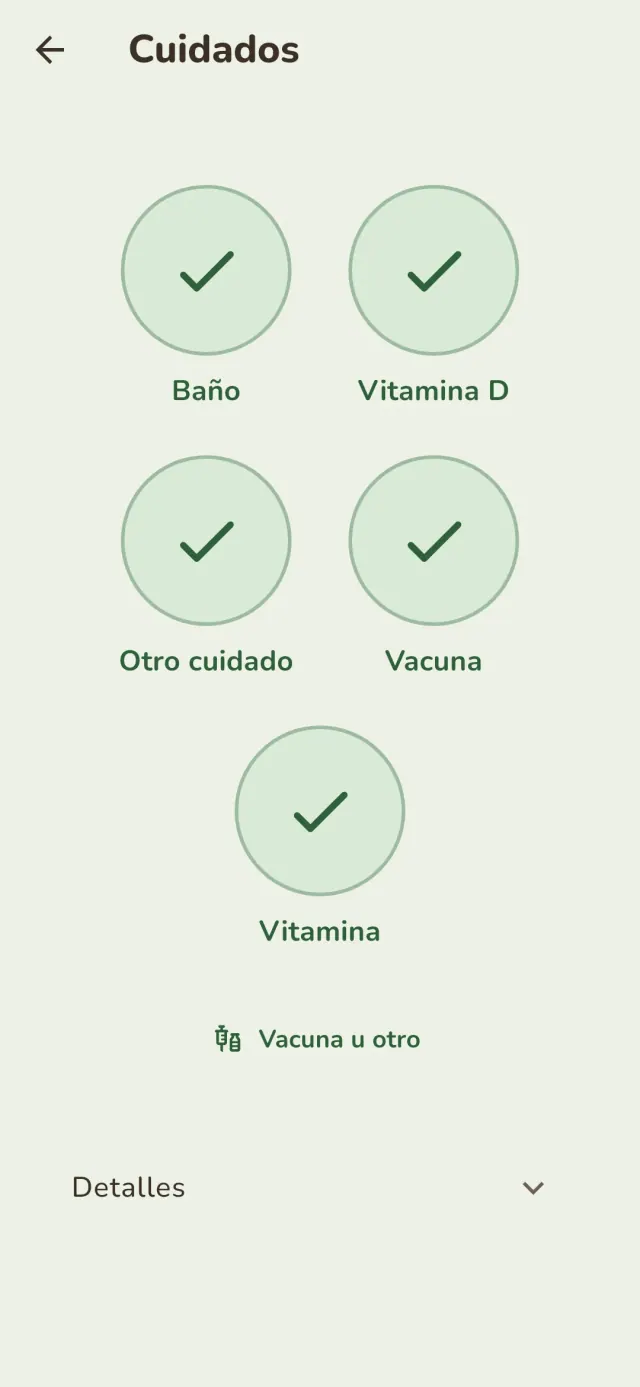
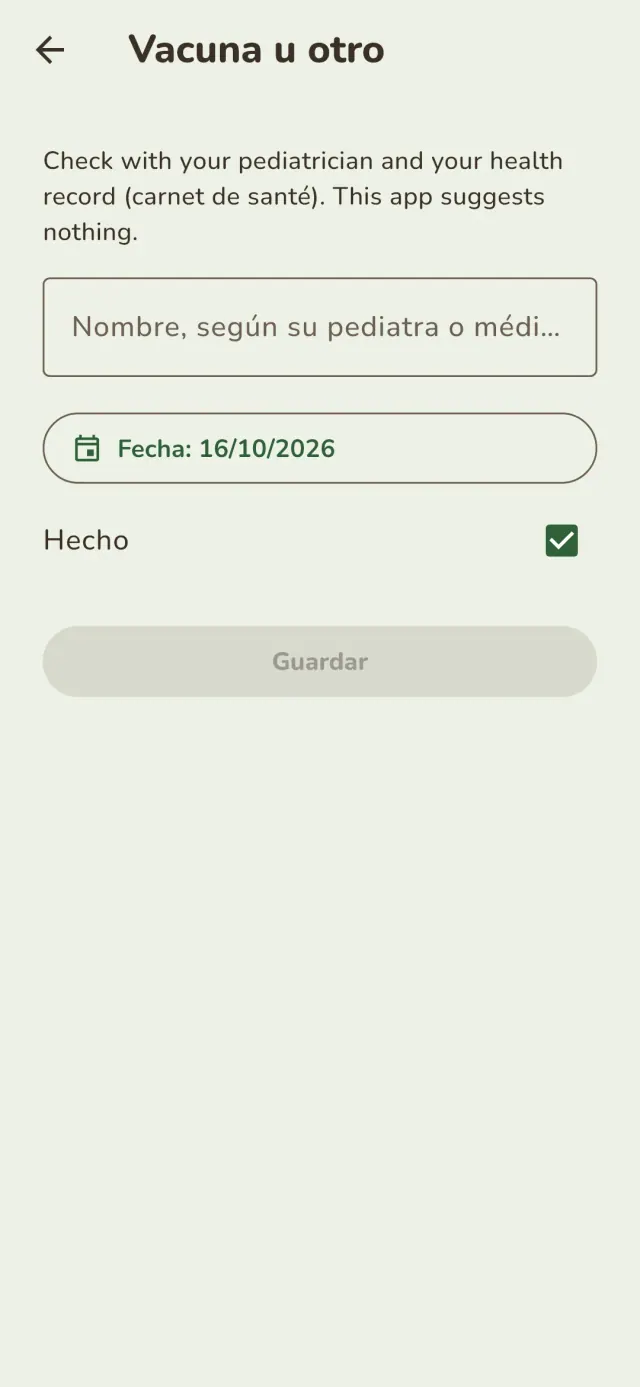
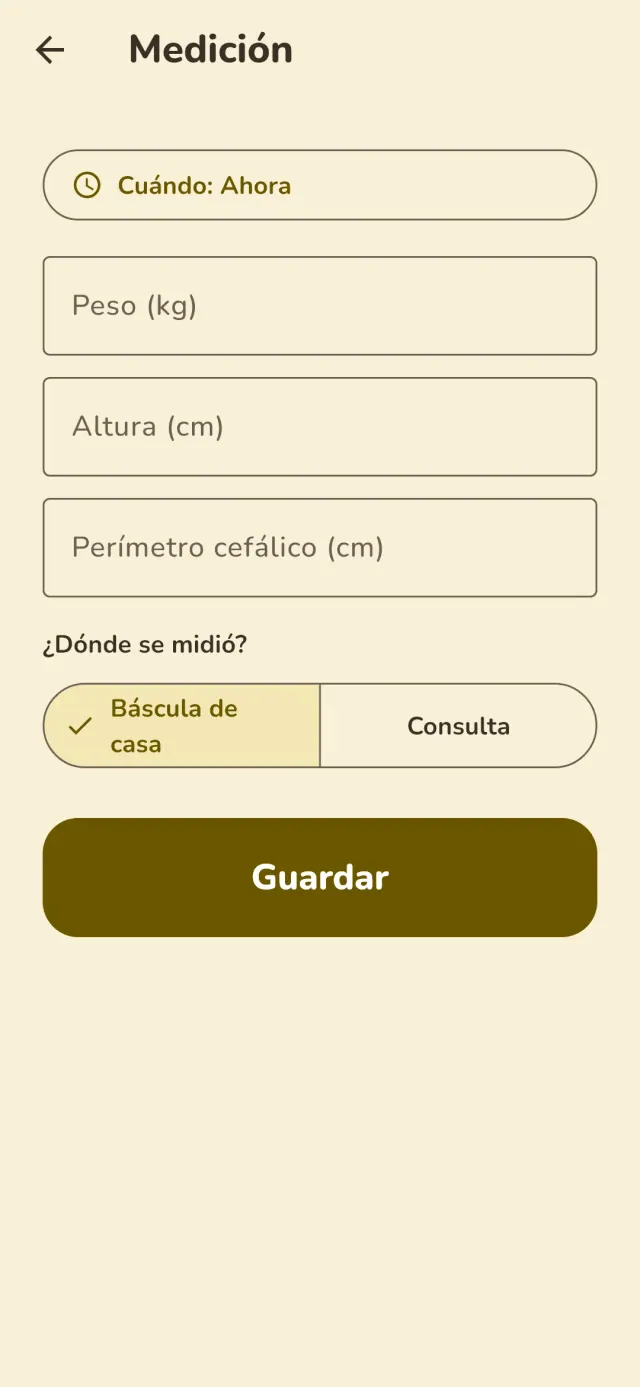
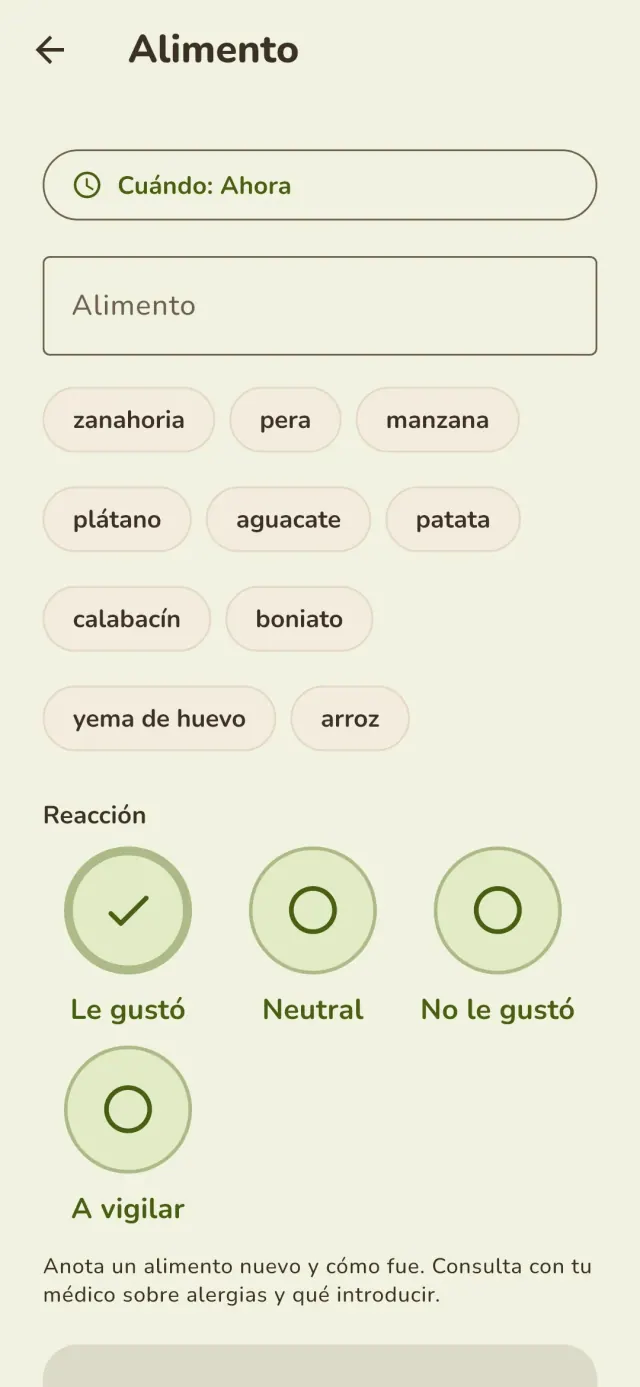
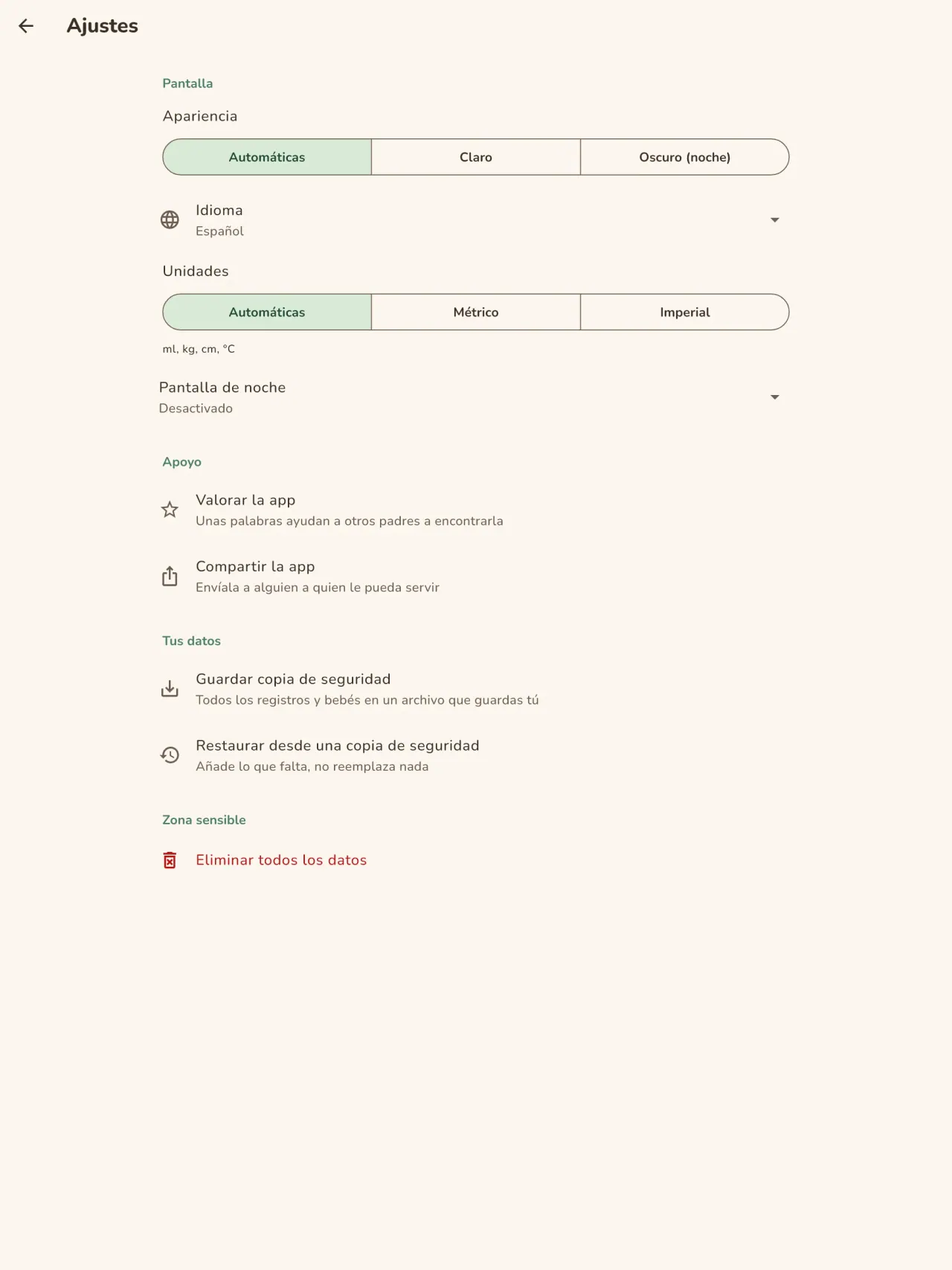
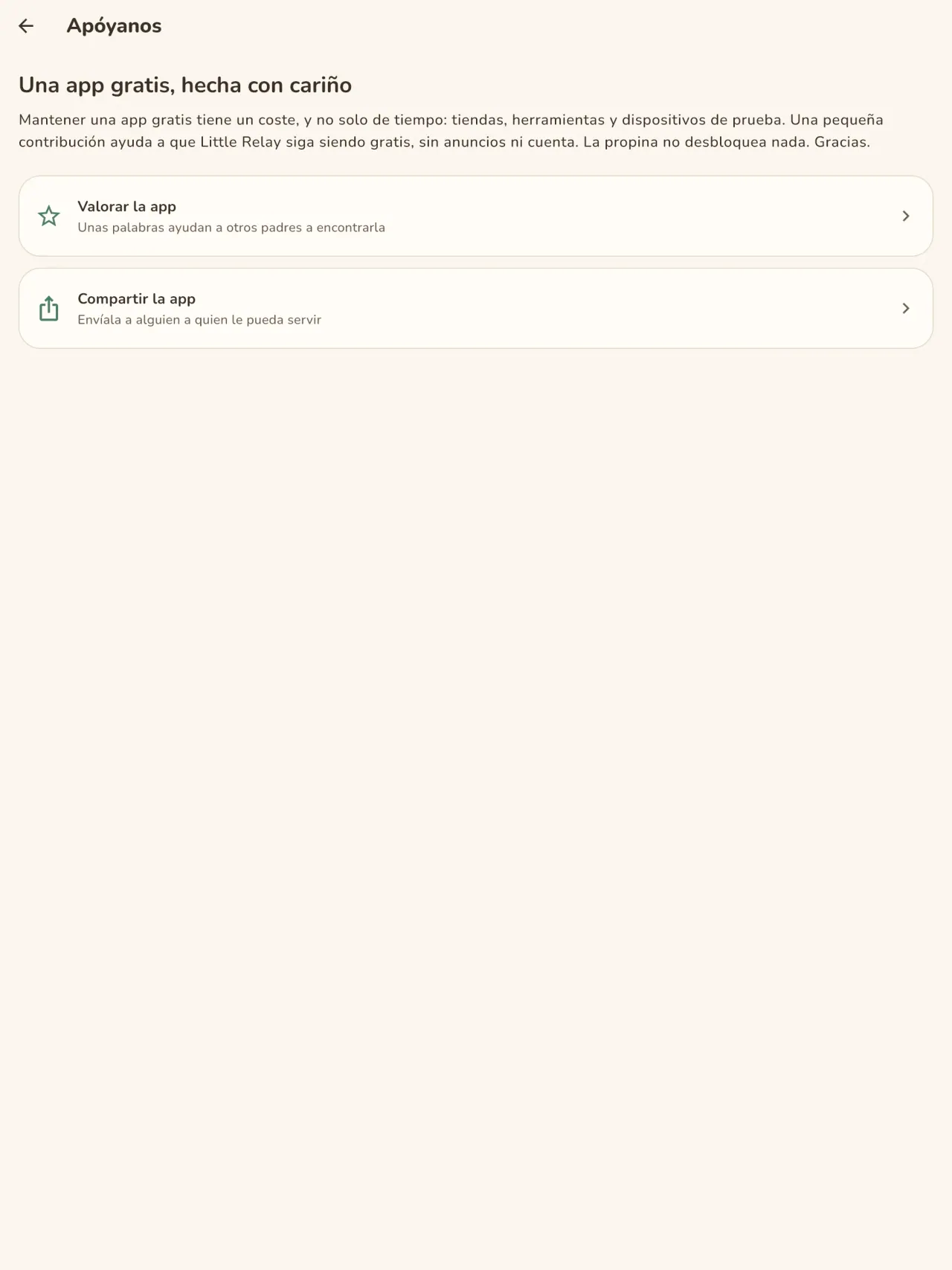
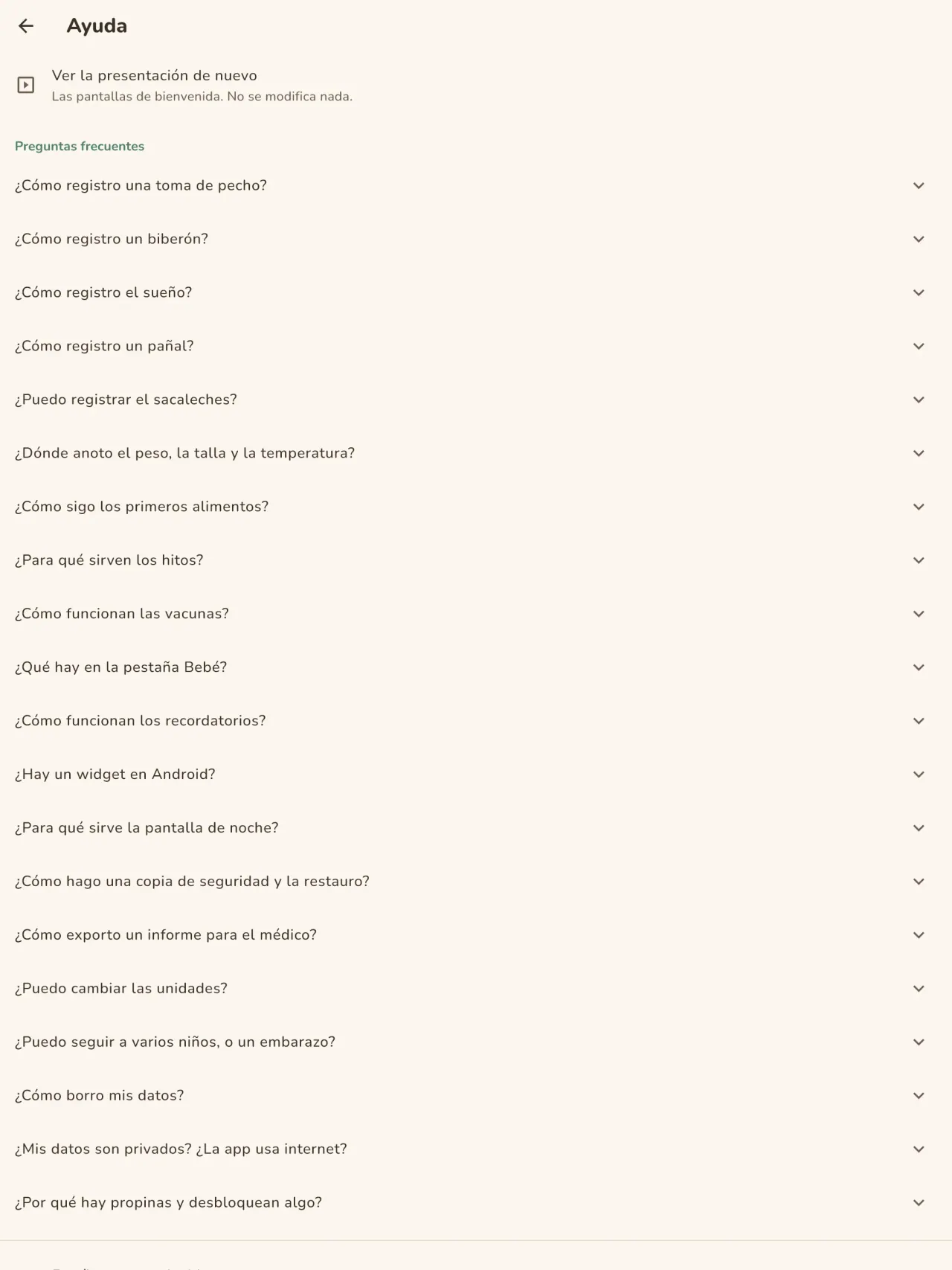
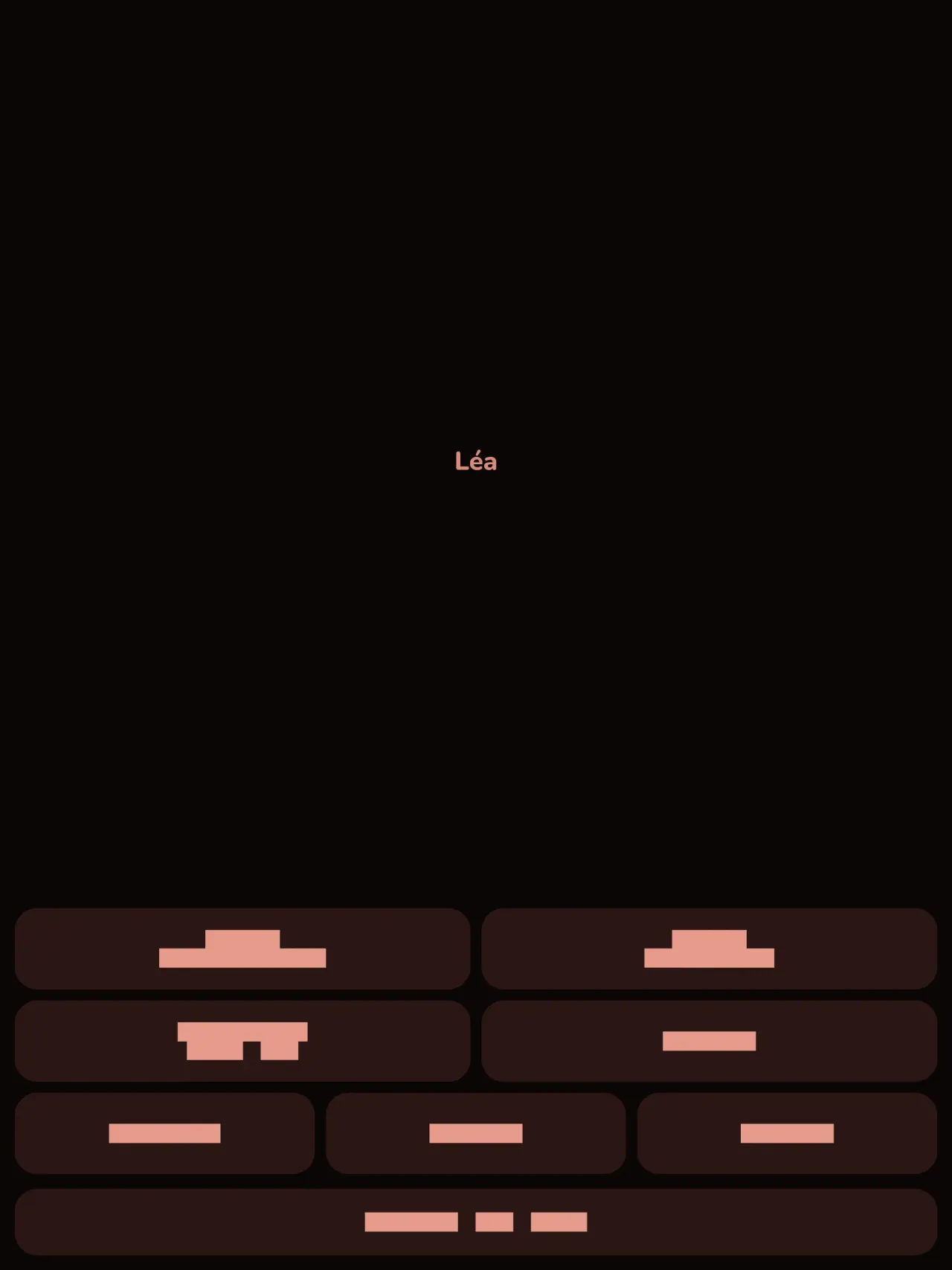
Obtén Little Relay.
Gratis en iPhone y Android.
Privacy policy
La política de privacidad y los textos de soporte de abajo están en inglés. La versión en inglés es la de referencia.
Last updated: 2026-11-02
Little Relay is a baby tracker: feeds, sleep, diapers, measurements, first foods, milestone photos and pregnancy tools. The short version: everything stays on your phone, the app has no internet access, and we collect nothing.
What the app handles
The entries you type: feeds, sleep, diapers, weight and height, temperature, routine care, foods (given, or on your own "to try" list), milestones and notes, and your child's first name and birth date if you enter them. This is health information about a child, so we treat it as sensitive. It is stored only in the app's private storage on your phone. There is no account, no sign-in, no server and no cloud copy. Your preferences (language, appearance, when the app last suggested support) also stay on your phone.
What we collect
Nothing. No analytics, no advertising identifier, no crash reporting, no third-party SDK that sends data. The app needs no network to work and the app declares no internet permission. You can check this by using the app in airplane mode: everything works the same.
Permissions
The app asks for no permission that gives access to your data or to the internet. The Android install details list the following, all of them declared by the app or by the library it uses:
- Notifications (Android 13 and later, and iOS): asked only when you set your first reminder. A screen explains why before the system asks, and you can refuse: everything else works the same, you just get no reminder. A reminder is one local notification at the date and time you choose, with a short text that names the type of activity (for example "Time for the bottle?"). It holds no name, no amount and no health value, and for sensitive types (temperature, measurements, medicine, vaccines) it is neutral ("Remember to note an entry"). It is scheduled on your phone and never sent anywhere.
- Vibrate, keep the phone awake, background task, restart after reboot (Android): they let a reminder ring and come back after a reboot, and let the home screen widget save an entry reliably. They give no access to your data.
- Network state (Android, added by the in-app purchase library): the app only reads whether the phone is online. It sends nothing.
- In-app purchases (Android, Google Play Billing): for the optional tips, handled by Google Play.
The app does not request internet access, location, contacts, camera or microphone. When you attach a photo to a milestone, the app opens the system photo picker, which lets you hand over only the picture you choose, so the app never gets access to your photo library.
Files, backups and deletion
Milestone photos: a photo you attach to a milestone is copied into the app's private storage on your phone, with a small thumbnail. It is never uploaded or shared. Removing a milestone removes its photo.
Export: if you export a report for your child's doctor (a PDF), the app builds it on your phone and hands it to the system share sheet. You choose where it goes. The app does not send it anywhere. If milestones of the period have photos, the app asks first whether to include them: when you leave "Include photos" ticked, small copies of up to 30 of these photos go into the PDF. Untick it to keep the photos out of the report.
Backups: your phone's own backup (Google backup on Android, iCloud on iPhone) is controlled by your phone's settings, not by us. The app does not turn it off, so that backup may include the app's data, depending on those settings. The encryption key for the app's database stays in your phone's keychain. To move your entries to a new phone, use the backup file in Settings: the app writes one file on your phone, you choose where to keep it, and you import it on the new phone.
Deletion: a delete-all-data button in the app erases your entries and every photo and thumbnail. Uninstalling the app also deletes its data from your phone.
Optional support
If tips are offered, they are in-app purchases handled by Apple or Google. They unlock nothing, and the app receives no personal data about you from them.
Retention
Your entries, children and milestone photos are kept on your phone until you delete them: one entry at a time, a milestone with its photo, a child, the delete-all-data button, or uninstalling the app. We keep no copy on our side, so there is no retention period to apply on our side. Your phone's own backup may hold a copy, depending on its settings. A backup file you export yourself stays wherever you put it, until you delete it.
Medical information
Little Relay records what you tell it. It gives no medical advice and is not a medical device. Ask your doctor or midwife about your child's health.
Contact form on this website
If you write to us through this site, we use your message and the email address you optionally give only to reply. Bot protection is provided by Cloudflare and email delivery by Resend.
Language choice on this website
When you choose a language, or when this site opens a page in your browser's language, it stores
one small functional cookie (pxl, a language code, one year) so that your choice is
remembered. If this site suggests a page in your browser's language and you close that suggestion,
your browser also keeps a local note (pxl-banner-off, in local storage, 30 days) so the
suggestion does not come back. Neither identifies anyone, neither is used for tracking or advertising,
and neither is shared. You can delete them in your browser at any time.
Website statistics
This website uses Cloudflare Web Analytics to count visits (pages viewed, country, browser type, loading speed). It sets no cookie, does not use local storage, does not fingerprint your device, does not follow you across sites and does not build a profile of you. Search engines (for example Google Search Console) give us aggregated search statistics, without any data about individual visitors. Our own web server also counts the pages it serves: for each page it keeps the page address, the site or social network that sent you (only its name, or the campaign tag written in the link), the country, the type of device and whether the request came from a robot. It keeps no IP address, no identifier and no cookie, and these counts are anonymous. We use no advertising or other analytics service. None of this concerns the app itself, which collects nothing.
Children
Little Relay is a tool for parents and carers. It is not directed at children, and it records information about a child only because a parent typed it in.
Changes
An updated policy will be published at this URL with a new date above.
Contact
Questions about privacy: little-relay-contact@pixeon.net
Soporte
Última actualización: 2026-10-19
Little Relay es una pequeña aplicación independiente. A continuación encontrarás las respuestas a las preguntas más frecuentes.
Hacemos todo lo posible por responder en unos pocos días. Para ayudarnos, dinos el modelo de tu dispositivo, la versión de su sistema y qué estabas haciendo. No envíes información sobre tu hijo ni datos personales.
¿Qué datos almacena o envía la aplicación?
Tus registros se almacenan solo en tu teléfono. No se envía nada a ningún lugar: la aplicación no tiene cuenta ni servidor, y no necesita conexión de red para funcionar. Consulta los detalles en la política de privacidad.
¿Puedo compartir el registro con mi pareja?
Aún no. Esta versión funciona en un solo teléfono. Compartir entre padres, con cifrado de extremo a extremo, está previsto para una versión posterior.
He cambiado o perdido mi teléfono. ¿Dónde están mis datos?
Tus datos están en el teléfono donde los introdujiste. La copia de seguridad de tu teléfono (Google o iCloud) está controlada por los ajustes de tu teléfono, no por nosotros, y puede incluir los datos de la aplicación según esos ajustes. La clave de cifrado permanece en el llavero de tu teléfono. La forma fiable de transferir tus datos es exportar un archivo de copia de seguridad en Ajustes en el teléfono antiguo e importarlo en el nuevo. No tenemos ninguna copia, así que no podemos recuperarlos por ti.
¿Cómo le muestro el registro a mi médico?
Exporta un informe en PDF desde la aplicación. Se crea en tu teléfono y tú eliges adónde enviarlo, por ejemplo por e-mail o a una impresora.
¿Cómo elimino mis datos?
Usa el botón de eliminar en los ajustes de la aplicación o desinstala la aplicación. Ambas opciones eliminan todo de tu teléfono, incluidas las fotos de hitos.
¿Es Little Relay una aplicación médica?
No. Registra lo que introduces y no ofrece consejos médicos. Consulta a tu médico o matrona sobre la salud de tu hijo.
¿Qué idiomas están disponibles?
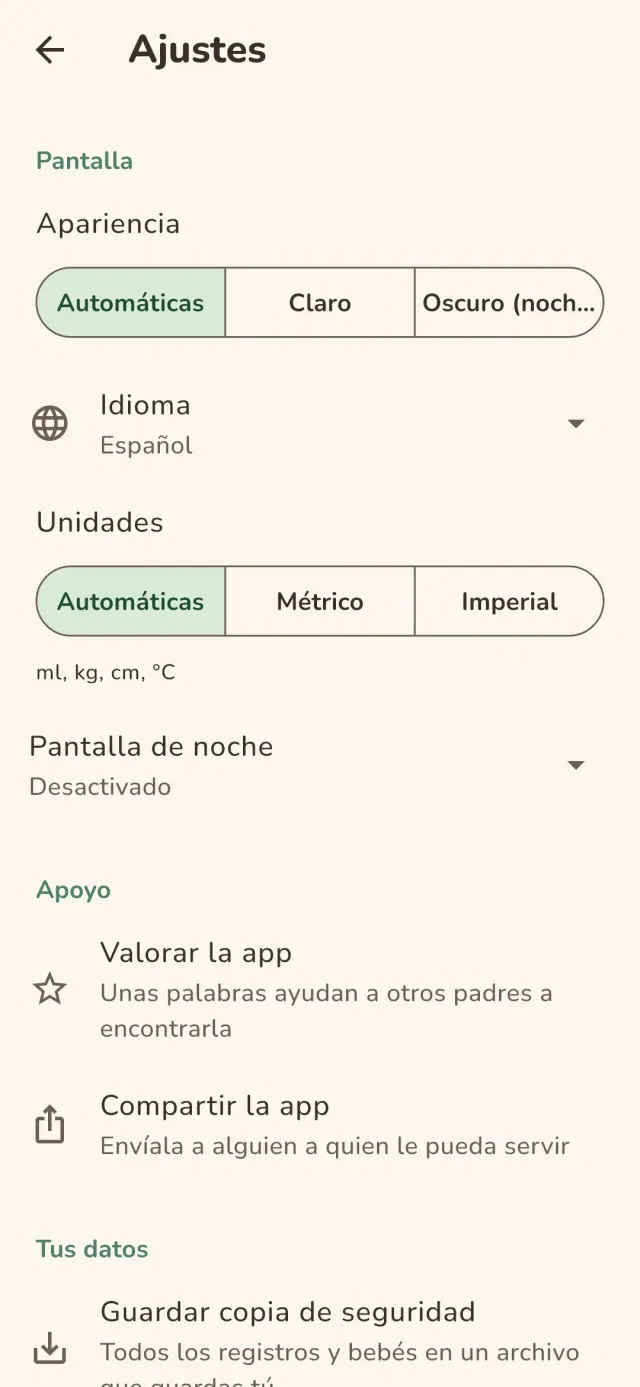
Inglés, francés, alemán, español, portugués, italiano y árabe. La aplicación sigue el idioma de tu teléfono y puedes cambiarlo en los ajustes.
Apoyar el proyecto
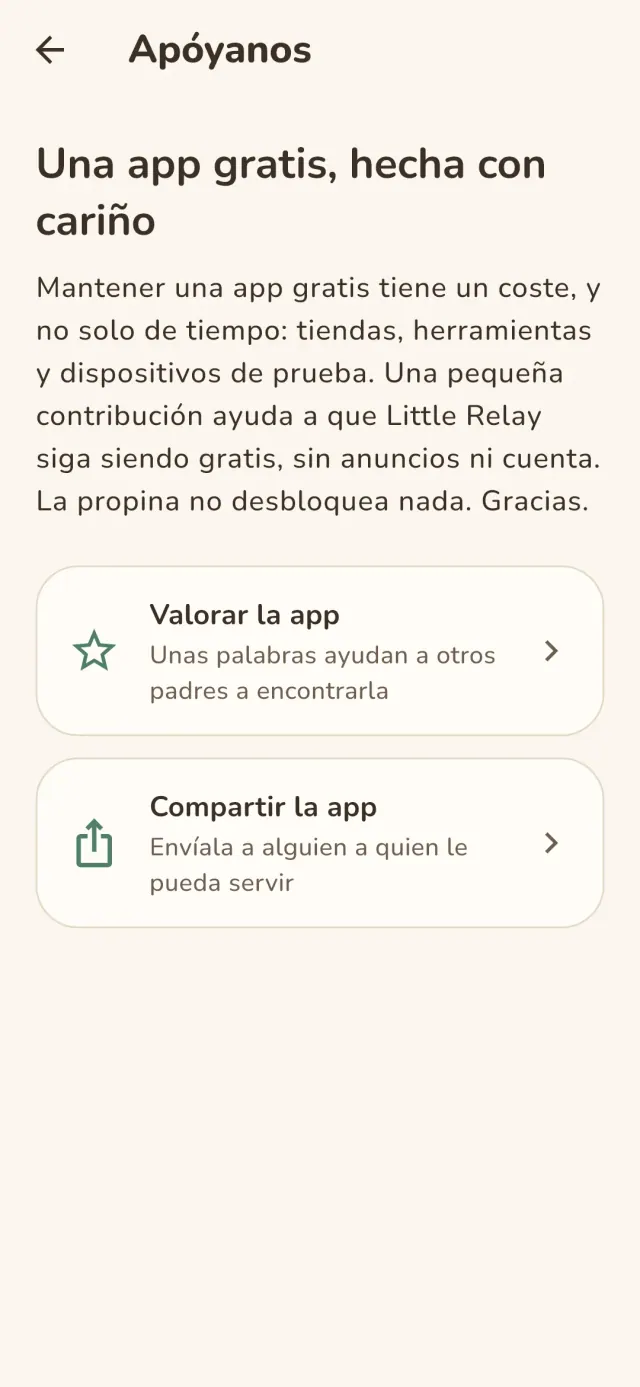
Little Relay sigue siendo gratuita y sin anuncios. Si te resulta útil, puedes apoyar su desarrollo (opcional):
Buy Me a CoffeePresupuesto familiar y gestor de gastos, solo en tu dispositivo. Sin cuenta.
También de PixeonMetadata CleanerEXIF viewer: metadatos de fotos, lee, corrige o borra.
También de PixeonVaultMarkCaja fuerte de documentos cifrada. Marca de agua, eliminar metadatos al enviar.
También de PixeonMenuloopPlanificador de comidas, lista de la compra y recetas con fotos, sin conexión.
También de PixeonIndie OfficeQuote maker and self-employed invoices. Offline, no account, no ads.