
Little Relay: Baby Tracker
Breastfeeding, sleep and starting solids tracker. No account, works offline.
Free. No ads. No subscription.

Little Relay is a baby tracker for the first months, from newborn feeding to starting solids. Everything stays on your phone: no account, no sign-in, no ads. Free to use.
What Little Relay does
Breastfeeding tracker and bottle log
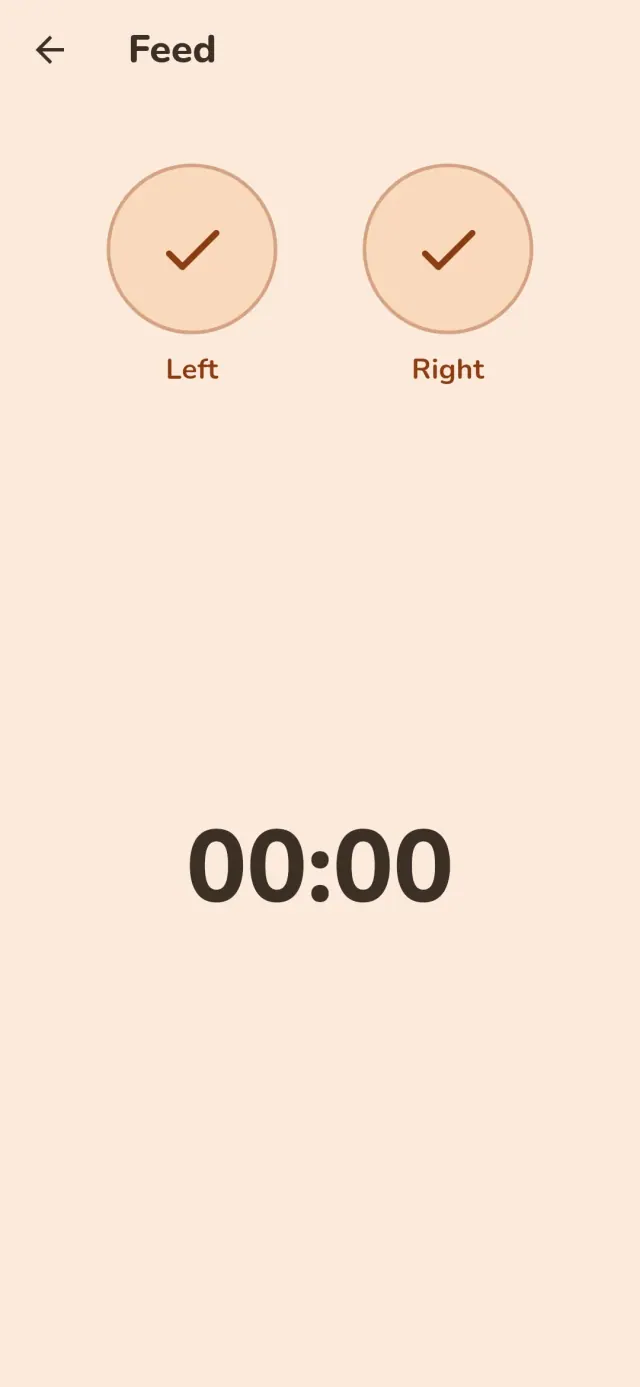
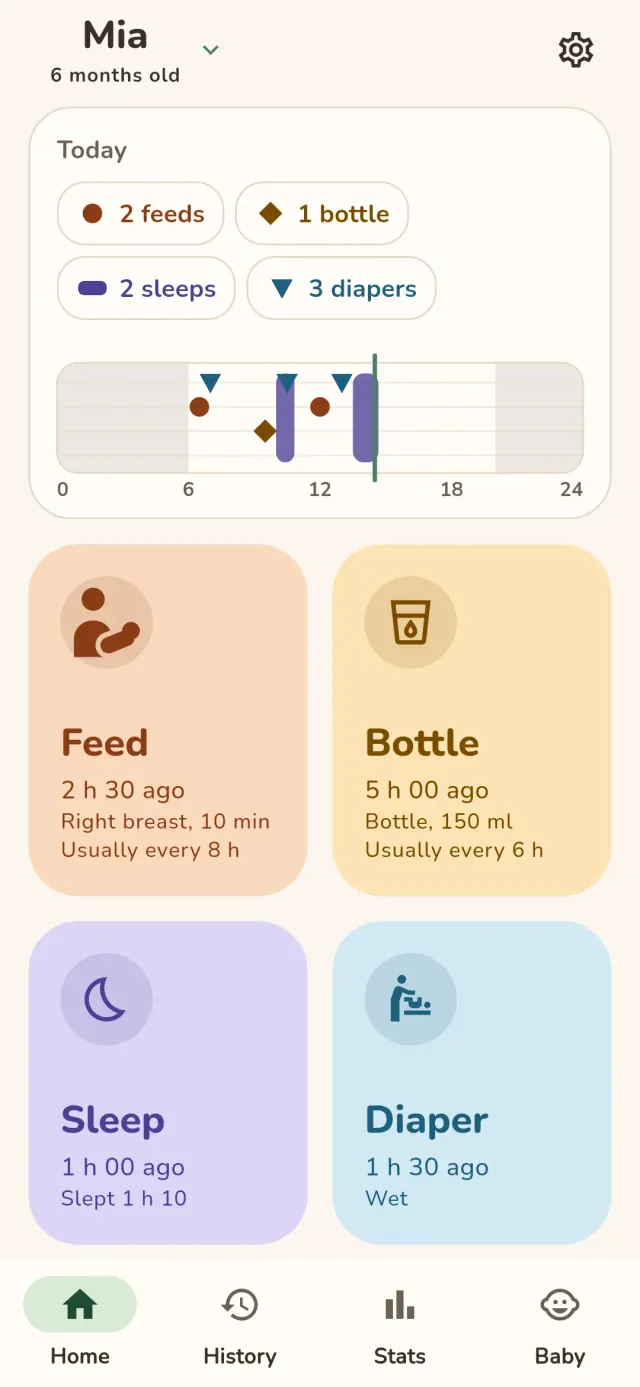
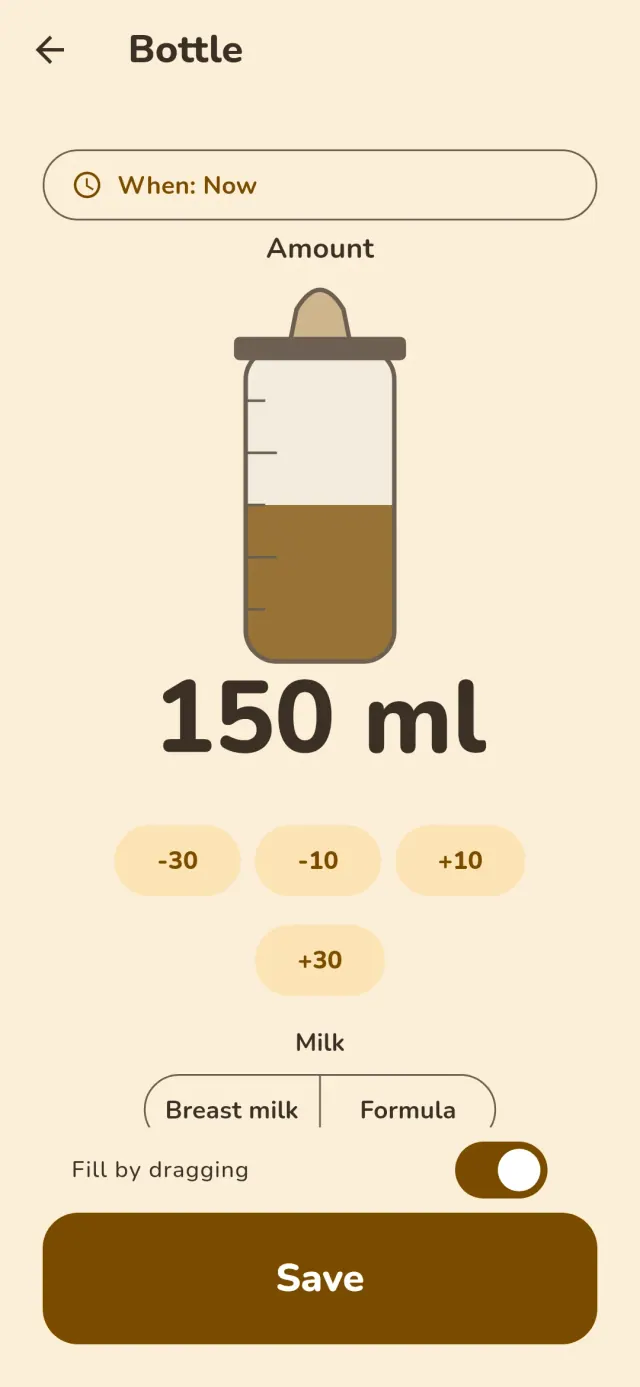
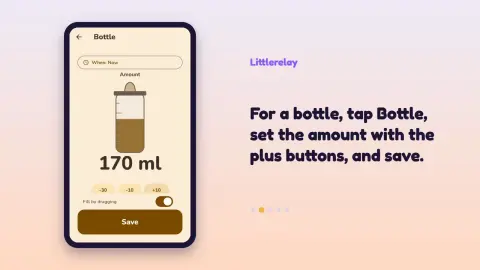
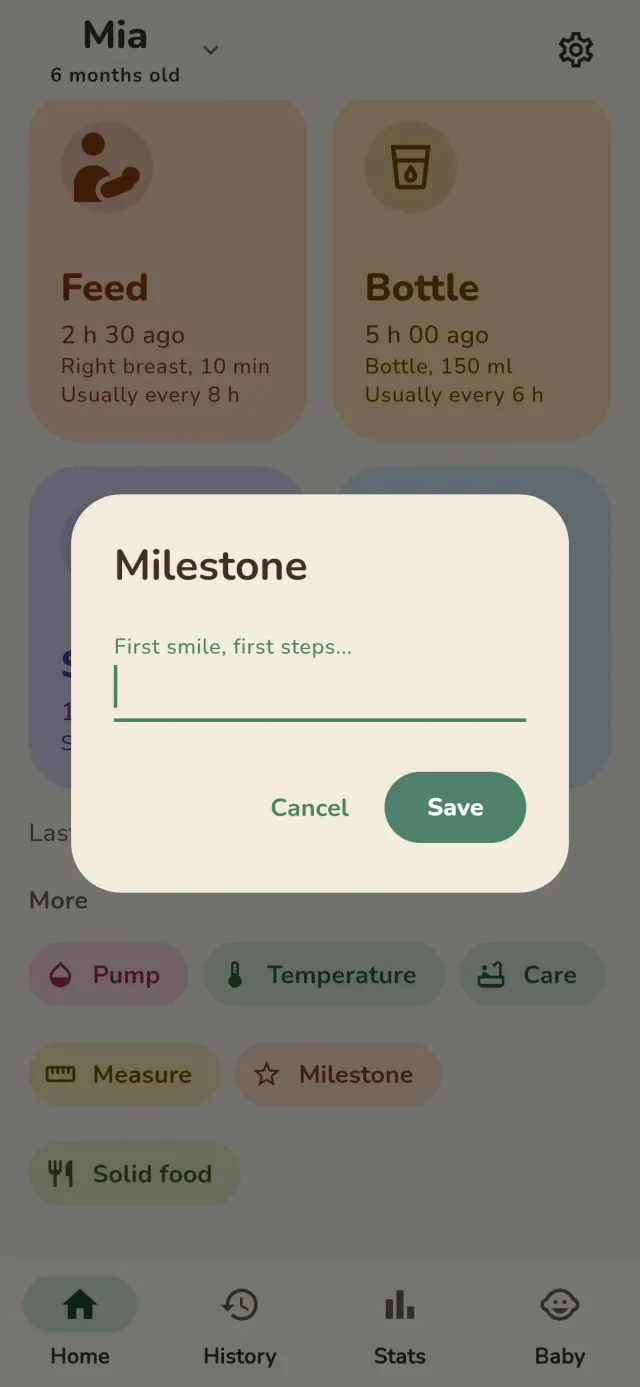
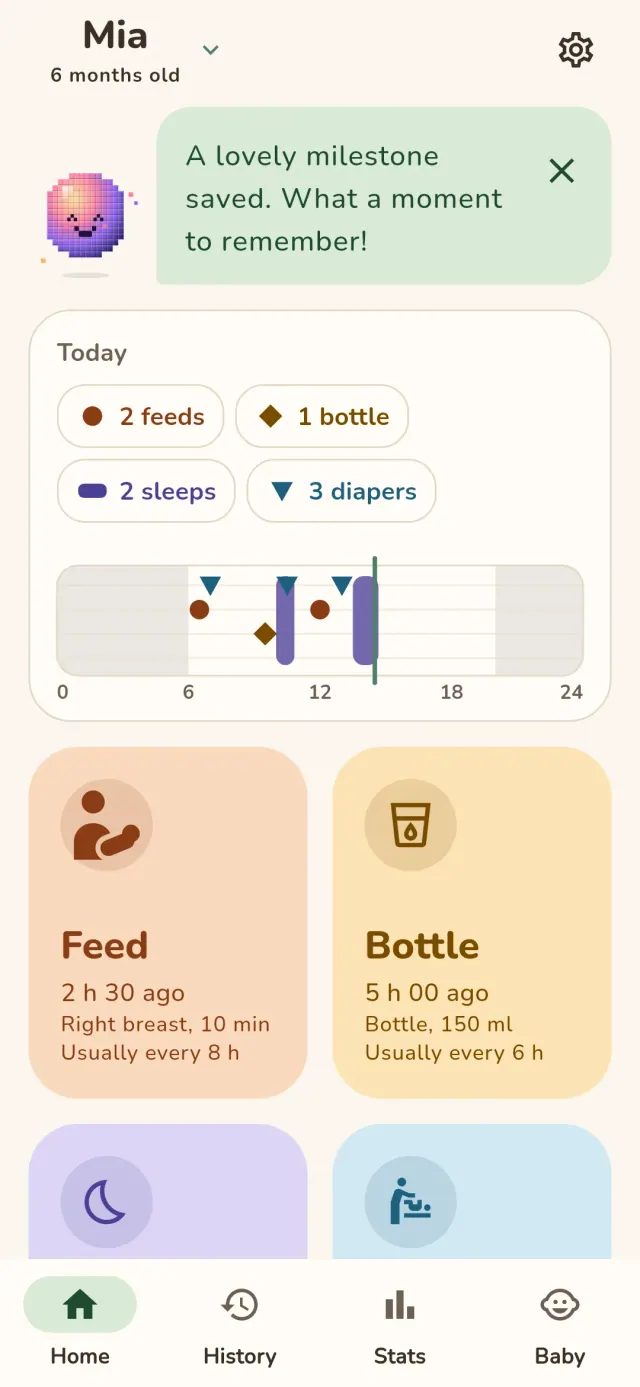
Record each feed in one tap: left or right breast with a timer and a pause button, or a bottle with the amount in ml. The home screen shows how long ago the last feed was, and on which side. Pumping has its own entry.
Sleep and diaper tracker
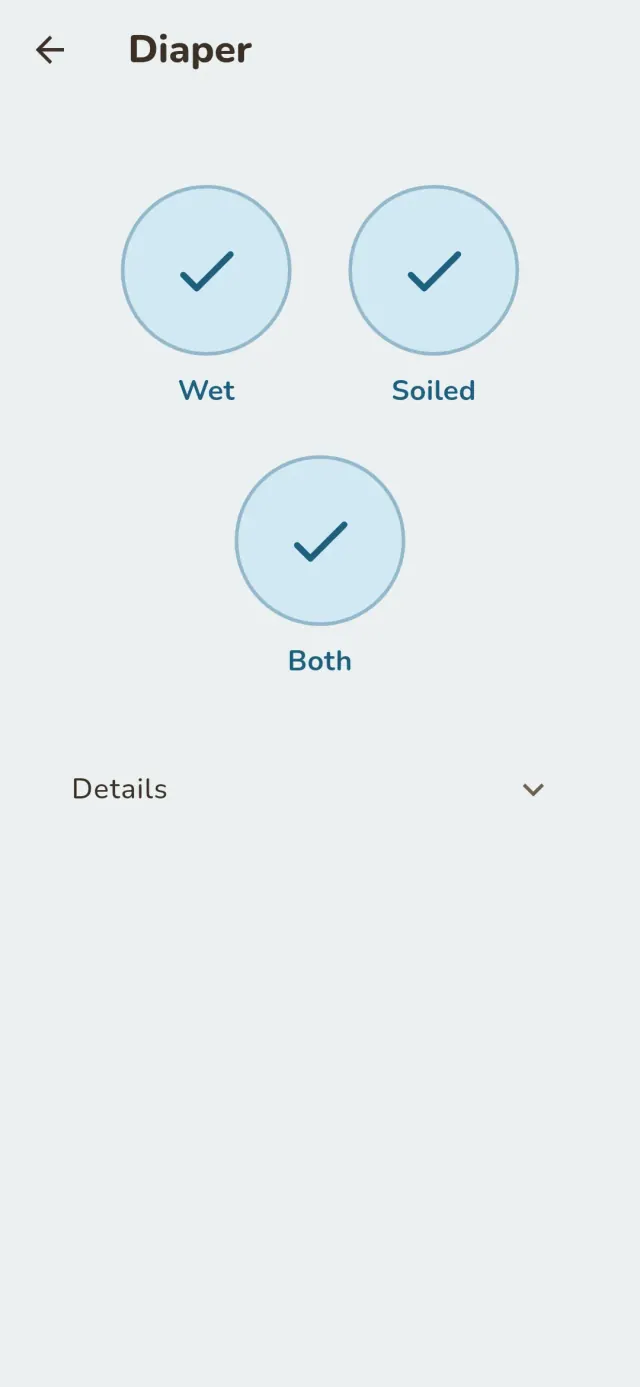
Start a timer for each sleep and log diapers with a single tap. Night mode keeps the screen dark and the buttons large, so you can use it with one hand at 3 a.m.
Growth chart
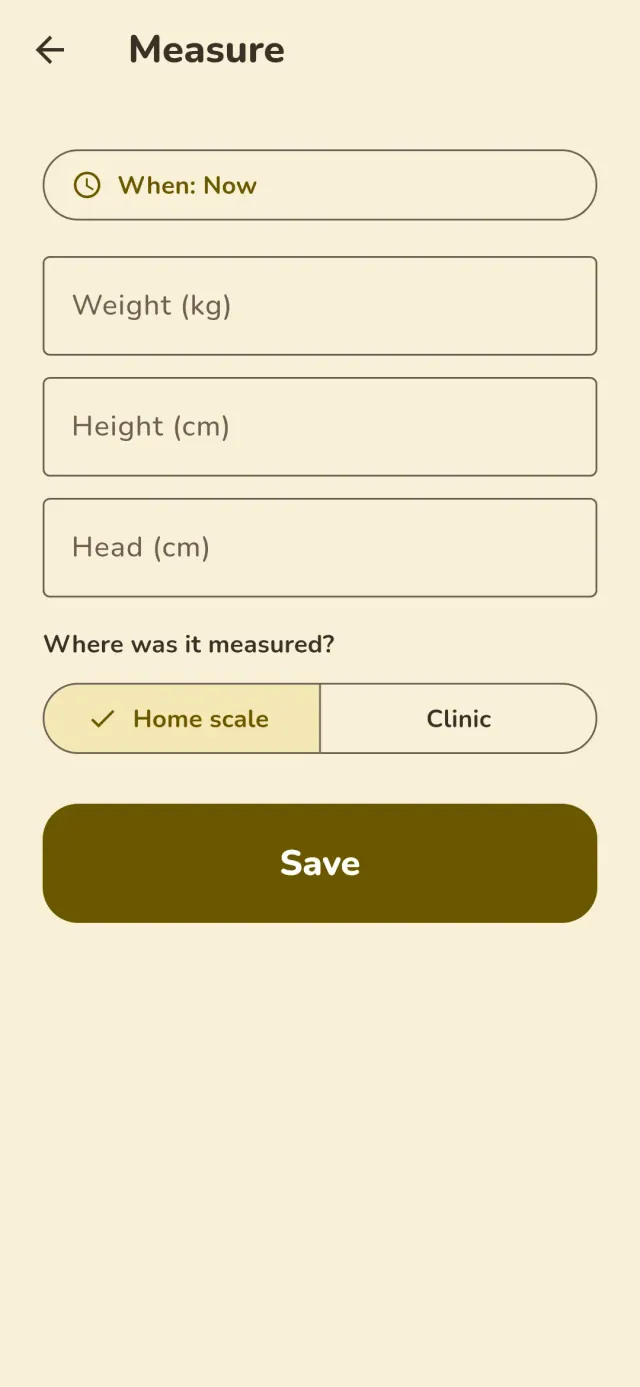
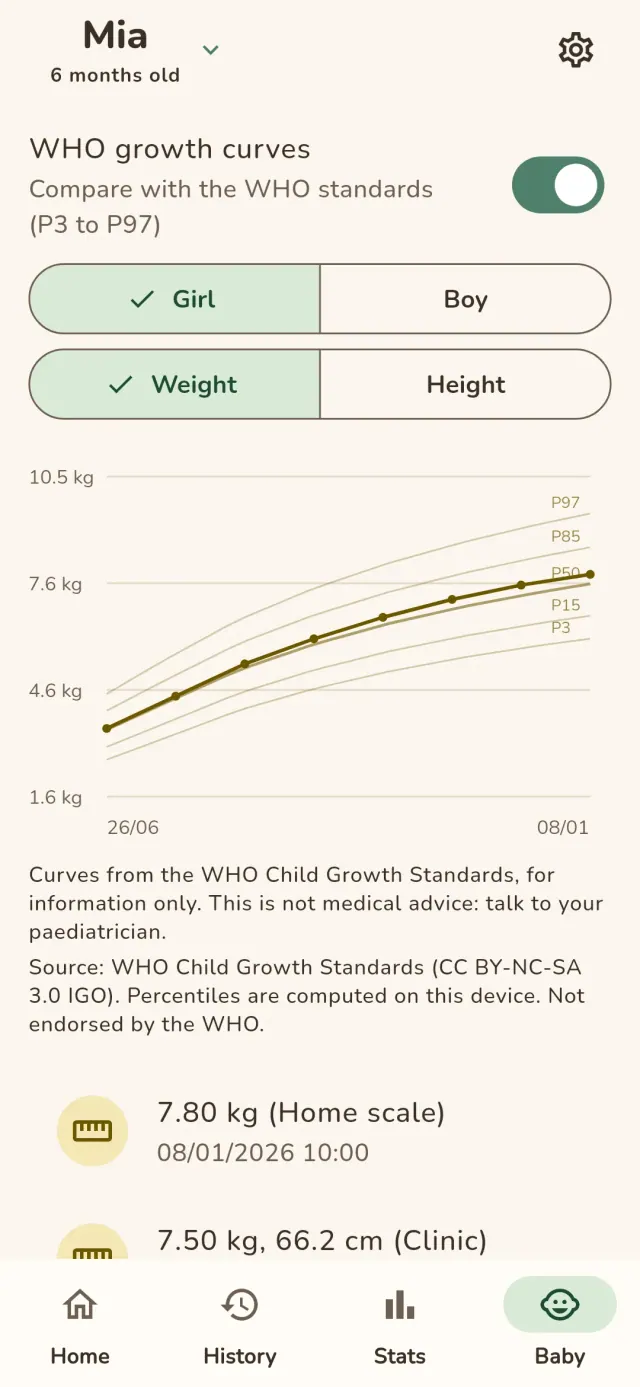
Enter weight and height, and mark whether the number came from your own scale or from the clinic. The growth chart updates after every entry and stays easy to read between appointments. The WHO reference curves (percentiles P3 to P97) are calculated on your phone.
Starting solids
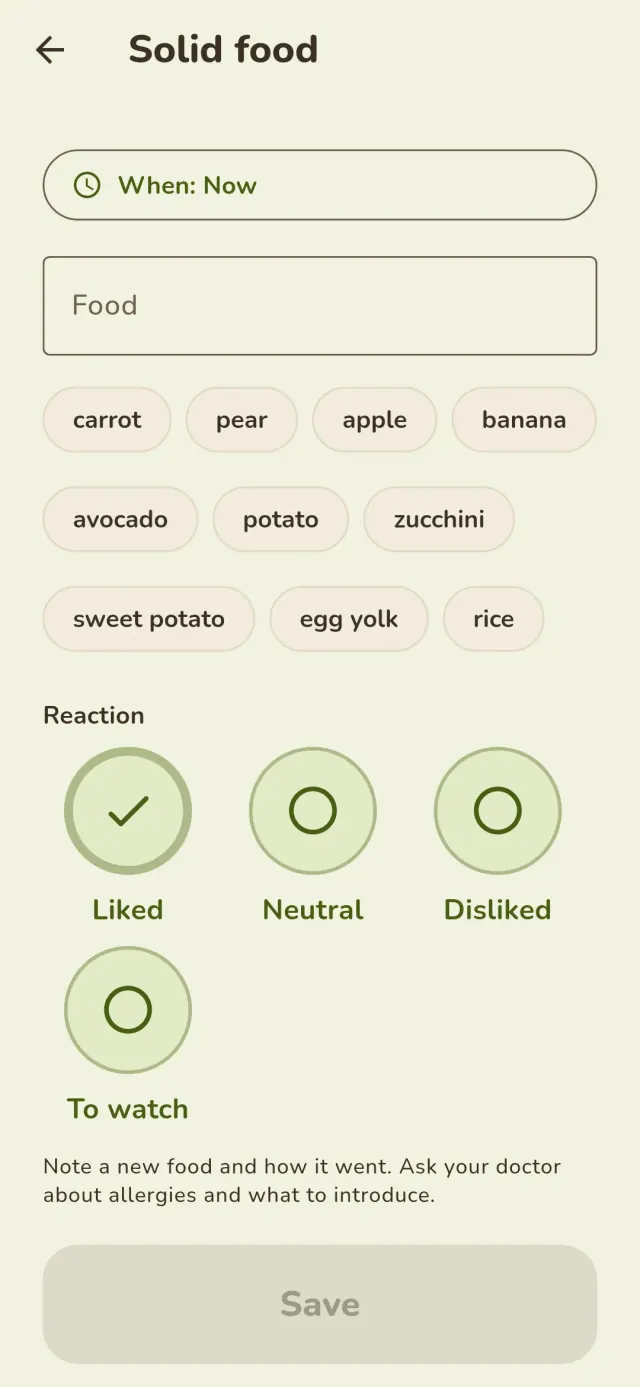
Record each new food, the date and how your baby reacted, then plan meals on a calendar.
Before the birth
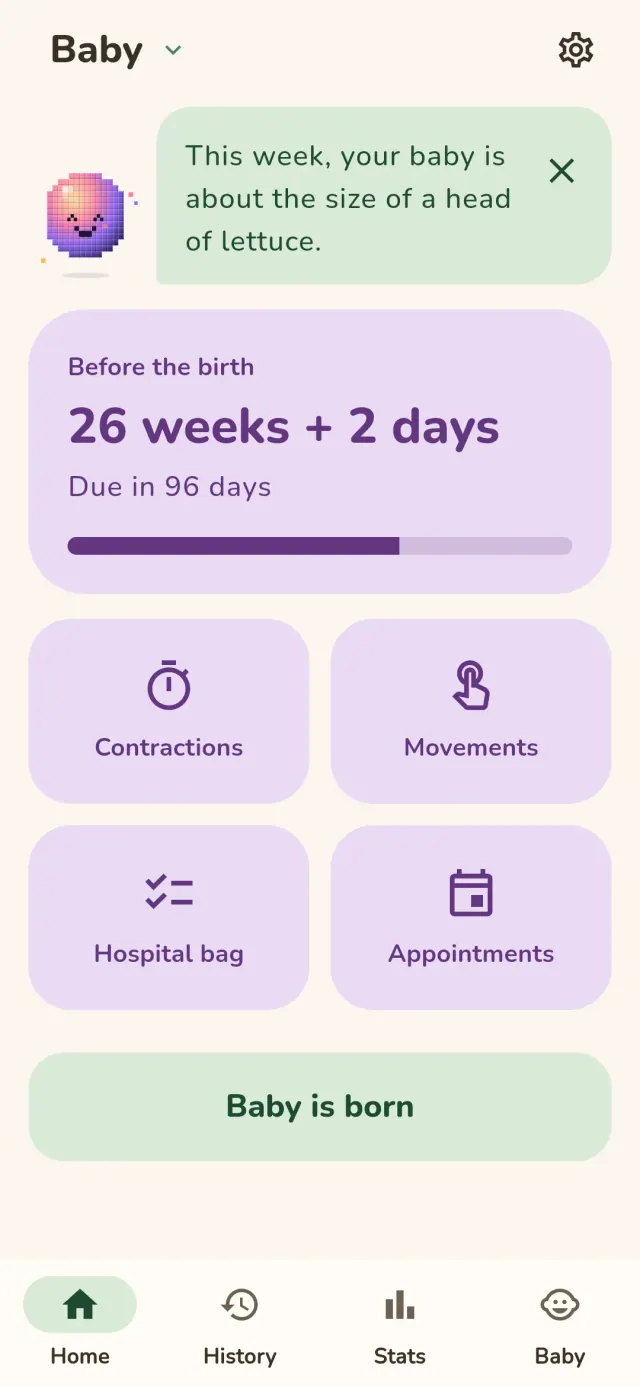
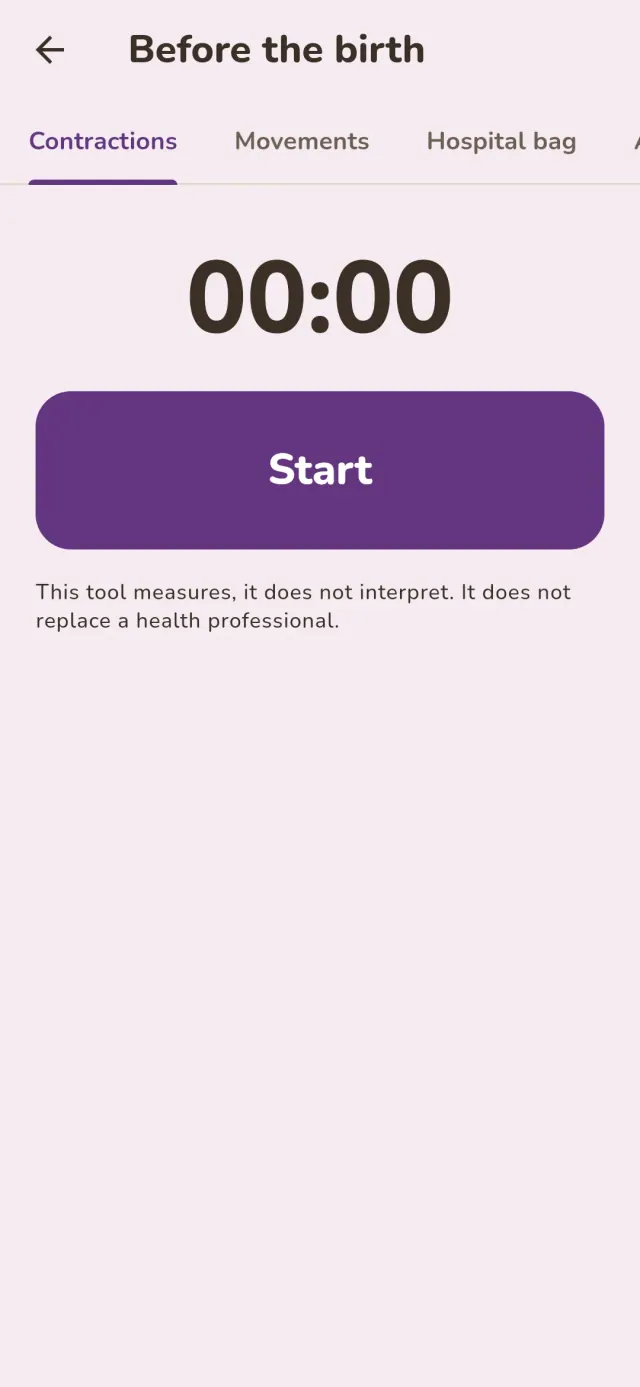
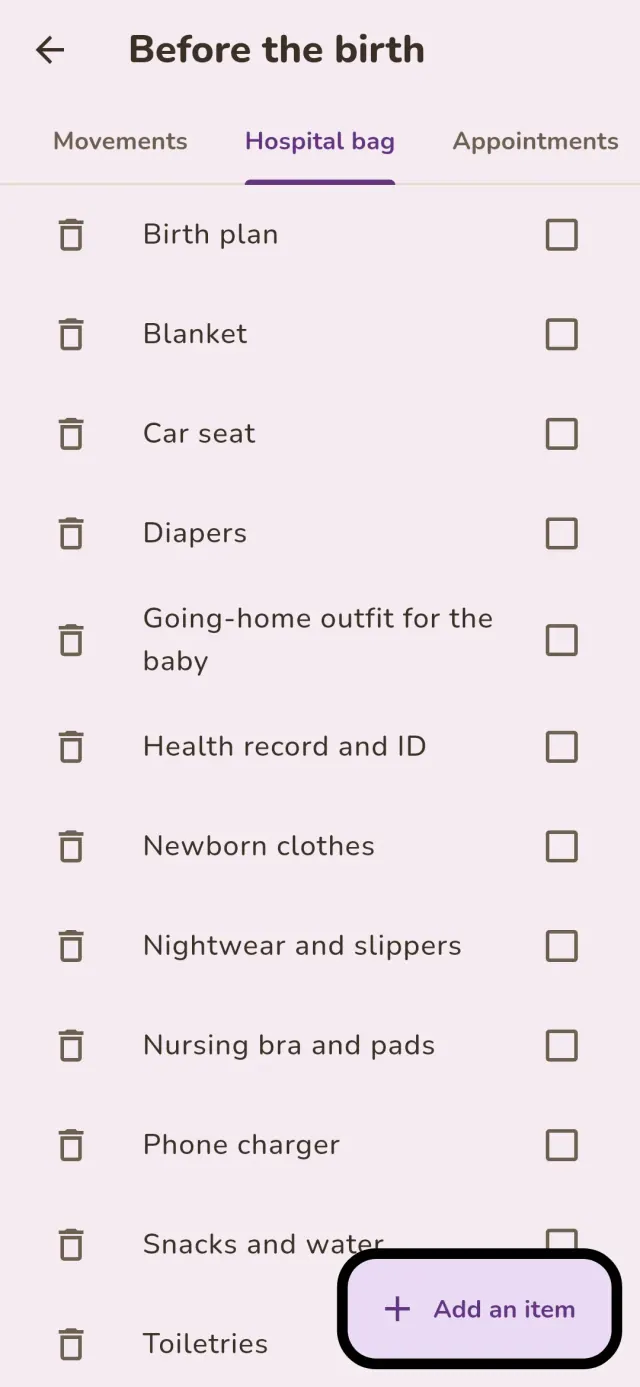
Expecting? Set the due date and see the week of pregnancy, time contractions, count baby's movements, keep a hospital bag checklist and note your appointments. When your baby arrives, the same app is ready for the first feed.
A report for the doctor
Export a PDF for your pediatrician or midwife. It is built on your phone, and you choose where to send it. The app is available in 75 languages, PDF reports included.
Your data stays with you
There is no account: nothing is sent and nothing is analysed. The app works offline, in airplane mode too. One button deletes all data.
Little Relay records what you enter. It gives no medical advice and does not replace a health professional.
Little Relay guides
Who it is for
- New parents who want a simple log of feeds, sleep and diapers they can fill in with one hand at night.
- Parents starting solid foods who want to note each new food, the date and how their baby reacted.
- Parents who prefer a baby log that does not need an account and keeps the data on their phone.
Why choose Little Relay
- Everything stays on your phone: no account, no cloud, no ads, no tracking, and the app needs no network to work.
- Built for night use: a dark mode and large buttons, and a home screen that tells you how long ago the last feed was and on which side.
- The data is yours: export a PDF report for the doctor, and delete everything with one button.
What it does not do yet
- No sharing between two phones yet: the log lives on one phone. Sharing between parents, end-to-end encrypted, is planned.
- The home screen widget is Android only for now.
- It is not a medical device and gives no medical advice.
Pixeon principle. Pixeon apps are local first: no account, no tracking, and your data stays on your phone. If an app ever connects to the network, it is only when you choose to turn on a feature you need, and the privacy policy is updated before it ships.
See Little Relay in action.
Get Little Relay.
Free on iPhone and Android.
Privacy policy
Last updated: 2026-11-02
Little Relay is a baby tracker: feeds, sleep, diapers, measurements, first foods, milestone photos and pregnancy tools. The short version: everything stays on your phone, the app has no internet access, and we collect nothing.
What the app handles
The entries you type: feeds, sleep, diapers, weight and height, temperature, routine care, foods (given, or on your own "to try" list), milestones and notes, and your child's first name and birth date if you enter them. This is health information about a child, so we treat it as sensitive. It is stored only in the app's private storage on your phone. There is no account, no sign-in, no server and no cloud copy. Your preferences (language, appearance, when the app last suggested support) also stay on your phone.
What we collect
Nothing. No analytics, no advertising identifier, no crash reporting, no third-party SDK that sends data. The app needs no network to work and the app declares no internet permission. You can check this by using the app in airplane mode: everything works the same.
Permissions
The app asks for no permission that gives access to your data or to the internet. The Android install details list the following, all of them declared by the app or by the library it uses:
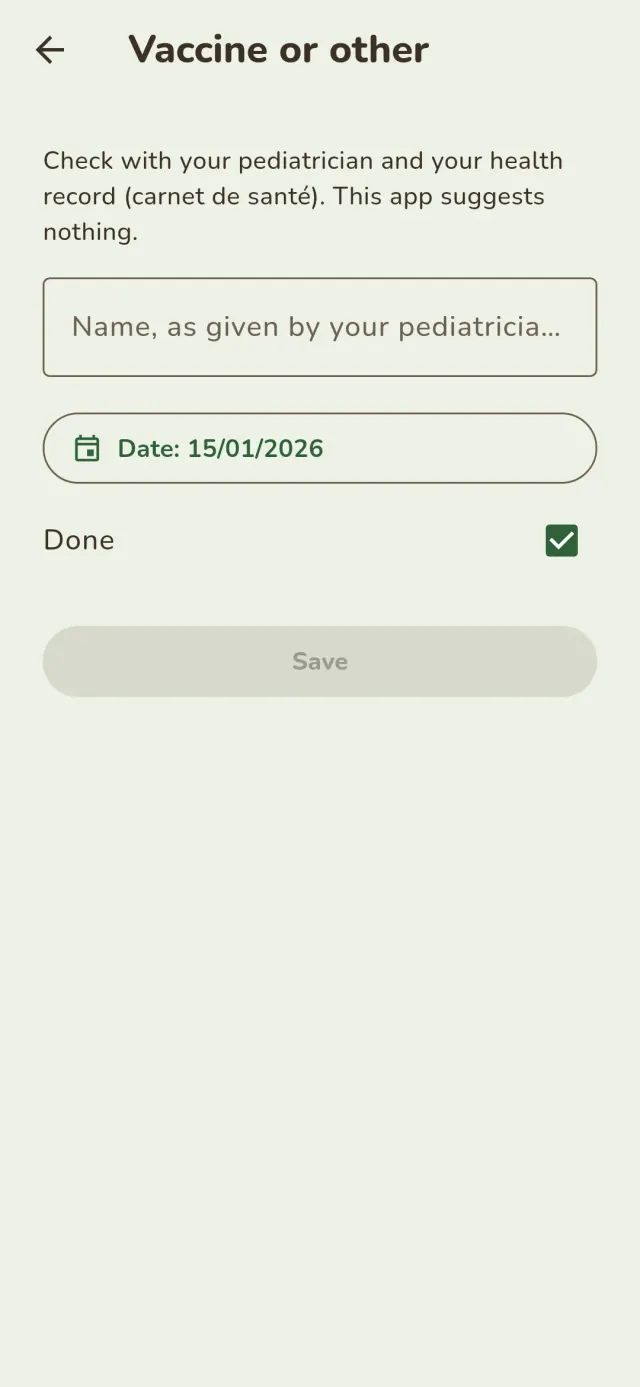
- Notifications (Android 13 and later, and iOS): asked only when you set your first reminder. A screen explains why before the system asks, and you can refuse: everything else works the same, you just get no reminder. A reminder is one local notification at the date and time you choose, with a short text that names the type of activity (for example "Time for the bottle?"). It holds no name, no amount and no health value, and for sensitive types (temperature, measurements, medicine, vaccines) it is neutral ("Remember to note an entry"). It is scheduled on your phone and never sent anywhere.
- Vibrate, keep the phone awake, background task, restart after reboot (Android): they let a reminder ring and come back after a reboot, and let the home screen widget save an entry reliably. They give no access to your data.
- Network state (Android, added by the in-app purchase library): the app only reads whether the phone is online. It sends nothing.
- In-app purchases (Android, Google Play Billing): for the optional tips, handled by Google Play.
The app does not request internet access, location, contacts, camera or microphone. When you attach a photo to a milestone, the app opens the system photo picker, which lets you hand over only the picture you choose, so the app never gets access to your photo library.
Files, backups and deletion
Milestone photos: a photo you attach to a milestone is copied into the app's private storage on your phone, with a small thumbnail. It is never uploaded or shared. Removing a milestone removes its photo.
Export: if you export a report for your child's doctor (a PDF), the app builds it on your phone and hands it to the system share sheet. You choose where it goes. The app does not send it anywhere. If milestones of the period have photos, the app asks first whether to include them: when you leave "Include photos" ticked, small copies of up to 30 of these photos go into the PDF. Untick it to keep the photos out of the report.
Backups: your phone's own backup (Google backup on Android, iCloud on iPhone) is controlled by your phone's settings, not by us. The app does not turn it off, so that backup may include the app's data, depending on those settings. The encryption key for the app's database stays in your phone's keychain. To move your entries to a new phone, use the backup file in Settings: the app writes one file on your phone, you choose where to keep it, and you import it on the new phone.
Deletion: a delete-all-data button in the app erases your entries and every photo and thumbnail. Uninstalling the app also deletes its data from your phone.
Optional support
If tips are offered, they are in-app purchases handled by Apple or Google. They unlock nothing, and the app receives no personal data about you from them.
Retention
Your entries, children and milestone photos are kept on your phone until you delete them: one entry at a time, a milestone with its photo, a child, the delete-all-data button, or uninstalling the app. We keep no copy on our side, so there is no retention period to apply on our side. Your phone's own backup may hold a copy, depending on its settings. A backup file you export yourself stays wherever you put it, until you delete it.
Medical information
Little Relay records what you tell it. It gives no medical advice and is not a medical device. Ask your doctor or midwife about your child's health.
Contact form on this website
If you write to us through this site, we use your message and the email address you optionally give only to reply. Bot protection is provided by Cloudflare and email delivery by Resend.
Language choice on this website
When you choose a language, or when this site opens a page in your browser's language, it stores
one small functional cookie (pxl, a language code, one year) so that your choice is
remembered. If this site suggests a page in your browser's language and you close that suggestion,
your browser also keeps a local note (pxl-banner-off, in local storage, 30 days) so the
suggestion does not come back. Neither identifies anyone, neither is used for tracking or advertising,
and neither is shared. You can delete them in your browser at any time.
Website statistics
This website uses Cloudflare Web Analytics to count visits (pages viewed, country, browser type, loading speed). It sets no cookie, does not use local storage, does not fingerprint your device, does not follow you across sites and does not build a profile of you. Search engines (for example Google Search Console) give us aggregated search statistics, without any data about individual visitors. Our own web server also counts the pages it serves: for each page it keeps the page address, the site or social network that sent you (only its name, or the campaign tag written in the link), the country, the type of device and whether the request came from a robot. It keeps no IP address, no identifier and no cookie, and these counts are anonymous. We use no advertising or other analytics service. None of this concerns the app itself, which collects nothing.
Children
Little Relay is a tool for parents and carers. It is not directed at children, and it records information about a child only because a parent typed it in.
Changes
An updated policy will be published at this URL with a new date above.
Contact
Questions about privacy: little-relay-contact@pixeon.net
Support
Last updated: 2026-10-19
Little Relay is a small independent app. Answers to the most common questions are below.
We do our best to reply within a few days. To help us, tell us your device model, its system version and what you were doing. Please do not send information about your child or any personal data.
Is Little Relay really free?
Yes. Little Relay is free to download and use. There are no ads and no subscription.
What data does the app store or send?
Your entries are stored on your phone only. Nothing is sent anywhere: the app has no account, no server and needs no network to work. Details in the privacy policy.
Can I share the log with my partner?
Not yet. This version works on a single phone. Sharing between parents, with end-to-end encryption, is planned for a later version.
I changed or lost my phone. Where is my data?
Your data lives on the phone where you entered it. Your phone's backup (Google or iCloud) is controlled by your phone's settings, not by us, and may include the app's data depending on those settings. The encryption key stays in your phone's keychain. The reliable way to move your data is to export a backup file in Settings on the old phone and import it on the new one. There is no copy on our side, so we cannot recover it for you.
How do I show the log to my doctor?
Export a PDF report from the app. It is built on your phone and you choose where to send it, for example by e-mail or to a printer.
How do I delete my data?
Use the delete button in the app settings, or uninstall the app. Both remove everything from your phone, including milestone photos.
Is Little Relay a medical app?
No. It records what you enter and gives no medical advice. Ask your doctor or midwife about your child's health.
Which languages are available?
English, French, German, Spanish, Portuguese, Italian and Arabic. The app follows your phone language, and you can change it in the settings.
Support the project
Little Relay stays free and ad-free. If it is useful to you, you can support its development (optional):
Buy Me a CoffeeExpense tracker and family budget planner. Free phone sync, no account.
Also from PixeonMetadata CleanerEXIF viewer, editor & remover: read, fix or erase photo metadata (GPS, date).
Also from PixeonVaultMarkEncrypted document vault. Watermark documents, remove metadata before sharing.
Also from PixeonMenuloopMeal planner and grocery list for the week. Recipes with photos, offline.
Also from PixeonIndie OfficeQuote maker and self-employed invoices. Offline, no account, no ads.
Also from PixeonFanionDiscover and share local events, concerts, markets and weekend outings nearby