
Little Relay: Praćenje bebe
Praćenje dojenja, sna i početka ishrane. Bez naloga, offline.
Бесплатно. Без огласа. Без претплате.

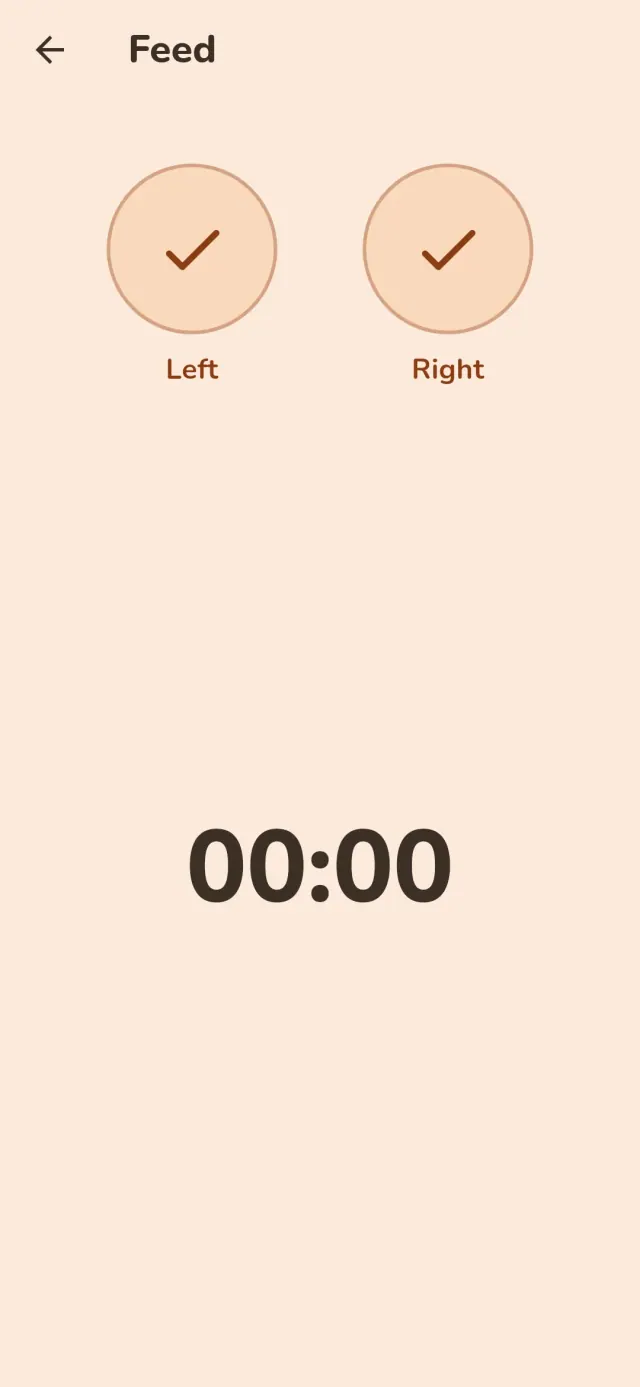
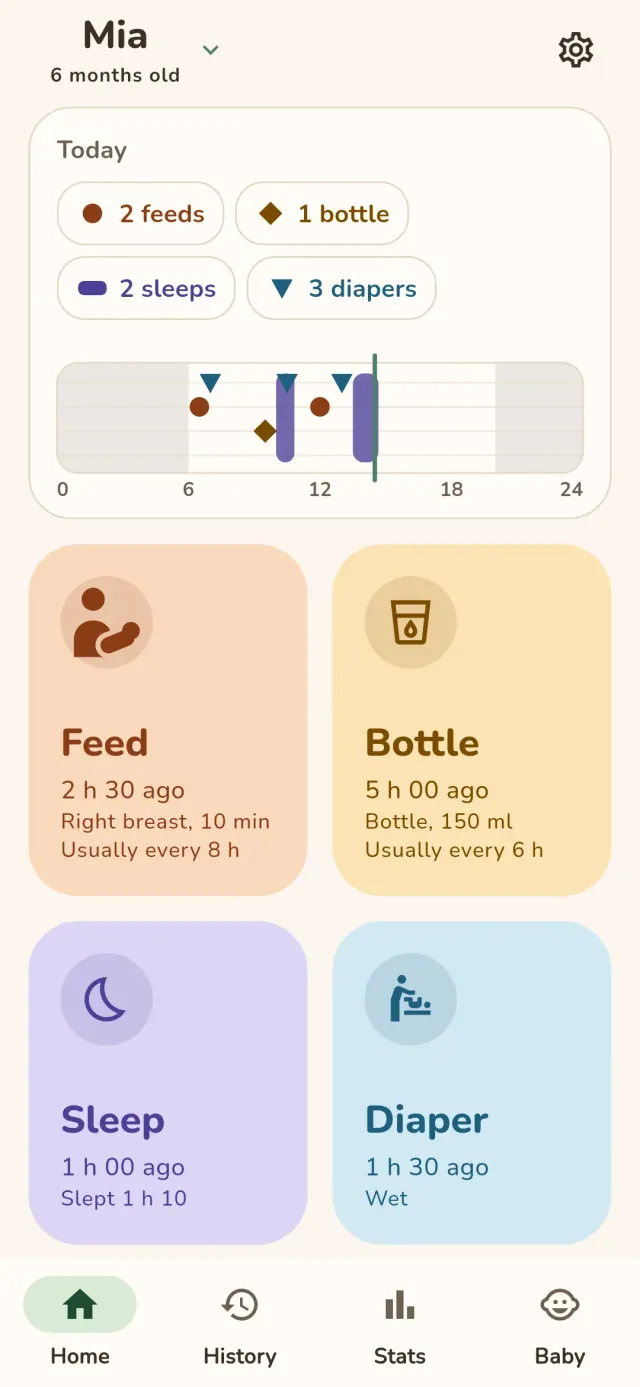
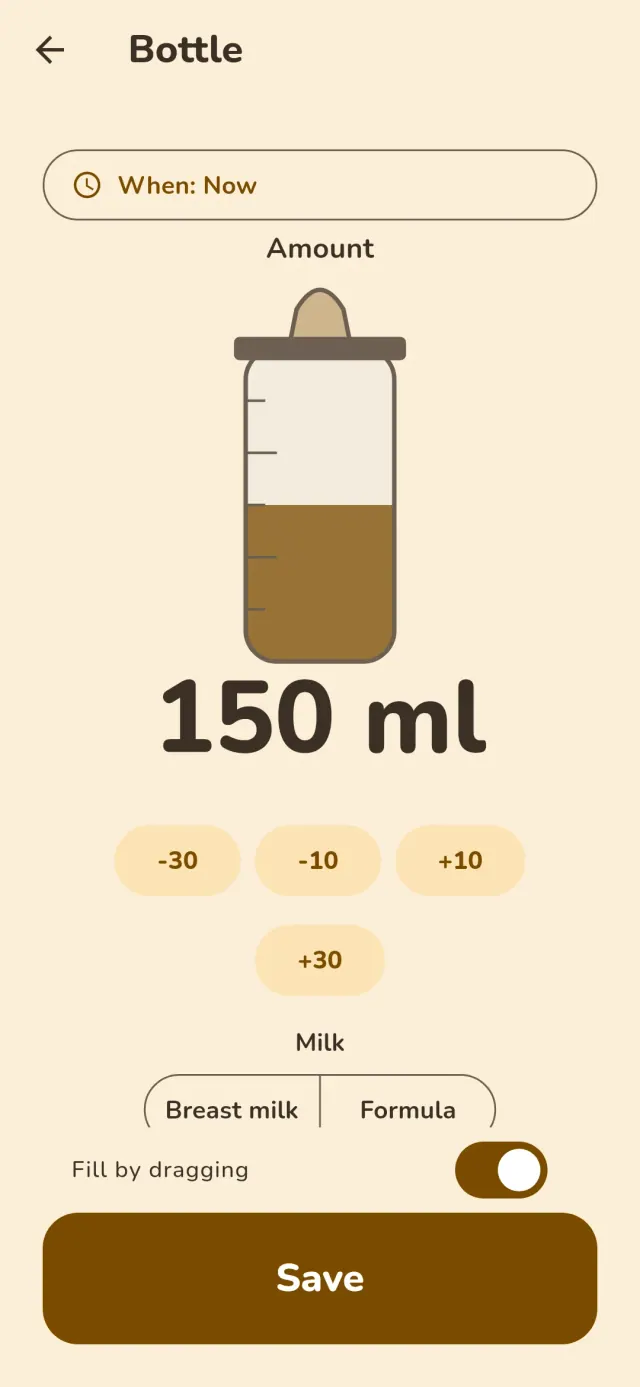
Little Relay je aplikacija za praćenje bebe u prvim mesecima, od dojenja do početka čvrste hrane. Sve ostaje na vašem telefonu: bez naloga, bez prijave, bez reklama.
Шта ради Little Relay
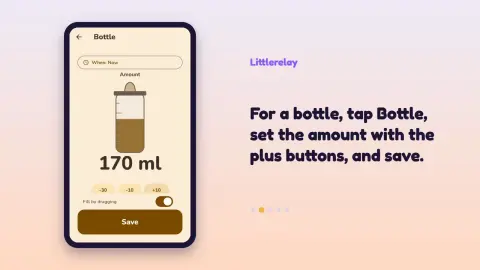
Praćenje dojenja i flašice
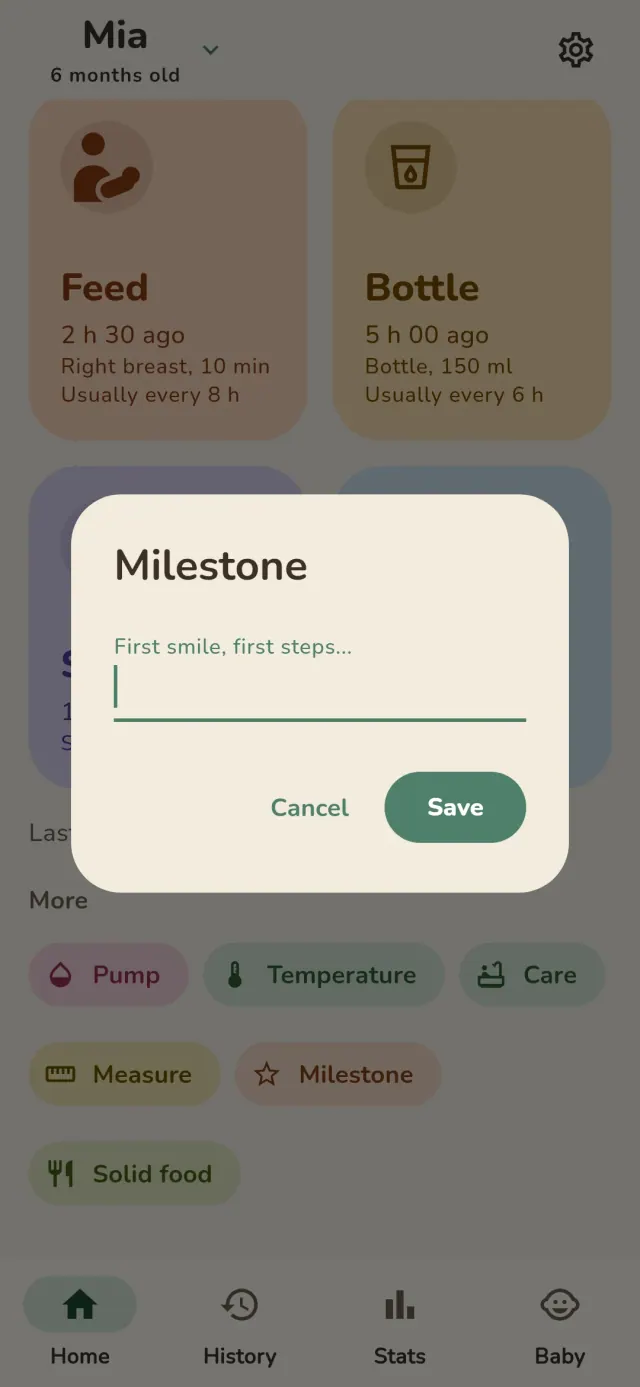
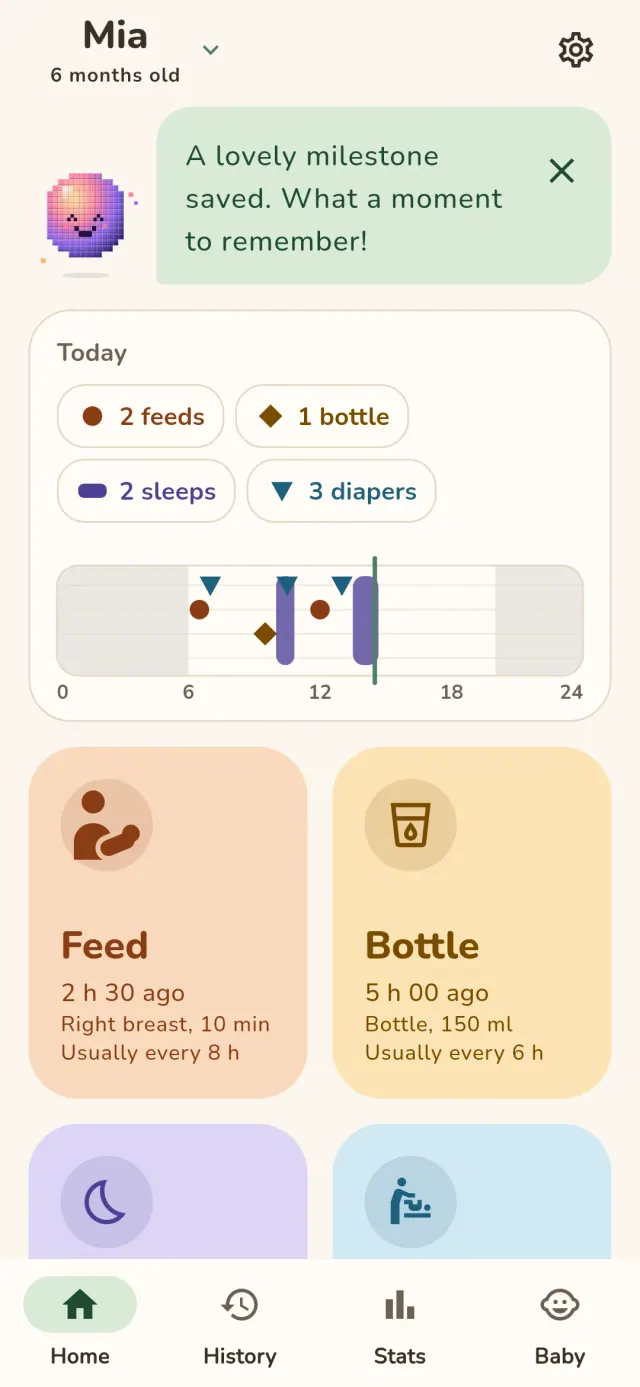
Zabeležite svaki podoj jednim dodirom: leva ili desna dojka sa tajmerom i dugmetom za pauzu ili flašica sa količinom u ml. Početni ekran prikazuje kada i na kojoj strani je bio poslednji podoj. Pumpa ima zaseban unos.
Praćenje sna i pelena
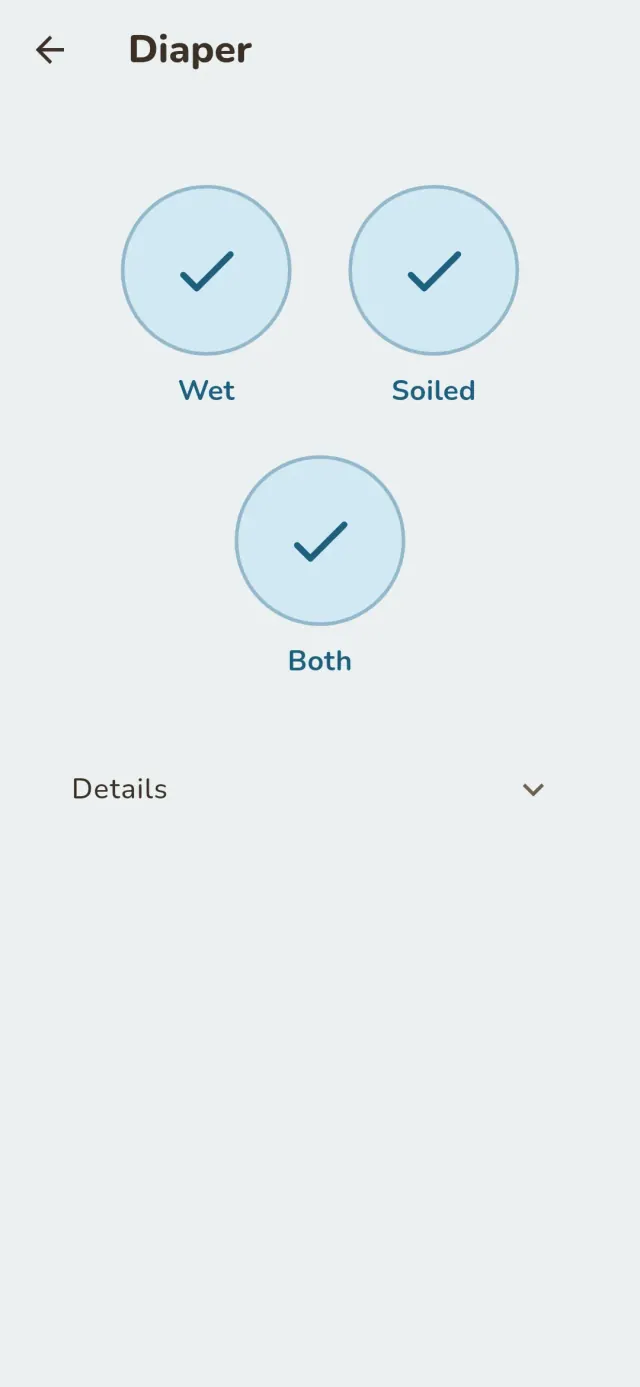
Pokrenite tajmer za san i zabeležite pelene jednim dodirom. Noćni režim zatamnjuje ekran i povećava dugmad za lakše korišćenje jednom rukom tokom noći.
Grafikon rasta
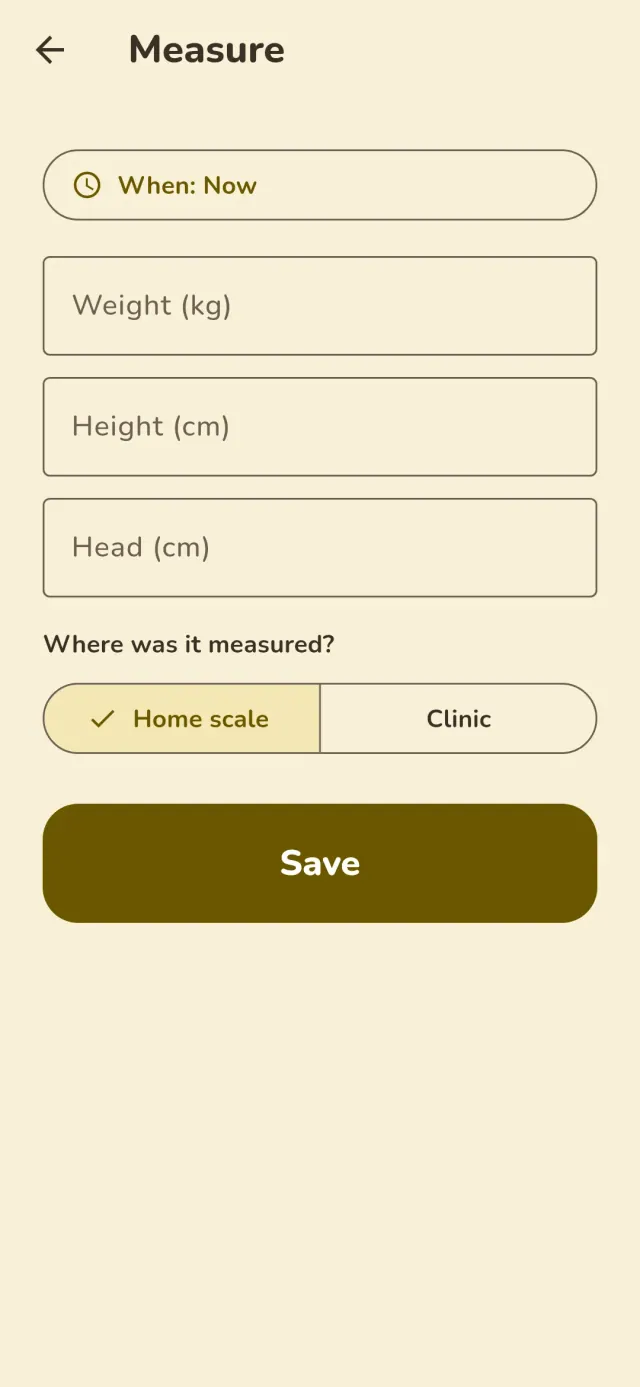
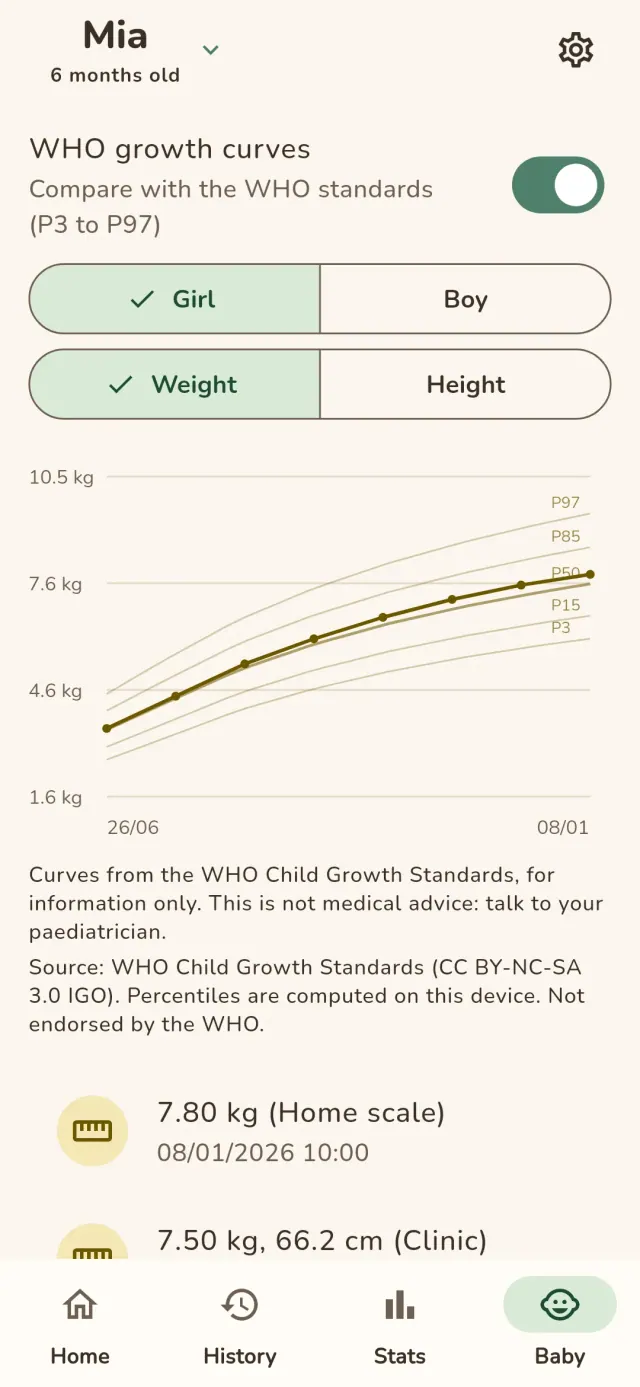
Unesite težinu i visinu, zabeležite izvor podatka. Grafikon se ažurira posle svakog unosa i ostaje pregledan između poseta.
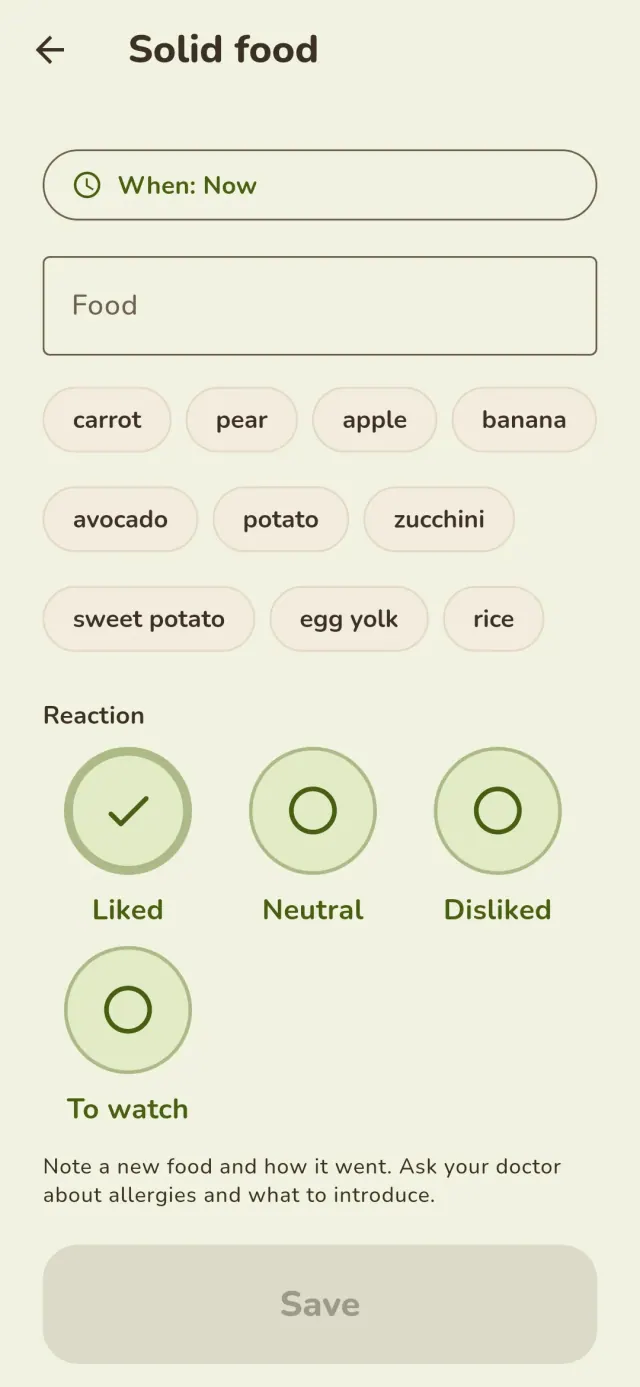
Početak ishrane
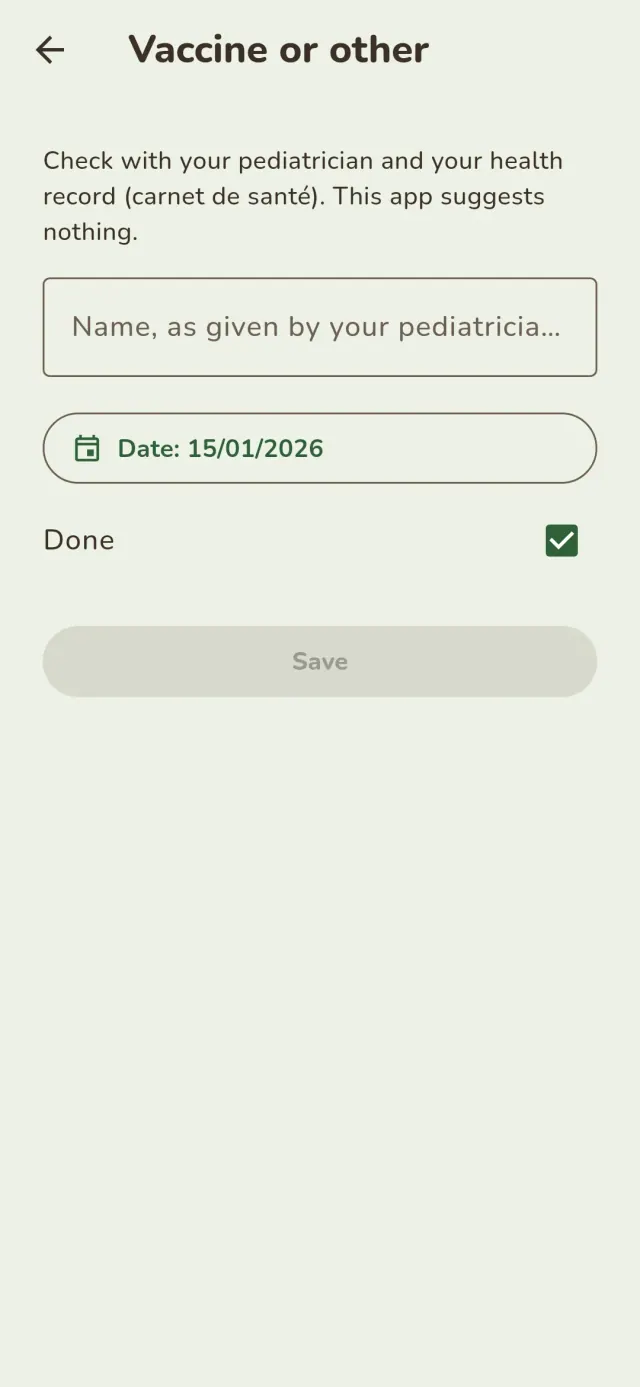
Zabeležite svaku novu hranu, datum i reakciju bebe, pa planirajte obroke u kalendaru.
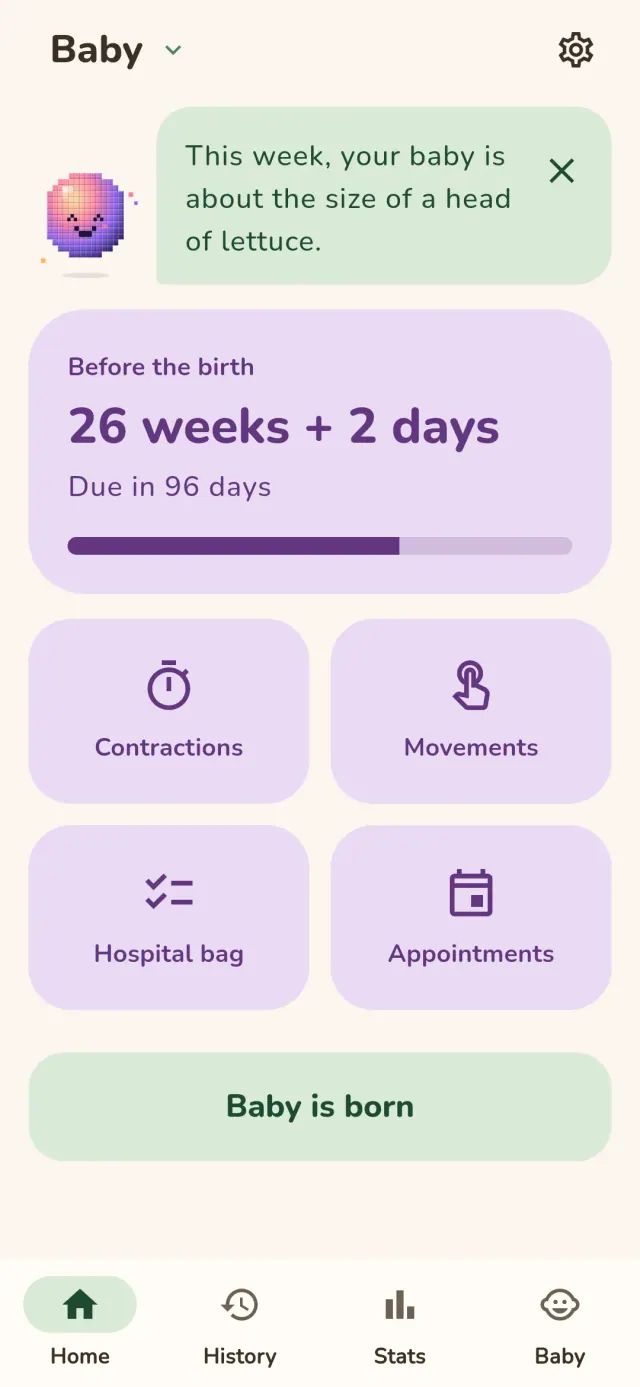
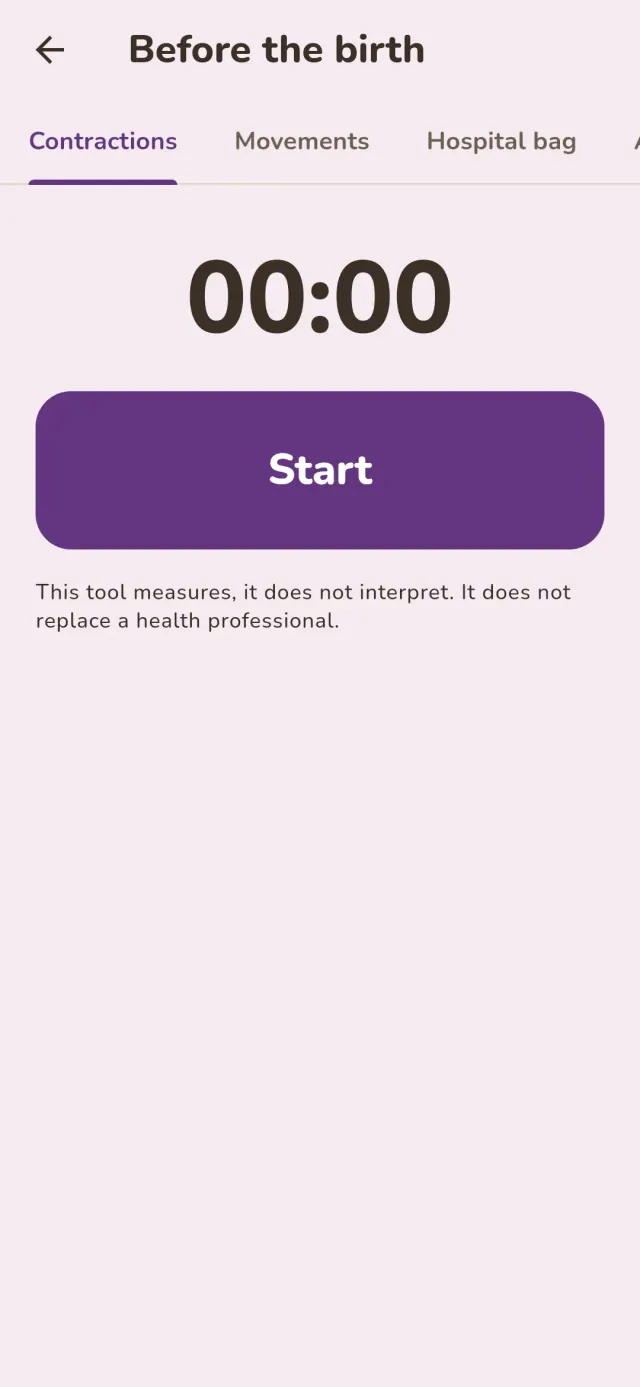
Pre rođenja
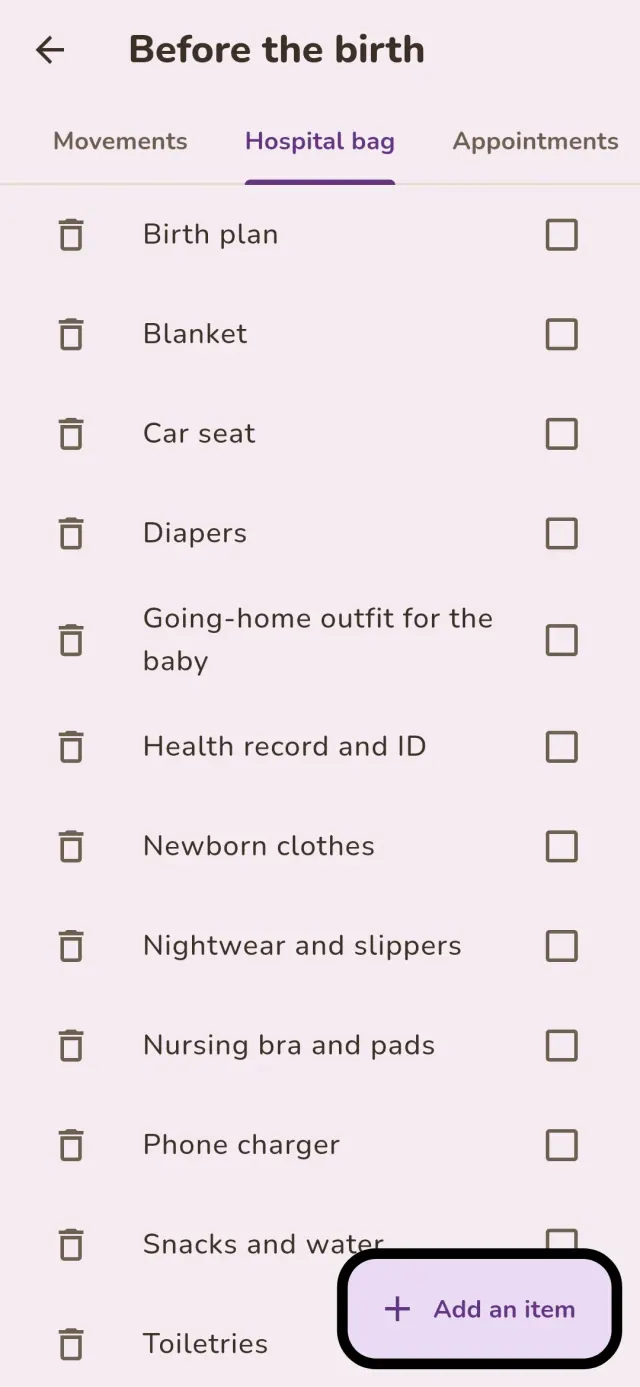
Očekujete? Postavite datum rođenja, pratite nedelju trudnoće, merite kontrakcije, brojite pokrete, pravite listu za bolničku torbu i beležite posete. Kada beba stigne, aplikacija je spremna za prvi podoj.
Izveštaj za lekara
Izvezite PDF za pediatra ili babicu. Kreira se na vašem telefonu, vi birate destinaciju.
Vaši podaci ostaju sa vama
Nema naloga: ništa se ne šalje niti analizira. Aplikacija radi offline. Jednim dugmetom brišete sve podatke.
Little Relay beleži šta unesete. Ne daje medicinske savete i ne zamenjuje lekara.
Водичи за Little Relay
За кога је
- Нове родитеље који желе једноставан дневник храњења, спавања и пелена, који могу да попуњавају једном руком током ноћи.
- Родитеље који уводе чврсту храну и желе да забележе сваку нову намирницу, датум и реакцију своје бебе.
- Родитеље који више воле дневник за бебу без потребе за налогом, уз чување података на њиховом телефону.
Зашто изабрати Little Relay
- Све остаје на вашем телефону: без налога, облака, огласа и праћења, а апликацији није потребна мрежа за рад.
- Направљено за коришћење ноћу: тамни режим и велика дугмад, као и почетни екран који вам показује колико је времена прошло од последњег храњења и на којој страни је обављено.
- Подаци су ваши: извезите PDF извештај за лекара и обришите све једним дугметом.
Шта апликација још не ради
- Дељење између два телефона још није доступно: дневник се налази на једном телефону. Дељење између родитеља, уз шифровање с краја на крај, планирано је.
- Виџет на почетном екрану је за сада доступан само за Android.
- Ово није медицински уређај и не пружа медицинске савете.
Pixeon принцип. Pixeon апликације су прво локалне: без налога, без праћења, а ваши подаци остају на вашем телефону. Ако се апликација икада повеже на мрежу, то је само када сами одлучите да укључите функцију која вам је потребна, а политика приватности се ажурира пре објављивања.
Погледајте Little Relay на делу.
Преузмите Little Relay.
Бесплатно на iPhone-у и Androidу.
Privacy policy
Текст испод је на енглеском. Меродавна је енглеска верзија.
Last updated: 2026-11-02
Little Relay is a baby tracker: feeds, sleep, diapers, measurements, first foods, milestone photos and pregnancy tools. The short version: everything stays on your phone, the app has no internet access, and we collect nothing.
What the app handles
The entries you type: feeds, sleep, diapers, weight and height, temperature, routine care, foods (given, or on your own "to try" list), milestones and notes, and your child's first name and birth date if you enter them. This is health information about a child, so we treat it as sensitive. It is stored only in the app's private storage on your phone. There is no account, no sign-in, no server and no cloud copy. Your preferences (language, appearance, when the app last suggested support) also stay on your phone.
What we collect
Nothing. No analytics, no advertising identifier, no crash reporting, no third-party SDK that sends data. The app needs no network to work and the app declares no internet permission. You can check this by using the app in airplane mode: everything works the same.
Permissions
The app asks for no permission that gives access to your data or to the internet. The Android install details list the following, all of them declared by the app or by the library it uses:
- Notifications (Android 13 and later, and iOS): asked only when you set your first reminder. A screen explains why before the system asks, and you can refuse: everything else works the same, you just get no reminder. A reminder is one local notification at the date and time you choose, with a short text that names the type of activity (for example "Time for the bottle?"). It holds no name, no amount and no health value, and for sensitive types (temperature, measurements, medicine, vaccines) it is neutral ("Remember to note an entry"). It is scheduled on your phone and never sent anywhere.
- Vibrate, keep the phone awake, background task, restart after reboot (Android): they let a reminder ring and come back after a reboot, and let the home screen widget save an entry reliably. They give no access to your data.
- Network state (Android, added by the in-app purchase library): the app only reads whether the phone is online. It sends nothing.
- In-app purchases (Android, Google Play Billing): for the optional tips, handled by Google Play.
The app does not request internet access, location, contacts, camera or microphone. When you attach a photo to a milestone, the app opens the system photo picker, which lets you hand over only the picture you choose, so the app never gets access to your photo library.
Files, backups and deletion
Milestone photos: a photo you attach to a milestone is copied into the app's private storage on your phone, with a small thumbnail. It is never uploaded or shared. Removing a milestone removes its photo.
Export: if you export a report for your child's doctor (a PDF), the app builds it on your phone and hands it to the system share sheet. You choose where it goes. The app does not send it anywhere. If milestones of the period have photos, the app asks first whether to include them: when you leave "Include photos" ticked, small copies of up to 30 of these photos go into the PDF. Untick it to keep the photos out of the report.
Backups: your phone's own backup (Google backup on Android, iCloud on iPhone) is controlled by your phone's settings, not by us. The app does not turn it off, so that backup may include the app's data, depending on those settings. The encryption key for the app's database stays in your phone's keychain. To move your entries to a new phone, use the backup file in Settings: the app writes one file on your phone, you choose where to keep it, and you import it on the new phone.
Deletion: a delete-all-data button in the app erases your entries and every photo and thumbnail. Uninstalling the app also deletes its data from your phone.
Optional support
If tips are offered, they are in-app purchases handled by Apple or Google. They unlock nothing, and the app receives no personal data about you from them.
Retention
Your entries, children and milestone photos are kept on your phone until you delete them: one entry at a time, a milestone with its photo, a child, the delete-all-data button, or uninstalling the app. We keep no copy on our side, so there is no retention period to apply on our side. Your phone's own backup may hold a copy, depending on its settings. A backup file you export yourself stays wherever you put it, until you delete it.
Medical information
Little Relay records what you tell it. It gives no medical advice and is not a medical device. Ask your doctor or midwife about your child's health.
Contact form on this website
If you write to us through this site, we use your message and the email address you optionally give only to reply. Bot protection is provided by Cloudflare and email delivery by Resend.
Language choice on this website
When you choose a language, or when this site opens a page in your browser's language, it stores
one small functional cookie (pxl, a language code, one year) so that your choice is
remembered. If this site suggests a page in your browser's language and you close that suggestion,
your browser also keeps a local note (pxl-banner-off, in local storage, 30 days) so the
suggestion does not come back. Neither identifies anyone, neither is used for tracking or advertising,
and neither is shared. You can delete them in your browser at any time.
Website statistics
This website uses Cloudflare Web Analytics to count visits (pages viewed, country, browser type, loading speed). It sets no cookie, does not use local storage, does not fingerprint your device, does not follow you across sites and does not build a profile of you. Search engines (for example Google Search Console) give us aggregated search statistics, without any data about individual visitors. Our own web server also counts the pages it serves: for each page it keeps the page address, the site or social network that sent you (only its name, or the campaign tag written in the link), the country, the type of device and whether the request came from a robot. It keeps no IP address, no identifier and no cookie, and these counts are anonymous. We use no advertising or other analytics service. None of this concerns the app itself, which collects nothing.
Children
Little Relay is a tool for parents and carers. It is not directed at children, and it records information about a child only because a parent typed it in.
Changes
An updated policy will be published at this URL with a new date above.
Contact
Questions about privacy: little-relay-contact@pixeon.net
Подршка
Последње ажурирање: 2026-10-19
Little Relay је мала независна апликација. Одговори на најчешћа питања су испод.
Трудимо се да одговоримо у року од неколико дана. Да бисте нам помогли, реците нам модел уређаја, верзију система и шта сте радили. Молимо вас да не шаљете информације о свом детету нити било какве личне податке.
Да ли је Little Relay заиста бесплатан?
Да. Little Relay можете бесплатно преузети и користити. Нема огласа ни претплате.
Које податке апликација чува или шаље?
Ваши уноси се чувају само на вашем телефону. Ништа се нигде не шаље: апликација нема налог, нема сервер и не треба јој мрежа да би радила. Детаљи су у политици приватности.
Могу ли да поделим дневник са партнером/партнерком?
Још не. Ова верзија ради на једном телефону. Дељење између родитеља, уз end-to-end енкрипцију, планирано је за каснију верзију.
Променио/ла сам или изгубио/ла телефон. Где су моји подаци?
Ваши подаци су на телефону на који сте их унели. Резервна копија самог телефона (Google или iCloud, у зависности од ваших подешавања) може да их садржи. На нашој страни не постоји копија, па не можемо да их повратимо за вас.
Како да покажем дневник свом лекару?
Извезите PDF извештај из апликације. Он се прави на вашем телефону и ви бирате где ћете га послати, на пример путем e-mail-а или на штампач.
Како да обришем своје податке?
Користите дугме за брисање у подешавањима апликације или деинсталирајте апликацију. Обе опције уклањају све са вашег телефона, укључујући и milestone фотографије.
Да ли је Little Relay медицинска апликација?
Не. Бележи оно што унесете и не даје медицинске савете. Питајте свог лекара или бабицу о здрављу свог детета.
Који језици су доступни?
Енглески, француски, немачки, шпански, португалски, италијански и арапски. Апликација прати језик вашег телефона, а можете га променити у подешавањима.
Подржите пројекат
Little Relay остаје бесплатан и без реклама. Ако вам је користан, можете подржати његов развој (необавезно):
Buy Me a CoffeeBudžet i praćenje troškova za porodicu. Na vašem telefonu, bez naloga.
Такође од Pixeon-аMetadata CleanerEXIF приказ, измена и брисање метаподатака: место и датум.
Такође од Pixeon-аVaultMarkLokalni sef za dokumente: skener, vodeni žig i metapodaci PDF.
Такође од Pixeon-аMenuloopMenuLoop: Nedeljni meni, recepti i lista kupovine.
Такође од Pixeon-аIndie OfficeQuote maker and self-employed invoices. Offline, no account, no ads.
Такође од Pixeon-аFanionDiscover and share local events, concerts, markets and weekend outings nearby