
Little Relay: Theo dõi em bé
Theo dõi bú, ngủ và ăn dặm. Không cần tài khoản, dùng ngoại tuyến.
Miễn phí. Không quảng cáo. Không cần đăng ký thuê bao.

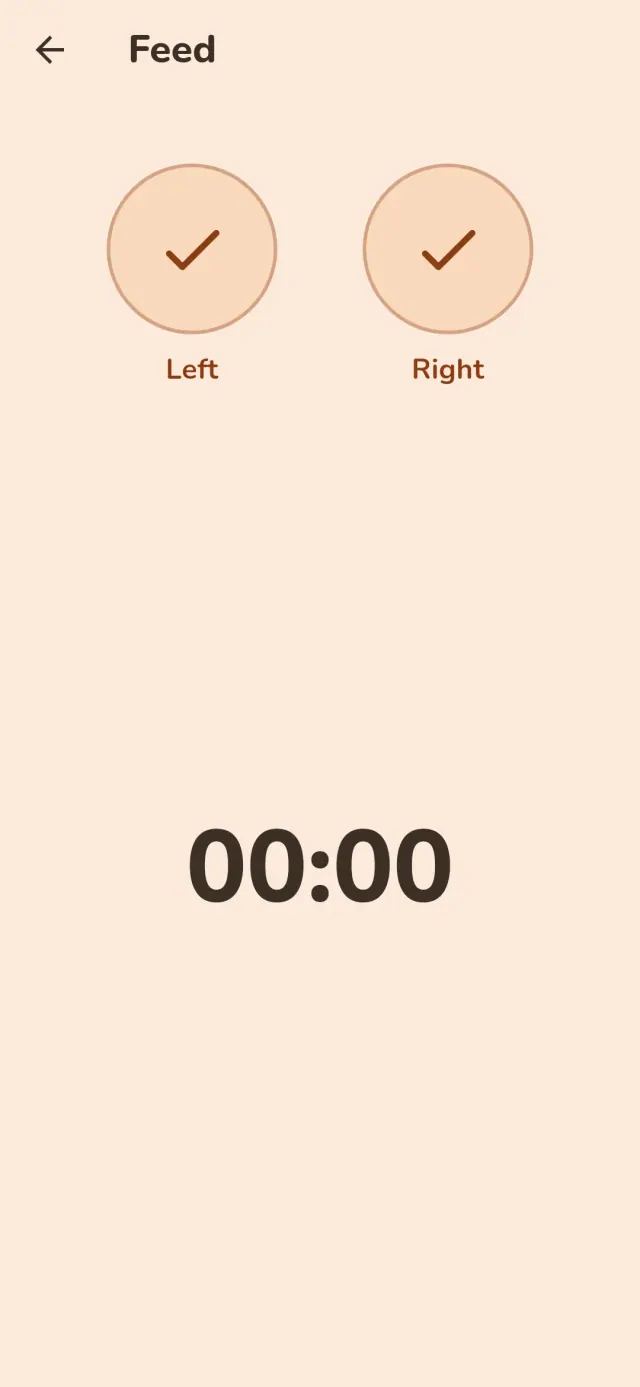
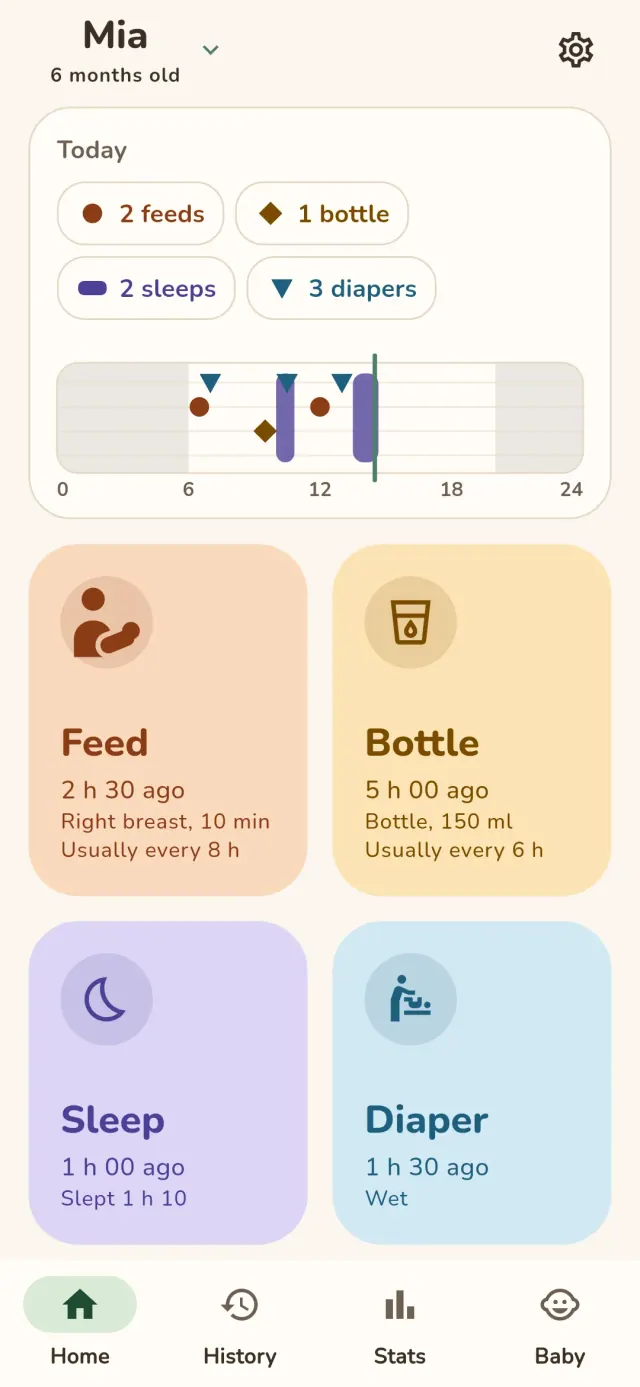
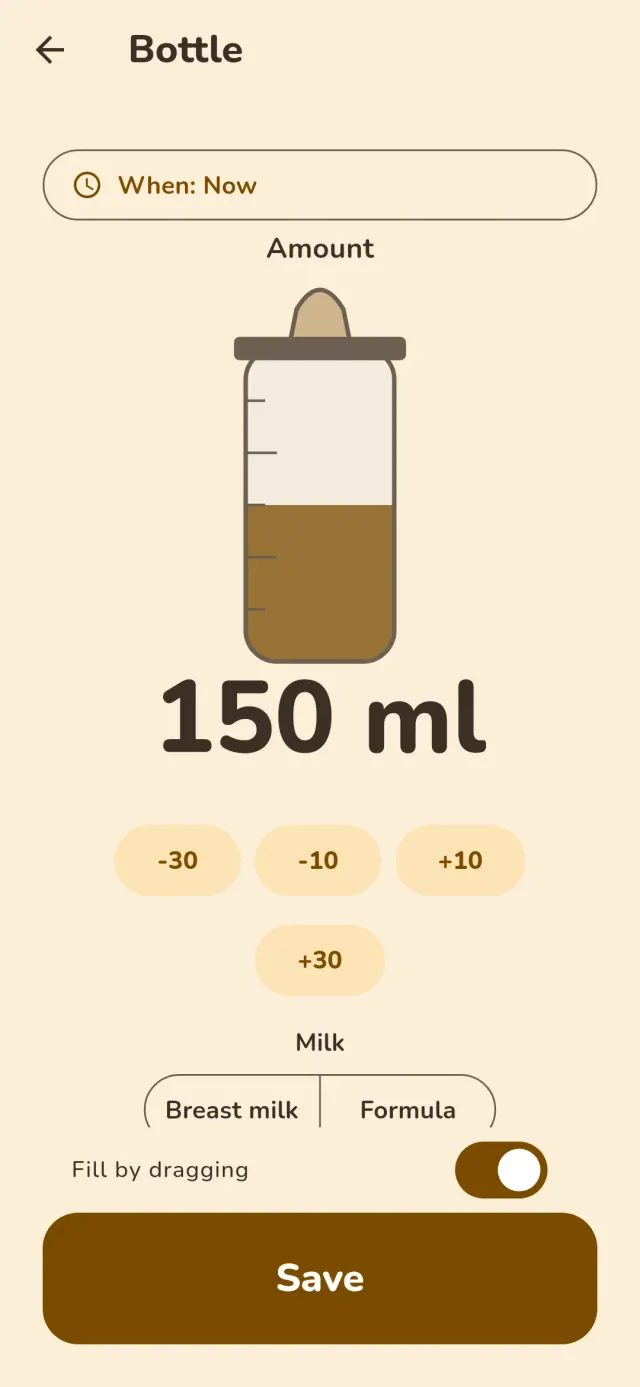
Little Relay là ứng dụng theo dõi cho bé trong những tháng đầu, từ bú mẹ đến ăn dặm. Mọi dữ liệu đều lưu trên điện thoại, không cần tài khoản, không quảng cáo.
Chức năng của Little Relay
Theo dõi bú mẹ và bình sữa
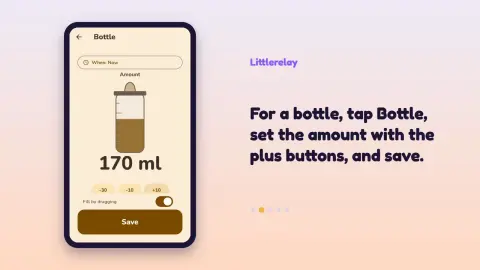
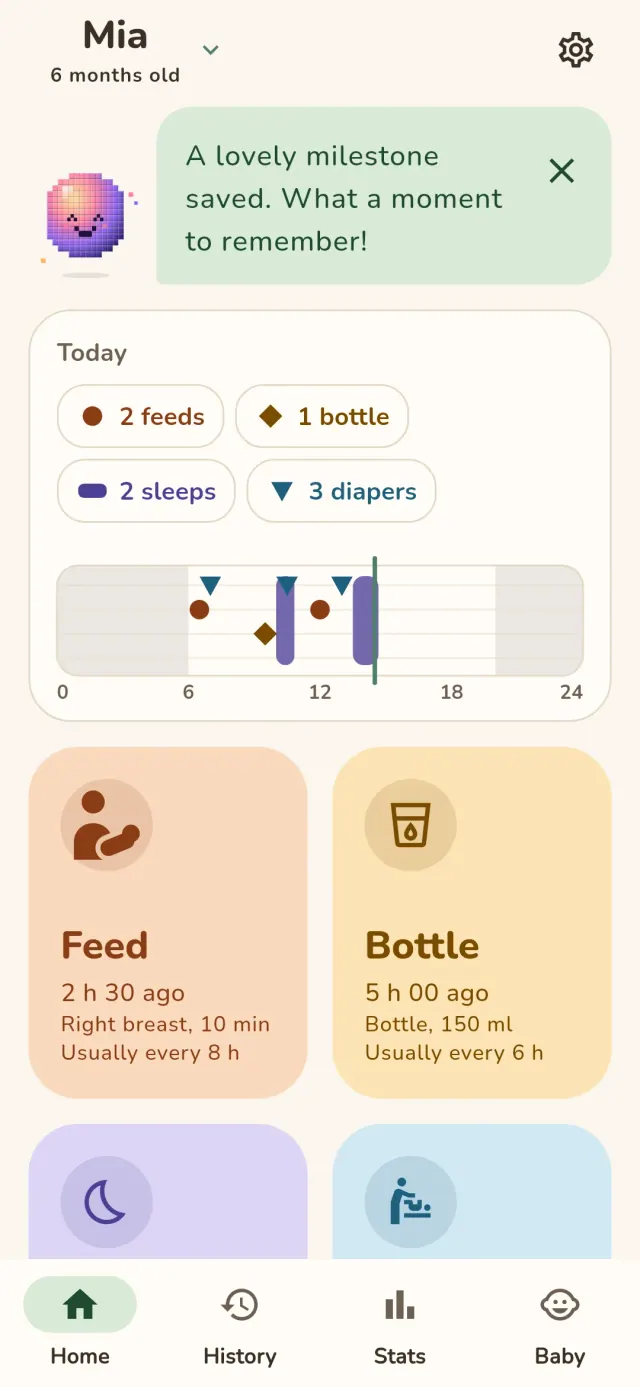
Ghi lại mỗi lần cho bú chỉ với một thao tác: chọn bên trái hoặc bên phải với bộ đếm thời gian, hoặc ghi lại số ml cho bình sữa. Màn hình chính hiển thị lần cho bú gần đây nhất và bên đã sử dụng. Có mục riêng cho việc hút sữa.
Theo dõi ngủ và tã
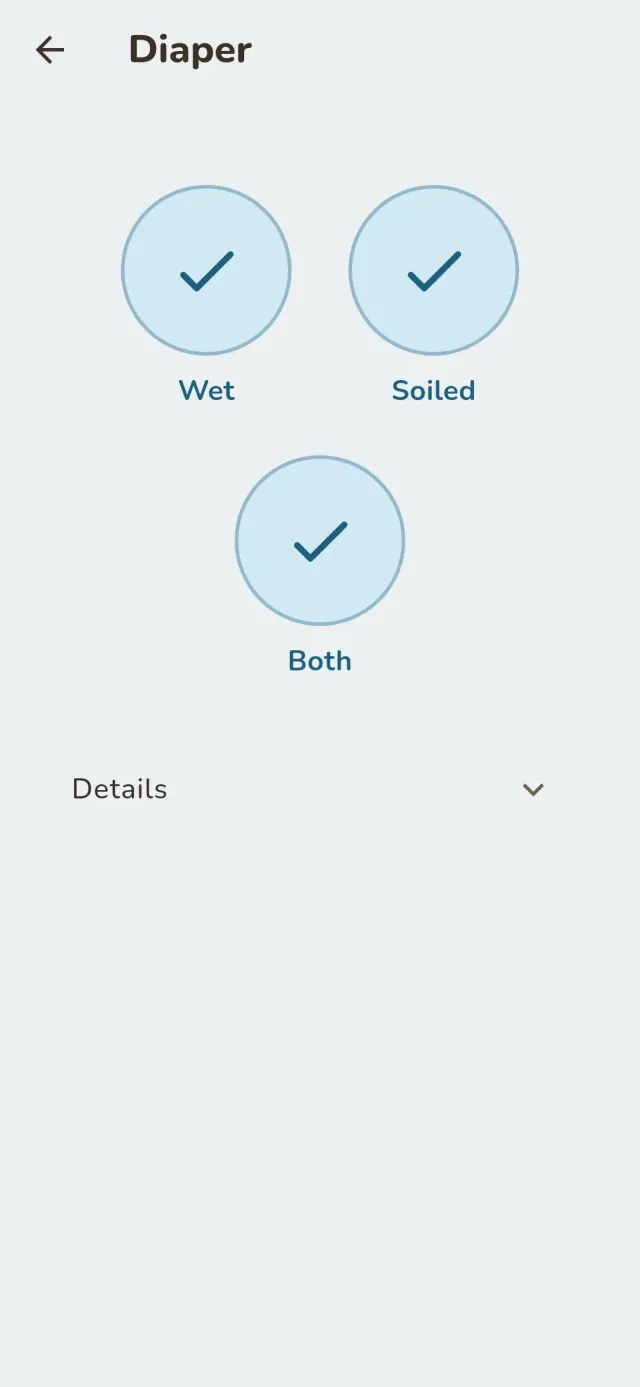
Khởi động bộ đếm thời gian cho mỗi lần ngủ và ghi lại tã với một thao tác. Chế độ ban đêm giúp màn hình tối và nút lớn, thuận tiện dùng ban đêm.
Biểu đồ tăng trưởng
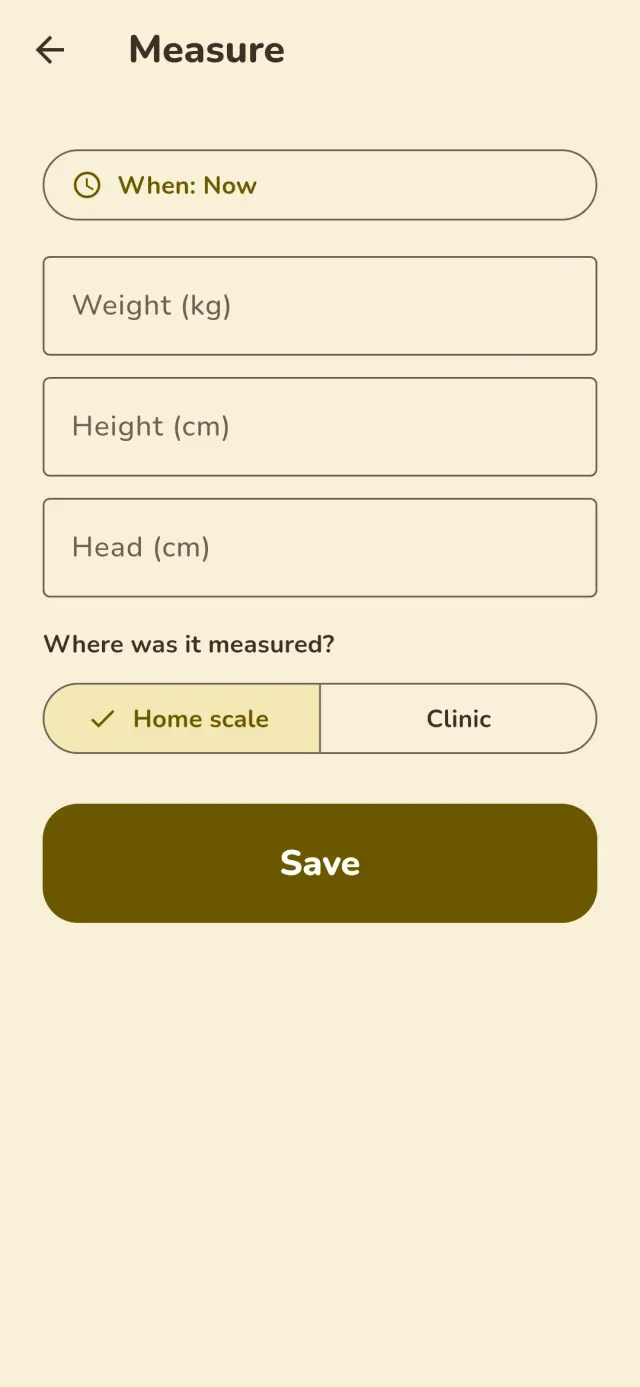
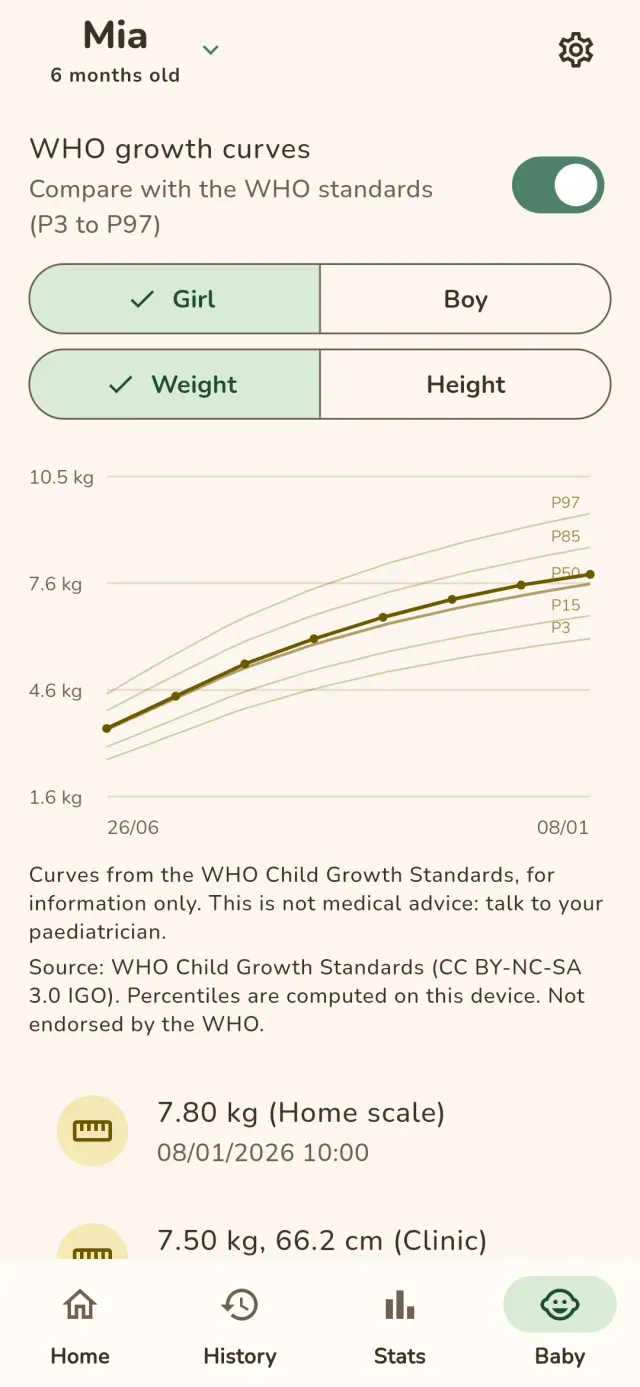
Nhập cân nặng và chiều cao, lựa chọn nguồn đo. Biểu đồ cập nhật sau mỗi lần nhập.
Ăn dặm
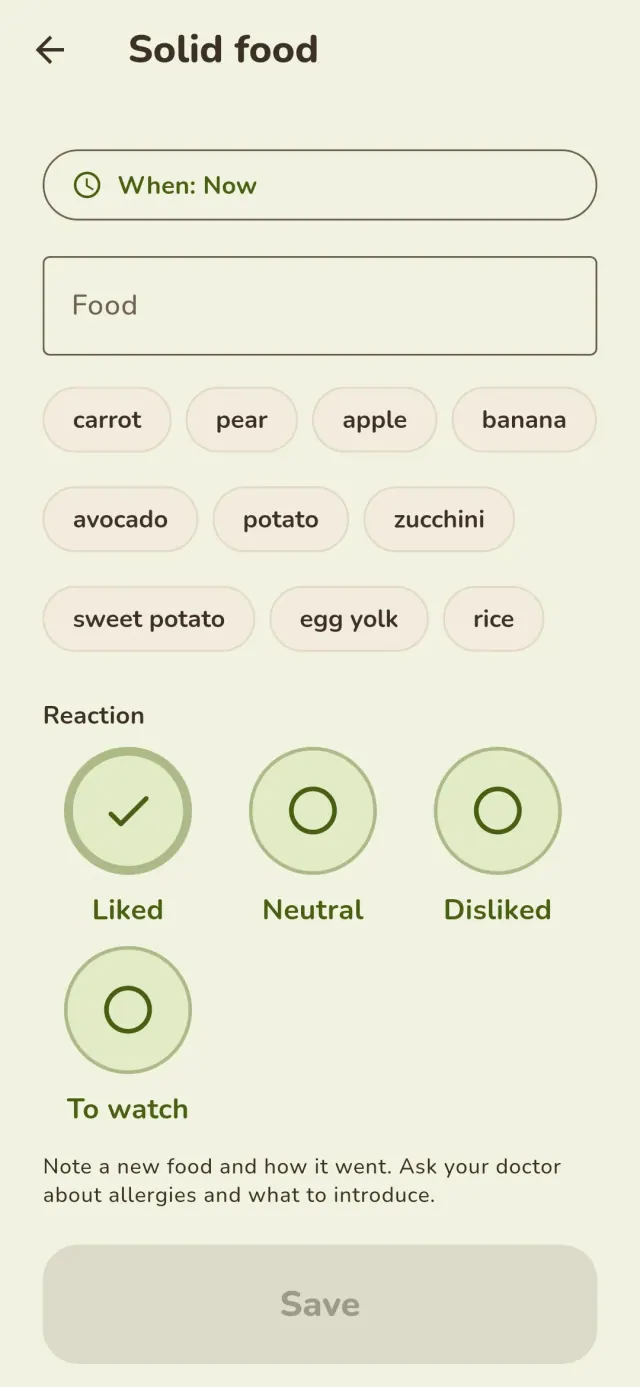
Ghi lại thực phẩm mới, ngày và phản ứng của bé, lên lịch ăn trong lịch.
Trước khi sinh
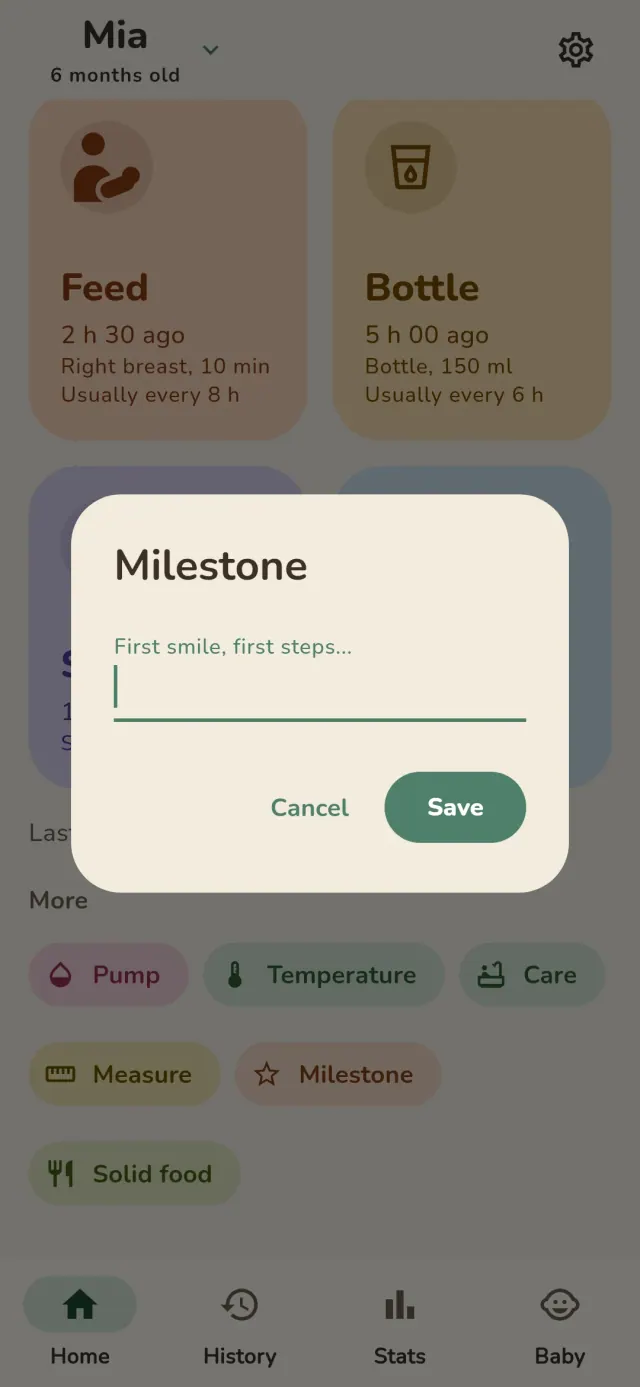
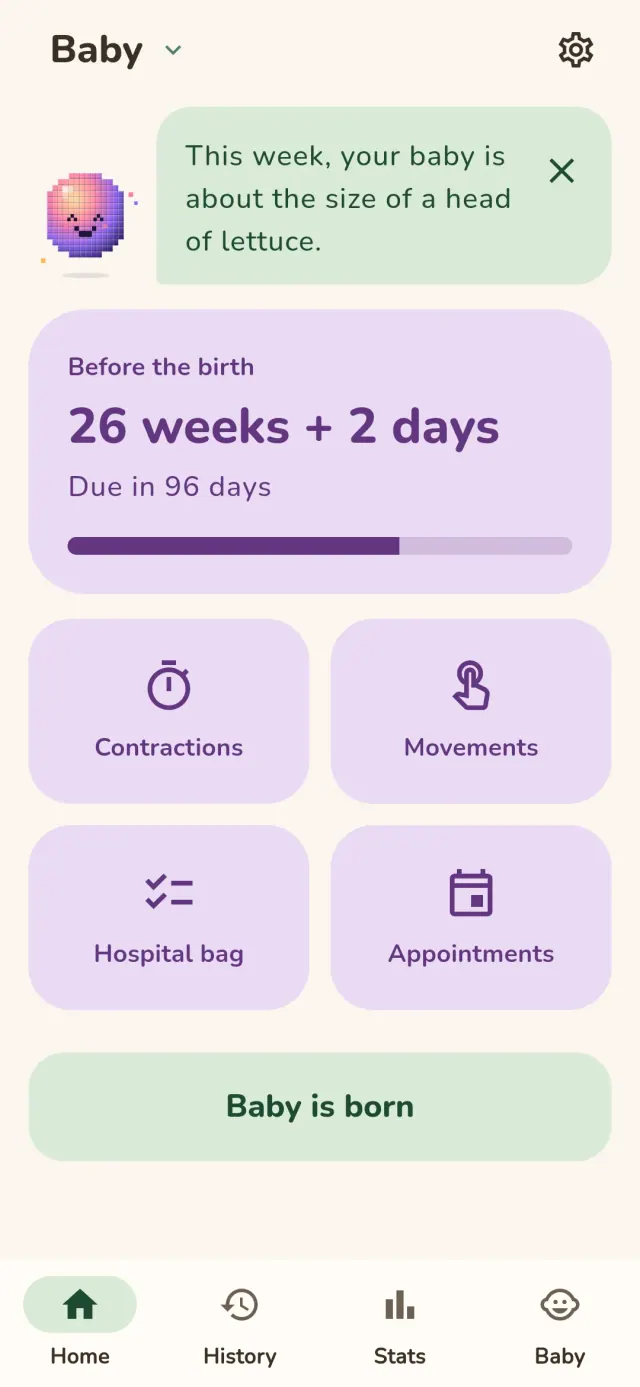
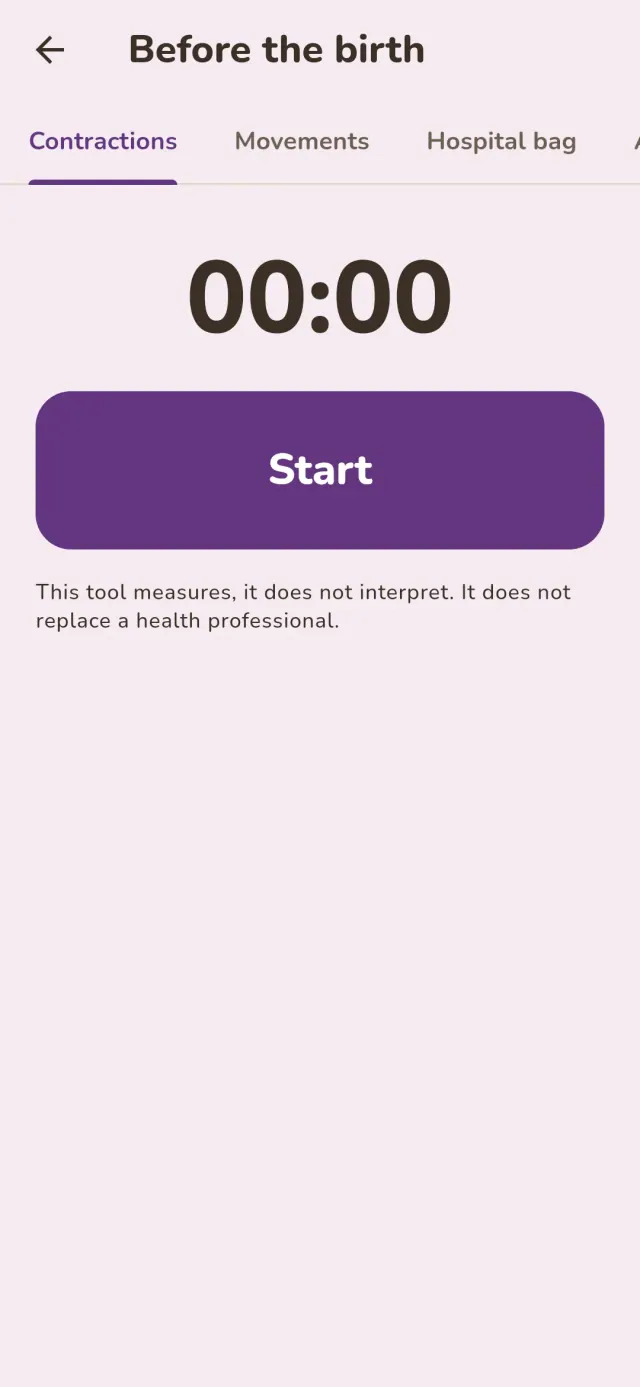
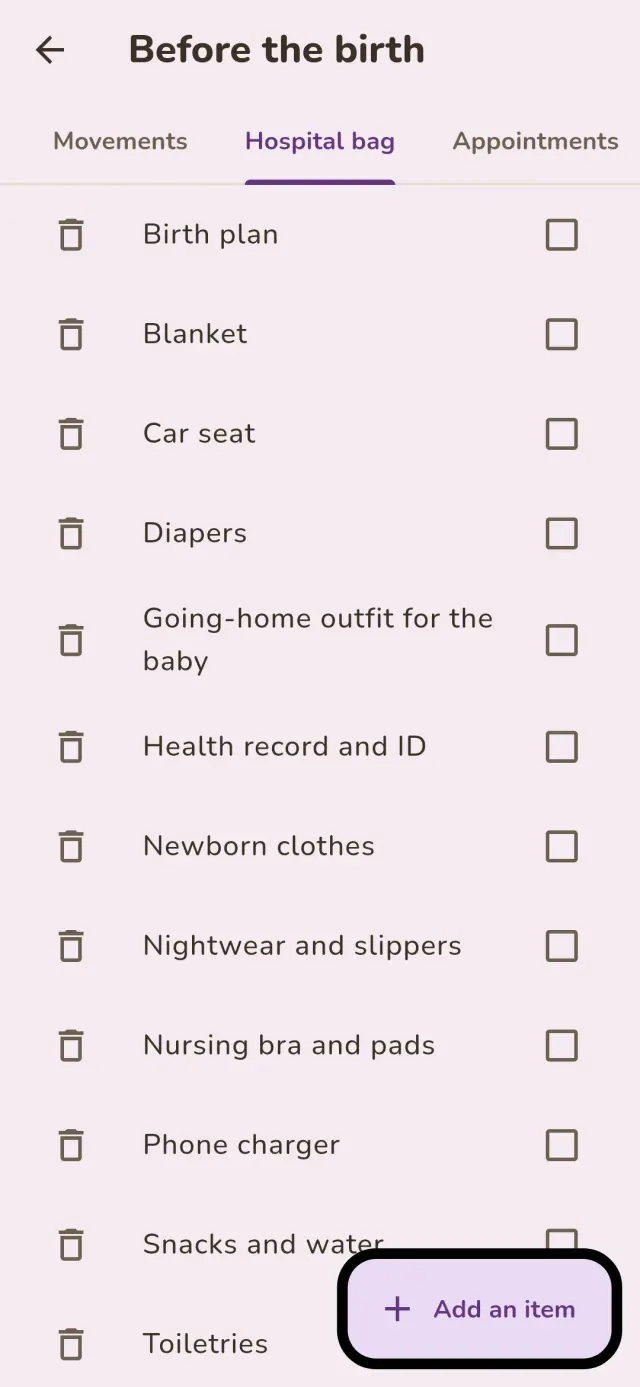
Bạn đang chờ sinh? Đặt ngày dự sinh và theo dõi tuần thai, tính giờ cơn co tử cung, đếm cử động của bé, lập danh sách đồ đi viện và ghi chú các lịch hẹn. Khi bé chào đời, ứng dụng đã sẵn sàng cho lần bú đầu tiên.
Báo cáo cho bác sĩ
Xuất báo cáo PDF cho bác sĩ hoặc nữ hộ sinh. Báo cáo được tạo trên điện thoại, bạn chọn nơi gửi.
Dữ liệu thuộc về bạn
Không cần tài khoản, không gửi đi và không phân tích. Ứng dụng hoạt động offline, kể cả khi dùng chế độ máy bay. Một nút xóa toàn bộ dữ liệu.
Little Relay chỉ lưu dữ liệu bạn nhập. Ứng dụng không đưa ra lời khuyên y tế và không thay thế chuyên gia y tế.
Hướng dẫn Little Relay
Dành cho ai
- Những người lần đầu làm cha mẹ muốn ghi lại việc bú, ngủ và thay tã một cách đơn giản, có thể điền bằng một tay vào ban đêm.
- Các bậc cha mẹ bắt đầu cho bé ăn dặm và muốn ghi chú từng món mới, ngày ăn và phản ứng của bé.
- Các bậc cha mẹ thích một nhật ký của bé không cần tài khoản và lưu dữ liệu trên điện thoại của mình.
Vì sao nên chọn Little Relay
- Mọi thứ đều nằm trên điện thoại của bạn: không cần tài khoản, không có đám mây, không quảng cáo, không theo dõi, và ứng dụng không cần mạng để hoạt động.
- Được thiết kế cho ban đêm: có chế độ tối và các nút lớn, cùng màn hình chính cho biết lần bú gần nhất cách đây bao lâu và ở bên nào.
- Dữ liệu là của bạn: xuất báo cáo PDF cho bác sĩ và xóa mọi thứ chỉ bằng một nút.
Những gì ứng dụng chưa làm được
- Chưa hỗ trợ chia sẻ giữa hai điện thoại: nhật ký chỉ nằm trên một điện thoại. Tính năng chia sẻ giữa cha mẹ với mã hóa đầu cuối đang được lên kế hoạch.
- Hiện tại, tiện ích trên màn hình chính chỉ dành cho Android.
- Đây không phải là thiết bị y tế và không đưa ra lời khuyên y khoa.
Nguyên tắc của Pixeon. Các ứng dụng Pixeon ưu tiên xử lý cục bộ: không tài khoản, không theo dõi, và dữ liệu của bạn ở lại trên điện thoại. Nếu một ứng dụng có lúc kết nối mạng, đó chỉ là khi chính bạn chọn bật một tính năng cần dùng, và chính sách quyền riêng tư được cập nhật trước khi tính năng đó phát hành.
Xem Little Relay hoạt động.
Tải Little Relay.
Miễn phí trên iPhone và Android.
Privacy policy
Nội dung bên dưới bằng tiếng Anh. Bản tiếng Anh là chính.
Last updated: 2026-11-02
Little Relay is a baby tracker: feeds, sleep, diapers, measurements, first foods, milestone photos and pregnancy tools. The short version: everything stays on your phone, the app has no internet access, and we collect nothing.
What the app handles
The entries you type: feeds, sleep, diapers, weight and height, temperature, routine care, foods (given, or on your own "to try" list), milestones and notes, and your child's first name and birth date if you enter them. This is health information about a child, so we treat it as sensitive. It is stored only in the app's private storage on your phone. There is no account, no sign-in, no server and no cloud copy. Your preferences (language, appearance, when the app last suggested support) also stay on your phone.
What we collect
Nothing. No analytics, no advertising identifier, no crash reporting, no third-party SDK that sends data. The app needs no network to work and the app declares no internet permission. You can check this by using the app in airplane mode: everything works the same.
Permissions
The app asks for no permission that gives access to your data or to the internet. The Android install details list the following, all of them declared by the app or by the library it uses:
- Notifications (Android 13 and later, and iOS): asked only when you set your first reminder. A screen explains why before the system asks, and you can refuse: everything else works the same, you just get no reminder. A reminder is one local notification at the date and time you choose, with a short text that names the type of activity (for example "Time for the bottle?"). It holds no name, no amount and no health value, and for sensitive types (temperature, measurements, medicine, vaccines) it is neutral ("Remember to note an entry"). It is scheduled on your phone and never sent anywhere.
- Vibrate, keep the phone awake, background task, restart after reboot (Android): they let a reminder ring and come back after a reboot, and let the home screen widget save an entry reliably. They give no access to your data.
- Network state (Android, added by the in-app purchase library): the app only reads whether the phone is online. It sends nothing.
- In-app purchases (Android, Google Play Billing): for the optional tips, handled by Google Play.
The app does not request internet access, location, contacts, camera or microphone. When you attach a photo to a milestone, the app opens the system photo picker, which lets you hand over only the picture you choose, so the app never gets access to your photo library.
Files, backups and deletion
Milestone photos: a photo you attach to a milestone is copied into the app's private storage on your phone, with a small thumbnail. It is never uploaded or shared. Removing a milestone removes its photo.
Export: if you export a report for your child's doctor (a PDF), the app builds it on your phone and hands it to the system share sheet. You choose where it goes. The app does not send it anywhere. If milestones of the period have photos, the app asks first whether to include them: when you leave "Include photos" ticked, small copies of up to 30 of these photos go into the PDF. Untick it to keep the photos out of the report.
Backups: your phone's own backup (Google backup on Android, iCloud on iPhone) is controlled by your phone's settings, not by us. The app does not turn it off, so that backup may include the app's data, depending on those settings. The encryption key for the app's database stays in your phone's keychain. To move your entries to a new phone, use the backup file in Settings: the app writes one file on your phone, you choose where to keep it, and you import it on the new phone.
Deletion: a delete-all-data button in the app erases your entries and every photo and thumbnail. Uninstalling the app also deletes its data from your phone.
Optional support
If tips are offered, they are in-app purchases handled by Apple or Google. They unlock nothing, and the app receives no personal data about you from them.
Retention
Your entries, children and milestone photos are kept on your phone until you delete them: one entry at a time, a milestone with its photo, a child, the delete-all-data button, or uninstalling the app. We keep no copy on our side, so there is no retention period to apply on our side. Your phone's own backup may hold a copy, depending on its settings. A backup file you export yourself stays wherever you put it, until you delete it.
Medical information
Little Relay records what you tell it. It gives no medical advice and is not a medical device. Ask your doctor or midwife about your child's health.
Contact form on this website
If you write to us through this site, we use your message and the email address you optionally give only to reply. Bot protection is provided by Cloudflare and email delivery by Resend.
Language choice on this website
When you choose a language, or when this site opens a page in your browser's language, it stores
one small functional cookie (pxl, a language code, one year) so that your choice is
remembered. If this site suggests a page in your browser's language and you close that suggestion,
your browser also keeps a local note (pxl-banner-off, in local storage, 30 days) so the
suggestion does not come back. Neither identifies anyone, neither is used for tracking or advertising,
and neither is shared. You can delete them in your browser at any time.
Website statistics
This website uses Cloudflare Web Analytics to count visits (pages viewed, country, browser type, loading speed). It sets no cookie, does not use local storage, does not fingerprint your device, does not follow you across sites and does not build a profile of you. Search engines (for example Google Search Console) give us aggregated search statistics, without any data about individual visitors. Our own web server also counts the pages it serves: for each page it keeps the page address, the site or social network that sent you (only its name, or the campaign tag written in the link), the country, the type of device and whether the request came from a robot. It keeps no IP address, no identifier and no cookie, and these counts are anonymous. We use no advertising or other analytics service. None of this concerns the app itself, which collects nothing.
Children
Little Relay is a tool for parents and carers. It is not directed at children, and it records information about a child only because a parent typed it in.
Changes
An updated policy will be published at this URL with a new date above.
Contact
Questions about privacy: little-relay-contact@pixeon.net
Hỗ trợ
Cập nhật lần cuối: 2026-10-19
Little Relay là một ứng dụng nhỏ độc lập. Câu trả lời cho các câu hỏi thường gặp nằm bên dưới.
Chúng tôi sẽ phản hồi trong vài ngày nếu có thể. Khi liên hệ, hãy cho chúng tôi biết mẫu thiết bị, phiên bản hệ điều hành bạn đang dùng và bạn đã thực hiện thao tác gì. Xin đừng gửi thông tin về trẻ em của bạn hay bất kỳ dữ liệu cá nhân nào.
Little Relay có thực sự miễn phí không?
Có. Bạn có thể tải xuống và sử dụng Little Relay miễn phí. Không có quảng cáo và không cần đăng ký.
Ứng dụng lưu trữ hoặc gửi những dữ liệu nào?
Những gì bạn nhập chỉ được lưu trên điện thoại của bạn. Không có dữ liệu nào được gửi đi đâu cả: ứng dụng không có tài khoản, không có máy chủ và không cần mạng để hoạt động. Xem thêm trong chính sách quyền riêng tư.
Tôi có thể chia sẻ nhật ký với người thân không?
Chưa hỗ trợ. Phiên bản này chỉ hoạt động trên một điện thoại duy nhất. Sau này sẽ có tính năng chia sẻ giữa cha mẹ với bảo mật đầu cuối.
Tôi đổi hoặc mất điện thoại thì dữ liệu ở đâu?
Dữ liệu của bạn chỉ nằm trên chiếc điện thoại mà bạn đã nhập chúng. Sao lưu điện thoại của bạn (Google hoặc iCloud, tùy theo cài đặt) có thể bao gồm cả dữ liệu này. Không có bản sao nào ở phía chúng tôi nên không thể phục hồi dữ liệu.
Làm sao để đưa nhật ký cho bác sĩ xem?
Xuất báo cáo PDF từ ứng dụng. Báo cáo này được tạo trên điện thoại của bạn và bạn có thể gửi qua email hoặc in ra tuỳ ý.
Xóa dữ liệu như thế nào?
Dùng nút xóa trong phần cài đặt ứng dụng, hoặc gỡ cài đặt ứng dụng. Cả hai cách đều sẽ xóa toàn bộ dữ liệu, bao gồm cả ảnh các cột mốc, khỏi điện thoại của bạn.
Little Relay có phải là ứng dụng y tế không?
Không. Ứng dụng chỉ ghi lại thông tin bạn nhập và không đưa ra tư vấn y tế. Hãy hỏi ý kiến bác sĩ hoặc nữ hộ sinh nếu có thắc mắc về sức khoẻ của con bạn.
Có những ngôn ngữ nào?
Hiện hỗ trợ tiếng Anh, Pháp, Đức, Tây Ban Nha, Bồ Đào Nha, Ý và Ả Rập. Ứng dụng sẽ dùng ngôn ngữ của điện thoại, bạn có thể đổi trong cài đặt.
Hỗ trợ dự án
Little Relay luôn miễn phí và không quảng cáo. Nếu thấy hữu ích, bạn có thể ủng hộ việc phát triển (không bắt buộc):
Buy Me a CoffeeTheo dõi chi tiêu gia đình dễ dàng, mọi dữ liệu lưu trên thiết bị, dùng offline.
Cũng từ PixeonMetadata CleanerĐọc metadata ảnh, exif, vị trí ảnh với EXIF viewer. Sửa và xóa dễ dàng.
Cũng từ PixeonVaultMarkKét tài liệu mã hóa: quét, đóng dấu watermark và xóa siêu dữ liệu.
Cũng từ PixeonMenuloopLên kế hoạch bữa ăn, lưu công thức kèm ảnh và danh sách mua sắm tiện lợi.
Cũng từ PixeonIndie OfficeQuote maker and self-employed invoices. Offline, no account, no ads.
Cũng từ PixeonFanionDiscover and share local events, concerts, markets and weekend outings nearby