
Little Relay: 嬰兒追蹤
哺乳、睡眠和副食品追蹤。無需帳號,離線使用。
免費。無廣告。無需訂閱。

Little Relay 是新生兒至添加副食品初期的嬰兒追蹤工具。所有資料保存在手機,不需帳號也沒廣告。
Little Relay 的功能
哺乳與瓶餵紀錄
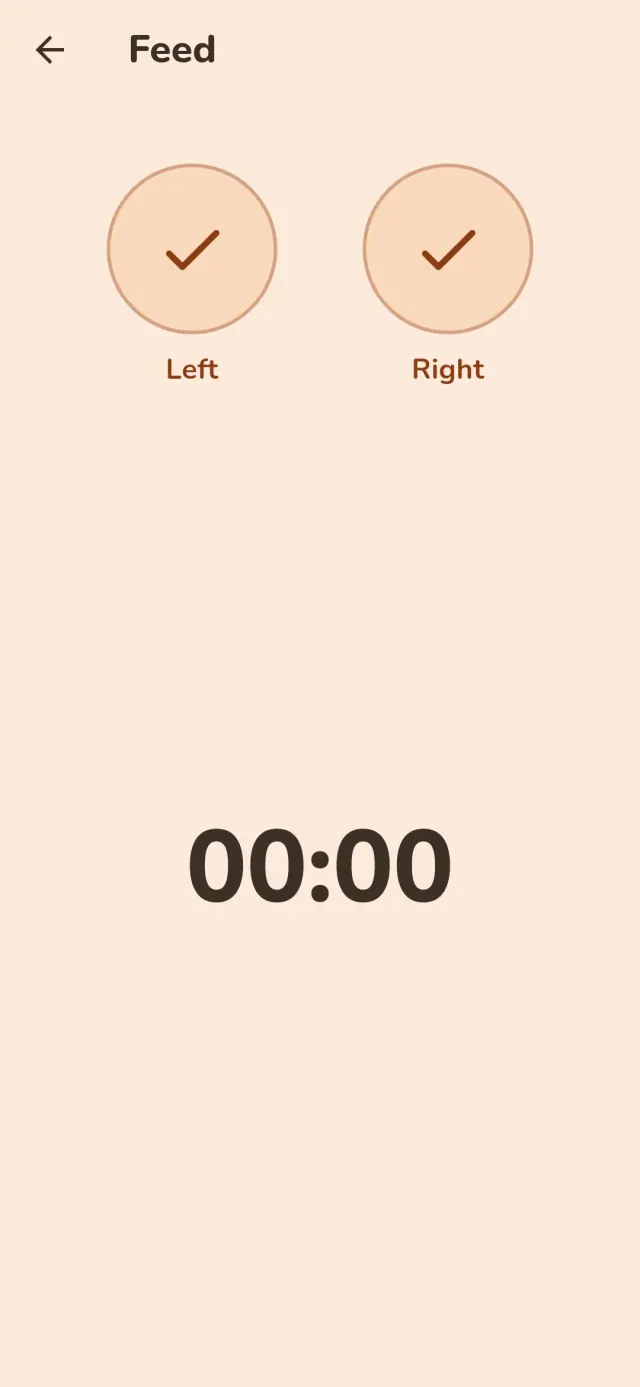
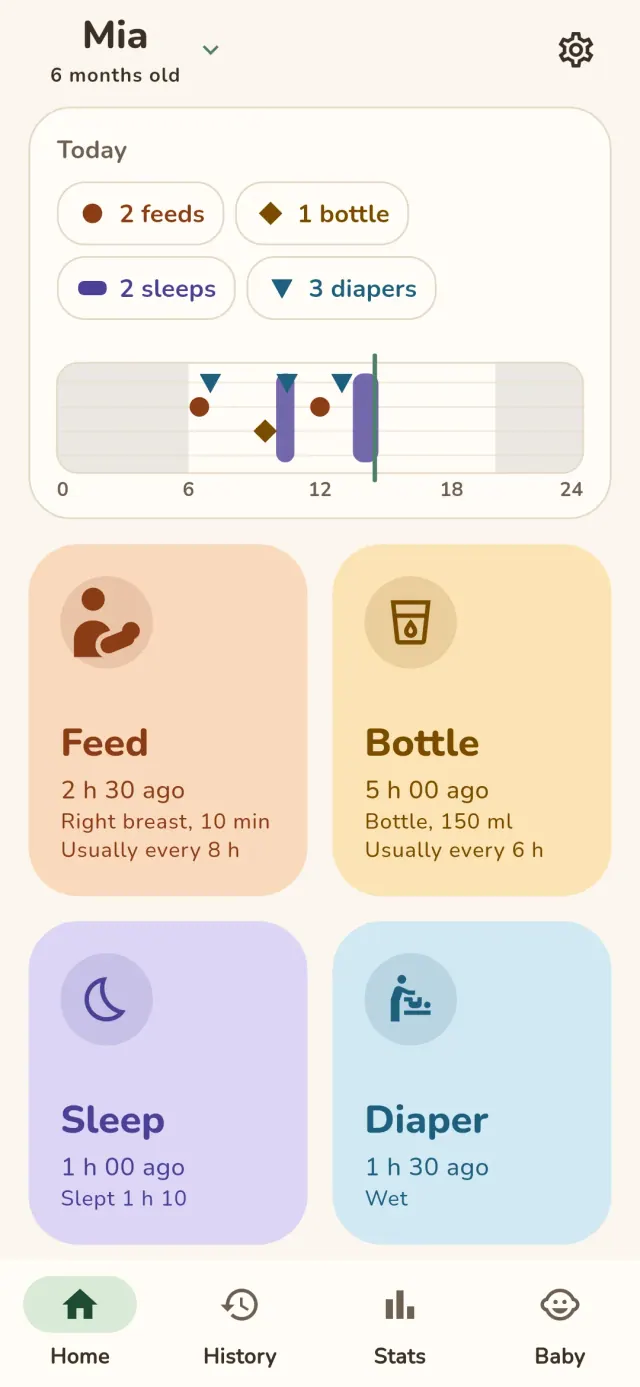
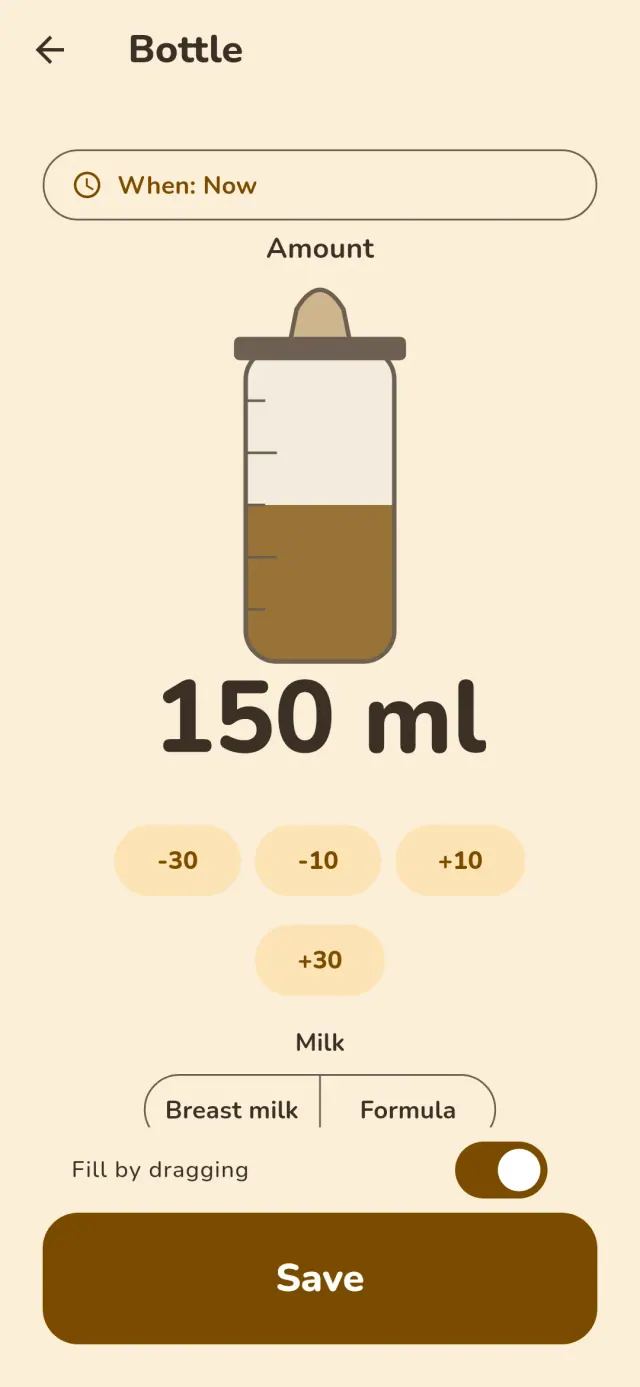
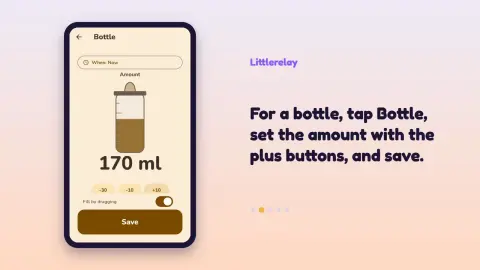
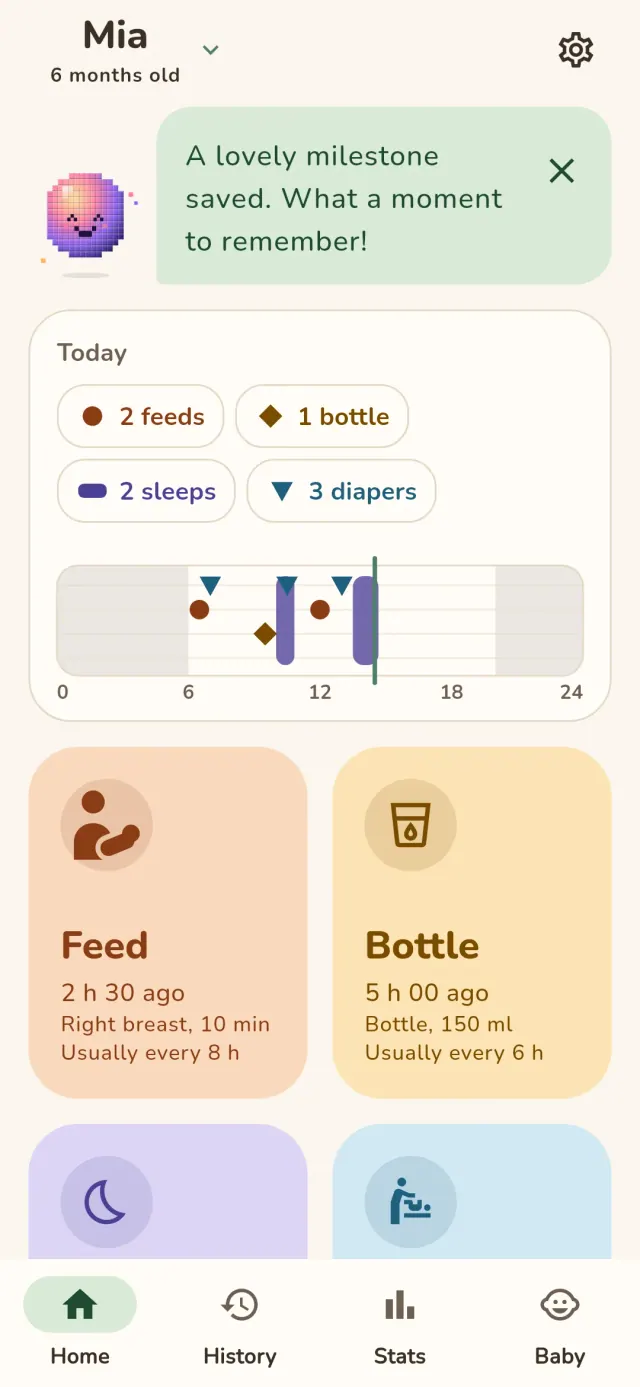
只需一按即可記錄餵奶:選擇左邊或右邊並計時,或輸入瓶餵毫升量。主頁顯示上一次餵奶時間與方向。泵奶有專屬紀錄。
睡眠與尿布紀錄
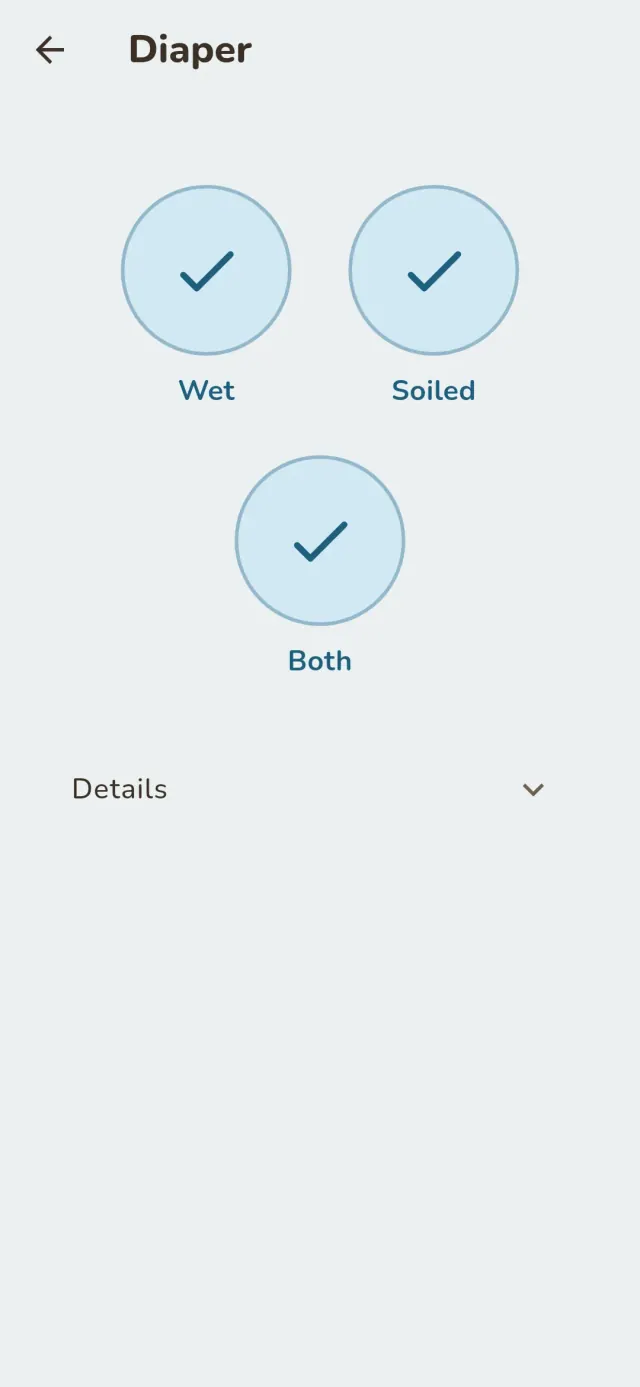
每次睡眠均可啟動計時,尿布更換只需一按。夜間模式讓螢幕昏暗且按鈕更大,方便夜裡單手操作。
成長曲線
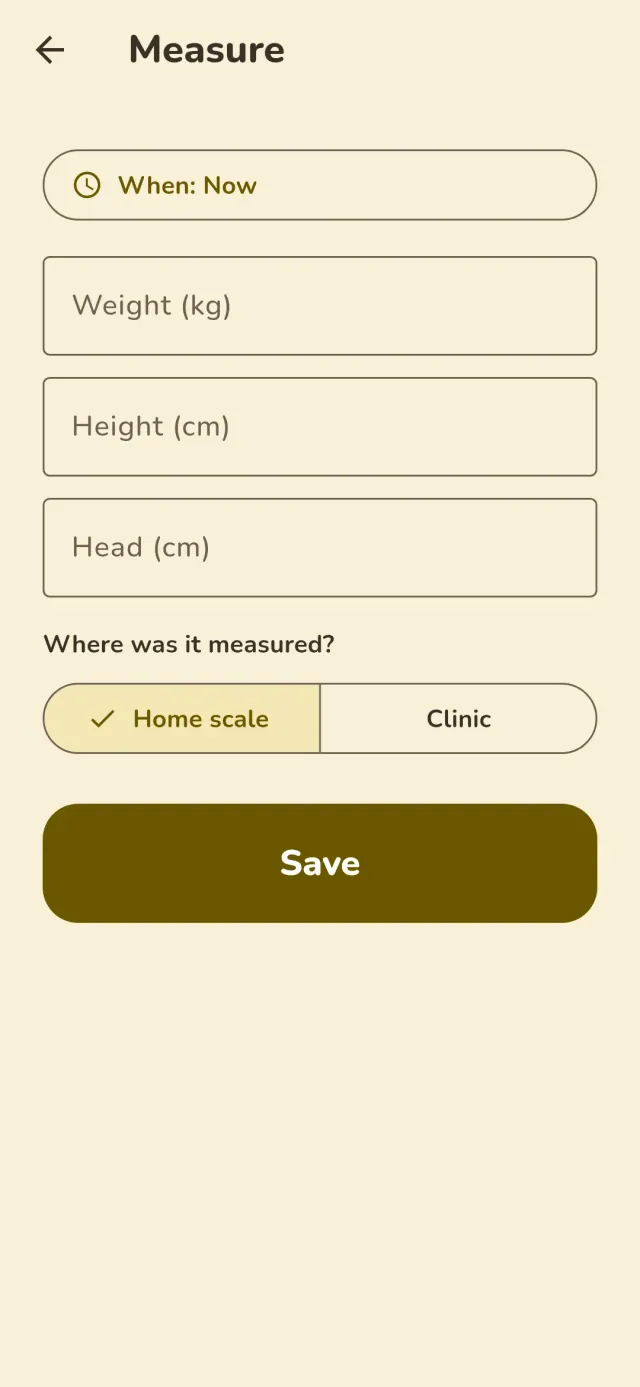
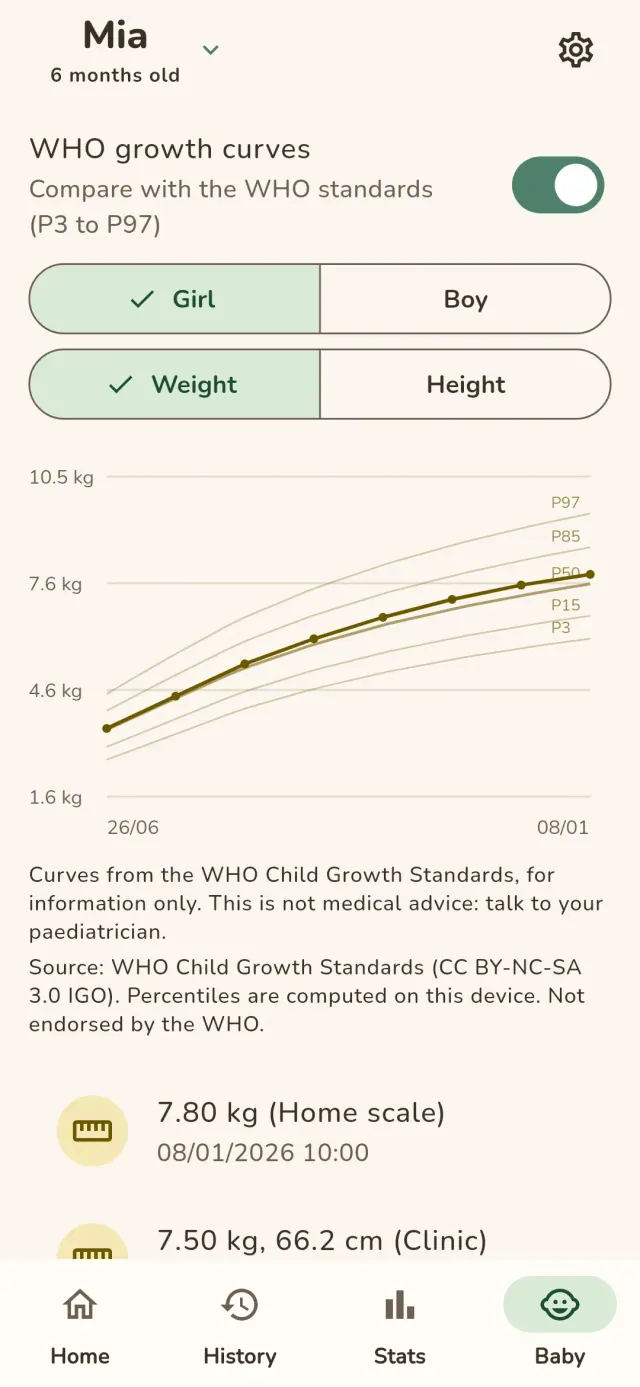
輸入體重與身高,標註資料來源。成長曲線每次更新,讓追蹤更清楚。
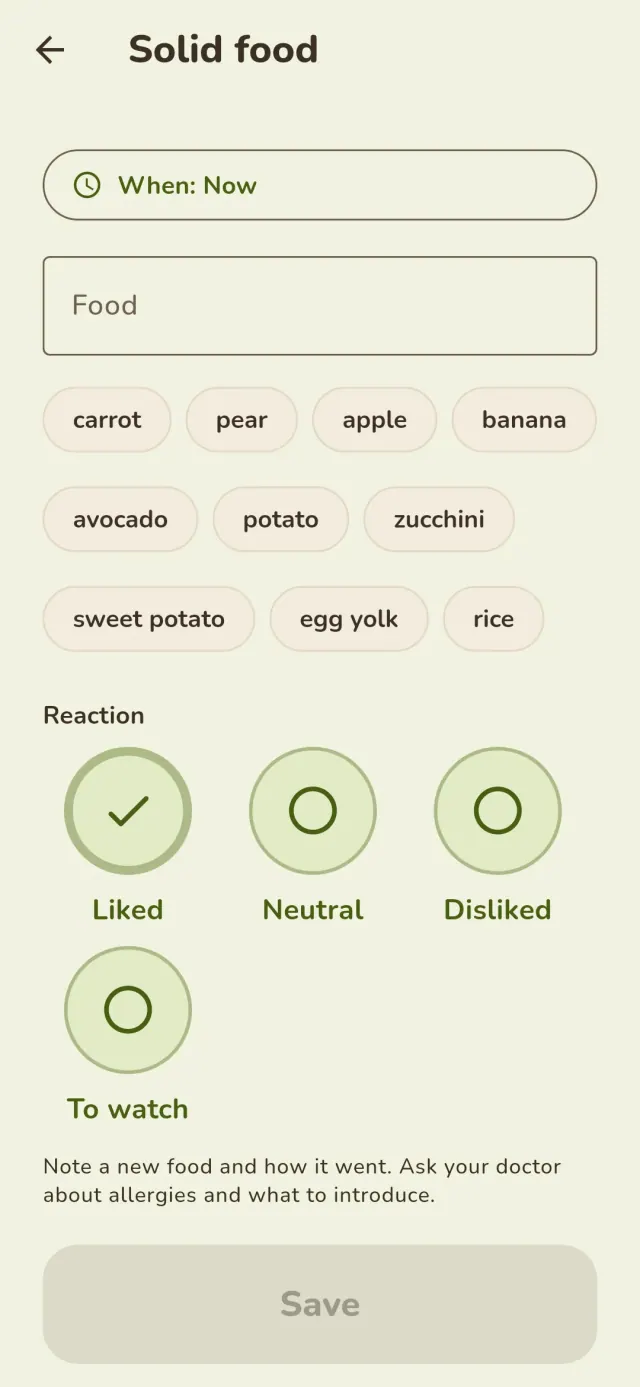
副食品添加
紀錄每種新食物、日期及寶寶反應,並在行事曆規劃餐點。
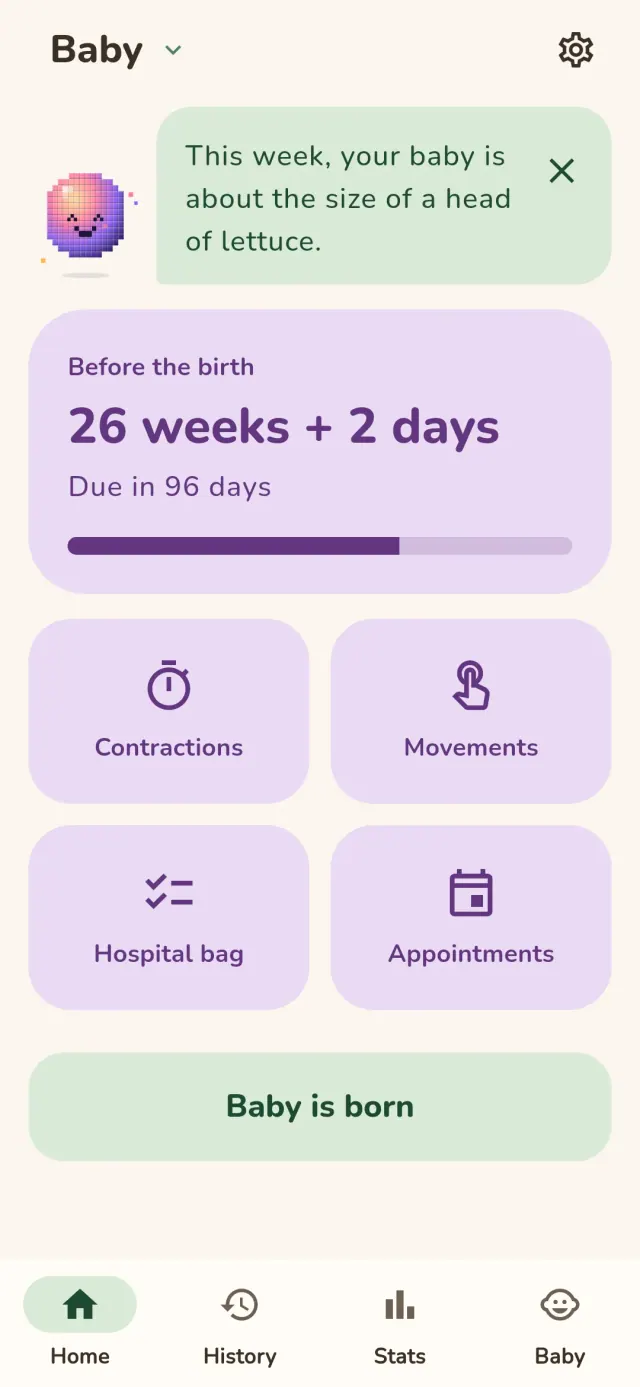
出生前
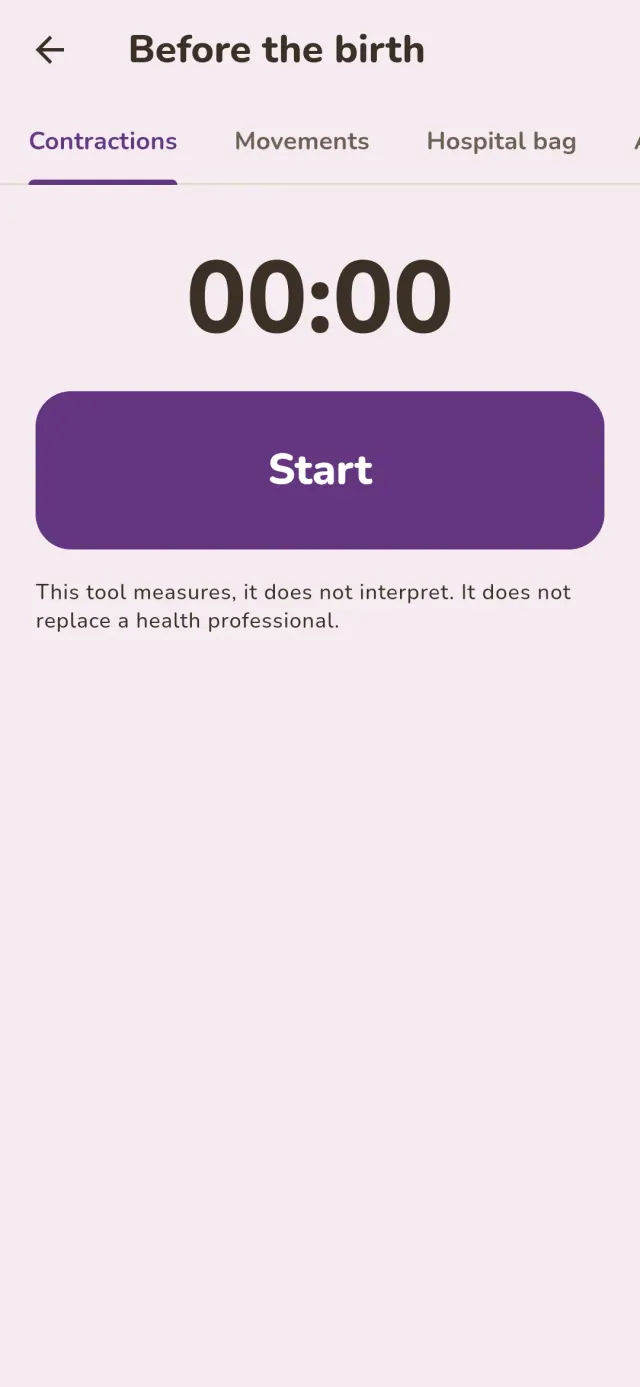
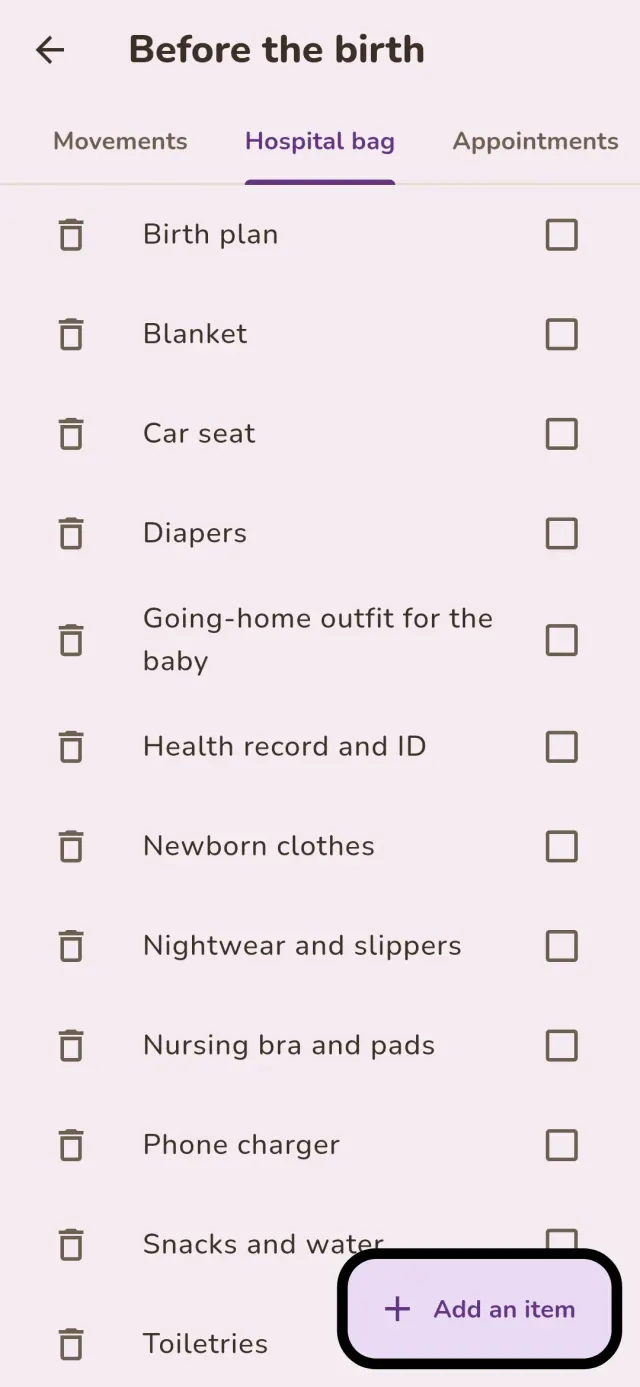
期待寶寶嗎?設定預產期、查看孕週、計算宮縮時間、紀錄胎動、準備住院包清單及記錄預約。寶寶出生後即刻可以用。
醫生報告
匯出 PDF 給兒科醫生或助產士。報告在手機完成,由您決定寄送方式。
資料屬於您
不需帳號,不傳送也不分析資料。應用程式可離線與飛航模式下運作。一鍵刪除所有資料。
Little Relay 只紀錄您輸入的資料。非醫療建議,也不取代醫療專業人員。
Little Relay 指南
適合哪些人
- 想要簡單記錄餵奶、睡眠和換尿布的新手父母,夜裡單手也能填寫。
- 開始給寶寶添加副食品、想記錄每種新食物、日期以及寶寶反應的父母。
- 喜歡使用不需要帳戶、並將資料保存在手機上的寶寶日誌的父母。
為什麼選擇Little Relay
- 一切都保存在你的手機上:不需要帳戶、沒有雲端、沒有廣告、不會被追蹤,應用程式也不需要網路即可使用。
- 專為夜間使用而設計:提供深色模式和大按鈕,主畫面還會告訴你上次餵奶距今多久,以及使用的是哪一側。
- 資料屬於你:可以為醫生匯出 PDF 報告,也可以一鍵刪除所有內容。
目前尚未支援的功能
- 目前不支援兩部手機之間共享:日誌保存在一部手機上。家長之間的端對端加密共享功能正在規劃中。
- 目前主畫面小工具僅支援 Android。
- 這不是醫療設備,也不提供醫療建議。
Pixeon 的原則. Pixeon 的應用程式以本機優先:不需要帳號,沒有追蹤,您的資料只留在手機裡。如果某個應用程式日後需要連網,也只會在您主動開啟所需功能時才連線,而且在該功能推出之前,我們會先更新隱私政策。
觀看 Little Relay 的運作方式。
取得 Little Relay。
iPhone、Android 均可免費下載。
Privacy policy
下方內容為英文,英文版為主。
Last updated: 2026-11-02
Little Relay is a baby tracker: feeds, sleep, diapers, measurements, first foods, milestone photos and pregnancy tools. The short version: everything stays on your phone, the app has no internet access, and we collect nothing.
What the app handles
The entries you type: feeds, sleep, diapers, weight and height, temperature, routine care, foods (given, or on your own "to try" list), milestones and notes, and your child's first name and birth date if you enter them. This is health information about a child, so we treat it as sensitive. It is stored only in the app's private storage on your phone. There is no account, no sign-in, no server and no cloud copy. Your preferences (language, appearance, when the app last suggested support) also stay on your phone.
What we collect
Nothing. No analytics, no advertising identifier, no crash reporting, no third-party SDK that sends data. The app needs no network to work and the app declares no internet permission. You can check this by using the app in airplane mode: everything works the same.
Permissions
The app asks for no permission that gives access to your data or to the internet. The Android install details list the following, all of them declared by the app or by the library it uses:
- Notifications (Android 13 and later, and iOS): asked only when you set your first reminder. A screen explains why before the system asks, and you can refuse: everything else works the same, you just get no reminder. A reminder is one local notification at the date and time you choose, with a short text that names the type of activity (for example "Time for the bottle?"). It holds no name, no amount and no health value, and for sensitive types (temperature, measurements, medicine, vaccines) it is neutral ("Remember to note an entry"). It is scheduled on your phone and never sent anywhere.
- Vibrate, keep the phone awake, background task, restart after reboot (Android): they let a reminder ring and come back after a reboot, and let the home screen widget save an entry reliably. They give no access to your data.
- Network state (Android, added by the in-app purchase library): the app only reads whether the phone is online. It sends nothing.
- In-app purchases (Android, Google Play Billing): for the optional tips, handled by Google Play.
The app does not request internet access, location, contacts, camera or microphone. When you attach a photo to a milestone, the app opens the system photo picker, which lets you hand over only the picture you choose, so the app never gets access to your photo library.
Files, backups and deletion
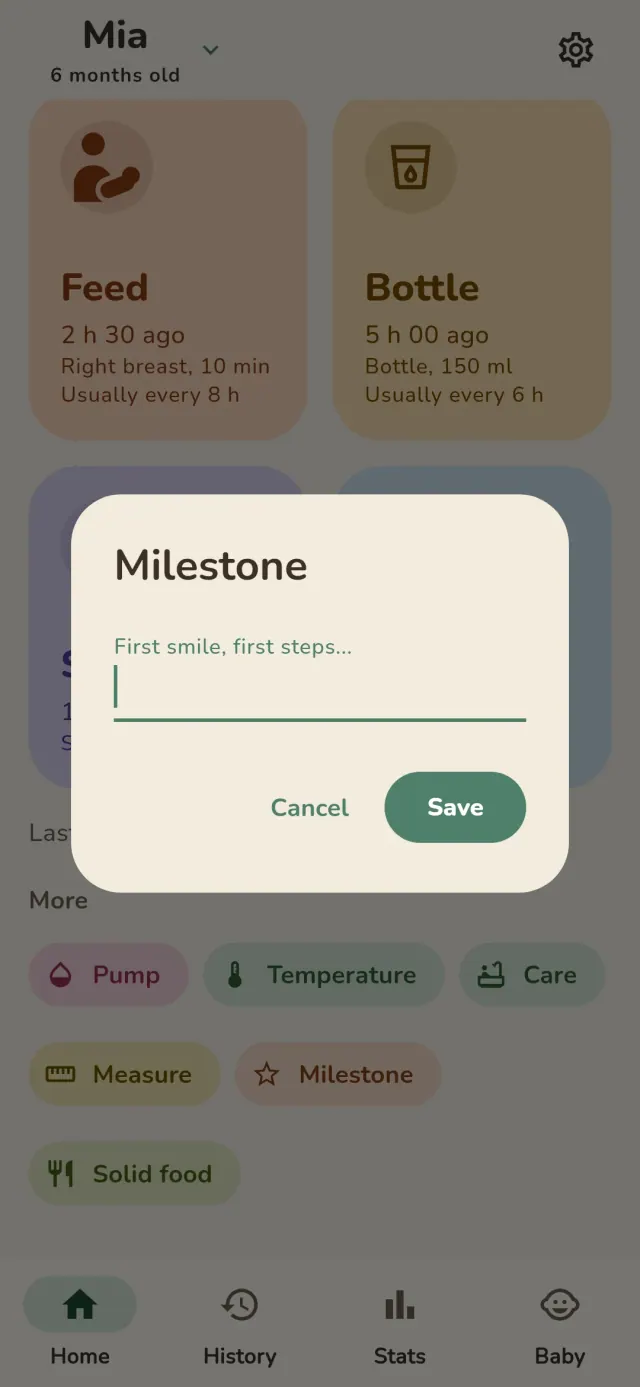
Milestone photos: a photo you attach to a milestone is copied into the app's private storage on your phone, with a small thumbnail. It is never uploaded or shared. Removing a milestone removes its photo.
Export: if you export a report for your child's doctor (a PDF), the app builds it on your phone and hands it to the system share sheet. You choose where it goes. The app does not send it anywhere. If milestones of the period have photos, the app asks first whether to include them: when you leave "Include photos" ticked, small copies of up to 30 of these photos go into the PDF. Untick it to keep the photos out of the report.
Backups: your phone's own backup (Google backup on Android, iCloud on iPhone) is controlled by your phone's settings, not by us. The app does not turn it off, so that backup may include the app's data, depending on those settings. The encryption key for the app's database stays in your phone's keychain. To move your entries to a new phone, use the backup file in Settings: the app writes one file on your phone, you choose where to keep it, and you import it on the new phone.
Deletion: a delete-all-data button in the app erases your entries and every photo and thumbnail. Uninstalling the app also deletes its data from your phone.
Optional support
If tips are offered, they are in-app purchases handled by Apple or Google. They unlock nothing, and the app receives no personal data about you from them.
Retention
Your entries, children and milestone photos are kept on your phone until you delete them: one entry at a time, a milestone with its photo, a child, the delete-all-data button, or uninstalling the app. We keep no copy on our side, so there is no retention period to apply on our side. Your phone's own backup may hold a copy, depending on its settings. A backup file you export yourself stays wherever you put it, until you delete it.
Medical information
Little Relay records what you tell it. It gives no medical advice and is not a medical device. Ask your doctor or midwife about your child's health.
Contact form on this website
If you write to us through this site, we use your message and the email address you optionally give only to reply. Bot protection is provided by Cloudflare and email delivery by Resend.
Language choice on this website
When you choose a language, or when this site opens a page in your browser's language, it stores
one small functional cookie (pxl, a language code, one year) so that your choice is
remembered. If this site suggests a page in your browser's language and you close that suggestion,
your browser also keeps a local note (pxl-banner-off, in local storage, 30 days) so the
suggestion does not come back. Neither identifies anyone, neither is used for tracking or advertising,
and neither is shared. You can delete them in your browser at any time.
Website statistics
This website uses Cloudflare Web Analytics to count visits (pages viewed, country, browser type, loading speed). It sets no cookie, does not use local storage, does not fingerprint your device, does not follow you across sites and does not build a profile of you. Search engines (for example Google Search Console) give us aggregated search statistics, without any data about individual visitors. Our own web server also counts the pages it serves: for each page it keeps the page address, the site or social network that sent you (only its name, or the campaign tag written in the link), the country, the type of device and whether the request came from a robot. It keeps no IP address, no identifier and no cookie, and these counts are anonymous. We use no advertising or other analytics service. None of this concerns the app itself, which collects nothing.
Children
Little Relay is a tool for parents and carers. It is not directed at children, and it records information about a child only because a parent typed it in.
Changes
An updated policy will be published at this URL with a new date above.
Contact
Questions about privacy: little-relay-contact@pixeon.net
支援
最後更新:2026-10-19
Little Relay 是一款小型獨立應用程式。以下提供最常見問題的解答。
我們會盡力在幾天內回覆。為了協助我們,請告訴我們您的裝置型號、系統版本,以及您當時正在做什麼。 請不要傳送與您的孩子相關的資訊或任何個人資料。
Little Relay真的免費嗎?
是的。Little Relay可以免費下載和使用,沒有廣告,也不需要訂閱。
應用程式會儲存或傳送哪些資料?
您的紀錄只會儲存在您的手機上。不會有任何內容被傳送到任何地方:此應用沒有帳號、沒有伺服器,運作也不需要網路。詳情請見 隱私權政策。
我可以和伴侶分享紀錄嗎?
目前還不行。此版本只能在單一手機上使用。未來版本規劃加入家長之間的分享功能,並採用端對端加密。
我更換或遺失了手機。我的資料在哪裡?
您的資料會留在您輸入資料的那支手機上。手機本身的備份(依您的設定可能是 Google 或 iCloud)可能會包含它。我們這邊沒有副本,因此無法替您復原。
我要如何把紀錄給醫師看?
在應用程式中匯出 PDF 報告。它會在您的手機上建立,您可以選擇傳送到哪裡,例如用電子郵件或送到印表機。
我要如何刪除我的資料?
在應用程式設定中使用刪除按鈕,或解除安裝應用程式。兩者都會從您的手機移除所有內容,包括里程碑照片。
Little Relay 是醫療應用程式嗎?
不是。它只會記錄您輸入的內容,不提供任何醫療建議。關於您孩子的健康,請詢問您的醫師或助產士。
有哪些語言可用?
英文、法文、德文、西班牙文、葡萄牙文、義大利文和阿拉伯文。應用程式會跟隨您手機的語言,您也可以在設定中更改。
家庭記帳與離線記帳工具,讓您輕鬆「記帳」,掌握每月開支,資料只留在裝置。
Pixeon 推出的其他產品Metadata Cleaner相片中繼資料、exif 與 exif viewer:安全清除相片位置。
Pixeon 推出的其他產品VaultMark本機加密文件保險箱,掃描文件並加上文件浮水印與移除中繼資料。
Pixeon 推出的其他產品Menuloop一站規劃菜單與購物清單,管理食譜,離線好用。
Pixeon 推出的其他產品Indie OfficeQuote maker and self-employed invoices. Offline, no account, no ads.
Pixeon 推出的其他產品FanionDiscover and share local events, concerts, markets and weekend outings nearby