
Little Relay: Monitor Dziecka
Monitoruj karmienie, sen, rozszerzanie diety. Bez konta, działa offline.
Za darmo. Bez reklam. Bez subskrypcji.

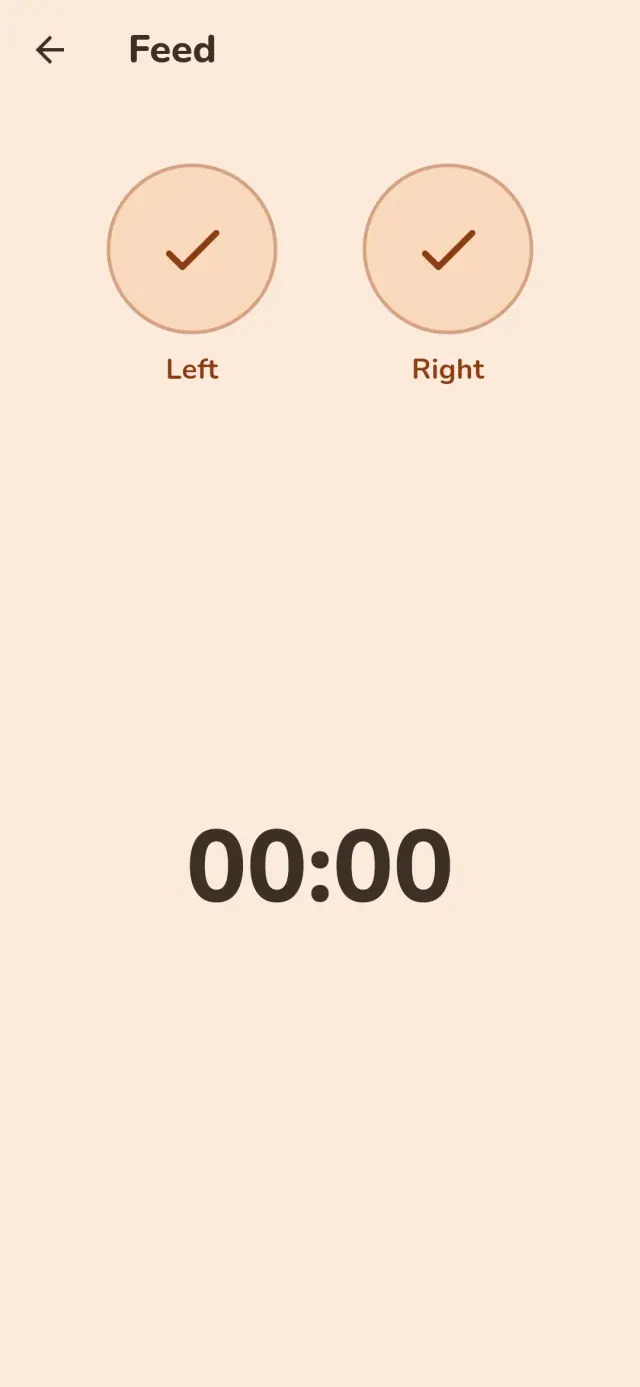
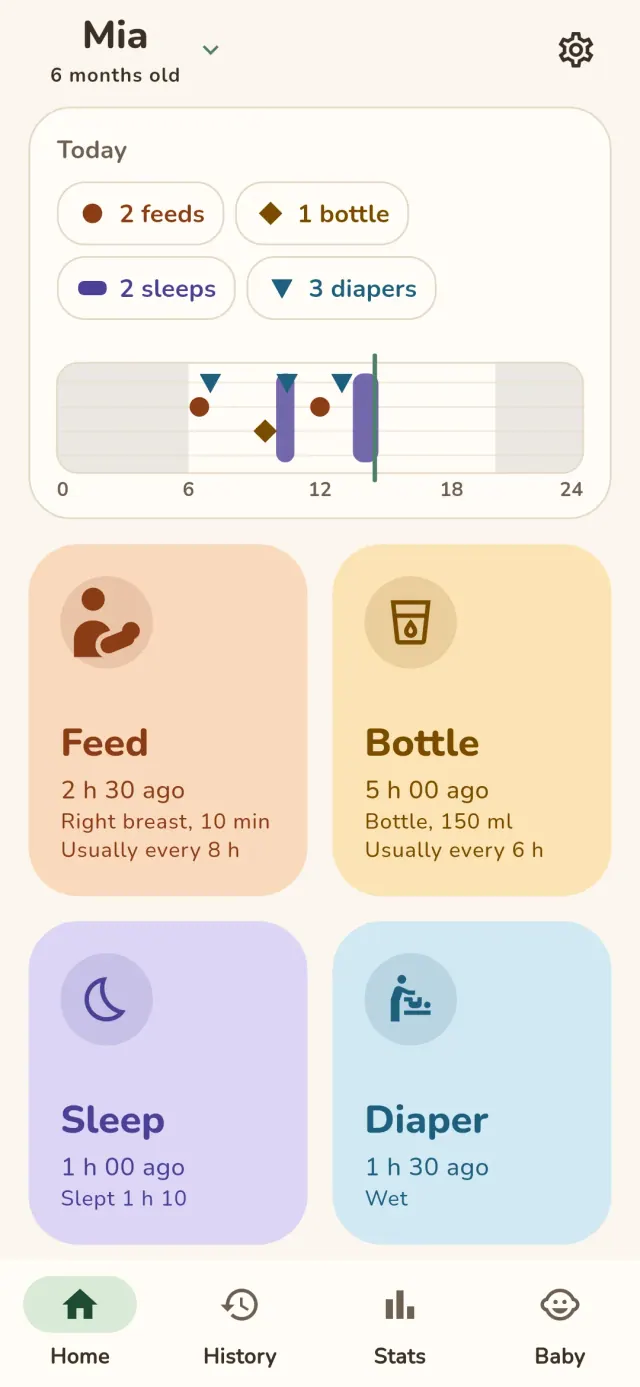
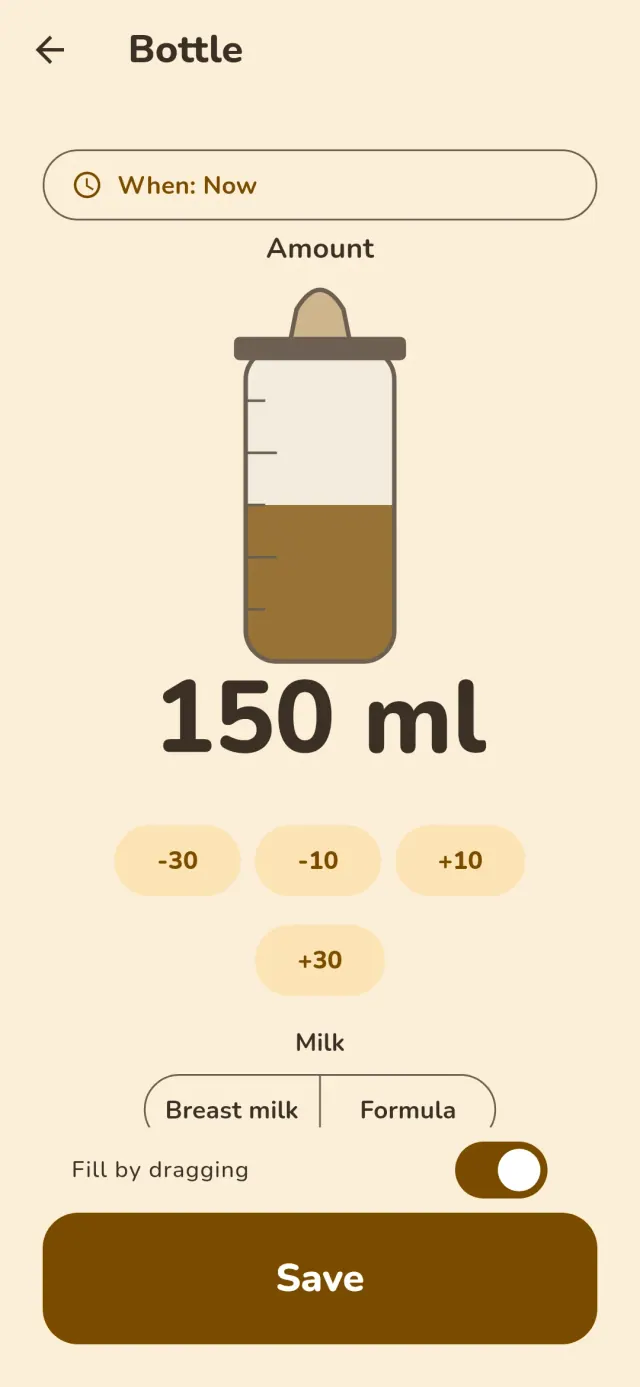
Little Relay to monitor dziecka na pierwsze miesiące, od karmienia piersią po rozszerzanie diety. Wszystko zostaje na Twoim telefonie, bez konta, bez logowania, bez reklam.
Co robi Little Relay
Monitorowanie karmienia i butelki
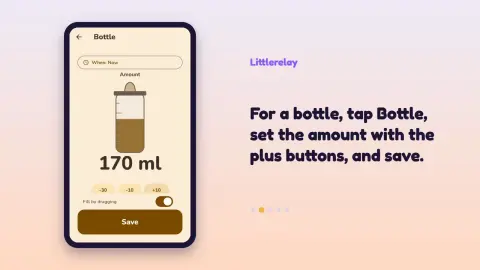
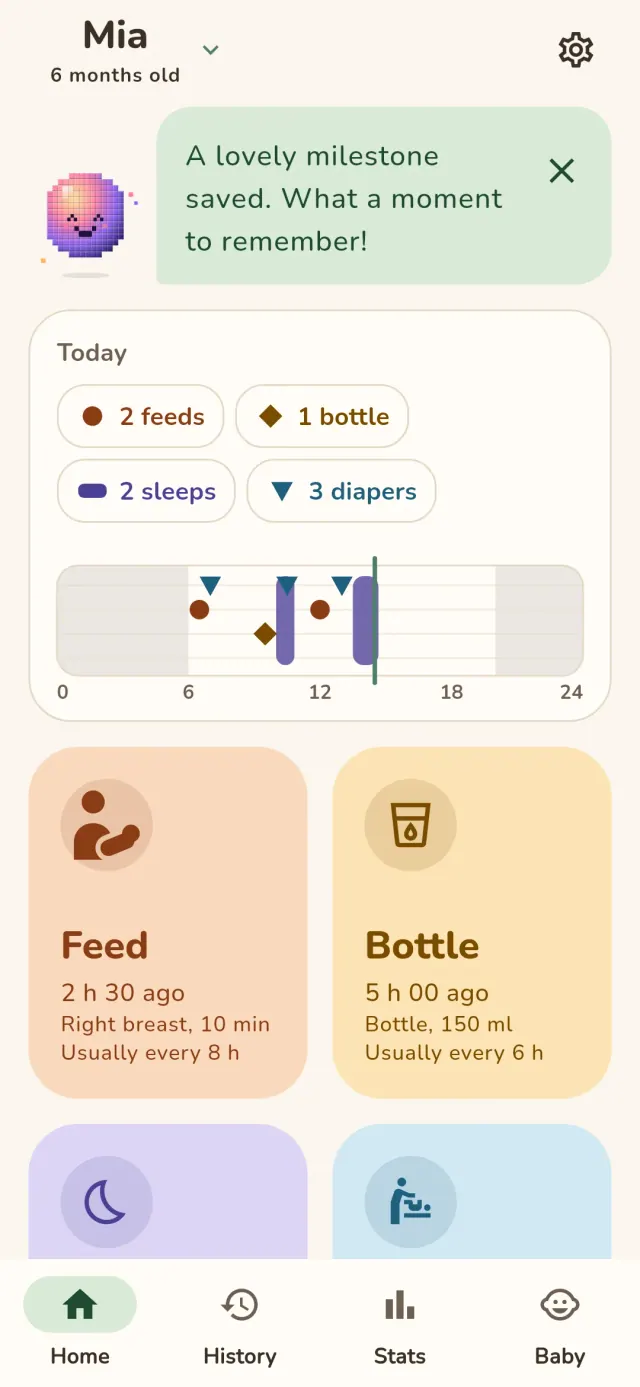
Rejestruj każdy posiłek jednym dotknięciem: lewa lub prawa pierś z timerem, lub butelka z ilością ml. Ekran główny pokazuje czas i stronę ostatniego karmienia. Odciąganie mleka ma osobny wpis.
Monitorowanie snu i pieluch
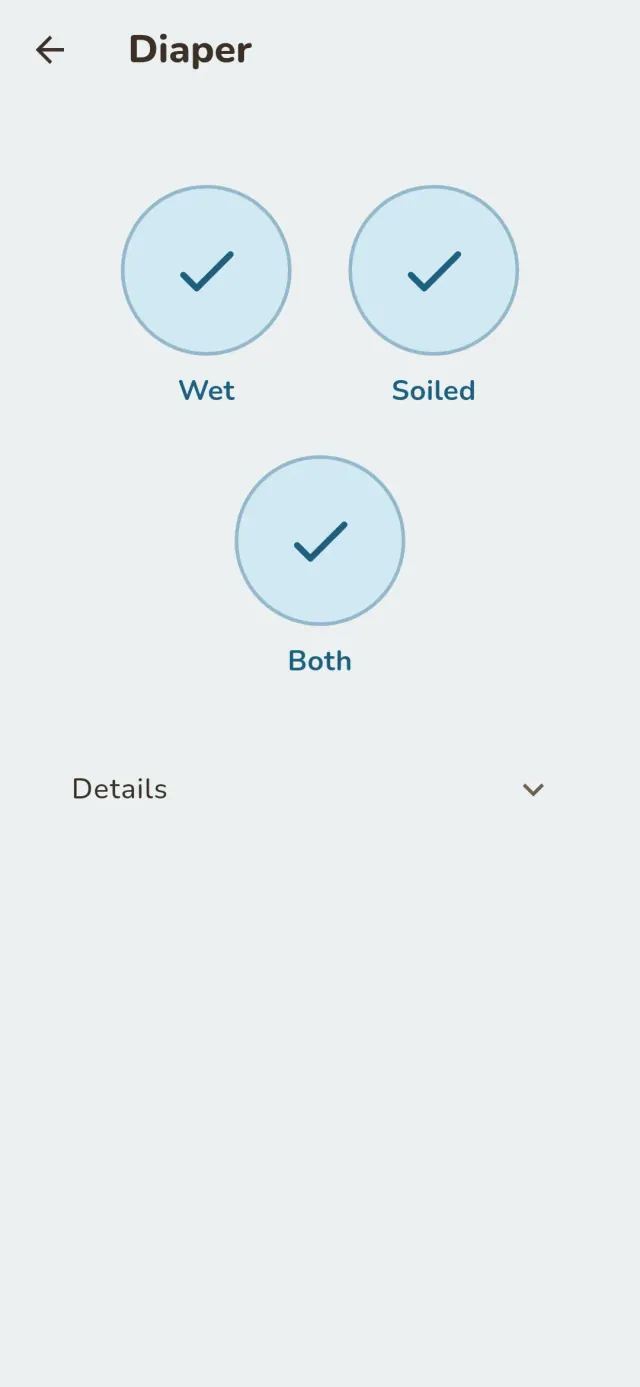
Uruchom timer na sen i rejestruj pieluchy jednym dotknięciem. Tryb nocny - ciemny ekran, duże przyciski, wygodne w nocy.
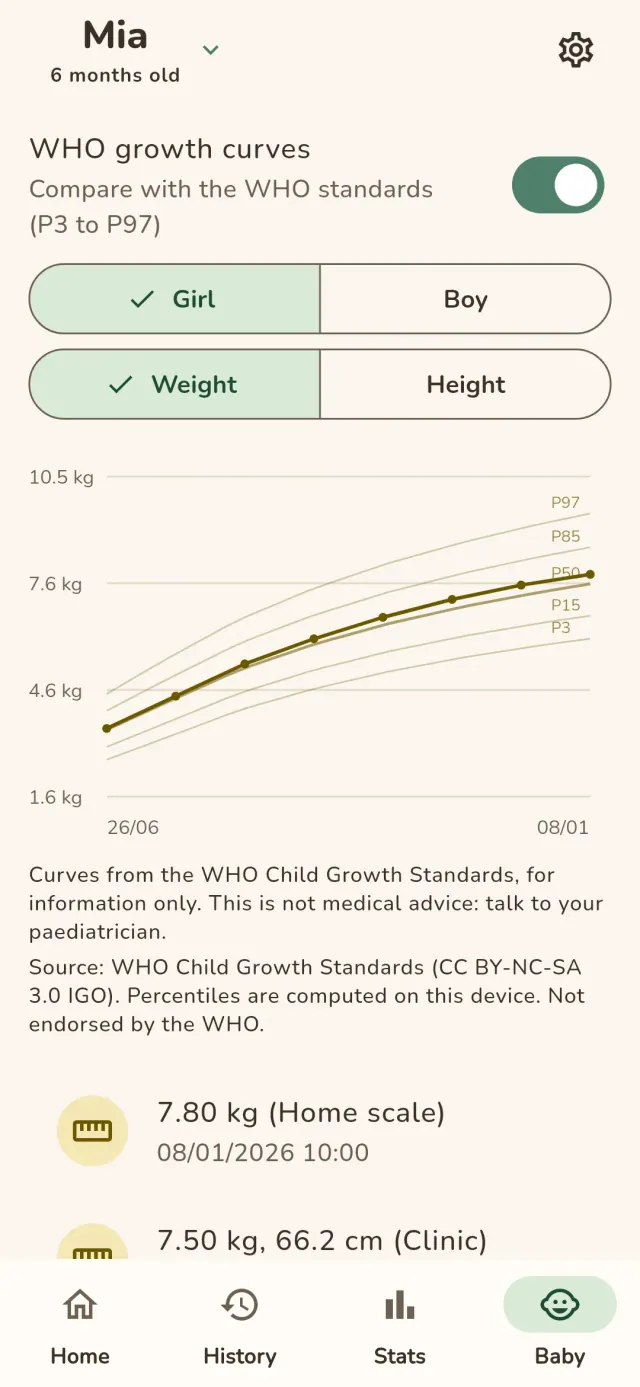
Wykres wzrostu
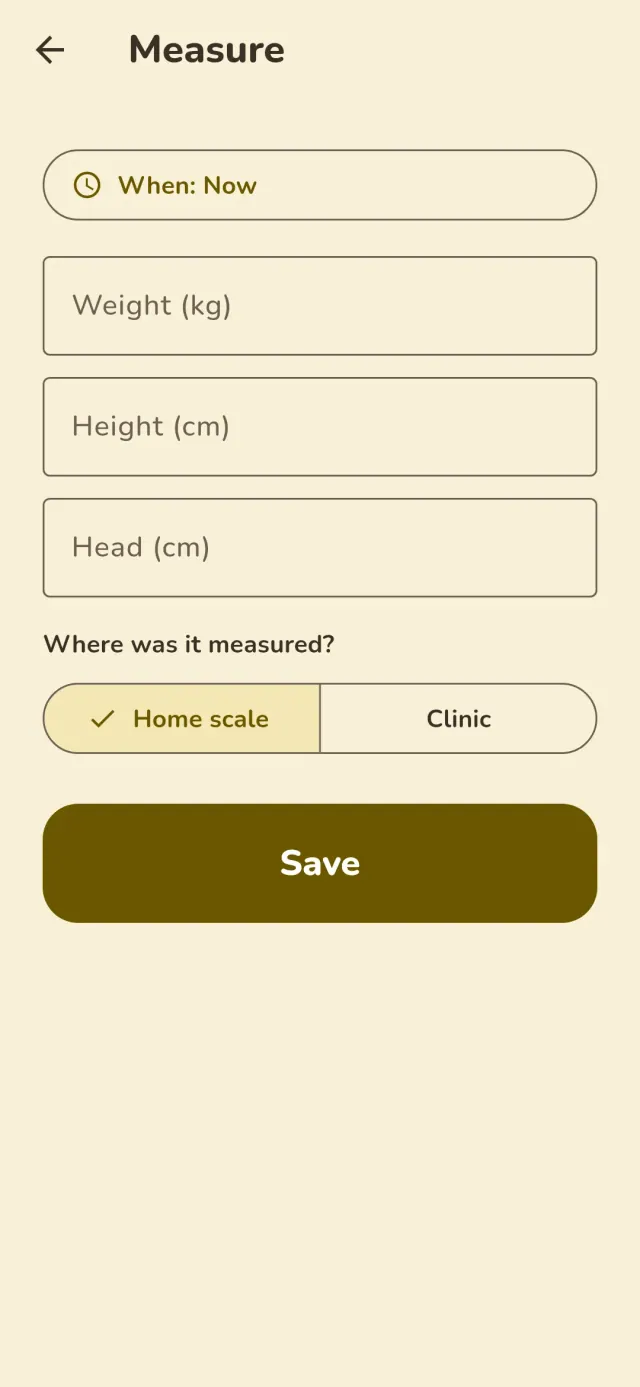
Dodaj wagę i wzrost, zaznacz źródło. Wykres aktualizuje się po każdym wpisie.
Rozszerzanie diety
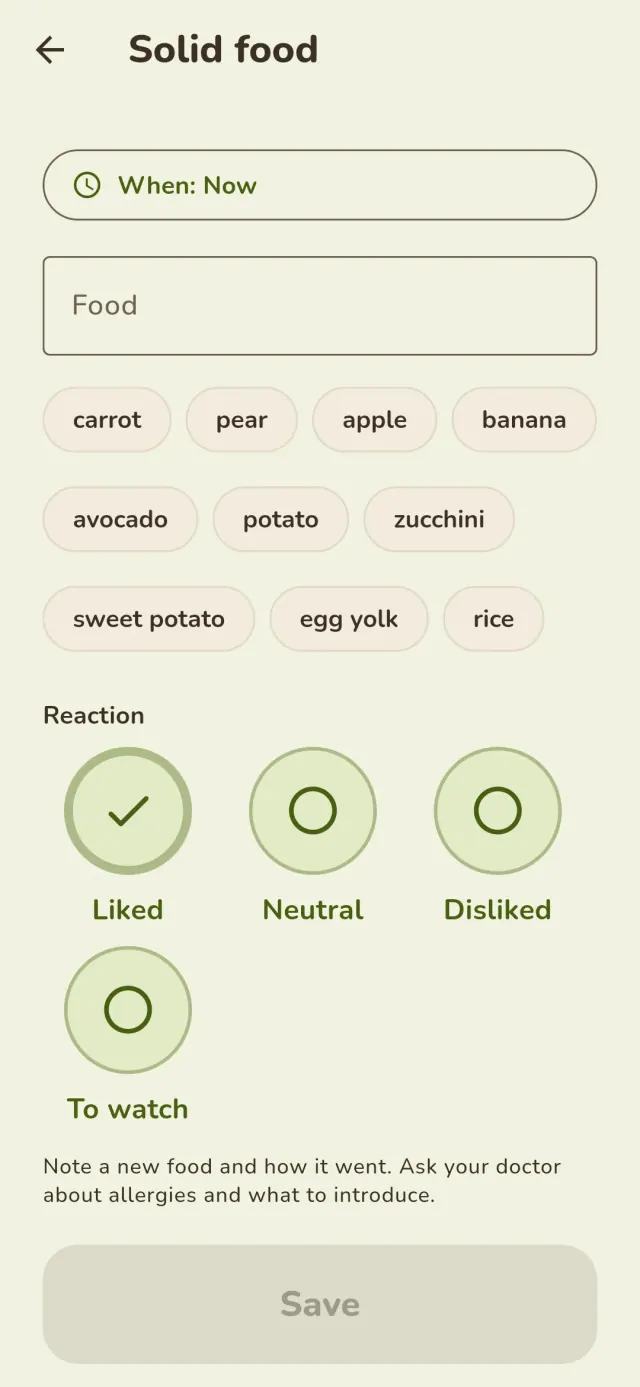
Zapisz każdy nowy produkt, datę i reakcję dziecka. Planuj posiłki w kalendarzu.
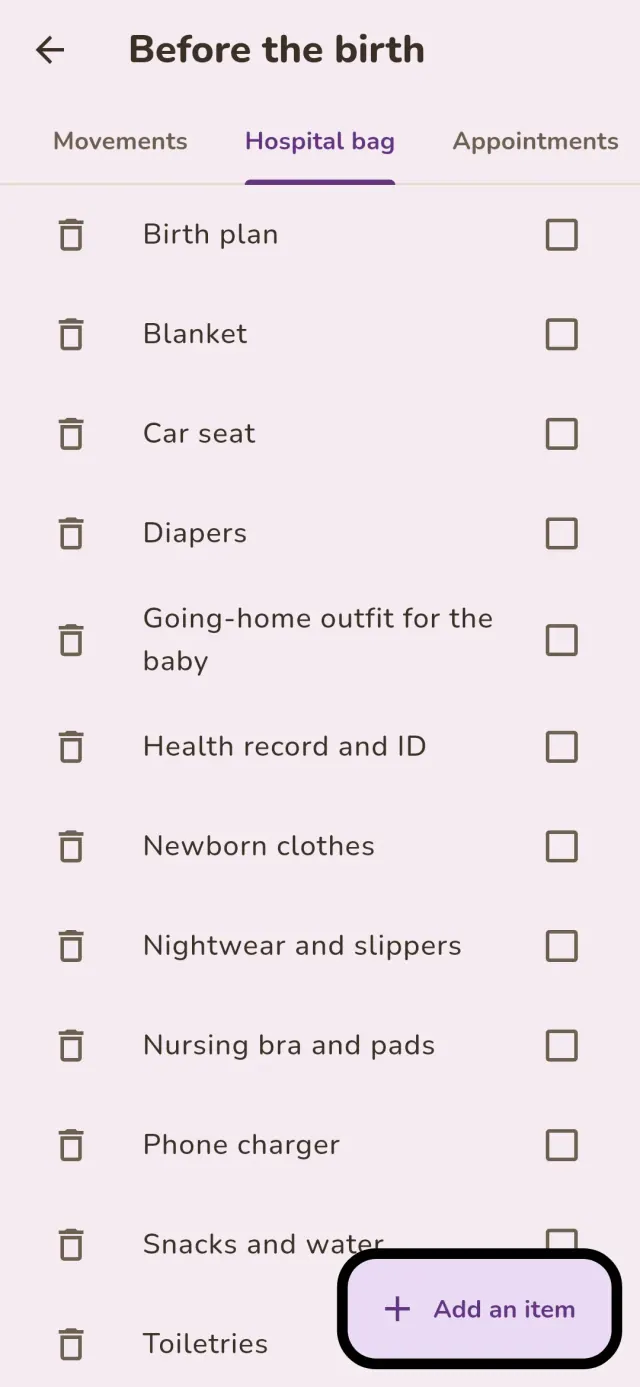
Przed narodzinami
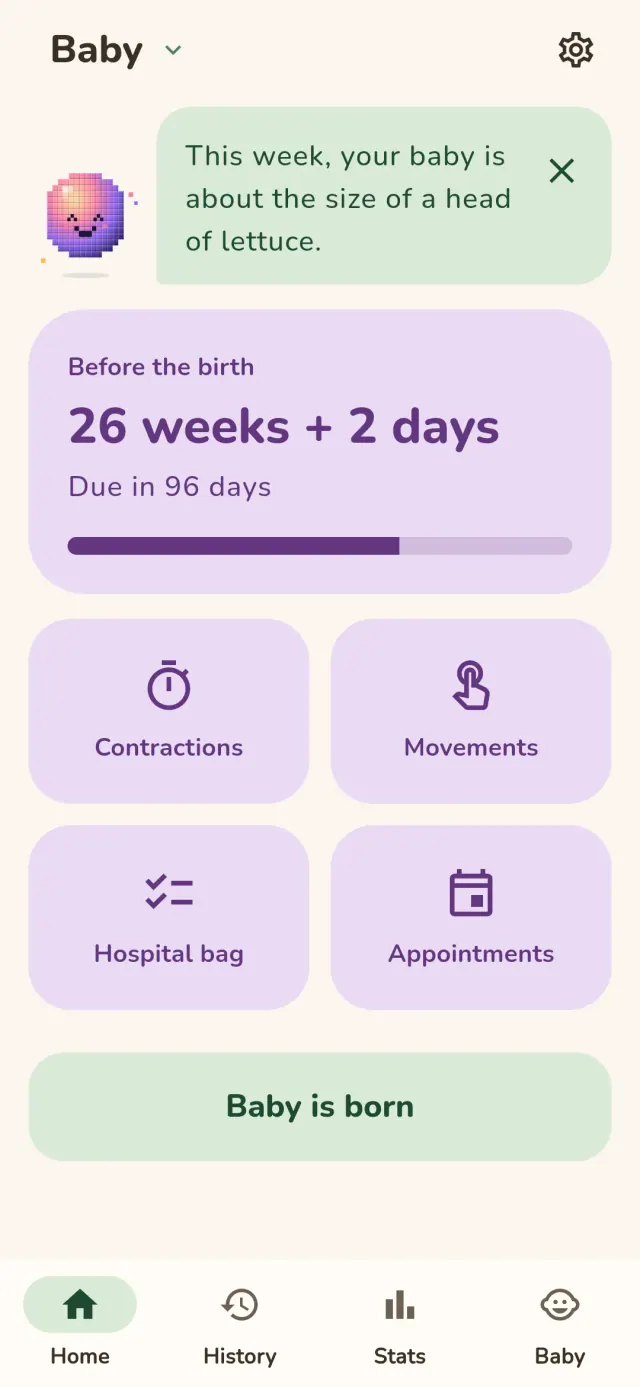
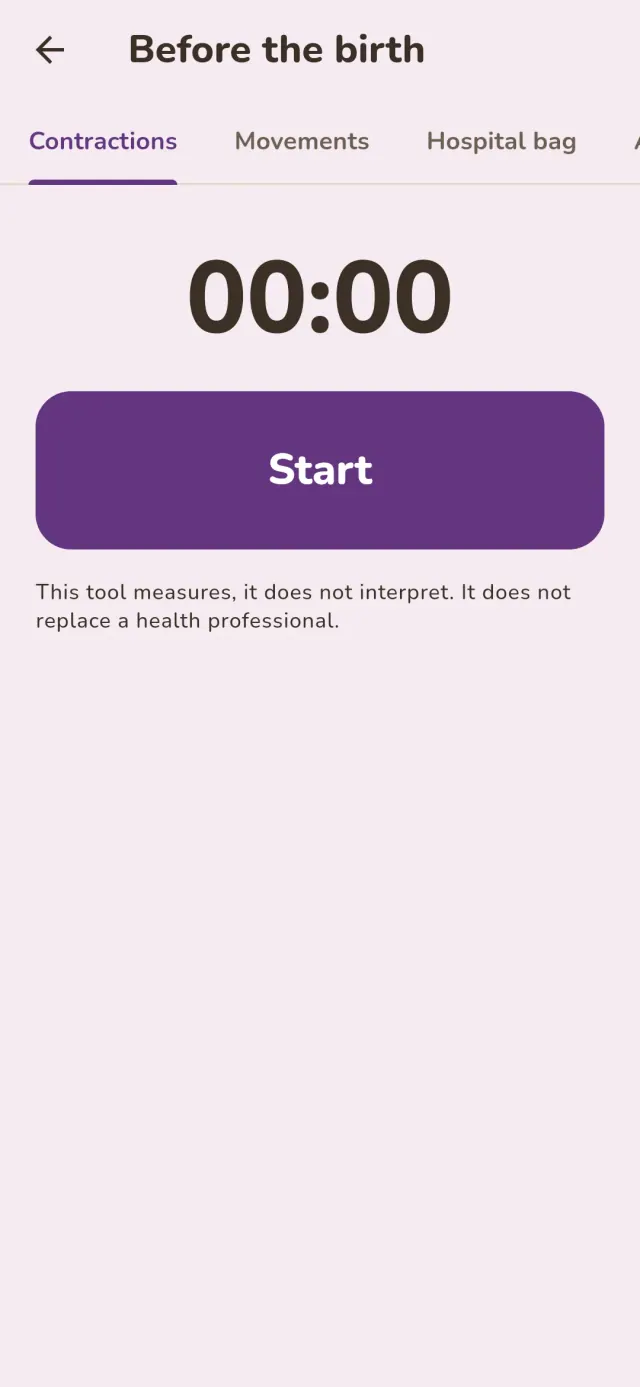
Ustaw termin, śledź tydzień ciąży, licz skurcze, lista szpitalna oraz terminy. Po narodzinach aplikacja gotowa na pierwsze karmienie.
Raport dla lekarza
Eksportuj PDF dla pediatry lub położnej. Tworzony na telefonie, Ty decydujesz gdzie.
Twoje dane zostają z Tobą
Nie ma konta, dane nie są wysyłane ani analizowane. Aplikacja działa offline. Jeden przycisk kasuje wszystko.
Little Relay rejestruje tylko to, co wpiszesz. Nie udziela porad medycznych i nie zastępuje lekarza.
Poradniki Little Relay
Dla kogo
- Nowi rodzice którzy chcą prosty dziennik karmień snu i pieluch który można uzupełniać jedną ręką w nocy.
- Rodzice rozpoczynający podawanie pokarmów stałych którzy chcą zapisywać każdy nowy pokarm datę oraz to jak zareagowało dziecko.
- Rodzice którzy wolą dziennik dziecka niewymagający konta i przechowujący dane tylko w telefonie.
Dlaczego warto wybrać Little Relay
- Wszystko zostaje w twoim telefonie, bez konta bez chmury bez reklam bez śledzenia a aplikacja działa bez dostępu do sieci.
- Stworzona z myślą o nocy, ciemny motyw i duże przyciski a ekran główny pokazuje ile czasu minęło od ostatniego karmienia i z której strony karmiono.
- Dane należą do ciebie, możesz wyeksportować raport PDF dla lekarza i usunąć wszystko jednym przyciskiem.
Czego aplikacja jeszcze nie robi
- Nie ma jeszcze współdzielenia między dwoma telefonami, dziennik jest zapisany na jednym telefonie. Planowane jest udostępnianie między rodzicami z pełnym szyfrowaniem.
- Widżet ekranu głównego jest na razie dostępny tylko na Androidzie.
- To nie jest urządzenie medyczne i nie udziela porad medycznych.
Zasada Pixeon. Aplikacje Pixeon działają przede wszystkim lokalnie: bez konta, bez śledzenia, a Twoje dane zostają w telefonie. Jeśli aplikacja kiedyś połączy się z siecią, stanie się to tylko wtedy, gdy sam włączysz potrzebną funkcję, a politykę prywatności aktualizujemy, zanim ta funkcja trafi do użytkowników.
Zobacz Little Relay w akcji.
Pobierz Little Relay.
Bezpłatnie na iPhone i Android.
Privacy policy
Tekst poniżej jest po angielsku. Wersja angielska jest nadrzędna.
Last updated: 2026-11-02
Little Relay is a baby tracker: feeds, sleep, diapers, measurements, first foods, milestone photos and pregnancy tools. The short version: everything stays on your phone, the app has no internet access, and we collect nothing.
What the app handles
The entries you type: feeds, sleep, diapers, weight and height, temperature, routine care, foods (given, or on your own "to try" list), milestones and notes, and your child's first name and birth date if you enter them. This is health information about a child, so we treat it as sensitive. It is stored only in the app's private storage on your phone. There is no account, no sign-in, no server and no cloud copy. Your preferences (language, appearance, when the app last suggested support) also stay on your phone.
What we collect
Nothing. No analytics, no advertising identifier, no crash reporting, no third-party SDK that sends data. The app needs no network to work and the app declares no internet permission. You can check this by using the app in airplane mode: everything works the same.
Permissions
The app asks for no permission that gives access to your data or to the internet. The Android install details list the following, all of them declared by the app or by the library it uses:
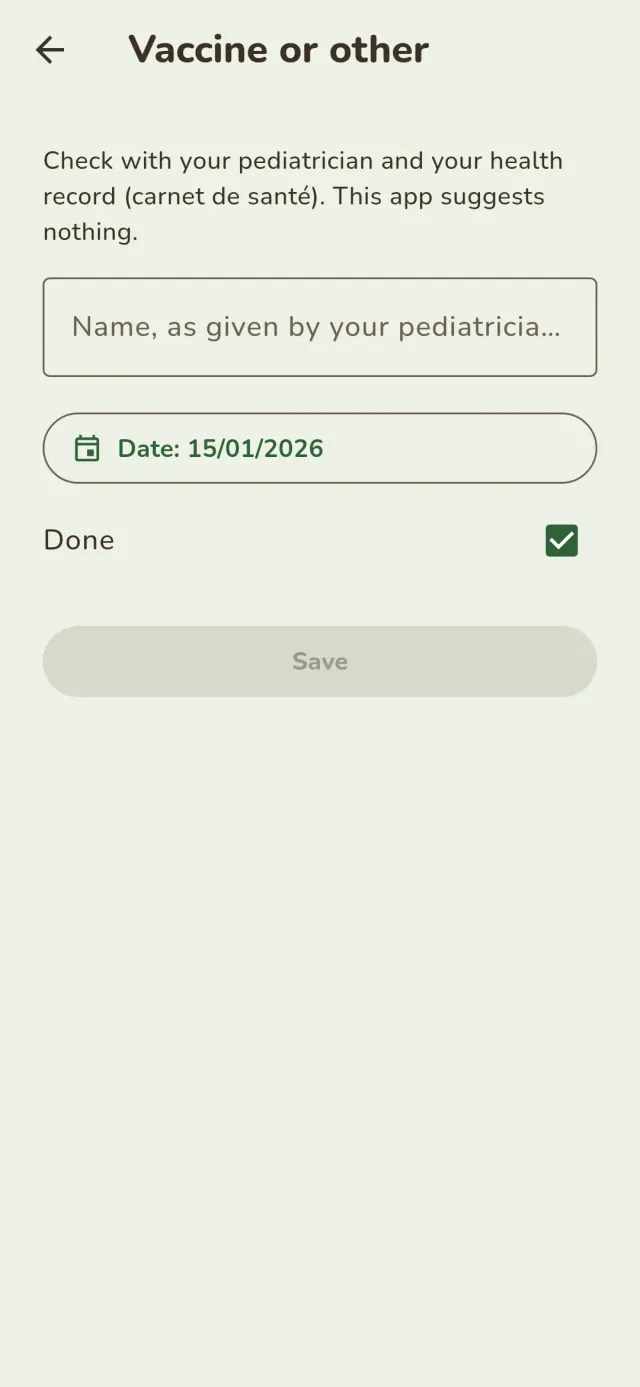
- Notifications (Android 13 and later, and iOS): asked only when you set your first reminder. A screen explains why before the system asks, and you can refuse: everything else works the same, you just get no reminder. A reminder is one local notification at the date and time you choose, with a short text that names the type of activity (for example "Time for the bottle?"). It holds no name, no amount and no health value, and for sensitive types (temperature, measurements, medicine, vaccines) it is neutral ("Remember to note an entry"). It is scheduled on your phone and never sent anywhere.
- Vibrate, keep the phone awake, background task, restart after reboot (Android): they let a reminder ring and come back after a reboot, and let the home screen widget save an entry reliably. They give no access to your data.
- Network state (Android, added by the in-app purchase library): the app only reads whether the phone is online. It sends nothing.
- In-app purchases (Android, Google Play Billing): for the optional tips, handled by Google Play.
The app does not request internet access, location, contacts, camera or microphone. When you attach a photo to a milestone, the app opens the system photo picker, which lets you hand over only the picture you choose, so the app never gets access to your photo library.
Files, backups and deletion
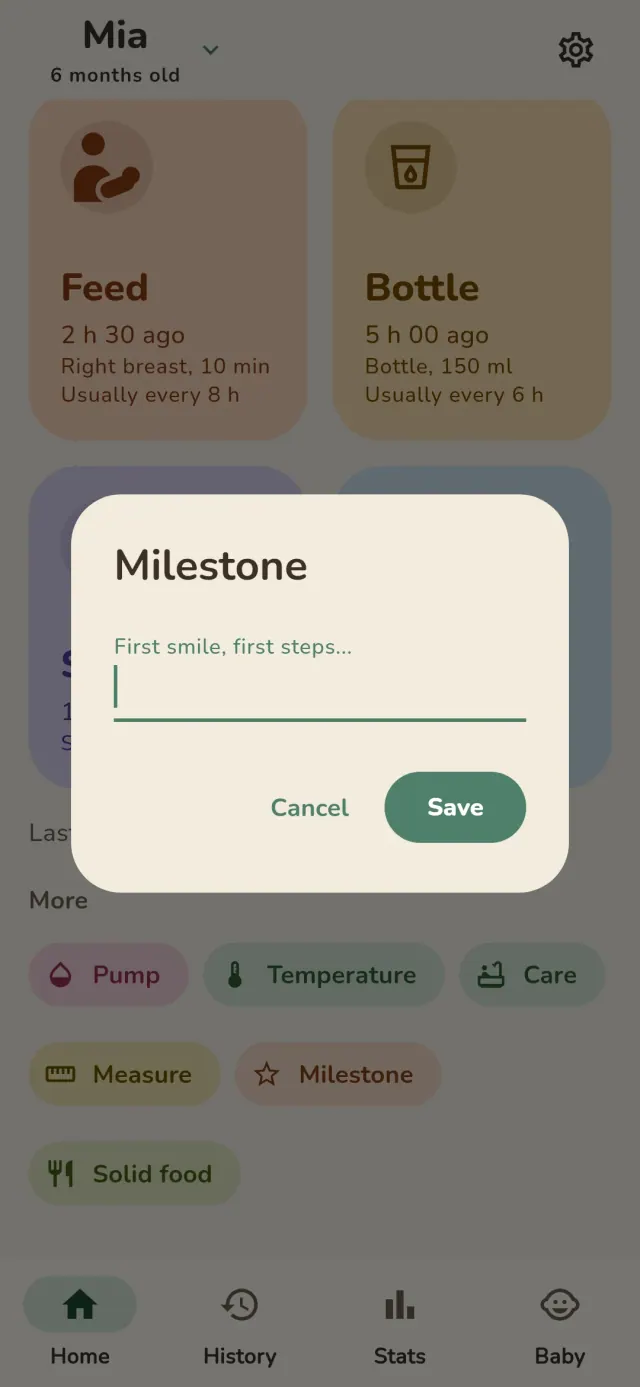
Milestone photos: a photo you attach to a milestone is copied into the app's private storage on your phone, with a small thumbnail. It is never uploaded or shared. Removing a milestone removes its photo.
Export: if you export a report for your child's doctor (a PDF), the app builds it on your phone and hands it to the system share sheet. You choose where it goes. The app does not send it anywhere. If milestones of the period have photos, the app asks first whether to include them: when you leave "Include photos" ticked, small copies of up to 30 of these photos go into the PDF. Untick it to keep the photos out of the report.
Backups: your phone's own backup (Google backup on Android, iCloud on iPhone) is controlled by your phone's settings, not by us. The app does not turn it off, so that backup may include the app's data, depending on those settings. The encryption key for the app's database stays in your phone's keychain. To move your entries to a new phone, use the backup file in Settings: the app writes one file on your phone, you choose where to keep it, and you import it on the new phone.
Deletion: a delete-all-data button in the app erases your entries and every photo and thumbnail. Uninstalling the app also deletes its data from your phone.
Optional support
If tips are offered, they are in-app purchases handled by Apple or Google. They unlock nothing, and the app receives no personal data about you from them.
Retention
Your entries, children and milestone photos are kept on your phone until you delete them: one entry at a time, a milestone with its photo, a child, the delete-all-data button, or uninstalling the app. We keep no copy on our side, so there is no retention period to apply on our side. Your phone's own backup may hold a copy, depending on its settings. A backup file you export yourself stays wherever you put it, until you delete it.
Medical information
Little Relay records what you tell it. It gives no medical advice and is not a medical device. Ask your doctor or midwife about your child's health.
Contact form on this website
If you write to us through this site, we use your message and the email address you optionally give only to reply. Bot protection is provided by Cloudflare and email delivery by Resend.
Language choice on this website
When you choose a language, or when this site opens a page in your browser's language, it stores
one small functional cookie (pxl, a language code, one year) so that your choice is
remembered. If this site suggests a page in your browser's language and you close that suggestion,
your browser also keeps a local note (pxl-banner-off, in local storage, 30 days) so the
suggestion does not come back. Neither identifies anyone, neither is used for tracking or advertising,
and neither is shared. You can delete them in your browser at any time.
Website statistics
This website uses Cloudflare Web Analytics to count visits (pages viewed, country, browser type, loading speed). It sets no cookie, does not use local storage, does not fingerprint your device, does not follow you across sites and does not build a profile of you. Search engines (for example Google Search Console) give us aggregated search statistics, without any data about individual visitors. Our own web server also counts the pages it serves: for each page it keeps the page address, the site or social network that sent you (only its name, or the campaign tag written in the link), the country, the type of device and whether the request came from a robot. It keeps no IP address, no identifier and no cookie, and these counts are anonymous. We use no advertising or other analytics service. None of this concerns the app itself, which collects nothing.
Children
Little Relay is a tool for parents and carers. It is not directed at children, and it records information about a child only because a parent typed it in.
Changes
An updated policy will be published at this URL with a new date above.
Contact
Questions about privacy: little-relay-contact@pixeon.net
Wsparcie
Ostatnia aktualizacja: 2026-10-19
Little Relay to mała, niezależna aplikacja. Odpowiedzi na najczęściej zadawane pytania znajdziesz poniżej.
Staramy się odpowiadać w ciągu kilku dni. Aby nam pomóc, napisz, jaki masz model urządzenia, wersję systemu i co robiłeś lub robiłaś. Nie wysyłaj proszę informacji o swoim dziecku ani żadnych danych osobowych.
Czy Little Relay jest naprawdę darmowy?
Tak. Little Relay można bezpłatnie pobrać i używać. Nie ma reklam ani abonamentu.
Jakie dane aplikacja zapisuje lub wysyła?
Twoje wpisy są przechowywane tylko na Twoim telefonie. Nic nigdzie nie jest wysyłane: aplikacja nie ma konta, nie ma serwera i do działania nie potrzebuje sieci. Szczegóły znajdziesz w polityce prywatności.
Czy mogę udostępnić dziennik mojemu partnerowi?
Jeszcze nie. Ta wersja działa na jednym telefonie. Udostępnianie między rodzicami, z szyfrowaniem end‑to‑end, jest zaplanowane na kolejną wersję.
Zmieniłem lub zgubiłam telefon. Gdzie są moje dane?
Twoje dane znajdują się na telefonie, w którym je wprowadziłeś lub wprowadziłaś. Kopia zapasowa Twojego telefonu (Google lub iCloud, w zależności od ustawień) może je zawierać. Nie mamy kopii po naszej stronie, więc nie możemy ich dla Ciebie odzyskać.
Jak pokazać dziennik lekarzowi?
Wyeksportuj raport PDF z aplikacji. Jest przygotowywany na Twoim telefonie, a Ty decydujesz, dokąd go wysłać, na przykład mailem lub do drukarki.
Jak usunąć moje dane?
Użyj przycisku usuwania w ustawieniach aplikacji albo odinstaluj aplikację. Obie opcje usuwają wszystko z Twojego telefonu, włącznie ze zdjęciami kamieni milowych.
Czy Little Relay to aplikacja medyczna?
Nie. Zapisuje to, co wprowadzisz i nie udziela porad medycznych. W sprawie zdrowia Twojego dziecka skonsultuj się z lekarzem lub położną.
Jakie języki są dostępne?
Angielski, francuski, niemiecki, hiszpański, portugalski, włoski i arabski. Aplikacja używa języka Twojego telefonu, a w ustawieniach możesz go zmienić.
Wesprzyj projekt
Little Relay pozostaje bezpłatna i bez reklam. Jeśli jest dla Ciebie przydatna, możesz wesprzeć jej rozwój (opcjonalnie):
Buy Me a CoffeeBudżet i kontrola wydatków dla domu. Planuj miesiąc i miej finanse pod ręką.
Również od PixeonMetadata CleanerEXIF viewer: metadane zdjęć, lokalizacja zdjęć. Czytaj, poprawiaj, usuwaj.
Również od PixeonVaultMarkSzyfrowany sejf na dokumenty: skaner, znak wodny i metadane PDF.
Również od PixeonMenuloopPlanowanie posiłków, przepisy ze zdjęciami i lista zakupów w jednym miejscu.
Również od PixeonIndie OfficeQuote maker and self-employed invoices. Offline, no account, no ads.
Również od PixeonFanionDiscover and share local events, concerts, markets and weekend outings nearby